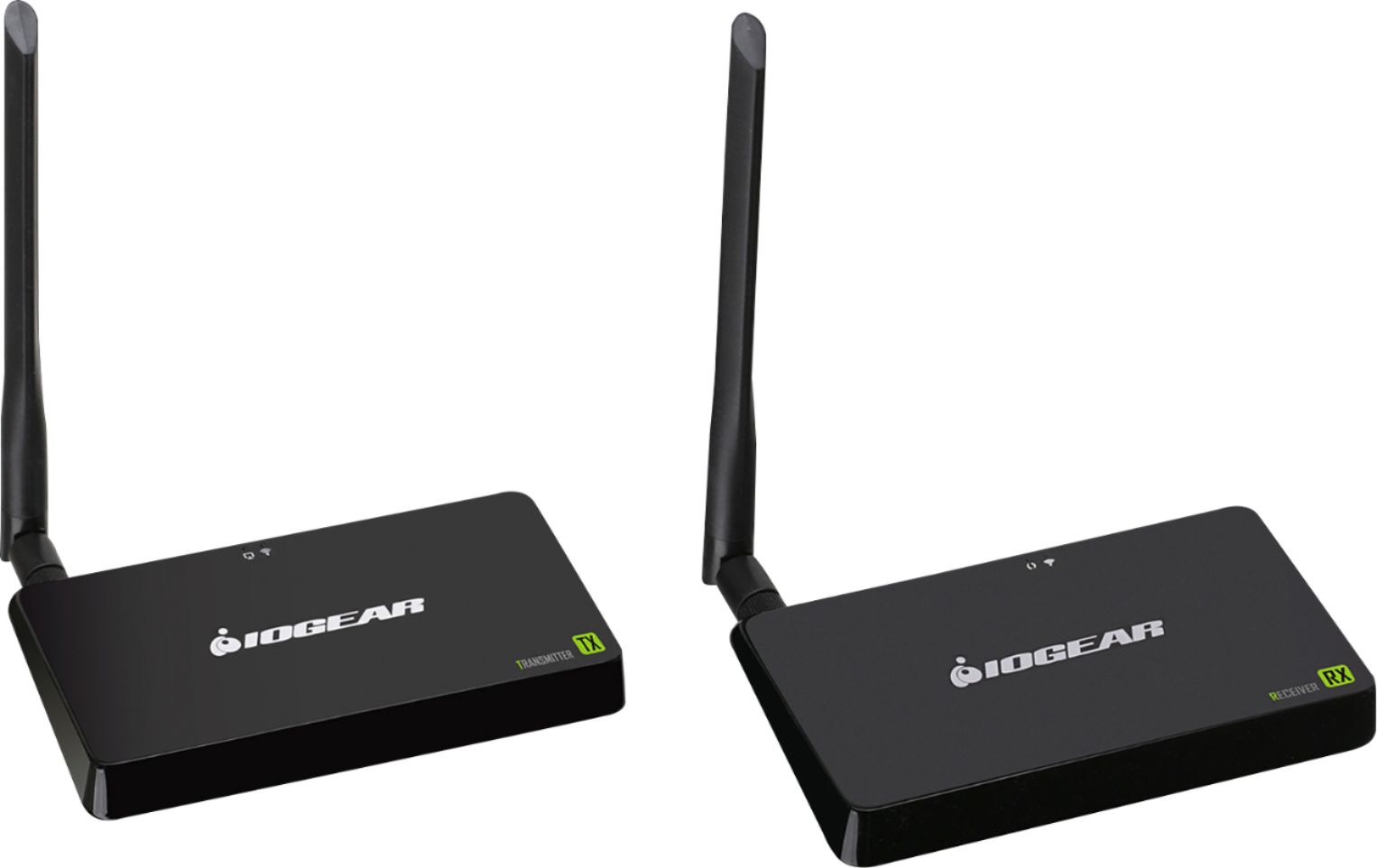
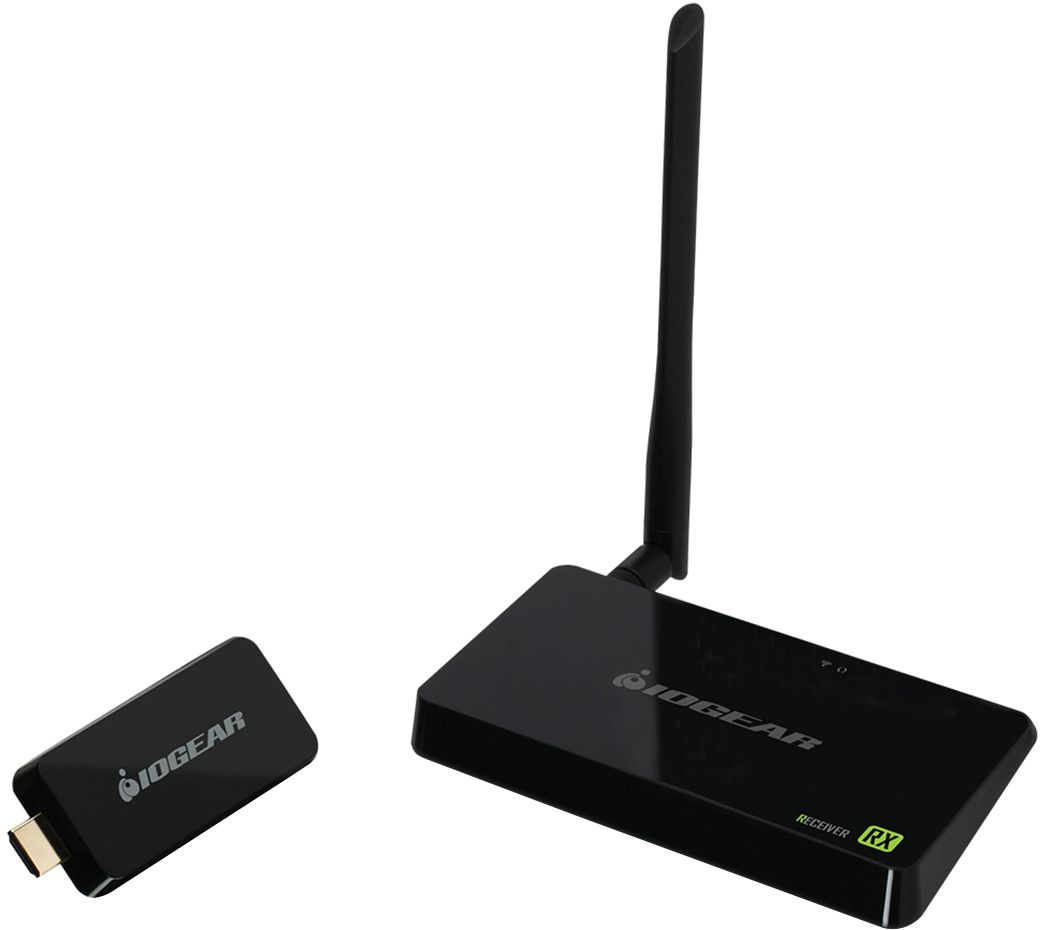
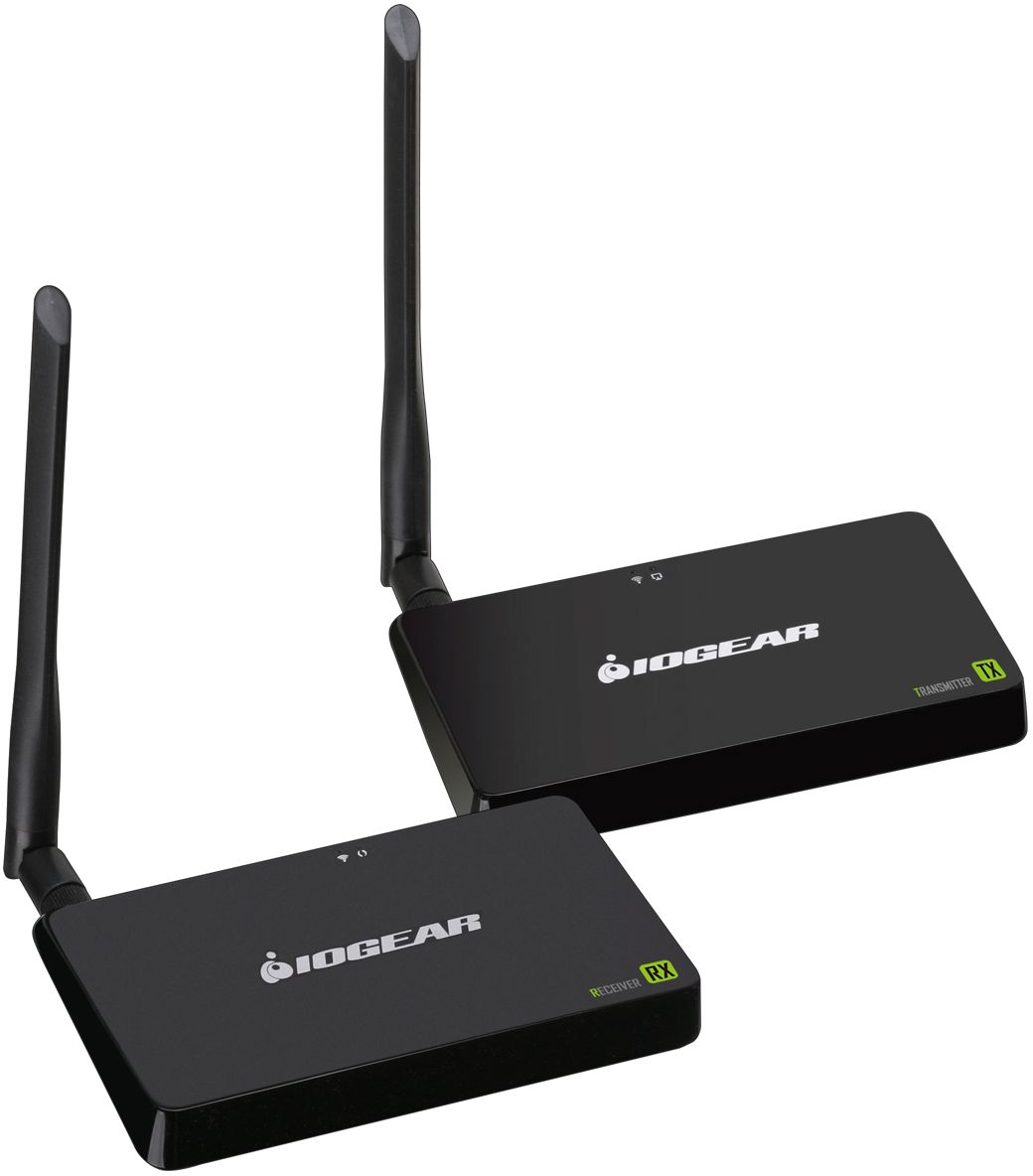
A:AnswerIOGEAR Says: The GWHDBBKIT will work with most HDMI sources including Camcorders. The transmitter does not need to be connected to a power source , it has a power adapter. For your setup the GWHDKITD or GWHD11 may be a better fit . Thank you for choosing IOGEAR
A:AnswerIOGEAR says: The GWHDKITD will work with Most HDMI sources . This must be a direct connection for both the Transmitter and receiver.
Once again thank you for choosing IOGEAR.
A:AnswerIOGEAR says: The GWHDKITD is one to one only. You can not add additional receivers to this kit. IOGEAR manufactures other wireless kits that can have additional receivers. Please go to IOGEAR.com for the full line of products offered. Thank you for choosing IOGEAR.
A:AnswerIOGEAR says: First, thank you for choosing IOGEAR and we apologize for your experience. The product should not behave as you described. Since the unit is backed by IOGEAR's 1 year warranty feel free to contact our customer support at 1-866-946-4327 or email us: support@iogear.com. Again, thank you for choosing IOGEAR.
A:AnswerIOGEAR says: The GWHDKITD. This kit has <200ms Latency . You will notify a delay however not 10 seconds. To better service you and understand your set up, please feel to contact our customer support at 1-866-946-4327 or email us: support@iogear.com. Once again, thank you for choosing IOGEAR.
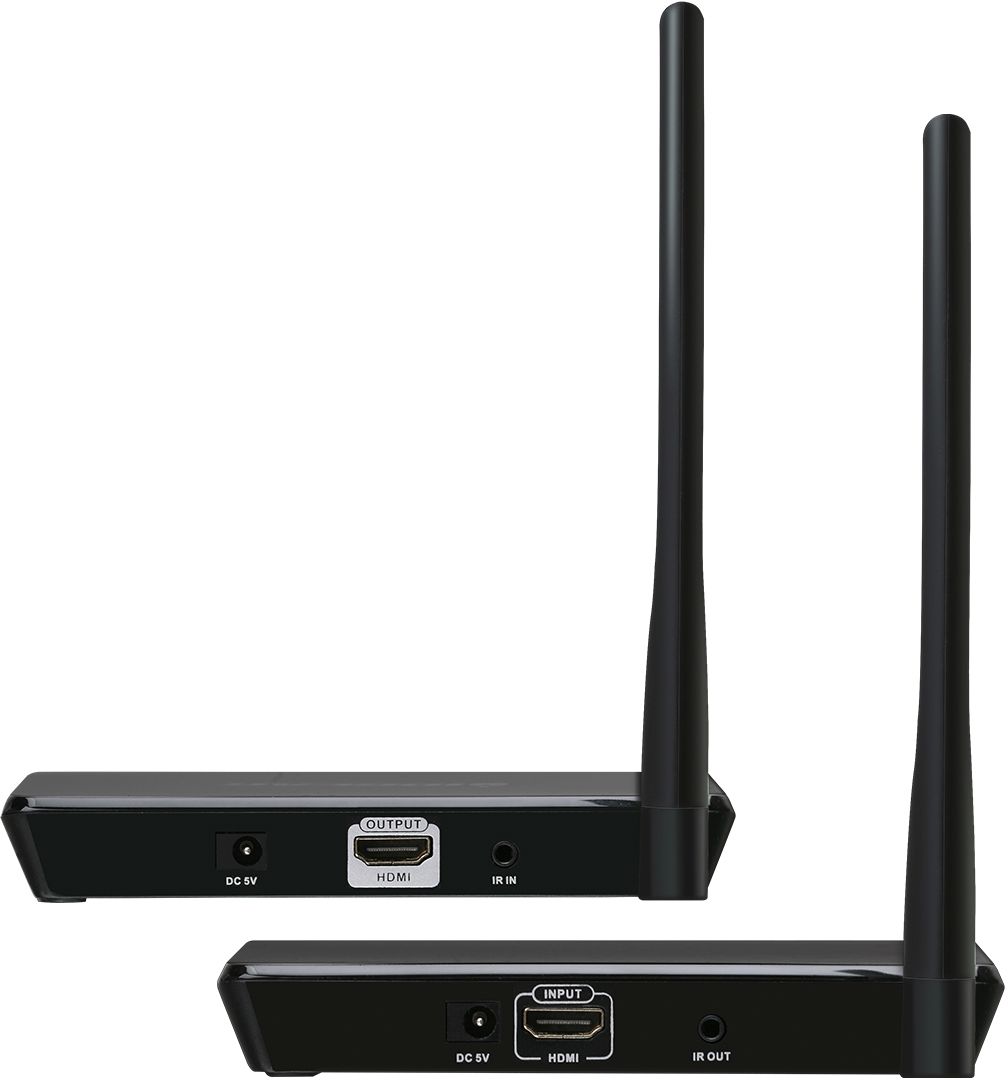
A:AnswerI think the mini jack on the box is for the extender for the remote. The audio is carried on the hdmi signal. You’ll have to pull the audio from the display device (tv or projector)
A:AnswerIOGEAR says: The GWHDKITD will not transmit TV to TV. To better service you and understand your set up, please feel to contact our customer support at 1-866-946-4327 or email us: support@iogear.com. Once again, thank you for choosing IOGEAR.
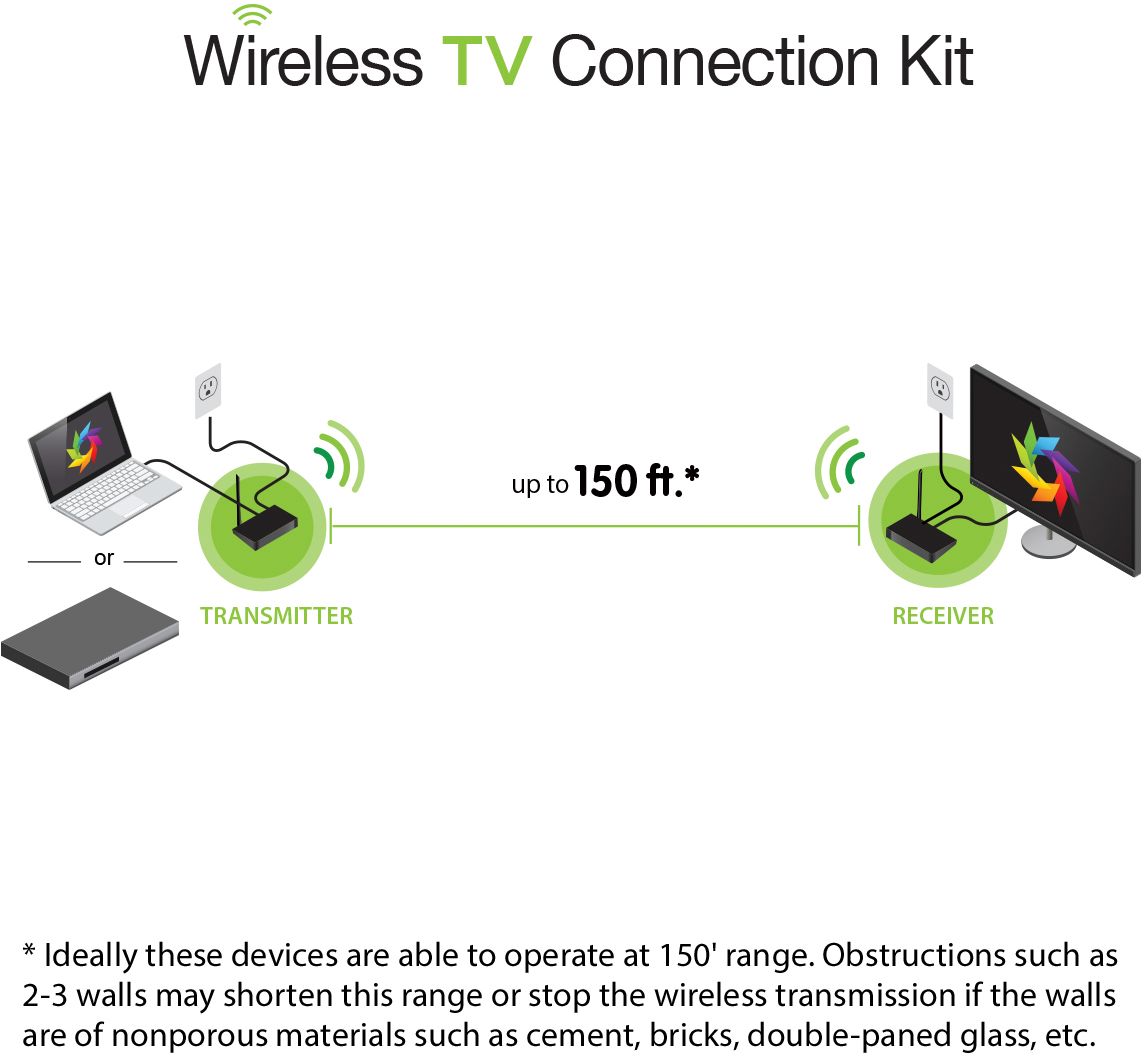
A:AnswerIOGEAR says: The GWHDKITD is a line of site kit however you should be able to mount this kit behind the TV depending on the distance.
Thank you for choosing IOGEAR .
A:AnswerIOGEAR says : Thank you for choosing IOGEAR. The GWHDKITD should work when connected to the HDMI port on the XBOX One as long as it is directly connected to HDMI without Video adapters and the Max resolution is set to 1920 x1200 or 1920 x 1080 . A better solution would be the GW4K30GH60. https://www.iogear.com/product/GW4K30GH60 . Once again thank your for choosing IOGEAR
A:AnswerYes, and no. You will need a lightning port to HDMI adapter, found here : https://www.bestbuy.com/site/apple-lightning-digital-a-v-adapter-white/7007013.p?skuId=7007013
Specifically that one, as you will need the additional power of the passthrough charging port.
A:AnswerWell depending on the distance you need to go you may consider the following type which will get you about 75 feet (60 is really more accurate).
https://www.bestbuy.com/site/iogear-wireless-hdmi-tv-connection-kit-black/6214325.p?skuId=6214325
Then you won't need to power the transmitter, as it is self powered by the HDMI port.
However, the power draw is about 15w.
A:AnswerIOGEAR says : Thank you for choosing IOGEAR . As long as your remote frequency is not RF the IR blast cable should work with your setup. To better service you and understand your set up, please feel to contact our customer support at 1-866-946-4327 or email us: support@iogear.com. Once again, thank you for choosing IOGEAR.
A:AnswerThis one does not,
Here's one that is supposed to:
https://www.bestbuy.com/site/iogear-wireless-4k-audiovideo-tv-connection-kit-black/6227001.p?skuId=6227001