A:AnswerHi Yoda8man,
In most cases, it is recommended to match memory modules installed, but the system will support 8 + 16 memory sticks installed alongside each other, so long as the type of memory and its operating speed are identical.
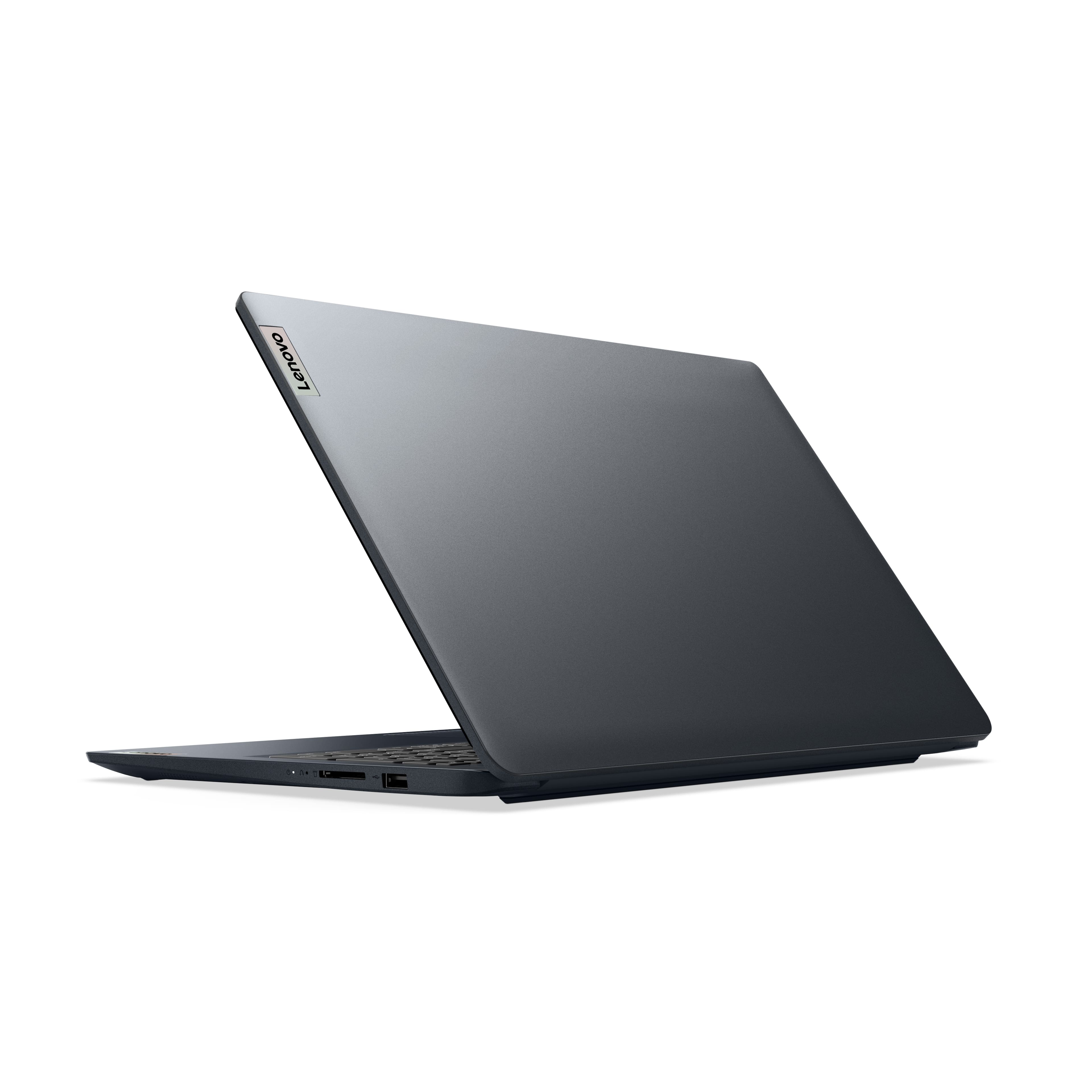
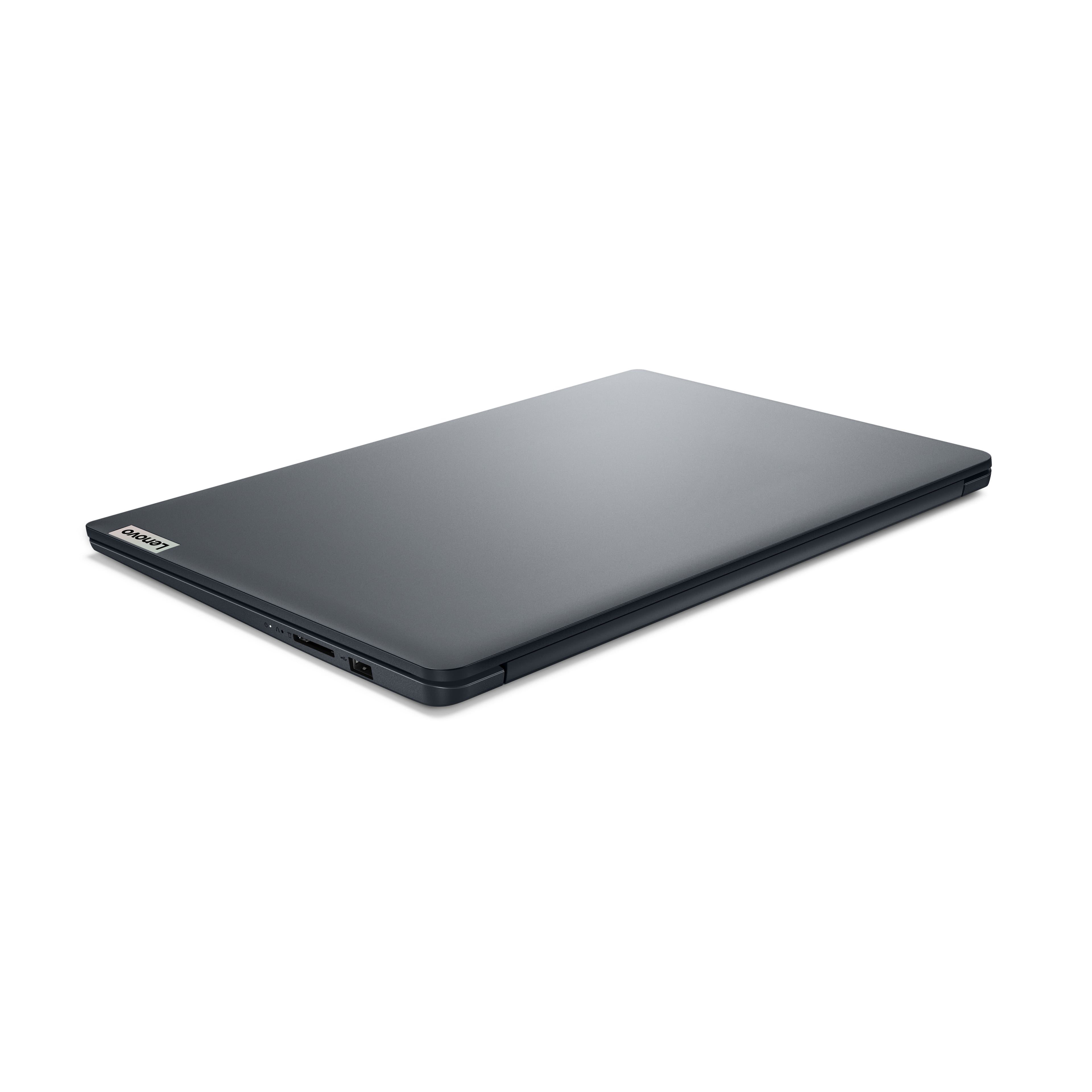
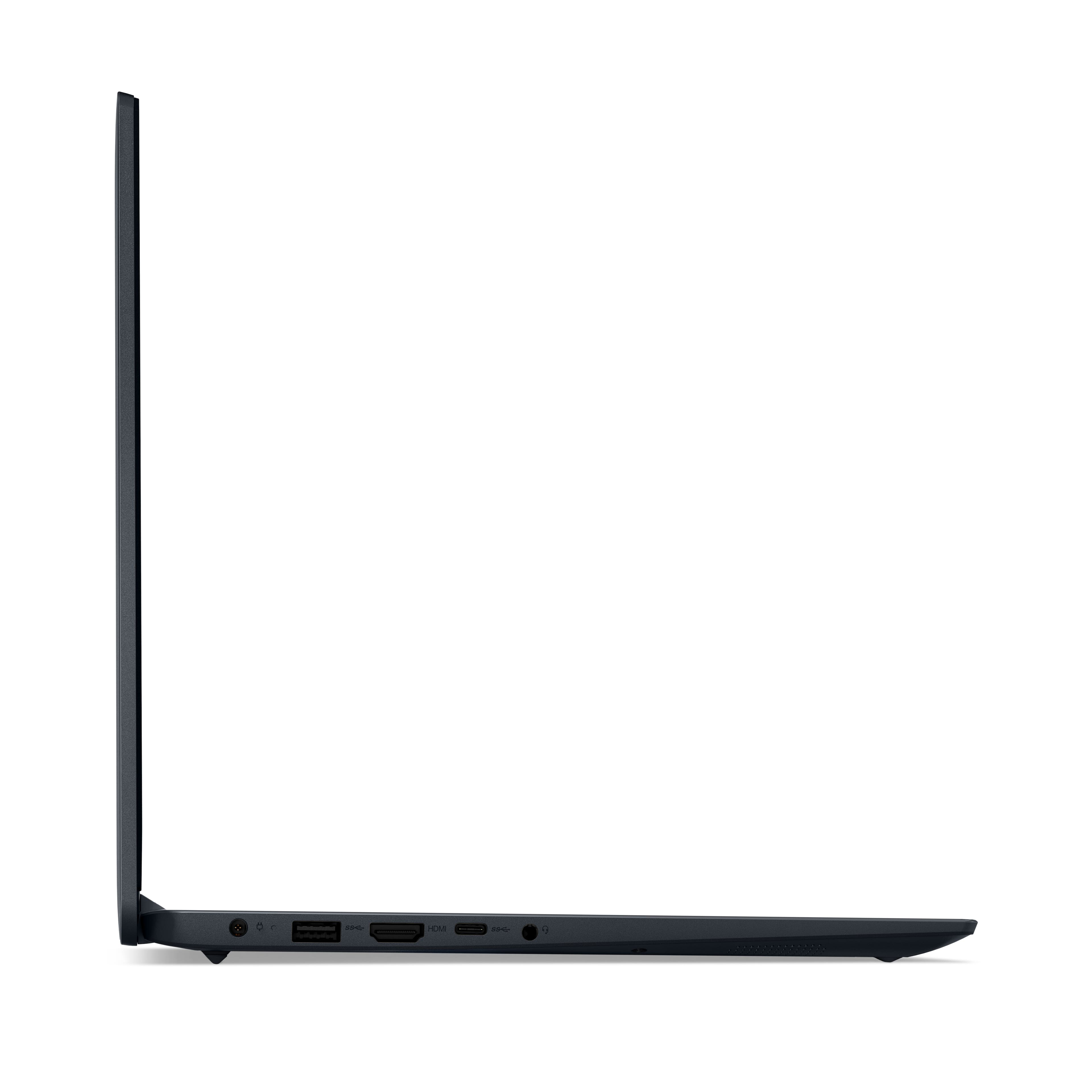
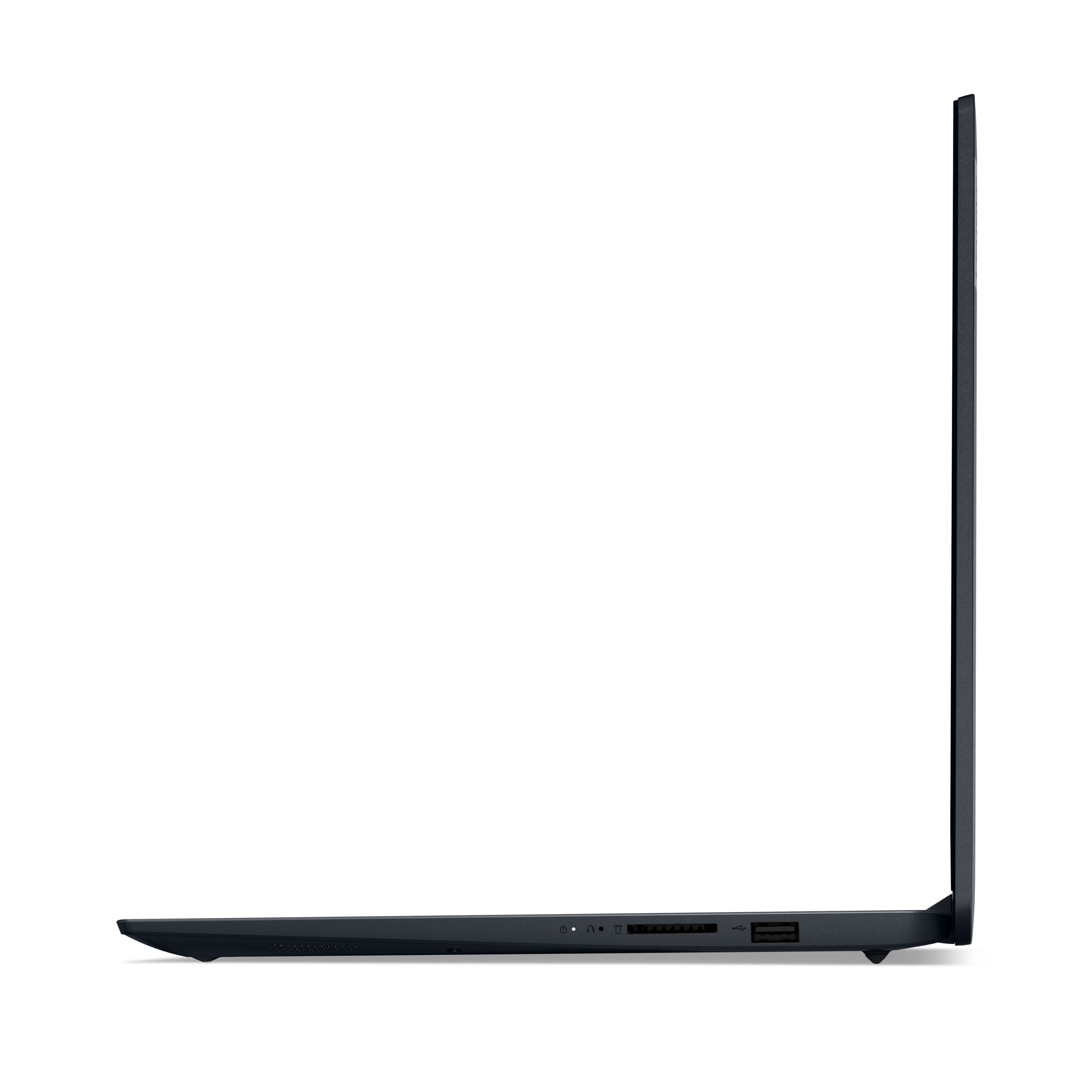
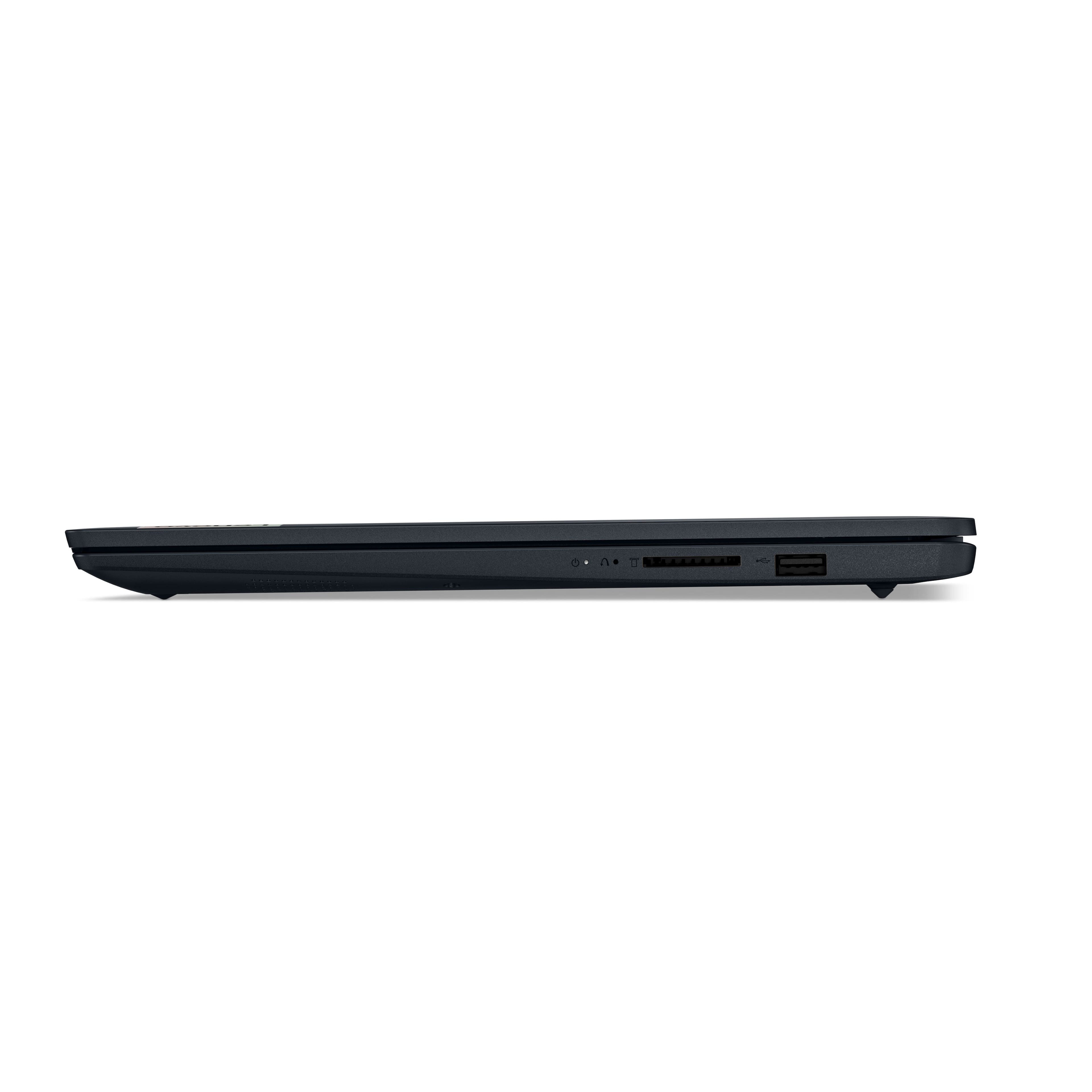
A:AnswerHey MisterTee. This IdeaPad features two USB-A ports (1x USB 2.0, 1x USB 3.2 Gen 1), a USB-C 3.2 Gen 1 port (supports data transfer only), an HDMI 1.4b port, a headphone/microphone combo jack (3.5mm), an SD card reader, and the power connector for charging.
A:AnswerHey ALeX. We recommend using two memory modules that match in memory type, capacity, and speed to utilize dual-channel capabilities. If you used a 32GB module with an 8GB stick alongside it, the system would drop the higher performing memory to match the lower by default.
A:AnswerHi, thanks for your question. This IdeaPad does not support WWAN or cellular connectivity. It relies strictly on Wi-Fi connectivity (along with ethernet, if an adapter is used) for an internet connection.
A:AnswerHi MaryMaryKelly,
You can open most Office apps offline and interact with them to an extent, so long as the content and saved documents are downloaded locally to the system, and you are subscribed to some form of Office 365 plan. Here's a link to learn more: https://support.microsoft.com/en-us/office/use-the-office-offline-installer-f0a85fe7-118f-41cb-a791-d59cef96ad1c
A:AnswerLike the expression goes: "if you have to ask the price, you can't afford it." In other words, if you don't know what you need, this is not the computer for you.
A:AnswerThat's a catch 22, because by the time the battery is shot they probably won't be making the battery. You might possibly find a battery. But I wouldn't worry about it because I've got a 16 yr old Lenovo laptop and two 8 yr old Acer laptops and the batteries are still going strong.
But batteries are easy to replace. They are just connected by a small connector. Just don't lose any of the small screws holding the bottom of the computer on and don't touch anything that might cause a short. There are You Tube Vids showing how to open laptops without damaging the plastic.
A:AnswerHey Eddy, based on the specifications of this IdeaPad, it could support your monitor's resolution via HDMI, but you probably would not see higher than 30Hz refresh at the resolution you shared.
A:AnswerHi there! If we can help, to clarify, this model does not support pen input. While it does support touch using your finger (or passive stylus), it does not feature the unique display technology that supports active or powered pen function.
A:AnswerAssuming you mean the operating system, Microsoft will update Windows indefinitely. Until it doesn't (cf the case of older Win 10 PCs). This is unlike the case with Chromebooks, which presently have an update termination of 10 years from date of manufacture.
A:AnswerAs Lenovo states, battery life varies greatly depending on circumstances (display brightness, Bluetooth on or off, etc.), so any estimate, without supplying the circumstances extant, are meaningless. Recommend you seek out reviews providing these circumstances for a more informed response.
A:AnswerI had a similar problem once.
First of all, try switching positions with you husband, to see if there is some peculiarity with his physical position and/or yours.
Second, try using the internet under the same circumstances, but when he isn't also connected.
Third: are your computers of different ages (one year or more), or running different versions of Windows?
Four: does it happen all the time, or occasionally? At the start of a session, after a short time, or after a long period of work?
Five: Have Lenovo's updating instructions made any difference?
If none of the above factors pertain, my first guess is that the WiFi card in your computer is failed, or failing. If you, your husband, or some other convenient person are technically inclined, someone can open the laptop and physically replace it. Otherwise, the simplest remedy is for you to add an external WiFi adapter like those on this BB page: https://www.bestbuy.com/site/searchpage.jsp?st=usb+internet+adapters&id=pcat17071
Once connected, these cards usually self-install; you should see a message onscreen saying "your device is ready to use," or something like that, after a couple of minutes.
Let everyone know what works!
A:AnswerHi Ellie,
From a performance and features perspective, this IdeaPad 1i will run the software, but in order to install and run the program, you will have to switch the system out of Windows 11 Home in S mode to standard 11 Home.
For clarification, S mode is a more secure, lighter version of the Windows 11 Operating System that only allows the downloading of applications from the Microsoft Store. If you try to launch or install an executable or .exe file, the system prevents it.
Should you desire to switch to Windows 11 Home so you can run Cricut Design Space, here is a link to a Microsoft webpage that shares how to do so: https://support.microsoft.com/en-us/windows/windows-10-and-windows-11-in-s-mode-faq-851057d6-1ee9-b9e5-c30b-93baebeebc85
Let us know if you have any other questions!