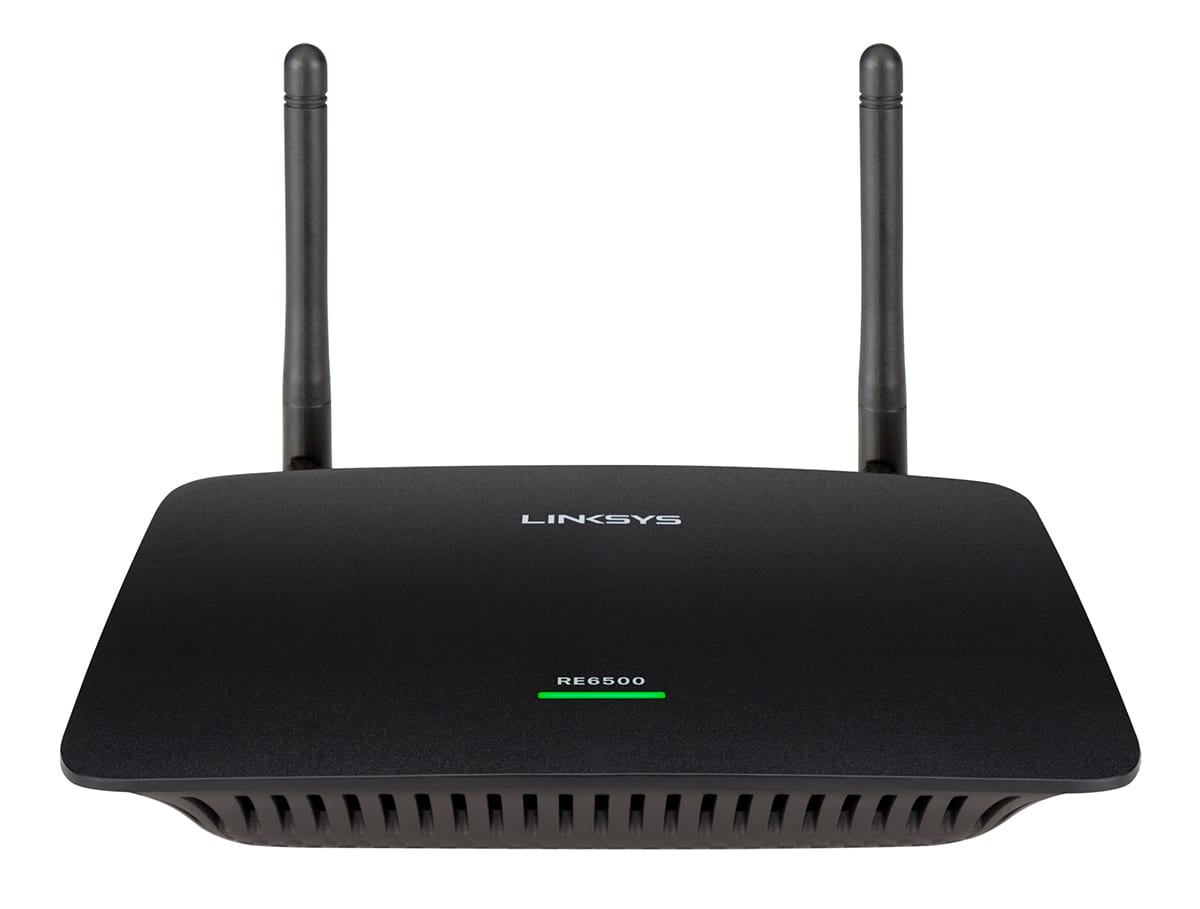
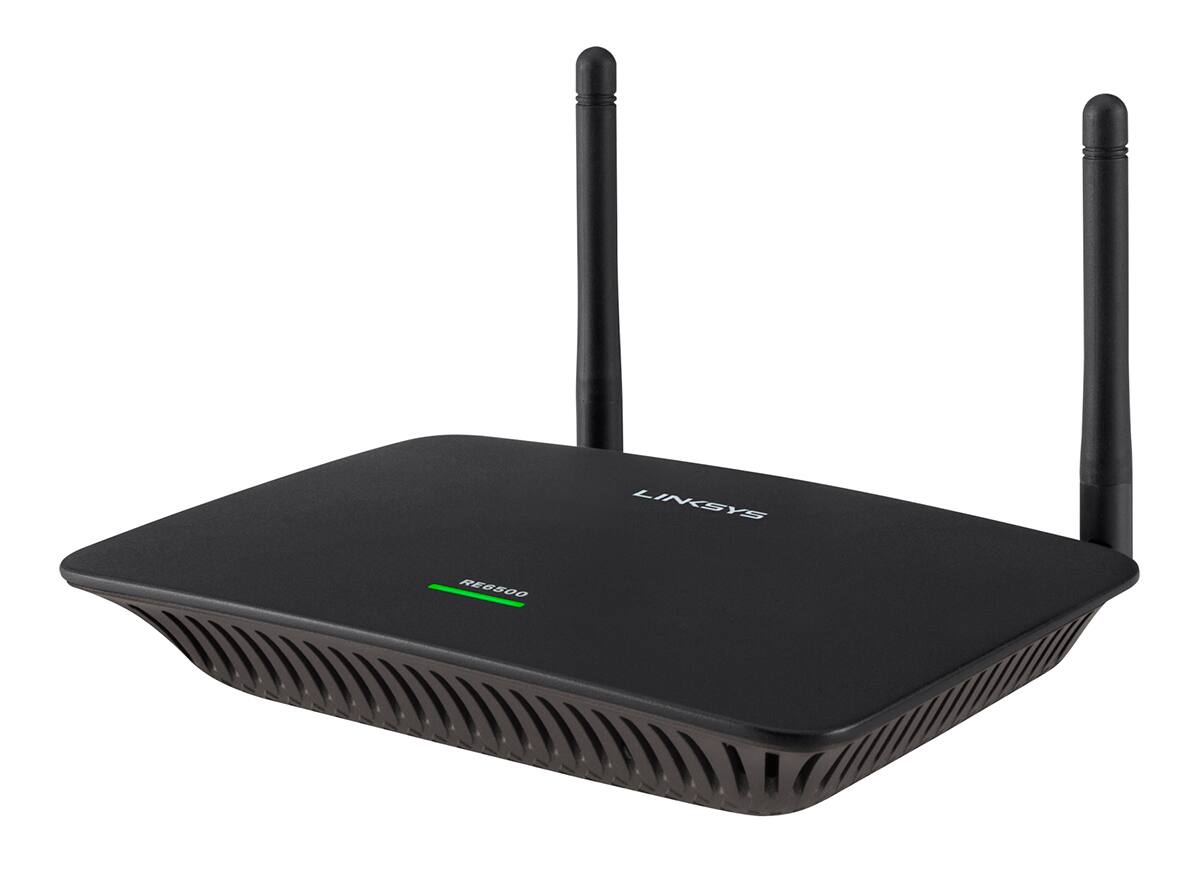
A:Answer1. While there are 5 RJ-45 jacks on the back of your router, one of them is a WAN jack for connecting to your Cable/DSL modem, leaving 4 LAN jacks to connect wired devices. The range extender gives you an additional 4 LAN jacks to connect to your local network, giving you a grand total of 8 wired Local Area Network connections. Of course, adding additional hubs can increase this amount.
2. Typically, home routers are configured for a Class C network configuration, meaning that you can have up to 254 total devices in your IP address range, but remember that the extender will count as one of those devices.
A:AnswerHi, Kasey. Please get in touch at [email protected] with your contact details and the link to this post so we can better assist forward. We'll have our Escalation Engineers work with you on this matter.
A:AnswerHi. If the issue is with the internet speed itself, adding a range extender will not improve its performance. We suggest that you contact your ISP first to figure out what is causing the fluctuations on your internet.
A:AnswerHi, PeterB. Our Linksys RE6500 can act as an extension to your router or access point, and we can only use an Ethernet cable upon setting up the extender. However, we suggest you plug in the range extender midway between your router and the area without Wi-Fi, and be sure to have at least 50% of your router's Wi-Fi signal.
A:Answerits not necessary. You plug the extender in away from the router/modem, but close enough to still be in range
of the primary one. It adds to the primary and extends the distance. It has a built in meter to show you where to put it. You download the app to your
smart phone and plug it in and the meter shows you good, best, not good when you place it. You need to do that automatically to set up the extender
in one of the steps.
A:AnswerAs far as I can tell, the main difference is that the tabletop model, RE6500, has 4 Ethernet ports while the one that plugs into the wall, RE6700, only has one Ethernet port. These ports allow you to hardware devices like SmartTVs and Rokus/AppleTVs/Firesticks to the extender with an Ethernet cable, maximizing bandwidth by replacing one of the wireless connections with a wire. If you only plan on using the Wi-Fi radios to connect your devices, they should be functionally the same. They both provide dual band (2.4GHz and 5GHz) 802.11ac Wi-Fi connections with 867 Mbits/sec maximum throughput.
A:AnswerIt means that the signal that you're extending is faint or worse. You'd need to locate the extender closer to the router. It might work otherwise, but expect the speed to be significantly reduced.