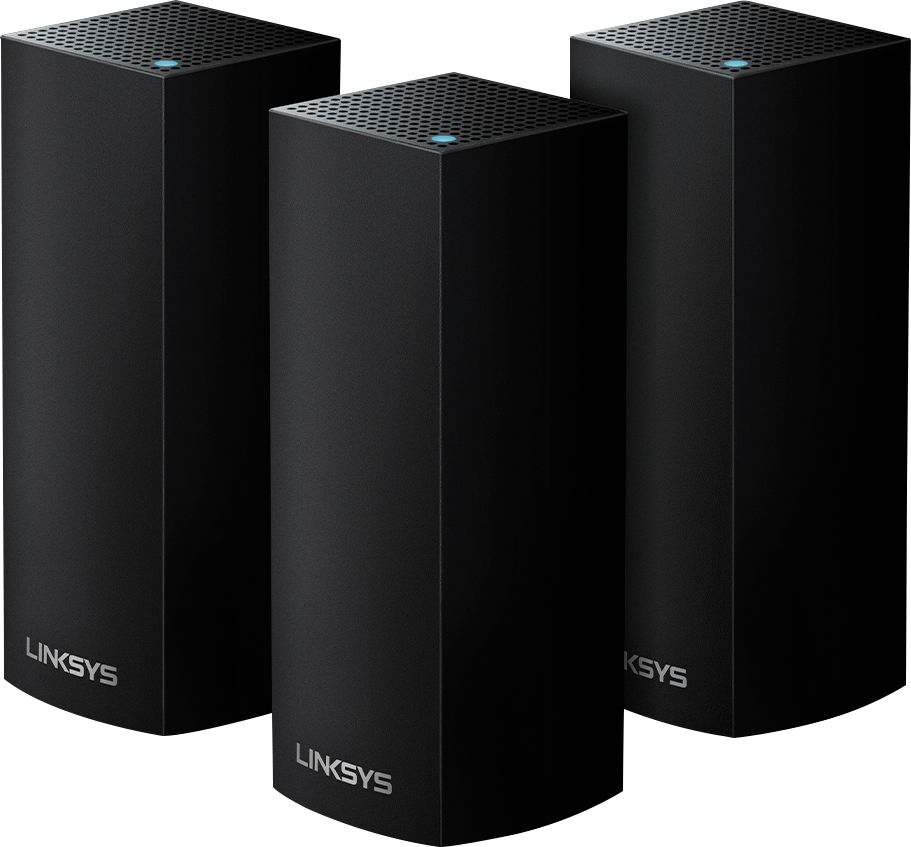
A:AnswerFrom looking at the web site, it looks like you can have up to 6 devices, which would cover a 6,000 sq ft home. I have a 3 and coverage is at max strength in every room and outside in the back yard.
A:AnswerYs, it does, but currently not from the management app, you have to use the web interface. Go to Security, and the DDNS configuration is available under the “apps and games” tab.
A:AnswerI really can only answer the last part of your question about Arris surfboard. We bought the Arris sb6190 a year ago and it has worked well. No problems no failures. It even played nicely with our old Apple air porter.
A:AnswerYEs the nodes can stream that, however it is dependent on your ISP (Internet Service Provider) speeds. I have giga bit service and stream 700mbps download wirelessly through these.
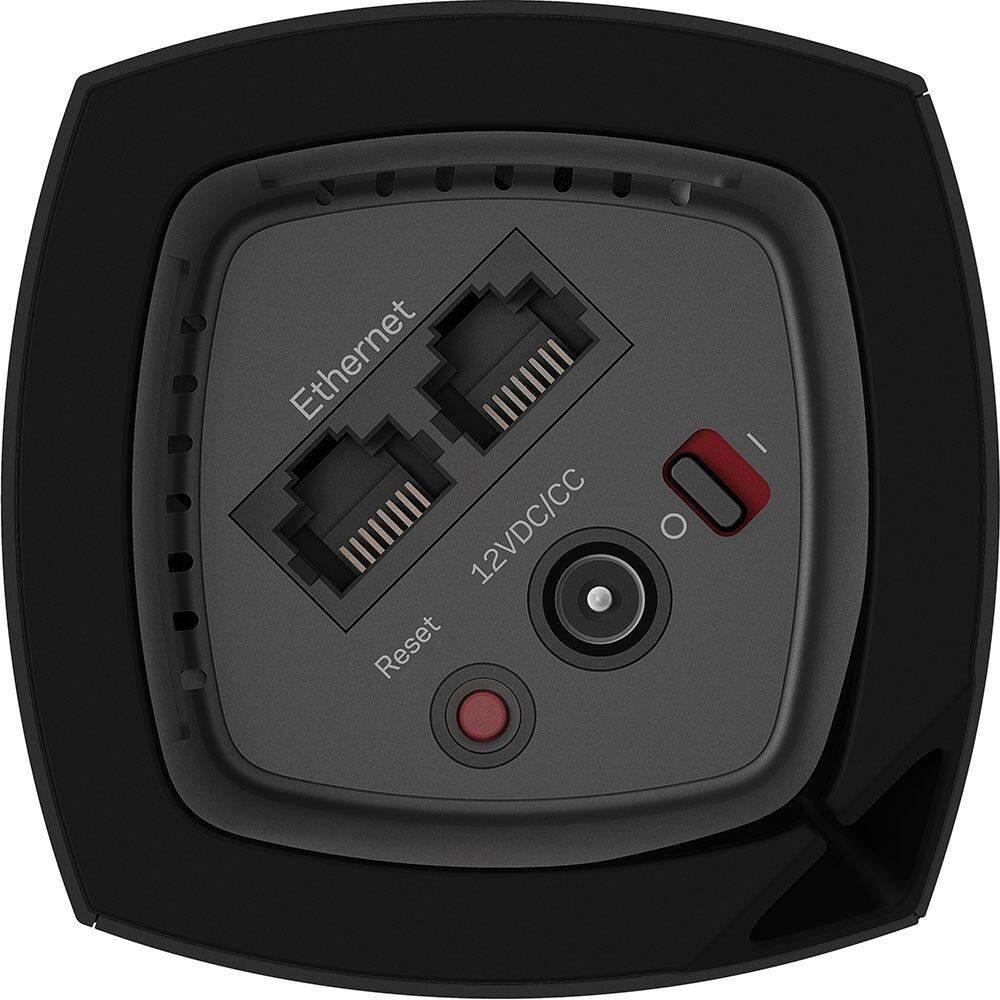
A:AnswerYou will have to forget your network while signed into your account on a computer not the app. Walk with your router and manually connect it via Ethernet cable to each camera and set it up to your new network.
A:AnswerHard to tell without more details. If the issue is that your tivo cannot see the wifi because is too far (and the signal is weak) . Have you tried moving the mini closer to your router? How about restarting your router? If the problem is with the tivo then chances are this won't fix your issue. If the problem is with the router, either doing a reset or a firmware upgrade may help. Perhaps replacing it will also do the trick.