A:AnswerGreat question! Lively phones were specifically designed to work on the Lively network which is powered by the nation’s largest and most dependable wireless network. Lively strives to provide the highest quality service available. We understand that each individual will have different needs and usage requirements and as such, we offer a variety of products and rate plans. We offer services ala carte to allow you to tailor the phone to your needs.
A:AnswerLively strives to provide the highest quality service available. We understand that each individual will have different needs and usage requirements and as such, we offer a variety of products and rate plans. We offer services ala carte to allow you to tailor the phone to your needs. You may change your rate plans at any time, once a month, to better suit our customer’s needs
A:AnswerHi, it is the number thats on the box or packaging your came in... when you call to set services the service person will direct you which number you'll need...
A:AnswerGreat question! Lively phones were specifically designed to work on the GreatCall network which is powered by the nation’s largest and most dependable wireless network. Service is based on the coverage in your area and even in a good coverage area, things such as weather, building materials, topography and other environmental considerations associated with radio technology also affect service and service may vary significantly within buildings.
A:AnswerGreat question! On the Jitterbug Flip2 phone the option for group text is unavailable but does have the availability to send a single text to a contact individually.
A:AnswerGreat question! Lively allows you the option to transfer your cell or home phone number, as long as your number is still available. There are instructions on how to do so included with the box -- just make sure you do not cancel your previous service until the transfer is complete. To enjoy exclusive features that are only available on the Lively network, activate with Lively by phone or on the Lively website.
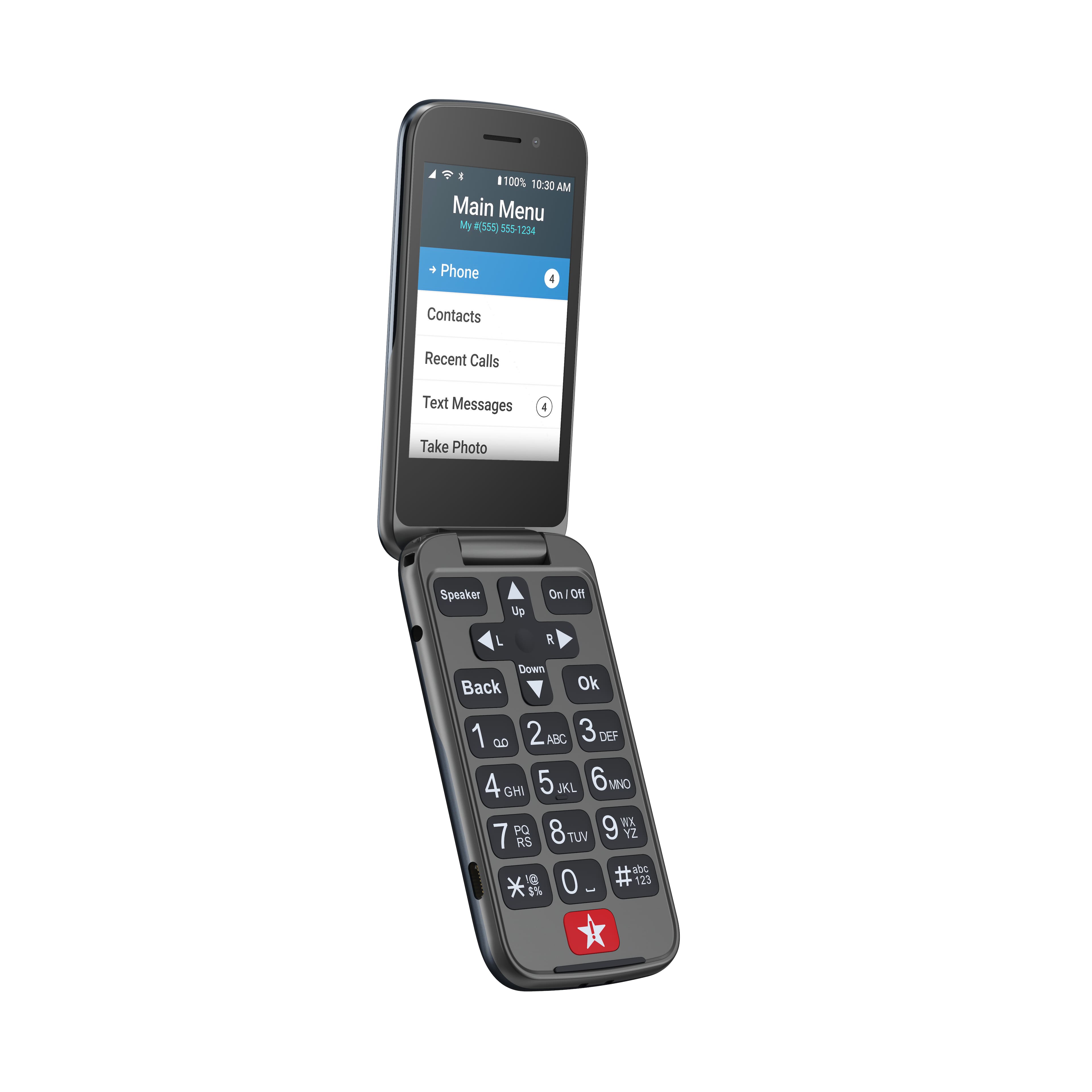
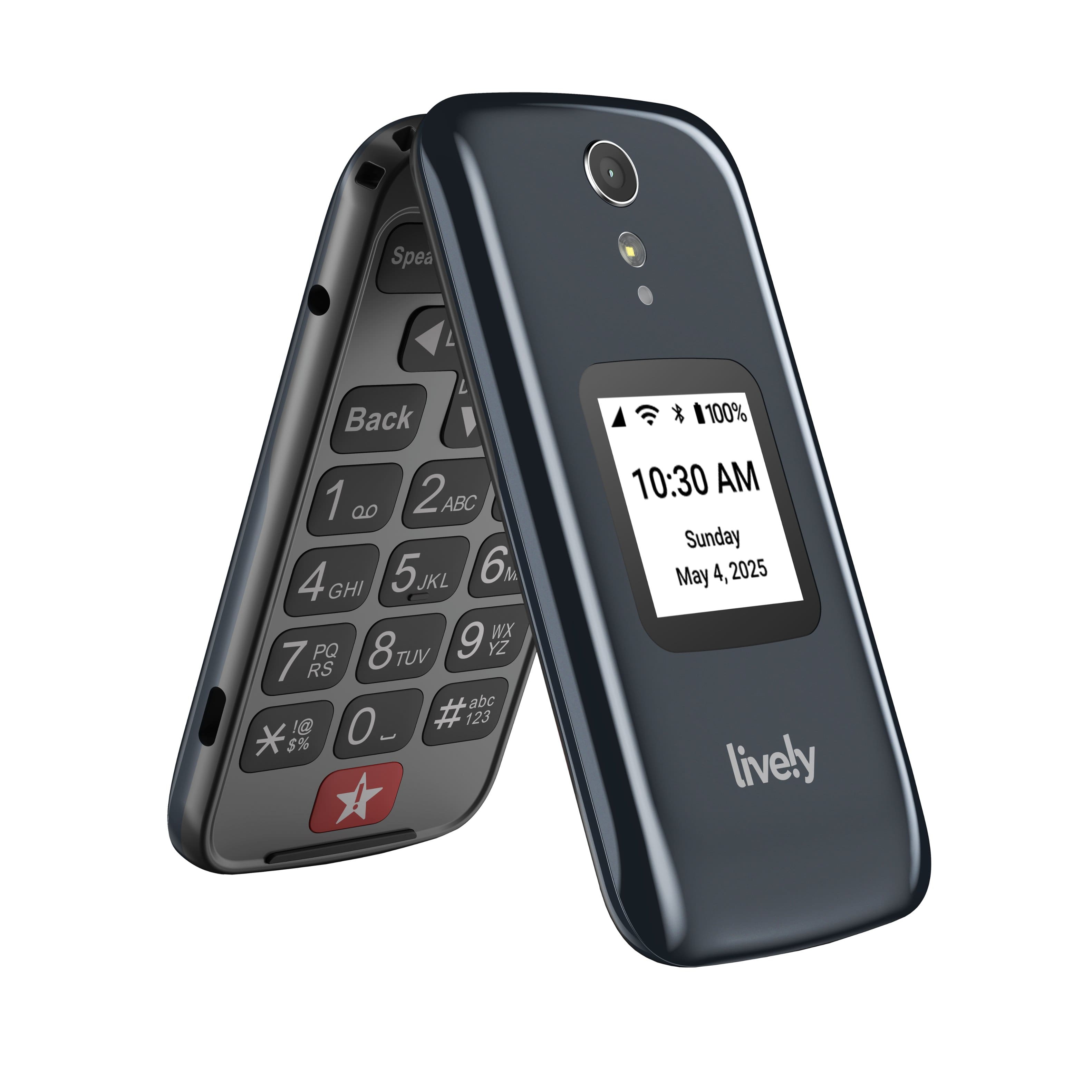
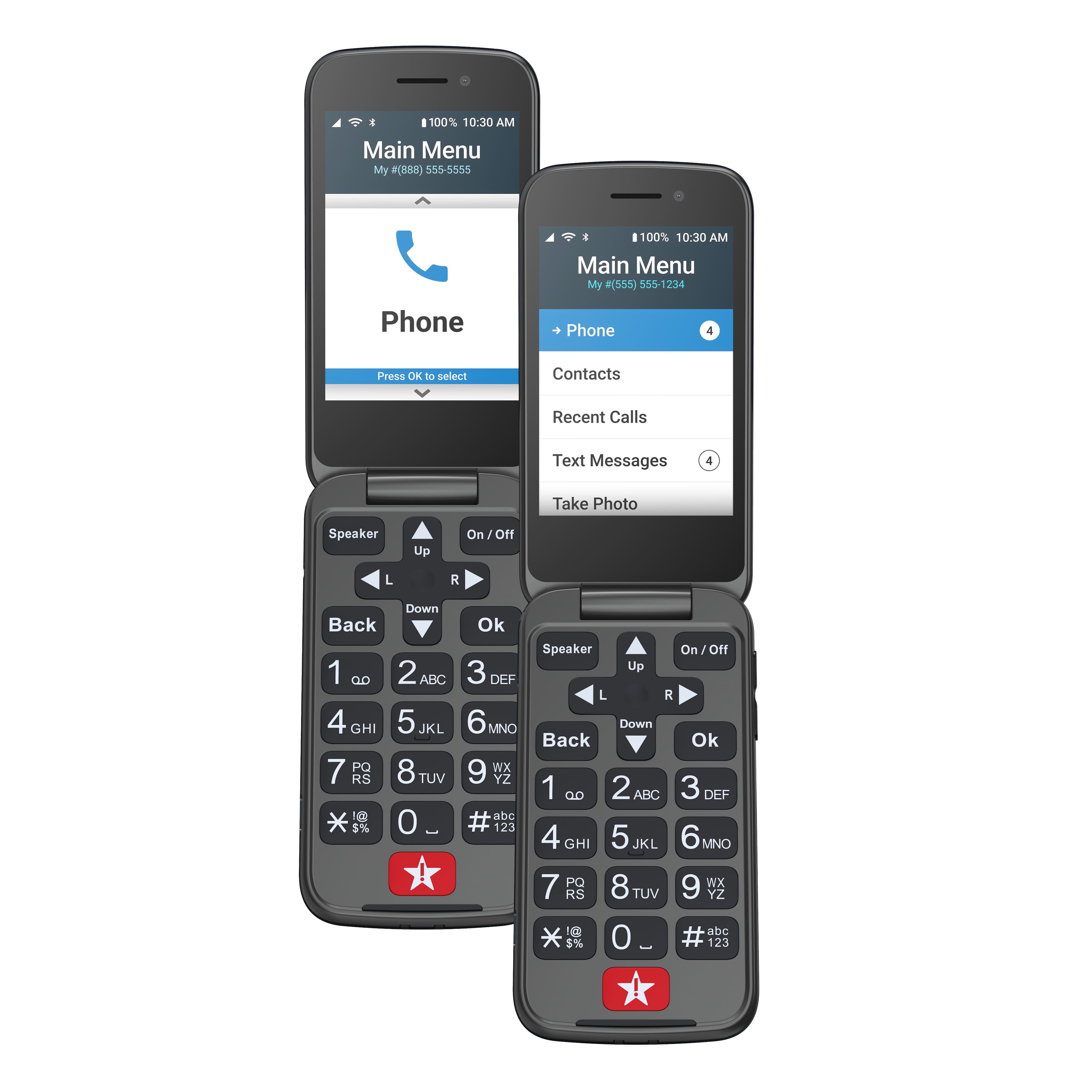
A:AnswerThank you for your questions! The Jitterbug Flip 2 dimensions are 4.3” x 2.19” x 0.72.” The colors available are either Red or Graphite. You can purchase our product from your local Best Buy, Rite-Aid or Walmart. Prices may very depending on the Manufacturer. For more information on our rate plans please visit the Lilvely website. Lively has a variety of plans that will help you stay connected, safe and healthy.
A:AnswerThank you for your question. The Lively Flip 2 is unlocked per nationwide standards, but we cannot control which carriers choose to accept or activate our phones. Lively phones were specifically designed to work on the Lively network which is powered by the nation’s largest and most dependable reliable wireless network. To enjoy exclusive features that are only available on the Lively network, activate with Lively by phone or on the Lively website. Lively has a variety of plans with data so you can choose the one that works best for you.
A:AnswerGreat question. For easier calling the Lively Jitterbug Flip2 now has speed dial, and it can be set up through your contacts, via the edit option. For more information on speed dialing, please call our Customer Service at 1 800-733-6632.
A:AnswerThank you for your question. Lively allows you the option to transfer your cell or home phone number, as long as your number is still available. There are instructions on how to do so included with the box -- just make sure you do not cancel your previous service until the transfer is complete. To view the most current prices of our products and service please visit our Lively website. Lively has a variety of plans with data so you can choose the one that works best for you.
A:AnswerThank you for your question. The only way to unblock phone numbers from the Jitterbug Flip 2 phone is manually from the phone. We do not offer a feature online to complete this.
A:AnswerGreat question, Jac. At Lively you can expect to receive a paper invoice each month for your monthly service. For more information about billing, please contact our Customer Service Team at 1-800-733-6632.
A:AnswerGreat question! Lively allows you the option to transfer your cell or home phone number, as long as your number is still available. There are instructions on how to do so included with the box -- just make sure you do not cancel your previous service until the transfer is complete.
A:AnswerI can’t get my Mom’s Jitterbug phone connected with high-speed Comcast Business Internet. The “help line” suggested I leave the highly connected internet environment and go outside where it might just connect in “the air.” This thing will not connect connect anywhere. I took it back to Best Buy and they said they’d connect it for $39.95. I’m with you, what’s up with all of this. Does the BBB and the Public Service Commissission need to be notified? Nothing built for elderly people should be so difficult and have so many extra expenses to just get working. All of the people complaining on their website, and it’s an insane amount, need to call their state’s BBB and Public Service Commission and report. Telling the company isn’t getting anything done.