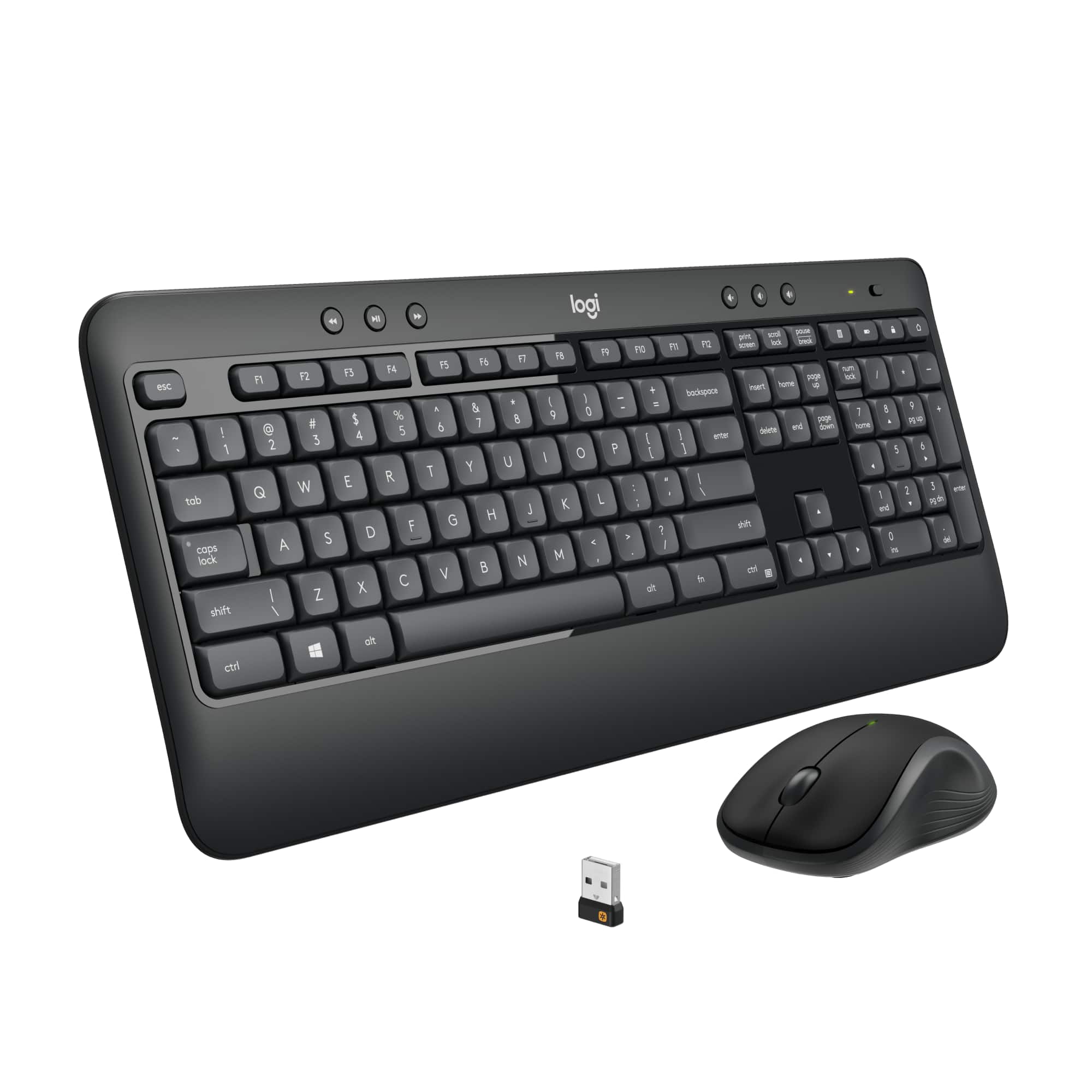
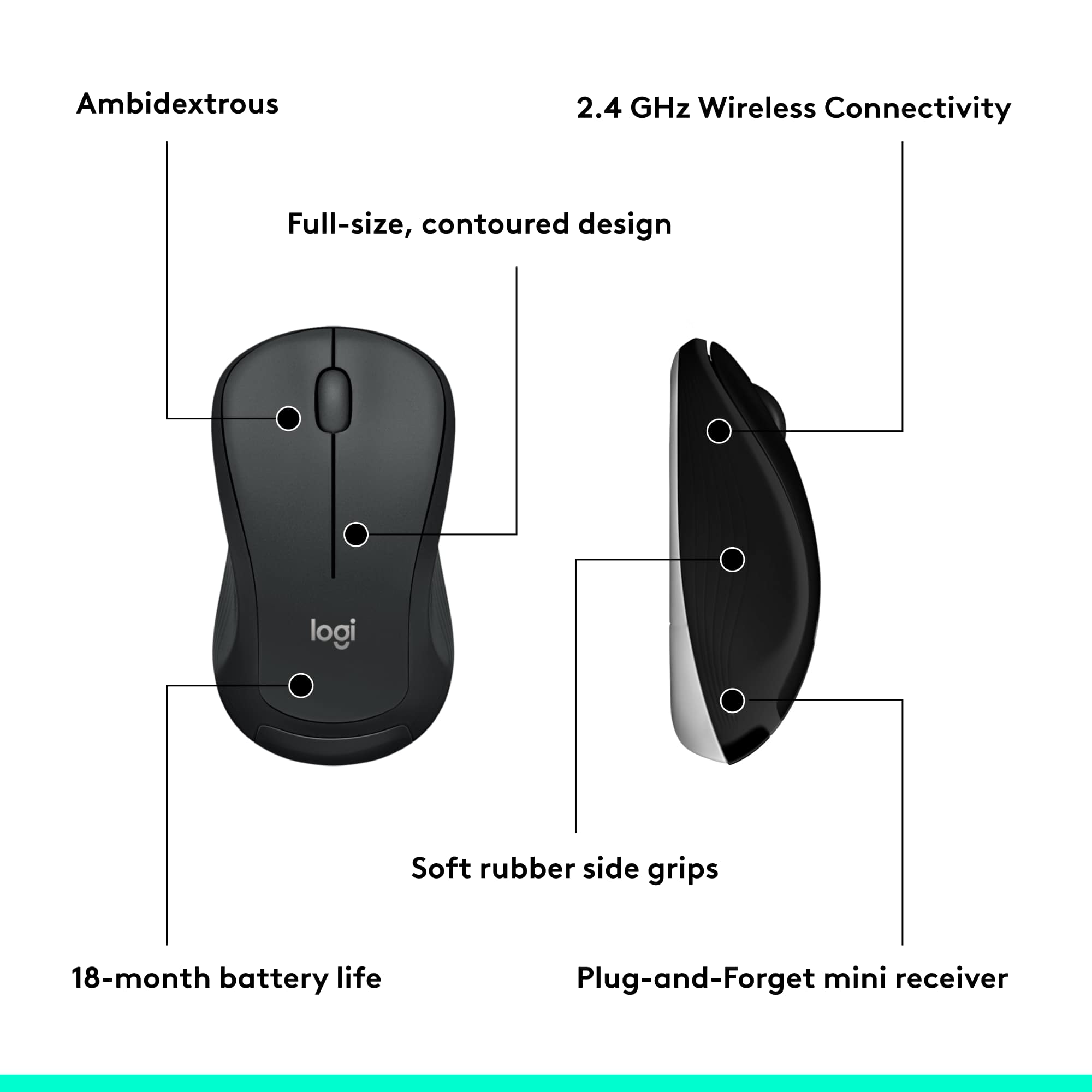
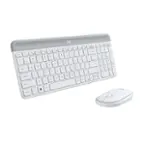
A:Answer I does operate on 2.4 Ghz, and WiFi uses 2.4 Ghz (and also sometimes 5 Ghz) could be interference to-from WiFi being so close to it Try moving the WiFi further away.
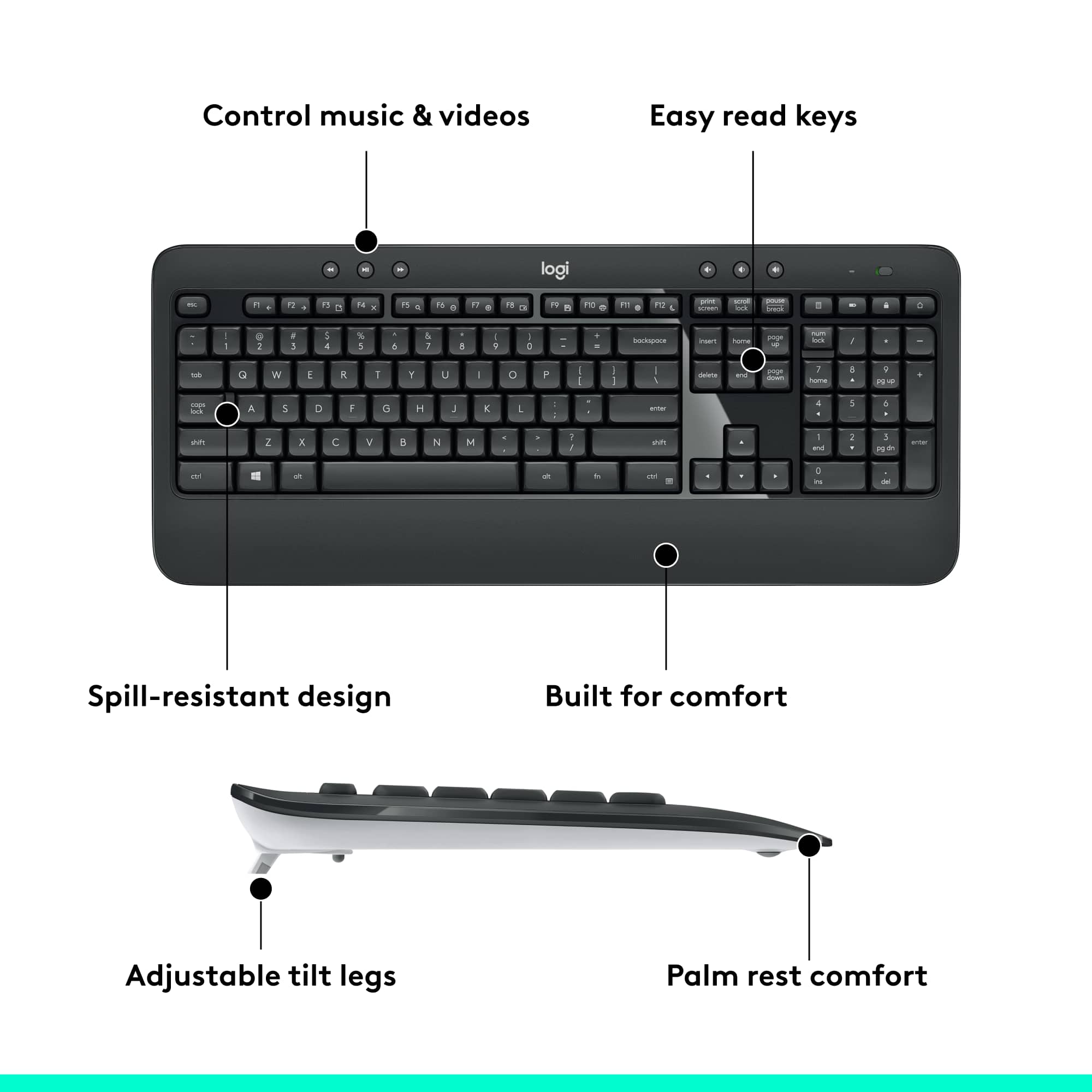
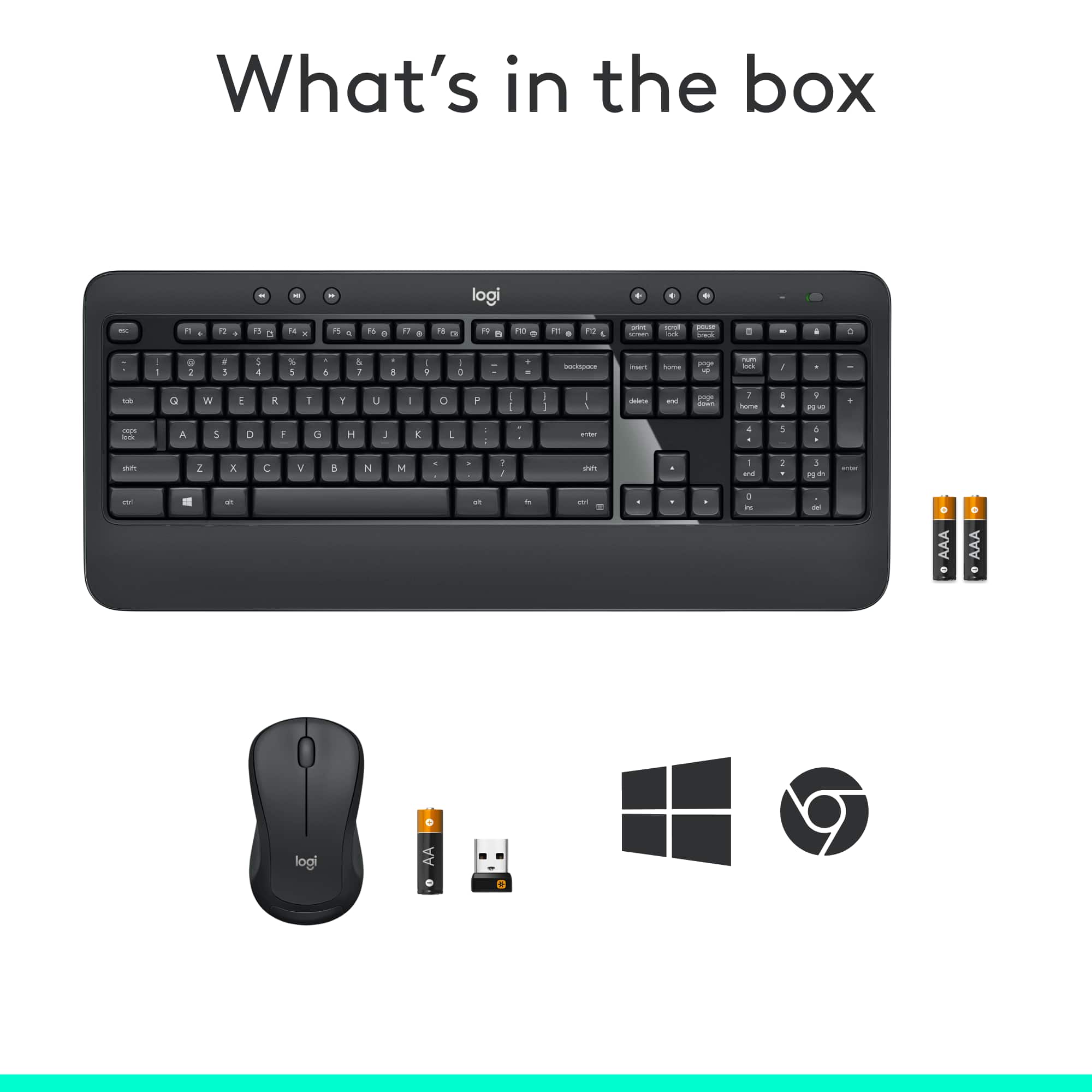
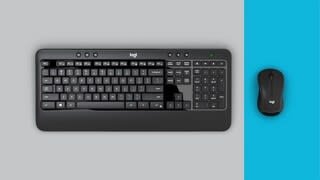
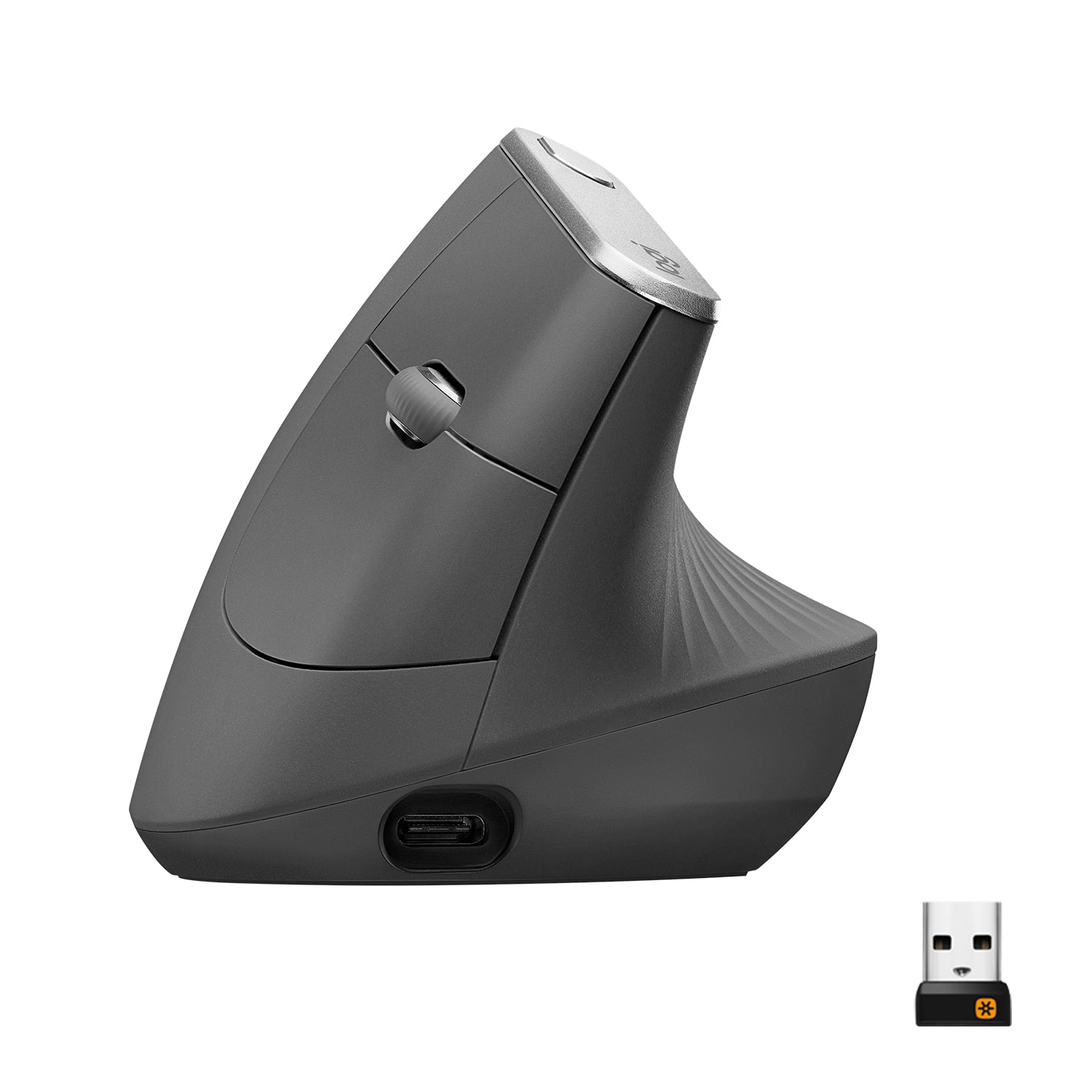
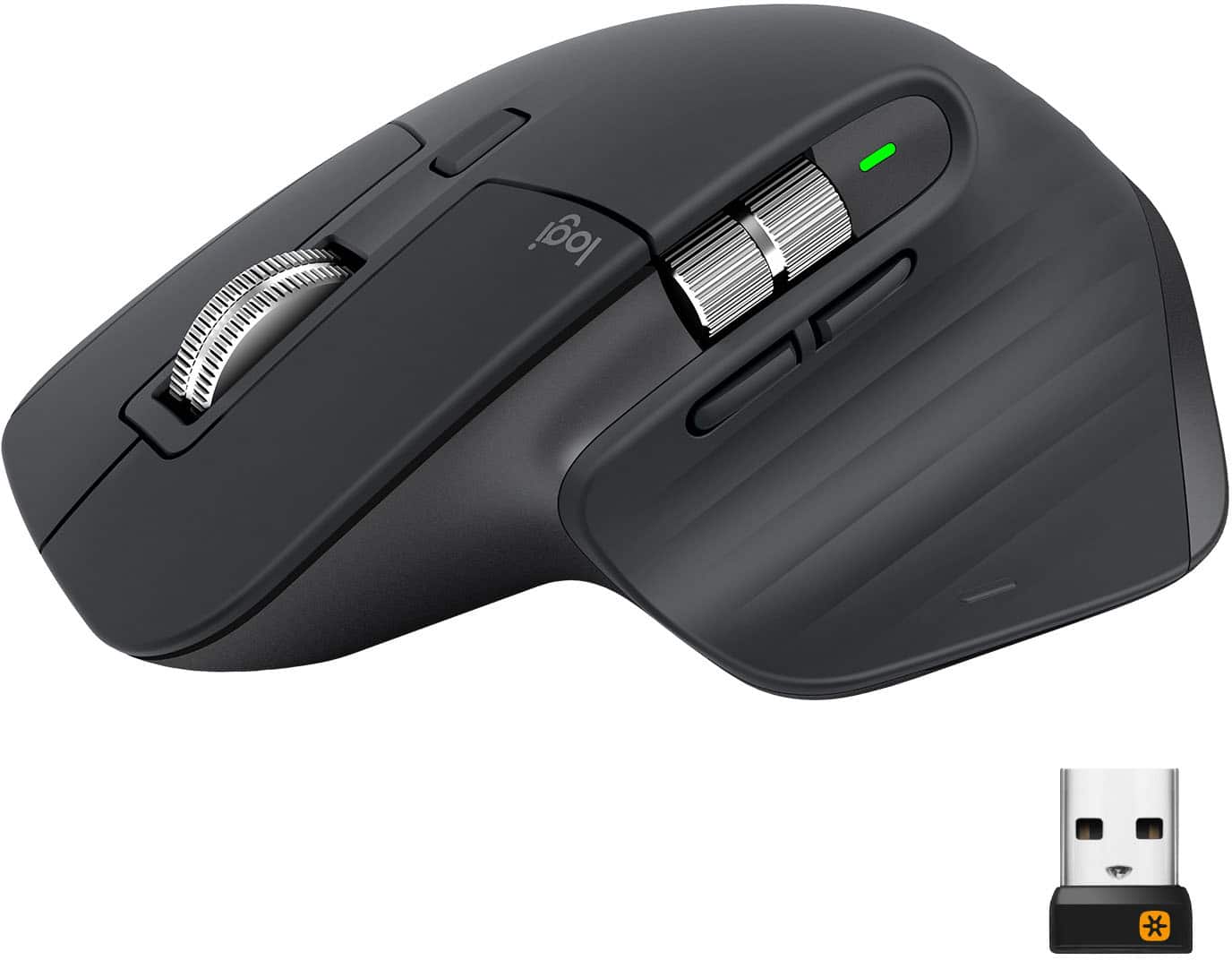
You could also have a USB problem. I had a problem with my last Keyboard and mouse (I just bought this Logi MK540 it myself yesterday) but I had 2 different USB receivers plugged into my USB hub, right next to each other. Sometimes it would get squirrely and Windows 10 would make it's sound announcements that something just went down. I usually just unplugged my USB hub from the computer and re-plugged it and it would work again for a time. Now I'm unified again (https://www.logitech.com/en-us/products/mice/unifying-receiver-usb.910-005235.html) with only 1 USB receiver. So hopefully I don't have problems any longer. YOU could try different USB ports on computer. But then again you talked about the light going off or something? I have seen my new keyboard light the green power LED on occasion. But that might be an indication of a product problem? Normally the light is OUT except right after turning on. And when you press the battery test key on the keyboard. If it was me, I would like for that WiFi router or access point to be in another room ... that way it is many feet away from THIS 2.4 Ghz Logitech thing.