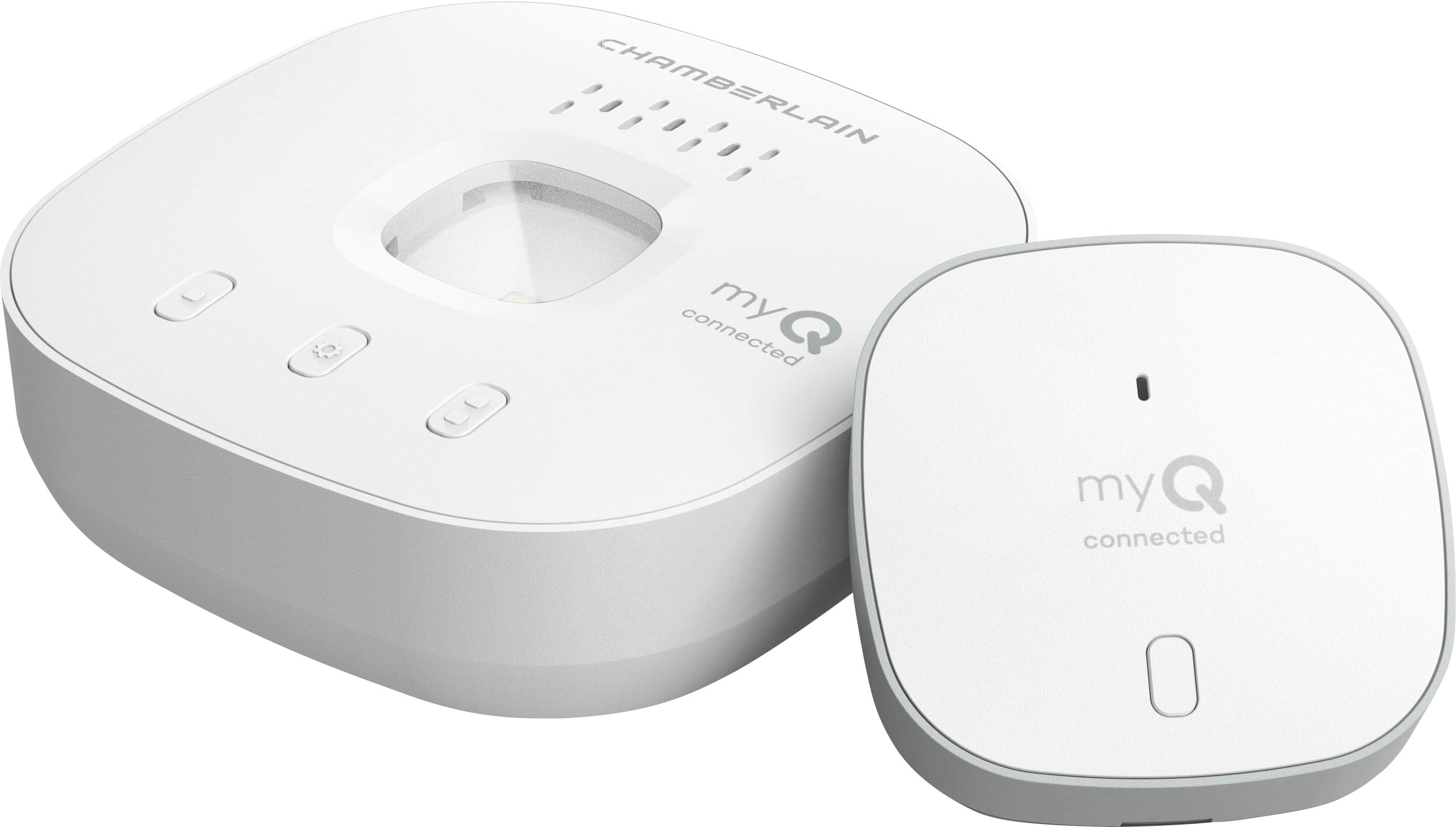
A:AnswerHello Lifty, the myQ Video Keypad does have the ability to program to the Smart Garage Control but it will still only be able to control one door.
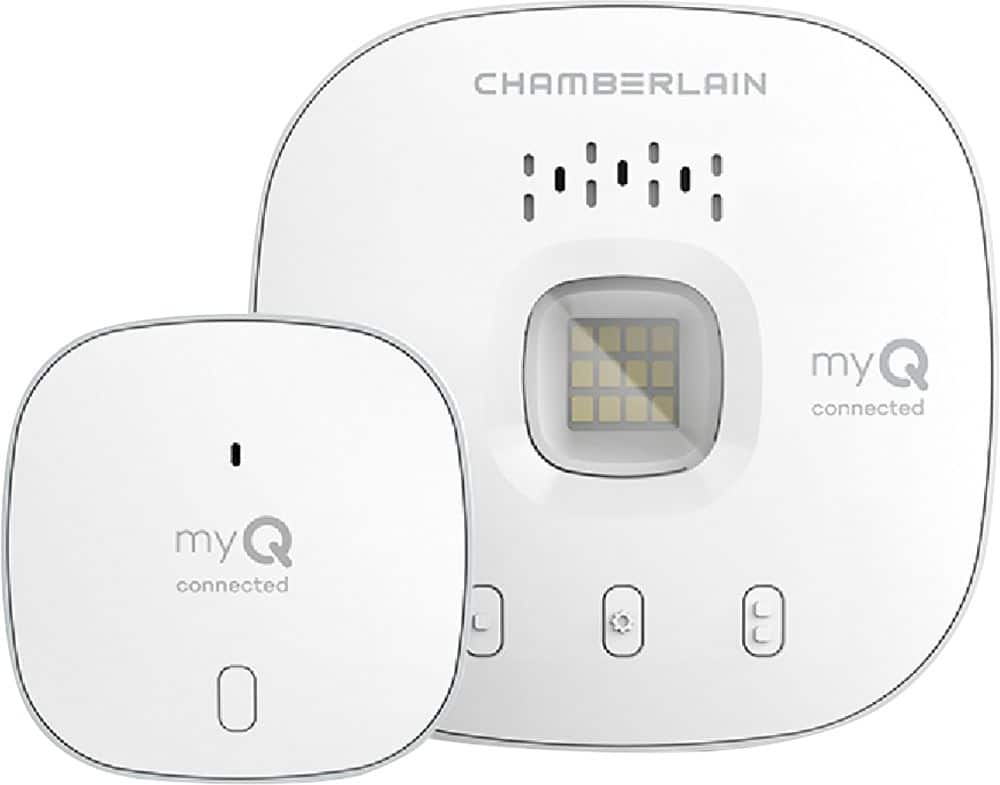
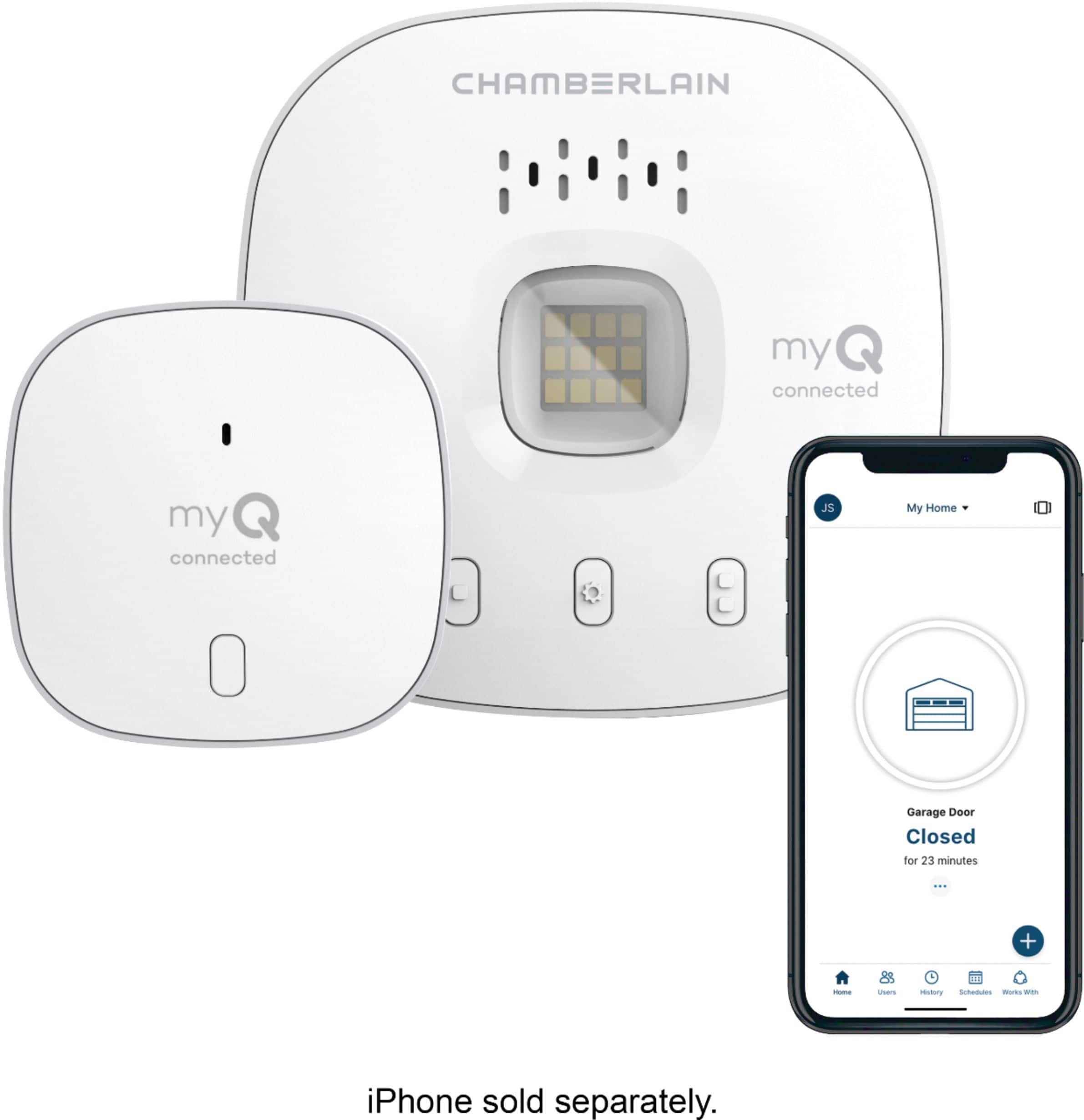
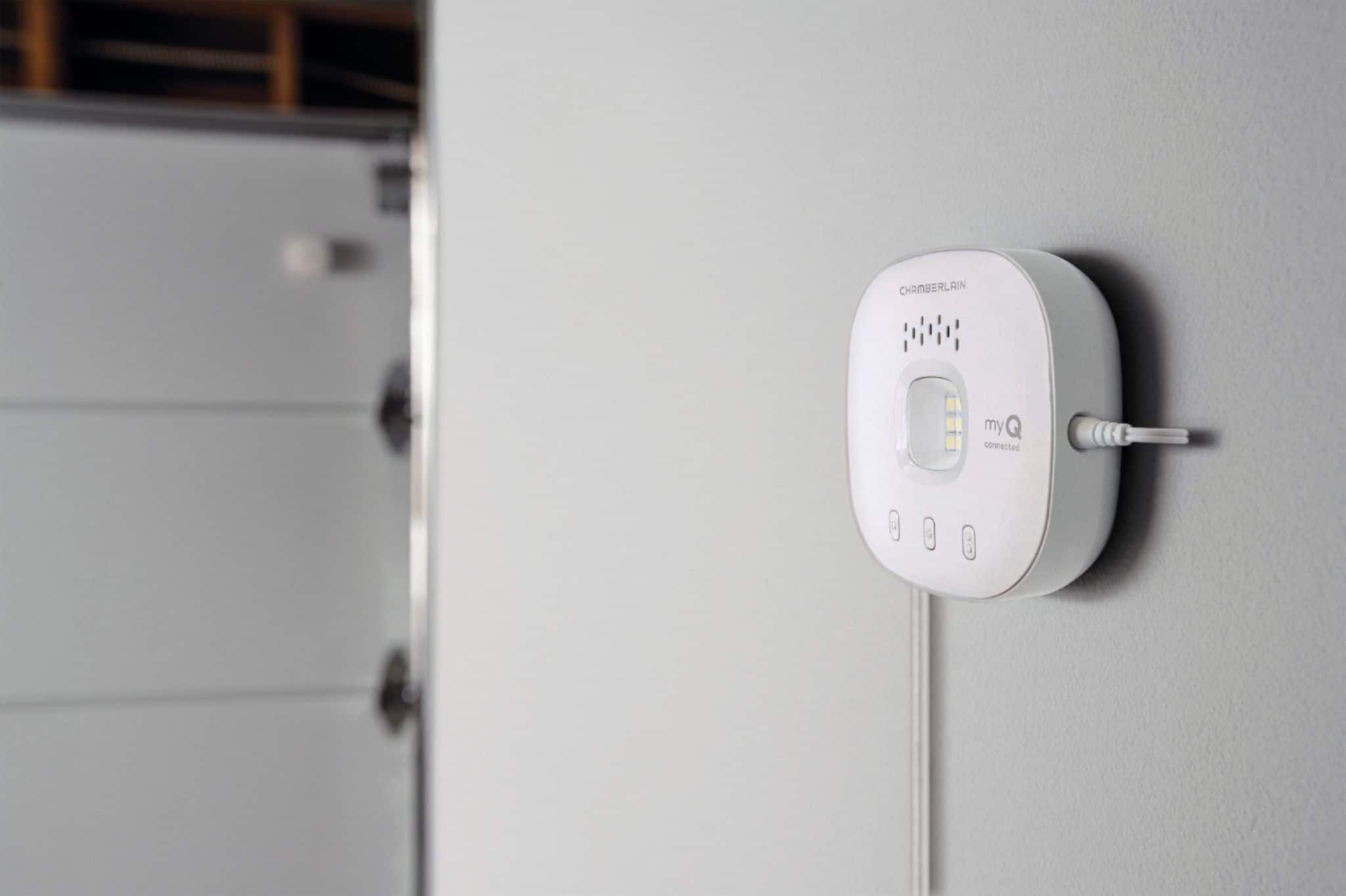
A:AnswerHello Fulmoon, no the Smart Garage Control HUB will need to be plugged into the nearest outlet and will also include a door sensor which will mount onto your garage door.
A:AnswerHello AC. In order to know if the myQ Smart garage control will work is if we knew your model number, buy you can always refer to our compatibility tool below.
https://www.chamberlain.com/myq-compatibility-tool
A:AnswerIt does give you acces to another co-owner and there's another option to give acces to friends and family. How many? I haven't tryed yet since there are only two people living in the same house. But I bet it must give acces to as many as you want to share it with.
A:AnswerThe Smart Garage Control is intended to be used via the myQ app to open/close, check status of the garage door, set alerts and notifications, and add guests and co-owners. If you are looking for motion detection, our motion detecting wall controls are available. You can also add a Smart Garage Camera which will be able to show a Live Feed of your garage and capture motion events when a video subscription is added. Thank you!
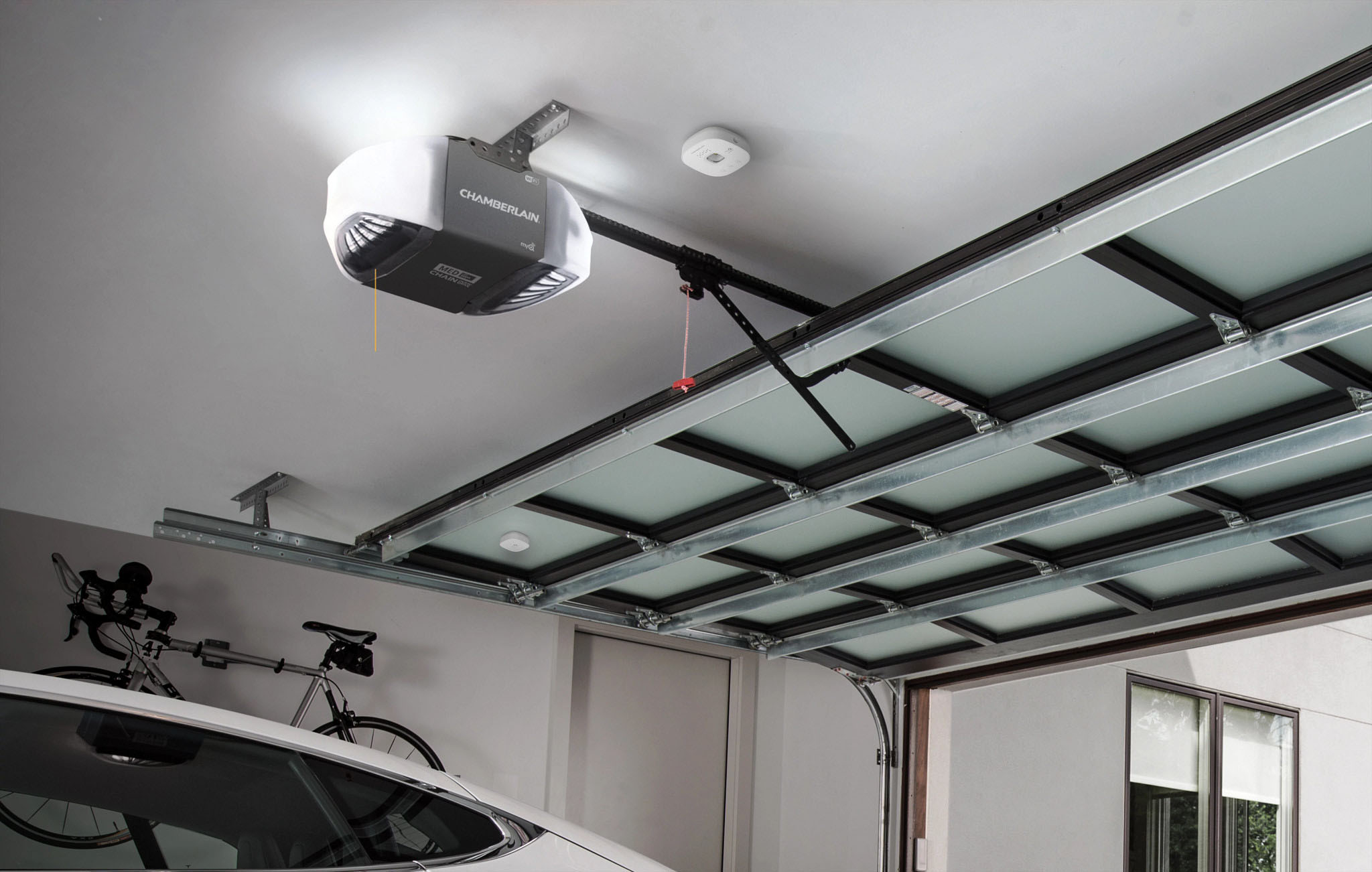
A:AnswerAccording to instructions it should be in the garage, I mounted mine by the to motor it’s self, if you can get wifi on your phone in the garage, it will work.