A:AnswerYes, Google Nest Wifi router can work just like your current FIOS router. It will still let you watch TV on your iPad using the FIOS app. Just make sure to put your current router combo in bridge mode or disable its Wi-Fi functionality in order to set up Nest Wifi router as your primary router and create a mesh Wi-Fi system throughout your home.
A:AnswerGoogle Nest Wifi router requires to be connected to the WAN port of a modem with broadband internet with an Ethernet cable. If you don't have a modem, please check compatibility with your internet provider. You can also take a look at our setup support article here for requirement details here: https://support.google.com/googlenest/answer/9548301
A:AnswerNo, Nest Wifi points don't have Ethernet ports for a hardwired connection. Nest Wifi points create a mesh system in your home for better coverage over a wider space. You can find more information here: https://support.google.com/wifi/answer/9548301
A:AnswerYes, Google Nest Wifi point is designed to work with your Nest Wifi router AC2200. In order to learn more on how to add the point to the router, you can check out this support article: https://support.google.com/googlenest/answer/9548301
A:AnswerNo, Google Nest Wifi will not work with Ubiquiti access point. Google Nest Wifi is compatible to form a Wi-Fi mesh only with Google Nest Wifi points and Google Wifi points
A:AnswerI have used mine outside through the garage about 1000 feet away from the router and it worked perfectly. Plus there were mutiple people using wifi at that moment and the connection was perfect!
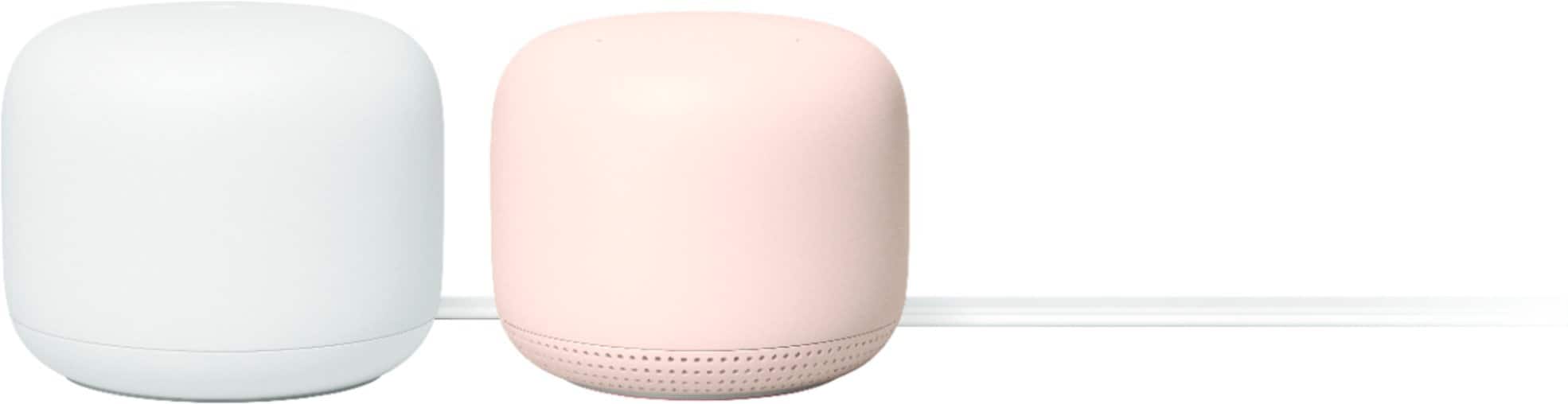
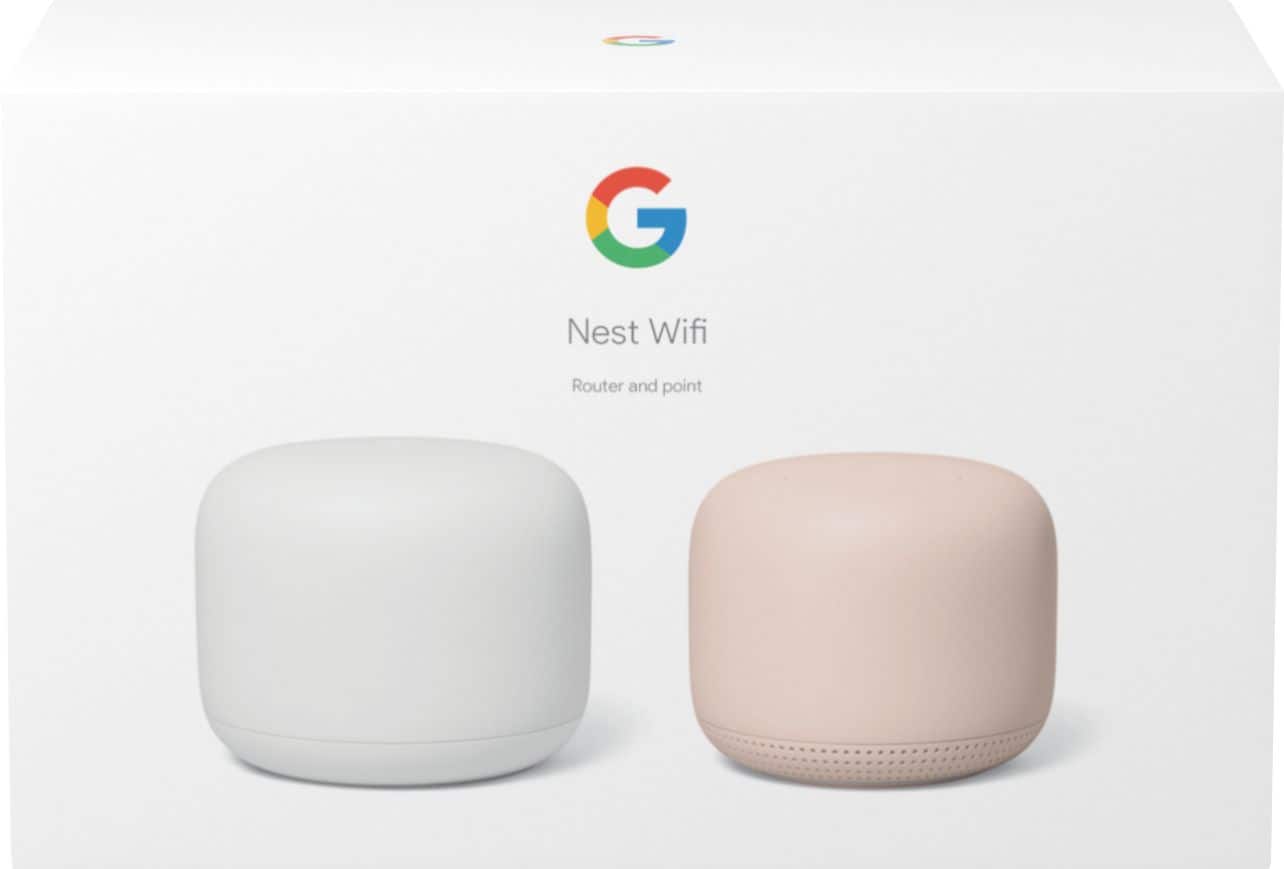
A:AnswerNest Wifi isn't compatible to form a Wi-Fi mesh with TP-Link OnHub, while it is compatible with Google Wifi mesh system. Nest Wifi is the 2nd generation of Google Wifi with improved processor and coverage as well as new features such as the add-on points with Google Assistant-enabled speakers.
A:AnswerYes, Nest Wifi can work with the NVG589 router box. Since you have a modem/router combo, here's what you can do to set it up:
- Put your NVG589 router box in Bridge mode by turning off its Wi-Fi functionality to avoid a Double NAT. If you need help with it, we recommend contacting your service provider.
- Wire your Nest Wifi router to the modem/router combo via Ethernet cable.
You can read more about Double NAT, and Bridge mode here: https://support.google.com/googlenest/answer/6240987
A:AnswerI retired my netgear and used this instead. my at&t fiber has built in wifi that I shut off, connected this nest and was good to go. You could do it the way you're suggesting but both wifi signals being on could cause collision
A:AnswerNest Wifi works with most internet services. If you have a modem and router combo, you may run into a double NAT (Network Address Translation) as both your combo and Nest Wifi router will be broadcasting their own private networks with identical SSID and password. We recommend disabling the Wi-Fi functionality of your combo to avoid this issue. You can find more info here: https://support.google.com/googlenest/answer/6277579
A:AnswerYes, Nest Wifi can definitely help you extend the coverage of your Wi-Fi network. You can take a look at the following link to determine how many points you may need to extend your coverage: https://support.google.com/googlenest/answer/7182840
A:AnswerThis would replace your Cablevision router, but you would still need to keep your Cablevision modem. The router plugs directly into the Cablevision modem in order to access the internet.
A:AnswerYes, Nest Wifi is a mesh Wi-Fi system that replaces your traditional router, and provides seamless, and reliable Wi-Fi coverage throughout your home. You’ll still need the modem from your internet service provider to connect to the internet.