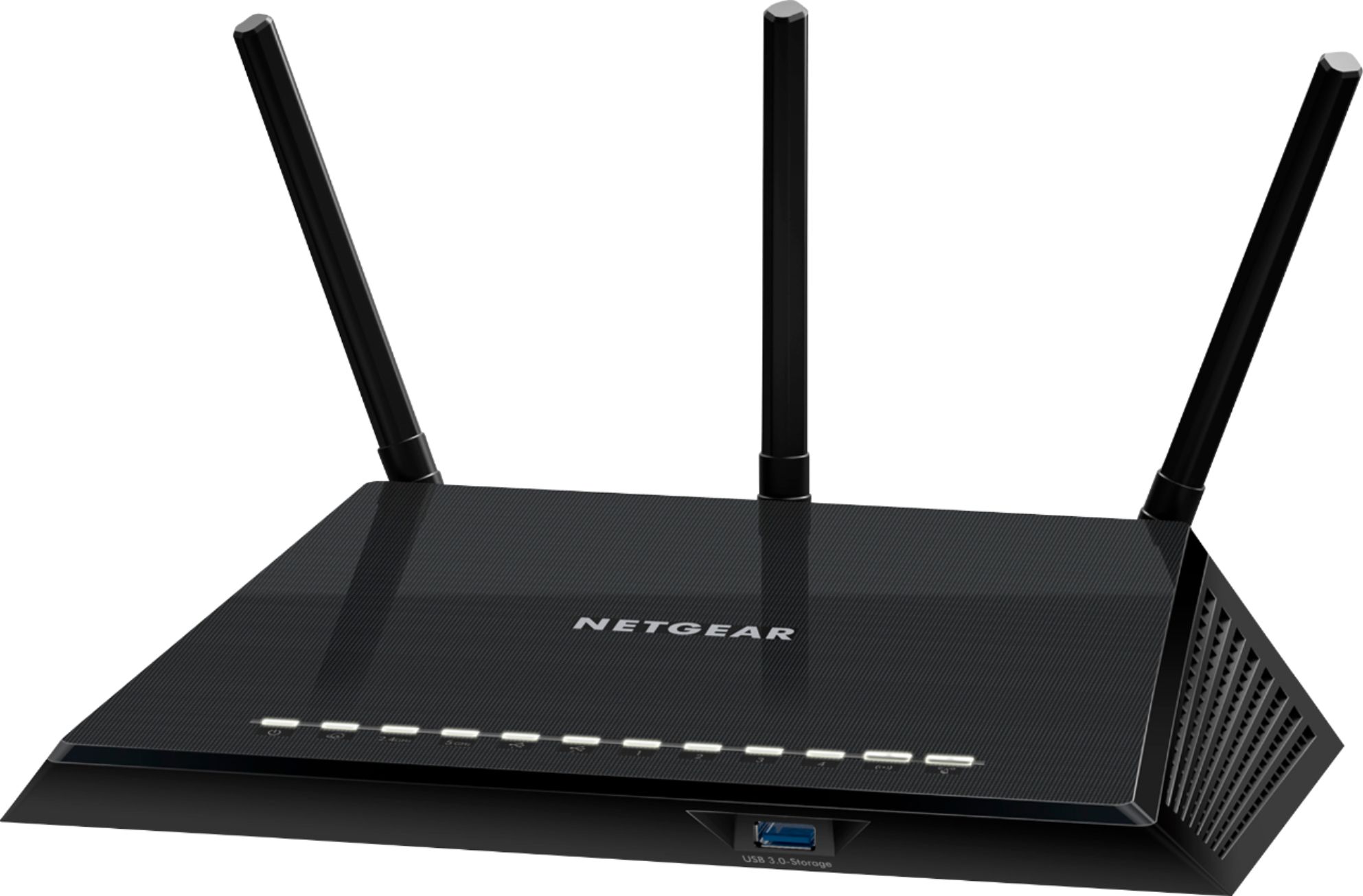
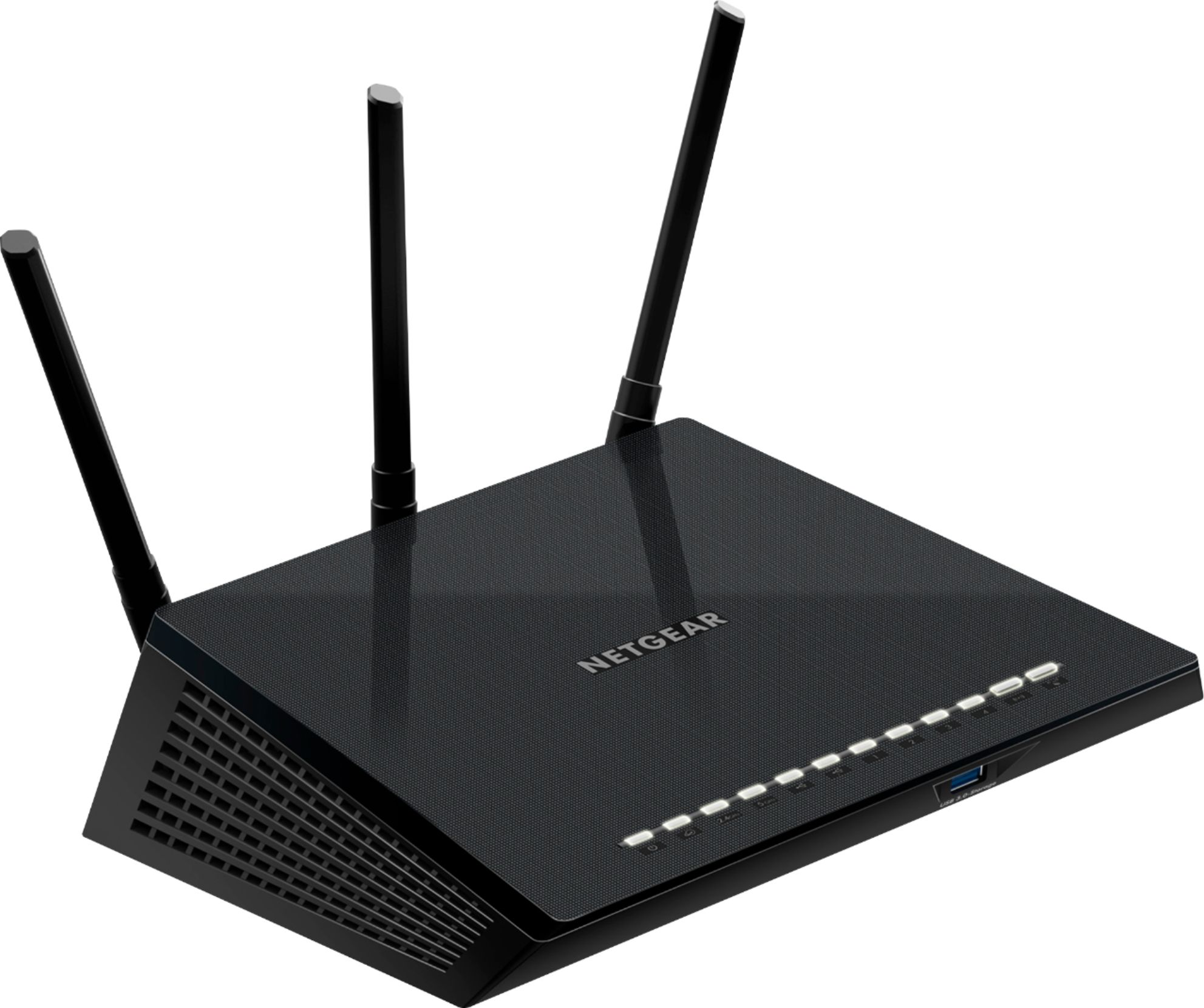
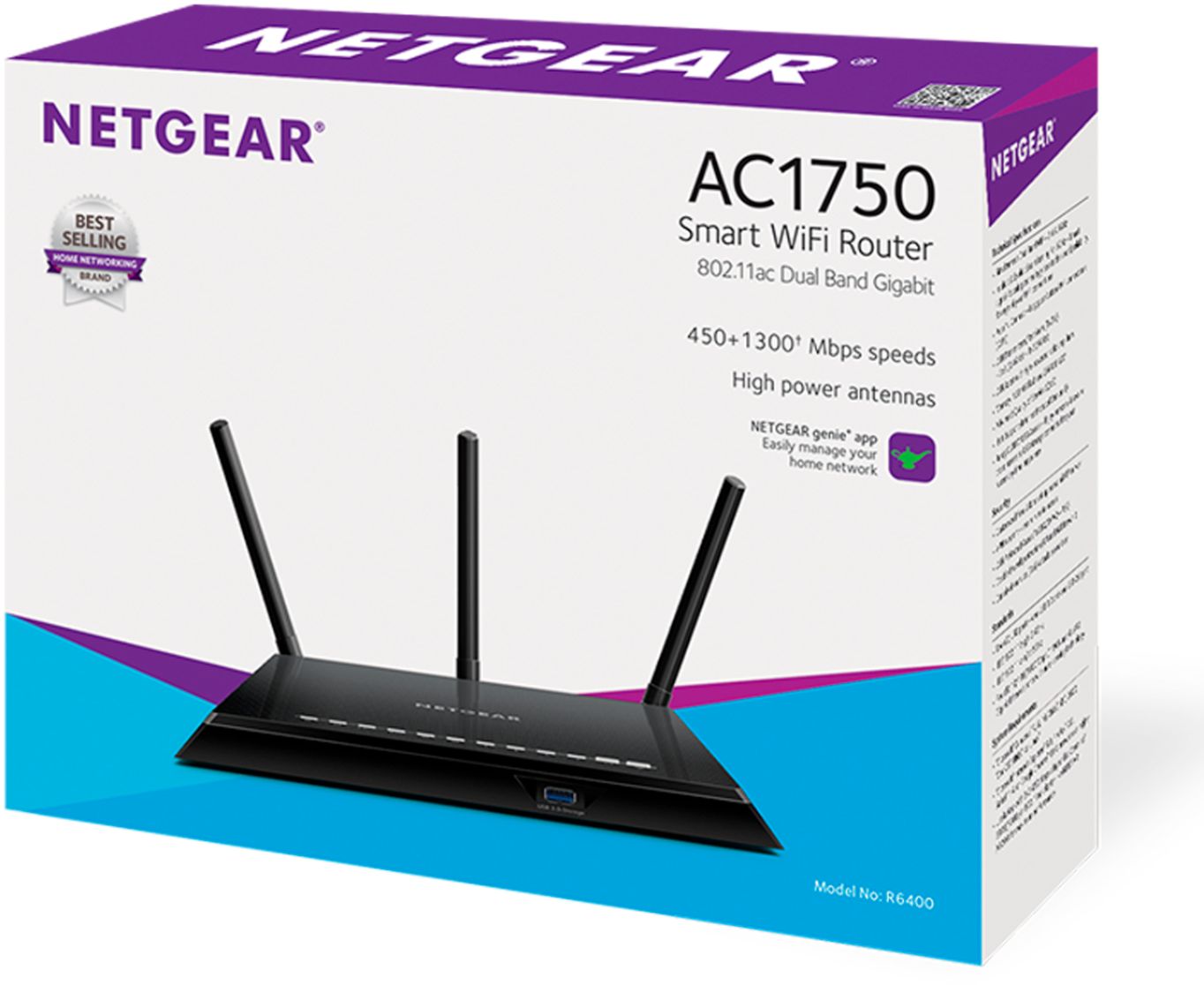
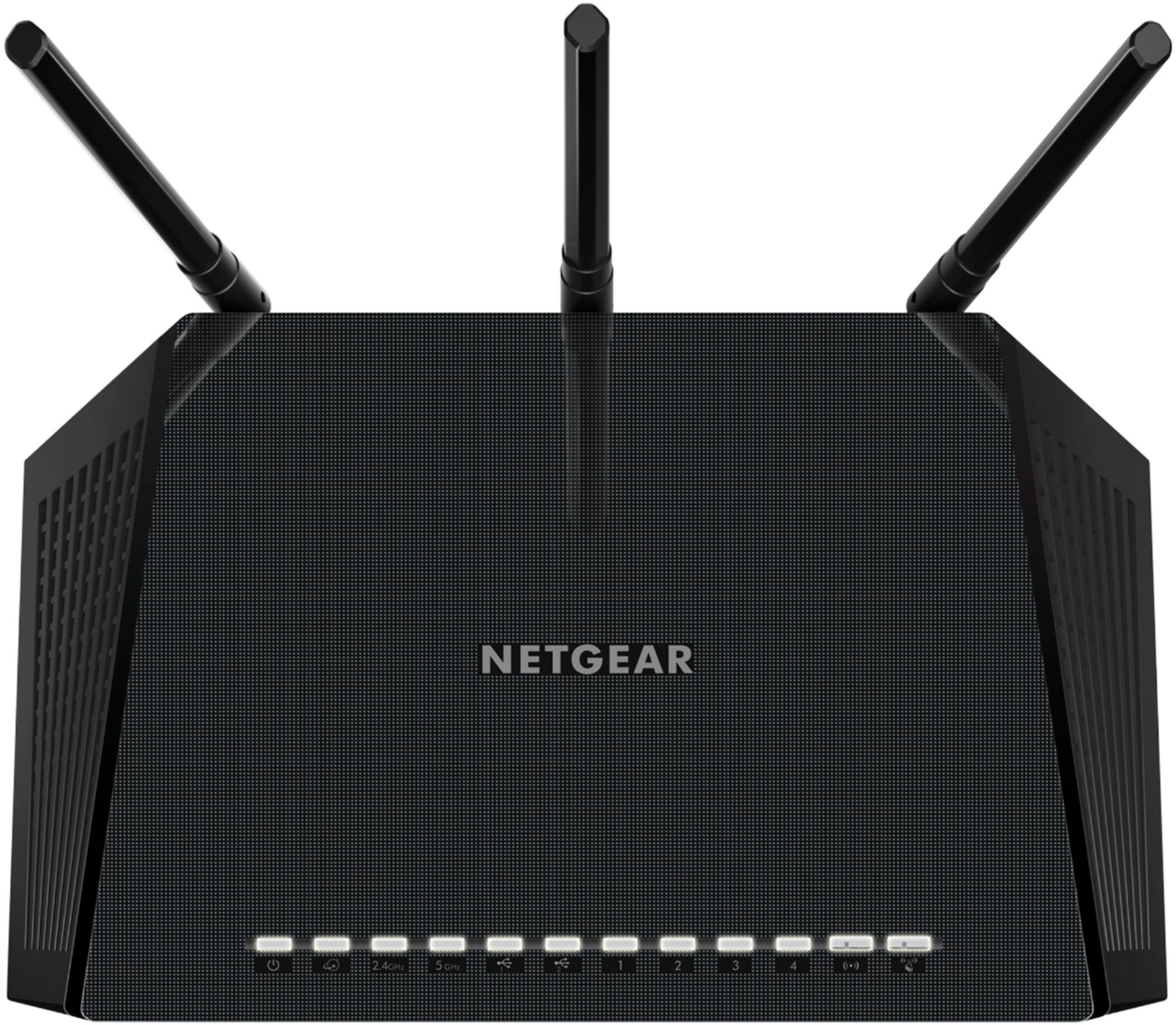
A:AnswerNo, this according to my son connects to existing Wi-Fi router because there's no coax connection on the back you can't connect it do your system. So, it won't make your old router faster it helps with connection throughout the house to your old router. I was sold this product under false use! I thought it would replace my existing router, but apparently not.
A:AnswerYou do not need router from Verizon if you are purchasing your own. You will need to use their modem. They will not allow you to purchase your own modem.
A:AnswerIts routing at a slowing speed as whatever its connected to is in a standby or hibernation state which doesn't require the full bandwidth your router puts out.
A:AnswerThe speed is determined by what you buy from your Internet Service Provider. The Nighthawk router says it can handle speeds way faster than I am paying Cox to get.
A:AnswerConnecting to a router provides access to a local network (LAN), but it does not necessarily provide access to the Internet. Internet Service Providers, or ISPs, typically provide a modem to connect you to their network. You need to connect the router to the ISP provider modem, which connects to the internet. The devices then form a local area network which then connects to the internet through the modem.
A:AnswerYes, you can. Just download the app to your phone and follow the instruction sheet that comes with it. Once you have it set up, you can control everything through the app. It’s very nice.
A:AnswerWhen my computer is asleep or not active at that time, the red light will come on. As soon as I touch the computer it goes off. And yes I'm sure if the power went out that would affect it.