A:AnswerIf you buy this router you will also need a modem. Check at Best Buy as they also sell modem/router units and will also need an internet provider.
A:AnswerSome devices such as smart tv’s need an upgrade to the software. I’ve experienced a similar issue and it was not related to the router. You may need to do the update through a usb memory stick or so if it will not take by being plugged directly to the network with a cable.
A:AnswerYour best bet would to buy a seperate modem and router, I bought a combo before and had nothing but issues connecting. Also couldn't update the firmware on the router since it was a combo. I highly doubt this router will work with that modem/router combo.
A:AnswerThe wireless router may have connections for attaching computers to by CAT5 or CAT7 cables, but it is primarily designed to connect without wires using radio frequencies (like to a laptop used in different places). A plain router must be connected to devices using CAT5 or CAT7 cables, or you can't get to the internet. "Dual" usually refers to using 2 different wireless frequencies to provide better (faster, stronger) signal. When you go to Starbucks and use their Wi-Fi, you are making a wireless connection to the internet. Wireless receivers are built into most laptops, but not in all desktop computers. If your desktop doesn't have wi-fi (wireless) built in, or if the machine is old, you can buy a USB wi-fi receiver to plug in very inexpensively. Wi-fi connections are as slow as the slowest component, so make sure the speed of the USB wi-fi matches your router speed.
A:AnswerAjay, I'm no expert, but I believe to use this router, you would need a modem. I'm unfamiliar with the router you now have. My understanding is that a gateway router does not require a separate modem. You'll have to check the specs on your current equipment to determine your needs.
A:AnswerYes. We run a smart phone, laptop and printer all on our WiFi network. I suggest making up your own network name (SSID) and Password(Network Key) rather than using the one the instructions call for.
A:AnswerNot very much in terms of user interface. Obviously someone will answer 200Mbps...
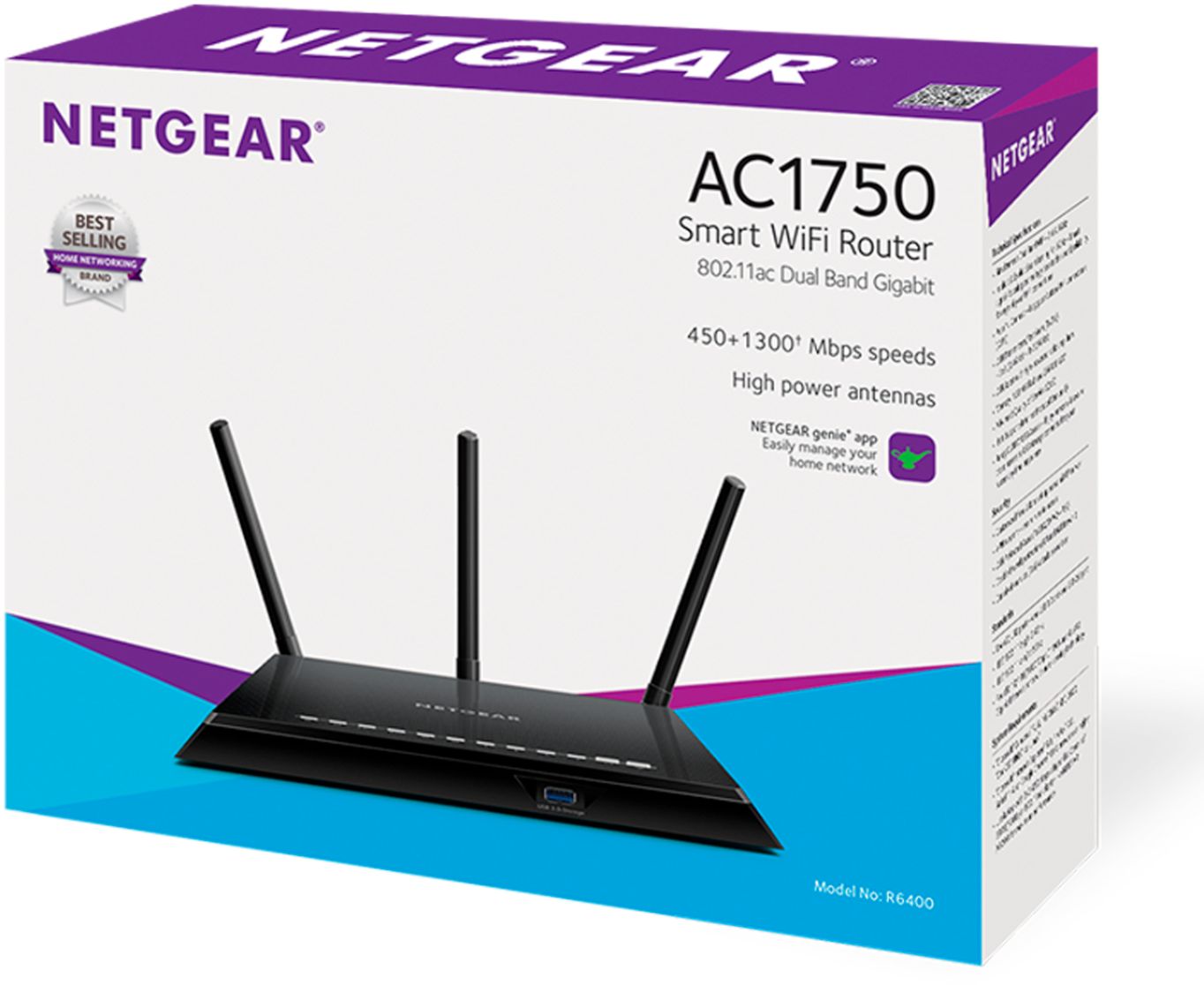
The 1900 has a dual core 1Ghz processor compared to the 800Mhz dual core in the 1750 (R6400). Speed rates are faster on the 1900 all around. Same amount of RAM, antennas, and beamforming+ supported on both.
A:AnswerThank you for your question. We would recommend contacting Centurylink support to see if our products are compatible and would work with their service. – NETGEAR
A:AnswerThank you for your question. We would recommend contacting FiOS support to see if this WiFi router is compatible and would work with their service.
Regards,
NETGEAR Team
A:AnswerYes, you'll still have to pay for your internet service. With Xfinity, Optimum and most internet providers one pays a monthly "rental" fee to use their modem and router. In order to keep from having to pay this monthly fee, we bought this Netgear router to use with a modem given to us by a friend who moved. The cost of the router is less than one year's rental fees for Xfinity. (Our friend thought the modem they gave us had a built in router, but it didn't. If you don't already have a modem, you might want to buy one that is a combination with a modem.)