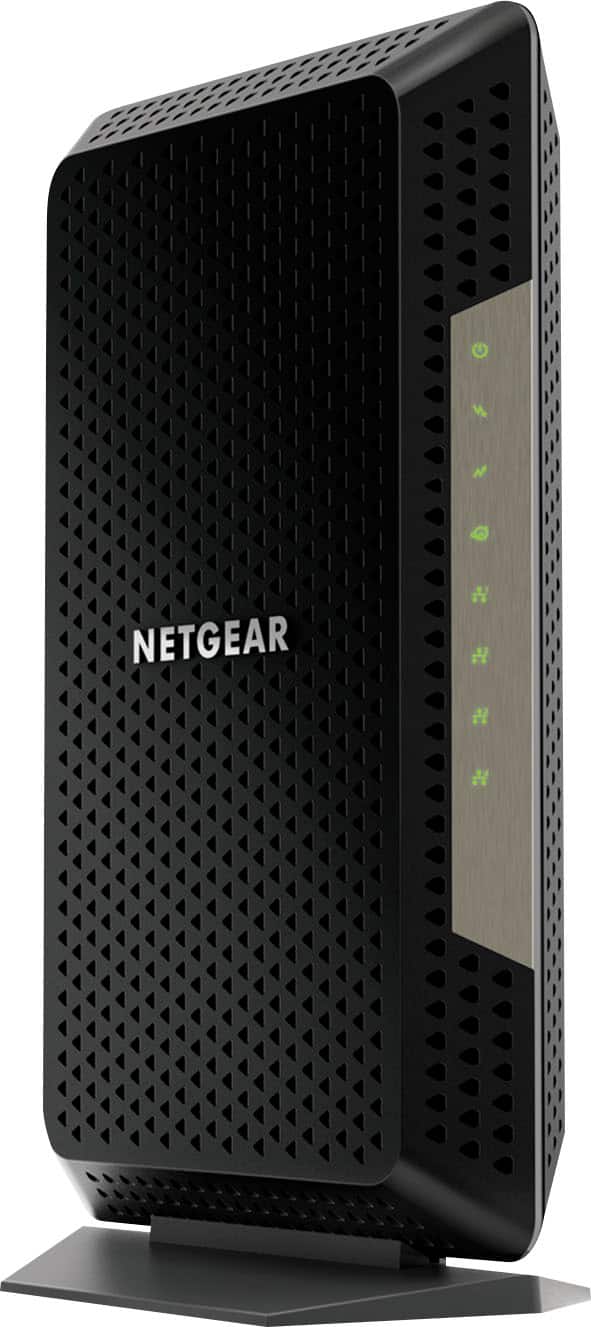
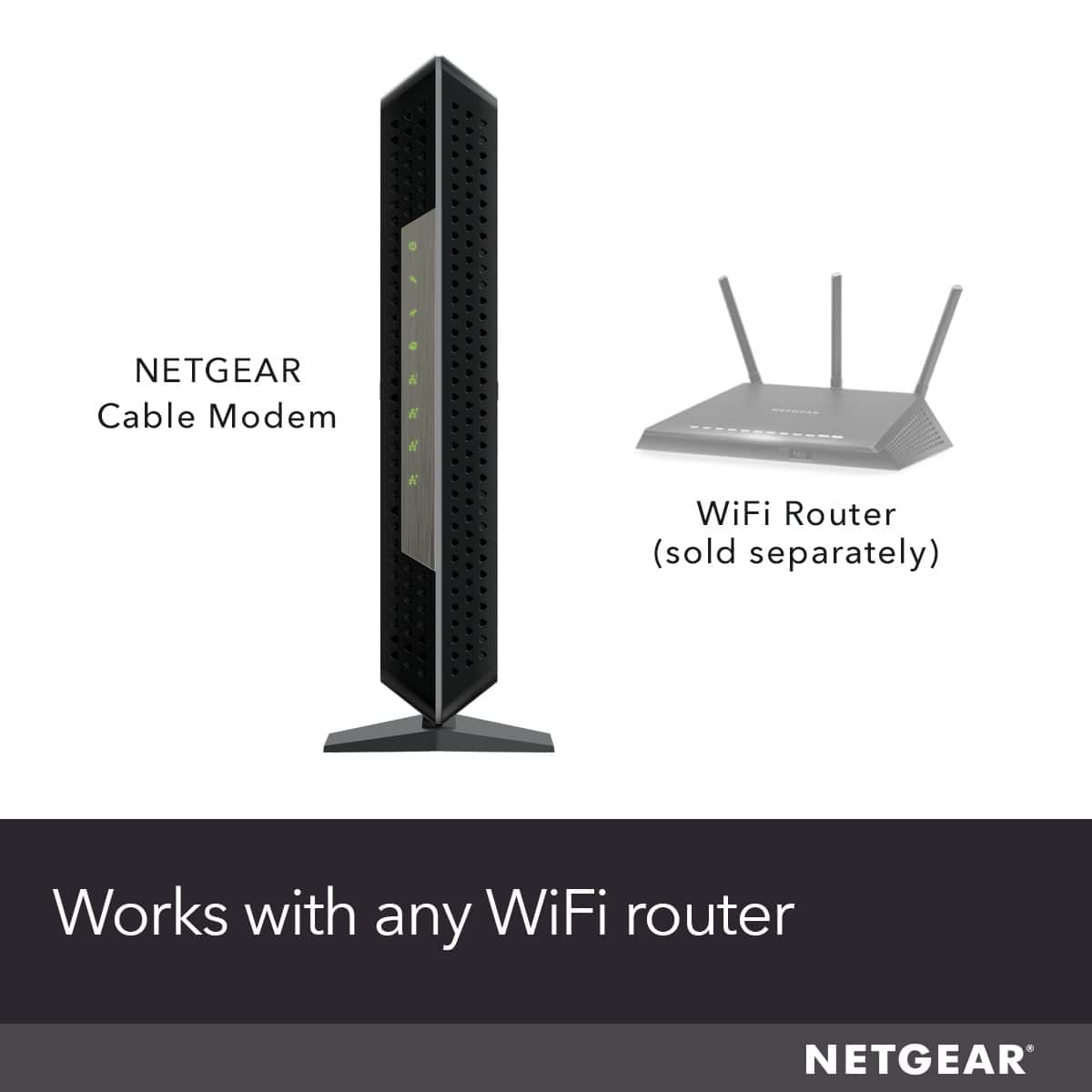
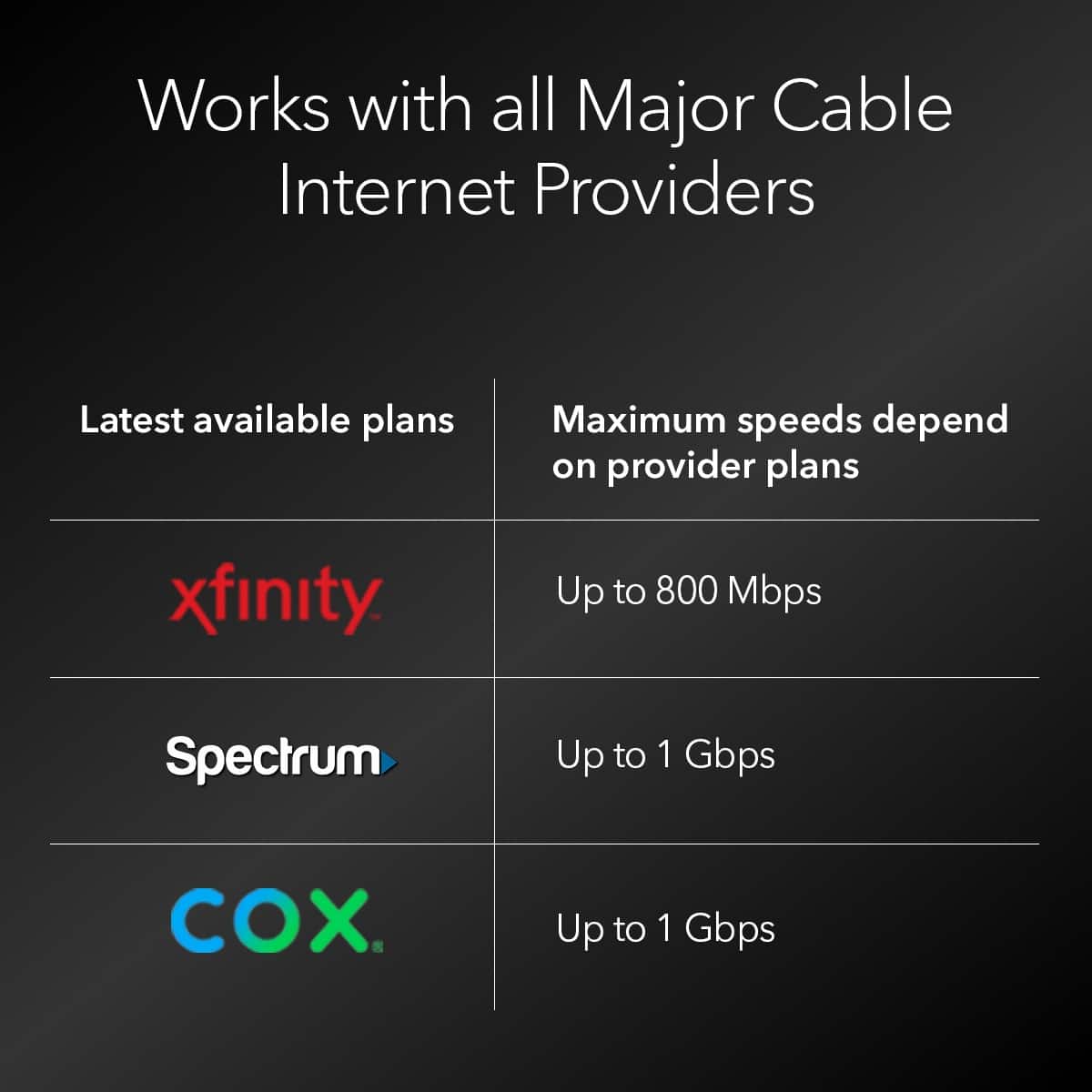
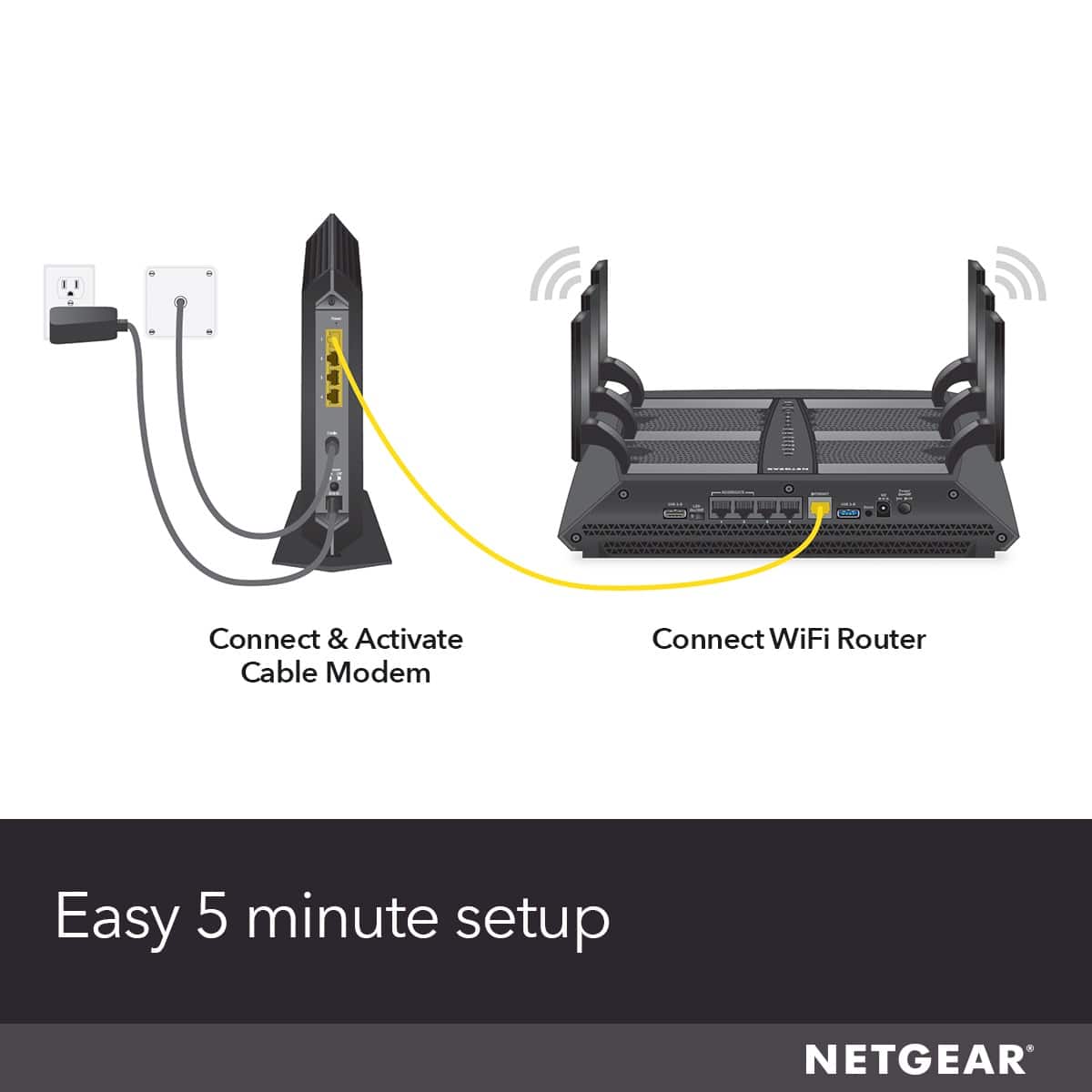
A:AnswerCall the cable company and talk to a technician. They have to allow you to use your own equipment and not rent there's. Give them the model number of your modem, cm1200 is used by most They are required to have a list of compatible modems. You will need a router if you want to use wifi.
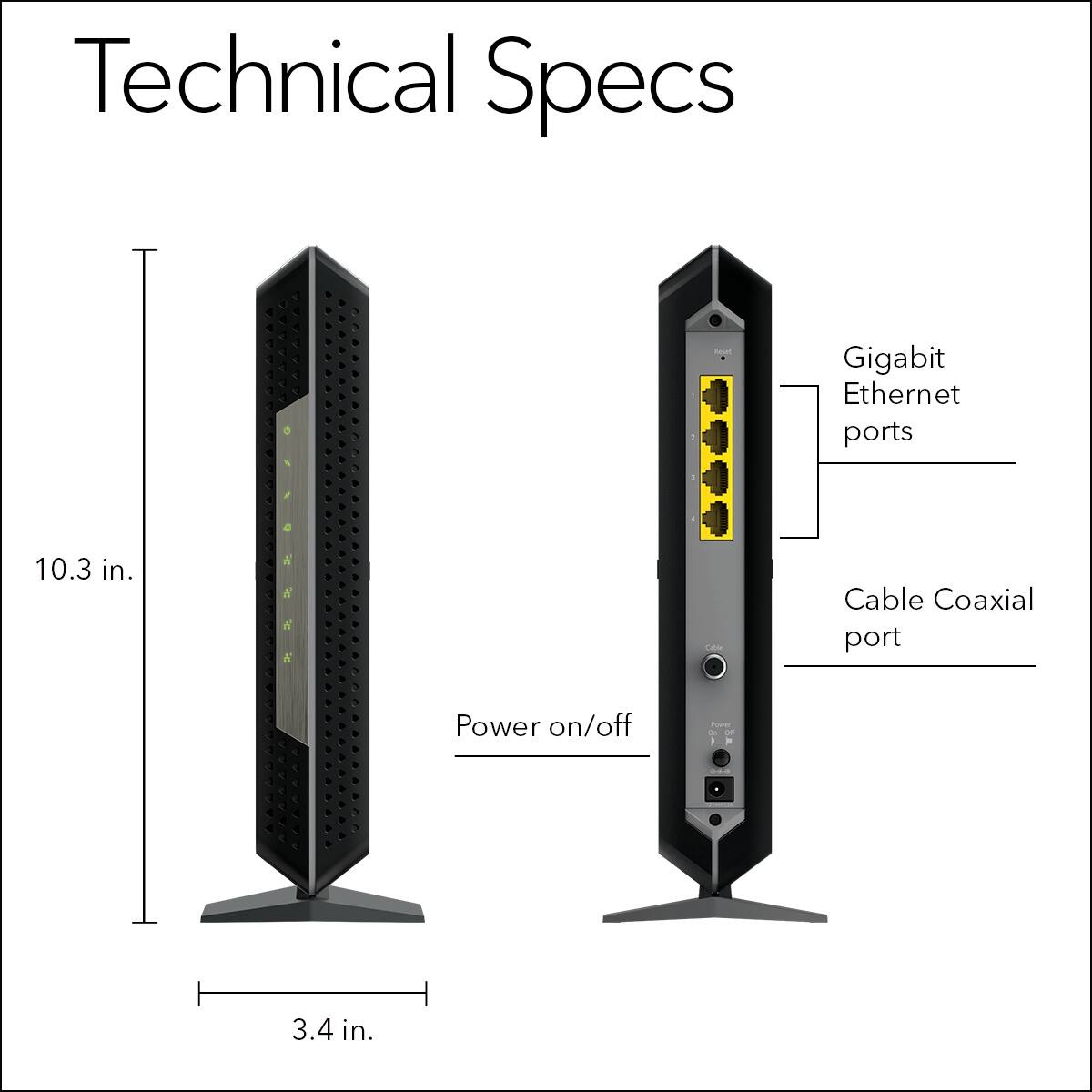
A:AnswerThis device would replace your cable modem/router combo from spectrum. I have it hooked up to a netgear router and it works fine, my connection is more consistent in terms of speeds but you still have to deal with the inconsistency of the spectrums service itself. Just a note if you have spectrums voice bundle this will not work for voice there is no port. Netgear makes another model though that will. Also you need to call spectrum this device will not self activate, call them and provide the MAC address and you should be up and running in 10 minutes.
Replacing spectrums modem with this has nothing to do at all with your cable boxes, so that would be a yes you can still use them.
A:AnswerGiven that the description of the modem itself recommends pairing it with a Netgear branded Router as well as a near identical question being asked and answered earlier about router compatibility, yea, it should work just fine.
A:AnswerI had similar issues. Just click on notify me when available button in case its OOS and you'll be able to order it once you get a notification email. That's what I did. It took just two days to get that notification
A:AnswerMAC addresses are sometimes repeated by vendors The hope is that no one has this issue. Here is more on that:
https://superuser.com/questions/968340/how-is-uniqueness-of-mac-addresses-enforced
To fix the issue, you have to enable mac spoofing. Maybe someone did this for your MAC address already since they write them on the outside of the box. Here is how to do it:
https://kb.netgear.com/1086/No-Internet-with-new-router-MAC-spoofing
You may have to call Xfinity to tell them the new MAC address.