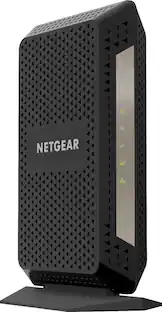
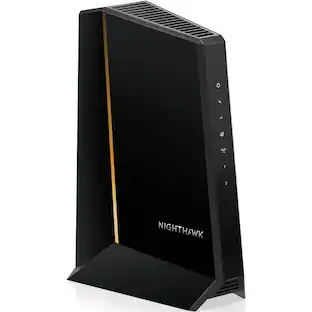
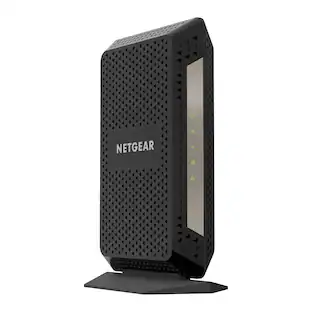
NETGEAR - Nighthawk 32 x 8 DOCSIS 3.1 Cable Modem - Black
Customers are saying
Customers are satisfied with the overall performance, consistent speeds, and the painless setup process of this product. Users also appreciate the reliable connectivity, broad compatibility with service providers, and the strong signal strength throughout their homes. While the design is generally praised for being compact, some users have noted that the device is quite tall and experienced limited functionality with certain ports.
Highlights
Features
Cable Modem only. External Router needed
This is a cable modem. Separate WiFi router required for WiFi connectivity. Recommended to pair with a NETGEAR WiFi router.
Compatibility
Compatible with major cable internet providers including Xfinity, Spectrum, Cox and more. NOT compatible with Verizon, AT&T, CenturyLink, DSL providers, DirecTV, DISH and any bundled voice service
Optimize your Internet
With an outdated modem, you may not be getting the Internet speeds you paid for. Update your equipment to get better upload and download speeds, and a better Internet experience at home.
Works with any WiFi Router
Connect any WiFi router to this modem's Ethernet port to support all your wireless devices.
Save on monthly rental fees
Is your cable service provider charging you every month to lease their equipment? Save money by buying and owning your cable modem or cable modem router. Replace your rented equipment can save you up to $168/yr in rental fees.
Best for cable provider plans up to 2 Gigabit speed
32x8 Channel Bonding and DOCSIS 3.1 technology delivers the fastest Internet to your home - even during peak Internet usage hours.
DOCSIS 3.1 technology
Upgrading to a DOCSIS 3.1 modem means you'll still enjoy your current Internet service and be ready for the fastest speeds available in your service area. Get up to 10x faster download speeds than the DOCSIS 3.0 standard.
Fully backward-compatible with previous DOCSIS standards.
Ethernet Port
4 Gigabit Ethernet ports connect to your computer or separate WiFi router. Link aggregate two (2) LAN ports to double maximum wired speeds with compatible WiFi routers.
Specifications
- Internet Service Provider (ISP) CompatibilityCox Communications, Spectrum, XFINITY from ComcastDOCSIS Certification3.1Channel Bonding32 x 8Number of LAN Ports4
Reviews
Rating 4.5 out of 5 stars with 2103 reviews
- Overall Performance (846)
- Speed (512)
- Setup (324)
- Connectivity (128)
- Compatibility (33)
- Port Functionality (34)
- Size (7)
Customer Images
The vast majority of our reviews come from verified purchases. Reviews from customers may include My Best Buy members, employees, and Tech Insider Network members (as tagged). Select reviewers may receive discounted products, promotional considerations or entries into drawings for honest, helpful reviews.
Compare similar products
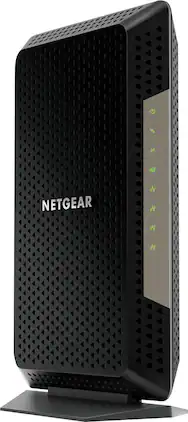
The Nighthawk CM1200 Multi-Gig speed cable modem by NETGEAR supports link aggregation to deliver true Multi-Gig Internet speeds. The future-proof cable modem supports fast Internet speeds. This DOCSIS 3.1 cable modem is ready for any of today's service plans and future upgrades.
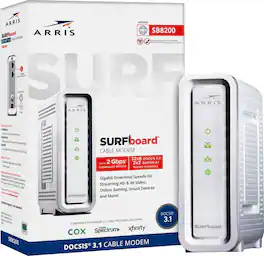
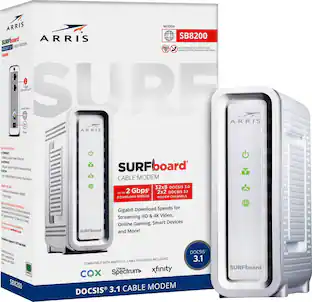
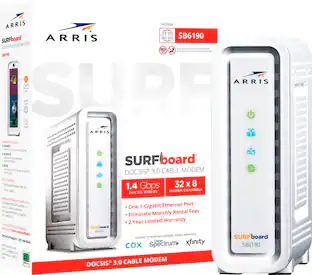
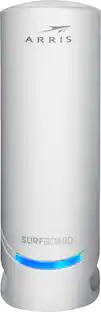
The ARRIS SURFboard SB8200 DOCSIS 3.1 Cable Modem is capable of delivering true Gigabit speeds. It's approved for use with Cox, Spectrum, Xfinity and others supporting cable internet speed plans up to 1 Gbps. Upgrading your home network starts with your modem.

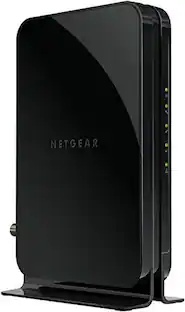
The CM1000 Ultra-High Speed Cable Modem, with speeds up to 1Gbps and DOCSIS 3.1 is 10X faster than DOCSIS 3.0 devices. It's backward compatible with DOCSIS 3.0 and ready for future service plan upgrades for XFINITY from Comcast, Cox, and Spectrum. A Gigabit Ethernet port provides faster access and downloads.
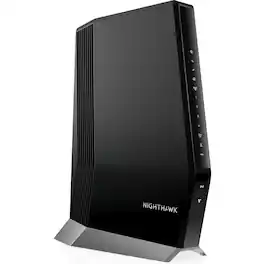
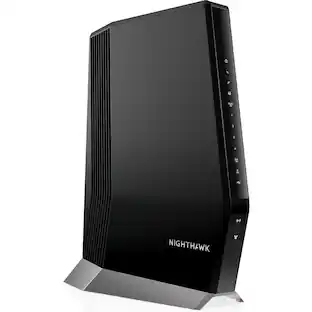
Experience a new-generation Wi-Fi 6 router with a built-in DOCSIS 3.1 cable modem that delivers blazing-fast multi gigabit Internet. With link aggregation and enhanced capacity to handle more Wi-Fi devices, the Nighthawk multi gigabit speed cable modem router delivers a truly impressive experience. Enjoy an improved Internet experience with a built-in cable modem that supports 1 Gbps+ Internet speed and Next-Gen Wi-Fi 6 technology that is ideal for the speeds you and your family want for lag-free gaming, 4K HD streaming, and Internet browsing coupled with improved indoor and outdoor coverage. Stream, game, and browse even more with 2.5 Gbps Multi-Gig Ethernet ports and 4 Gigabit Ethernet ports for wired connectivity support with endless options for fast Internet. Compatible with XFINITY from Comcast and Cox. Contact your Internet service provider for additional compatibility information.
| Pros for NETGEAR - Nighthawk 32 x 8 DOCSIS 3.1 Cable Modem - Black | |||
|---|---|---|---|
| Overall Performance, Speed, Setup, Connectivity, Compatibility | Speed, Overall Performance, Ease of use, Setup, Connectivity | Speed, Ease of use, Setup, Compatibility, Performance | There were no pros for this product— |
| Cons for NETGEAR - Nighthawk 32 x 8 DOCSIS 3.1 Cable Modem - Black | |||
| Port Functionality, Size | Heat, Lag | Lag, Heat, Signal Strength | There were no cons for this product— |
Specs
Customers often buy these together
Smart Speakers and Displays








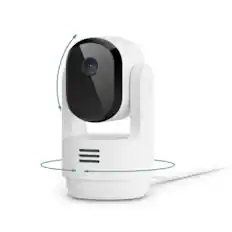
Security Camera





More recommended items
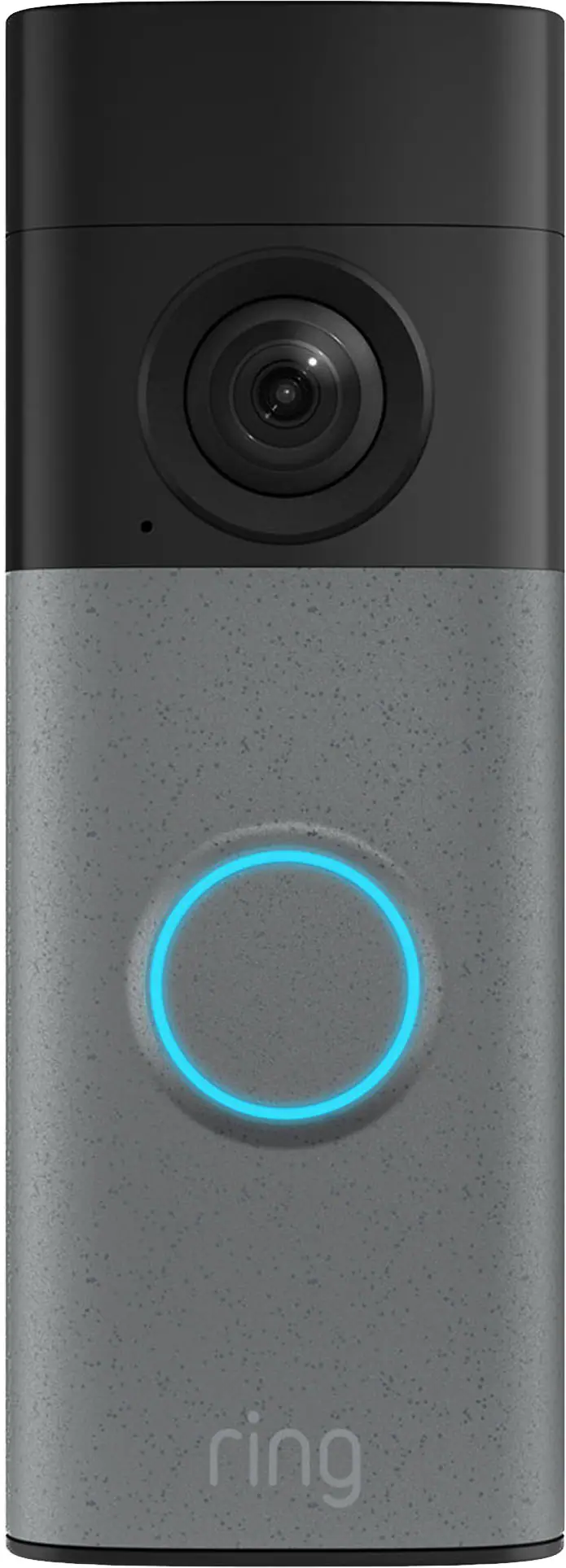 Smart Doorbell
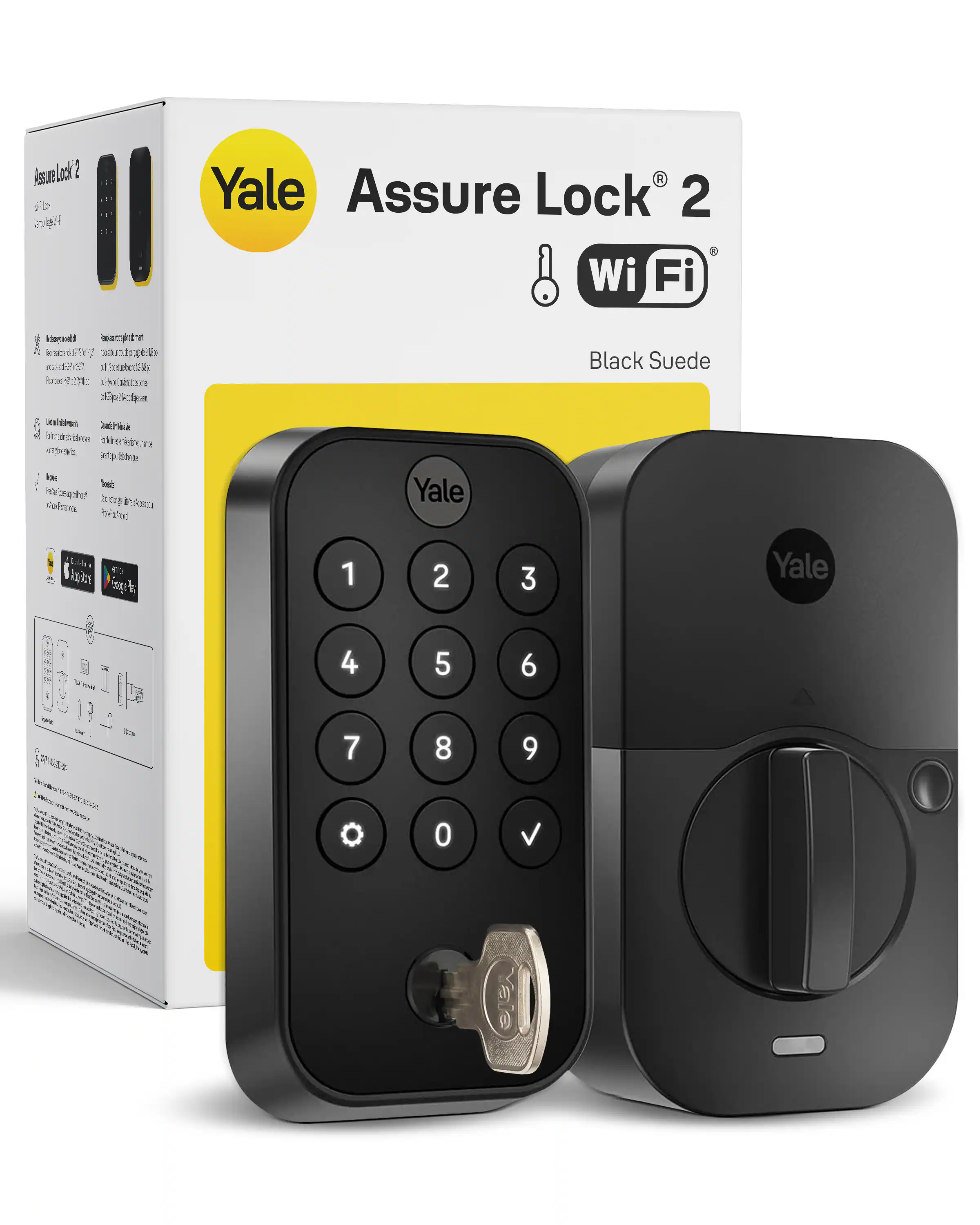 Home Security System
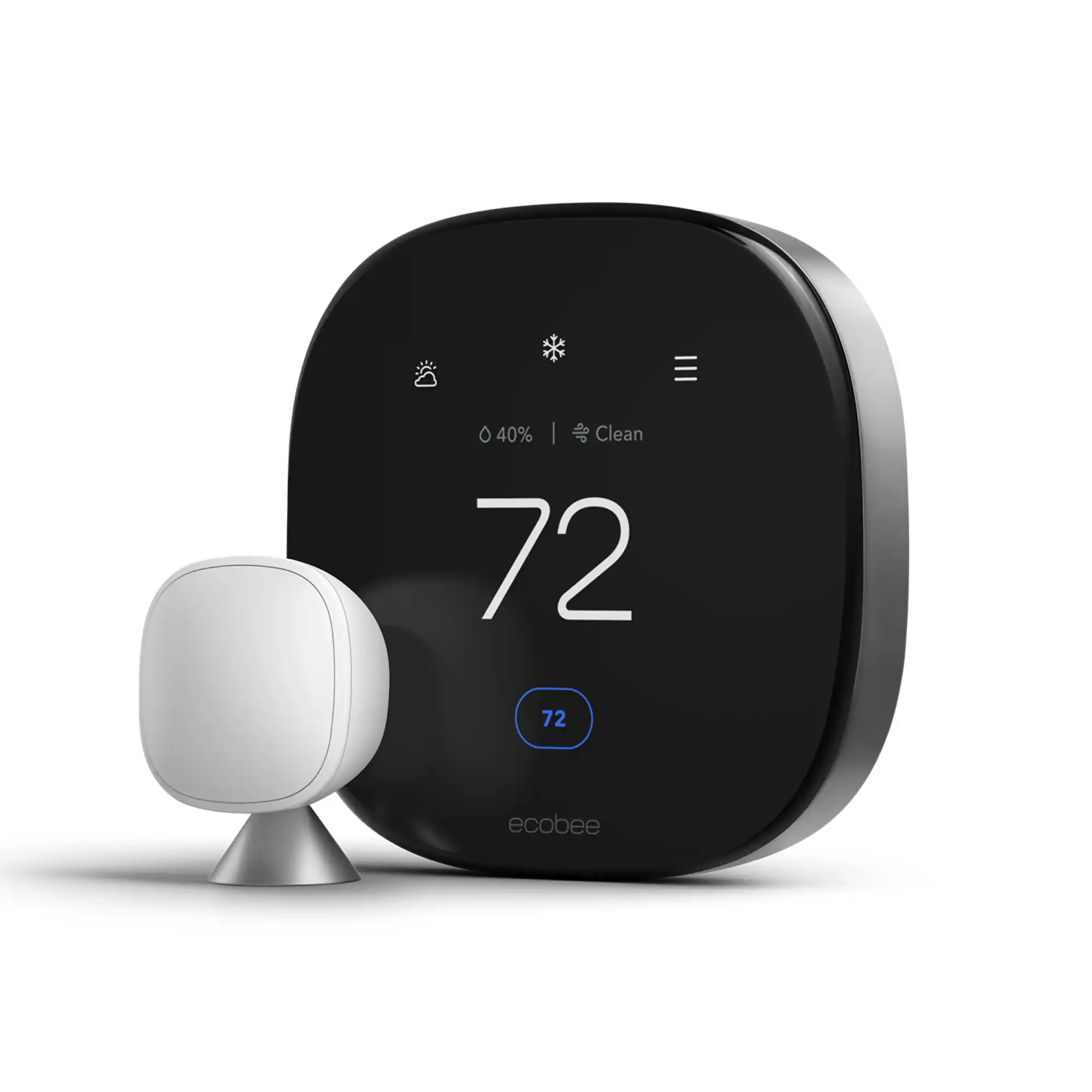 Smart Thermostat
More to consider

Explore tech essentials Sponsored

Discover related products
 $799.99The price was $847.99
 $249.00The price was $275.00
 Techtober Deal$10.99The price was $13.99