A:AnswerDepends. Two things matter.
1 - How fast your internet speed is?
2 - How fast your company allows internet traffic thru their VPN channel.
For example, if you internet speed is 100 MB, but your VPN connection only allows for 5 MB connection, you will never receive a speed or more than 5 MB.
Your can test this to see what kind of speed your are getting. If the connection is unusable, notify you IT desk. Still them VPN bandwidth is too low.
1 - check speed when not connected to VPN, http://beta.speedtest.net/
2 - check speed when connected to VPN, http://beta.speedtest.net/
Hope this helps.
A:AnswerIt will work with any smart TV with wi- fi capability. I use it to support signals to various streaming devices ( for example Roku) , , it also boosts internet accessability to my i - phone
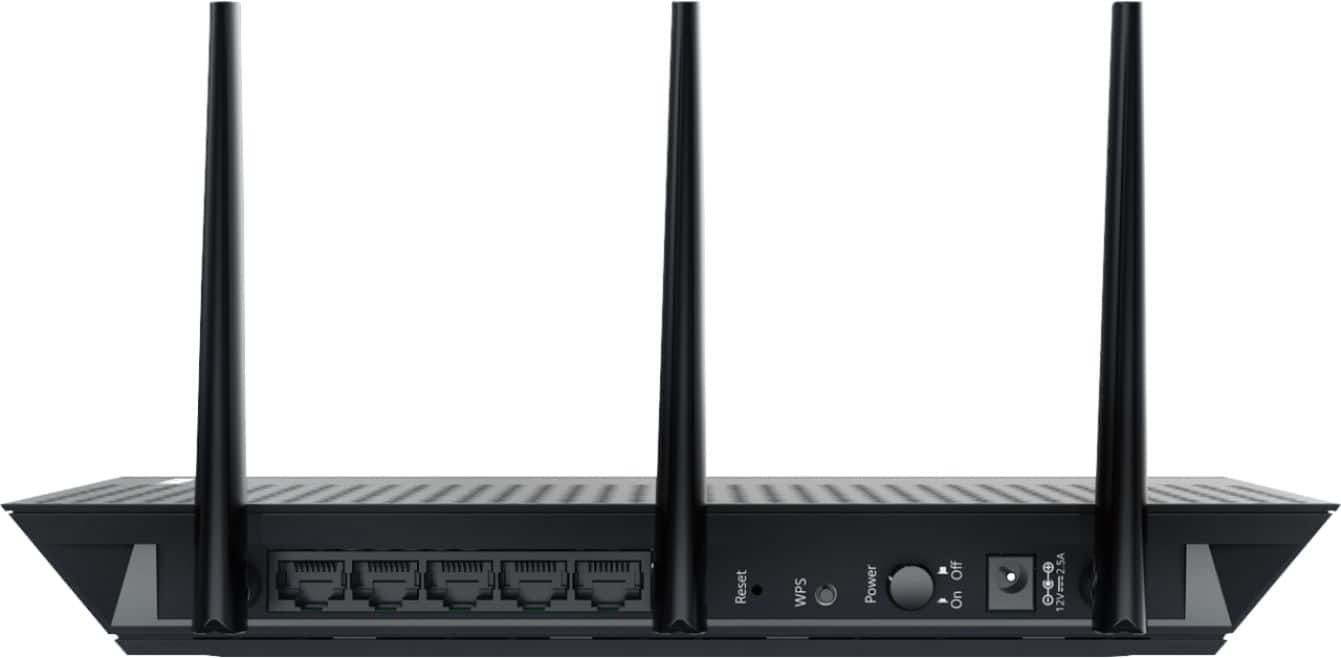
Additionally it provides hard wired access to a multitude of devices
A:AnswerI would assume it would. I've not found a WiFi signal it will not extend and since the Verizon jetpack sends out a typical WiFi signal, it should work.
A:AnswerYour Arris is a modem router combo. Id suggest a Netgear r7800. Probably the best router I have used. You will need to keep the combo Arris for the modem. If there is something wrong with the Arris contact Brighthouse. They should replace it for free.
A:AnswerYes very little is to be done with your Comcast router. The only thing you would need to do is connect the device on your Comcast wifi connection that's it. It is always a good idea to restart your router when adding any new devices but it's optional.
A:AnswerYes.
Netgear products are much more user friendly and compatible than other brands.
I would stay away from Linksys.
Lots of compatibility issues, and customer service couldn't get it to work after wasting more than 2 hours of my time.
They wanted to escalate it to their tech department, expecting me to waste another few hours on the line with a live person.