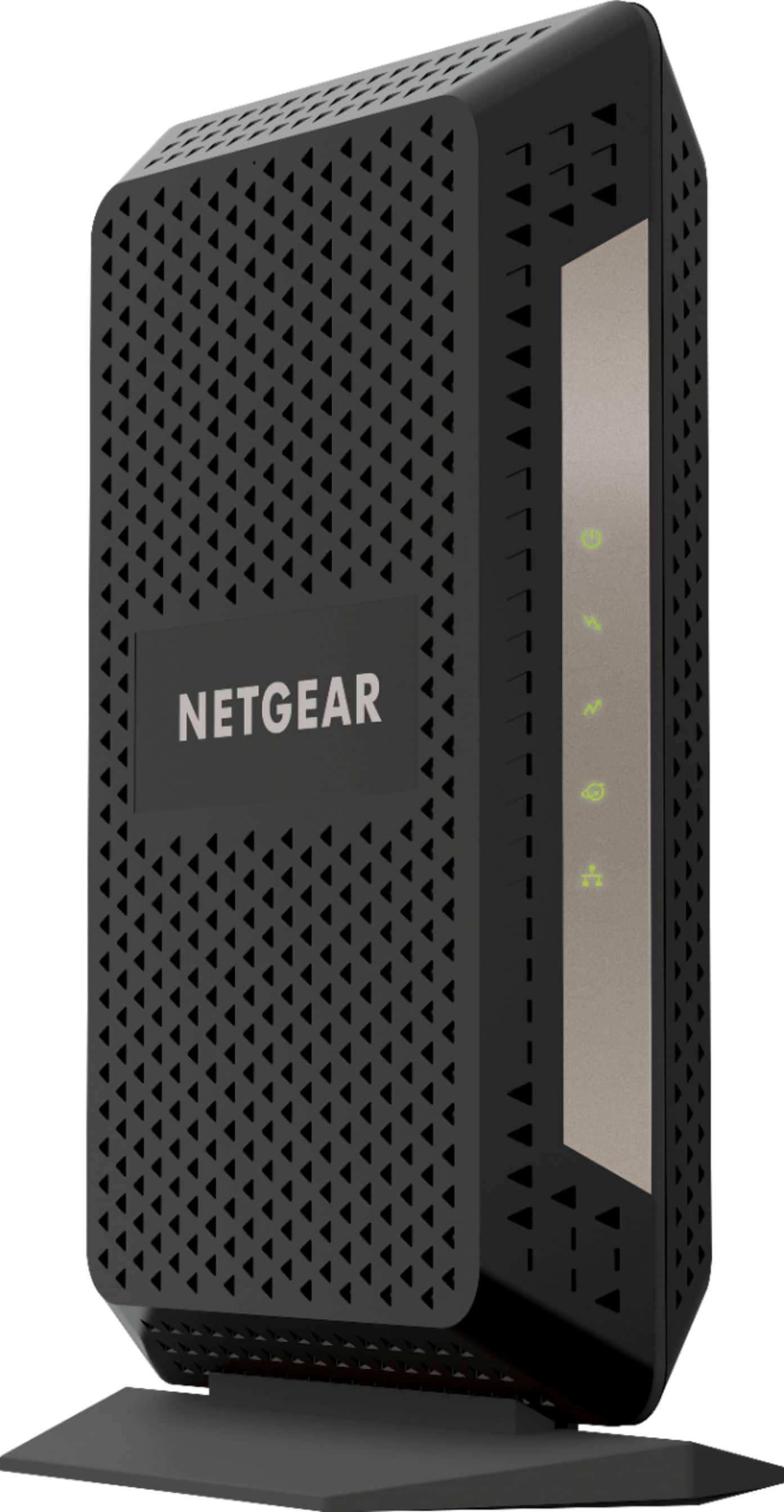
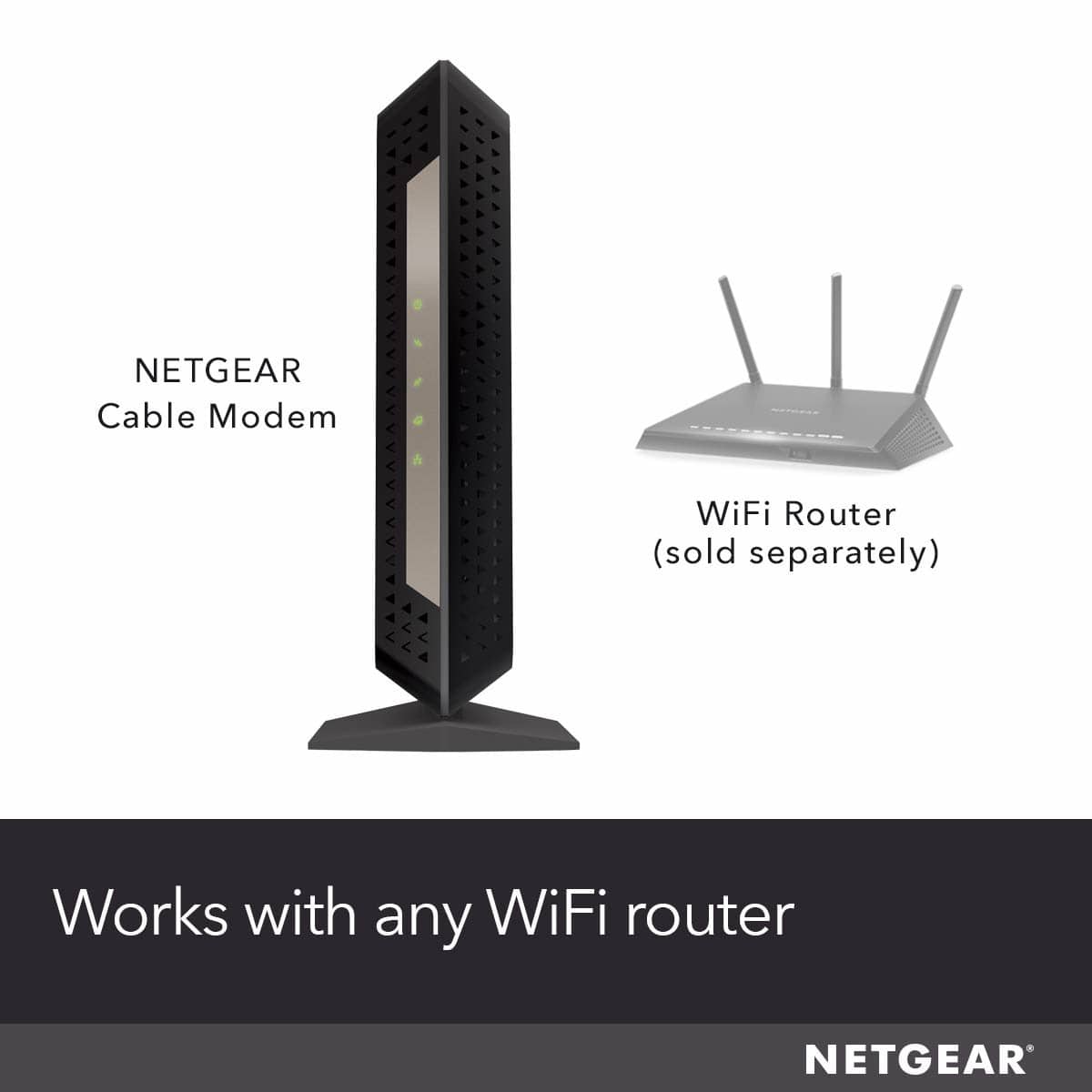
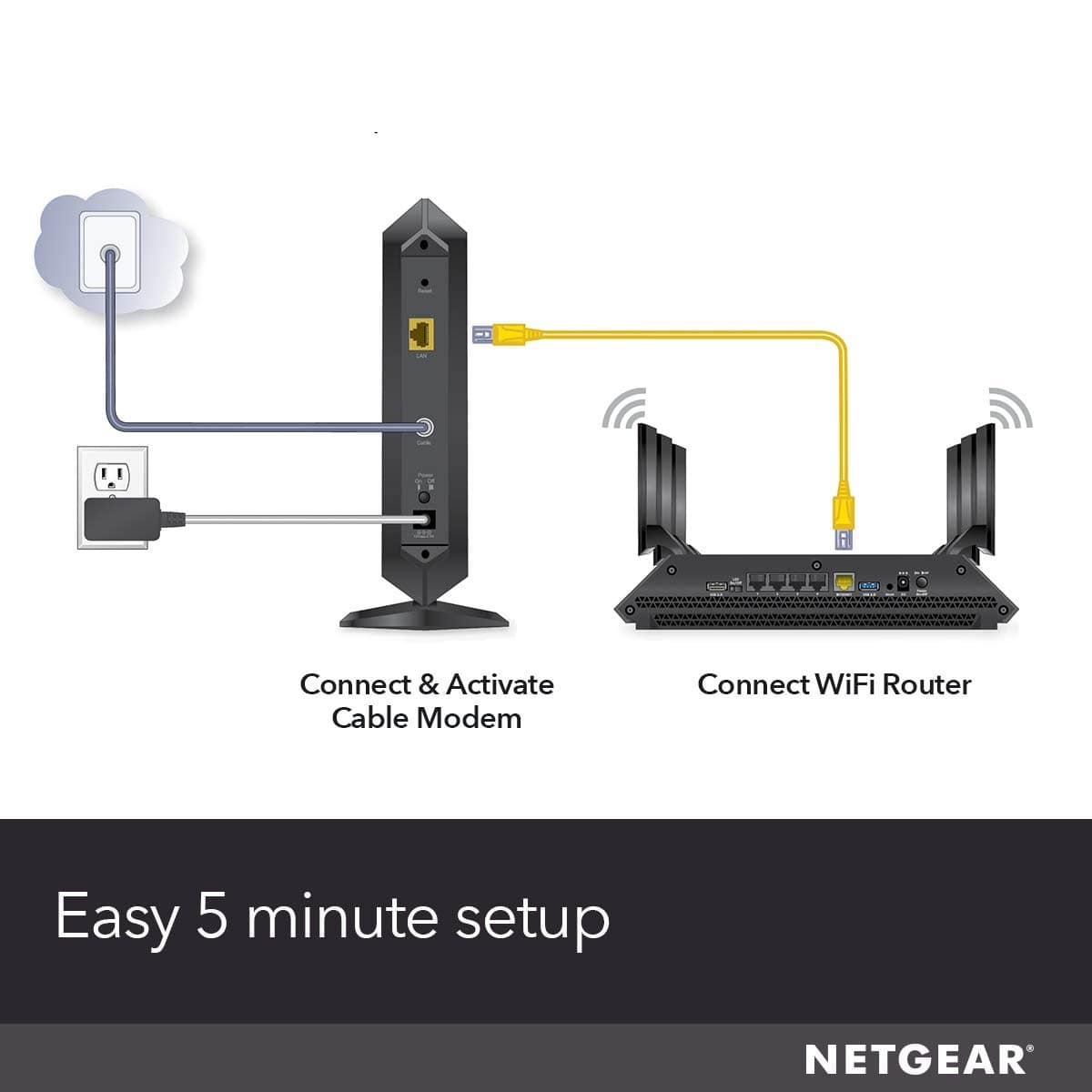
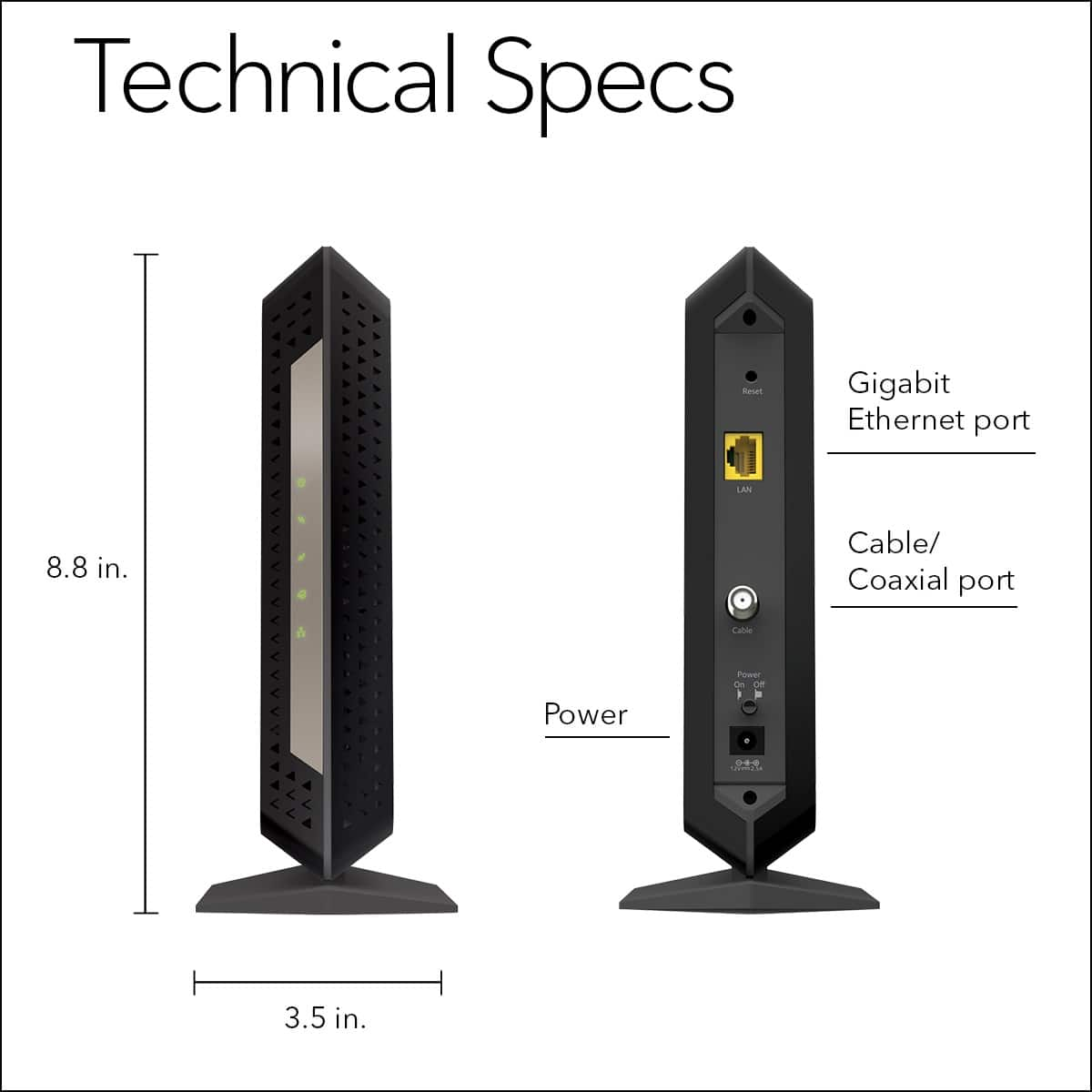
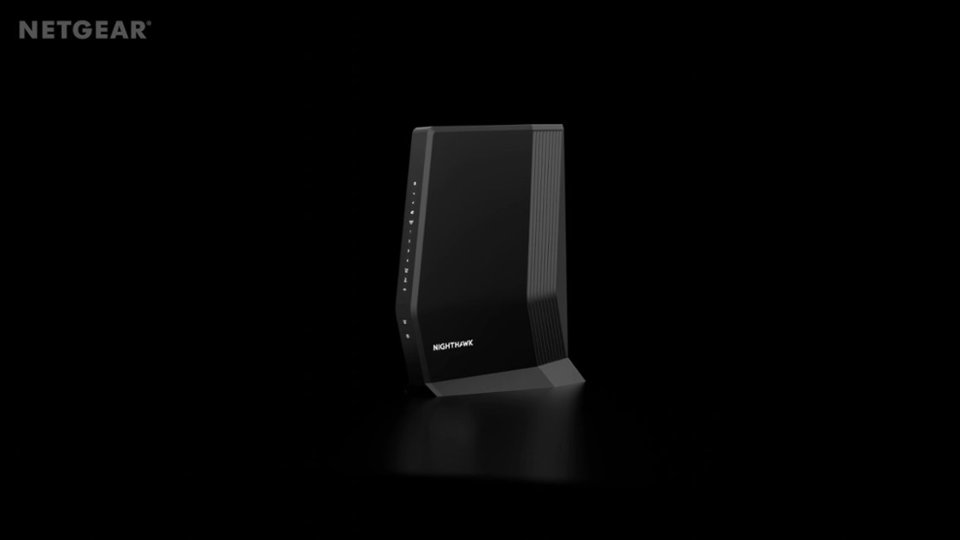
A:AnswerIt is NOT a WiFi modem. It is just a Cable Modem only. You will need a separate WiFi router or even better, a wifi mesh system.
It is a very advanced modem, 3.1 DOCSIS, in that it can work with internet speeds beyond 1 Gbps, up to 6 Gbps
A:AnswerI would not recommend purchasing a Modem since your Hitron Coda 4589 is a Modem Router Combo.
It would not be recommended or likely really even work unless you plan to shut of the Modem component (speak with your ISP) and then use this NETGEAR to replace it.
I would strongly recommend purchasing a dedicated Modem (such as the one you are commenting on) and also purchasing a dedicated router.
If go to a Best Buy I am sure one of their Blue Shirts would love to help you.
Good luck!
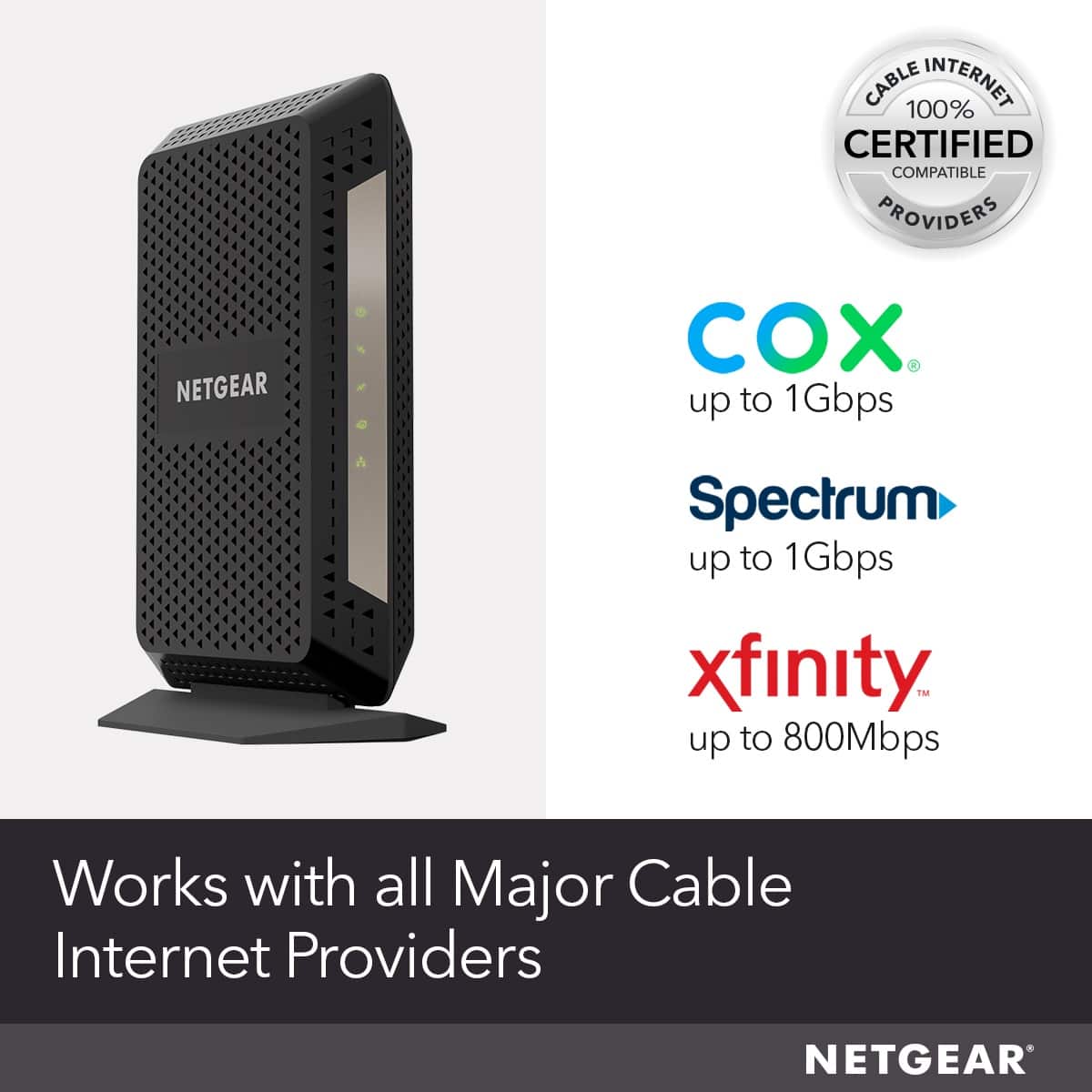
A:AnswerI have Cox internet (300 mbps service) and it works great. This is ONLY the cable modem though. If you want wifi, you'll have to buy a separate wifi router (I bought a Netgear AC1900 wifi router with this cable modem). Setup was easy (had to call Cox to get the cable modem onto their network though) and they perform great. Returned the rented Cox cable modem to save $11.99/month.
A:AnswerThe Netgear CM1000 is a Cable modem with a built-in wireless and wired router. Xfinity is my internet service provider, and the CM1000 works fine for me. If you want to run a google mesh wireless system, you would probably want to disable the built-in WiFi in the CM1000. There is no reason that I can think of that would prevent attaching a Google Mesh system to the CM1000, but I have no experience with the Google Mesh products.