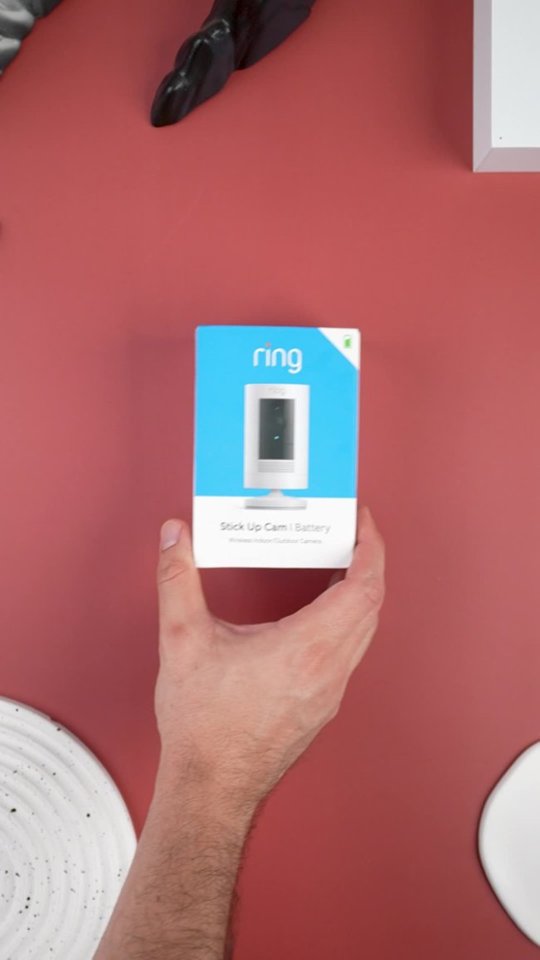
A:AnswerI have it set up in my backyard. I have a fence that is about 40 to 50 yards away. However, I am pretty sure it can get up to 20 more yards if it were not for the fence.
A:AnswerIt comes with it's own battery that is rechargeable. If you get the solar then it will charge that battery and you don't have to worry about it.
Otherwise, you will do like me and have to recharge the battery like every few weeks to a month depending on its use) frequency in picking up motion).
The app will show you battery life when you click the health tab. Then you just take the battery out use the usb cord that came with it and charge it. When the light is just green you have a full charge.
A:AnswerCassarole, that is a fantastic question! The device will have footage leading up to the point of damage on the device recorded for you to be able to review within the Ring application. You can learn more about our cloud-based Ring Protect Plan storage options here: https://support.ring.com/hc/en-us/articles/115001671383-General-Information-on-Ring-Protect-Subscription-Plans. Also, the Ring Community forum was launched in March 2019 to help deliver the most current news and educational information to our customers. You can find tips and tricks from other Ring users at https://community.ring.com/. This peer-to-peer forum allows our neighbors to share their feedback and experiences to assist each other in resolving their concerns. Regards, Brett from Ring.
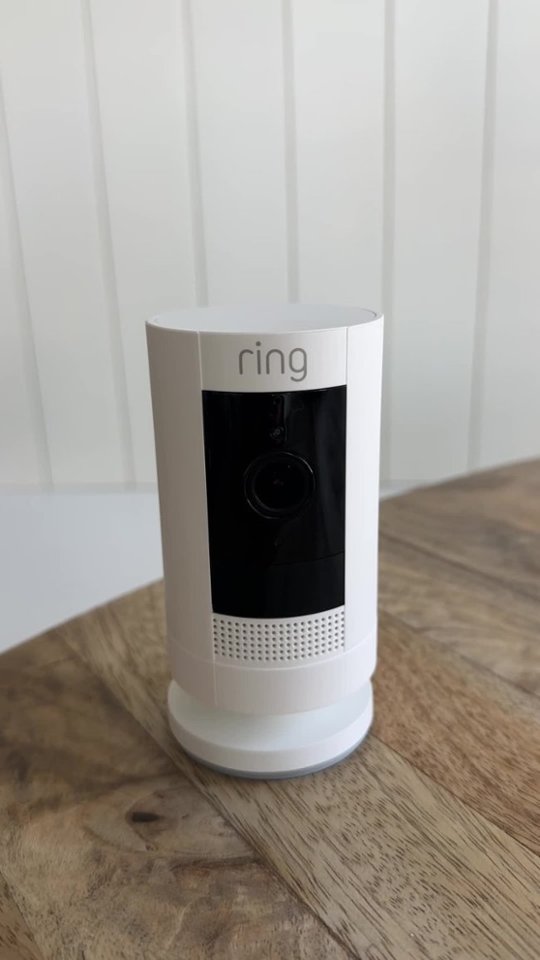
A:AnswerThese are not buttons they just have rubber caps one hole is for the mounting hardware if you're mounting it on its side rather than on the bottom, and the other is where you plug in a solar panel sold separately for battery operated Wi-Fi cams. The only button is in the inside by the battery pack and that's the reset button for setup.
A:AnswerNo, it’s doesn’t record continuously but there’s an option called “snapshot capture” that will take a picture every 14 minutes or every hour.
As far as recording it’ll record up to 20-30 seconds. But again there’s an option to have the recording cut short if the motion or movement goes away.
Between motions is pretty quick. Few seconds. You can always adjust the sensitivity of the motion detection as well. (: Hope this helps!
A:AnswerDon't get a battery Ring camera. Get the plug in one. The battery is depleted within 2 weeks for me. I'm debating getting a second battery or solar. Since the batteries only charge when they are above 20F, a cold sunny day at 0F in Minnesota won't get you anywhere and you'll end up pulling the battery and bringing it inside to charge it anyway.
I'll probably end up getting a second battery because of the charging issue. I received my camera as a gift and had it most of the summer so I can't return it. It worked great in the summer, by the way. With the second battery, I'll eliminate one ladder climb per battery charging. That way I don't have to climb the ladder, pull the battery, charge the battery (which takes around 6 hours), climb the ladder again, and install the battery. Snow and ice make climbing a ladder less than desirable.
If I had known the cold weather performance earlier, I would have returned the camera for a plug in model and wired and outlet.
A:AnswerNo SD card. Uses WiFi and an app. I don’t pay for the subscription. But it records motion on the app. In small segments. I’ve only had it about a month and all the motion recordings are on the app. I have the wireless camera and a ring doorbell on same app. It works great. Thanks
A:Answerthere is no sticky bottom.... you would either screw the base onto something flat while the base is at the bottom.... or you can move the base to the back and screw the base into a wall, fence or whatever. screws and anchors are included.
A:AnswerHello Jose,
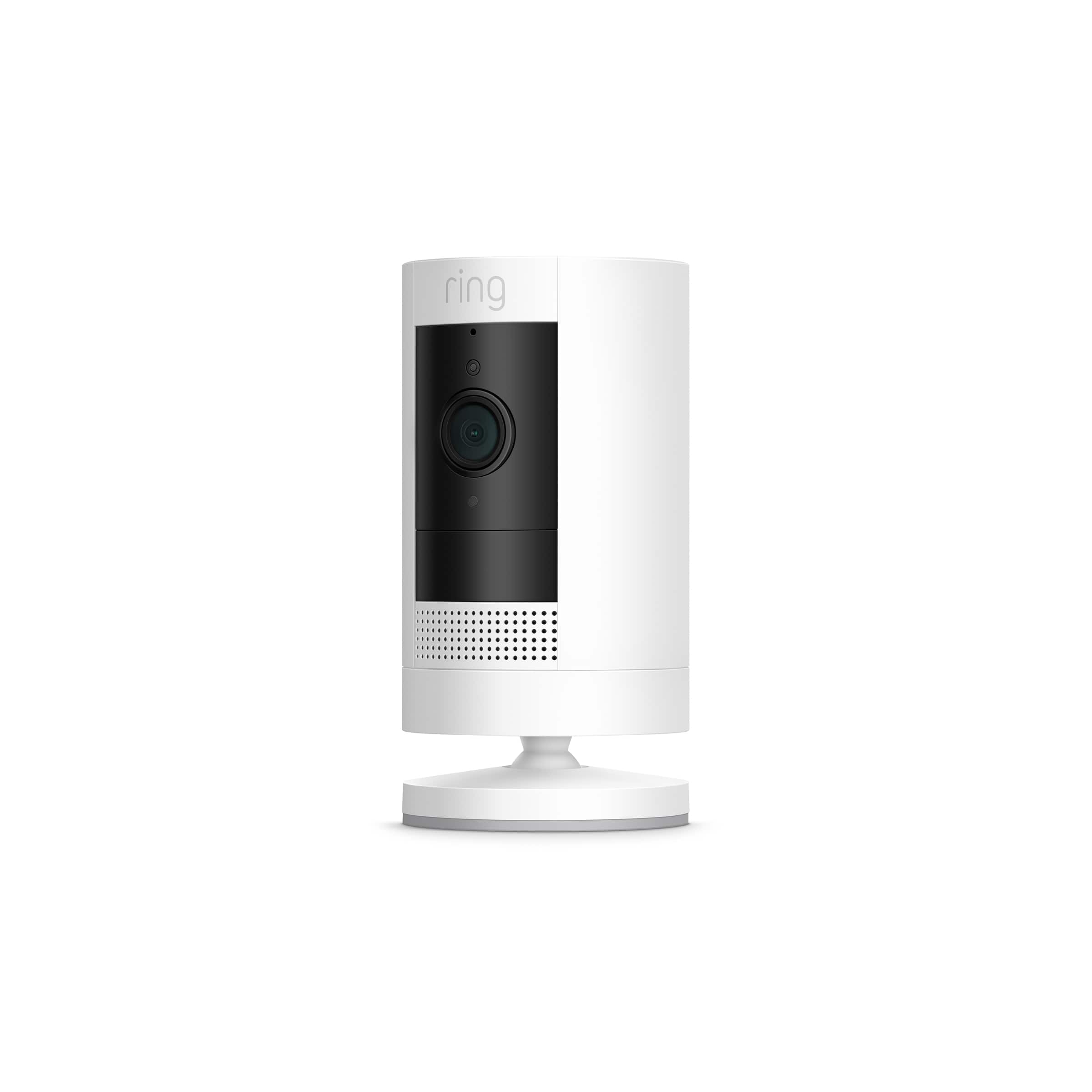
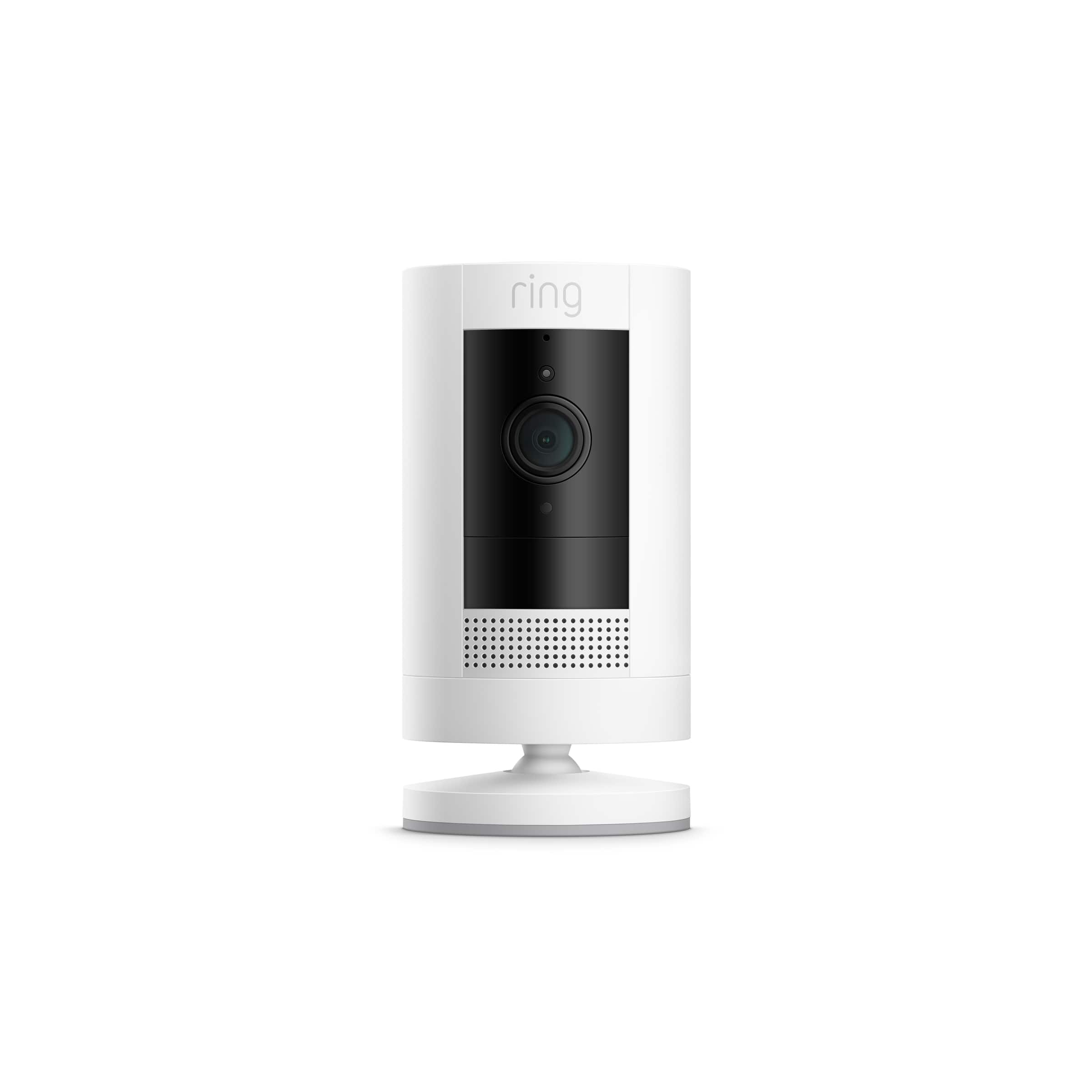
Great question! Yes, the Ring Stick Up Camera does include a rechargeable battery pack. Here is a complete list of what's included within the box:
Ring Stick Up Cam Battery Unit
Base Cover
Base Pad
Stand and wall mount accessories
Installation tools and hardware
Ring rechargeable battery and micro-USB cable for charging
User manual & quick-start guide with QR code
Security Sticker
Here is also a helpful article that answers any other pre-purchase questions you may have: https://support.ring.com/hc/en-us/articles/360015669092-Stick-Up-Cam-Battery-2nd-Generation-Information.
Ring Community launched in March 2019 to help deliver the most current news and educational information to our customers. This peer-to-peer forum allows our neighbors to share their feedback and experiences. You can find other useful installation information at https://community.ring.com/ for the Ring Stick Up Camera.
Thank you,
Alexis with Ring
A:AnswerYes, you can purchase a solar panel or the "indoor/outdoor power adapter" to plug it into a power outlet. The battery will be used as a backup in both cases.
A:AnswerI would stay within 3 bars of wifi signal (strong signal). This means your wifi router ore repeater would have to be decently close to whatever portion of the yard this tree is around. This is a completely Wifi dependent device. You have to set your expectations around that. However, Best Buy has a return period based on your member level (Regular, Elite, Elite Plus) so you would get a minimum of 15 days to try it out I think.
A:AnswerYou will only need one phone/app to operate multiple cameras. I currently have 4 cameras and all are operated on my iPhone via the ring app. Cameras can be purchased separately. There is directions included with each camera on how to set up. For the most part it is as simple as scanning a QR code into your phone and following the prompts by the app.