A:AnswerHello LastMinuteShopper,
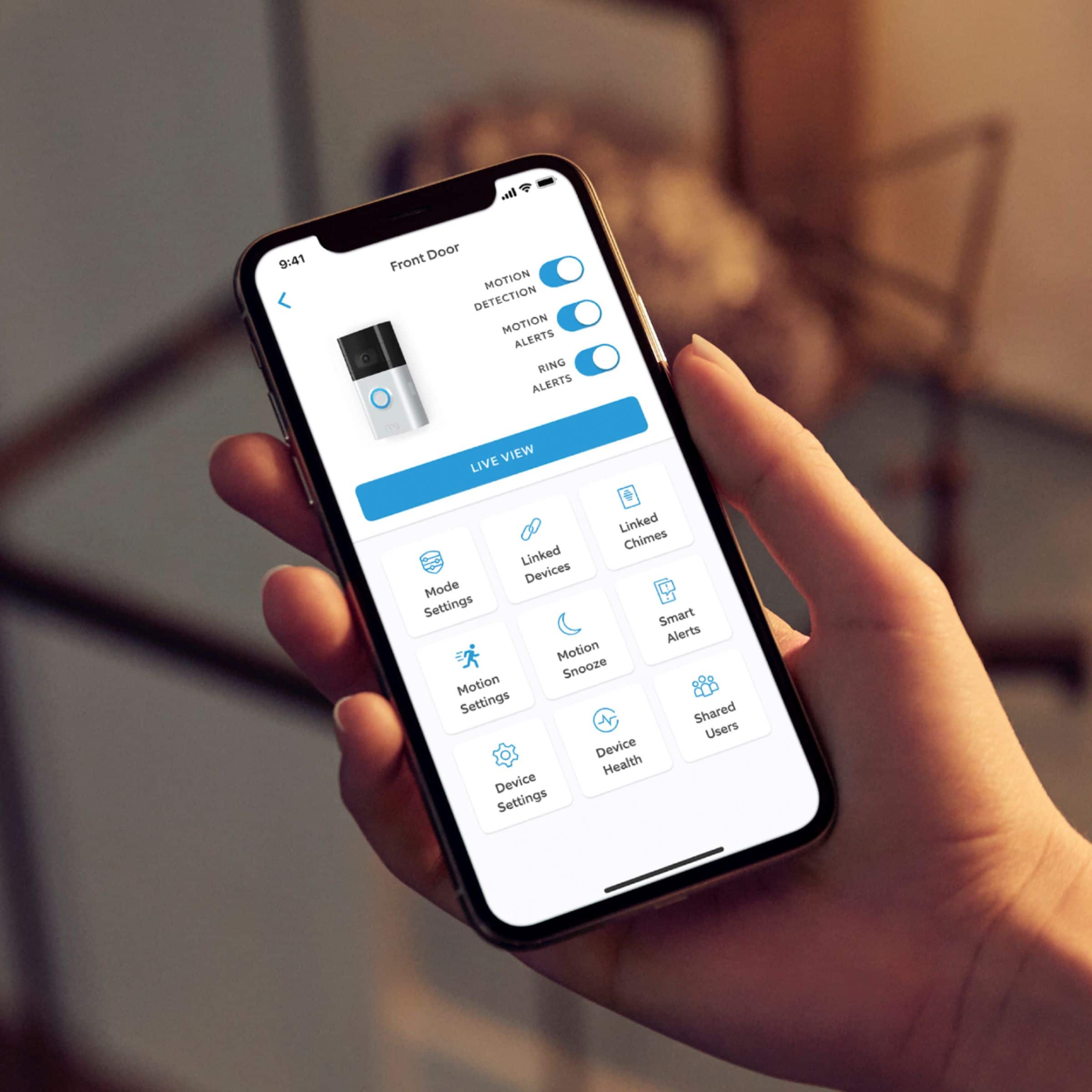
Thanks for asking! Yes, you can manage all of your Ring devices within the Ring app. Your Ring app is the command center for all of your Ring devices. With it, you can control your devices, manage user roles, and join your neighborhood. For more information, visit our support center: https://support.ring.com/hc/en-us/articles/115005267846-Welcome-to-the-Ring-App.
You can also visit the Ring Community. It launched in March 2019 to help deliver the most current news and educational information to our customers. You can find tips and tricks from other Ring users at https://community.ring.com/. This peer-to-peer forum allows our neighbors to share their feedback and experiences to assist each other in resolving their concerns.
All the Best,
Nicole with Ring
A:AnswerHi JimJ,
Thanks for asking! Yes, you can use a Ring Chime inside your home to notify you when someone presses your Ring Video Doorbell 3, or motion is detected. We recommend setting up your Ring Video Doorbell 3 first, then setting up the Ring Chime. After the device and the Chime are active and on the wifi network, use the Ring app to associate the Ring Chime with the Ring device. For more information on the Ring Chime, visit our support center: https://support.ring.com/hc/en-us/articles/360038177772-Ring-Chime-2nd-Generation-Information.
We invite you to visit the Ring Community. It launched in March 2019 to help deliver the most current news and educational information to our customers. You can find tips and tricks from other Ring users at https://community.ring.com/. This peer-to-peer forum allows our neighbors to share their feedback and experiences to assist each other in resolving their concerns.
All the Best,
Nicole with Ring
A:AnswerHi Dan,
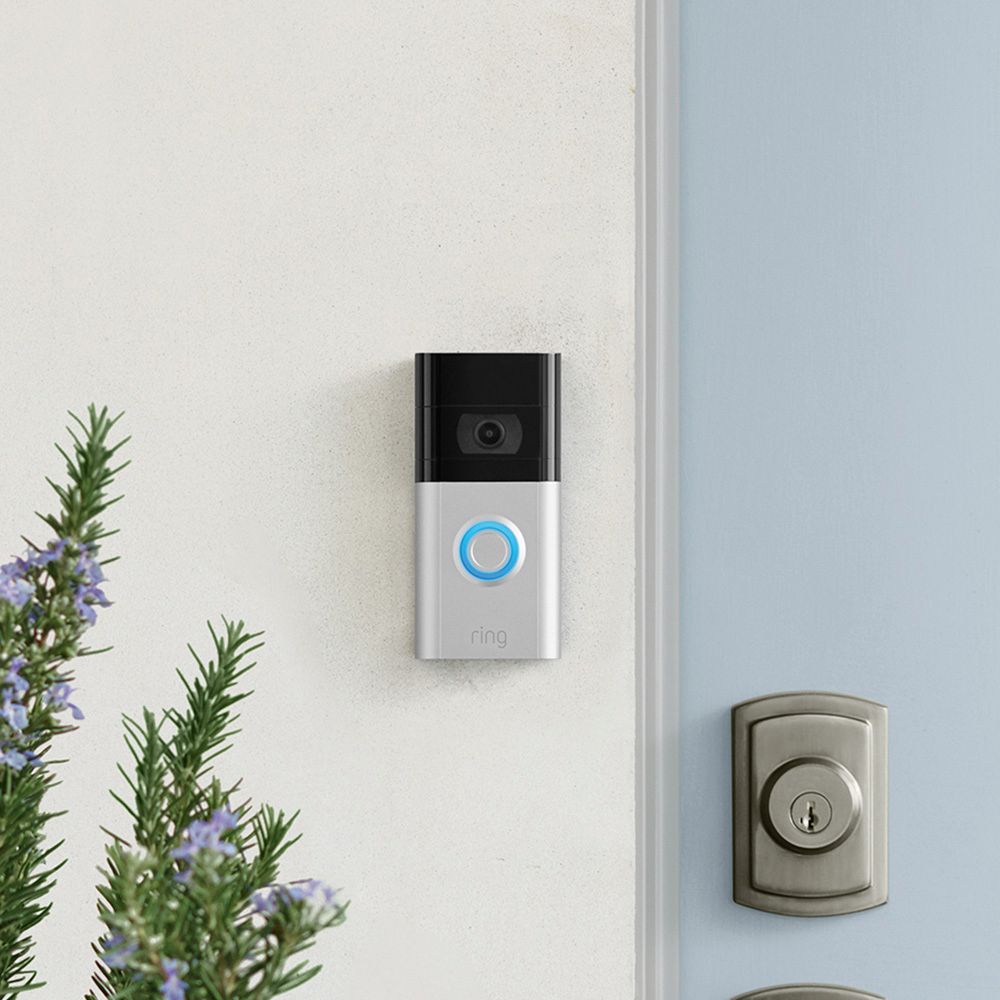
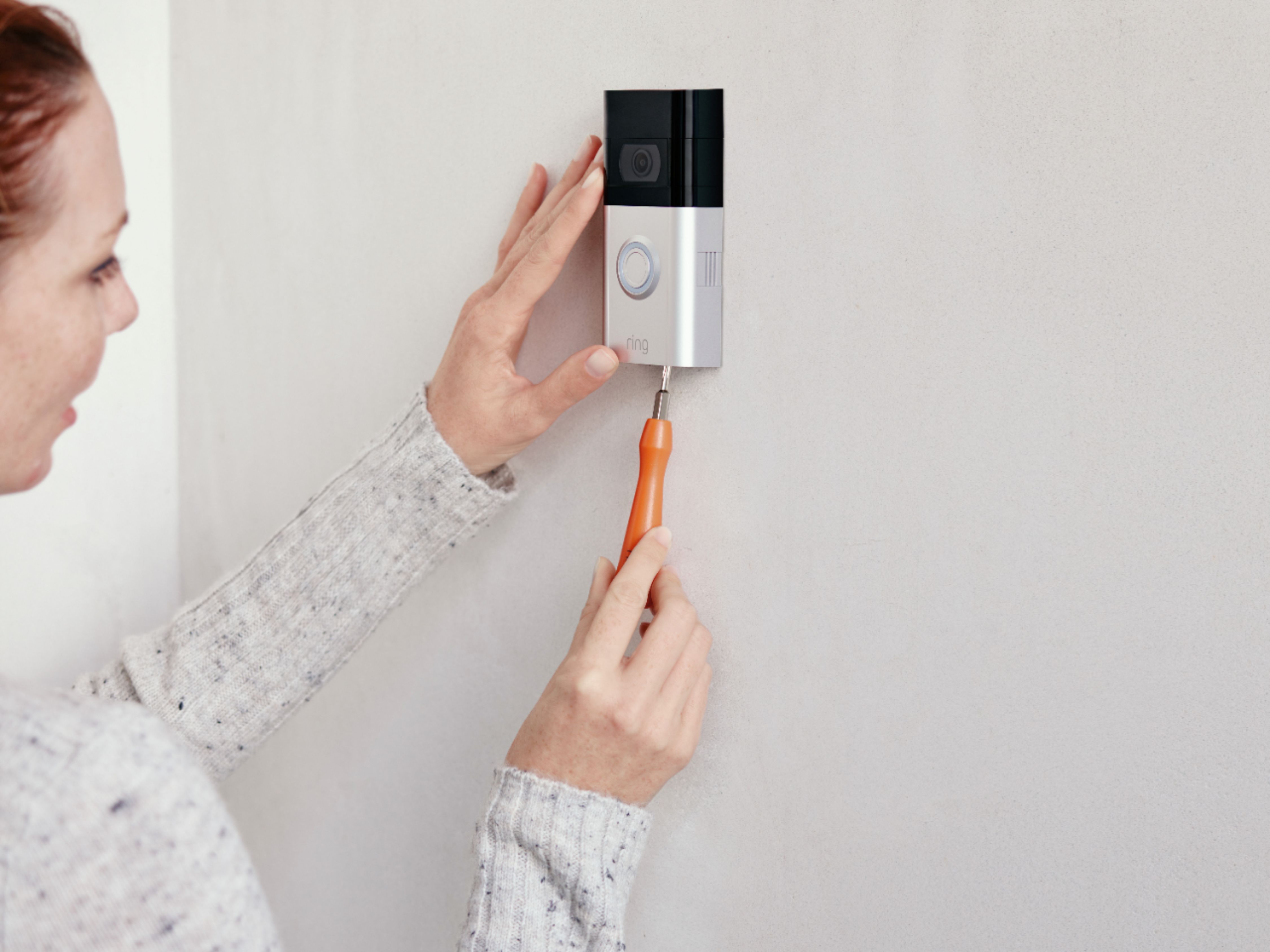
Thanks for asking! Physically installing the Ring Video Doorbell 3 with or without an existing doorbell is intended to be a very simple process. Here are helpful articles for each installation scenario:
https://support.ring.com/hc/en-us/articles/360040818431-How-to-Physically-Install-Your-Ring-Video-Doorbell-3-Without-an-Existing-Doorbell
https://support.ring.com/hc/en-us/articles/360038902531-How-to-Physically-Install-Your-Ring-Video-Doorbell-3-with-an-Existing-Doorbell.
We invite you to reach out at https://community.ring.com/ if any additional information is needed regarding your Ring Video Doorbell 3 pre-purchase question. Ring Community is our first peer-to-peer community forum, giving our customers the ability to help one another and share their feedback and experiences with Ring.
All the Best,
Nicole with Ring
A:AnswerHi Jerry,
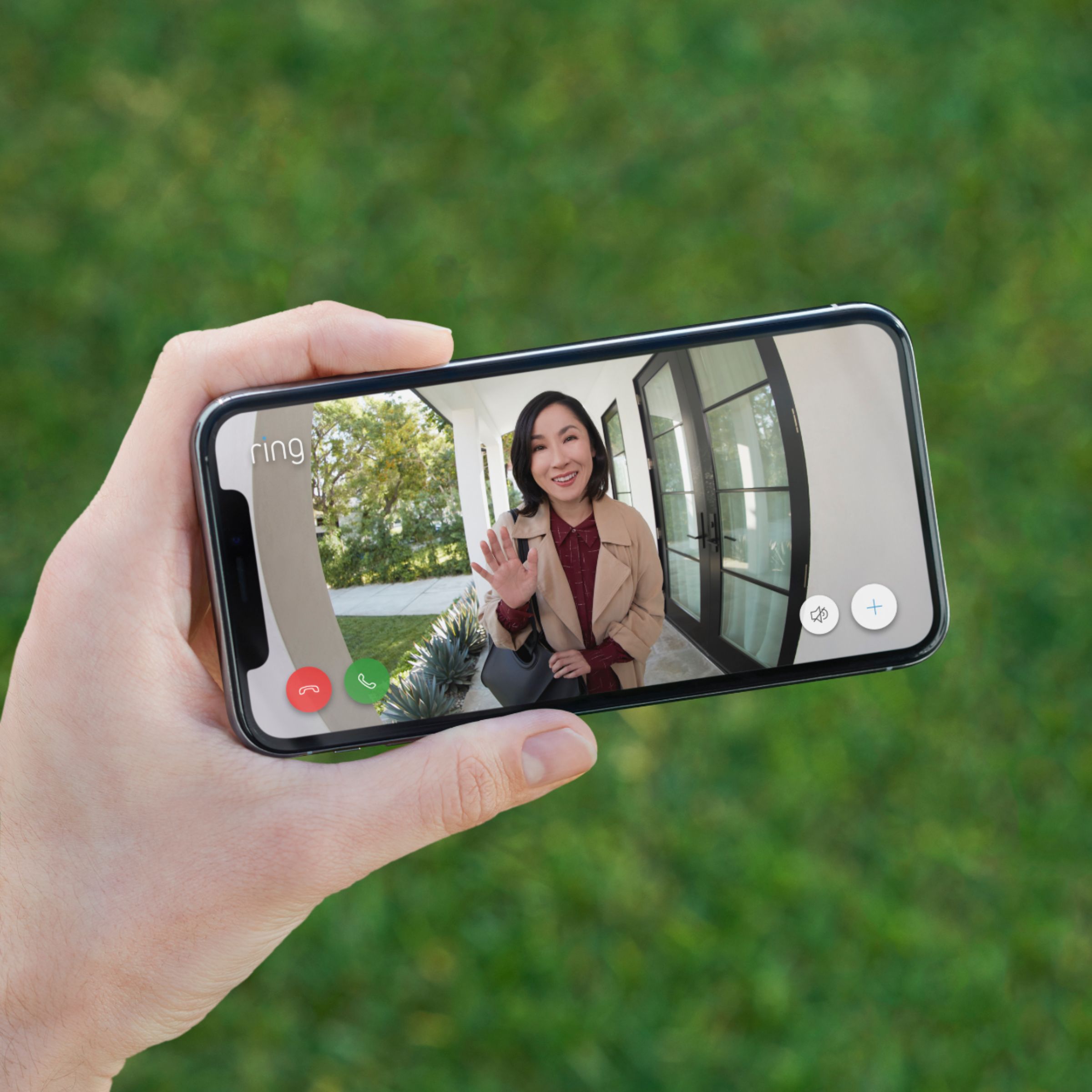
Great question! No, you do not need any Alexa devices to use the Ring Video Doorbell 3. You can get notifications on your cell phone when someone presses the button on your doorbell and when motion is detected. For more information on how notifications work, visit our support center: https://support.ring.com/hc/en-us/articles/210052646-Getting-Notifications-for-Ring-Doorbells-and-Security-Cameras.
Ring Community launched in March 2019 to help deliver the most current news and educational information to our customers. You can find tips and tricks from other Ring users at https://community.ring.com/. This peer-to-peer forum allows our neighbors to share their feedback and experiences to assist each other in resolving their concerns.
All the Best,
Nicole with Ring
A:AnswerHi chime,
Thank you for asking! Yes, the Ring Video Doorbell 3 will work with a Ring Chime from a separate purchase. With a Ring Chime, you can hear notifications anywhere in your home when someone presses your doorbell or motion is detected. You just plug it into a standard wall outlet and connect it to all of your Ring Doorbells and Cameras through the Ring app. For more information, visit our support center: https://support.ring.com/hc/en-us/articles/360038168452-Ring-Chime-Pro-2nd-Generation-Information.
We also suggest reaching out to the Ring Community. It launched in March 2019 to help deliver the most current news and educational information to our customers. You can find tips and tricks from other Ring users at https://community.ring.com/. This peer-to-peer forum allows our neighbors to share their feedback and experiences to assist each other in resolving their concerns.
All the Best,
Nicole with Ring
A:AnswerHi Julie90,
Great question! Yes, the Ring Video Doorbell 3 can notify you on your phone and activate your existing chime kit, as long as it is a compatible chime kit. Visit our support center to see if your chime kit is compatible: https://support.ring.com/hc/en-us/articles/360044683012-Ring-Video-Doorbell-3-Chime-Kit-Compatibility-List.
The Ring Community is also a useful place to find answers to your questions. It launched in March 2019 to help deliver the most current news and educational information to our customers. You can find tips and tricks from other Ring users at https://community.ring.com/. This peer-to-peer forum allows our neighbors to share their feedback and experiences to assist each other in resolving their concerns.
All the Best,
Nicole with Ring
A:AnswerHi Bub,
Good question! Yes, the Ring Video Doorbell 3 has motion detection. The Ring Video Doorbell 3 has a field of view of 160 degrees horizontal. Within the app, you can control where motion is detected through Motion Zones. They allow you to define a specific area that you want your Ring device to cover while ignoring everything outside that area. By selecting Motion Zones to cover only the areas you want the Ring device to monitor, you can effectively monitor the area you want as well as reduce the number of "false positive" motion alerts (such as cars driving by). For more information, visit our support center: https://support.ring.com/hc/en-us/articles/360040747611-Utilizing-Motion-Detection-with-your-Ring-Video-Doorbell-3.
Ring Community is our first peer-to-peer community forum, giving our customers the ability to help one another and share their feedback/experiences with Ring. We invite you to reach out at https://community.ring.com/ if any additional information is needed regarding your concern.
All the Best,
Nicole with Ring
A:AnswerHello bestone4u,
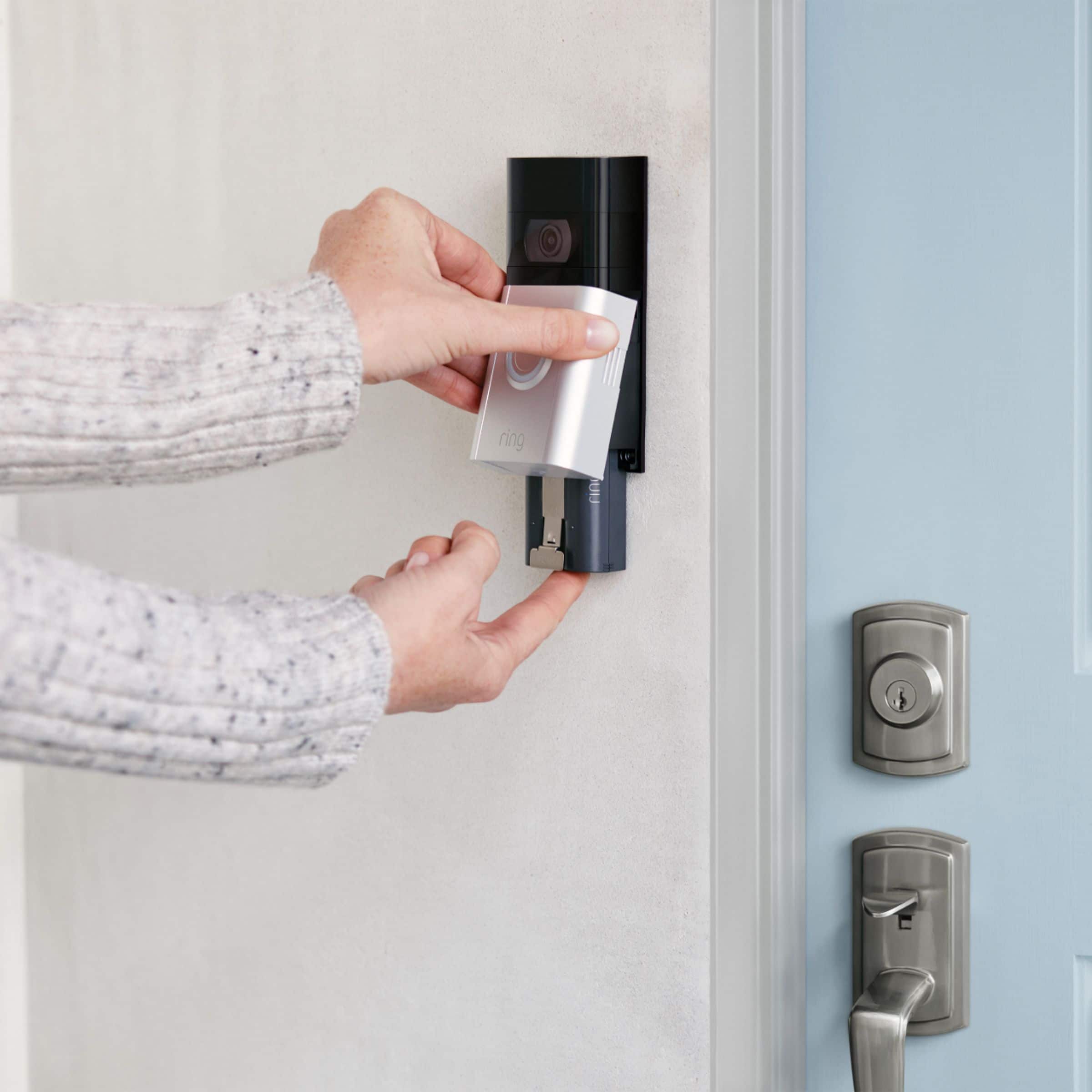
Great question! Yes, even if it is hardwired, the Ring Video Doorbell 3 needs the included battery to function. Unlike a purely hardwired Ring doorbell such as the Ring Doorbell Pro, a battery-operated doorbell does not use the electricity generated by the hardwire to power its regular operations. Instead, it uses the provided rechargeable battery to do all of its regular operations like ringing, detecting motion, and generating a Live View. The charge from the hardwiring supplies a trickle charge to the battery. Visit our support center for more information: https://support.ring.com/hc/en-us/articles/204252980-Charging-your-Ring-Video-Doorbell-battery-with-hardwiring.
Ring Community launched in March 2019 to help deliver the most current news and educational information to our customers. You can find tips and tricks from other Ring users at https://community.ring.com/. This peer-to-peer forum allows our neighbors to share their feedback and experiences to assist each other in resolving their concerns.
All the Best,
Nicole with Ring
A:AnswerHello,
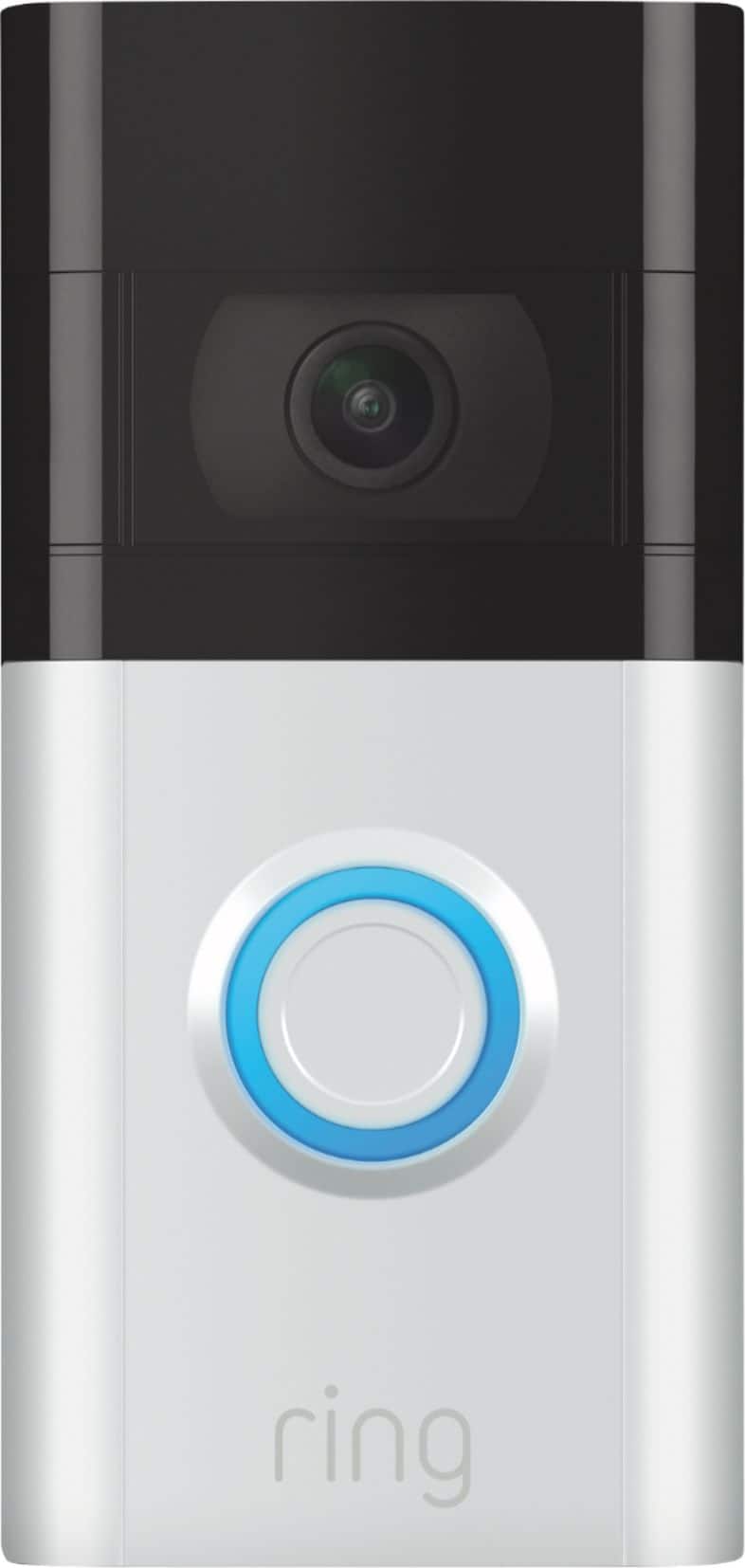
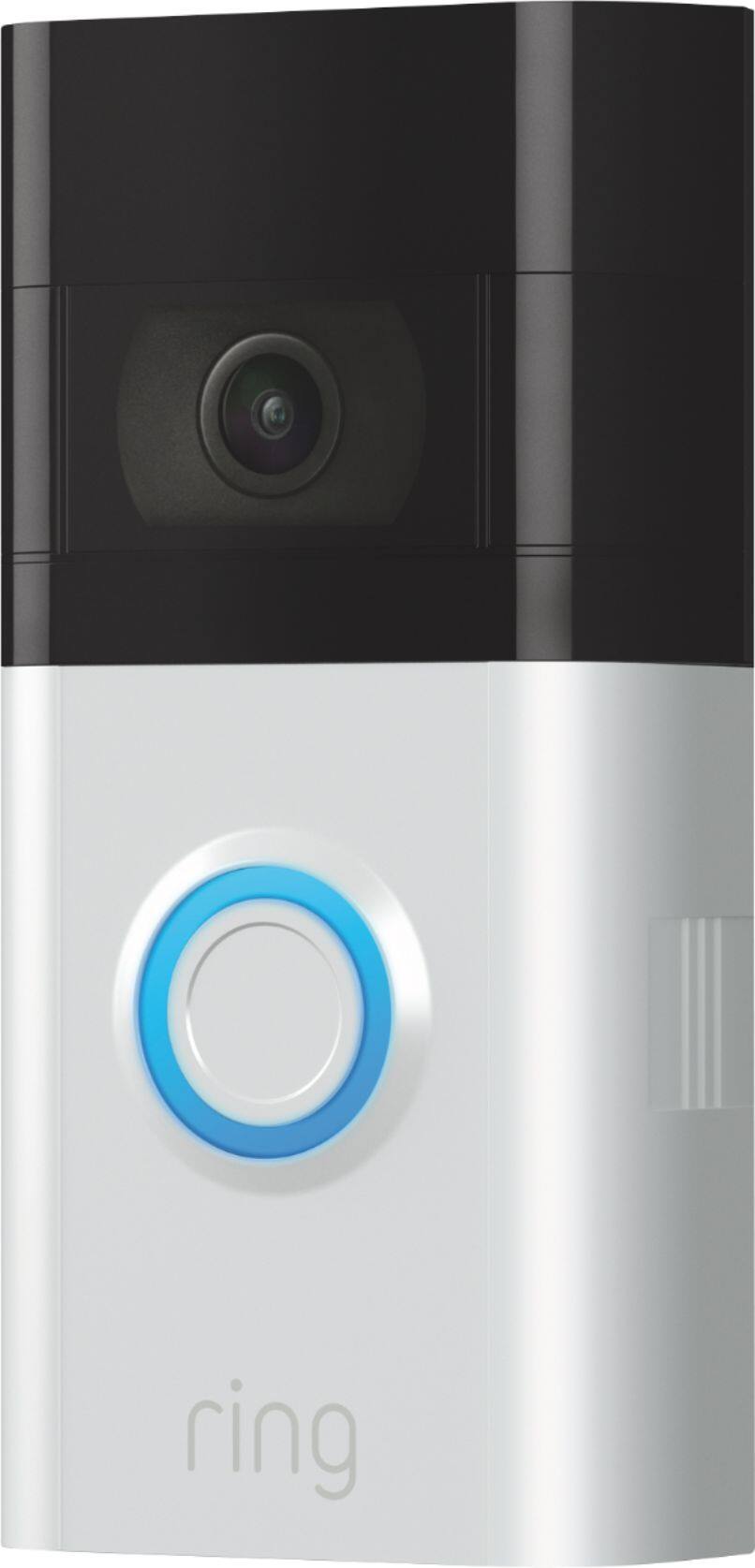
Great question! No, the Ring Video Doorbell 3 does not come with a Wedge Kit included. The packaging includes the following:
the Ring Video Doorbell 3,
a rechargeable quick-release battery pack,
a satin nickel faceplate,
installation hardware and tools,
a USB charging cable,
a mounting bracket,
a user manual and quick-start guide,
and a Ring security sticker.
If you're installing a Ring Video Doorbell 3 on a house with aluminum siding or in a house where the door is atop a set of stairs, you can use a wedge piece to properly position a Ring Video Doorbell 3 to catch visitor motion but minimize "false positive" motion alerts, such as cars in the street. For more information, visit our support center: https://support.ring.com/hc/en-us/articles/360039088511-Using-a-Wedge-Piece-to-Properly-Position-your-Ring-Video-Doorbell-3.
Ring Community is our first peer-to-peer community forum, giving our customers the ability to help one another and share their feedback/experiences with Ring. We invite you to reach out at https://community.ring.com/ if any additional information is needed regarding your installation concern.
All the Best,
Nicole with Ring
A:AnswerHi Mitzi3,
Great question! Yes, everything needed for installation is included in the box. The Ring Video Doorbell 3 comes with the Ring Video Doorbell 3, a quick-release rechargeable battery pack, a
satin nickel faceplate, installation hardware and tools, a USB charging cable,
a mounting bracket,
the user manual & quick-start guide, and a
security sticker.
The Ring Video Doorbell 3 is a battery-powered device, but can be connected to existing doorbell wiring to receive a trickle charge and to ring an existing compatible internal chime kit. For a list of compatible chimes, visit our support center: https://support.ring.com/hc/en-us/articles/360044683012-Ring-Video-Doorbell-3-Chime-Kit-Compatibility-List.
Ring is compatible with Alexa devices, but they are not required. If you'd like to read more about integration with Alexa devices, check out this article: https://support.ring.com/hc/en-us/articles/4524869247124-Play-Alarm-Sounds-on-Echo-Devices.
Ring Community launched in March 2019 to help deliver the most current news and educational information to our customers. You can find tips and tricks from other Ring users at https://community.ring.com/. This peer-to-peer forum allows our neighbors to share their feedback and experiences to assist each other in resolving their concerns.
All the Best,
Nicole with Ring
A:AnswerHi JackD,
good question! Yes, the Ring Video Doorbell 3 is compatible with Alexa enabled devices such as the Facebook portal. First, you’ll need to download the Alexa app on your device. Then you will want to enable the Ring Skill. For more information, visit our support center: https://support.ring.com/hc/en-us/articles/115003247146-How-to-Connect-Amazon-Alexa-Enabled-Devices-with-Ring-Devices.
Ring Community is our first peer-to-peer community forum, giving our customers the ability to help one another and share their feedback/experiences with Ring. We invite you to reach out at https://community.ring.com/ if any additional information is needed regarding your concern.
All the Best,
Nicole with Ring
A:AnswerHi Jamaica.
Good question! Yes, you can use the Ring Video Doorbell 3 without a monthly payment. A Ring Protect Plan is an optional subscription that gives you access to paid features for Ring devices such as doorbells, cameras, and alarms. With a Ring Protect plan, you can save, review, and share video recordings from your Ring devices to your Ring account. Without a Ring Protect Plan, you can still view real-time video for Ring doorbells and cameras and answer doorbell notifications when they happen, but you don’t get video recordings of those events. Visit our support center for more information: https://support.ring.com/hc/en-us/articles/115001671383-General-Information-on-Ring-Protect-Subscription-Plans.
For any additional questions or concerns, please feel free to reach out on our community forum at https://community.ring.com/. We look forward to hearing from you soon!
All the Best,
Nicole with Ring
A:AnswerGo to the ring doorbell app and tap on the three lines on the top left. Select Devices, Select your Device, then Device Heslth. Tap on reconnect WiFi or select your WiFi Network