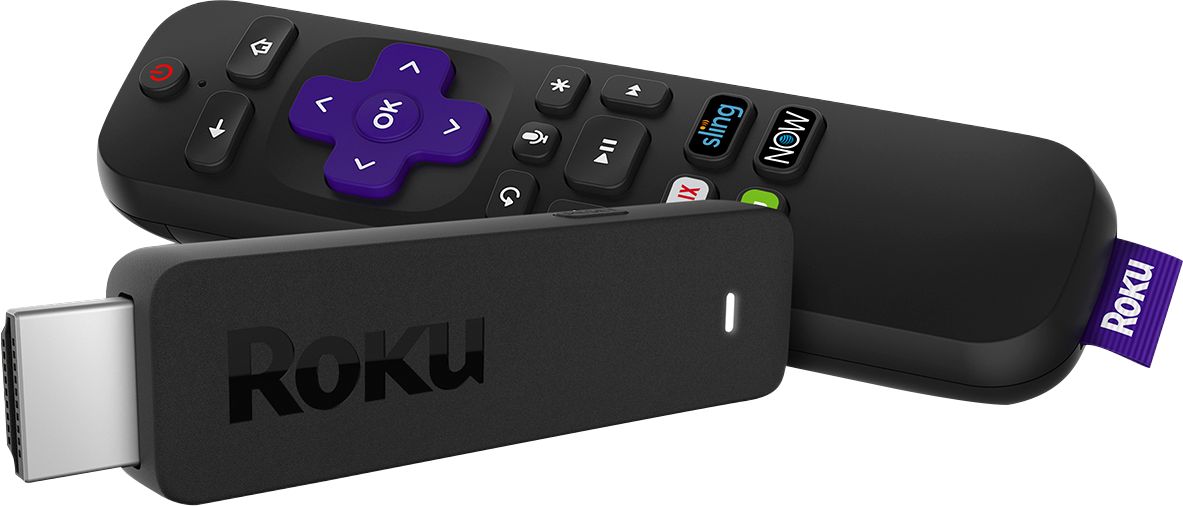
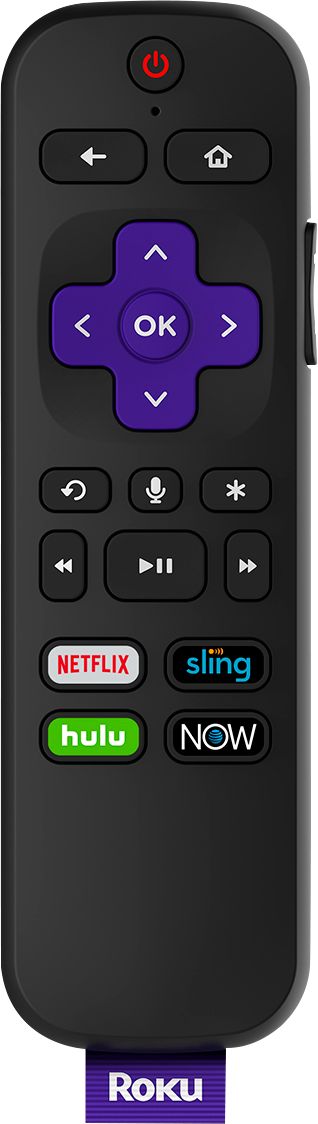
A:AnswerHi moonofthenightsky ! To reset your Roku Streaming Stick start by pressing the Home button on your Roku remote. Then go to settings, advanced system settings and factory reset.
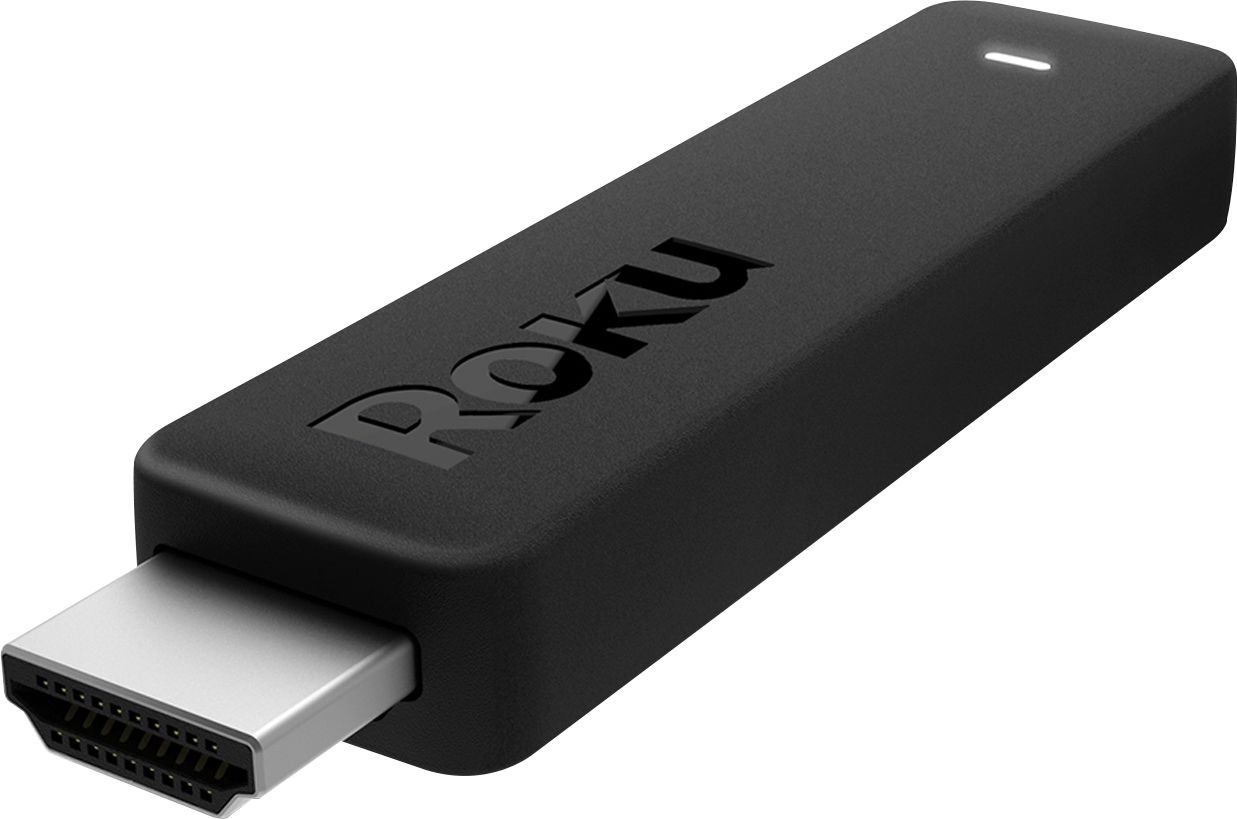
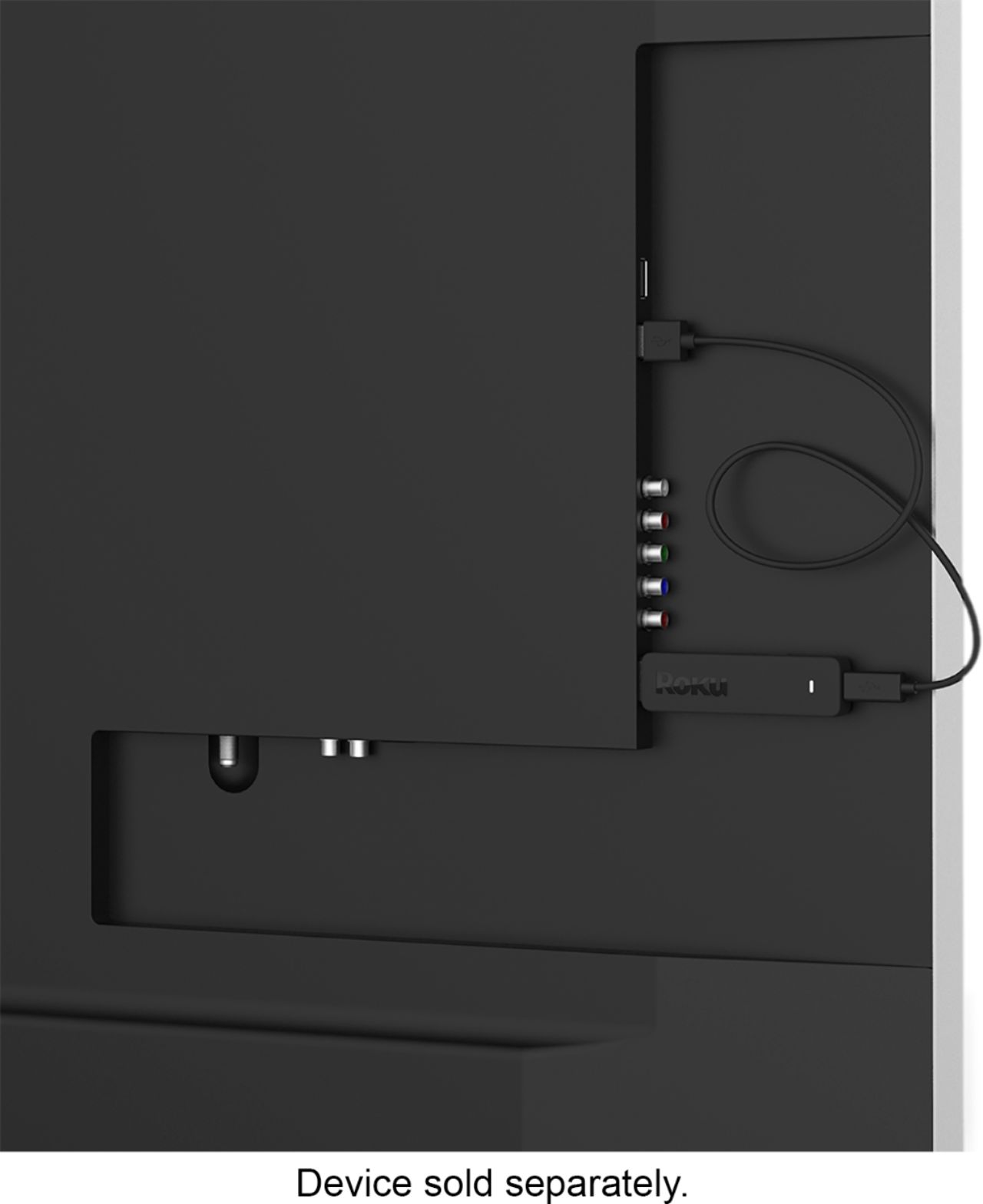
A:AnswerThe only required port is HDMI. USB is used to provide additional power (or just power since HDMI can't always do it on older TVs). You can always power Roku by connecting its USB port to AC outlet using a standard USB charger (with micro-USB tip).
A:AnswerUse your smartphone. Turn on wifi.. Download the Roku app. Select your Roku device. Then choose the remote function. Now, you have a remote. I don't even use my remote anymore and I didn't need to know my IP address. I hope this helps. If not, I find going to Roku.com support helps
A:AnswerYes, I've watched Amazon Prime Video using the Roku Streaming Stick. Assuming, of course, that you have an Amazon Prime account or have purchased Prime Video.
A:AnswerYou can get a Roku streaming stick and take advantage of all the free apps out there for tv. If you want premium channels, you can subscribe to the ones you like through their service. Also, Roku has their own channel that has a variety of programming. So yes, I would compare them to any of the major cable companies including spectrum.
A:AnswerHi! If it has an HDMI port in the back, then it can use the Roku Stick. However, it's rare if an analog TV has an HDMI port.
I think they still make Roku devices that use the Analog cables (Red, White and Yellow).
A:AnswerWhy would you download or even keep cable TV if you're transitioning to streaming media? Every program you get on Xfinity cable TV can be found via various streaming services like YouTube tv for 1/2 the cost and with no contracts!! Roku does have a free service but no ESPN, or other premium channels unless you subscribe to like Directv Now, YouTube TV or Sling. Still cheaper than cable!
A:AnswerHi Ray ! The Roku Streaming Stick will need to plug directly into your TVs HDMI port. In addition, you will also need to connect power to the Roku Streaming Stick. There are two ways to power the Roku Streaming Stick. The recommended method is to use the included USB power cable connected from the Roku Streaming Stick to the included wall power adapter and plug the power adapter into a wall power outlet. Another option for powering the Roku Streaming Stick is plugging the included USB cable from the Roku Streaming Stick into the USB port on your TV. You will also need to setup and activate your Roku Streaming Stick following the on-screen guide and you'll be streaming in no time!
A:Answeru have to add the channels u want some are free some it gives u the option to add and pay for the subscription but i prefer free i have netflix there are free channels but not as many as netflix on the roku channel u can downlod all the channels it offers to the clicker but alot offered u have to buy the subscrtion we already pay for netflix so we can watch it
A:Answerwe are running wifi off our comcast u dienlod the channels
to the clicker and u can see which channels anything like netflix or sling or hulu u
have to have a subscription to sign on but local
channels are on the cliker u get jus tell the clicker on the app to downlod and u can wifi it off the app once u download the channel
to the cliker during installatiion it tells u how to do
it when u install
it .. only pay what u want to
pay and u can view hbo if u are already subscribed to it on comcast
A:AnswerRoku is a platform. Pluto tv is an app that's totally free but nothing is current and it has its own channels. There is no legal service to get live free tv. I have found more free options thru Roku than Amazon firestick which I returned. But thru Roku download the Pluto tv app and it has a live TV section that's free