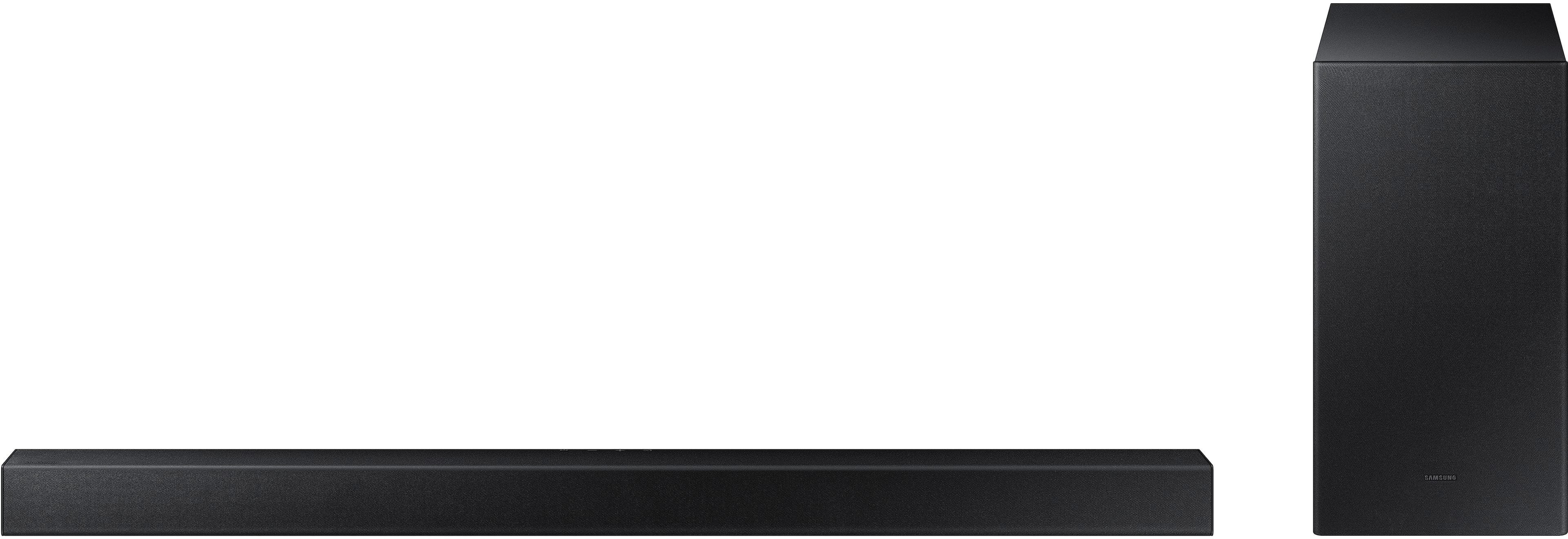
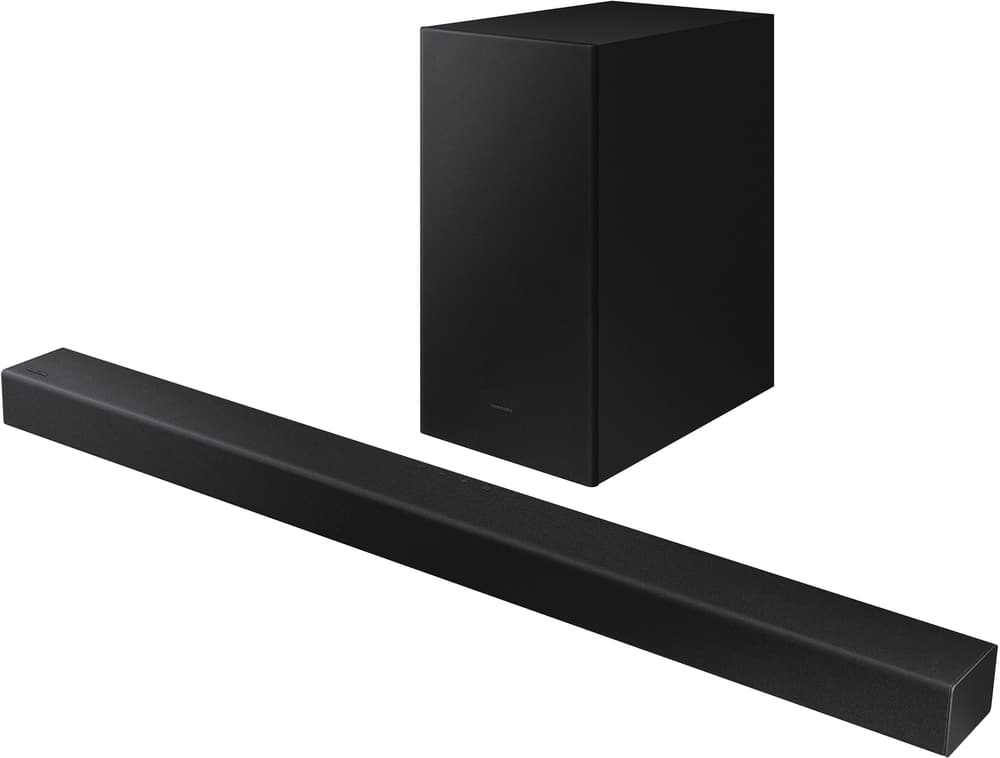
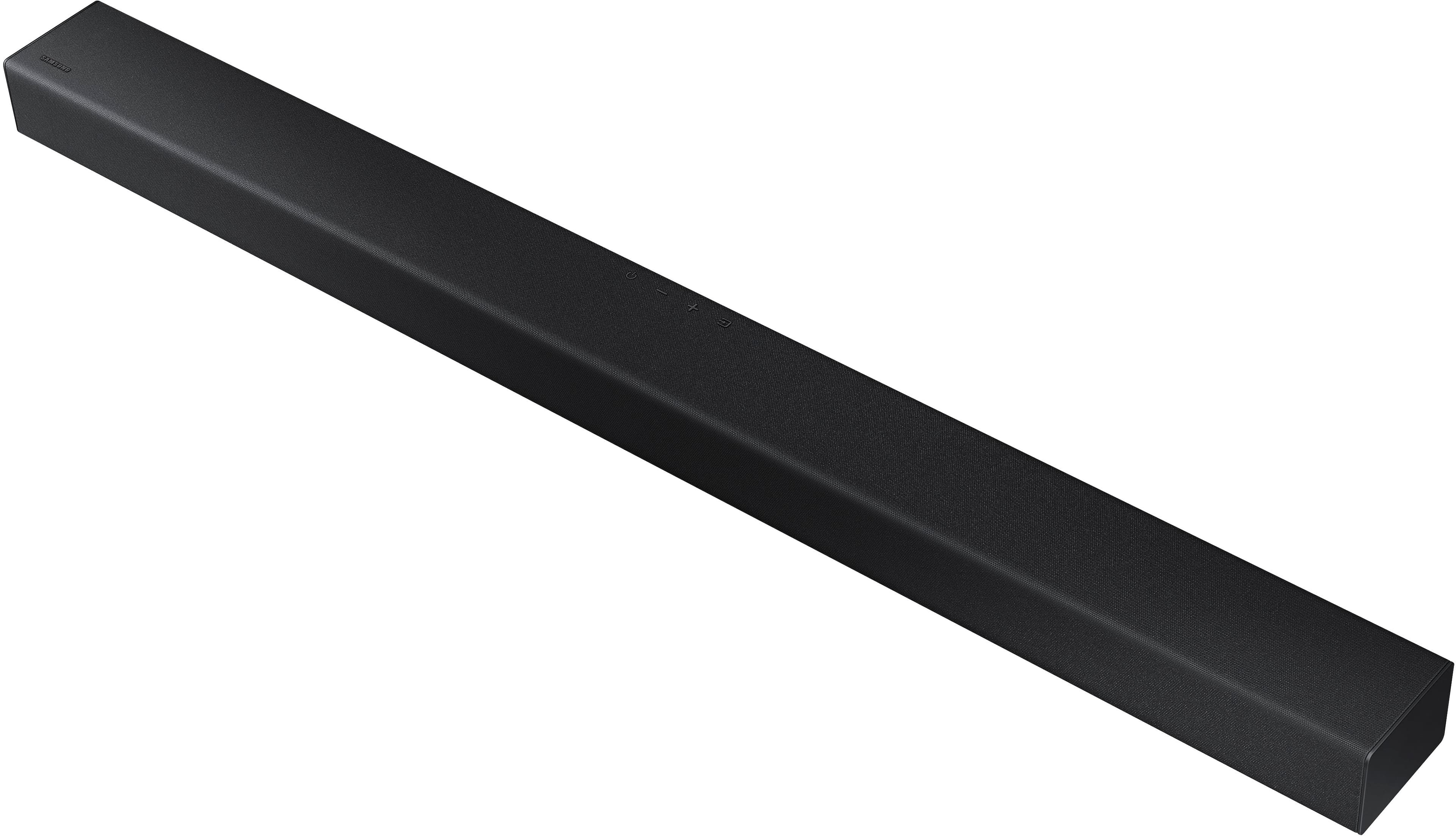
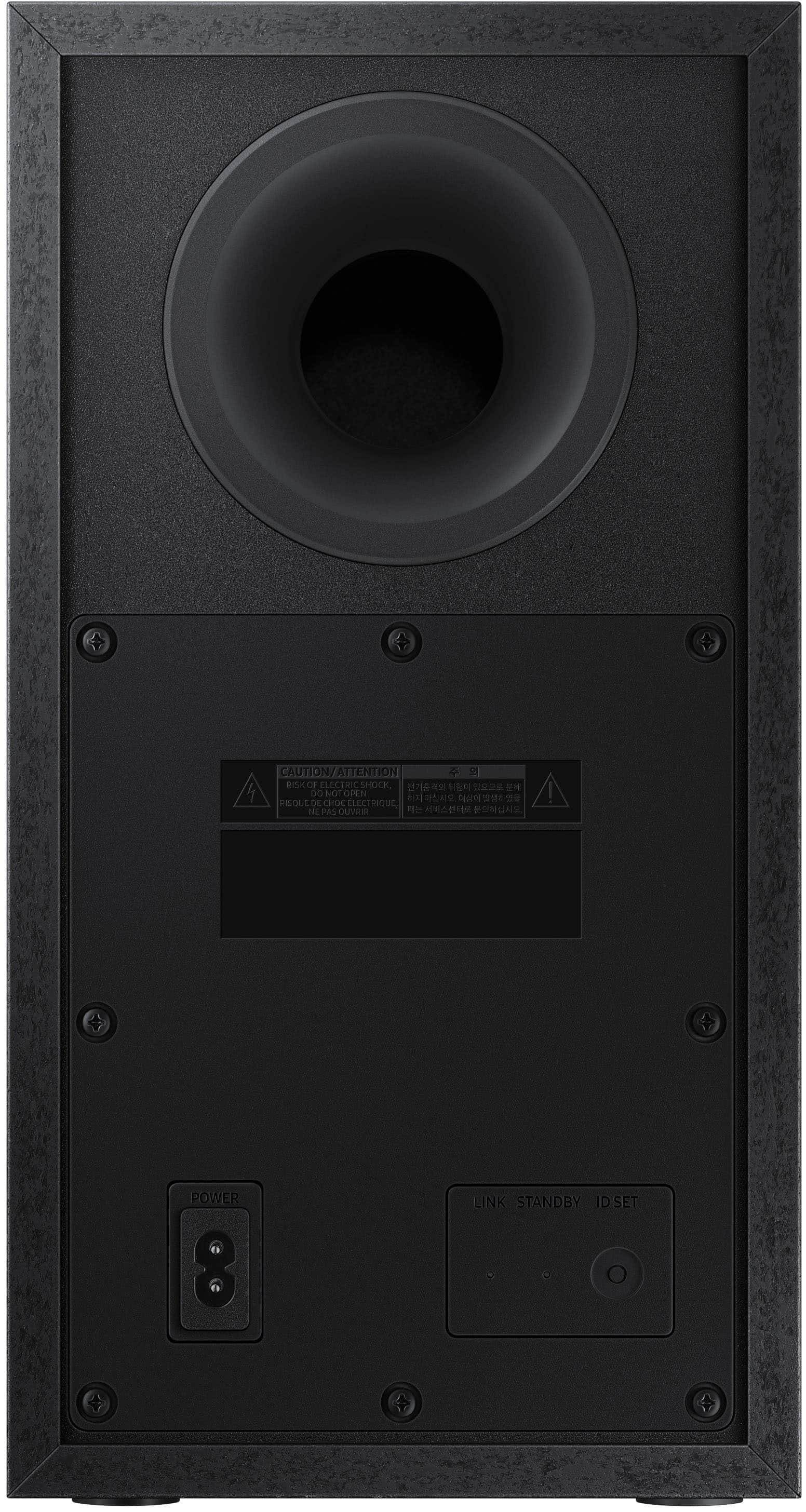
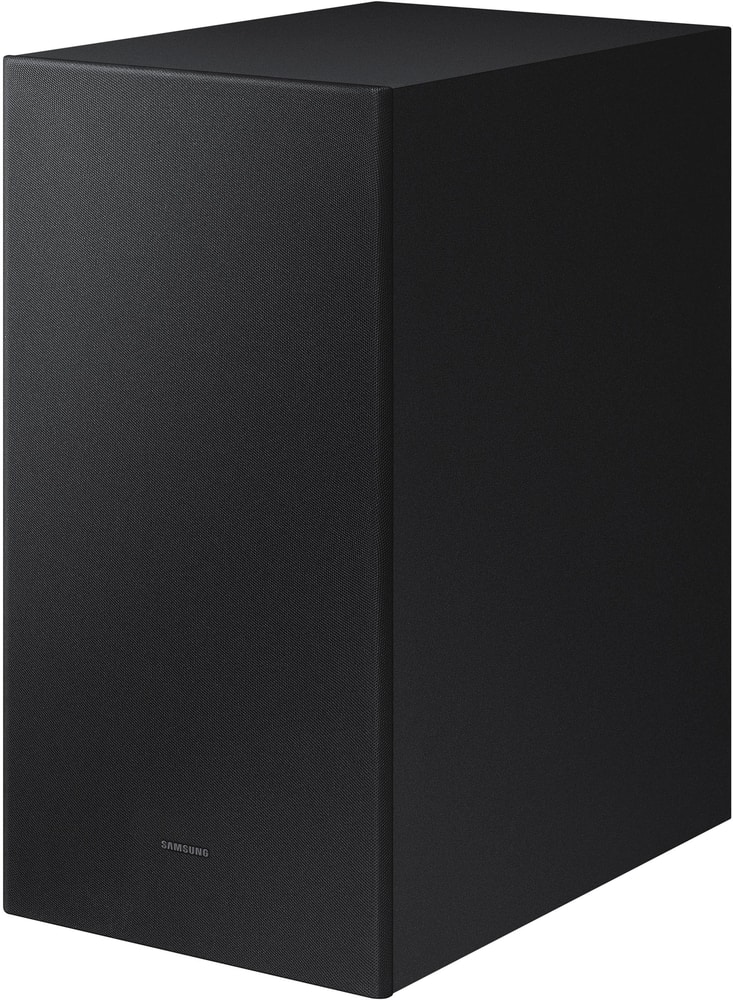
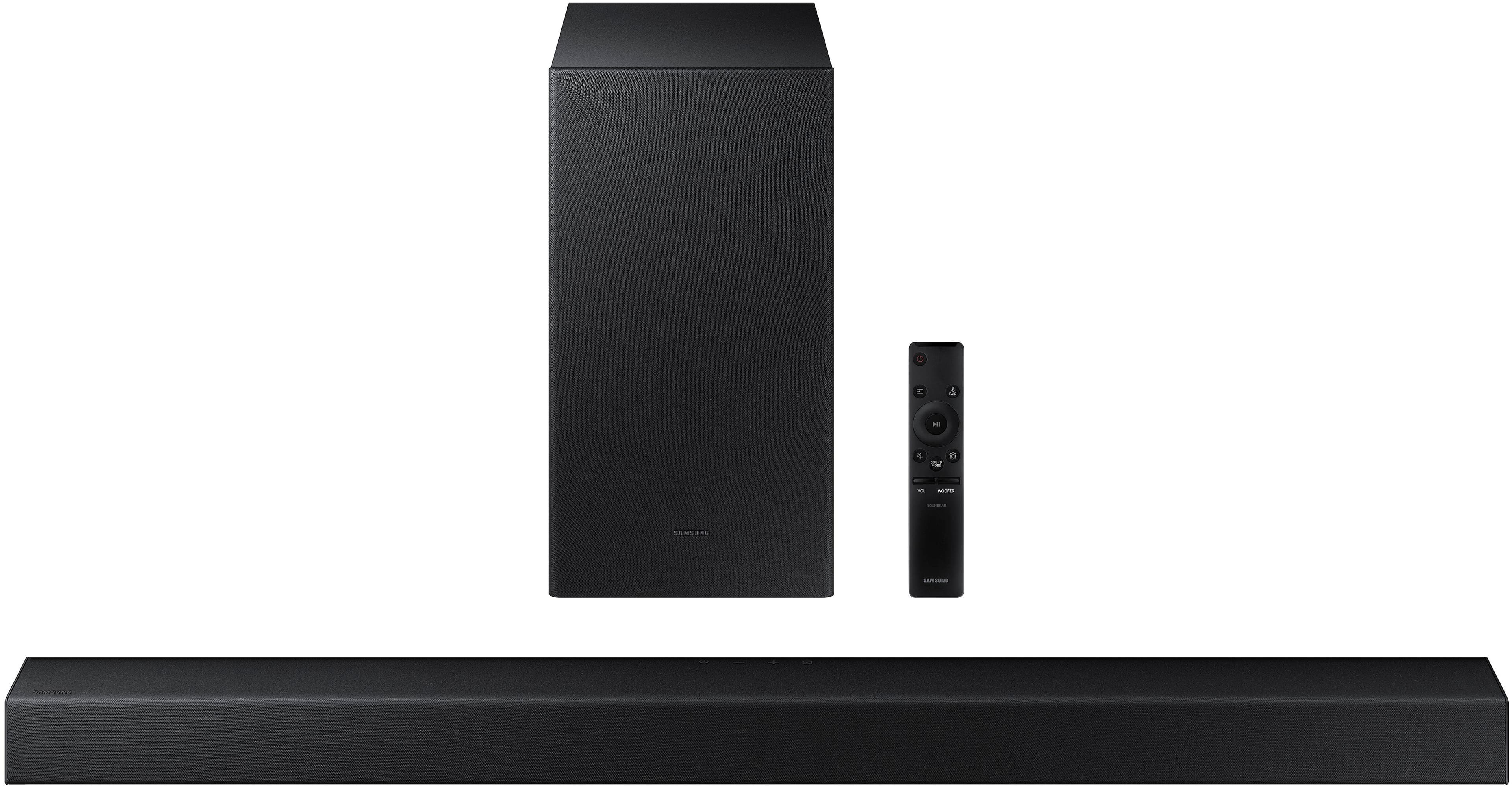
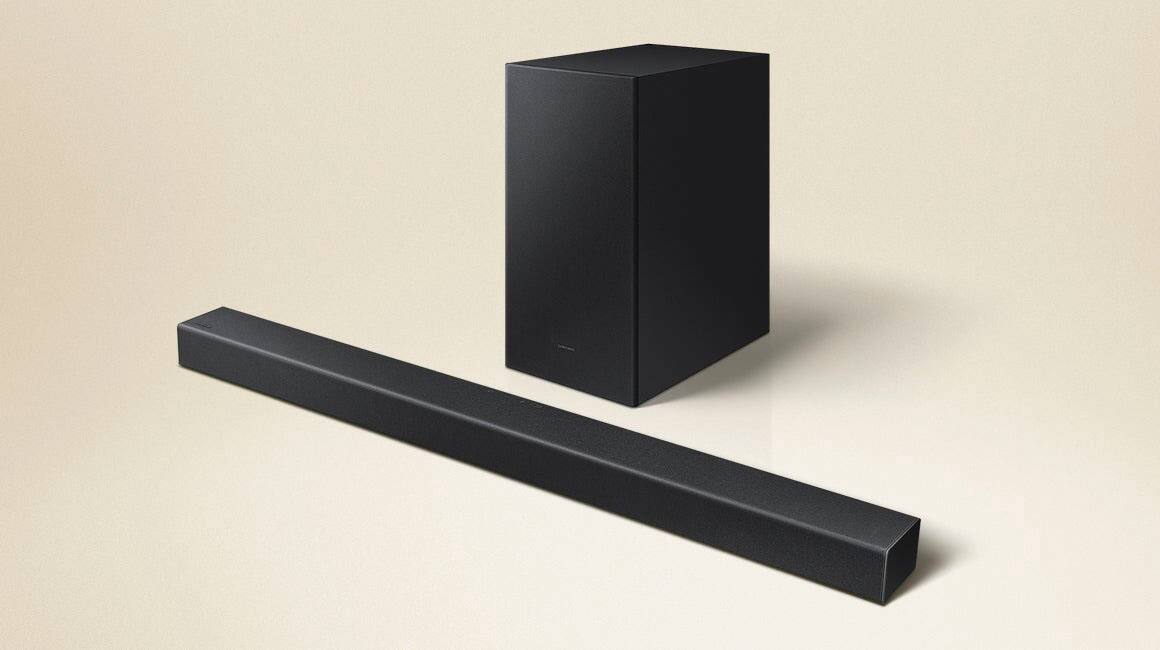
A:AnswerHi ZNRAIN64! Before performing the manual connection procedure, check whether the power cables for the Soundbar and subwoofer are connected properly and make sure that the Soundbar is turned off. Next, Press and hold ID SET on the rear of the subwoofer for at least 5 seconds. The red indicator on the rear of the subwoofer turns off and the blue indicator blinks. Press and hold the Up button on the remote control for at least 5 seconds. The ID SET message appears on the display of the Soundbar for a moment, and then it disappears. The Soundbar will automatically power on when ID SET is complete. The LINK LED indicator stops blinking and glows a solid blue when a connection is established between the Soundbar and the Wireless Subwoofer. I hope this helps!
^Tim
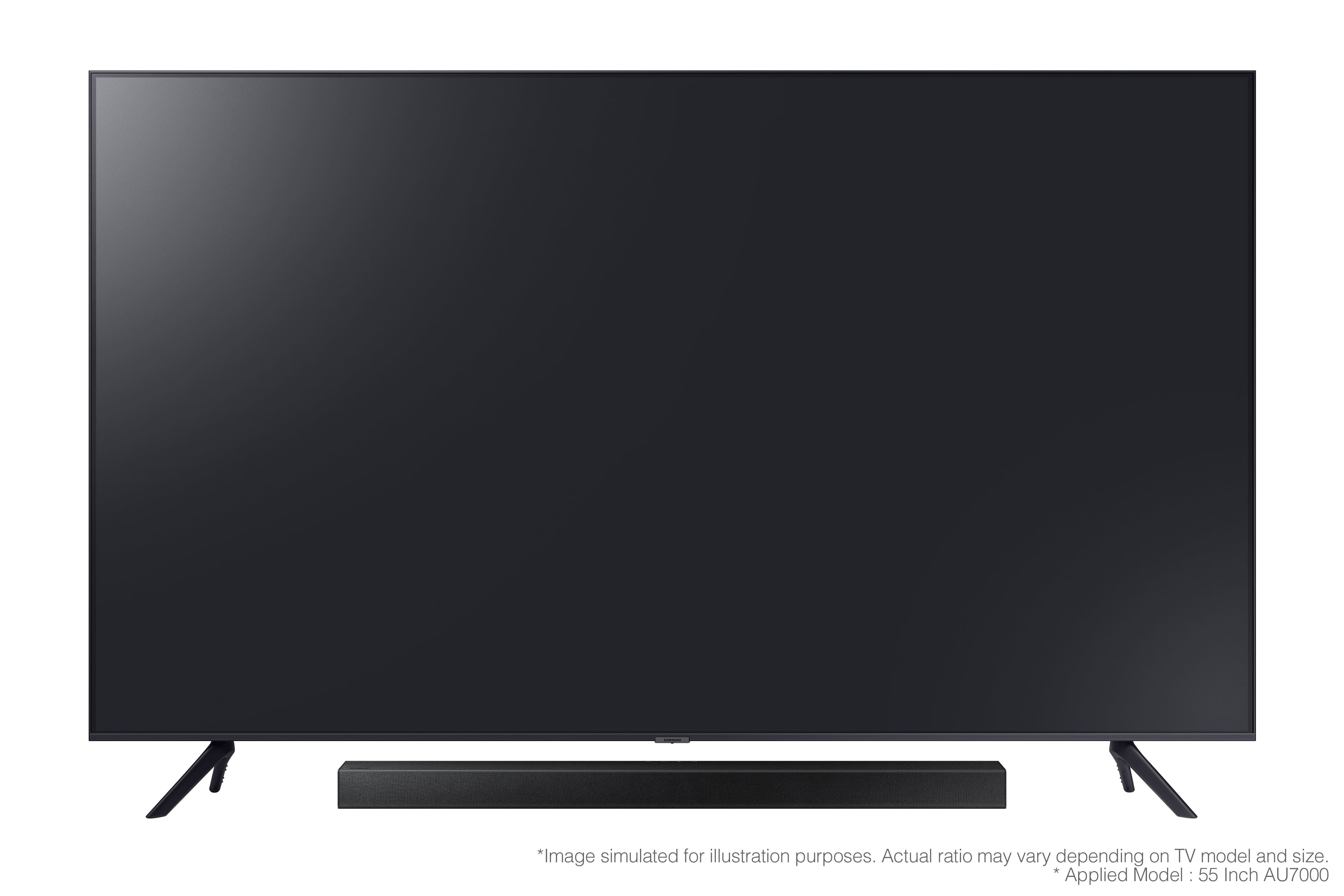
A:AnswerHi chief! The HW-A430 includes mounting hardware in the box allowing you to secure the soundbar direct to the wall. Should you wish to secure the soundbar to an existing TV mount, check out the following mounting adapter from Rocketfish available for purchase at Best Buy: https://www.bestbuy.com/site/rocketfish-universal-soundbar-mounting-system-black/6354301.p?skuId=6354301
^Tim
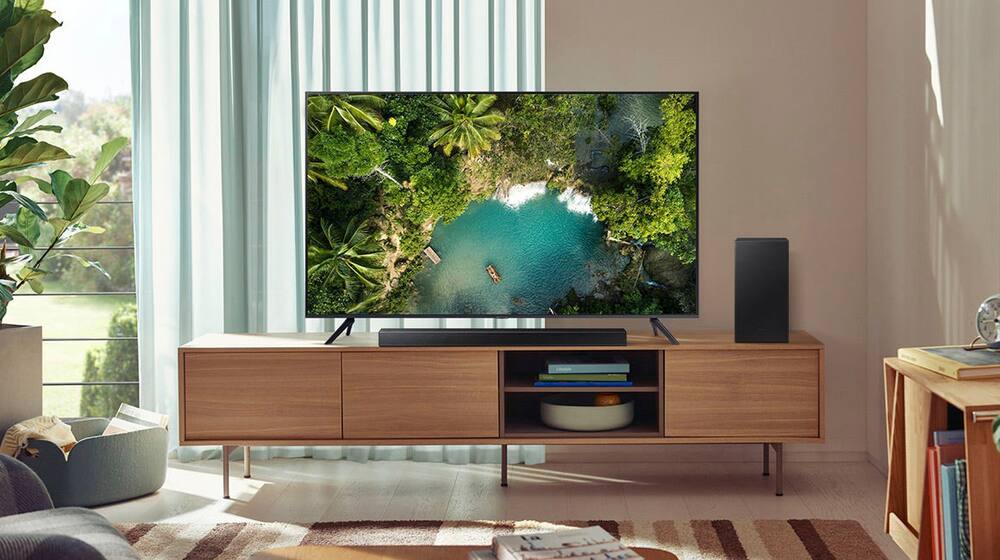
A:AnswerIt does work perfectly fine via Bluetooth. It definitely gets loud and great sound in the living room however if your area is super large, then I don’t think it will be loud enough for a backyard get together.
A:AnswerHi! The HW-A430 Soundbar is not brand restricted and features an Optical port as well as Bluetooth connectivity; if your TV supports Bluetooth connectivity or includes an Optical port, you can connect this soundbar to your TV via either of these connections. ^Tim
A:AnswerI use this with my LG tv with no problems. I have mine connected with the optical wire so if your VIZIO tv has the optical connection, you should be just fine... there's even an optical cable included with the sound bar.
A:AnswerHi BIF! To remove your soundbar from shop mode, power off the soundbar, then press and hold volume up on the remote for approximately 5 seconds or until SHOP OFF shows on the display. If you continue to experience issues, please reach out to Samsung Support at: 1-800-SAMSUNG (ask for Soundbars), available 8AM - 12AM EST, 7 days a week, or Chat with us on Samsung.com: https://www.samsung.com/us/support/contact/
^Tim
A:AnswerYou need to adjust your sound output format to DTS or PWM, or auto, or stereo, or straight-thru. NOT Dolby Atmos or whatever their soul sucking format dejour
A:AnswerHi Leah! The HW-A430 is compatible with all current model Samsung TVs, and any Samsung TV that supports digital optical or Bluetooth wireless audio technology. The soundbar includes a wireless subwoofer with various sound modes and settings allowing you to tune the sound to your liking.
^Tim