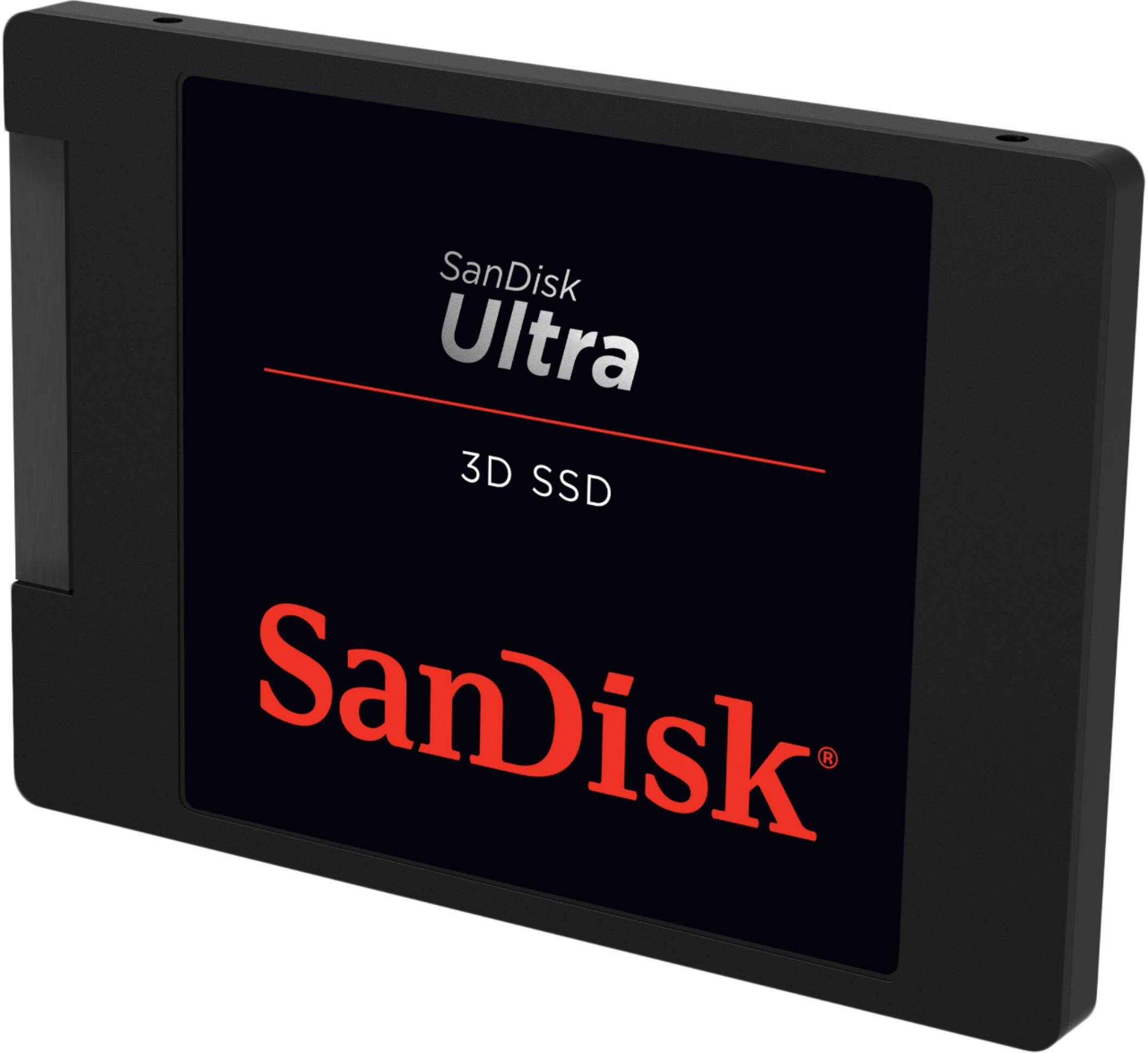
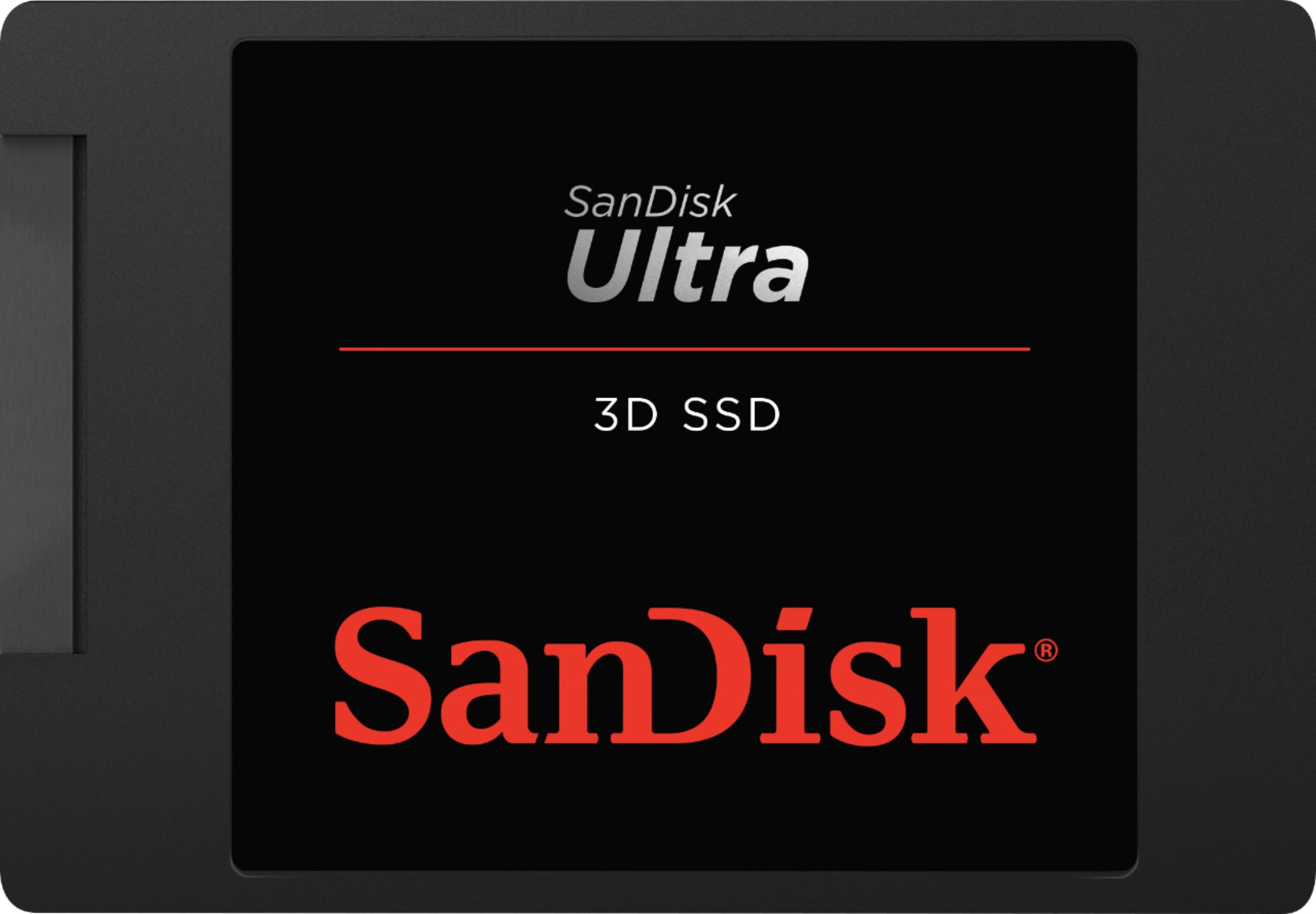
A:AnswerConsider the following when purchasing an SSD upgrade. This site below covers the ranges of SSD's and similar types of devices. It covers the advantages and disadvantages of your options. One thing to keep in mind, when I went to Best Buy to pick up my SanDisk Ultra 1TB 3-D SSD, they tried to hand me a SanDisk Ultra II 960GB SSD drive and told me that it was how they are labeling the drives. The read/Write times were not as high as the one I found online. I didn't fall for it so I hope you don't either. Make sure that they give you something that looks exactly like what you have decided on. Also, The 3-D part means that they stack the memory cells on top of one another. This is a newer technology, but allows for more storage in a smaller space. Another thing to keep in mind is that I have had an older tech SSD before, after some number of years and the memory starts to fail, you will begin to see glitches in the operating system and files.The SanDisk SSD however has an application that you can install which allows you to monitor the life and health of the SSD. It is a good idea to install it. But I don't recommend changing any setting that you haven't researched first, TRIM for example can help to improve the performance of the SSD, but could shorten the life of the drive.
Bottom line, if you haven't used an SSD before, I will tell you that it will boost performance more that any other upgrade.
https://www.anandtech.com/show/9799/best-ssds
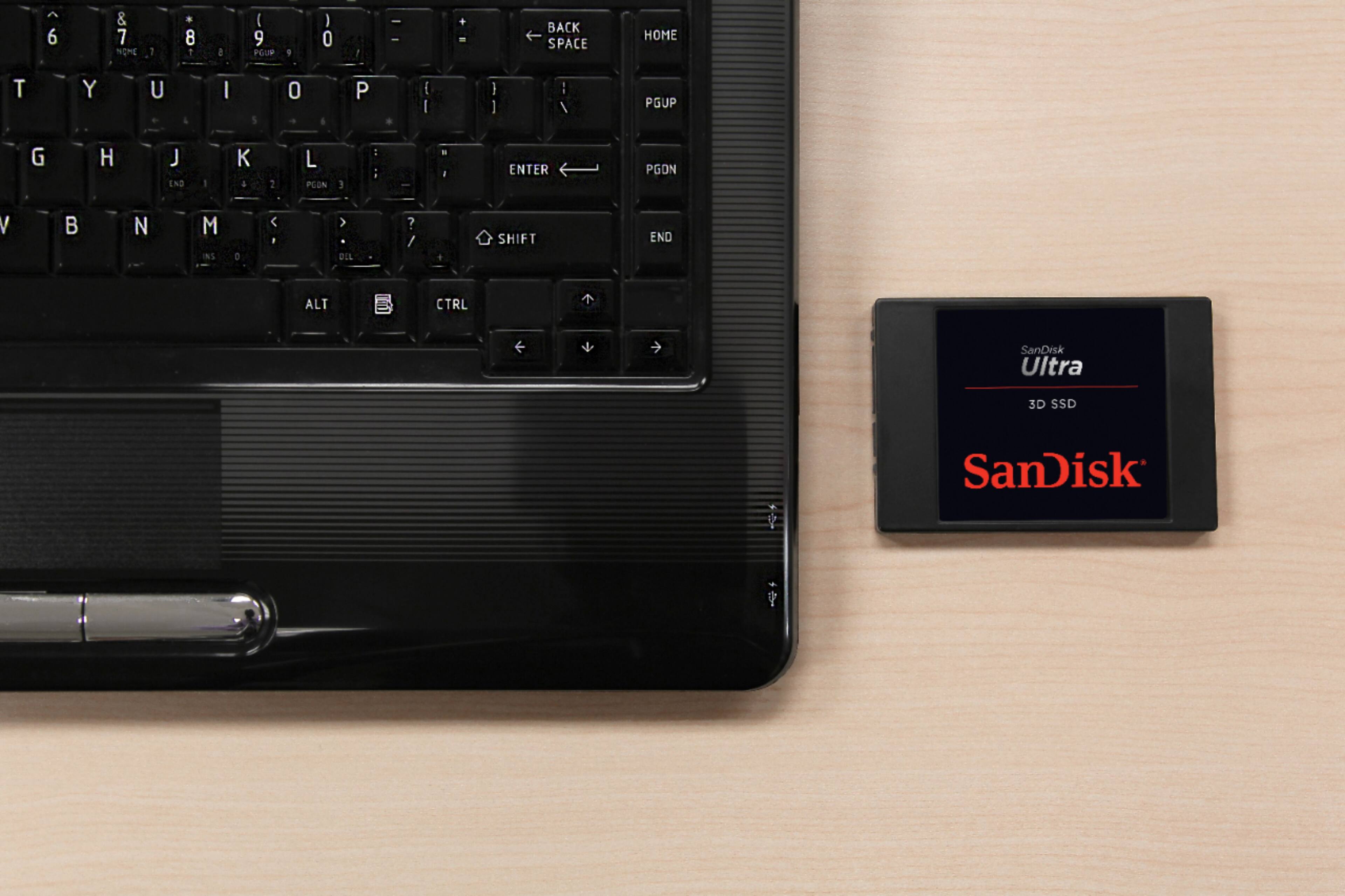
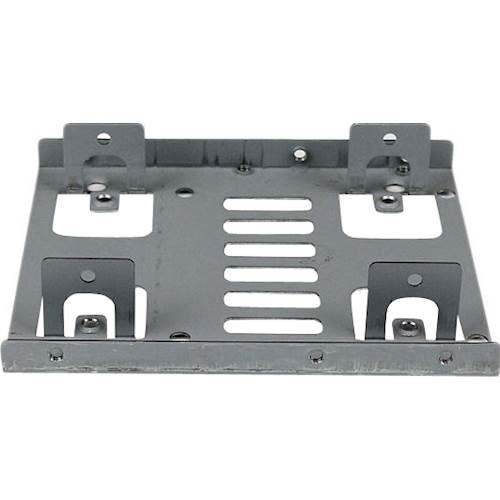
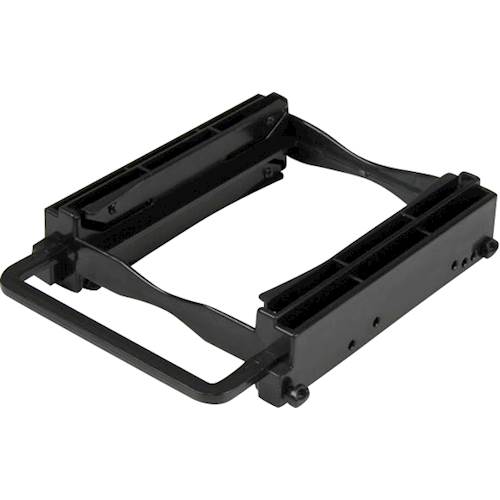
A:AnswerYes, you can use laptop SSD’s in desktops. The only difference is the drive will be a lot smaller and a lot thinner. Most desktops have mounting hole on the full size hard drive cages, but it it doesn’t you can easily and cheaply pick up an 2.5in to 3.5in hard drive cage to securely fit the drive into your desktop. If you really wanted to get creative you can use some strong double sided tape to hold the drive if you don’t have the items previously said.
A:AnswerNo. Unless you are amazing at disassembling things, as in you've used a heat gun to soften glue, don't even think about the upgrade. Even if this was the correct drive. It is not the correct drive, not even close.
A:AnswerPlease allow us to inform you that we have tested this drive on computer and recommend you to contact the host device manufacturer for compatibility check.
A:AnswerMost likely yes. The drive thickness might be an issue. But the form factor your laptop uses is exactly this (standard SATA drive, NOT the new M.2 form).
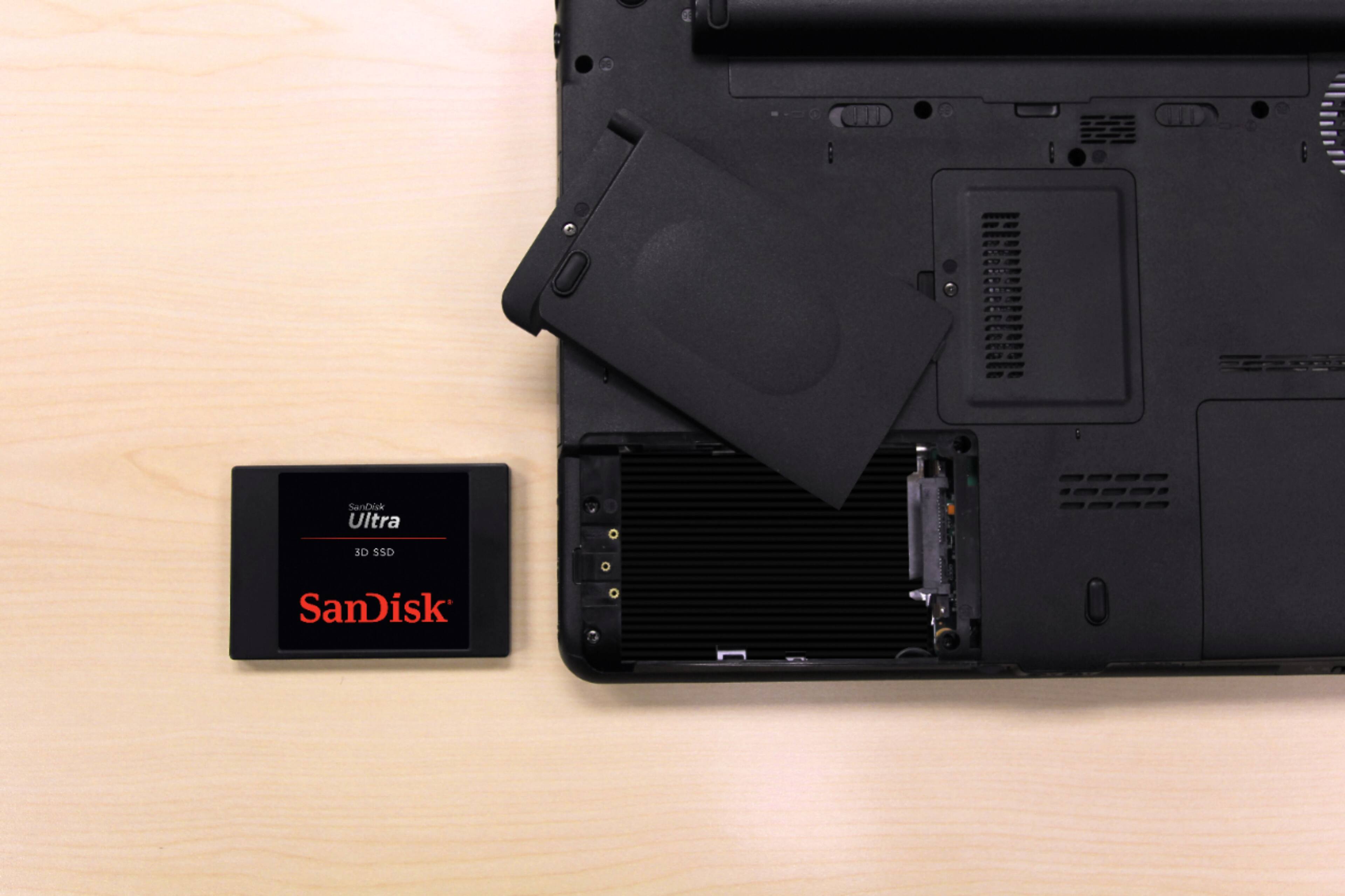
To figure out if the drive will fit, I'd recommend opening up the laptop and measuring the current drive thickness. Since BestBuy doesn't like direct links, you can find the iFixit article with Google (it is result number 2 in the search) - use exactly these words.
ASUS LapTop Q504U hard drive replacement
The laptop isn't terribly hard to open and the drive is well exposed once you have the bottom off. You'll just need the correct Torx driver (they tell you the size in the article) - either get one at Ace along with a handle to drive it (Ace carries bits this size), or buy a computer / cell phone repair tool kit from Amazon (the iFixit set is fine, there are better sets out there for less money).
The SanDisc website has the dimensions of this drive. If the existing drive is thinner than the SanDisc - you won't be able to use the SanDisc drive. If existing drive is the same or thicker, the drive will fit.
Good luck cloning the drive to replace it. That isn't a trivial thing to do.
A:AnswerIt will help in load times and downloads and reduce some gaming lag. If you plan on having a lot of games on your computer than this is for you.
A:AnswerThe power supply cord should look similar to the transfer cable you mentioned. It would look like an L shape like the transfer cable that goes to the motherboard but it should be on your power supply. If you have an older mustard and ketchup power supply that has the round molex connectors, then you will need and molex to sata connector.