A:AnswerHi JimmJoe,
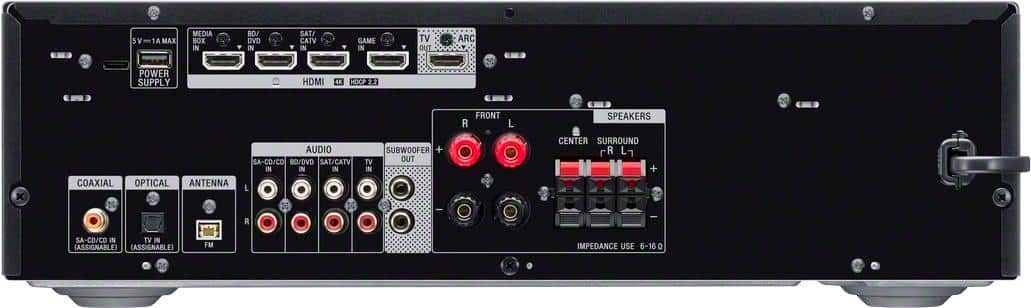
Thanks for your inquiry. The STR-DH590 doesn't support passive subwoofers. The SUBWOOFER OUT jacks of the stereo receiver are designed for active subwoofers.
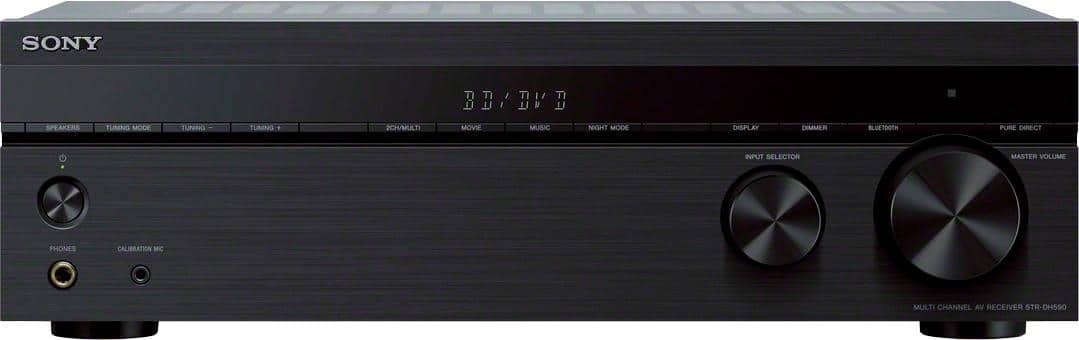
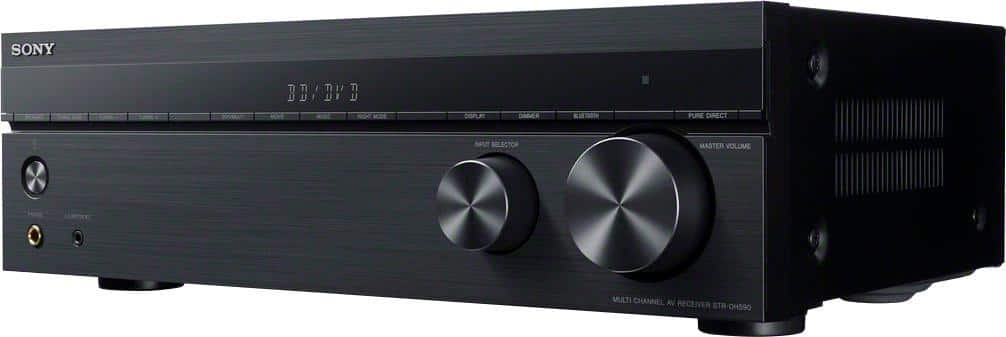
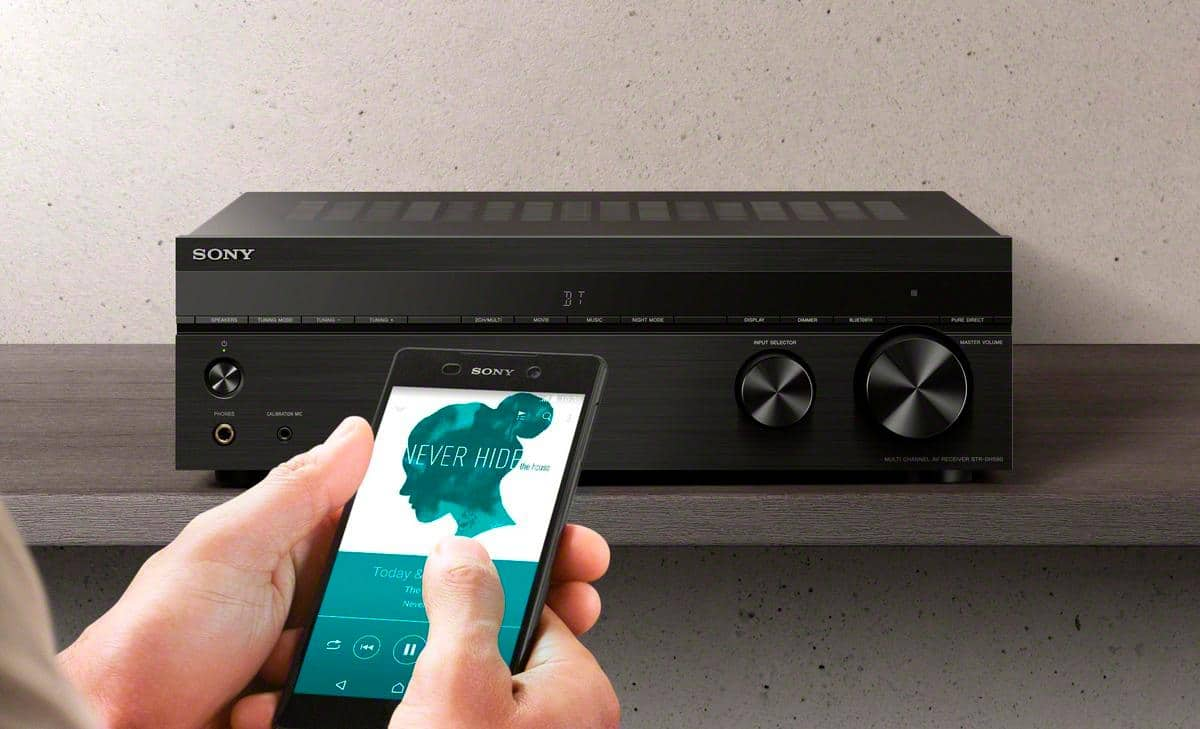
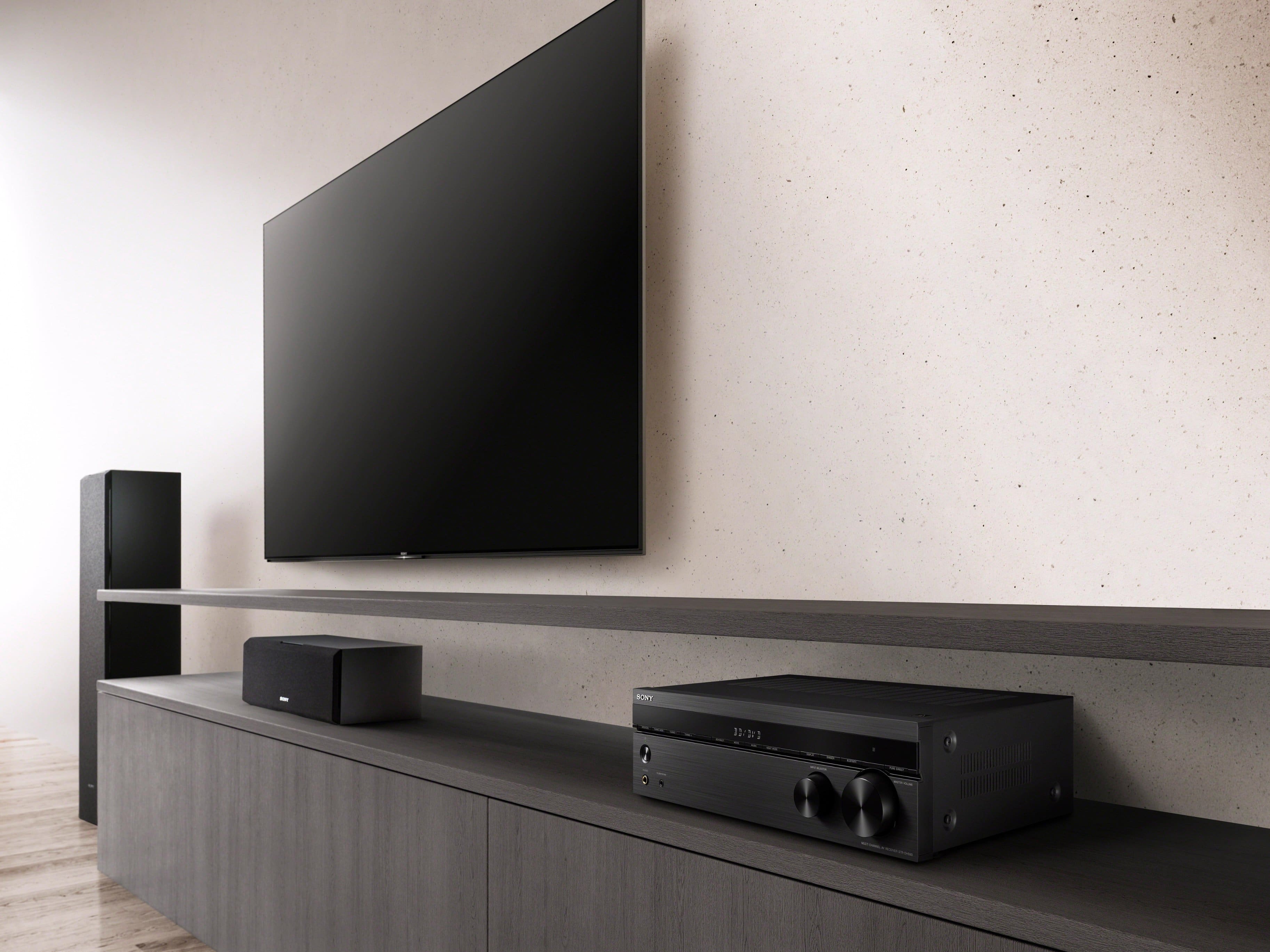
Upgrade your home entertainment system to work with the latest 4K TVs and HDR picture. Equipped with 4 HDMI inputs, HDCP 2.2 signal handling, and a host of advanced features the DH590 is the perfect combination of high performance video capability and superb sonic fidelity.
Regards,
-Ralph
A:AnswerWell can be a few reasons for this message, but the first thing should be check is the speakers cables and the plugs of the speakers on the back of the receiver
A:AnswerHello, thank you for choosing and purchasing our product. We're sorry to hear that you have an issue with the PROTECT issue with your SONY unit. Please follow this link to isolate the issue:
https://www.sony.com/electronics/support/audio-components-receivers-amplifiers/str-dh590/articles/00025095
If you require any additional support in regards to this product, please email us at [email protected] with the following details: Name: Username: Model Number: Issue: Telephone Number:
~Earl
A:Answer5.2 2 front, 2 rear, 1 center, 2 sub connectors
7.2 adds 2 side connectors
Watts are amplifier output totals with all or only 1 channel driven.
Very few receivers have individual channel volume controls. The can be varied in the speaker setup menu.
A:AnswerThe Sony STR-DH950 may not be the problem. The sync problem you describe, I've only experienced this issue with video streaming. Do you see the sync problem showing up with a DVD? If it is a streaming issue you might want to check out a you-tube video on correcting this issue.
A:AnswerHi CarlP,
You may find this link helpful when an HDMI jack on the TV is not Audio Return Channel (ARC)-compatible. See page 22 for details.
https://www.sony.com/electronics/support/res/manuals/4726/55cd375e0f9e7103f2b6baa747ed9072/47269061M.pdf
Hope this helps!
David
A:AnswerFor that I would hook the streaming stick directly up to the TV, since the TV is designed to recieve the signal, and allow you to navigate the menus with the remote. Don't plug the streaming stick into the USB port in the back of the reciever. The USB port in the back of this reciever is a 1 amp power port for charging devices like Airbuds, MP3 players, cell phones, ect. It is not an input like the one on your TV.