A:AnswerThe HS105 Smart Plug Mini does not provide energy monitoring. For energy monitoring features, please instead consider the HS110 Smart Plug, or our HS300 Smart WiFi Power Strip.
Regards,
TP-Link Support
A:AnswerFrom Kasa app Home page, select menu (three lines) then select or add the room you want to move the plug to. Select Add Devices. Select the plug you want to move and follow the prompts to complete the move.
A:AnswerYes! This plug set up perfectly with my 5ghz fiber internet. My old smart plug was only compatible with 2.4, and stopped working when I switched to fiber internet, but this one works great! Very much recommend.
A:AnswerHi! No - in order for the smart plug to be remotely controlled, it must be connected to the Internet. If your Internet source (modem) loses power, the smart plug will not be reachable from outside your local network.
A:AnswerThat should be no problem. The only issue I have had is when I tried to use it on a heater that ran most of the time. It would overheat and shut off.
A:AnswerI had the same problem with an older smart plug I had been using successfully with an Asus dual band router. I had upgraded my WiFi to a Google Nest mesh network and the old one wouldn't work anymore. But the Kasa plugs work great with my Google network, no problem at all. The Nest is supposed to be dual band but there isn't a separate setup for the 2 bands like in most routers. So I think it'll work okay, at least it did for me.
A:AnswerThis smart plug is not designed to provide Internet or WiFi access to a laptop. The Kasa WiFi Smart Plug Mini is designed to provide smart automation for appliances within your home, allowing you to control the power state of the smart plug itself, thus also the appliance connected to it (as long as the appliance does not require additional input for power, such as a remote or toggle switch).
Regards,
TP-Link Support
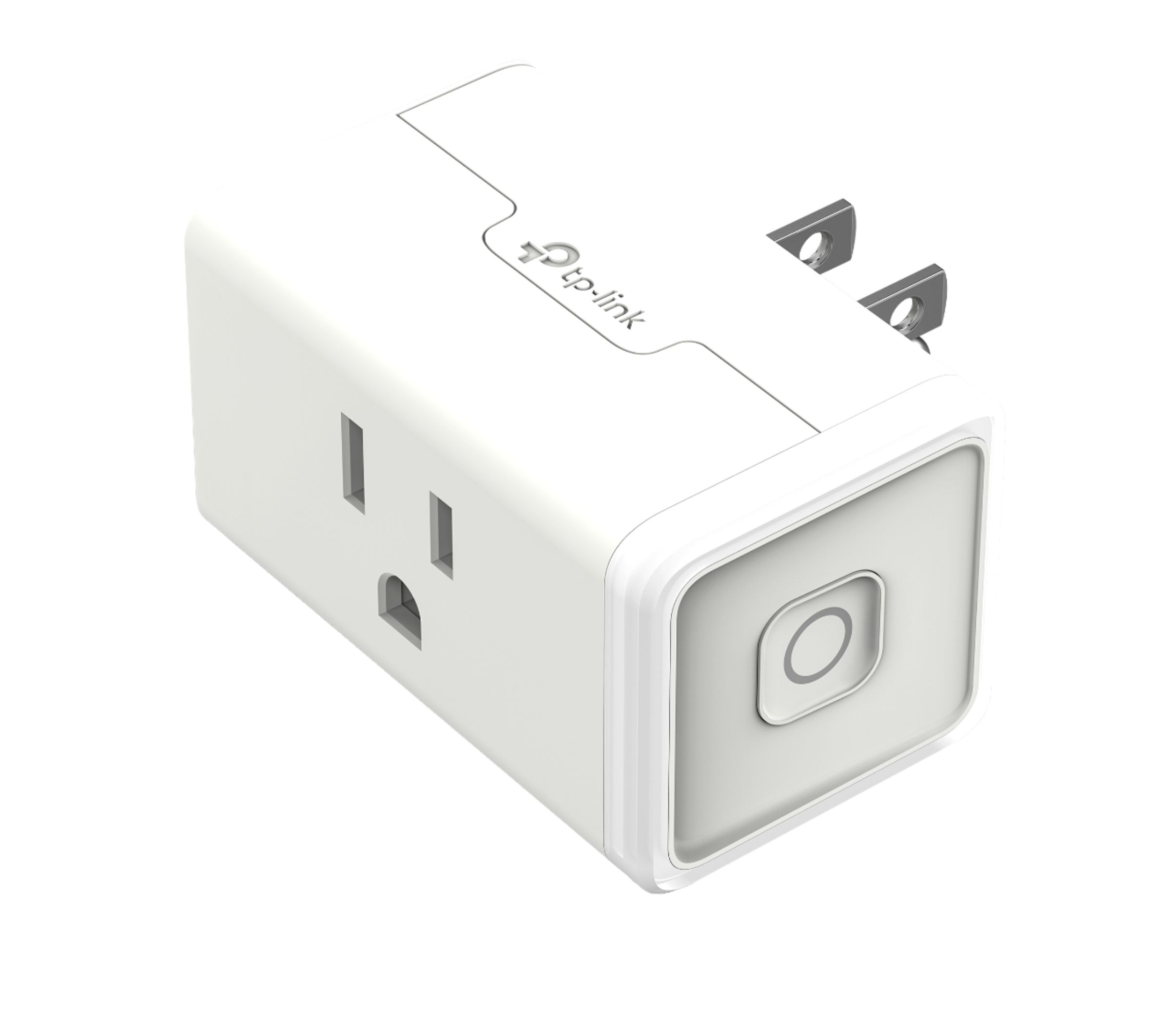
A:AnswerThe HS105 Smart Plug Mini has the following electrical load specifications:
Input Voltage:100 - 120VAC
Output Voltage: 100 - 120VAC
Maximum Load: 15A
Maximum Power: 1.80KW
As long as your appliance operates within these limits, the smart plug can be considered for use.
Regards,
TP-Link Support
A:AnswerYes, it will connect to a WiFi router via the industry standard 2.4GHz band. However it is not designed to operate as a WiFi extender, for that you will need an actual WiFi extender, not a smart plug.
Regards,
TP-Link Support

A:AnswerYes I control all 5 of my switches with my Alexa additionally you can set routines for the switches in the app o.mn a smart phone or other device.
A:AnswerYes. Initially, you set up the plugs with the Kasa app and then you enable the Kasa skill in the Alexa app. From there, you can control the plugs normally through voice commands to Alexa. I have two of these plugs and they work very well.
A:AnswerNo, not usually. It is designed to be installed in range of your home WiFi. You could set it up on another WiFi network you have access to, but I can not imagine why you would unless you want to turn on the coffee pot at work from your phone.