A:AnswerCheck the rating on the device you want to operate. If its 15 amps or less you should be good to go. I'm sure some air conditioners will be 15 amps or less. Wi-Fi stronger than 2.4? I don't know what that question means. Check the label and see how many amps is it uses.
A:AnswerIf your freezer is rated at 15 amps or less, You can use this device to turn your freezer on and off but it will not alert you if the power is out.
A:AnswerAs long as you have it hooked up to the internet in your home, and your iPhone has internet access, then you can control it remotely through the internet.
A:AnswerIt simply adds home automation to mostly any home device that you have. Such as a lamp, or coffee maker, fan. Or even an animal feeder in case may be away longer than expected. Or turn on a lamp for your pets or simply added security. It can be activated anywhere using Android Auto or Android Home.
A:AnswerMost Laptops will have WiFi access built in. The range is usually quite good because they have large antennas embedded in the edges of the display.
You can often buy an adapter that fits inside the laptop.
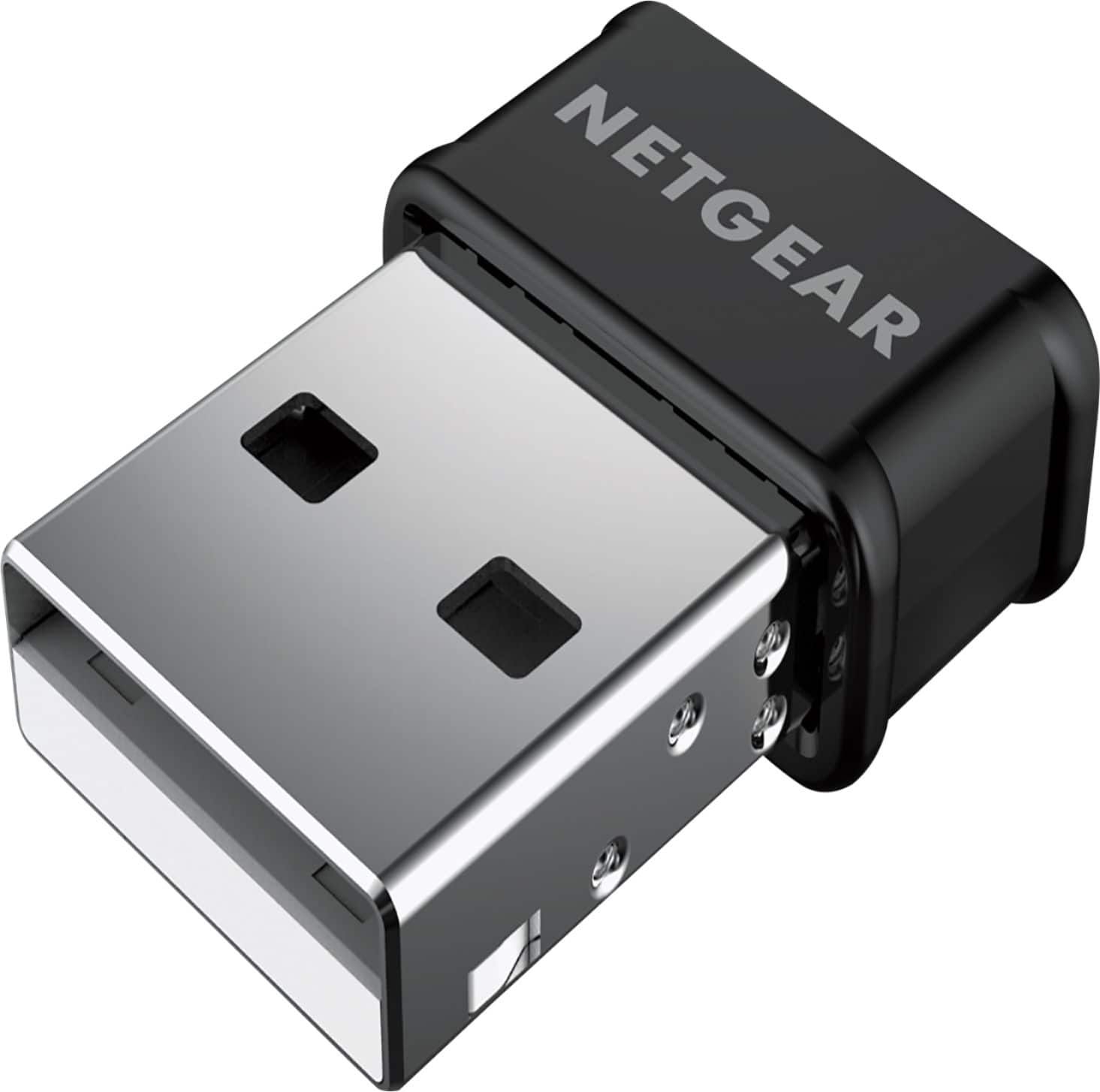
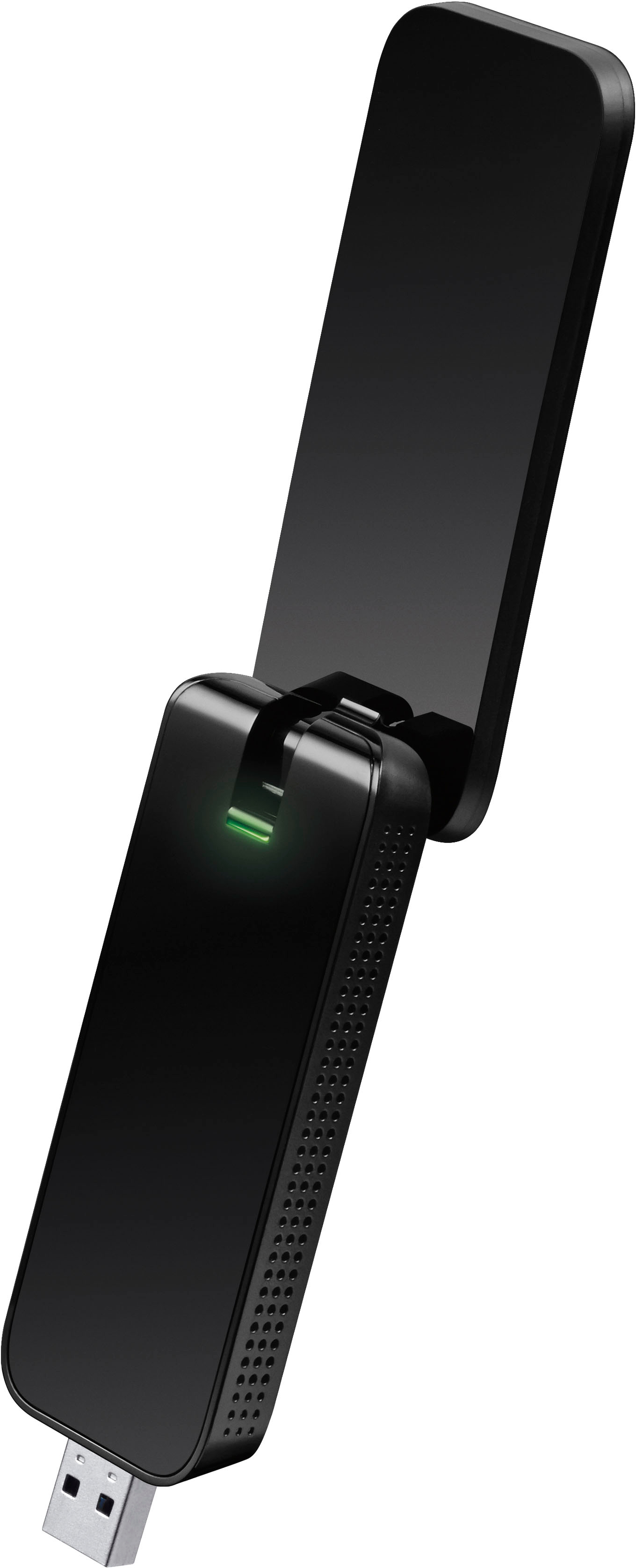
There are a lot of USB-WiFi adapters at Bestbuy. There is one by TP-Link if you want to stay with that brand.
The TP-Link unit sticks out like a USB Flash Drive.
Others are like the adapter that comes with some wireless keyboards, almost flush with the port. It might not have as long a range.
A:AnswerI haven’t setup this plug yet, but all my other plugs work with first gen echo. My first gen echo and other plugs are in a different state and work great together over internet
A:AnswerThis smart plug simply cuts whatever u plug into it to turn off and on. The plug needs ur wifi to work with any Google assist products or Smart phone so that u can either turn ur tv off or on. Your tv will still work accordingly with ur streaming networks.
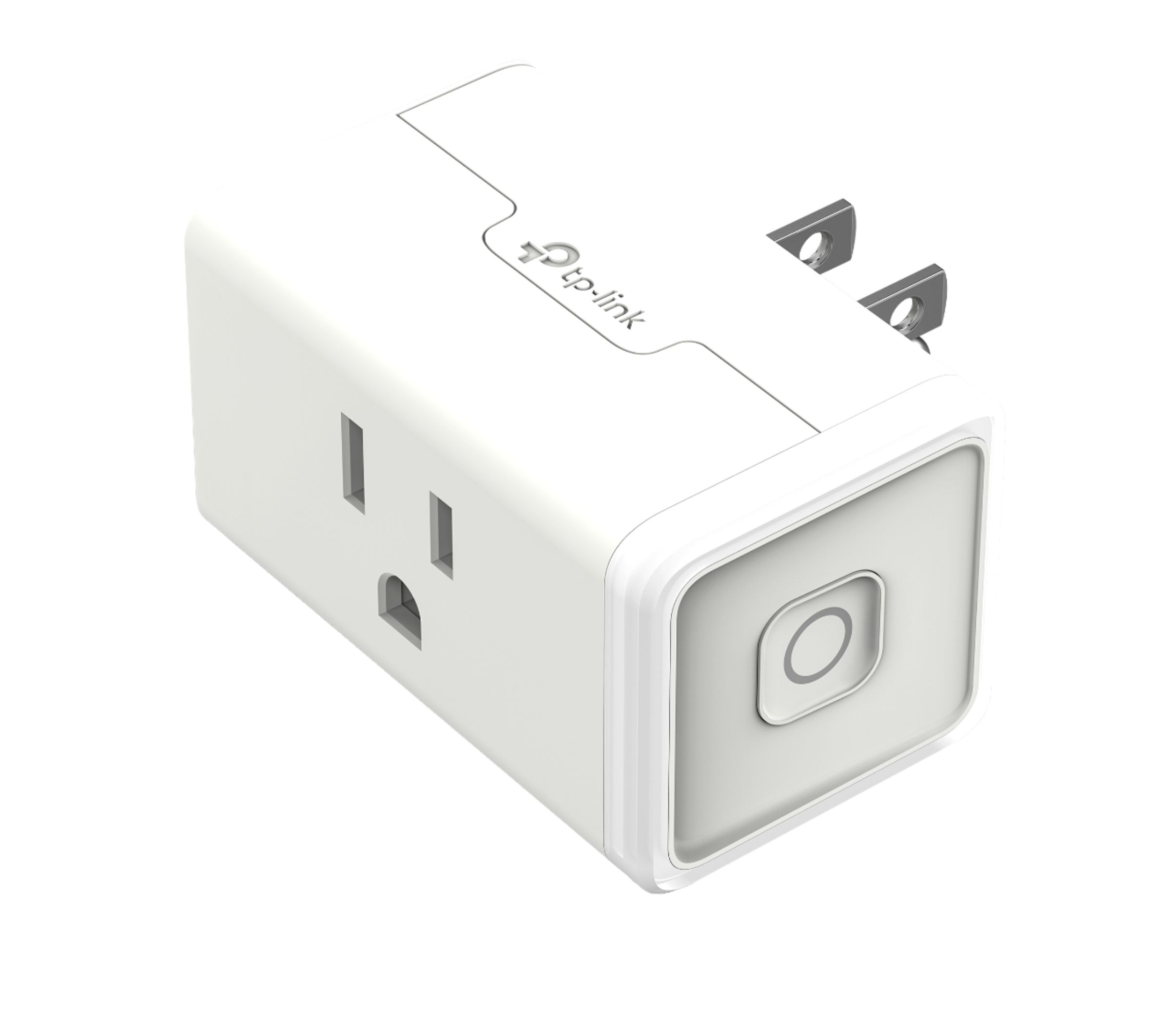
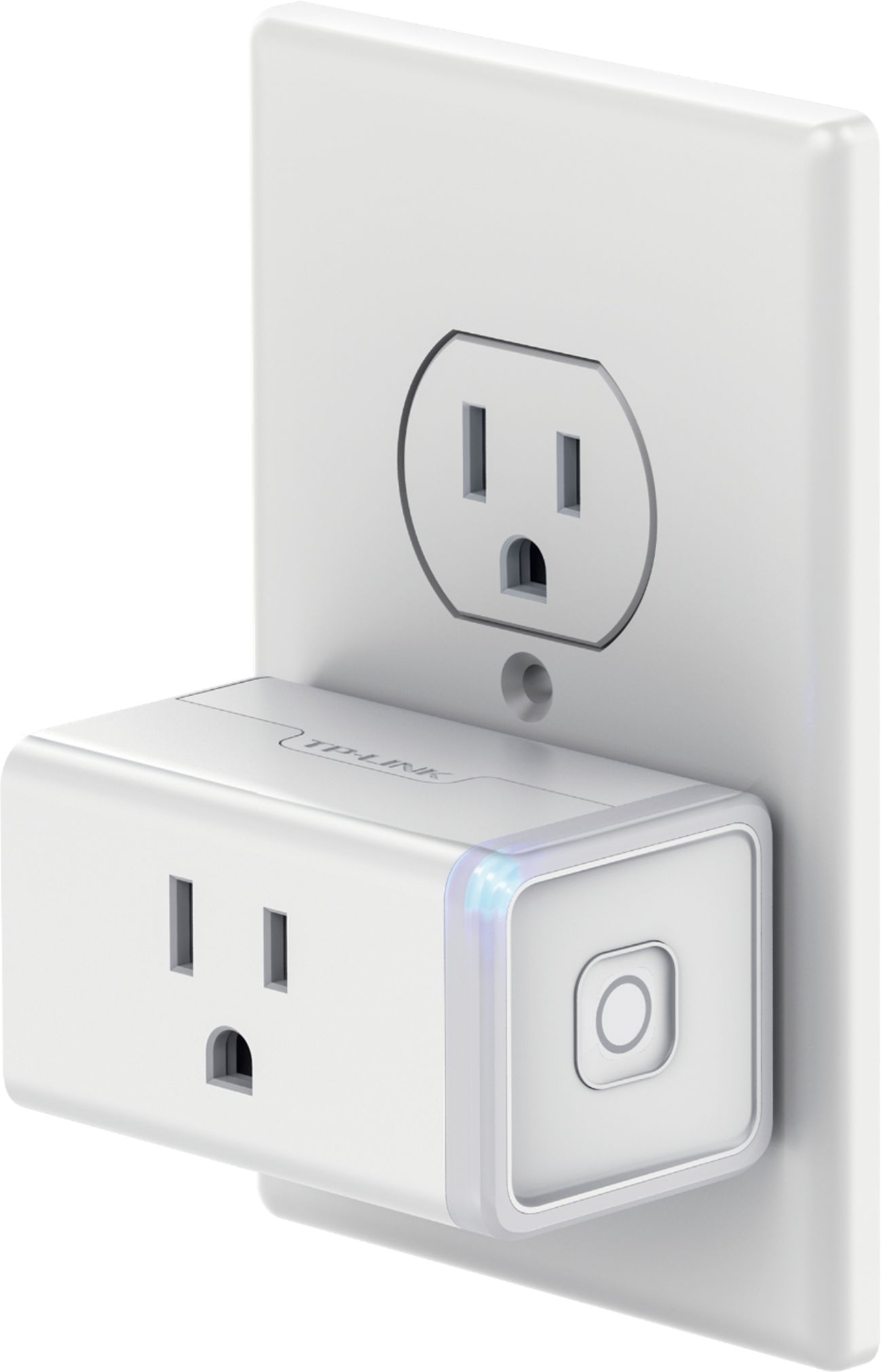
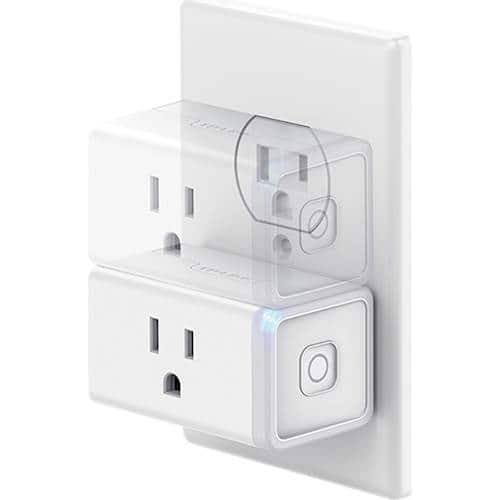
A:AnswerThis device has a single socket to plug one thing into it. If you want to operate two devices from it you would need to plug a splitter or extension cord into it that would allow you to plug in more devices. If you want to operate devices in two different rooms independent of each other and without running extension cords to one location, you would need two of these devices. One in each room. If you want to operate all four lamps independently from each other, you would need four of these devices.
A:AnswerIf the plug loses power, you will see a notice in the app itself; however you don't get a push notification. Just open the app and check the status of the plug.
A:AnswerAs long as each plug is being set up separately (i.e. fully complete the setup of one plug before attempting to install the next), they should not encounter any issues connecting to your network at the same time. Please email kasa.support@tp-link.com and an agent will gladly assist you.
Regards,
TP-Link Support