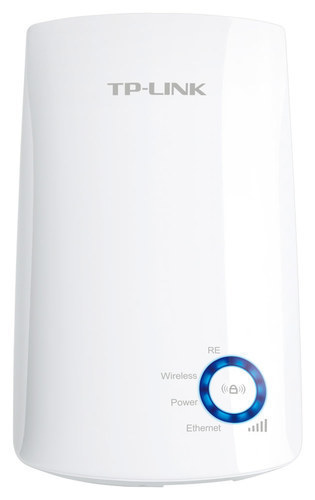
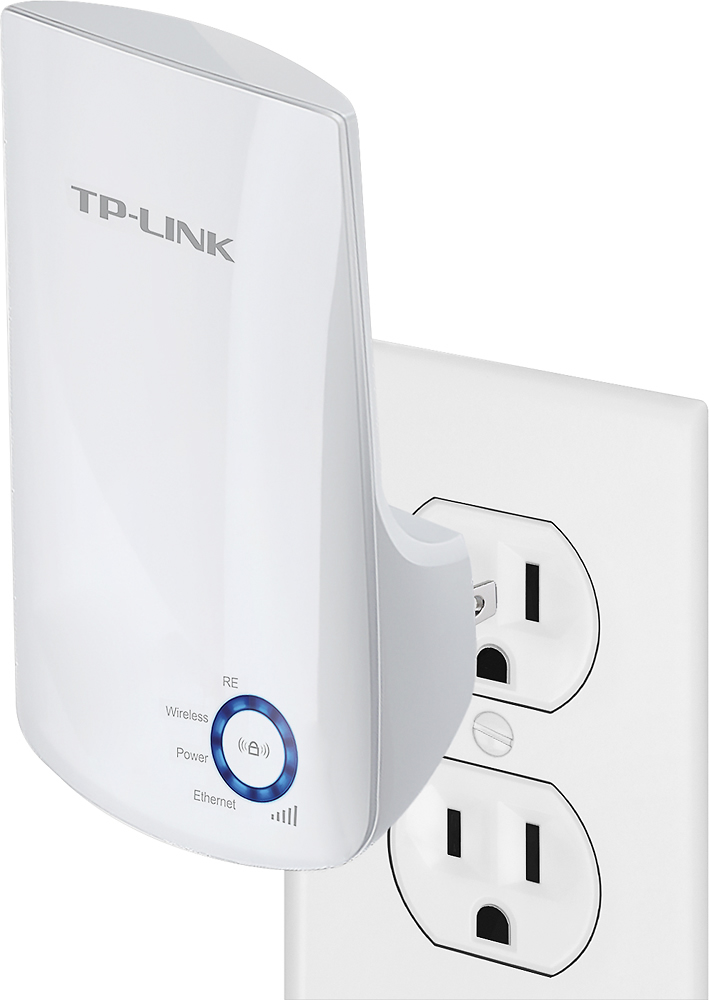
A:AnswerThis product creates a separate network. It is your regular network name with ext at the end. I left the passwords the same, but you are free to customize as you like.
A:AnswerThis can be used to expand the WiFi coverage of your existing WiFi network, or it can be used to receive WiFi connectivity and then supply a network connection to a device via Ethernet.
A:AnswerOur WiFi extenders are universally compatible with WiFi routers. You can conveniently set up the extender using the web browser or Tether app methods, which the included Quick Installation Guide provides detailed instructions on how to do.
Regards,
TP-Link Support
A:AnswerHi Johnny,
Currently I have a phone, a desktop, and 2 laptops connected all times to my internet and extender. Additionally, the desktop and the other 2 laptops are upstairs in my room over the garage and the connectivity was a little weak and the extender has helped greatly. My nephew recently connected his PlayStation console to it and hasn't had any issues. I hope this helps.
A:AnswerI placed mine mine between router and area needing WiFi. The instructions showed just where to place it and check the “lighted circle”. When the lighted circle is completed, the distance between router and where WiFi is needed is correct.
A:AnswerIf you plug it in to the outlet in the house, closest to your workshop... it should most definitely boost the single enough to cover your work space. Keep in mind the surfaces the signal needs to travel through... if it is a steal building, it will diminish the signal strength, but you will still be able to connect at such a short distance. Best of Luck!
A:AnswerIt depends on why your Internet connection is "going off and on." If your Internet connection drops even when your device is close to your wireless router then it's NOT going to help. It is a range extender, so if your Internet connection is dropping due to a loss in wireless signal strength then yes it could help. Does your Internet connection "go off and on" if you use a wired connection? Do other devices have the same problem or only this one device?
A:AnswerThis is a WiFi extender. So it all it does is extend the range of your Wifi signal (like a daisy chain). It requires a wireless connection to your Internet modem/router. It does not use the electrical cables in the wall. The ethernet connection is for hooking up a device that doesn't have WiFi (this device takes the ethernet signal and 'converts' it into WiFi allowing a device that does not have WiFi to be able to use Wifi).
A:AnswerI believe in theory it should. It has an ethernet port at the bottom. I plugged my Macbook into it to see if I could hardwire it and it worked just fine.
A:AnswerYes, you can install multiple WiFi extenders within your home. We would not recommend installing one extender per room; a WiFi extender should be installed in an area between your router and the WiFi dead zone(s) you are attempting to extend to. If your home is large and your existing router's signal is too weak to provide coverage to most of the home, we may suggest considering one of our Deco Mesh WiFi solutions.
Regards,
TP-Link Support