A:AnswerSorry, I cannot answer this question as I don't have any additional phones added. The manual does mention conference call capabilities and I "assume" that means with the additional 6 phones that you can add. It has many features, more than I will ever use. I just needed a traditional 3-line phone for my office and wanted to avoid moving my phones to the internet.
A:AnswerNat - Due to the nature of your concern, please contact our Consumer Sales and Service Center between the hours of 9:00 AM and 4:00 PM Monday through Friday at 1-800-595-9511.
Thank you,
-VTech Support
A:AnswerAndi - When the VTech CM18445 or any of its extension is in use on one line and another call comes in on the opposite line, the current unit that is in use will not ring. You will only hear a beep to alert you that there is a call on a different line. However, if there are other extensions connected to the main console and those extensions are not in use, you will hear an audible ring. If you have other inquiries, please contact VTech Customer Support for further assistance at 1-800-595-9511. We are open from 9:00 AM to 3:00 PM, Mondays through Fridays. When calling, please have your model number handy: CM18445. Thank you! - VTech Support
A:AnswerBill - Due to the nature of your concern, please contact VTech Customer Support for further assistance at 1-800-595-9511. We are open from 9:00 AM to 3:00 PM, Mondays through Fridays. When calling, please have your model number handy: CM18445. Thank you! - VTech Support
A:AnswerHi - It is a normal operation of the VTech CM18445 that the Caller ID information does not stay on the screen when you answer an incoming call. It will only show the duration of the call. However, you can press the Call History button to review the phone number if needed. Thank you! - VTech Support
A:AnswerFor anyone who stumbles across this searching for how to fix it, this worked for me: Make sure there is at least one old message; if not, record one for yourself and play it to make it old. Then press ANS SYS, scroll to the bottom, and pick Delete all old. Confirm you want to do it and it resets.
A:AnswerDear Linda, please contact our Customer Service at 1-800-595-9511. Our service agents can help you with the product issues. If the product is deemed defective, they can help you on a product replacement. Our Customer Service Center opens from Monday to Friday, 9am to 5pm.
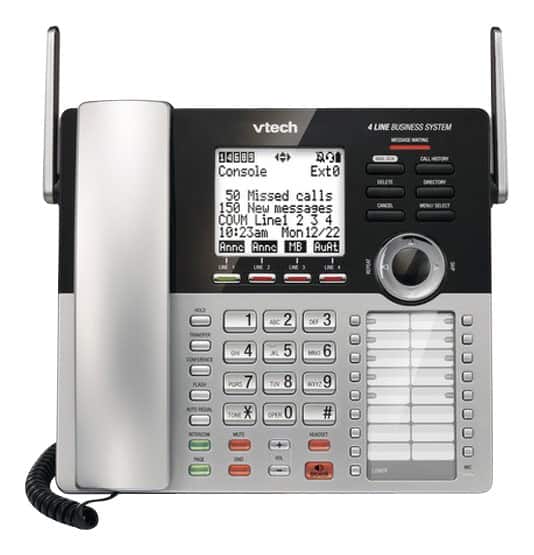
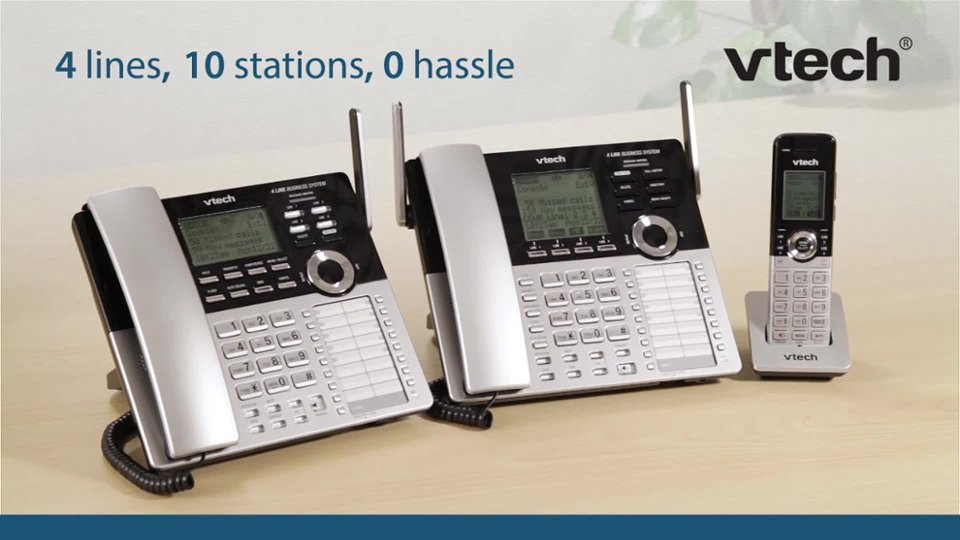
A:AnswerNo. Regular VTech cordless handsets lack the features necessary for multi-line operations. For CM18445 is a 4 line phone system and the only compatible cordless handset is CM18045.
A:AnswerMel - Here's how you can review the caller ID log on the VTech CM18445.
Step 1: Press the Call History button when the phone is not in use. The screen will display XX missed calls.
Step 2: Press the CID down button o review the caller ID information. The caller ID entries are stored in reverse chronological order starting with the most recent entry.
Thank you,
-VTech Support
A:AnswerHello - Here's how you can turn off the General Mailbox feature of the VTech CM18445.
Step 1: Press Menu/Select button when the console is not in use.
Step 2: Press arrow down to scroll to Line mode, then press Menu/Select.
Step 3: Press arrow down to select the desired line, then press Menu/Select.
Step 4: Press arrow down to scroll to the desired line mode (Gen MB only, Auto attendant, Announce only or No answer), then press Menu/Select.
Hope this helps!
-VTech Support
A:AnswerLisa - If you are looking for a messaging system not associated with an extension you may check voicemail service from your telephone company. They may have other options.
Thank you,
-VTech Support
A:AnswerMariana - The CM18445 does not have a compatible wireless booster. The telephone system operates with the maximum power allowed by the Federal Communications Commission (FCC). Even so, the extensions and the telephone base can communicate over only on a certain distance, which can vary with the locations of the telephone base and extension units, weather and the layout of your office. Thank you.
A:AnswerJimbo - We are sorry to hear that you are having issues with the VTech CM18445. Due to the nature of your issue, we recommend that you call our Customer Support at 1-800-595-9511 to better assist you. We are open Monday through Friday, 9:00 AM to 5:00 PM. Thank you!
~Vtech Support
A:AnswerDee - we are sorry if you are having issues with the audible message alert. You can turn it OFF by following the instructions below:
1. When the console is idle, press MENU/SELECT
2. Press the arrow down or up to scroll to ANS SYS SETUP, then press MENU/SELECT
3. Press the arrow down or up to scroll to MSG ALERT TONE, the press MENU/SELECT
4. Press the arrow down or up to scroll to choose ON or OFF
5. Press MENU/SELECT to save the setting
Hope this helps! Thank you!