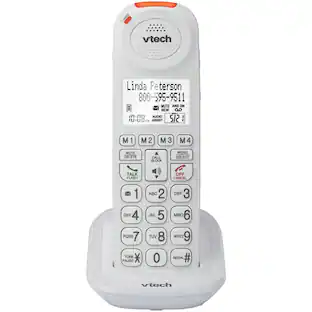
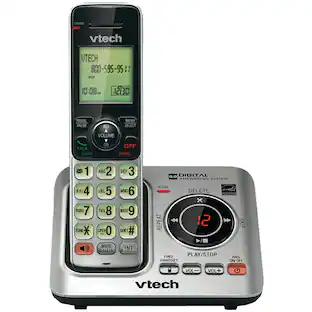
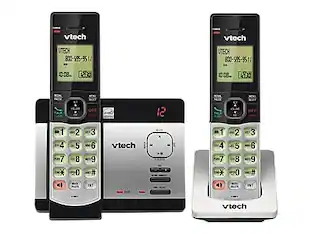
VTech - CM18445 Main Console - DECT 6.0 4-Line Expandable Small Business Office Phone with Answering System - Silver
About this product
This VTech CM18445 corded phone is compatible with anywhere from 1 to 4 telephone lines and connects wirelessly with up to 10 handsets. The digital answering system records up to 180 minutes of messages, announcements and memos.
Features
Expandable phone system
Includes 1 corded base station and is expandable to up to 10 cordless handsets.
DECT 6.0 technology
For clear, interference-free calls.
Digital answering system
Records up to 180 shared minutes of messages, outgoing announcements and memos.
Auto attendant on each line
Answers outside calls, provides callers with a company directory, forwards calls to an extension and lets callers leave voice messages.
Call waiting/caller ID with 50 name and number history
Displays the name and number of incoming calls and remembers up to 50 callers for easy call-back.
Call waiting and caller ID require additional service through your local phone company.
Specifications
- SpeakerphoneYesBluetooth EnabledNoExpandableYesFrequencyDECT 6.0 DigitalPaging LocatorYesAnswering System IncludedYes
Reviews
Rating 4.2 out of 5 stars with 30 reviews
The vast majority of our reviews come from verified purchases. Reviews from customers may include My Best Buy members, employees, and Tech Insider Network members (as tagged). Select reviewers may receive discounted products, promotional considerations or entries into drawings for honest, helpful reviews.
Compare similar products

This VTech CM18445 corded phone is compatible with anywhere from 1 to 4 telephone lines and connects wirelessly with up to 10 handsets. The digital answering system records up to 180 minutes of messages, announcements and memos.

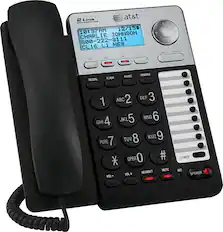
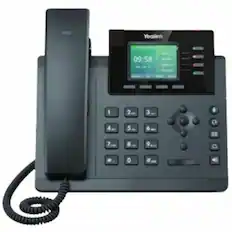
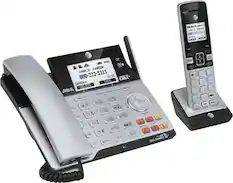
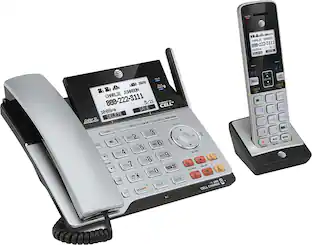
Easily manage multiple business calls on this AT&T TL86103 phone, which features 2 USB ports and Bluetooth for sending and receiving mobile calls. Softphone Call Manager merges Microsoft Linc, Skype, VoIP and landline service for an integrated system.
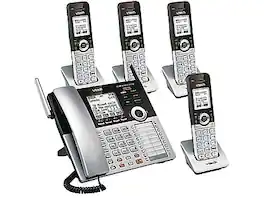
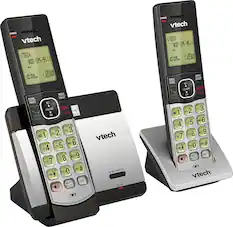
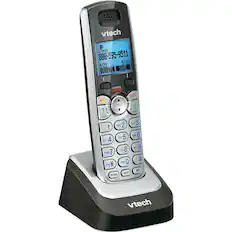
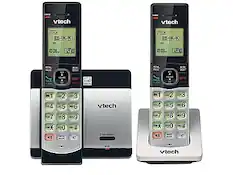
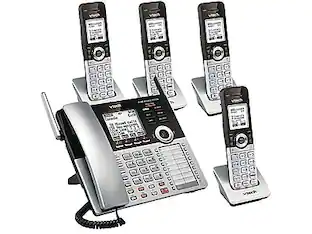
Stay in contact when important business opportunities arise by using this phone system bundle. This telephone and four cordless handsets support up to four lines with unique numbers, which makes it ideal for conference calls, and the digital technology DECT 6.0 provides clear communication. This VTech office phone Small Business System includes an integrated digital answering system to record messages when you step away from your desk.

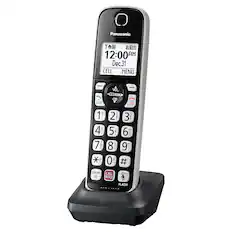
Panasonic Cordless Phone KX-TGF975S has 5 cordless handsets and answering machine for your home or office. Smart Call Block features makes it easier than ever to block and avoid nuisance callers and Link2Cell connects cell phones via Bluetooth to make and receive mobile calls on your home phone handsets for call clarity even in cell dead zones.
| Pros for VTech - CM18445 Main Console - DECT 6.0 4-Line Expandable Small Business Office Phone with Answering System - Silver | |||
|---|---|---|---|
| There were no pros for this product— | Ease of use, Features, Bluetooth, Overall Performance, Price | There were no pros for this product— | Ease of use, Features, Call Blocking, Sound Quality, Setup |
| Cons for VTech - CM18445 Main Console - DECT 6.0 4-Line Expandable Small Business Office Phone with Answering System - Silver | |||
| There were no cons for this product— | Button Size, Complexity, Speed Dial, Wall Mount | There were no cons for this product— | Battery Life, Volume, Instructions |
Specs
Questions & Answers
How do i disable the answering machine feature on all the consoles so i can use voicemail service instead? I have CM18445 and two consoles
Answered by VTech_SupportHi - Here's how you can turn off the general mailbox of the CM18445. 1. When the CM18445 is not in use, press the MENU/SELECT button. 2. Press arrow down to scroll to Line mode, then MENU/SELECT. 3. Press arrow down to choose the desired line (Line 1, Line 2, Line 3, Line 4 or All lines), then press MENU/SELECT. 4. Press arrow down to choose No answer, then press MENU/SELECT to confirm. Hope this helps -VTech Support

We only have 1 phone line, however, I would like people to be able to leave msgs into 3 different mailboxes based upon the nature of their call. Does this phone system have that capability or do you make a model that does?
Answered by VTech_SupportHi - The VTech CM18445 does not have multiple mailboxes. Instead, you can get additional expansion units and use the auto-attendant feature of the system. The said feature will enable callers to choose a specific extension that they would like to reach. Each system extension also has its own mailbox for callers to be able to leave a message. Thank you, -VTech Support
I have this phone at my shop. I would like to know if it is possible to transfer the calls, from line 1, to my home phone when i am not there? If this is possible how do i do it?
Answered by VTech_SupportHi - The VTech CM18445 does not have the call forwarding feature. This is a service subscribed from the telephone company. We recommend that you contact your local service provider and ask if the feature is available. Thank you! -VTech Support
Does the phone have a speakerphone function?
Yes, the VTech phone does have a speakerphone function.
This question and answer was generated by AI based on customer and product data.How many cordless handsets can this phone system support?
This VTech phone system can be expanded to support up to 10 cordless handsets.
This question and answer was generated by AI based on customer and product data.

Customers often buy these together
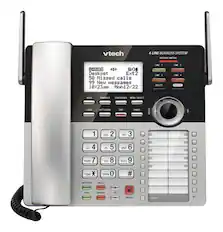
CM18245 Extension Deskset for VTech CM18845 Small Business Office Phone System - Silver
$99.52The price was $147.99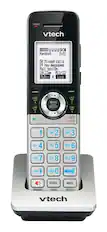
VTech - CM18045 DECT 6.0 Cordless Expansion Handset Only - Silver
$79.95The price was $128.33![Panasonic Panasonic Panasonic Panasonic Bluetooth INTERCOM SELECT T 83 12:00A Dec.31 Livingroom CELL MENU C1 SMITH.JOE 1-222-333-4444 11:08A Nov 18 ERASE SELECT Intercom call [*]ALL [O]Base SELECT CALL BLOCK CALL BLOCK I CALL BLOCK FLASH POE FLASH w VOL COML 4 REDU CD OFF TALK OFF Panasonic AFC 3 i 1 2 E 3 I TD 820 12:00AM AM Panasonic Dec.31 SMITH.JOE CELL MENU 1-222-333-4444 TELE.BLK. CALL BLOCK OE FLASH DE VOL RCAL OD TALK OFF 1 2 3 4 5 6 7 8 9 0: # OE FLASH VOL. SO CD TALK OFF 1 2 3 - 4 5 6 D 7i 8 9 N *: 0t SAPHONE FLASH VOL. REDIAL CID TALK OFF 1 2 3 - 4 5 6 D 7i 8 9 N *: 0t SAPHONE FLASH VOL. REDIAL CID TALK OFF 1 2 3 - 4 5 6 D 7i 8 9 N *: 0t SAPHONE FLASH VOL. REDIAL CID TALK OFF 1 2 3 - 4 5 6 D 7i 8 9 N *: 0t SAPHONE FLASH VOL. REDIAL CID TALK OFF 1 2 3 - 4 5 6 D 7i 8 9 N *: 0t SAPHONE FLASH VOL. REDIAL CID TALK OFF 1 2 3 - 4 5 6 D](https://pisces.bbystatic.com/image2/BestBuy_US/images/products/2d118562-e82a-4042-8cd0-3582f37dba3f.jpg;maxHeight=232;maxWidth=233?format=webp)
Panasonic - KX-TGF975S Link2Cell DECT 6.0 Expandable Cordless Phone System with Digital Answering System and Smart Call Blocker - Silver
Our 365-day lowest price$191.99The price was $211.99
Customers ultimately bought
Discover lifestyle innovations Sponsored

Discover related products
 $138.99The price was $169.99
 $59.99The price was $61.99
 Techtober Deal$29.90The price was $40.90