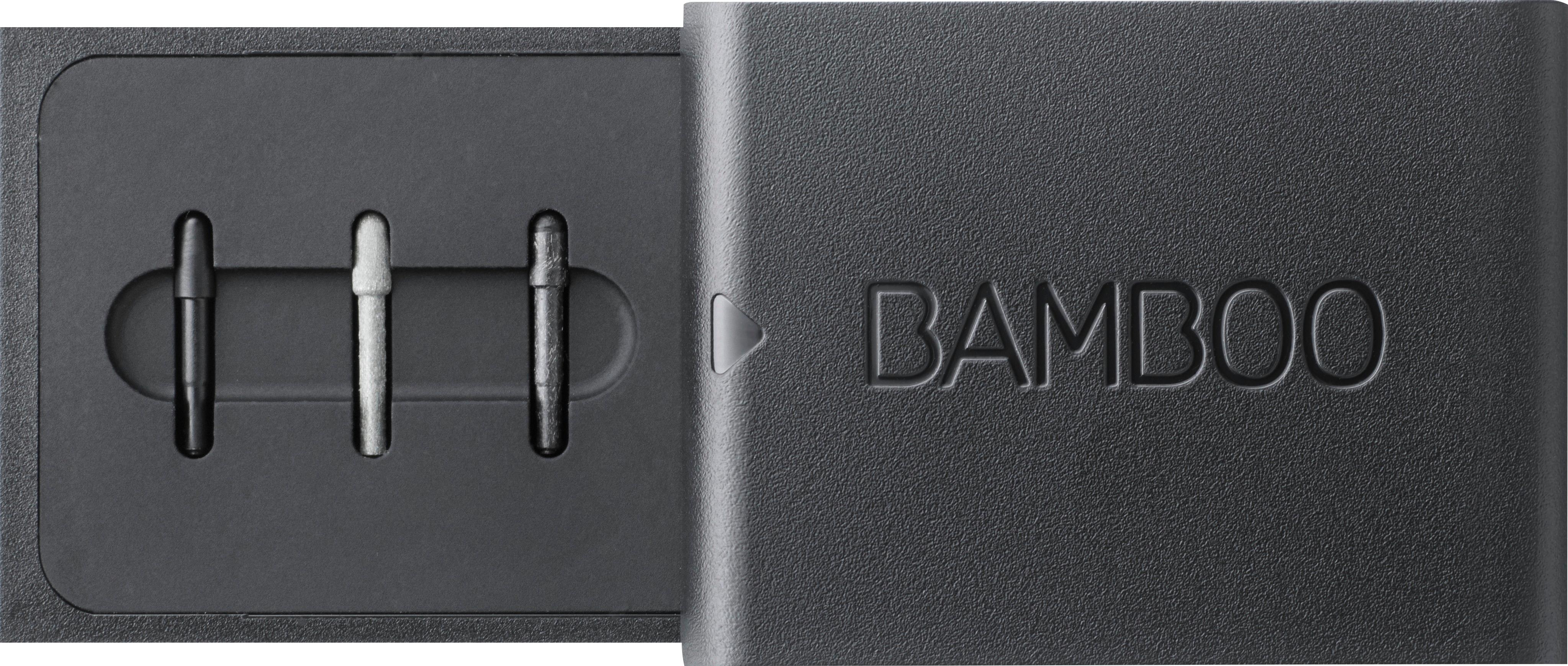
A:AnswerYes. Windows Ink is a technology, not limited to any specific program. If the program supports ink, the Bamboo will work. Photoshop certainly does. If Toon Boom Harmony supports ink it will work.
A:AnswerIt's only been tested and will work with these devices running Windows 10
Made for Windows 10 devices
ASUS Transformer Pro T304UA/ TransBook T304UA
ASUS Transformer Mini T102HA/ TransBook Mini T102HA
Dell™ Venue 10 Pro™ 5000 Series (5055)
Dell™ XPS 13 2in1
Fujitsu LIFEBOOK® P727
Fujitsu LIFEBOOK® T937
HP EliteBook x360 1030 G2
HP Elite x2 1012 G1
HP Elite x2 1012 G2
HP ENVY 8 Note Tablet
HP Pro x2 612 G2
HP Spectre x360 13-ac000
Lenovo™ ThinkPad X1 Tablet
Lenovo™ ThinkPad Yoga 260
Lenovo™ ThinkPad® X1 Yoga™
Lenovo™ ThinkPad® P40 Yoga™
Lenovo™ ThinkPad® 10 (2nd Gen)
Lenovo™ Miix 510
Lenovo™ Miix 720
Lenovo Yoga 720 (13")
Microsoft® Surface® 3
Microsoft® Surface® Pro 3
Microsoft® Surface® Pro 4
Microsoft® Surface® Book
Toshiba dynabook V62/B
Toshiba dynabook V42/B
Toshiba dynaPad N72
A:AnswerYes, and it’s a pretty strong magnet too. Sometimes when I’m holding my Surface Pro and forget my Pen on the desk, I just lower the Pro close and the Pen jumps and attaches.
A:AnswerHave you tried placing the pen against the screen while holding the button. I did that with my Asus q504ua and it worked at first I followed the instruction and it did not work for me but a friend told me to place the tip of the pen on the screen while connecting and it worked.
A:AnswerThe Bamboo does support two technologies, Wacom and MSs own. You have to set the pen to the one your laptop uses. Check the instructions on how to change it. There is no good indication of which it is set too, other than it working. The button push is just BT, so universal.
A:AnswerThe short answer is "You can't". I have an HP Envy x360 and it doesn't work with it either. I got the same results as you, so I will be returning it.
Made for Windows 10 devices
ASUS Transformer Pro T304UA/ TransBook T304UA
ASUS Transformer Mini T102HA/ TransBook Mini T102HA
Dell™ Venue 10 Pro™ 5000 Series (5055)
Dell™ XPS 13 2in1
Fujitsu LIFEBOOK® P727
Fujitsu LIFEBOOK® T937
HP EliteBook x360 1030 G2
HP Elite x2 1012 G1
HP Elite x2 1012 G2
HP ENVY 8 Note Tablet
HP Pro x2 612 G2
HP Spectre x360 13-ac000
Lenovo™ ThinkPad X1 Tablet
Lenovo™ ThinkPad Yoga 260
Lenovo™ ThinkPad® X1 Yoga™
Lenovo™ ThinkPad® P40 Yoga™
Lenovo™ ThinkPad® 10 (2nd Gen)
Lenovo™ Miix 510
Lenovo™ Miix 720
Lenovo Yoga 720 (13")
Microsoft® Surface® 3
Microsoft® Surface® Pro 3
Microsoft® Surface® Pro 4
Microsoft® Surface® Book
Toshiba dynabook V62/B
Toshiba dynabook V42/B
Toshiba dynaPad N72
A:AnswerMine didn't sync up at first either. I had to press both sides of that long button that is near the tip of the pen. It synced right up after that. Hope that helps!
A:Answersuggest you check out Microsoft's pen offerings... they created the Microsoft Ink software for your laptop, they know how to make it work best.
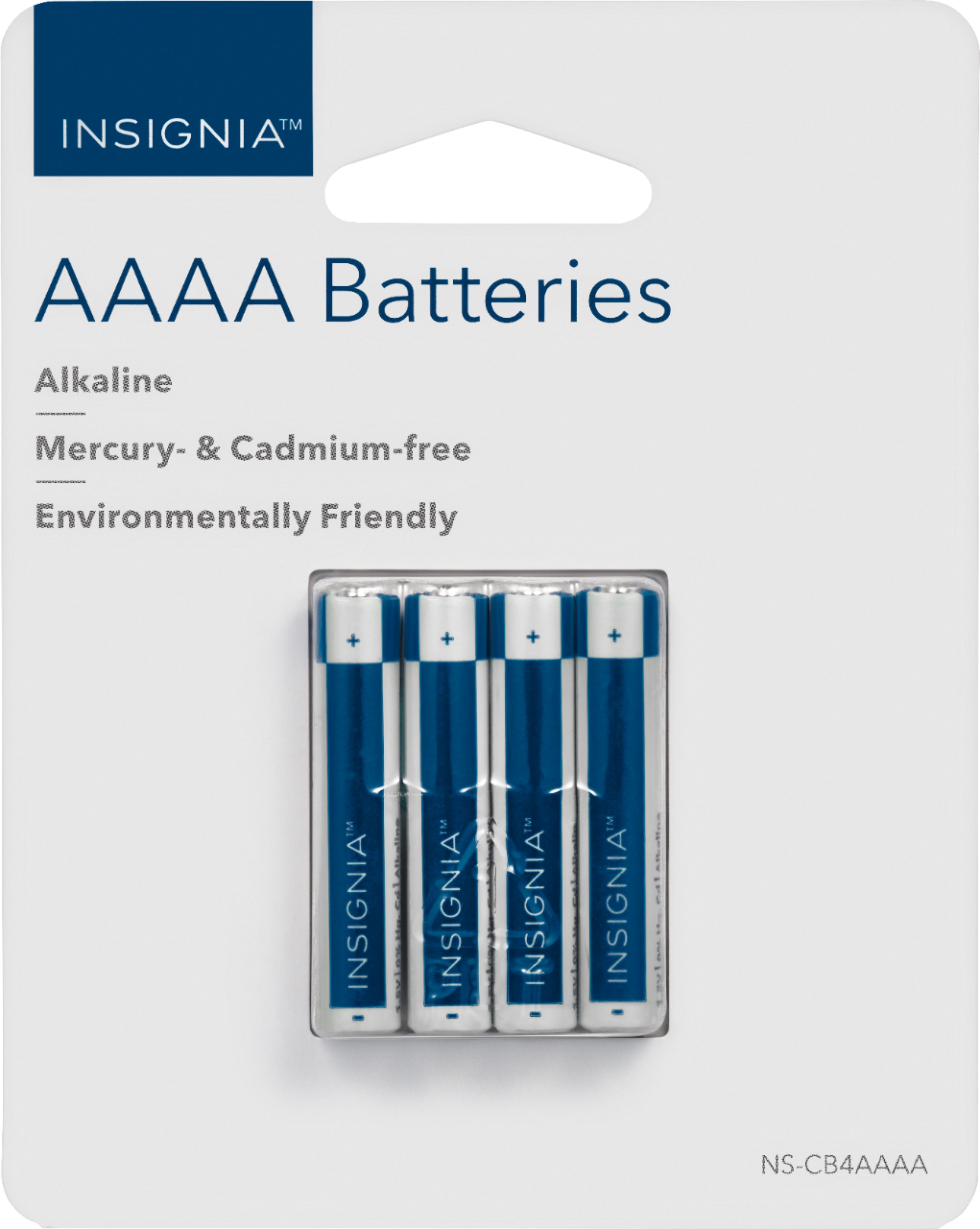
A:AnswerMy dad has a stylus that was having the same problem. We even took it to Best Buy Geek Squad. Found out that was the battery. His takes a 4A. AAAA which we could only find locally at BB. Or online. Hope this helps
A:AnswerI bought one for my HP 17inch. Couldn't get it to write, went back to Best Buy and they determined
the pen was defective. So the pens can be defective.