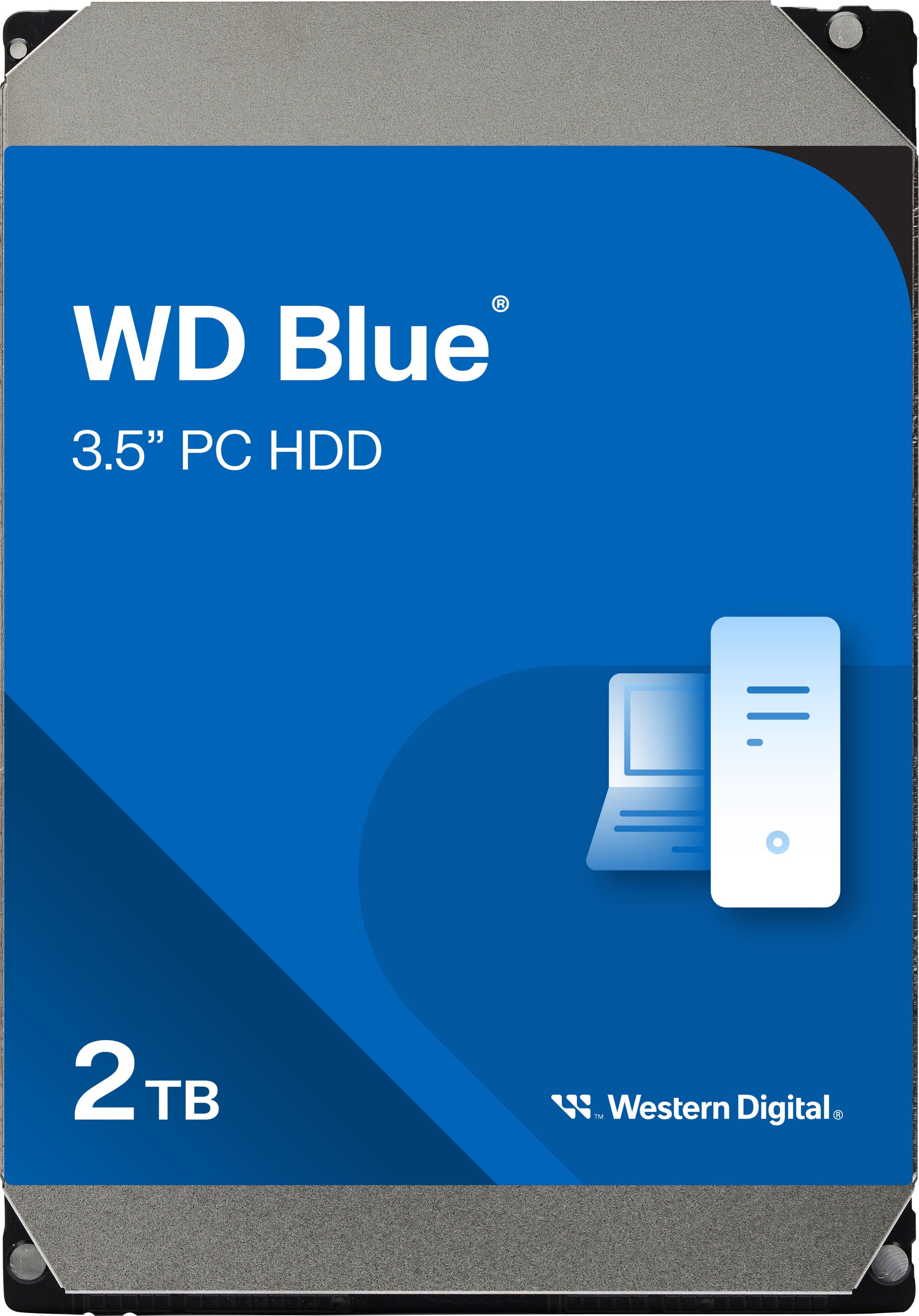
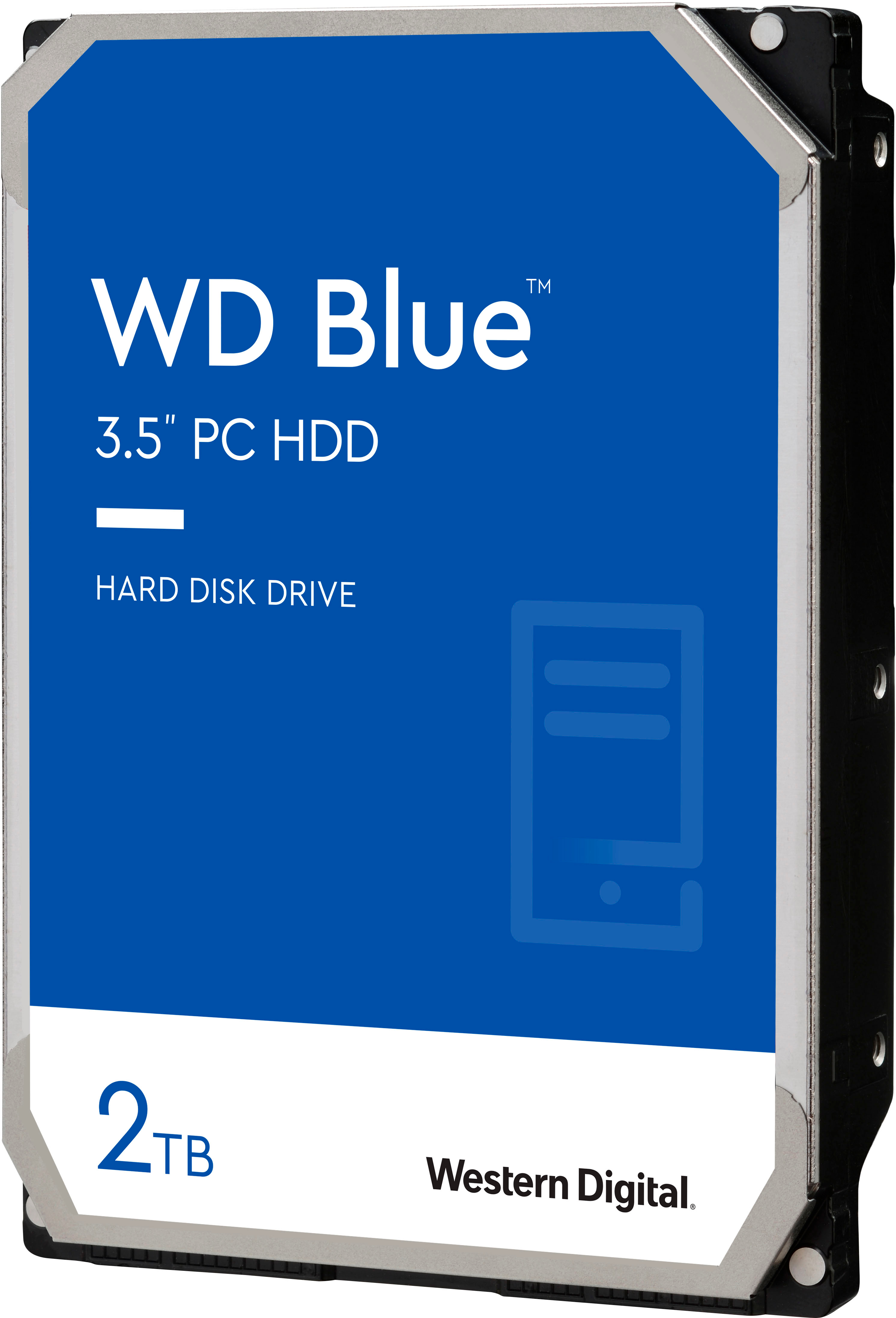
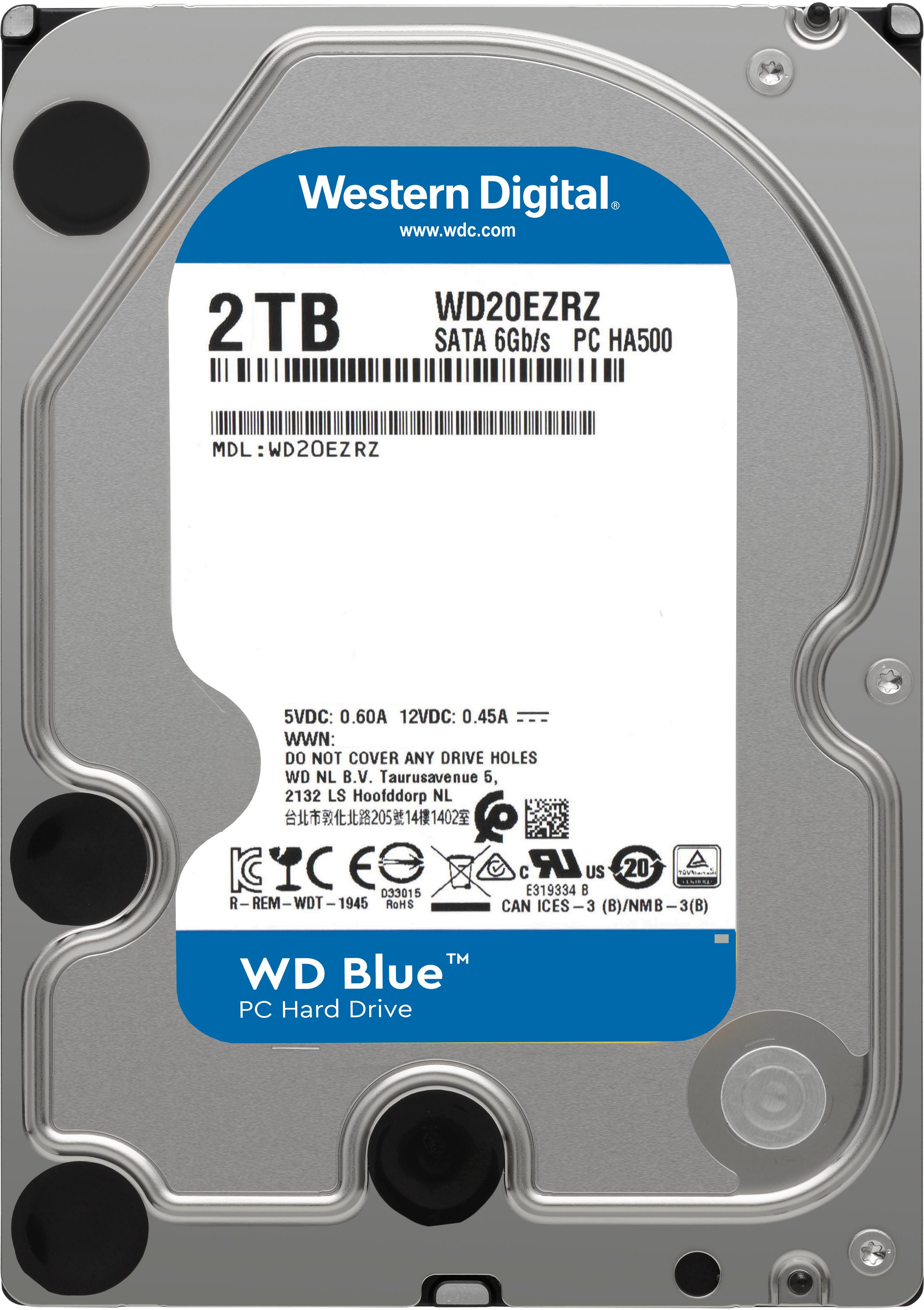
A:AnswerHi Tristan, thank you for showing your interest in WD internal drive. WD Mainstream Desktop drive has 3.5 Inch form factor. Moreover, In order to check the compatibility, we would suggest you to please contact the motherboard or PC manufacturer. -Need Help? Please see our "'Contact Us" page for information.
A:AnswerSorry but no you cannot use this for a ps4 because the ps4 doesn't have sata connection..I used western digital black external for my kids ps4..works great and western digital is reliable
A:AnswerA quick Google search for mygig drive upgrade yielded this information.
People have successfully upgraded the 40GB drive to 80GB.
That system uses a 2.5 inch laptop drive, not a 3.5 inch desktop drive.
That system required a Parallel ATA interface (PATA). I have not seen a PATA drive for sale in 12 years. All modern spinning disk drives are Serial ATA (SATA).
Your model MyGig may be newer and support a modern interface, you will need to do some research.
A:AnswerHi,
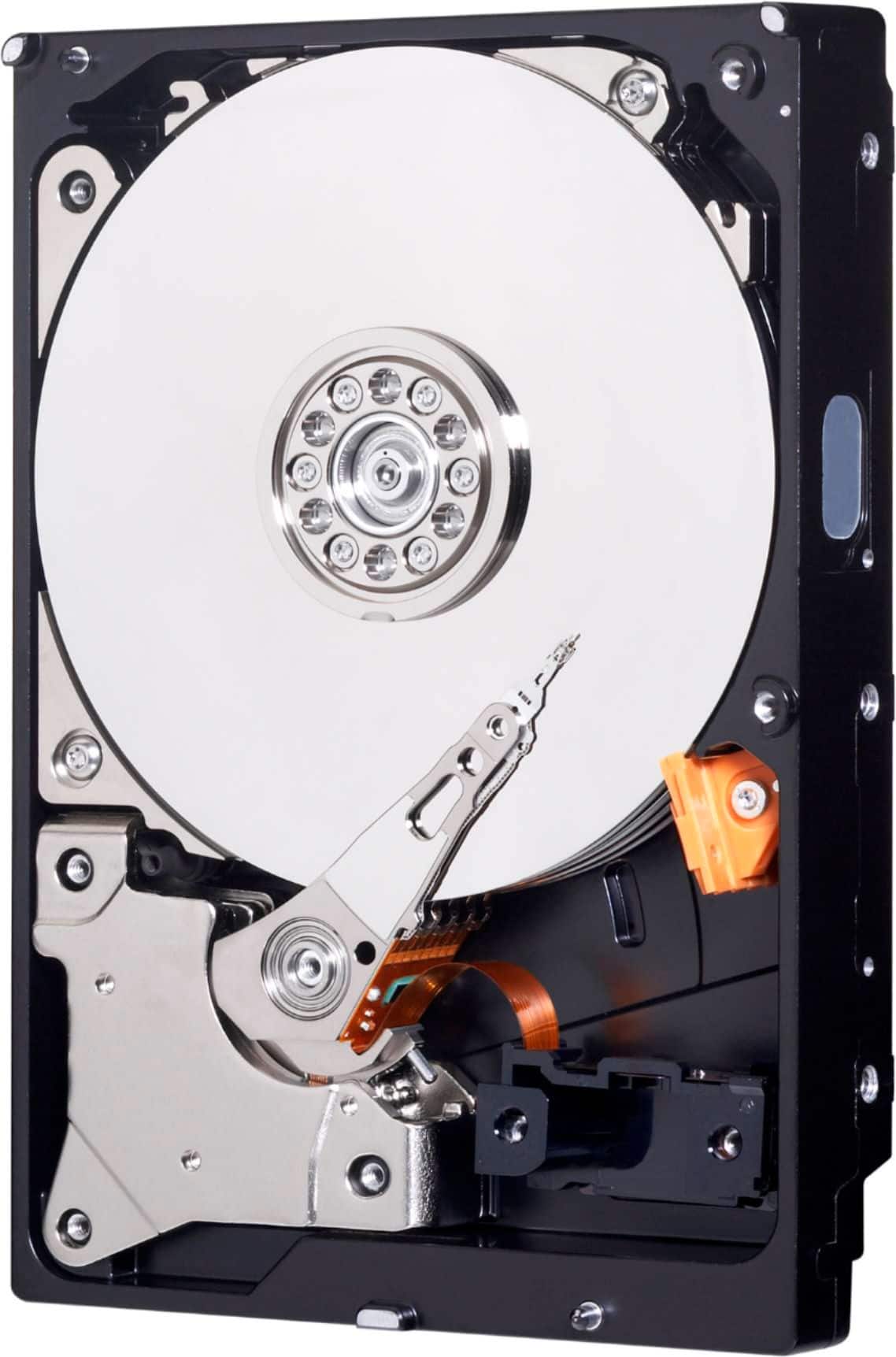
Please be informed that the WD Mainstream Hard Drive for Desktop is covered to prevent any type of damages.
Need Help? Please see our "'Contact Us" page for information.
A:AnswerLaptops take 2.5 inch drives. This is a 3.5 inch drive for desktops. An Intel Mac Pro prior to the cylinder of 2013, would take this size drive.
A:AnswerHi Arnold, Thank you for showing interest in WD Desktop Mainstream Hard Drive. The WD Desktop Mainstream internal hard drive is designed to be installed inside computers. We have not tested the hard drive on PS4. We will recommend you to use WD GAMING DRIVE which is specifically designed to be used with PS4. Please refer to the link mentioned below for more information. WD GAMING DRIVE: http://products.wdc.com/library/AAG/ENG/4078-705139.pdf Need Help? Please see our "'Contact Us" page for information
A:AnswerHow long it will last is dependant on the quality of the video being recorded and the format it's being recorded in, how many cameras you have, etc. Say you are using the typical 1080p, 15fps security camera system like Swann. You would get approximately 30 days of footage. Most systems will start to overwrite the oldest footage when full.
It is all subjective though, to how active your cameras are.
A:AnswerNo, The 3.5 form factor is too big for a Sony Playstation 4. For Internal purposes, install a 2.5 drive. If you do not want to open the system, then get an external drive which will probably cost more due to its ease of use.
A:AnswerHi clancy, Please know that WD Blue drive comes with SATA 6 Gb/s interface, has 3.5 Inch form factor and comes in both 5400 and 7200 RPM class variants. We recommend to check with the host device vendor whether WD Blue drive will fit and support the device. To know more about the drive refer to the link: http://products.wdc.com/library/SpecSheet/ENG/2579-810248.pdf -Need Help? Please see our "'Contact Us" page for information.
A:AnswerI am getting two to replace the drives in mine. It currently has two WD 1TB drives that are 3.5 SATA like this one. You need to open up your box and make sure it takes a standard 3.5 desktop drive.
A:AnswerNo; the PS4 requires a 2.5" hard drive (usually referred to as a laptop hard drive). This drive would be too physically large to fit. You can find 2.5" WD Blue hard drives at Best Buy also.