A:AnswerHi Hobbygirl,
We have not tested this drive for NAS as internal drive. You may consider our WD RED for NAS, which is specially designed for NAS systems. Refer to link given below to know more about the WD RED NAS drive.
https://shop.westerndigital.com/products/internal-drives/wd-red-sata-hdd#WD20EFAX
Need Help? Please see our "'Contact Us" page for information.
A:AnswerHi Angel,
Thank you for showing interest in WD Desktop Mainstream Hard Drive. The WD Desktop Mainstream internal hard drive is designed to be installed inside computers. We have not tested the hard drive on PS4. We will recommend you to use WD GAMING DRIVE which is specifically designed to be used with PS4. Please refer to the link mentioned below for more information.
WD GAMING DRIVE:
http://products.wdc.com/library/AAG/ENG/4078-705139.pdf
Need Help? Please see our "'Contact Us" page for information
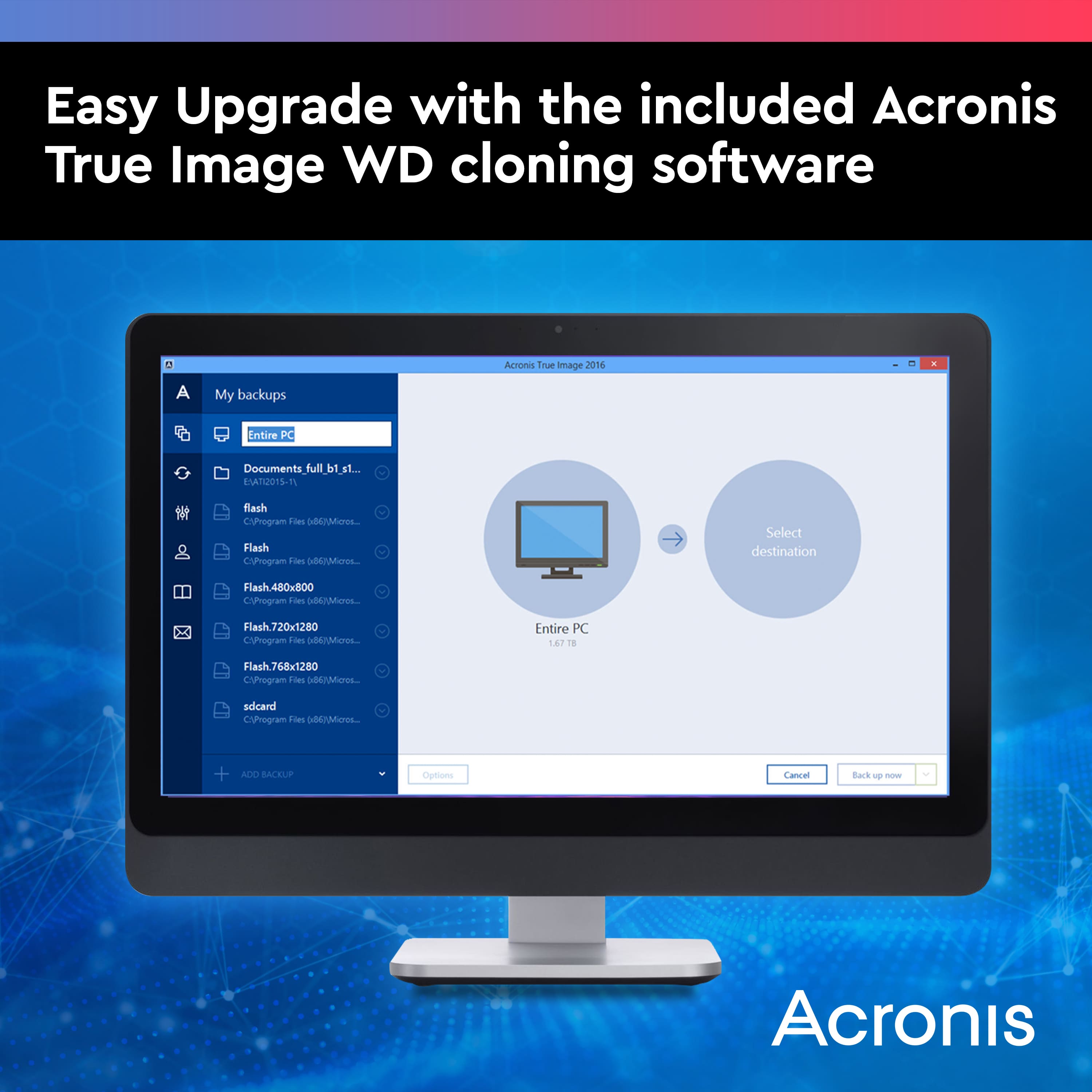
A:AnswerIt is a new, clean HD, . It does not have Windows installed. If you have a 2tb, 3.5 in HD on your computer, it should work. You will just need to reinstall Windows, or a saved disk image of what you currently have.
A:AnswerYes you can format this hard drive to GPT.
Note GPT is part of the UEFI standard, which means a UEFI-based system should be installed on a GPT disk.
A:AnswerThis is a SATA drive, not an IDE drive. SATA replaced the IDE interface. No, this drive will not work with an external USB to IDE adapter. You would need a USB to SATA adapter or SATA enclosure.
A:AnswerThe customer service is horrible:
They copy/post a giant text wall, and never answered the question, where only 2 or 3 letters are needed.
SMR - (Yes/No) ?
A:AnswerYes, that's a desktop platform so any SATA 3.5" standard or SSD will work with it. That being said, if you can't afford an SSD, then for a performance gaming rig I recommend the 7200 RPM drives like WD Black (not Blue) or the Seagate FireCuda drives.
A:AnswerJust a buzzword they slapped on. Truthfully, for games and VR type experiences you should look for a hard drive with 7200 RPM to help increase throughput of data. This hard drive is 5400 RPM.
A:AnswerI'm not exactly sure what a Sabrent case is. If it's made for a 3.5" sata drive, then it should work. I have two Insignia USB cases for 3.5" drives. one has the 2TB WD Drive.
the other has a 1TB WD Drive in it. Both are working just fine. Other than that, I don't Know.
A:AnswerWD does not claim a specific speed to this drive however they say it's comparable to a 7200rpm drive, It is considered by WD (western digital) to have their "Intellipower" technology.
Long story short, The average consumer will not notice a difference between this and a 7200 rpm drive.
See their website explaination: https://support.wdc.com/knowledgebase/answer.aspx?ID=3892
"
WD IntelliPower drives comparisons vs. traditional 7,200 RPM drives
Overall, this product meets the performance requirements of most applications while delivering significantly less power consumption. If your application requires mostly sequential read/writes, then the drive will perform comparable to a 7,200 RPM drive. However, if your application performs mostly random mode operations, then the performance may drop by about 10% because of the latency time. If the IntelliPower product does not meet your performance needs then we have our Enterprise Edition line of 7,200 RPM Enterprise drives that will deliver the performance you need at the industry’s best reliability.
"