Best E Ink Tablet
-
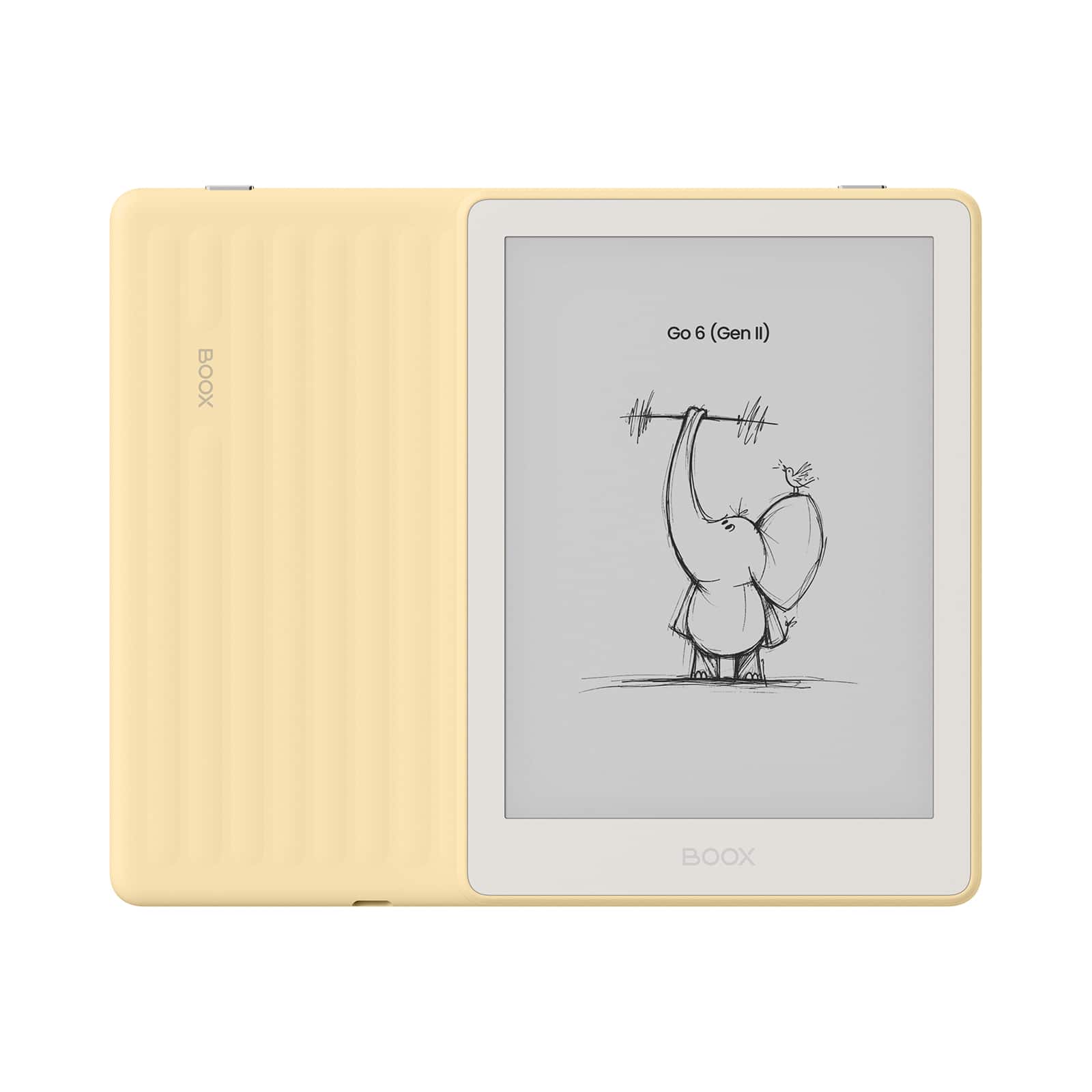
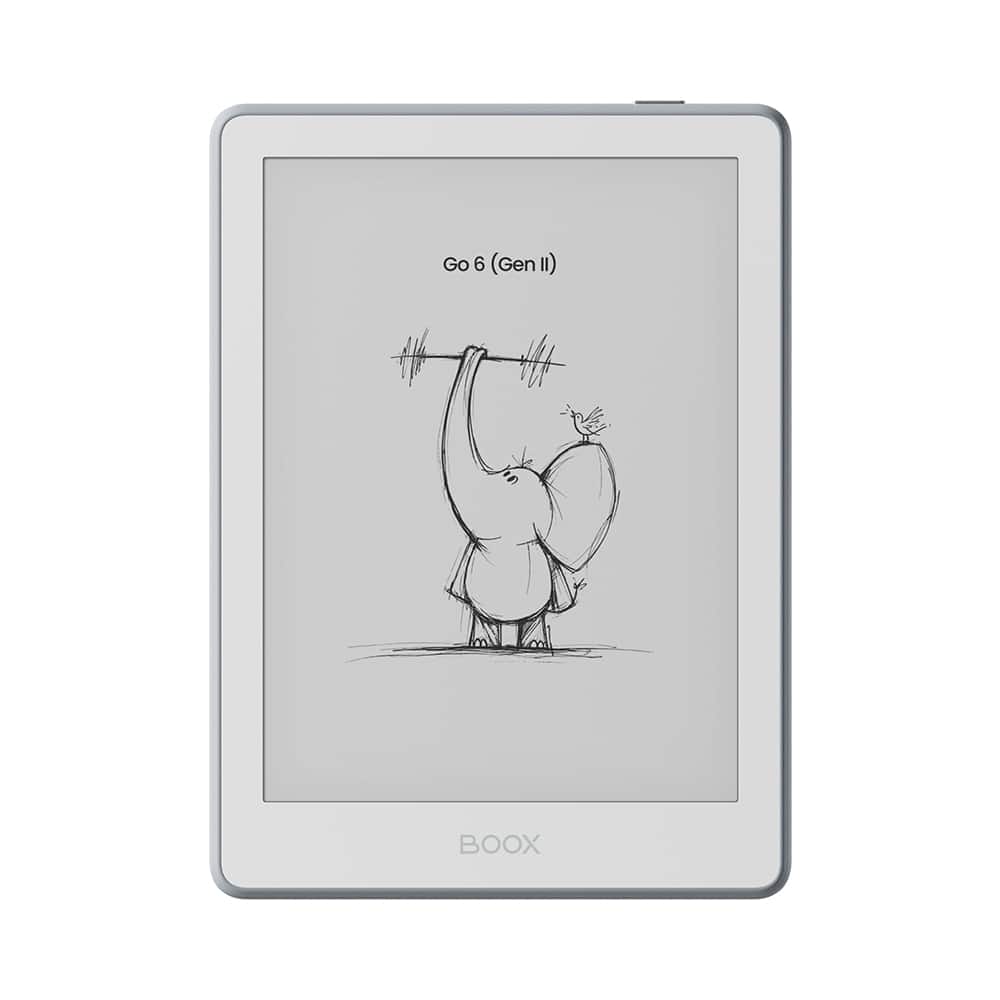
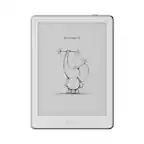
BOOX - Go 6 (Gen II) 6" eNote ePaper Tablet 32GB - 2026 - Custard Yellow
SKU: CZ6H7LYVCPSee all E-ReadersProduct Description
A compact yellow ePaper tablet with 32GB storage, 300 PPI screen, and open Android for versatile reading.Your price for this item is $199.99 -
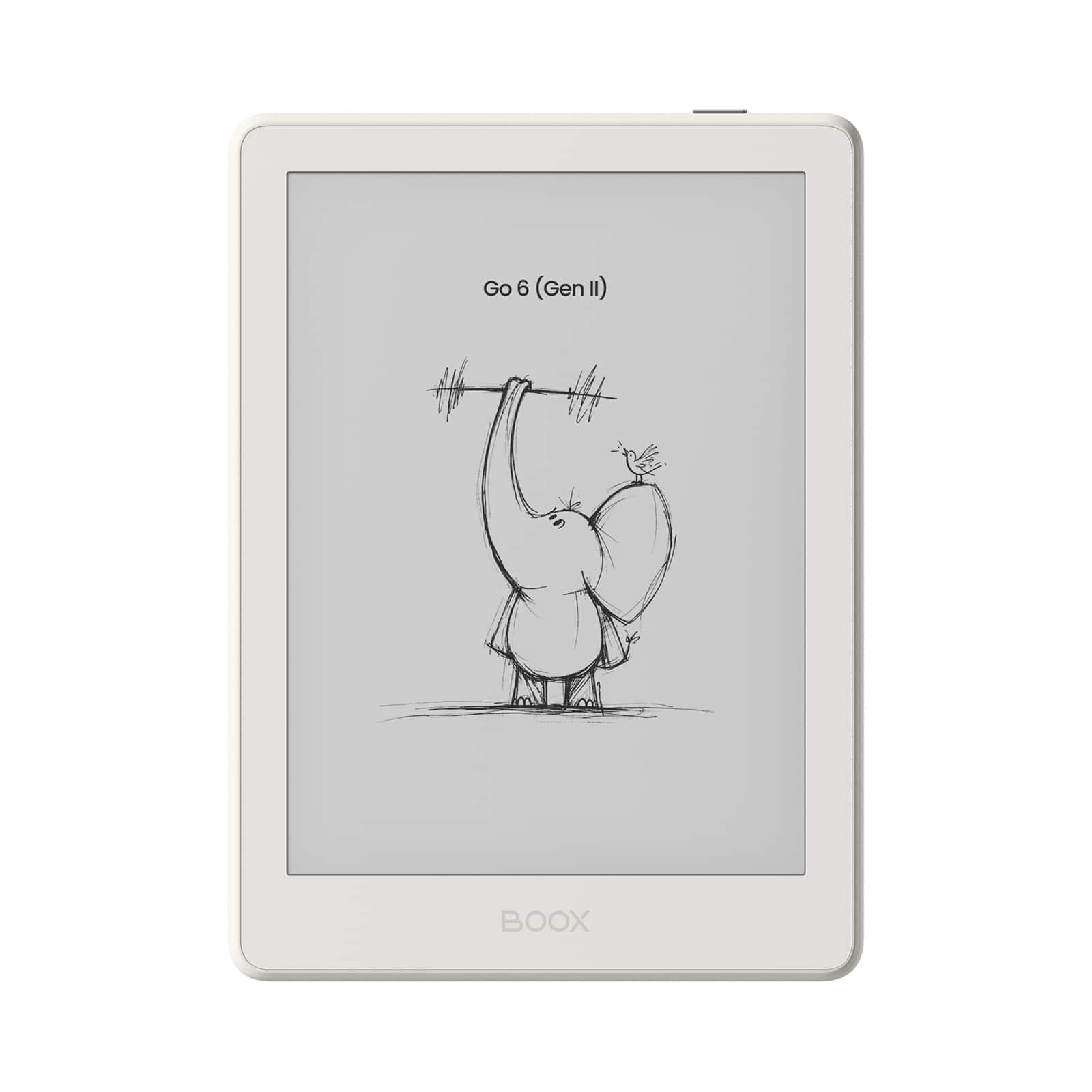
BOOX - Go 6 (Gen II) 6" eNote ePaper Tablet 32GB - 2026 - Shell
SKU: CZ6H7LYVC2See all E-ReadersProduct Description
An ultra-slim Shell finish ePaper tablet with 32GB storage, 300 PPI screen, and adjustable front light.Your price for this item is $199.99 -
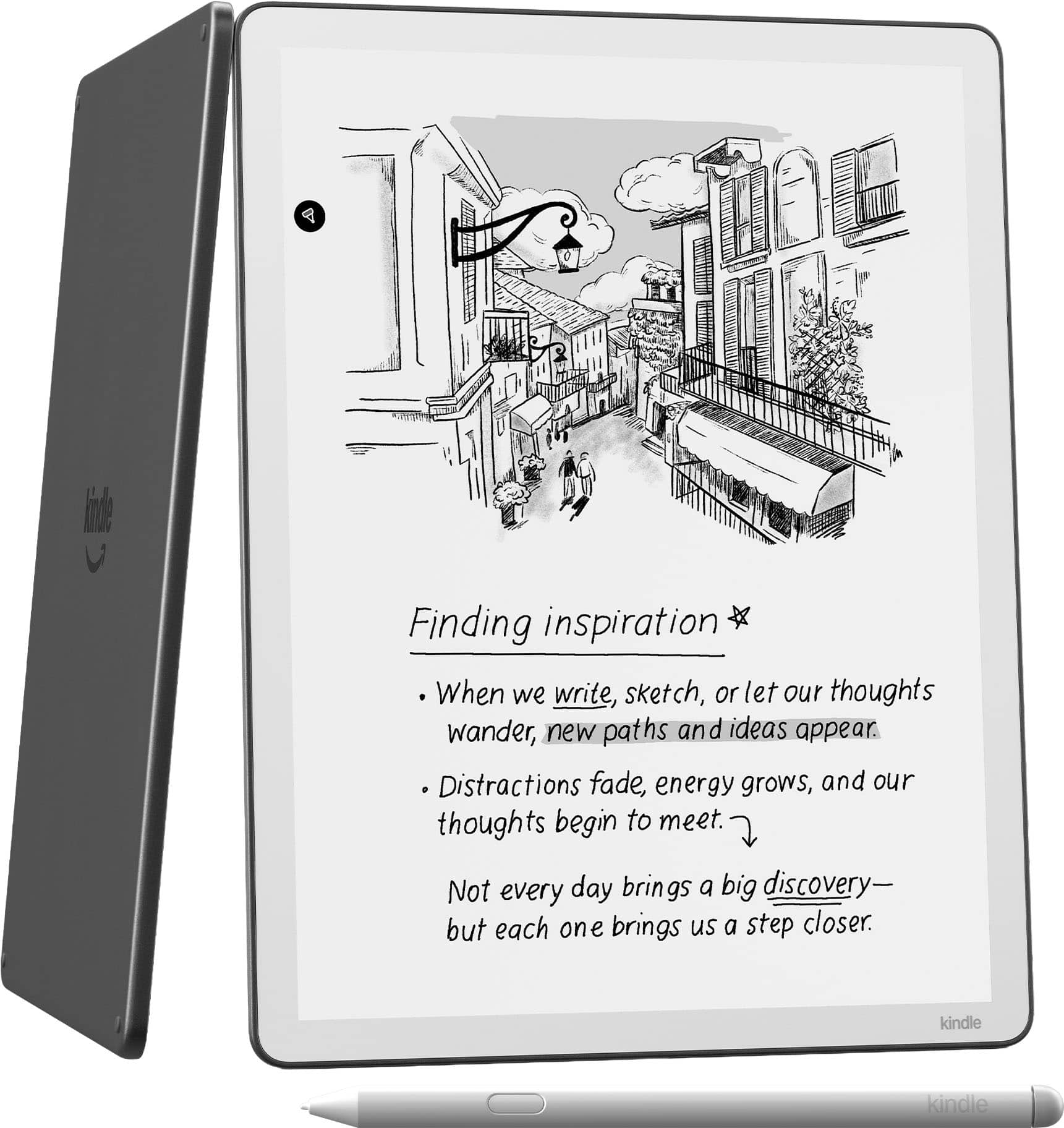
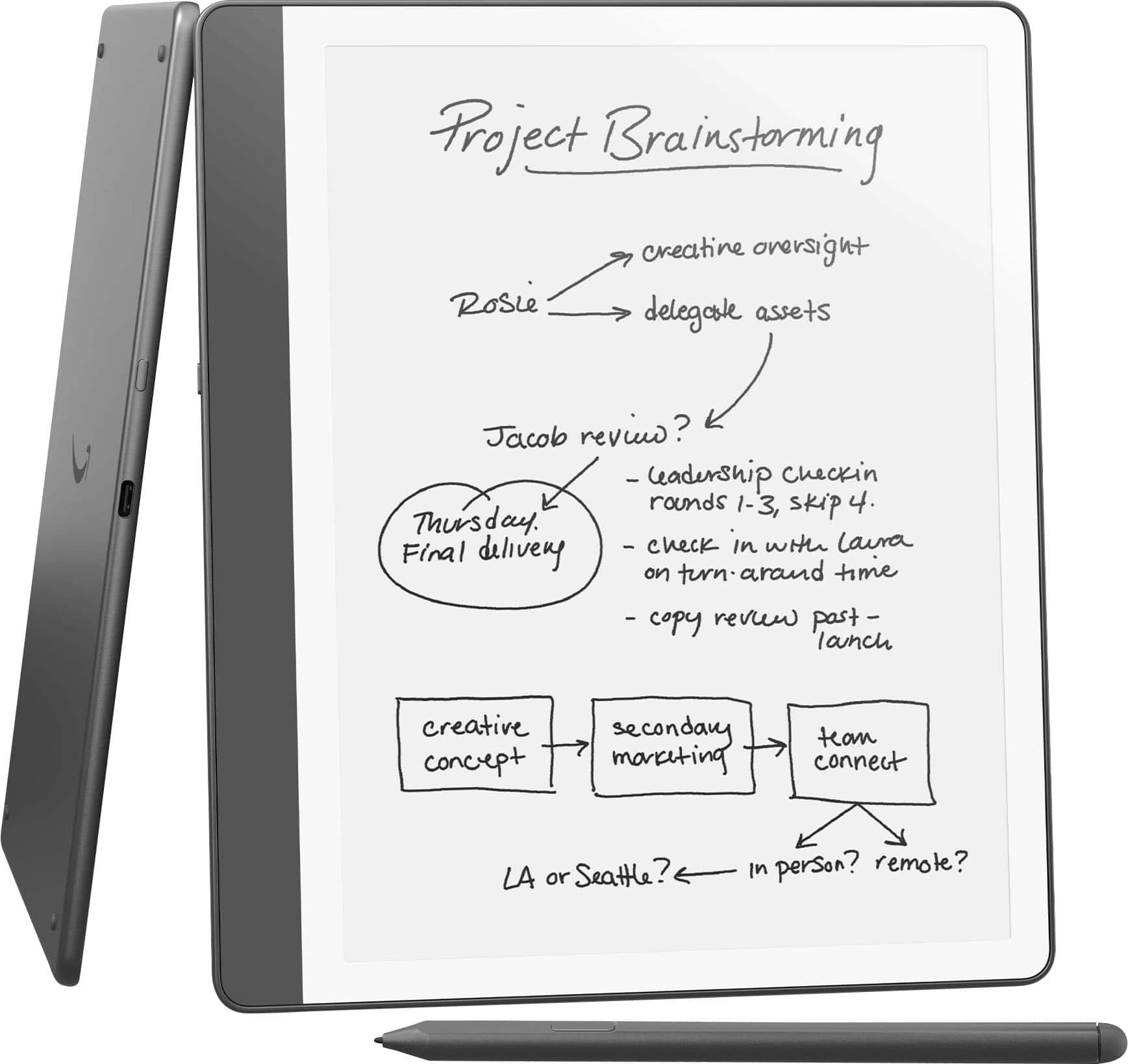
Amazon - Kindle Scribe 32GB (newest model) 11” paper-like display with front light, Write in notebooks, docs, and books - 2025 - Graphite
SKU: J39TLSS5KGBest Kindle ever!!...I absolutely love my Kindle Scribe!!...I love the bigger 11 inch display and how clear the picture is....The pencil is also great, I love it is magnetic....It connects great and has...
See all Digital NotebooksProduct Description
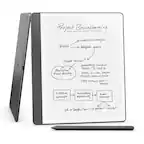
An 11" glare-free e-reader in graphite with front light, 32GB storage, and built-in writing tools.Your price for this item is $499.99 -
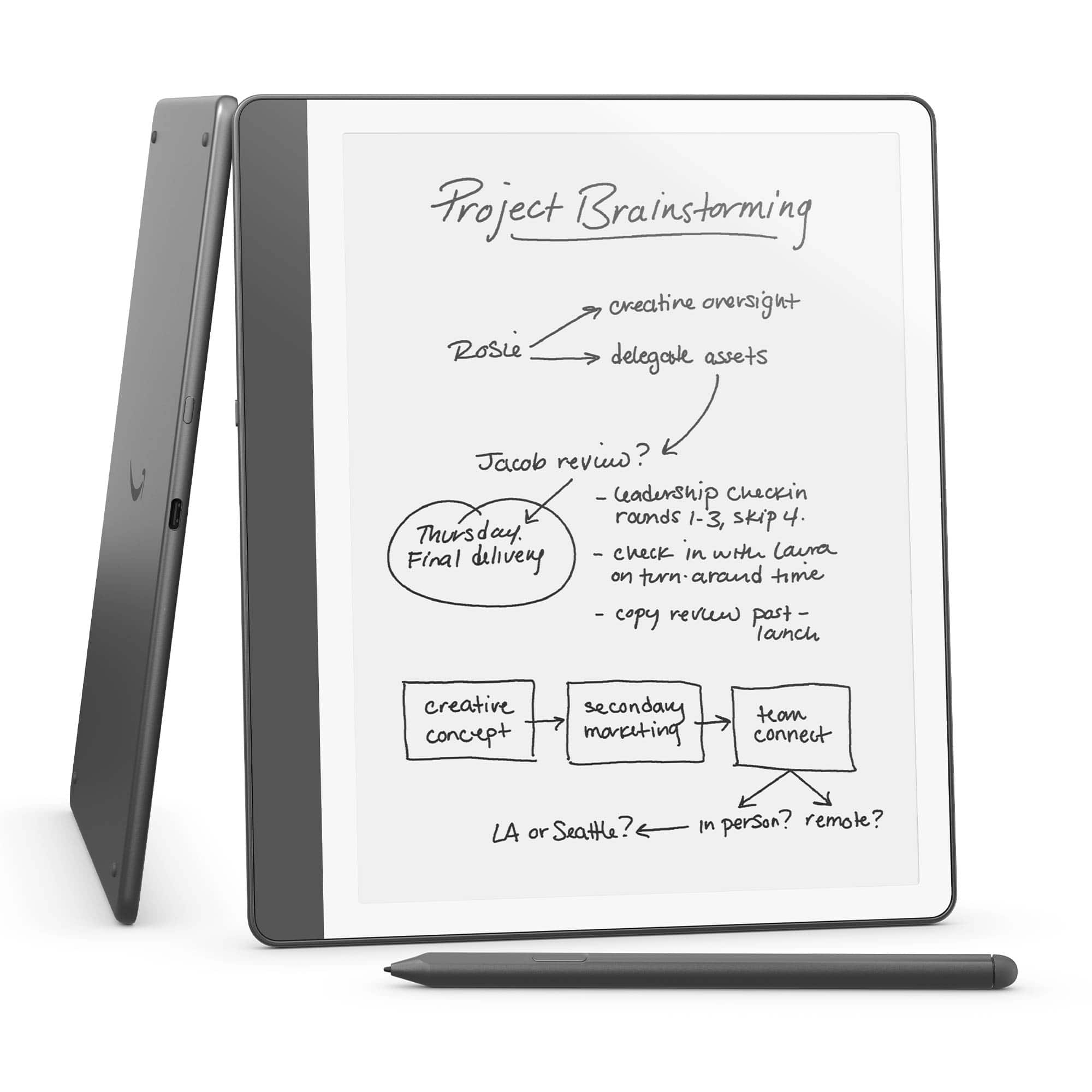
Amazon - Kindle Scribe (32GB) - 2024 - Tungsten
SKU: J39TLSYV7GI love itSo easy to use and learn to useThank you Best Buy...Best Kindle ever...I love this, it makes reading easy and fun. It is easy on the eyes
See all Digital NotebooksProduct Description
A gray e-reader and digital notebook with a flush-front display, Premium Pen, and 32GB storage.Your price for this item is $399.99Save $20The previous price was $419.99 -
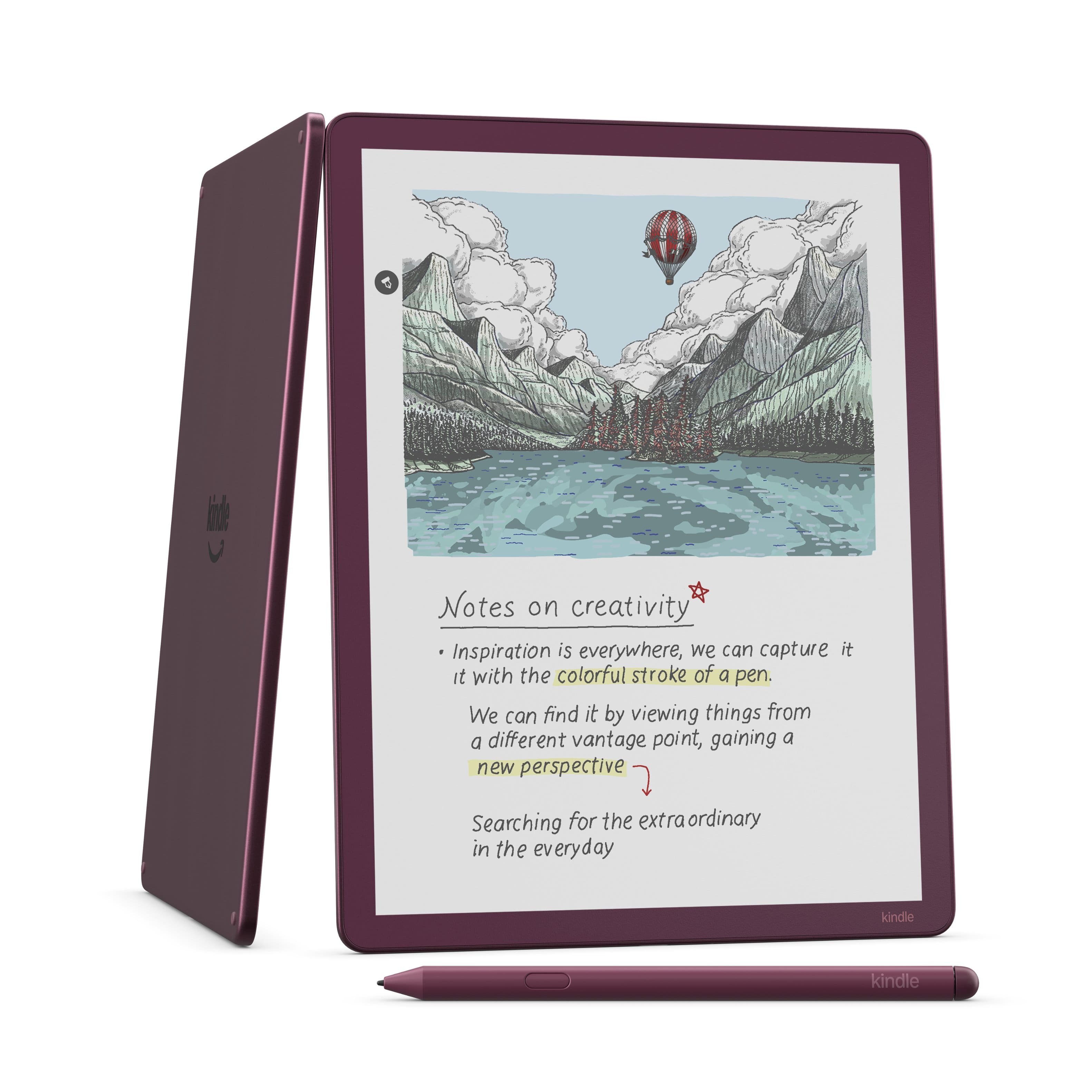
Amazon - Kindle Scribe Colorsoft 64GB (newest model), 11” paper-like color display with front light, Thin, light, powerful - 2025 - Fig
SKU: J39TLSQQRGLove that it takes the kindle a step further and allows to-do lists, automatic uploads into Microsoft...I love my new Kindle Scribe Colorsoft! It’s very thin and also symmetrical....I also love taking...
See all Digital NotebooksProduct Description
A thin, lightweight e-reader in Fig with an 11" color display, 64GB storage, and front light.Your price for this item is $679.99 -
Amazon - Kindle Scribe (16GB) - 2024 - Tungsten
SKU: J39TLSPPGHI love this kindle scribe no gleaner and reading on it is great on the eyes
See all Digital NotebooksProduct Description
A lightweight gray tablet with a flush-front display and Premium Pen for seamless reading and note-taking.Your price for this item is $399.99 -
BOOX - Go 6 (Gen II) 6" eNote ePaper Tablet 32GB - 2026 - Stone
SKU: CZ6H7LYVJSLove this device
See all E-ReadersProduct Description
A ultra-slim Stone finish ePaper tablet with 32GB storage, 300 PPI screen, and adjustable front light.Your price for this item is $199.99 -
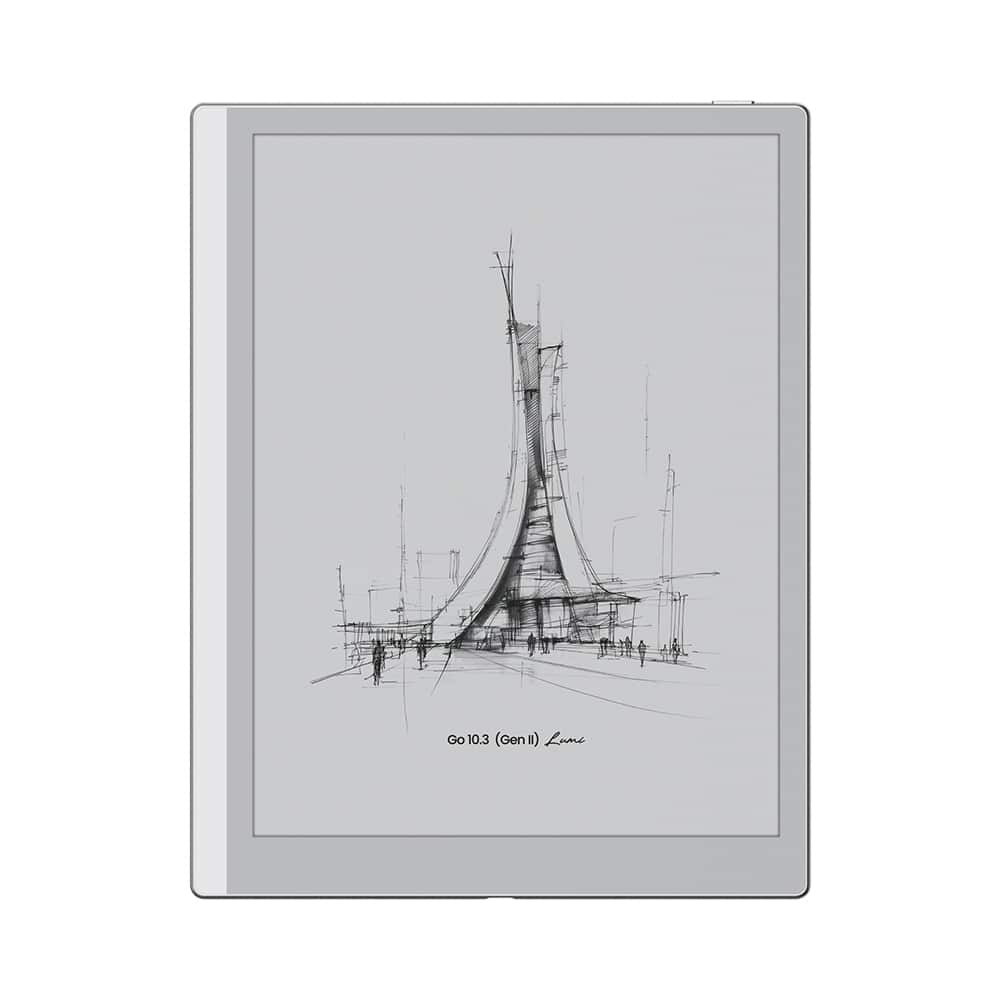
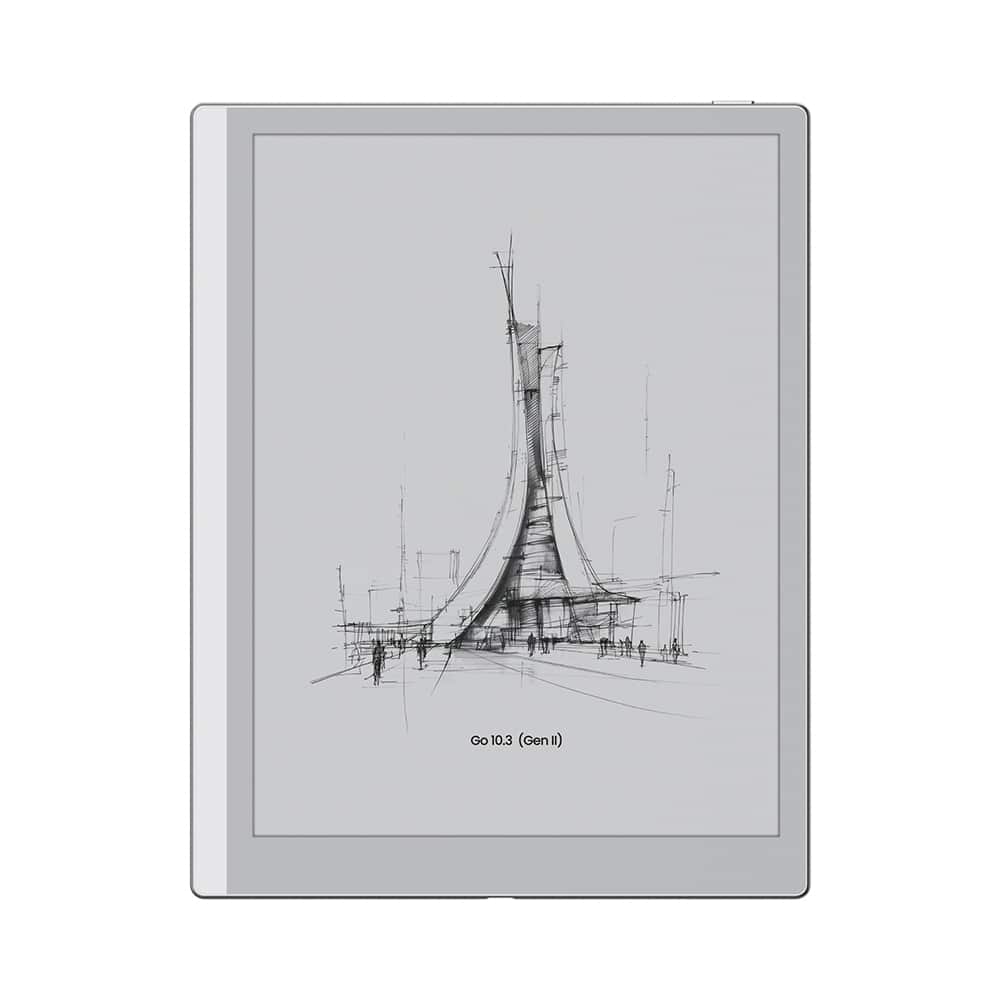
BOOX - Go 10.3(Gen 2) Lumi - 2026 - Cream
SKU: CZ6H7LYFTJSee all E-ReadersProduct Description
A lightweight cream ePaper tablet with adjustable front light, glare-free screen, and open Android system.Your price for this item is $449.99 -
BOOX - Go 10.3(Gen 2) - 2026 - Mist - White
SKU: CZ6H7LYFVVSee all E-ReadersProduct Description
A lightweight white ePaper tablet with a glare-free 10.3-inch display and natural pen-to-paper feel.Your price for this item is $419.99 -
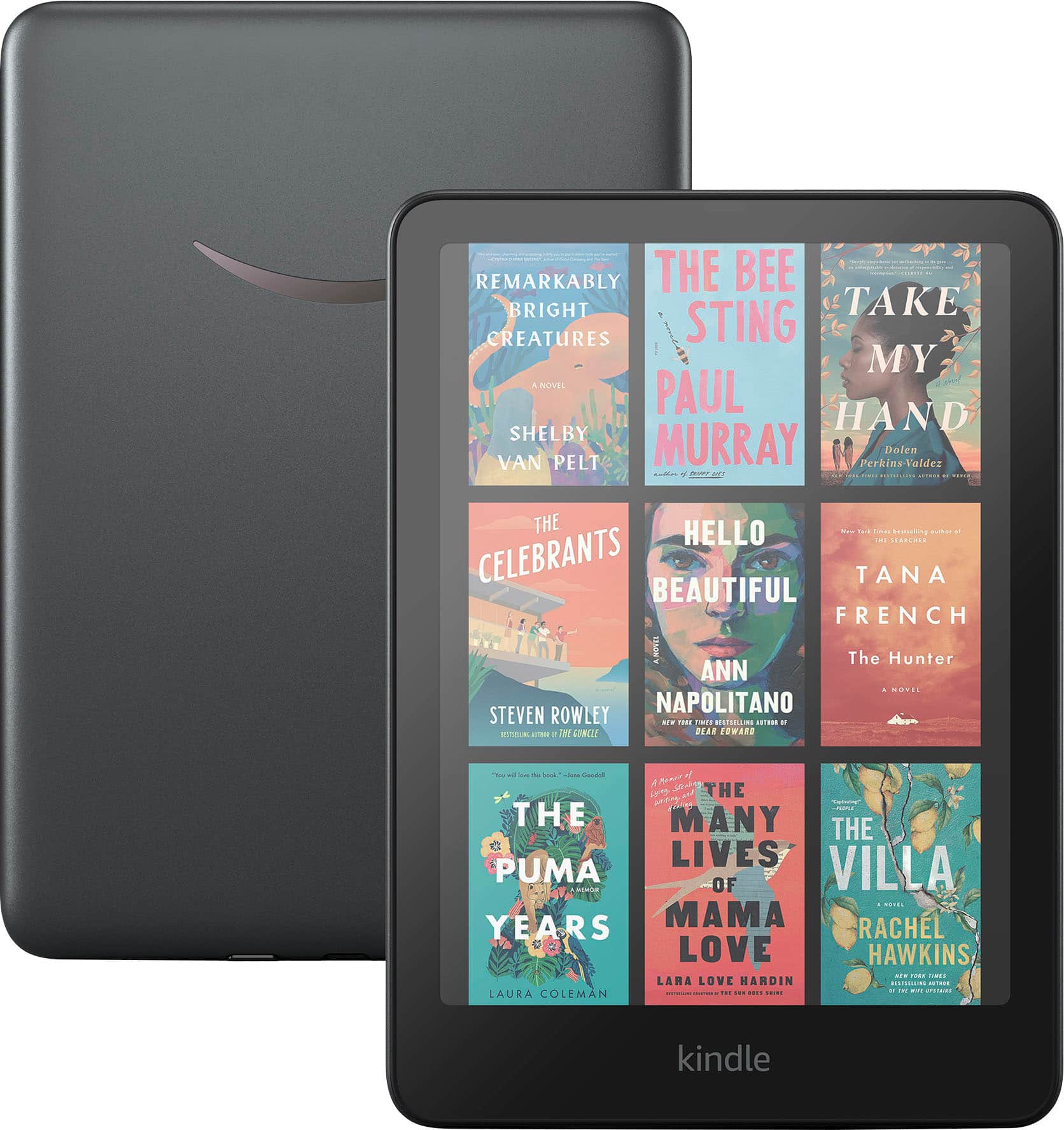
Amazon - Kindle Colorsoft Signature Edition (32 GB) - 2024 - Metallic Black
SKU: J39HW6Q4YFRiverdale Best Buy is the best!...Best Buy shipped this quickly and I received it the very next day. I love this Kindle Colorsoft!...It's great to be able to actually see the item in the store and know...
See all E-ReadersProduct Description
A metallic black e-reader featuring a 7" high-contrast Colorsoft display for vibrant, paper-like reading.Your price for this item is $319.99
Best Sellers

Related Pages





FAQ
When choosing an E Ink tablet, consider factors like screen resolution, note-taking capabilities, stylus support, battery life, and compatibility with file formats such as PDF and ePub. Some models also offer handwriting recognition and cloud syncing for easy document management.
Yes, many E Ink tablets are designed for both reading eBooks and taking handwritten notes. They often come with a stylus for writing, drawing, or annotating documents, making them versatile tools for students, professionals, and avid readers.
Some E Ink tablets run on Android or proprietary operating systems that allow you to install select third-party apps, such as note-taking, cloud storage, or productivity tools. Always check the device specifications to see which apps are supported.
E Ink tablets use electronic ink technology, which mimics the appearance of paper and is easier on the eyes, especially during long reading or writing sessions. Unlike traditional LCD or OLED screens, E Ink displays are glare-free and perform well in bright sunlight.
Many E Ink tablets offer cloud synchronization features that allow you to back up and access your notes and documents across multiple devices, such as computers and smartphones. This makes it easy to stay organized and keep your files up to date.