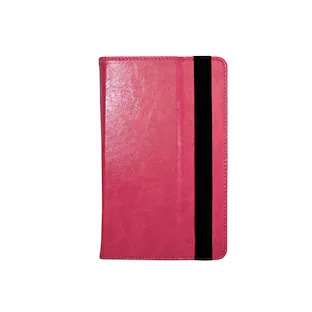
Amazon - Kindle Paperwhite Signature Edition (32 GB) - 2024 - Metallic Black
Customers are saying
Customers commend the Kindle Paperwhite Signature Edition for its ease of use, excellent battery life, and perfect size. Users appreciate the high-quality screen for reading in various lighting conditions and the device's lightweight design. The color options and access to a vast book selection are also well-received, with some noting its improved speed compared to previous Kindle models.
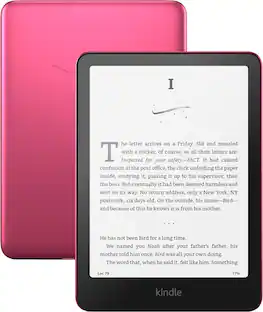
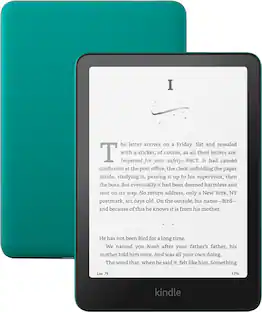
Color
Metallic BlackUpgrade your reading experience
The Signature Edition features an auto-adjusting front light, wireless charging, and 32 GB storage.
Ready for travel
The ultra-thin design has a larger glare-free screen so pages stay sharp no matter where you are.
Escape into your books
Your Kindle doesn’t have social media, notifications, or other distracting apps.
Adapts to your surroundings
The auto-adjusting front light lets you read in the brightest sunlight or late into the night.
Battery life for marathon reading
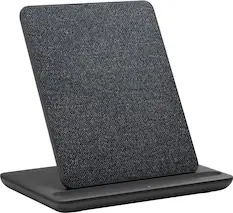
A single charge via USB-C lasts up to 12 weeks, or power up with a wireless charging dock (sold separately).
Waterproof and worry-free
Take your stories by the pool, in the bath, or anywhere in between.
Massive selection
Instantly access over 15 million titles in the Kindle Store worldwide, and add a Kindle Unlimited subscription for all-you-can read access to a catalog including best sellers.
- Screen Size7 inchesTotal Storage Capacity32 gigabytesBattery ChemistryLithium-ion
Reviews
Rating 4.9 out of 5 stars with 637 reviews
- Portability (152)
- Overall Performance (116)
- Battery Life (104)
- Screen Quality (50)
- Size (33)
Customer Images
The vast majority of our reviews come from verified purchases. Reviews from customers may include My Best Buy members, employees, and Tech Insider Network members (as tagged). Select reviewers may receive discounted products, promotional considerations or entries into drawings for honest, helpful reviews.

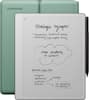
Compare similar products
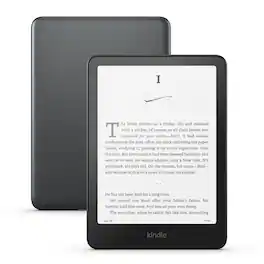
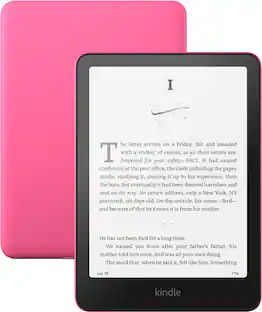
Our fastest Kindle ever – The next-generation 7“ Paperwhite display has a higher contrast ratio and 25% faster page turns.

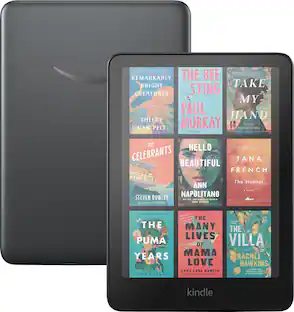
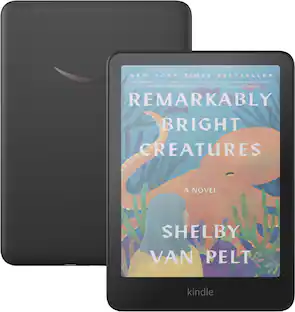
Read in color – The new 7" Colorsoft display is high-contrast and easy on the eyes, with paper-like color that brings covers and content to life.

Our fastest Kindle ever – The next-generation 7“ Paperwhite display has a higher contrast ratio and 25% faster page turns. This is an ad supported device that displays sponsored screensavers on the devices lockscreen.
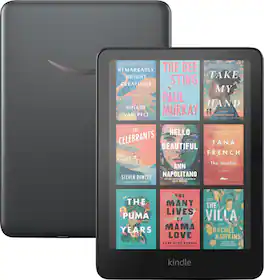
Read in color – The new 7" Colorsoft display is high-contrast and easy on the eyes, with paper-like color that brings covers and content to life.
| Pros for Amazon - Kindle Paperwhite Signature Edition (32 GB) - 2024 - Metallic Black | |||
|---|---|---|---|
| Portability, Overall Performance, Battery Life, Screen Quality, Size | Overall Performance, Portability, Battery Life, Size, Storage Capacity | Portability, Overall Performance, Battery Life, Screen Quality, Size | Portability, Battery Life, Color Quality, Speed, Weight |
| Cons for Amazon - Kindle Paperwhite Signature Edition (32 GB) - 2024 - Metallic Black | |||
| There were no cons for this product— | Processor Speed | User Interface, Navigation, Price | There were no cons for this product— |
Specs
Customers often buy these together
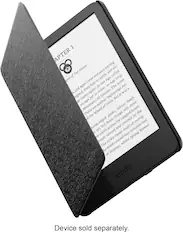
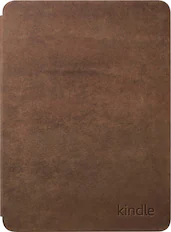
Tablet eReader Cases and Sleeves
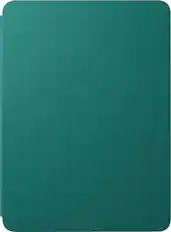
Amazon - Kindle Paperwhite/Colorsoft Case, Plant-Based Leather, Lightweight Protective Cover - Jade
$39.99The price was $42.99

Tablet Screen Protectors
Customers ultimately bought
Explore tech essentials Sponsored
Discover related products
 $21.25The price was $24.99
 $269.99The price was $289.99
 $799.00The price was $899.00
 $149.99The price was $169.99



Keep exploring
 $139.99The price was $149.99