Best Flash Drive For Mac
-
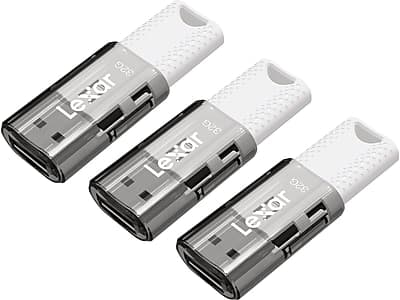
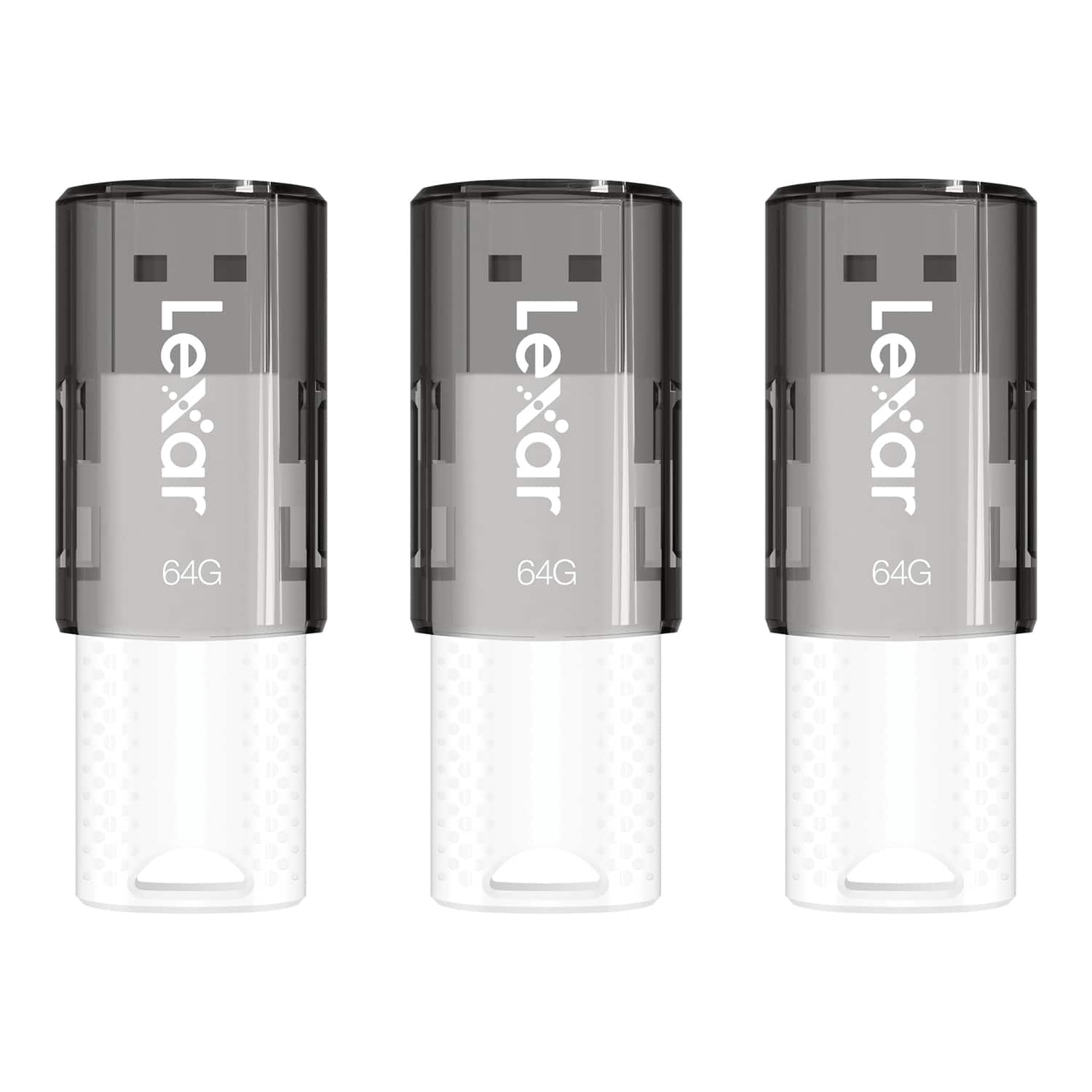
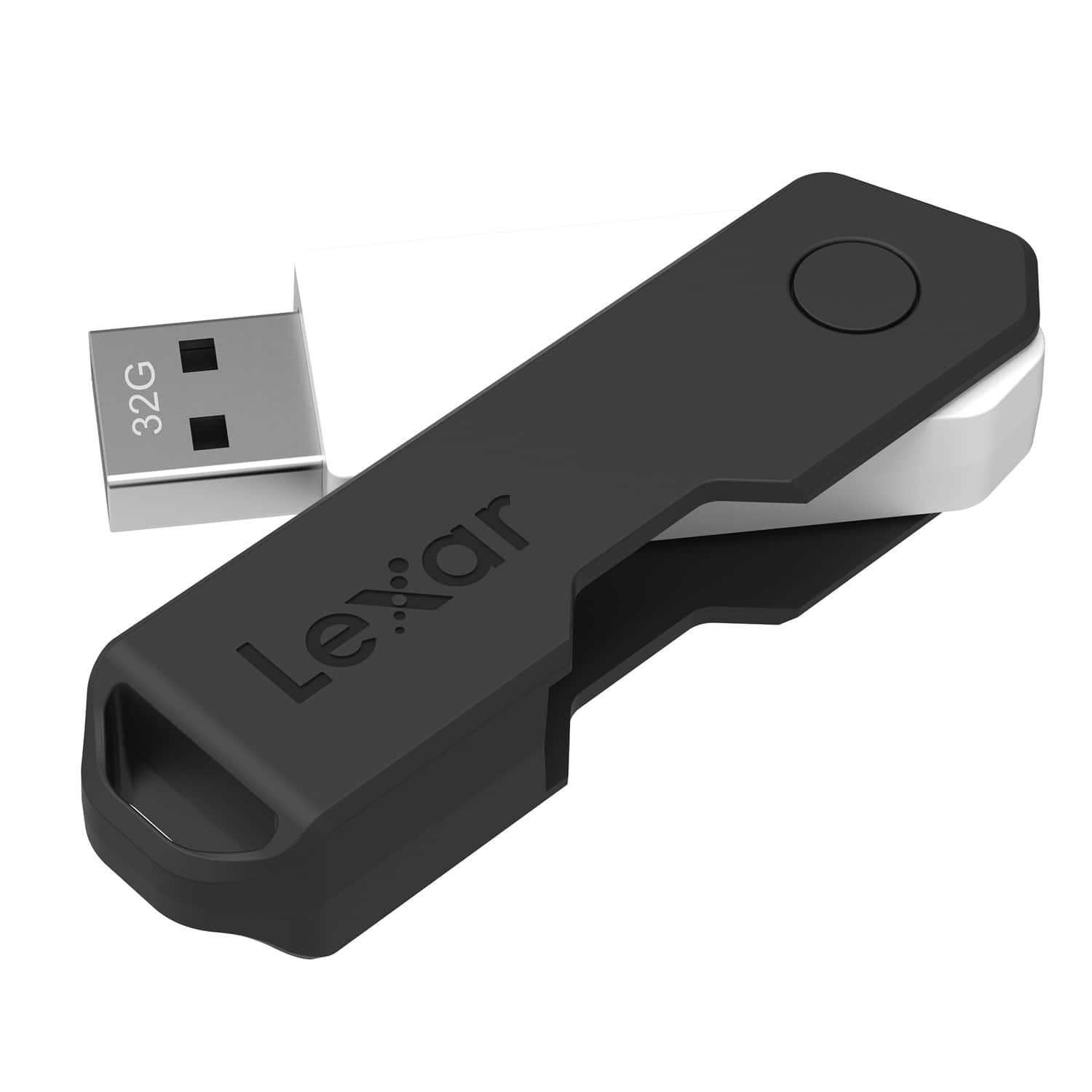
Lexar - JumpDrive S60 32GB USB 2.0 Type A Flash Drive, 3/Pack - Gray/White
SKU: J36XPKZT2WSee all USB Flash DrivesProduct Description
A pack of three gray and white USB 2.0 flash drives offering 32GB portable storage each.Your price for this item is $22.68Save $0The previous price was $22.99 -
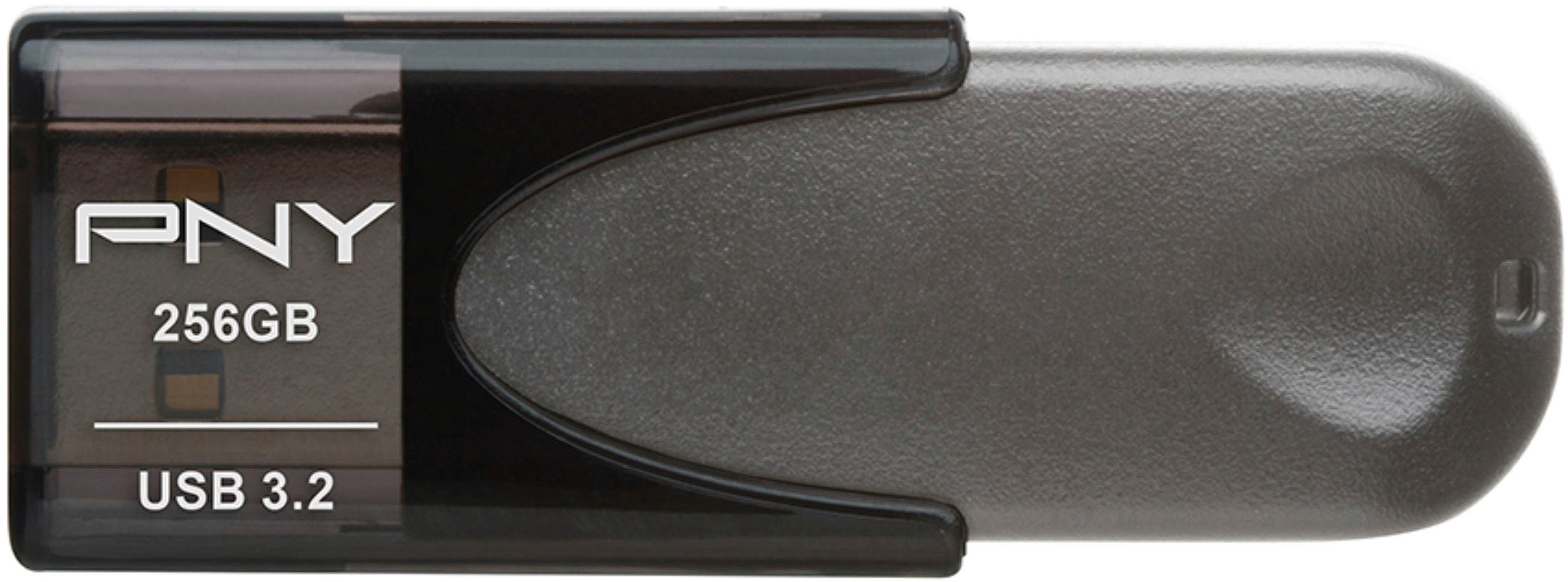
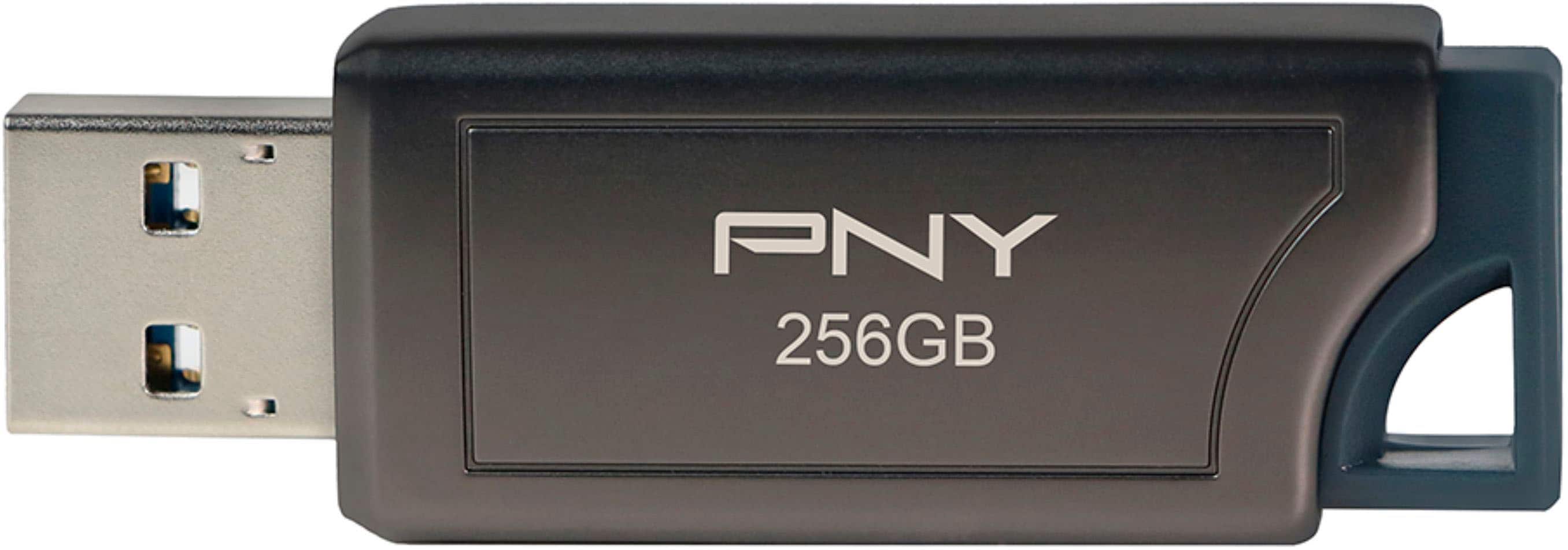
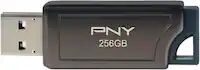
PNY - Elite Turbo Attache 4 256GB USB 3.2 Flash Drive - Gray
SKU: JXF2C4CQH6It's a flash drive...This flash drive flashes all the drives and is eeny weeny pny...Flash Drive...PNY is a good brand. We buy our flash drives from Best Buy.
See all USB Flash DrivesProduct Description
A gray USB 3.2 flash drive offering 256GB storage, 100MB/s read speed, and retractable design.Your price for this item is $42.99 -
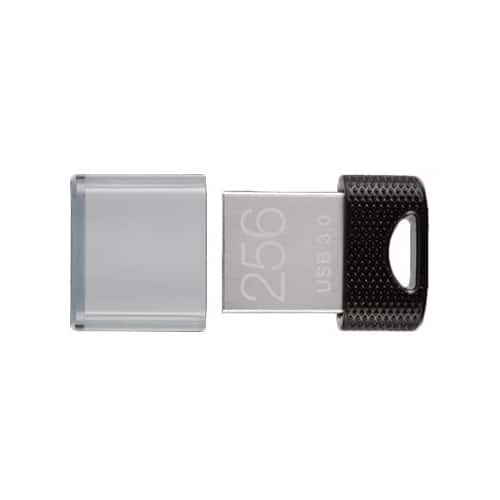
PNY - 256GB Elite-X Fit USB 3.1 Flash Drive - 200MB/s - Black
SKU: JXF2C4C5THA great and well-rounded flash drive capable of high usage....Works well with my PC and MAC. Highly recommend...256 USB Flash drive...flash drive
See all USB Flash DrivesProduct Description
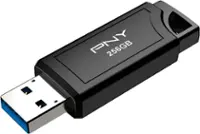
A compact black USB 3.1 flash drive offering 256GB storage and up to 200MB/s read speeds.Your price for this item is $44.99 -
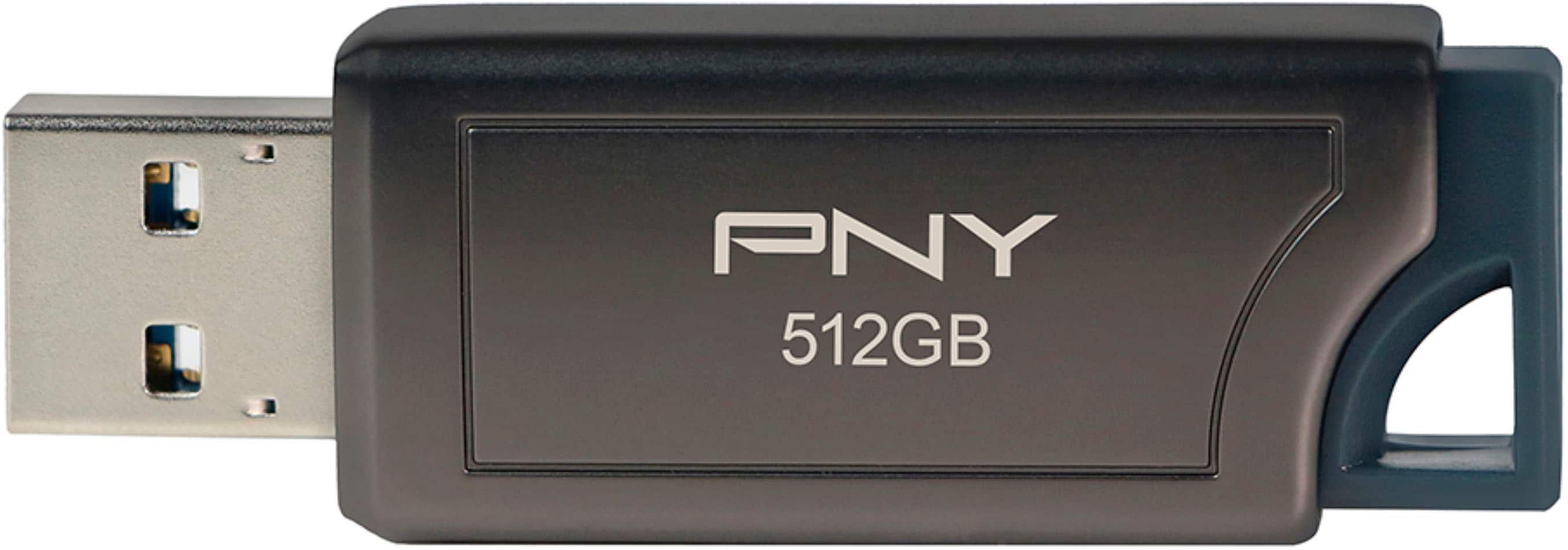
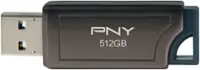
PNY - PRO Elite V2 512GB USB 3.2 Gen 2 Flash Drive - Black
SKU: JXF2C43Q7HBest Buy carries the PNY flash drives usually in stock....Best Flash Drive Ever...The fastest most efficient flash drive I have ever owned! Worth every penny!
See all USB Flash DrivesProduct Description
A high-speed black USB 3.2 Gen 2 flash drive with 512GB capacity and retractable connector.Your price for this item is $99.99 -
PNY - PRO Elite V2 256GB USB 3.2 Gen 2 Flash Drive - Black
SKU: JXF2C43Q7YBest flash drive you can get...Ssd ish speeds on a flash drive works great very happy...Yes, for flash drives they are a little pricey but they are well made and much faster than your average USB A flash...
See all USB Flash DrivesProduct Description
A high-speed black USB 3.2 Gen 2 flash drive with 256GB storage and retractable connector.Your price for this item is $59.99 -
Lexar - JumpDrive S60 64GB USB 2.0 Flash Drive, 3 Pack - Black
SKU: J36XPKZT33See all USB Flash DrivesProduct Description
A set of three black USB 2.0 flash drives offering 64GB each and a protective sliding cover.Your price for this item is $29.99Save $9The previous price was $39.49 -
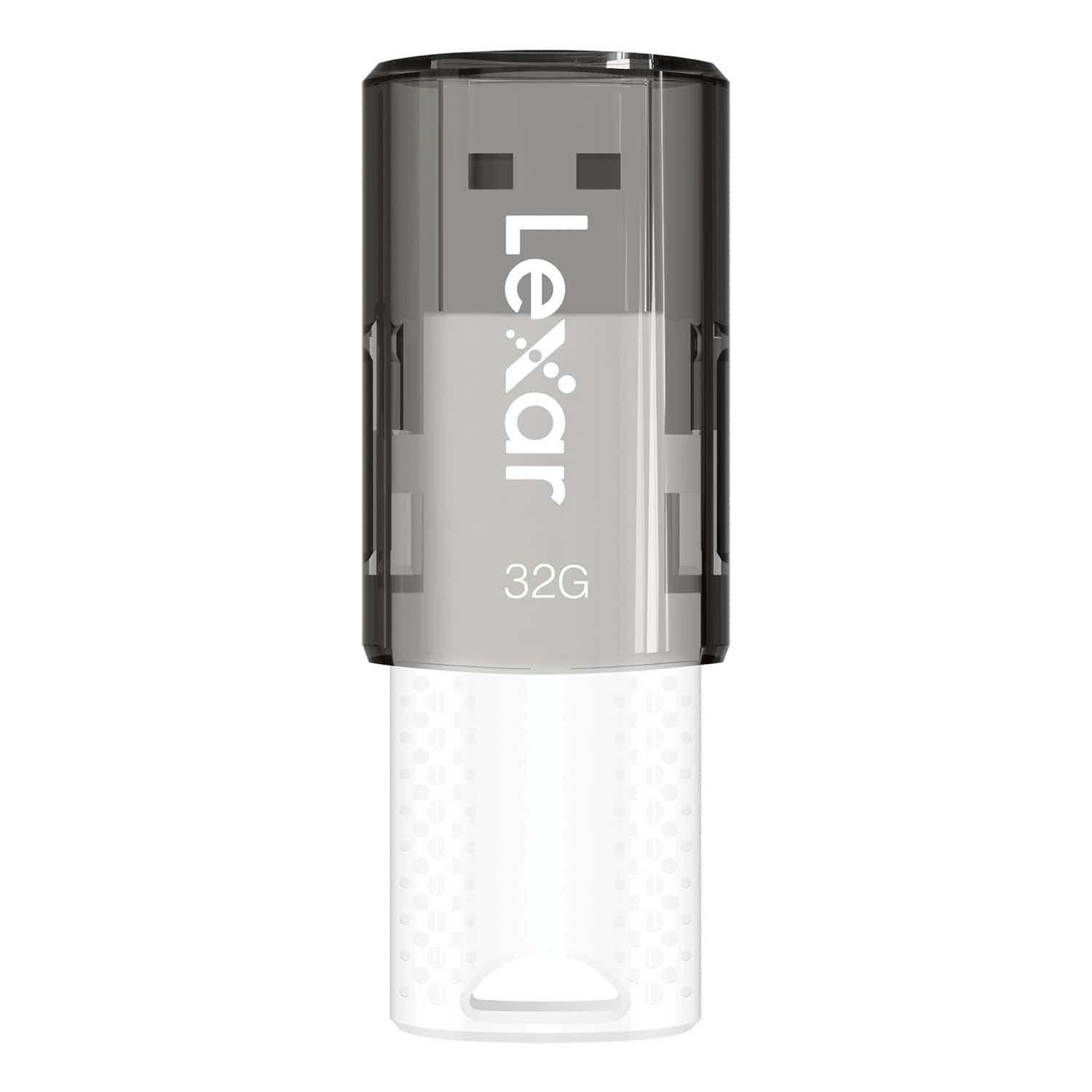
Lexar - JumpDrive S60 USB 2.0 Flash Drive 32 GB - White
SKU: J36XPKZTJ8See all USB Flash DrivesProduct Description
A white USB 2.0 flash drive with 32GB storage and a protective sliding cover for easy file transfer.Your price for this item is $22.58Save $1The previous price was $23.63 -
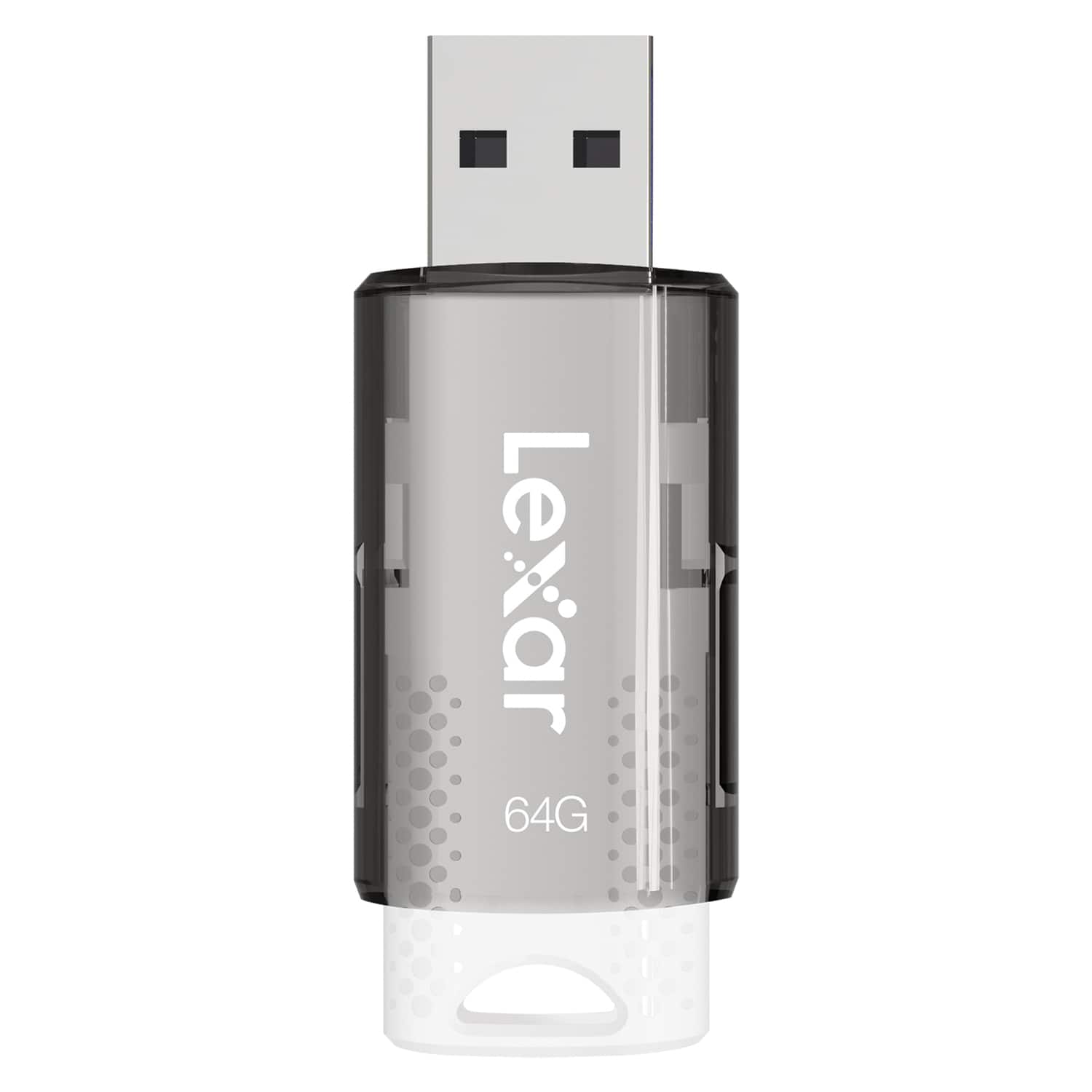
Lexar - JumpDrive S60 USB 2.0 Flash Drive 64 GB - White
SKU: J36XPKZTC3See all USB Flash DrivesProduct Description
A white USB 2.0 flash drive with 64GB capacity and a protective sliding cover for secure file storage.Your price for this item is $24.99Save $2The previous price was $27.79 -
Lexar - JumpDrive TwistTurn2 USB 2.0 Flash Drive 32 GB - Black
SKU: J36XPKKKTYSee all USB Flash DrivesProduct Description
A black USB 2.0 flash drive with 32GB storage and a capless, rotating protective design.Your price for this item is $22.58 -
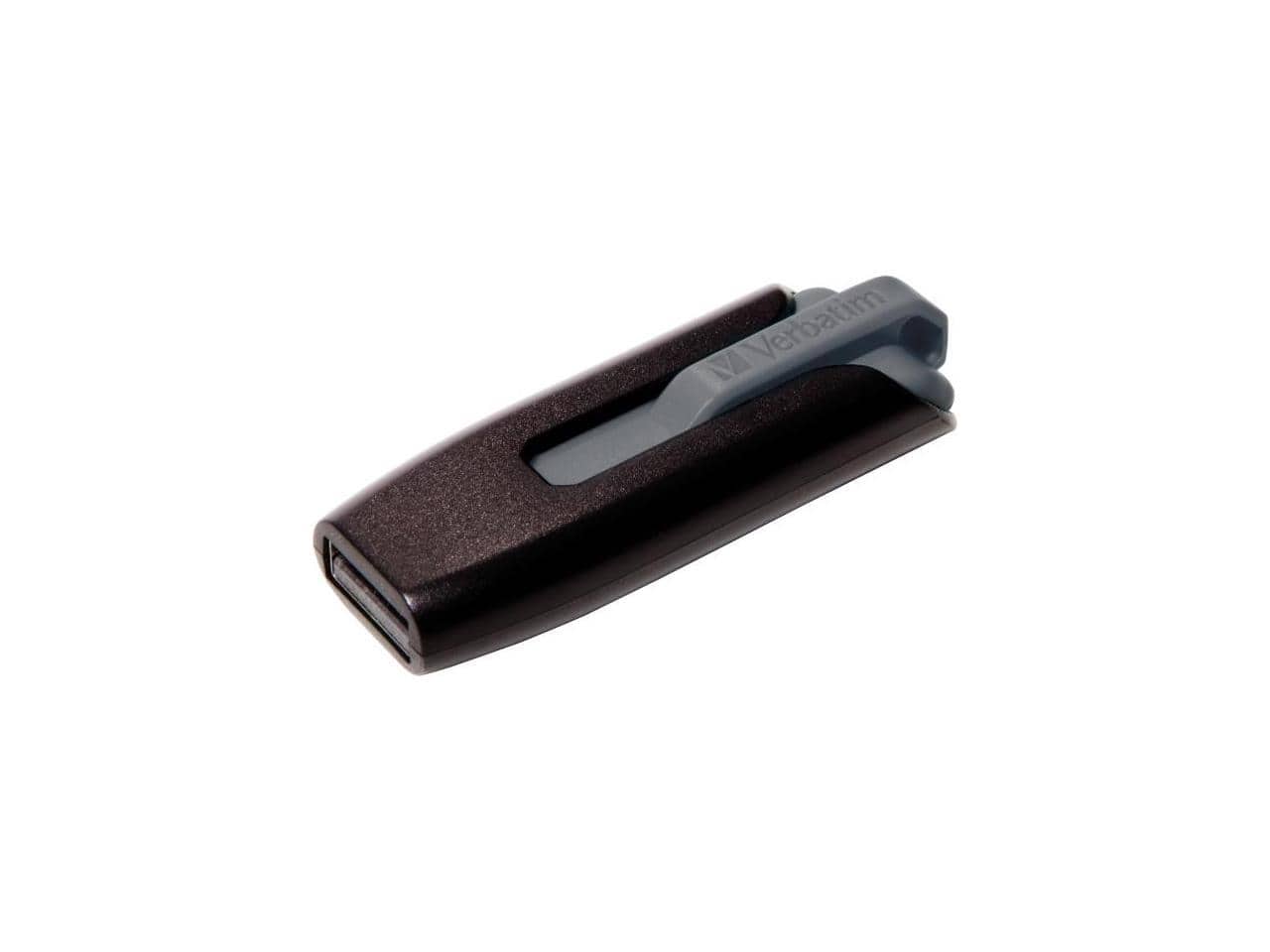
Verbatim - 256GB V3 USB 3.0 FLASH DRIVE - Black/Gray
SKU: J72FJTKSTGSee all USB Flash DrivesProduct Description
A gray USB 3.2 Gen 1 flash drive with 256GB storage, retractable connector, and password protection.Your price for this item is $55.20
Best Sellers





Related Pages



FAQ
Yes, most modern flash drives are compatible with Mac computers. Look for drives that support macOS and feature USB-C or USB-A connectors, depending on your Mac model.
Some flash drives come pre-formatted for Windows (NTFS) or a universal format (exFAT). For optimal compatibility with Mac, you may want to reformat the drive to macOS Extended (Journaled) or APFS using Disk Utility.
Yes, using a flash drive formatted in exFAT or FAT32 allows you to transfer files easily between Mac and Windows computers, as both operating systems support these formats.
If your Mac has only USB-C ports (like newer MacBook models), choose a flash drive with a USB-C connector. For older Macs with USB-A ports, a standard USB-A flash drive will work. Some drives offer dual connectors for added versatility.
Yes, you can use a flash drive as a backup destination for Time Machine, provided it is formatted to a compatible file system such as macOS Extended (Journaled). Ensure the drive has enough storage for your backup needs.