Flash Drive For MacBook Air
-
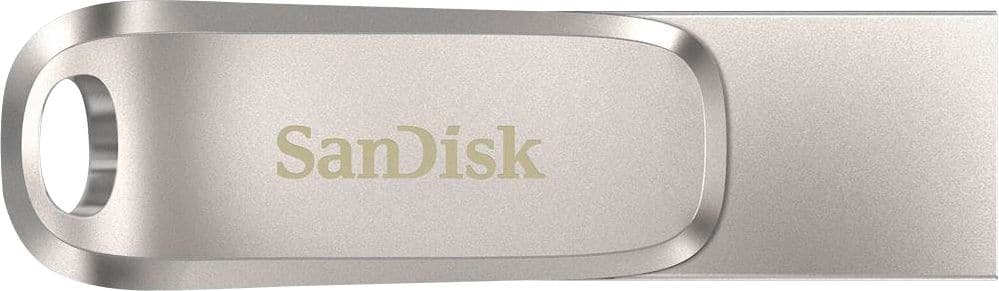
SANDISK - Ultra Dual Drive Luxe 256GB USB 3.1, USB Type-C Flash Drive - Silver
SKU: JXJ62C9SQ9Works great! Love when I get a great Best Buy sale item!...Love it. Highly recommended durable and right size....Best usb for the price
See all USB Flash DrivesProduct Description
A durable silver metal flash drive with 256GB storage, USB 3.1, and dual USB-C/USB-A connectors.Your price for this item is $51.99Save $10The previous price was $61.99 -
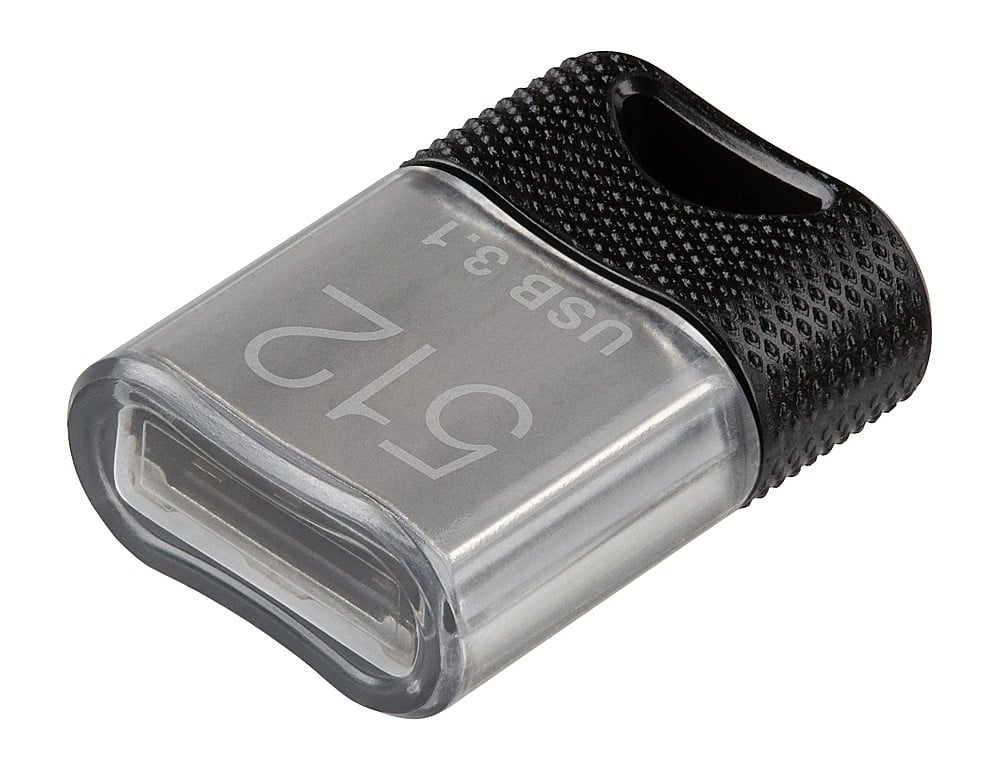
PNY - 512GB Elite-X Fit USB 3.1 Flash Drive - 200MB/s - Black
SKU: JXF2C423TSLittle, amazingly and powerfully, is the best usb ....I love it....I just love this tiny PNY it work like a charm. I am planning on buying one more soon.
See all USB Flash DrivesProduct Description
A micro-sized black USB 3.1 flash drive offering 512GB storage and up to 200MB/s read speeds.Your price for this item is $82.99 -
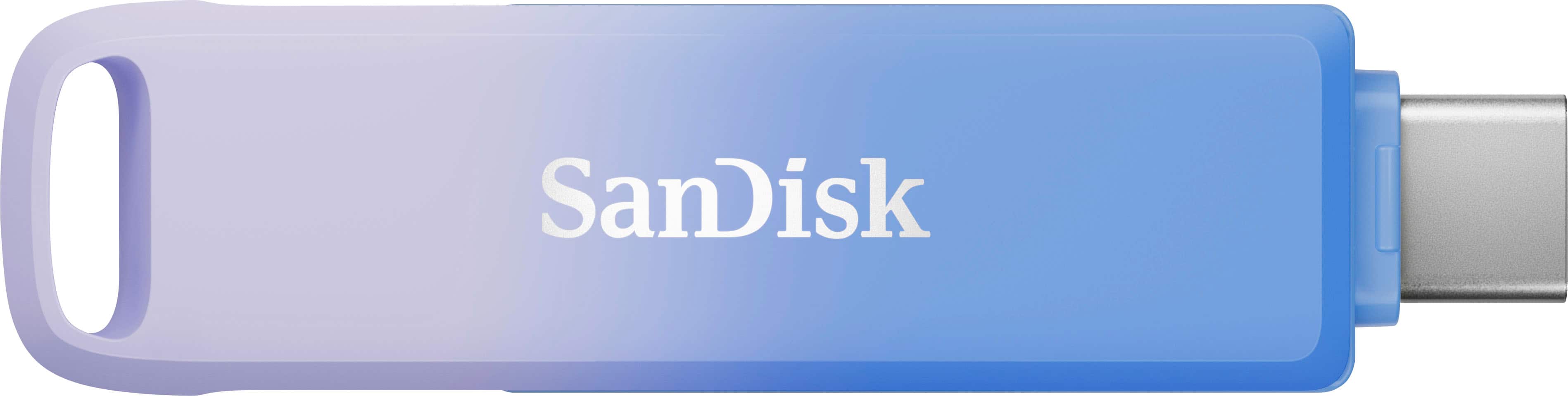
SANDISK - Creator Phone Drive 128GB USB Type C and Lightning connectors - Blue
SKU: JXJ62CRTX9Great...It great works iPhone 15 pro. The creator storage is the one purchased....[This review was collected as part of a promotion.] absolutely LOVE this product!
See all USB Flash DrivesProduct Description
A compact blue drive offering 256GB storage with USB-C and Lightning connectors for seamless multi-device transfers.Your price for this item is $59.99Save $22The previous price was $81.99 -
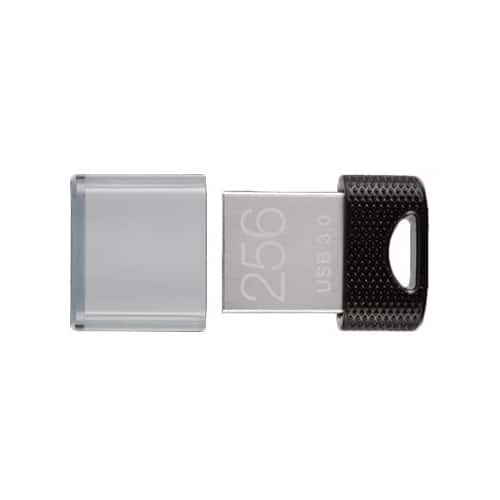
PNY - 256GB Elite-X Fit USB 3.1 Flash Drive - 200MB/s - Black
SKU: JXF2C4C5THLove it...Amazing speed love it best performance very stable....Best USB and great size.Ideal for PS5 or any other Blu Ray Player with USB
See all USB Flash DrivesProduct Description
A compact black USB 3.1 flash drive offering 256GB storage and up to 200MB/s read speeds.Your price for this item is $44.99 -
SANDISK - Extreme Fit 256GB USB-C Flash Drive - Black
SKU: JXJ62CQ8TGEasy to use, great for optimizing space...transfer files between devices, and it’s made the process so much easier. small, easy to use, and great
See all USB Flash DrivesProduct Description
A compact black USB-C flash drive offering 256GB storage and fast 400MB/s USB 3.2 transfer speeds.Your price for this item is $62.99Save $24The previous price was $86.99 -
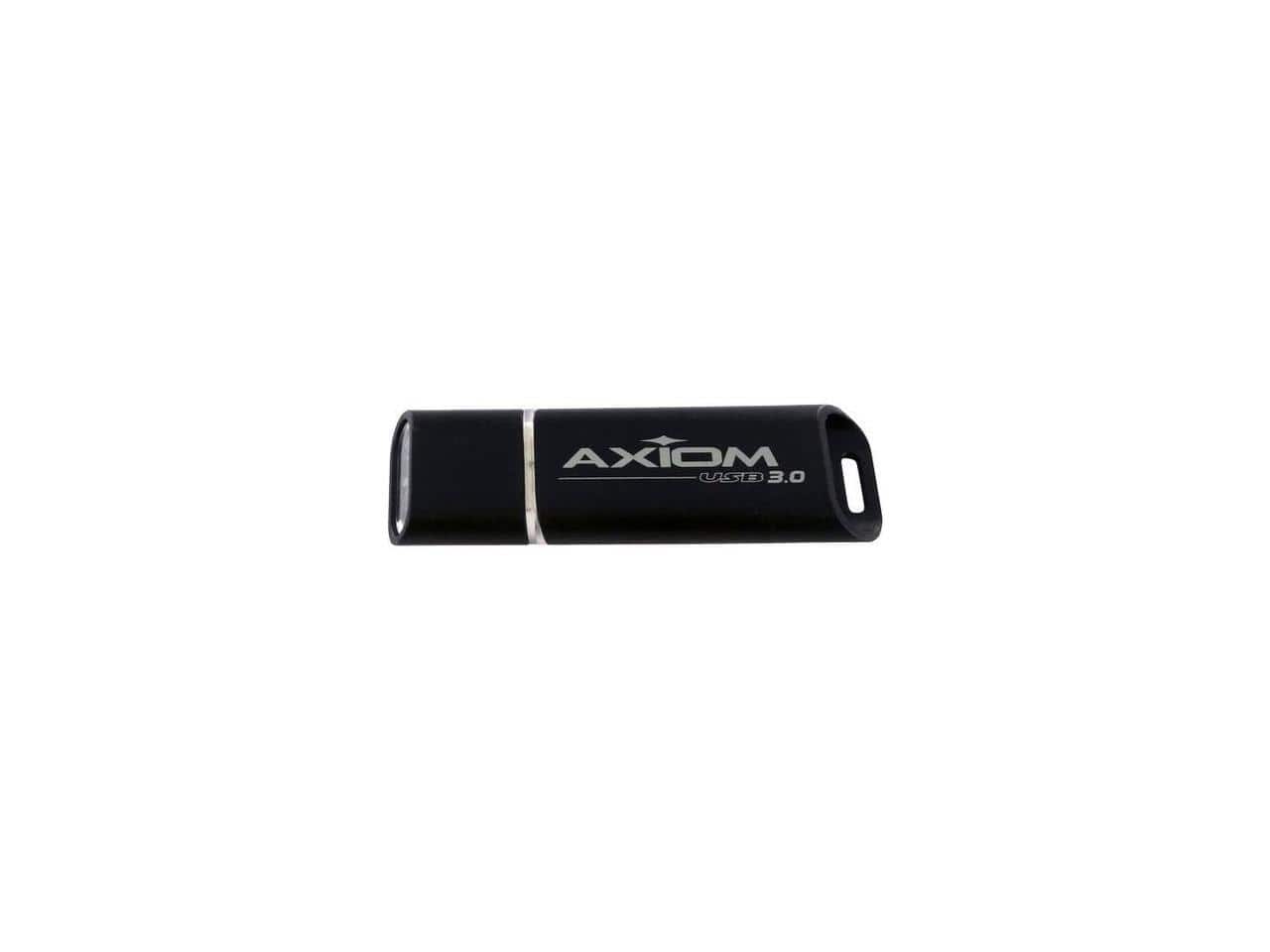
AXIOM - 32GB USB 3.0 Flash Drive - Black
SKU: J369852VCSSee all USB Flash DrivesProduct Description
A high-speed black USB 3.0 flash drive offering 32GB of reliable portable storage.Your price for this item is $28.49 -
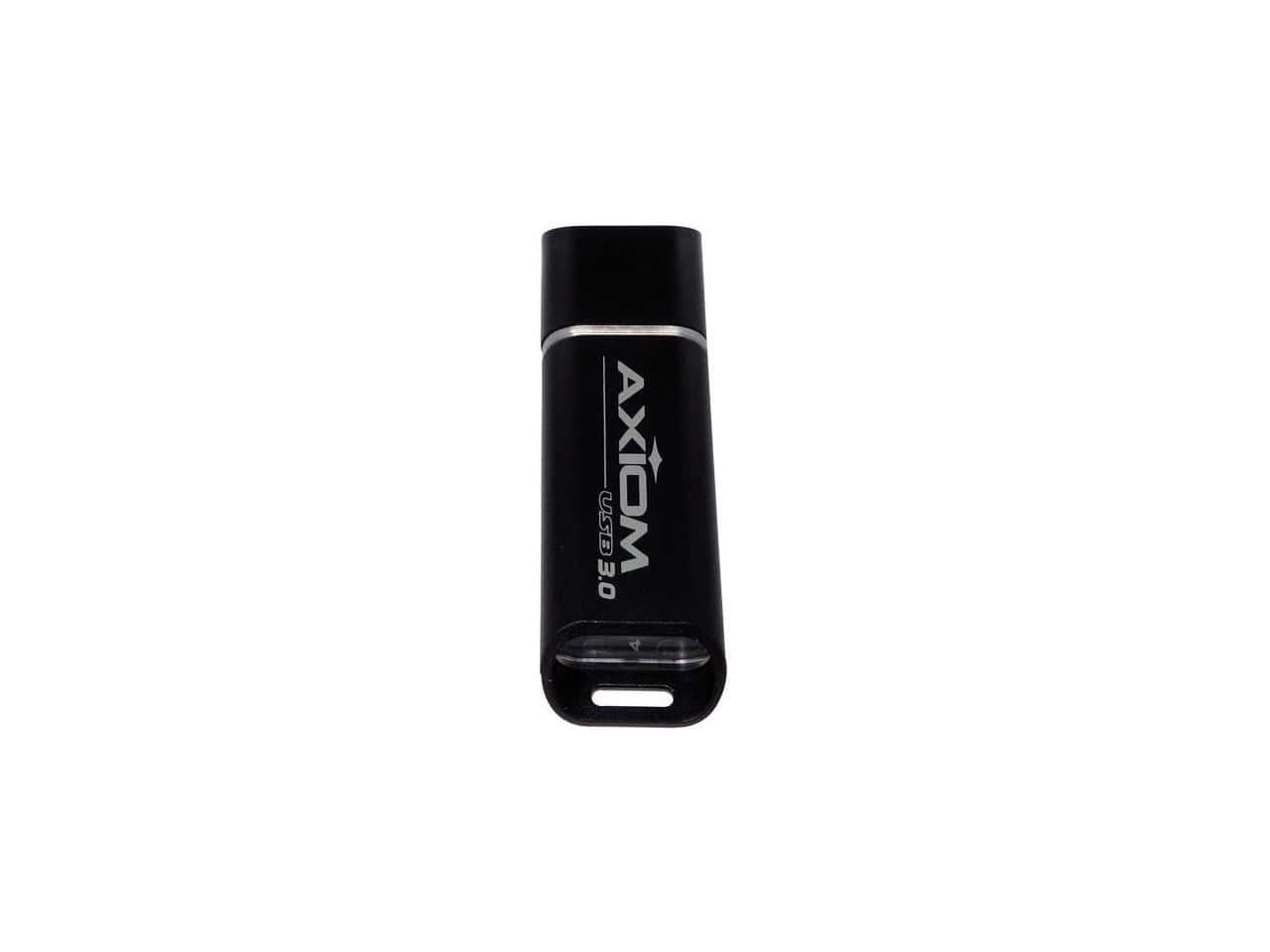
AXIOM - 128GB USB 3.0 Flash Drive - Black
SKU: J369852V2YSee all USB Flash DrivesProduct Description
A high-speed black USB 3.0 flash drive offering 128GB of reliable portable storage.Your price for this item is $42.49 -
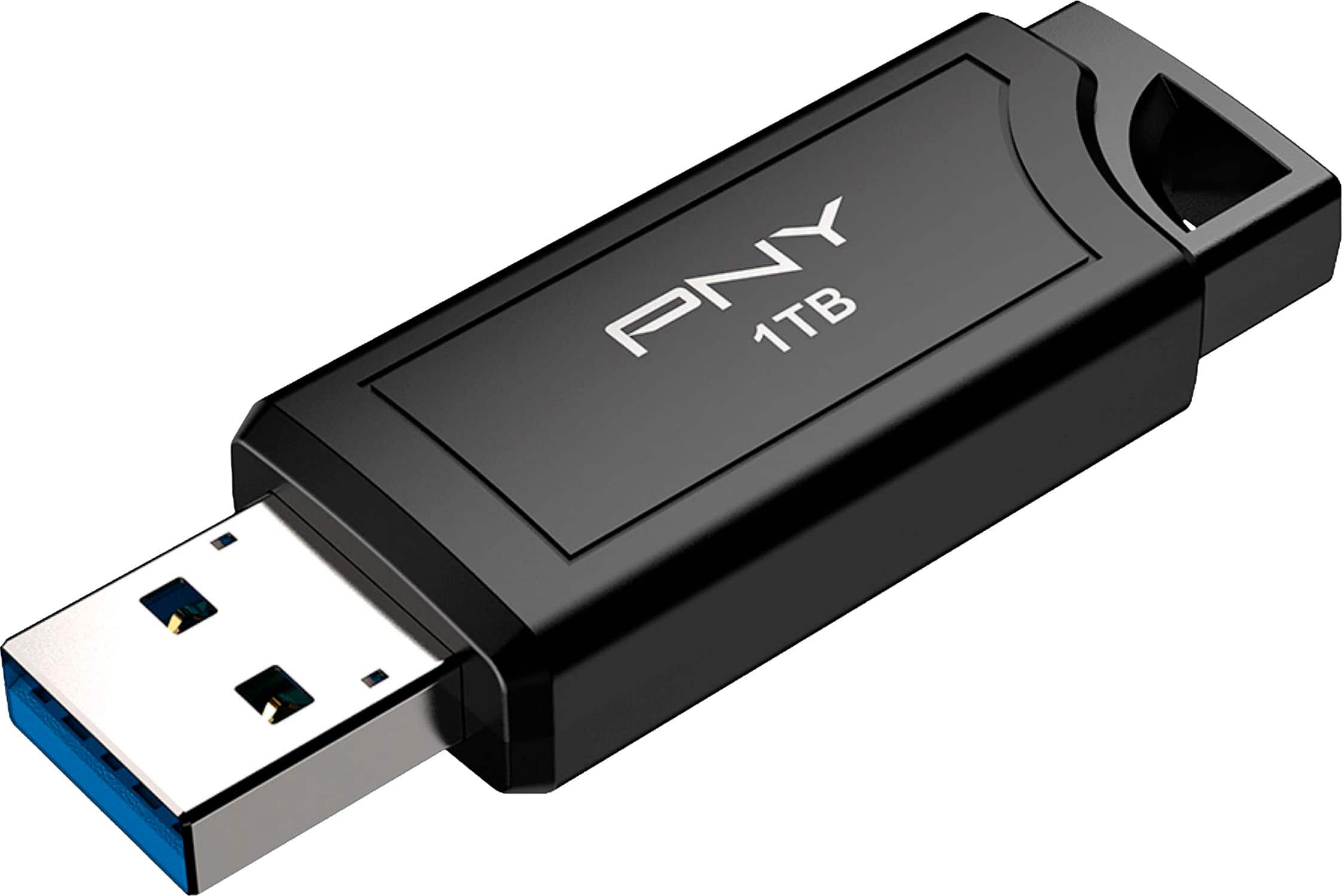
PNY - PRO Elite V3 1TB USB 3.2 Gen 2 Flash Drive - Black
SKU: JXF2C46WF2Great Experience...Here's an example of a great Best Buy review, highlighting common positive themes:5/5 Stars - Exceptional..."I recently visited the Best Buy in Neighborhood to upgrade my arcade entertainment...
See all USB Flash DrivesProduct Description
A high-speed black USB 3.2 Gen 2 flash drive offering 1TB storage and retractable connector.Your price for this item is $239.99Save $10The previous price was $249.99 -
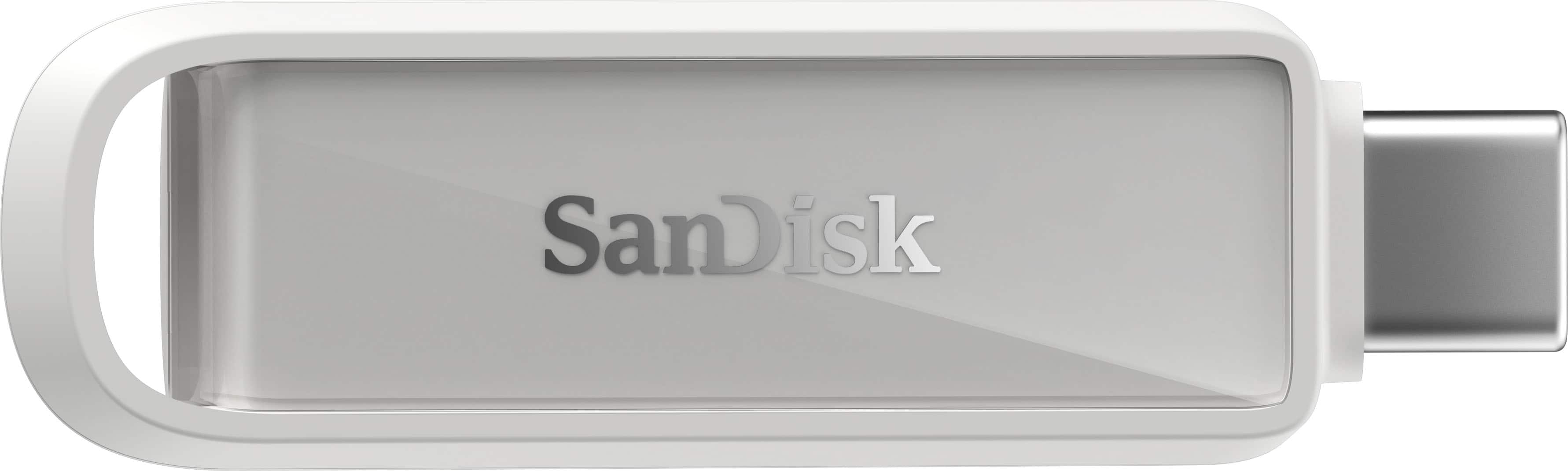
SANDISK - Phone Drive 256GB USB Type-C - Arctic - White
SKU: JXJ62CR4WCSee all USB Flash DrivesProduct Description
A sleek white USB Type-C drive offering 256GB storage and fast 150MB/s file transfers.Your price for this item is $65.99Save $64The previous price was $129.99 -
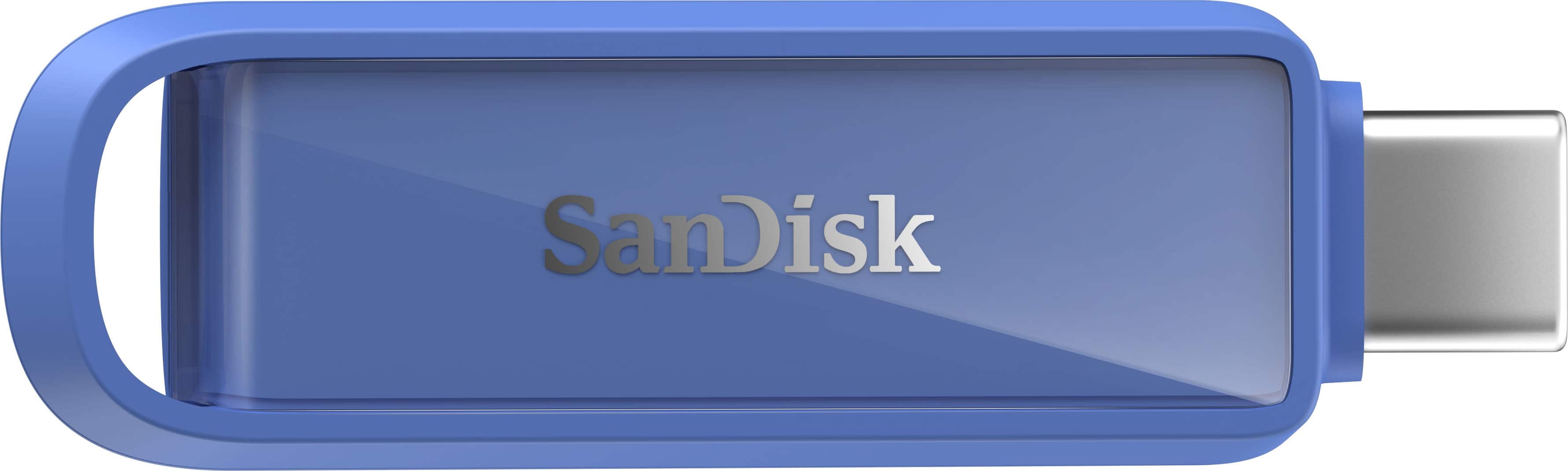
SANDISK - Phone Drive 256GB USB Type-C - Maritime - Blue
SKU: JXJ62CQ7G2See all USB Flash DrivesProduct Description
A sleek blue USB Type-C drive offering 256GB storage and fast 150MB/s file transfers.Your price for this item is $95.99Save $19The previous price was $114.99
Best Sellers
Related Pages



FAQ
Many flash drives featured on this page offer dual connectors, including USB-C for newer MacBook Air models and USB-A for compatibility with other devices. Be sure to check the product specifications for supported connection types.
Most flash drives come pre-formatted and are ready to use, but you may want to reformat them to a macOS-friendly file system like APFS or Mac OS Extended (Journaled) for optimal compatibility and performance.
Yes, you can transfer files between MacBook Air and Windows PCs using a flash drive. For seamless file sharing, consider formatting the drive in exFAT or FAT32, which are supported by both operating systems.
Some flash drives listed here feature built-in hardware encryption or password protection to help keep your files secure. Look for security features in the product descriptions to find the right option for your needs.
Certain flash drives with sufficient storage capacity can be used as backup destinations for Time Machine on your MacBook Air. Make sure to format the drive to a compatible file system before setting it up with Time Machine.