Raid 5 Hard Drive
-
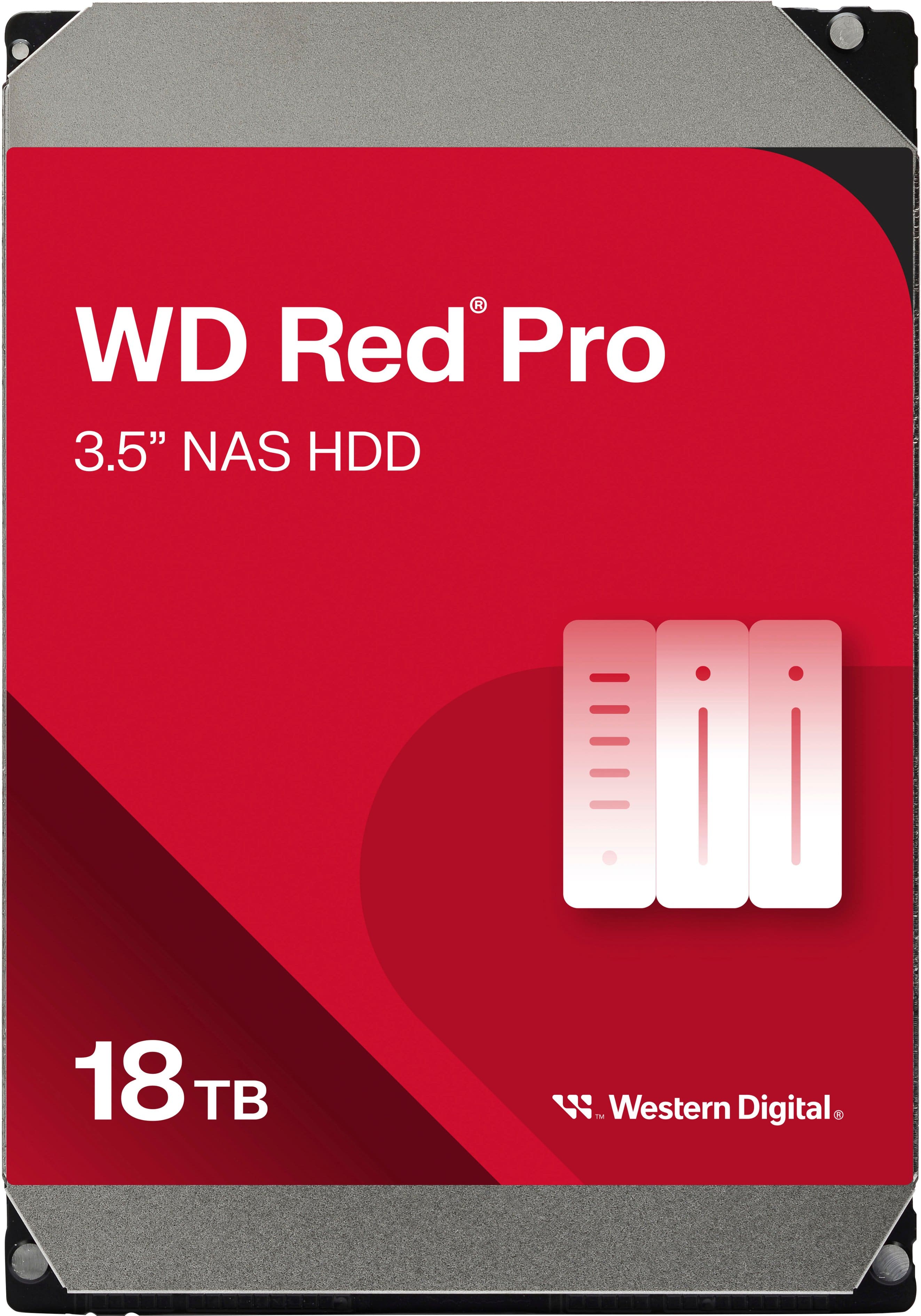
WD - Red Pro 18TB NAS Internal Hard Drive
SKU: JXTHCJVJXXSee all Internal Hard DrivesProduct Description
A high-capacity 18TB internal red HDD designed for reliable, RAID-optimized NAS data storage.Your price for this item is $644.65 -
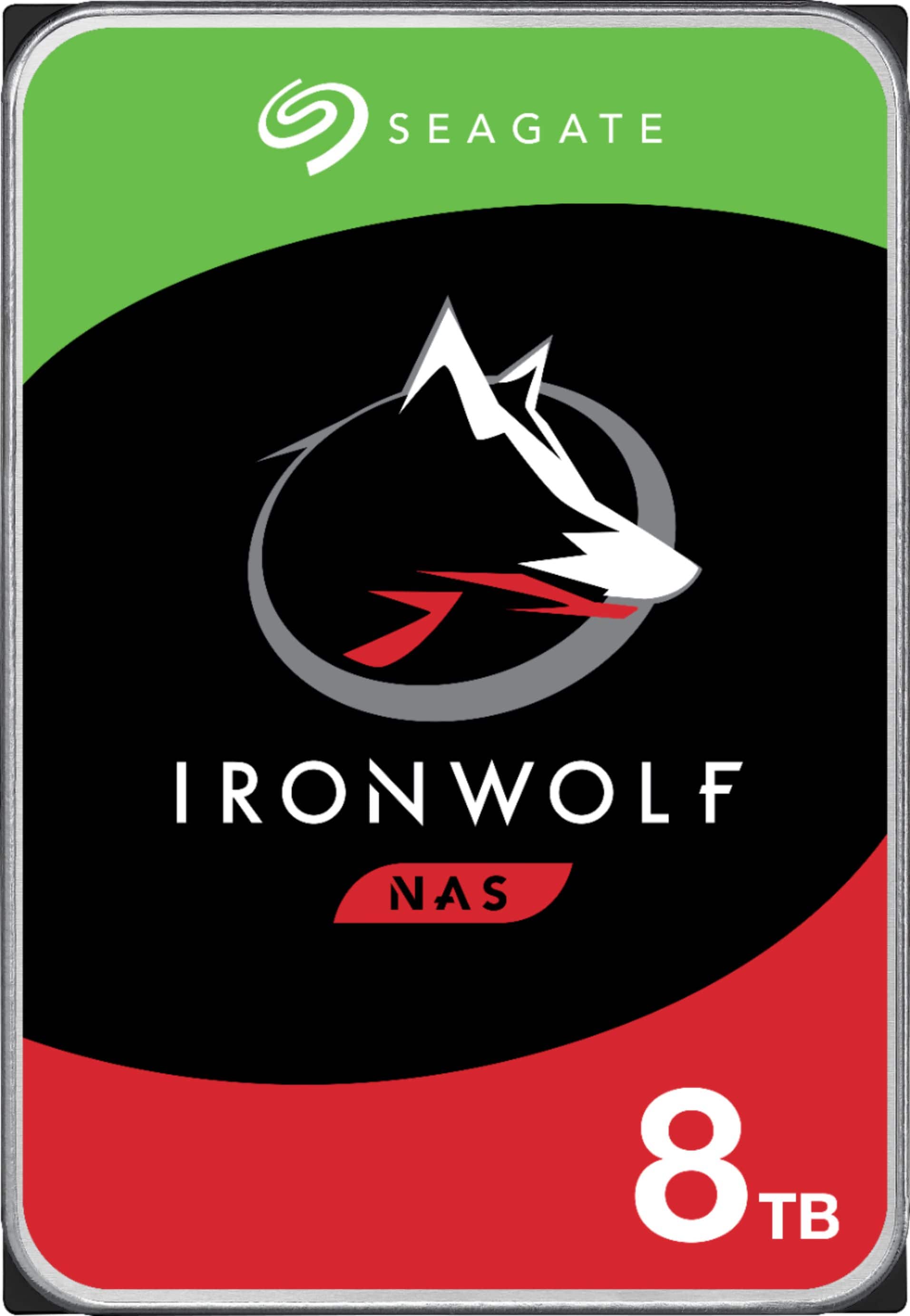
Seagate - IronWolf 8TB NAS Internal Hard Drive with Rescue Data Recovery Services
SKU: J37C5HK4YYSee all Internal Hard DrivesProduct Description
An internal 8TB hard drive with RAID optimization, 7200 RPM speed, and advanced data recovery features.Your price for this item is $299.99 -
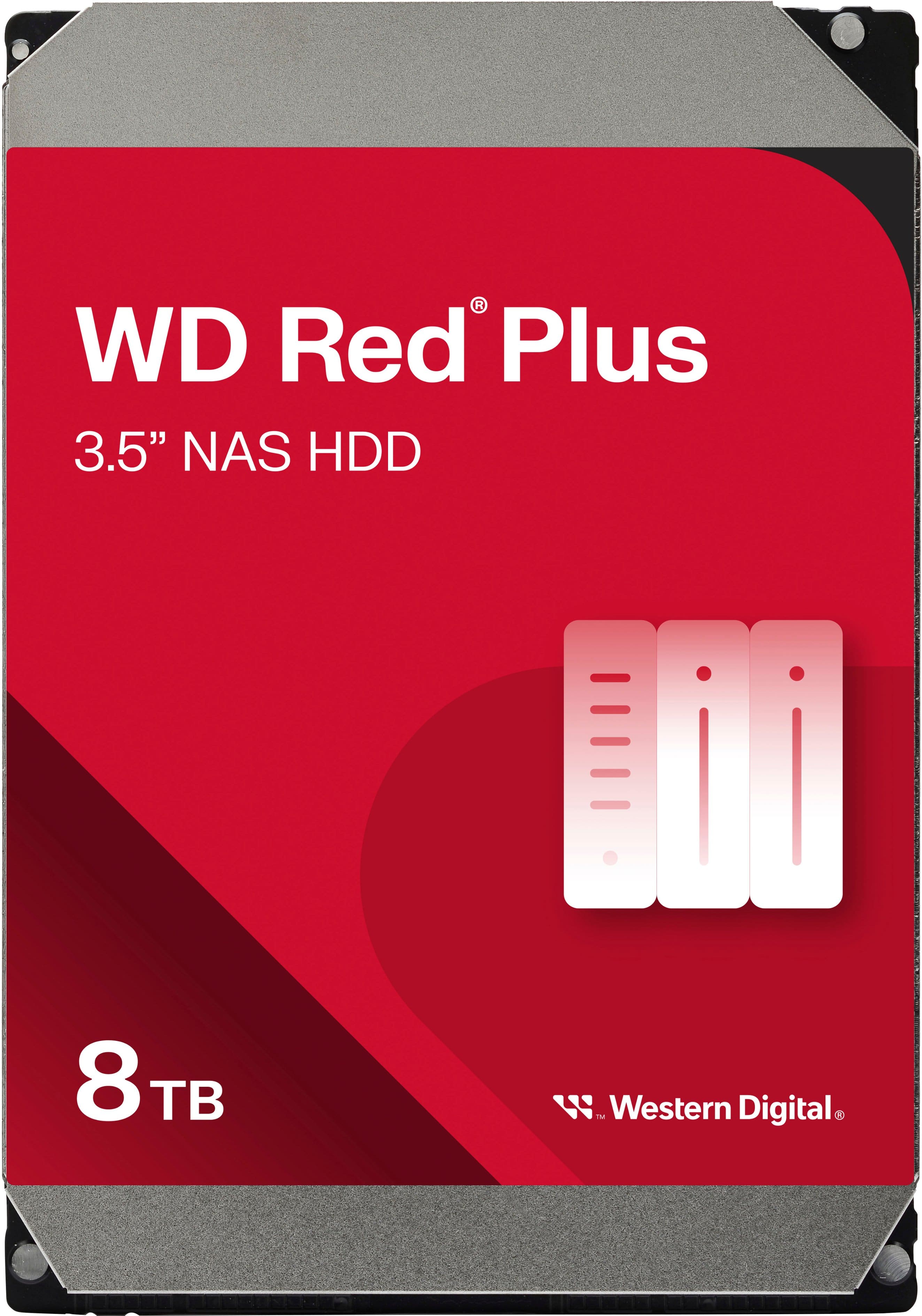
WD - Red Plus 8TB NAS Internal Hard Drive
SKU: JXTHCC7RTTSee all Internal Hard DrivesProduct Description
A red internal NAS hard drive offering 8TB capacity, 5640 RPM speed, and RAID optimization for reliability.Your price for this item is $259.99 -
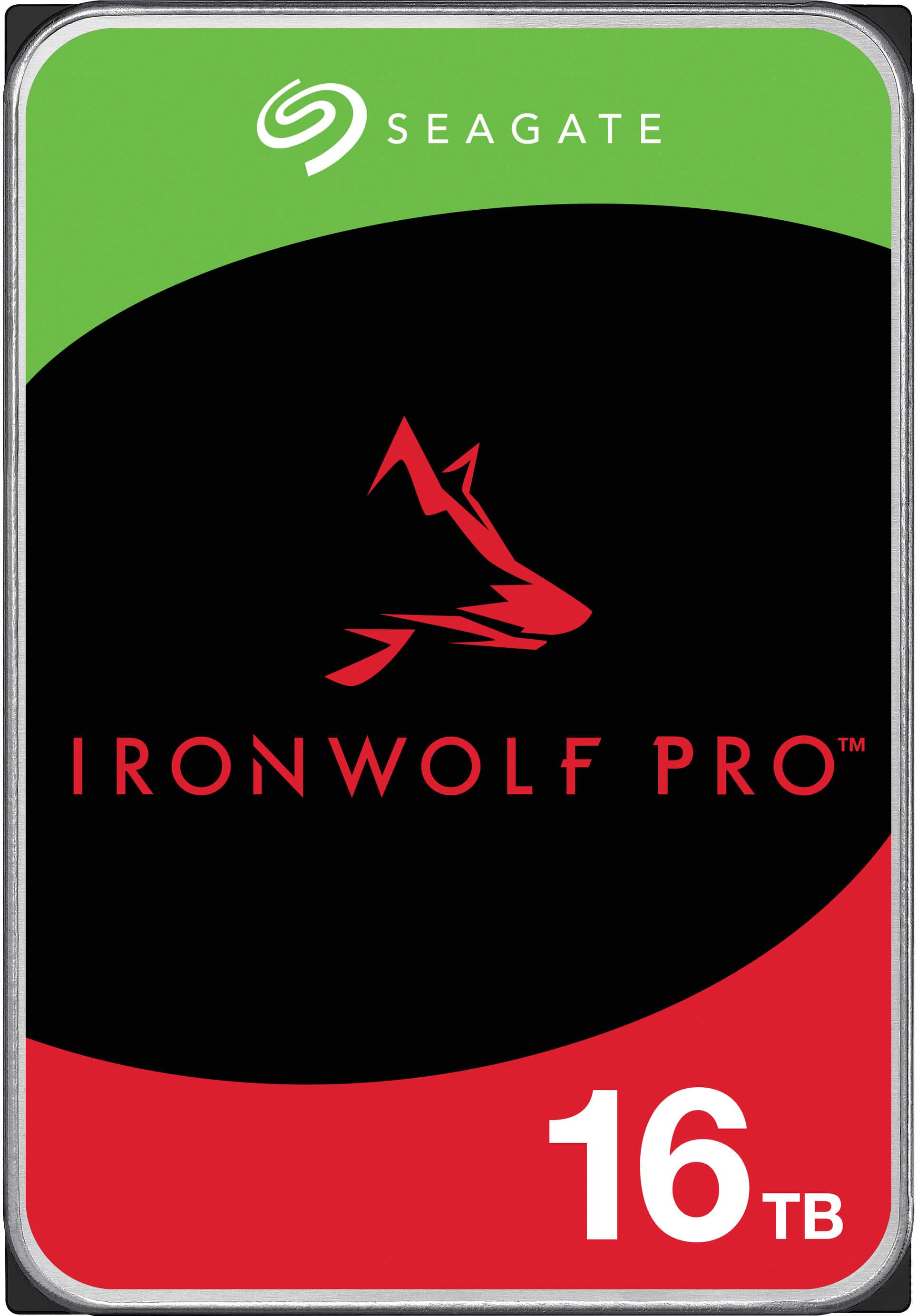
Seagate - IronWolf Pro 16TB NAS Internal Hard Drive with Rescue Data Recovery Services
SKU: J37C5H5L89See all Internal Hard DrivesProduct Description
A high-performance red internal NAS hard drive with 16TB capacity, 7200 RPM, and data recovery services.Your price for this item is $579.99 -
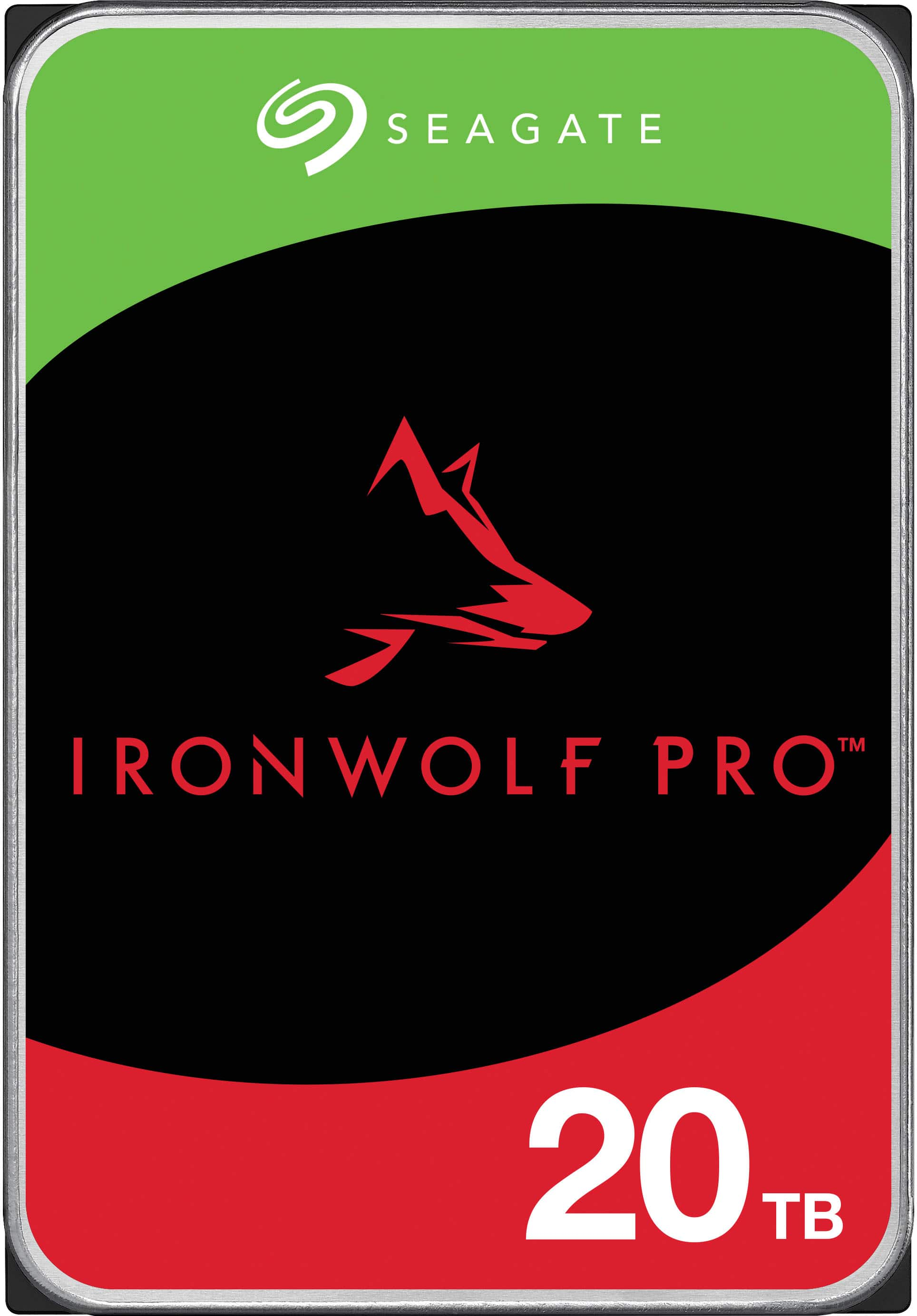
Seagate - IronWolf Pro 20TB NAS Internal Hard Drive with Rescue Data Recovery Services
SKU: J37C5H5LGWSee all Internal Hard DrivesProduct Description
An enterprise-grade red internal HDD with 20TB capacity, 7200 RPM, CMR technology, and data recovery services.Your price for this item is $669.99Save $50The previous price was $719.99 -
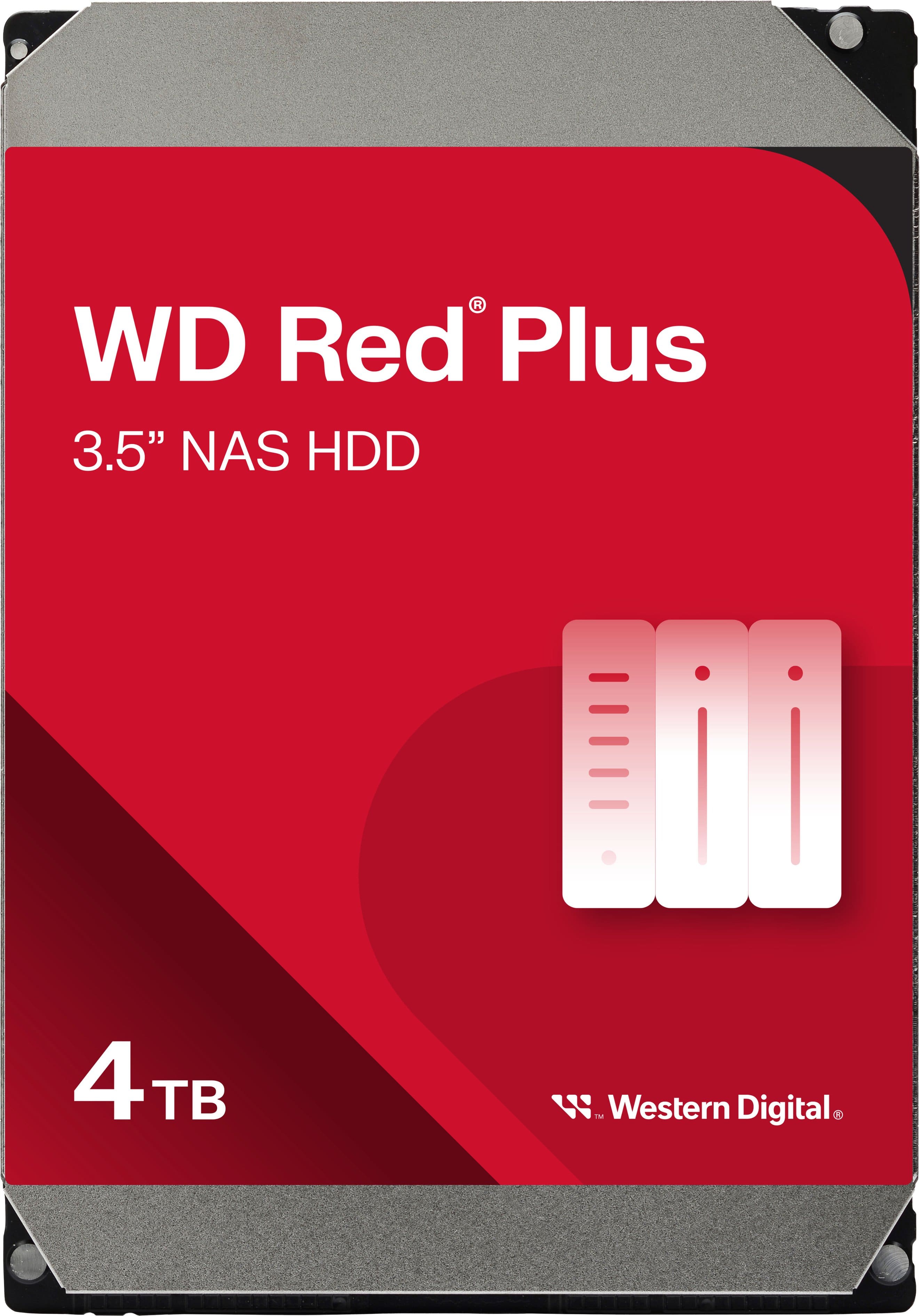
WD - Red Plus 4TB NAS Internal Hard Drive
SKU: JXTHCC7V3XSee all Internal Hard DrivesProduct Description
A reliable red internal HDD optimized for NAS systems, offering 4TB capacity and efficient data management.Your price for this item is $249.99 -
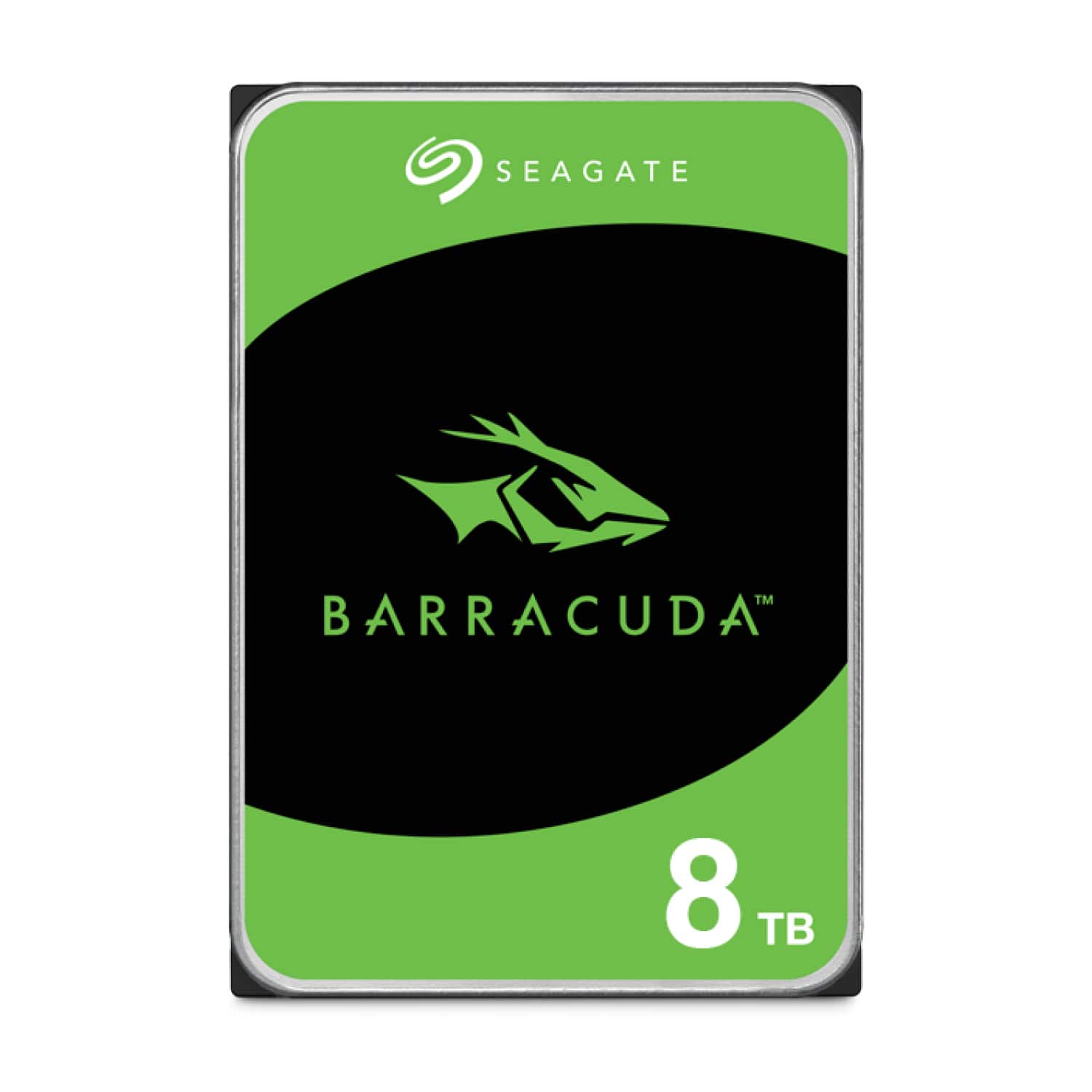
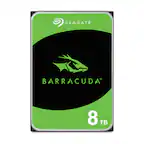
Seagate - Barracuda 8TB Internal Hard Drive for Desktops
SKU: J37C5HKG8FWorks great at long term storage. 5/5 would hard drive again.
See all Internal Hard DrivesProduct Description
A reliable 8TB internal 3.5-inch hard drive with 5400 RPM speed, ideal for desktop storage needs.Your price for this item is $279.99
Best Sellers
Related Pages

FAQ
A RAID 5 hard drive setup uses three or more drives to store data with distributed parity. This configuration provides a balance between improved performance, efficient storage capacity, and data protection in case one drive fails.
Yes, you can use different brands of hard drives in a RAID 5 array, but it's recommended to use drives with similar specifications, such as capacity and speed, for optimal performance and reliability.
RAID 5 is suitable for both home and business environments that require a good balance between performance, storage efficiency, and data redundancy, making it popular for file servers, NAS devices, and workstations.
To rebuild a RAID 5 array after a drive failure, replace the failed drive with a new one of equal or greater capacity. The RAID controller or software will automatically begin the rebuild process, restoring data using the distributed parity information.
To set up RAID 5, you need either a dedicated RAID controller card or motherboard with built-in RAID support. Alternatively, you can use software-based RAID solutions available in some operating systems.