Hard Drive Raid 0
-
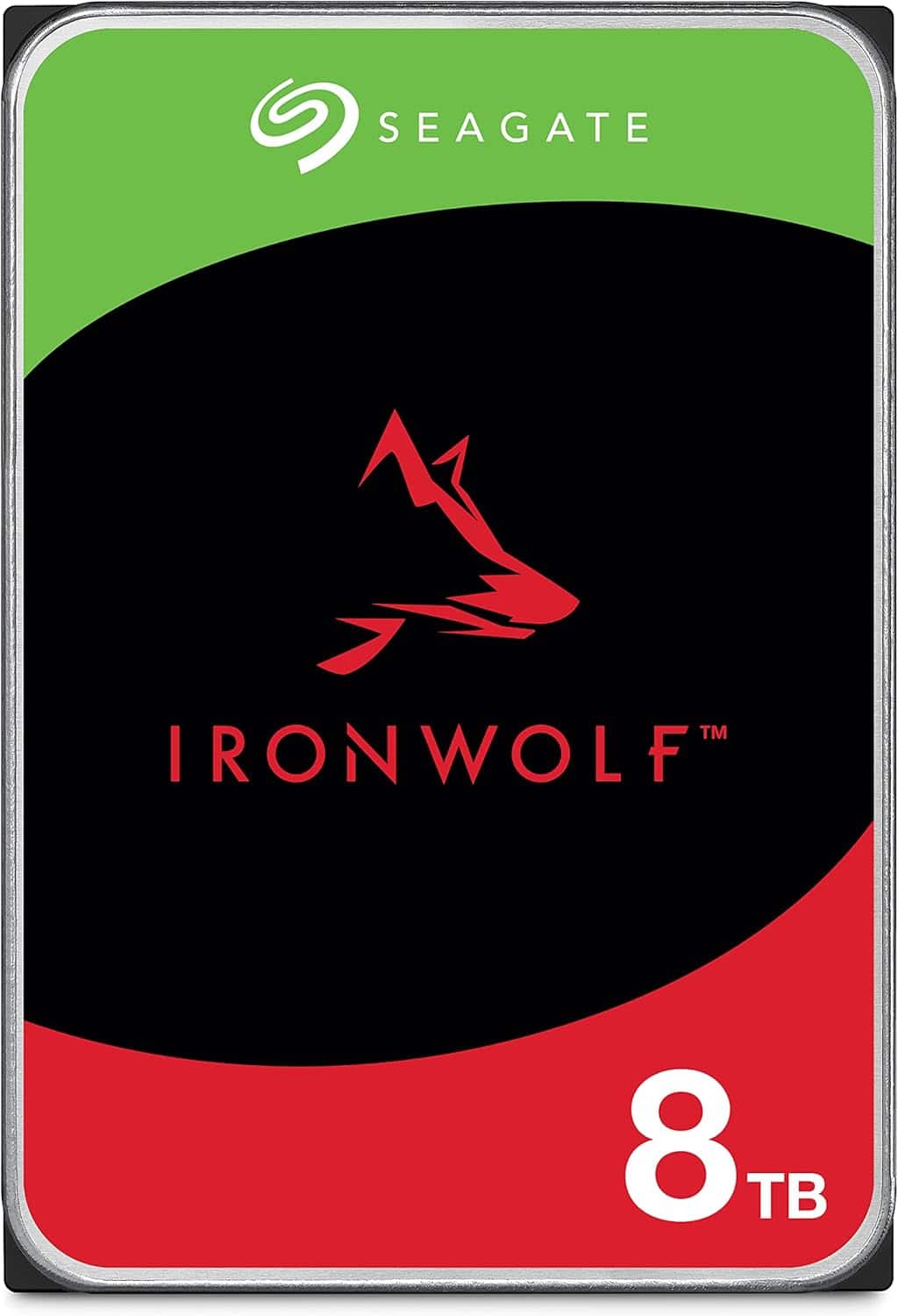
Seagate - IronWolf 8TB NAS Internal Hard Drive HDD – 3.5 Inch SATA 6Gb/s 7200 RPM 256MB Cache for RAID Network Attached Storage
SKU: J37C5HK7CKSee all Internal Hard DrivesProduct Description
An internal black 8TB HDD designed for multi-user NAS, featuring 7200 RPM, 256MB cache, and RAID support.Your price for this item is $349.99Save $167The previous price was $517.65 -
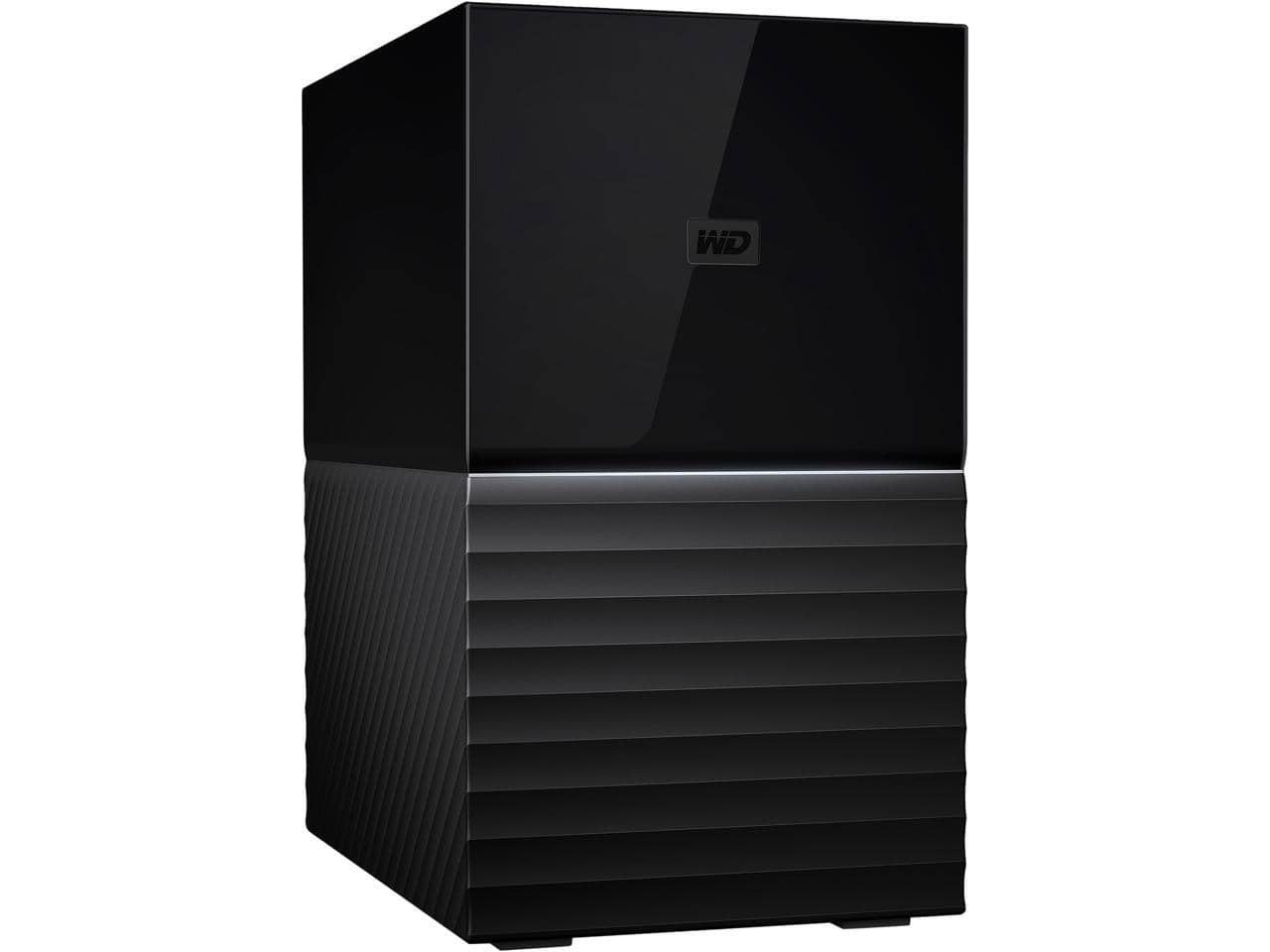
Western Digital - WD 20TB My Book Duo Desktop RAID External Hard Drive 256-Bit AES Encryption - USB 3.2 Gen1 (WDBFBE0200JBK-NESN) - Black
SKU: JXTHCJ54JKSee all External Hard DrivesProduct Description
A high-capacity black external hard drive with RAID support, USB 3.2 Gen1, and 256-bit AES encryption.Your price for this item is $1,444.66 -
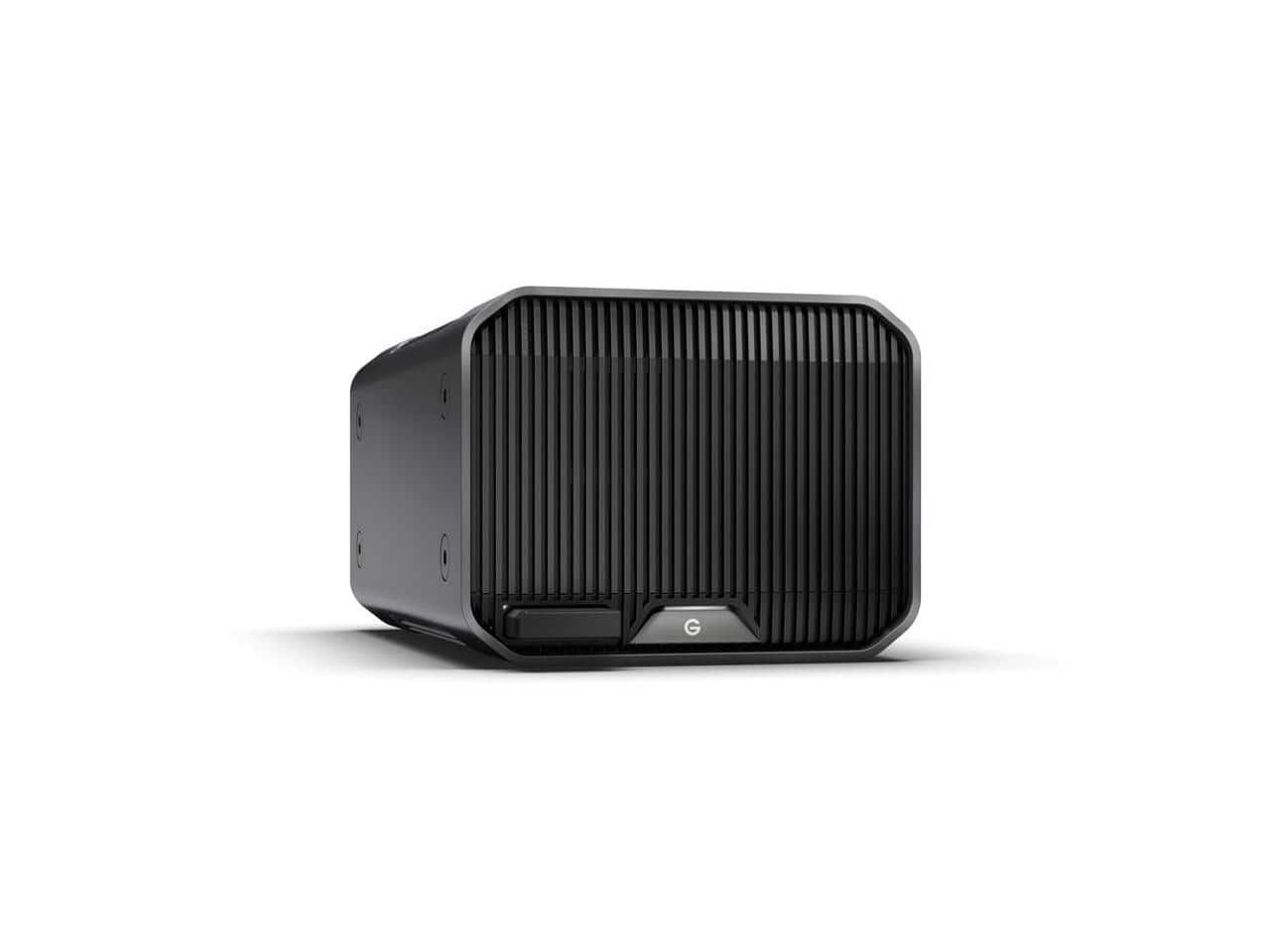
SanDisk Professional - SanDisk G-Raid Project 2 16TB Desktop Drive, Thunderbolt 3, Pro-Blade SSD, 480MB/s (Space Gray) - Black
SKU: JXTHCC7VHCSee all External Hard DrivesProduct Description
A high-performance black and space gray desktop drive featuring Thunderbolt 3, Pro-Blade SSD slot, and 480MB/s speeds.Your price for this item is $1,469.99 -
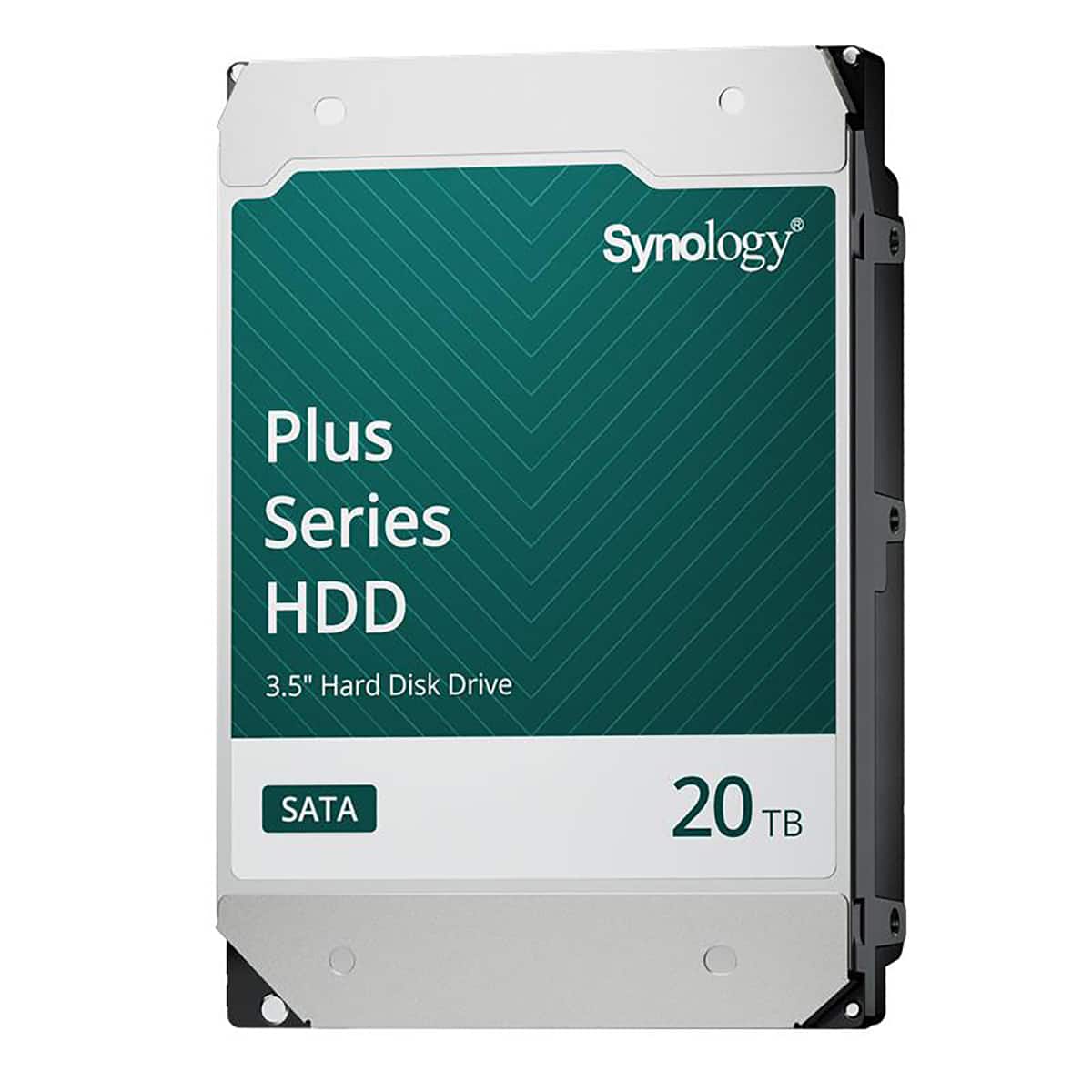
Synology - HAT3320 Plus Series 3.5" SATA III Internal Hard Drive - 20TB
SKU: J36TG78P9RSee all Internal Hard DrivesProduct Description
A high-capacity 20TB 3.5" internal SATA HDD with 7200 RPM speed and 1GB cache for reliable storage.Your price for this item is $879.99 -
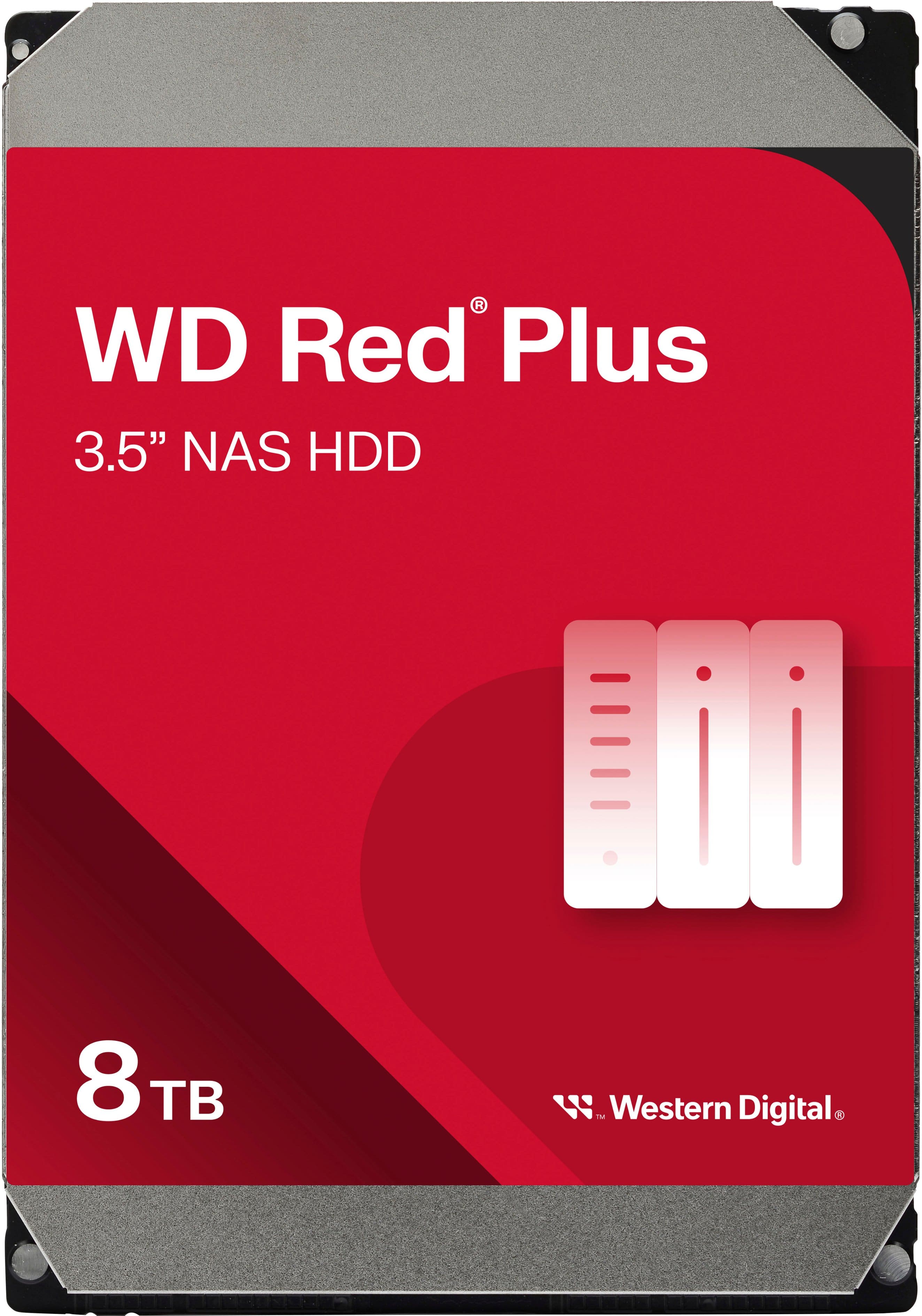
WD - Red Plus 8TB NAS Internal Hard Drive
SKU: JXTHCC7RTTRed drives are the best for my backup system. We have been using them for years....Definitely the best pick for large storage solutions in at home settings....Love my Red drives...Love it
See all Internal Hard DrivesProduct Description
A red internal NAS hard drive offering 8TB capacity, 5640 RPM speed, and RAID optimization for reliability.Your price for this item is $354.99 -
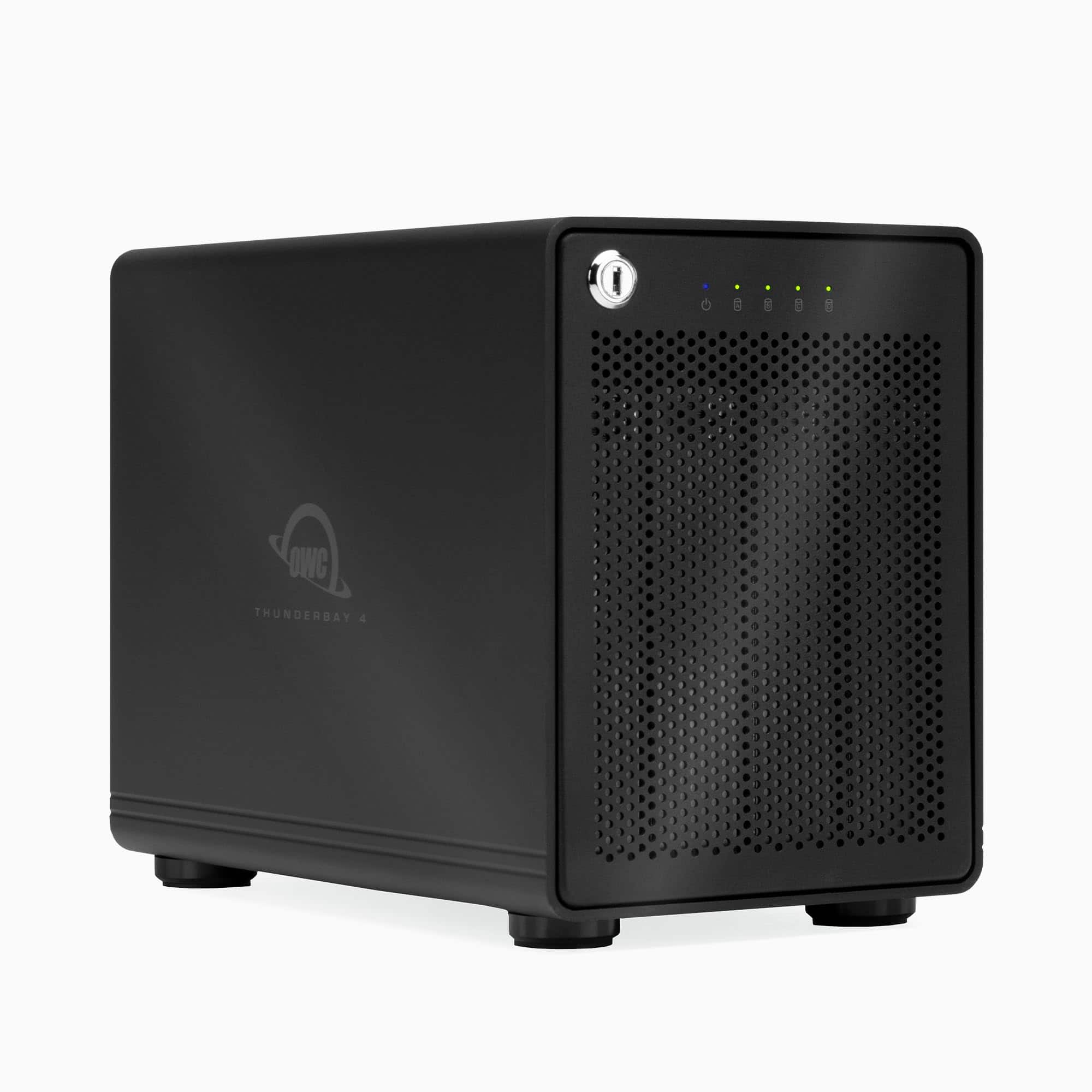
OWC - ThunderBay 4 RAID 5 with Dual Thunderbolt 3 Ports (0GB RAID), Includes SoftRAID XT - Black
SKU: J3LCW6K5SHSee all Hard Drive Cables & AccessoriesProduct Description
A high-performance black RAID enclosure with dual Thunderbolt 3 ports, supporting both 2.5" and 3.5" drives.Your price for this item is $549.99 -
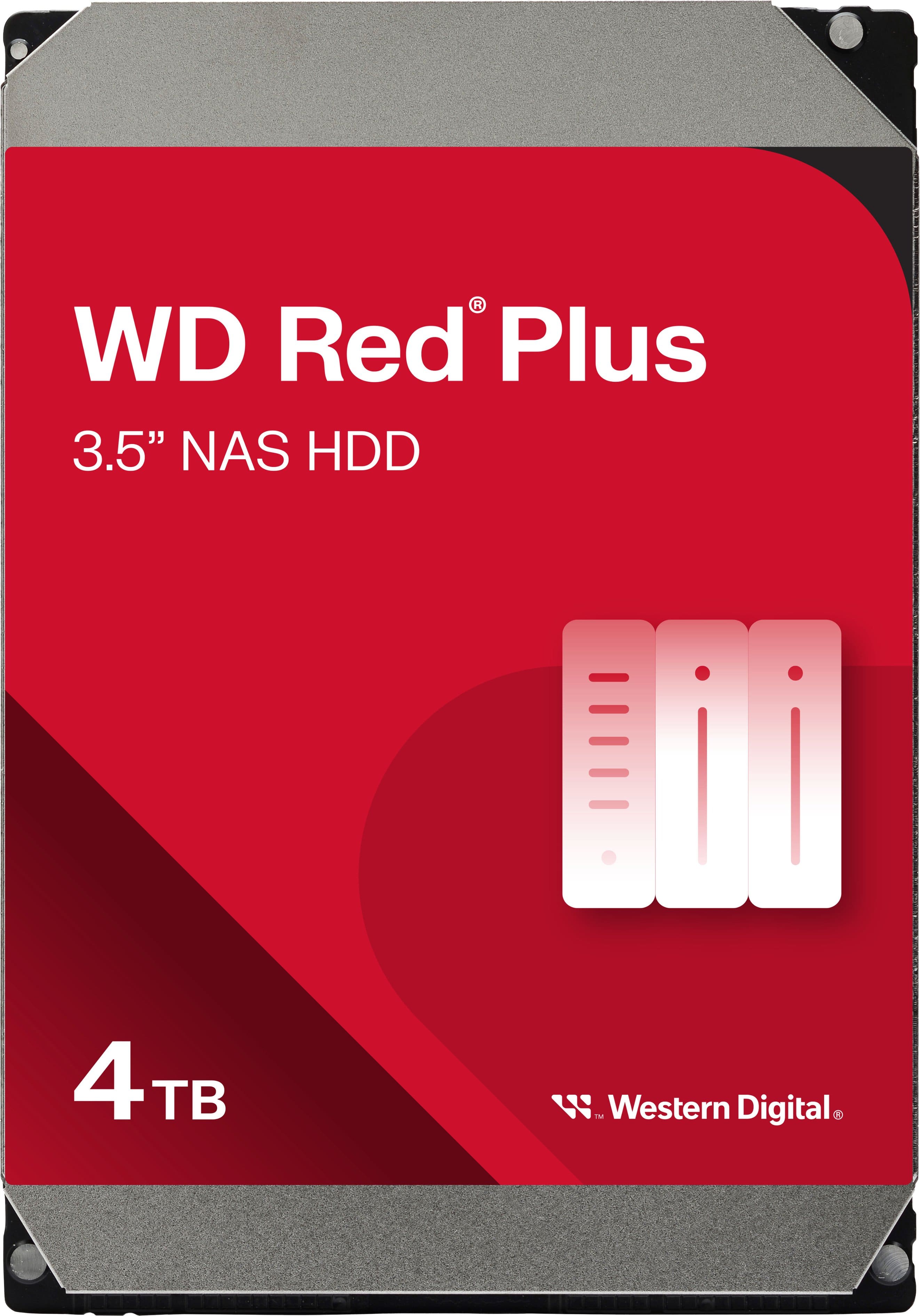
WD - Red Plus 4TB NAS Internal Hard Drive
SKU: JXTHCC7V3XGreat product! it did exactly what i needed. Best buy is the best....Great for the price...Amazing delivery with best price. Works perfectly with my ugreen nas
See all Internal Hard DrivesProduct Description
A reliable red internal HDD optimized for NAS systems, offering 4TB capacity and efficient data management.Your price for this item is $194.99 -
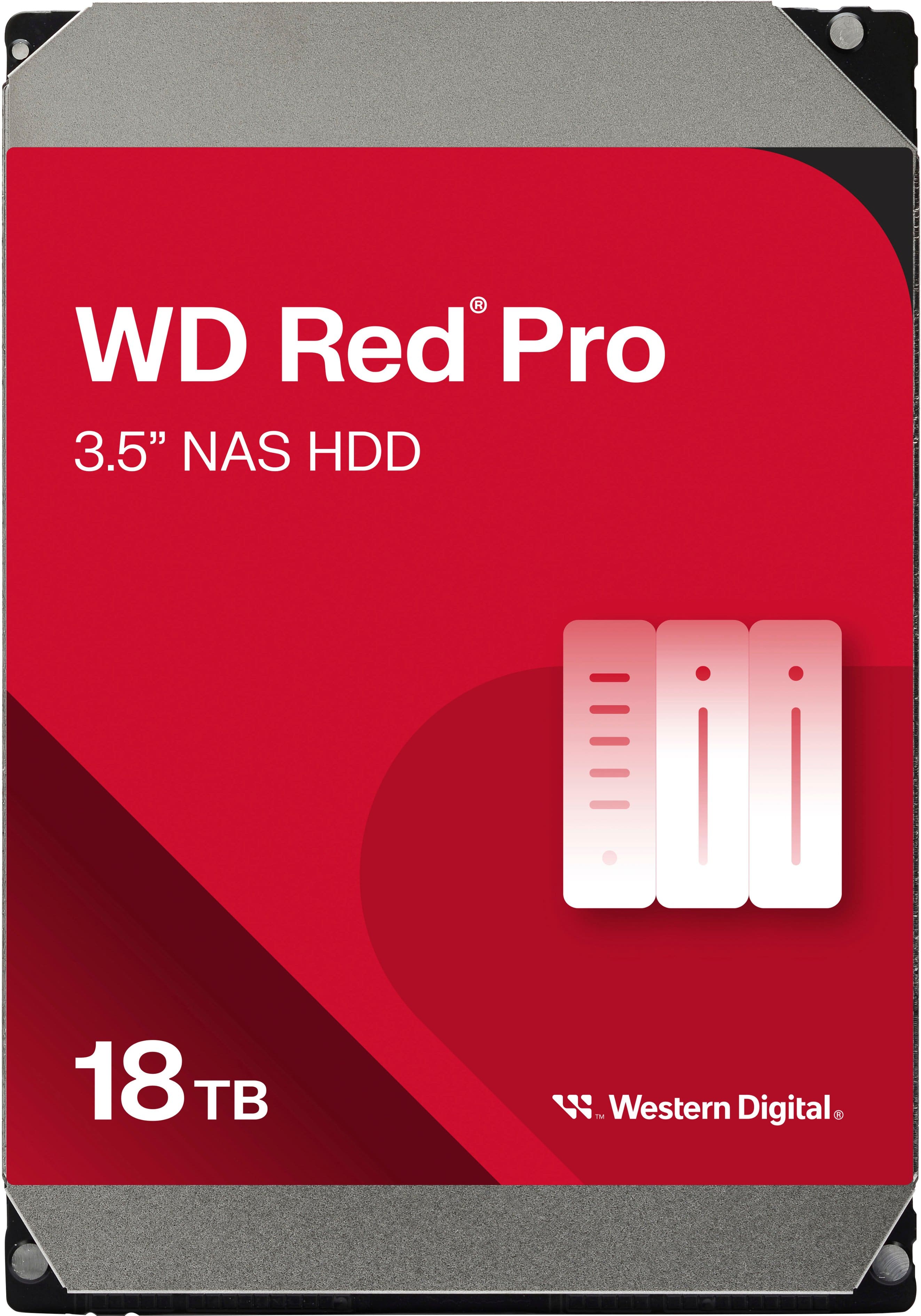
WD - Red Pro 18TB NAS Internal Hard Drive
SKU: JXTHCJVJXXGreat Drives...Love them. Perfect for my Truenas Scale server....Love the space and speed of this HDD, i will love if the can make it cheaper
See all Internal Hard DrivesProduct Description
A high-capacity 18TB internal red HDD designed for reliable, RAID-optimized NAS data storage.Your price for this item is $794.99
Best Sellers

Related Pages





FAQ
RAID 0 is a storage configuration that stripes data across two or more hard drives, allowing for increased read and write speeds. Unlike other RAID levels, RAID 0 does not provide data redundancy; if one drive fails, all data is lost. It's ideal for users looking to maximize performance for tasks like gaming, video editing, or large file transfers.
The main benefit of a RAID 0 setup is improved performance. By splitting data evenly across multiple drives, RAID 0 enables faster access to files and quicker data transfers. This makes it a popular choice for users who need high-speed storage solutions.
While it's technically possible to set up RAID 0 with different brands or models, it's recommended to use identical drives for optimal performance and to avoid potential compatibility issues. Mismatched drives may result in reduced speed and storage capacity limited to the smallest drive.
RAID 0 is not recommended for backing up important data because it does not offer any data protection or redundancy. If one drive fails, all data in the array is lost. For data security, consider other RAID levels like RAID 1 or RAID 5, or use a separate backup solution.
Applications that require high-speed data access, such as video editing software, gaming, graphic design, and large file manipulation, benefit most from a RAID 0 configuration. It’s ideal for users who prioritize speed over data redundancy.