Raid 5 Hard Drive
-
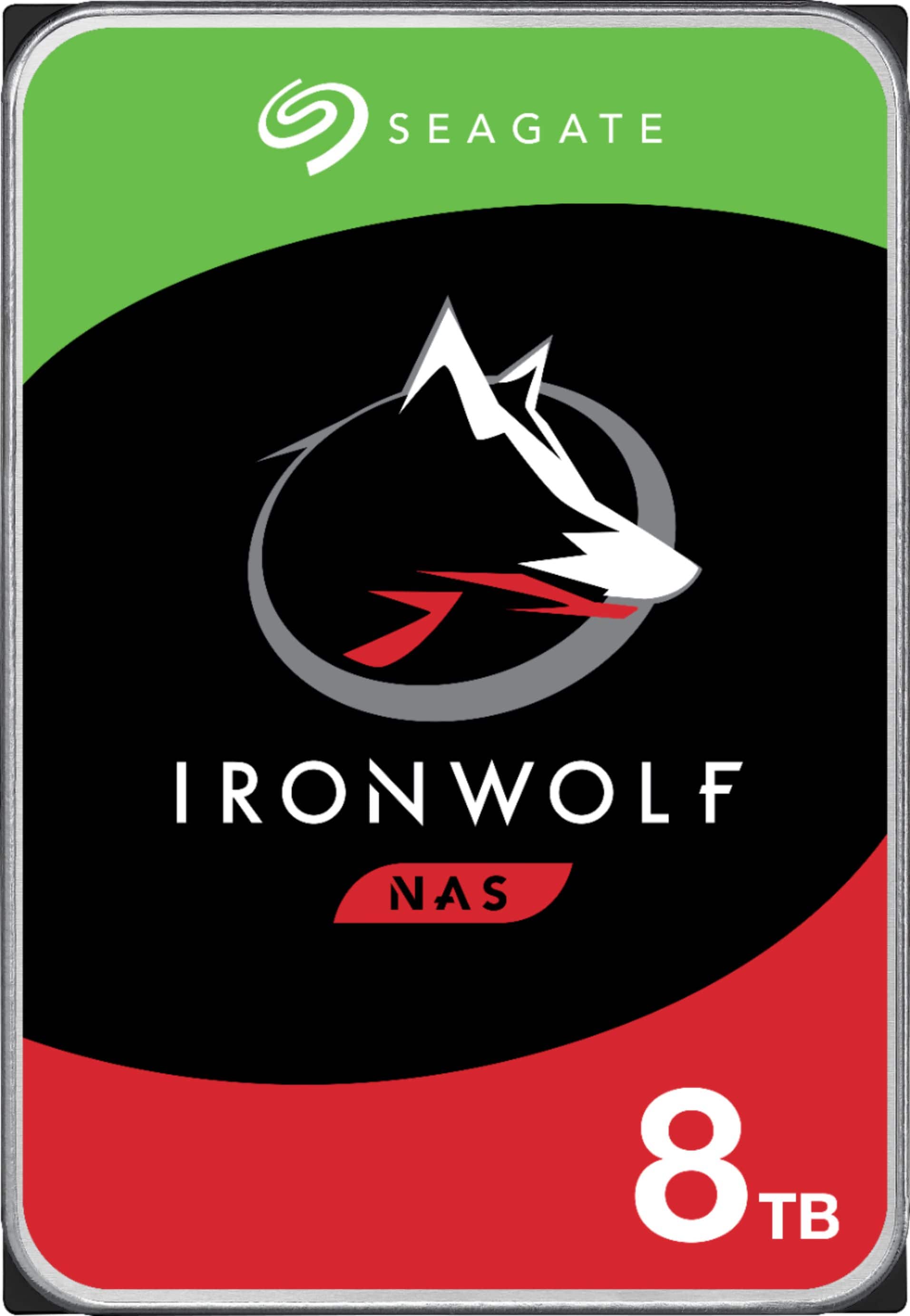
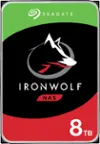
Seagate - IronWolf 8TB NAS Internal Hard Drive with Rescue Data Recovery Services
SKU: J37C5HK4YYSee all Internal Hard DrivesProduct Description
An internal 8TB hard drive with RAID optimization, 7200 RPM speed, and advanced data recovery features.Your price for this item is $349.99 -
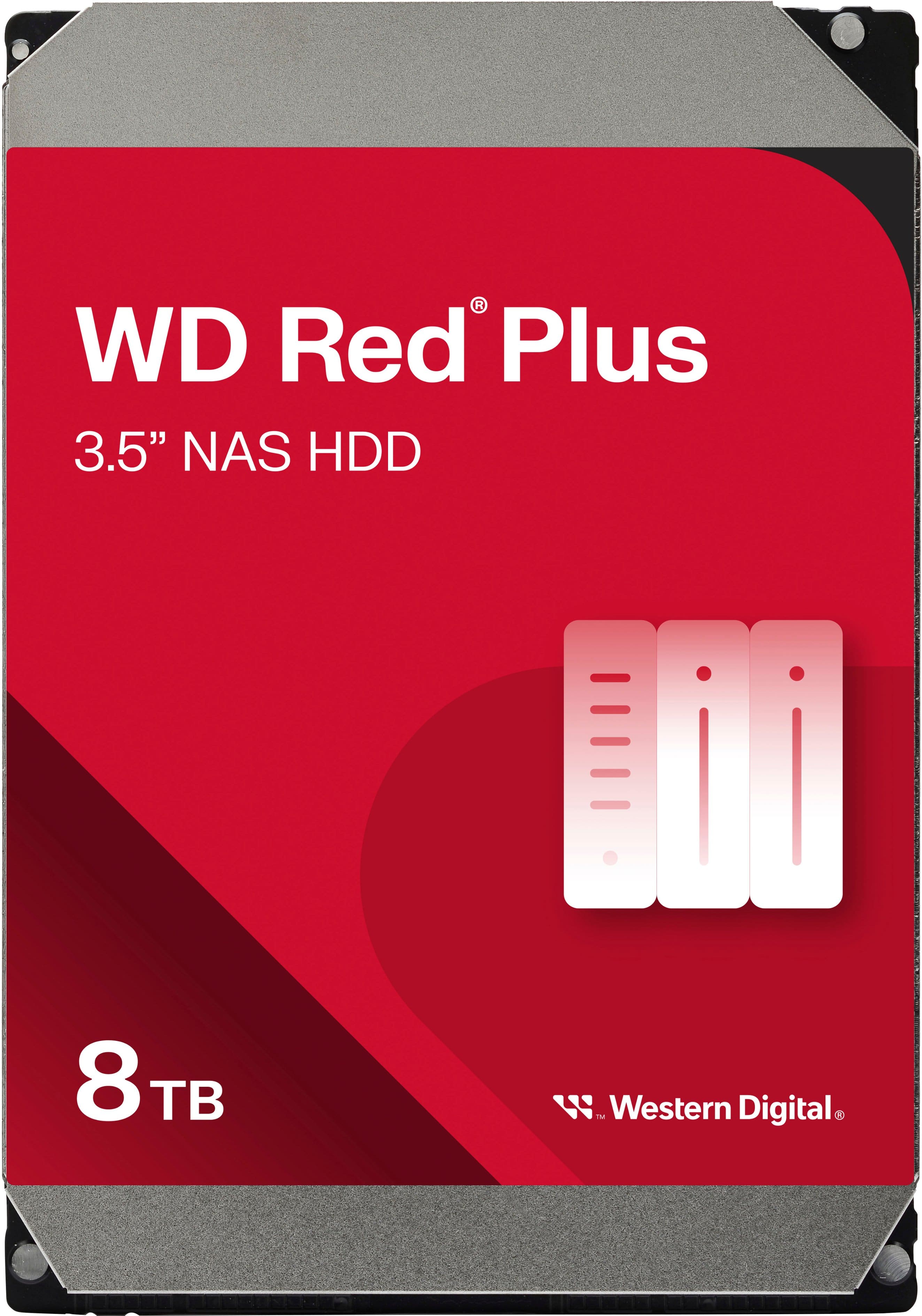
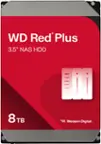
WD - Red Plus 8TB NAS Internal Hard Drive
SKU: JXTHCC7RTTWorks great with my NAS! I love western digital drives!...Great HDD...Great HDD for NAS. You could hear it ticking at night, but overall it's a solid HDF
See all Internal Hard DrivesProduct Description
A red internal NAS hard drive offering 8TB capacity, 5640 RPM speed, and RAID optimization for reliability.Your price for this item is $354.99 -
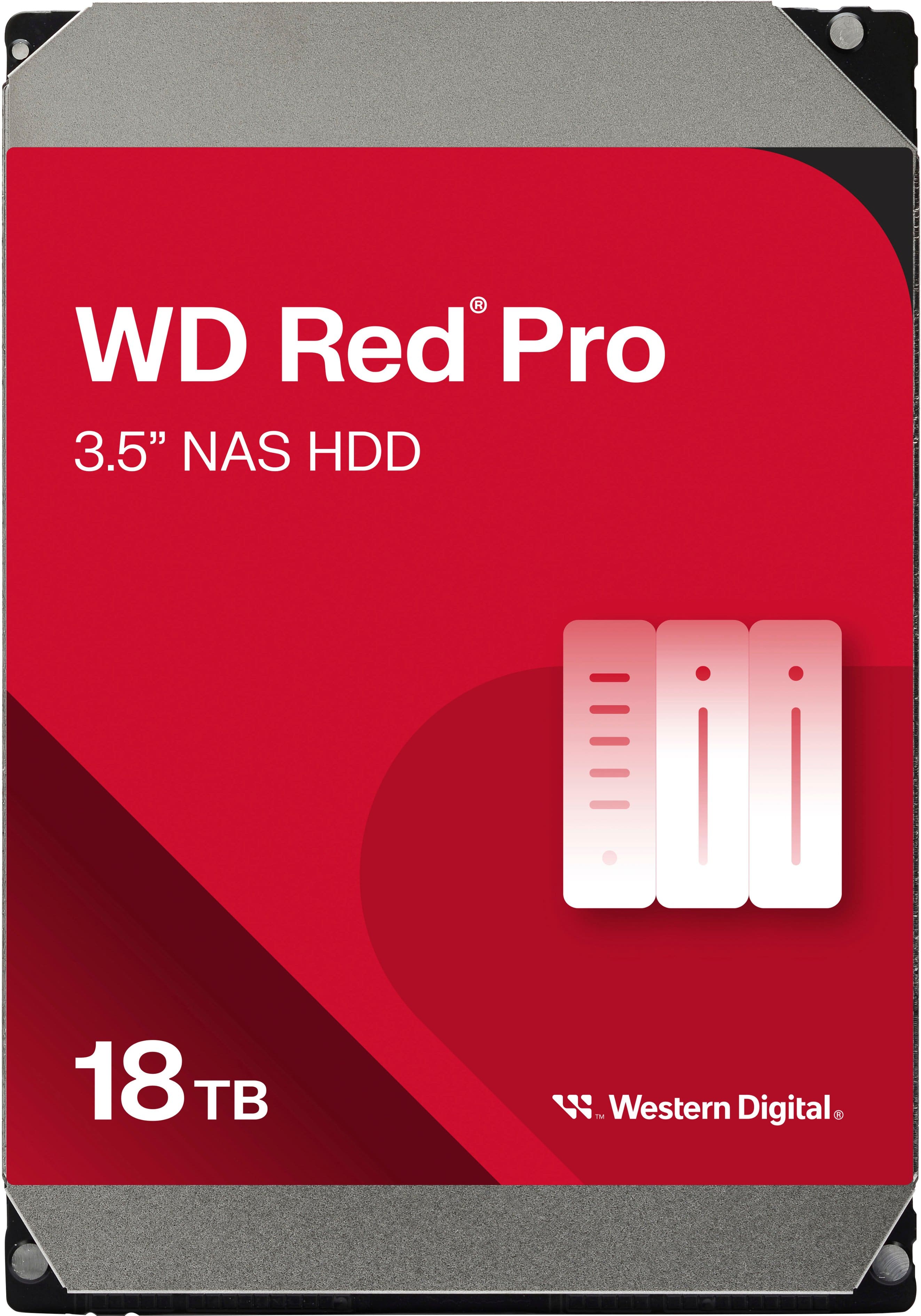
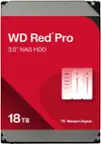
WD - Red Pro 18TB NAS Internal Hard Drive
SKU: JXTHCJVJXXHigh capacity and best price I could find...Best Drive out there...Great high capacity
See all Internal Hard DrivesProduct Description
A high-capacity 18TB internal red HDD designed for reliable, RAID-optimized NAS data storage.Your price for this item is $794.99 -
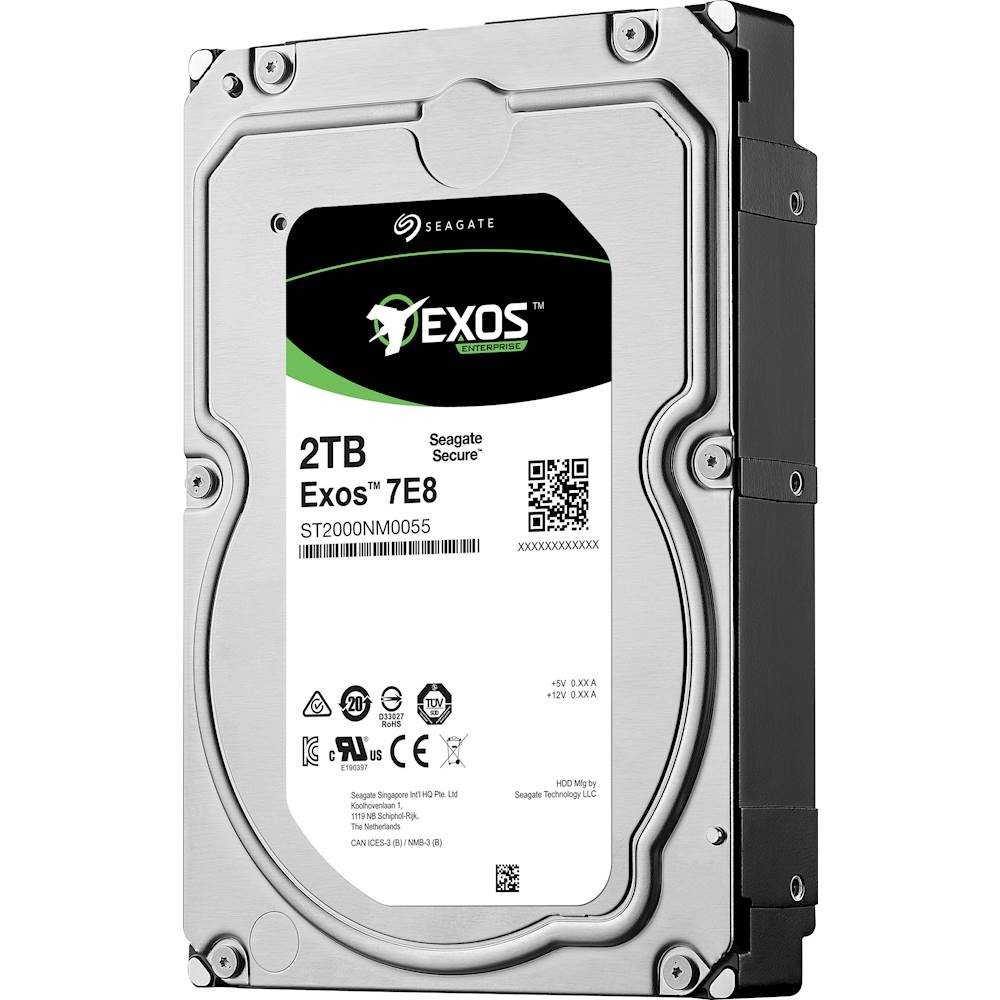
Seagate - Enterprise Capacity 3.5 HDD V.5 2TB Internal SATA Hard Drive for Desktops
SKU: J37C5HQ68RSee all Internal Hard DrivesProduct Description
A high-performance internal SATA hard drive in blue, multi, and silver with 2TB capacity and 7200 rpm speed.Your price for this item is $195.19 -
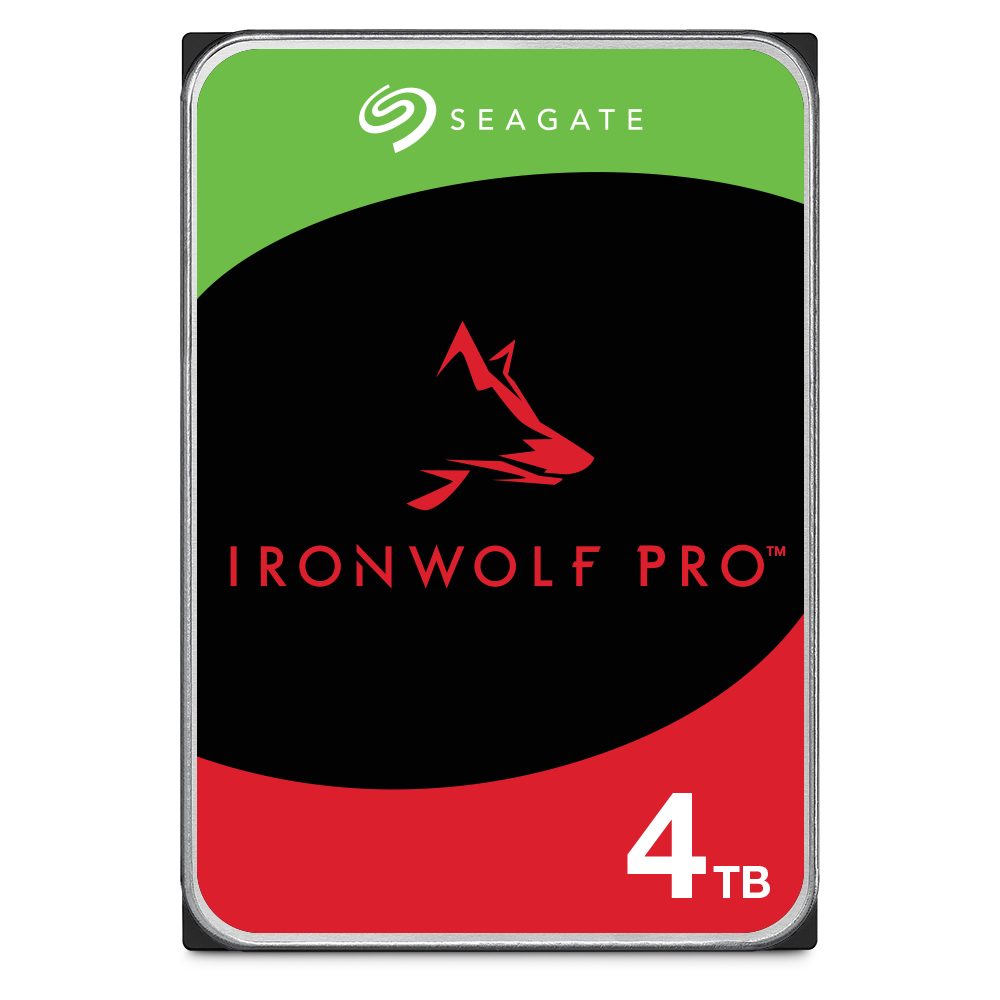
Seagate - IronWolf Pro 4TB Internal Hard Drive with Rescue Data Recovery Services
SKU: J37C5H5G29See all Internal Hard DrivesProduct Description
A reliable 4TB internal HDD offering 24/7 performance, RAID support, and three-year data recovery services.Your price for this item is $269.99Save $20The previous price was $289.99 -
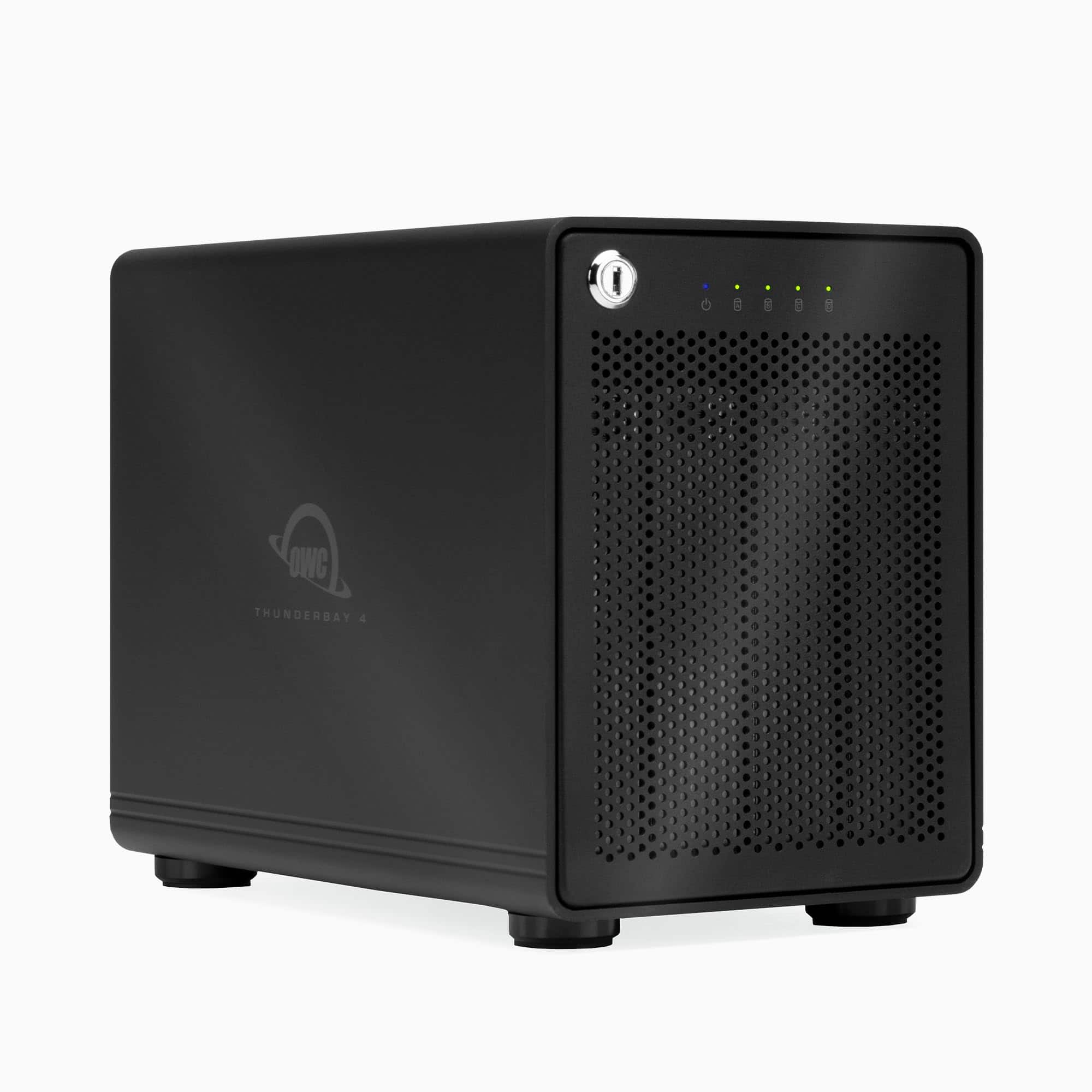
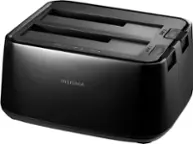
OWC - ThunderBay 4 RAID 5 with Dual Thunderbolt 3 Ports (0GB RAID), Includes SoftRAID XT - Black
SKU: J3LCW6K5SHSee all Hard Drive Cables & AccessoriesProduct Description
A high-performance black RAID enclosure with dual Thunderbolt 3 ports, supporting both 2.5" and 3.5" drives.Your price for this item is $549.99 -
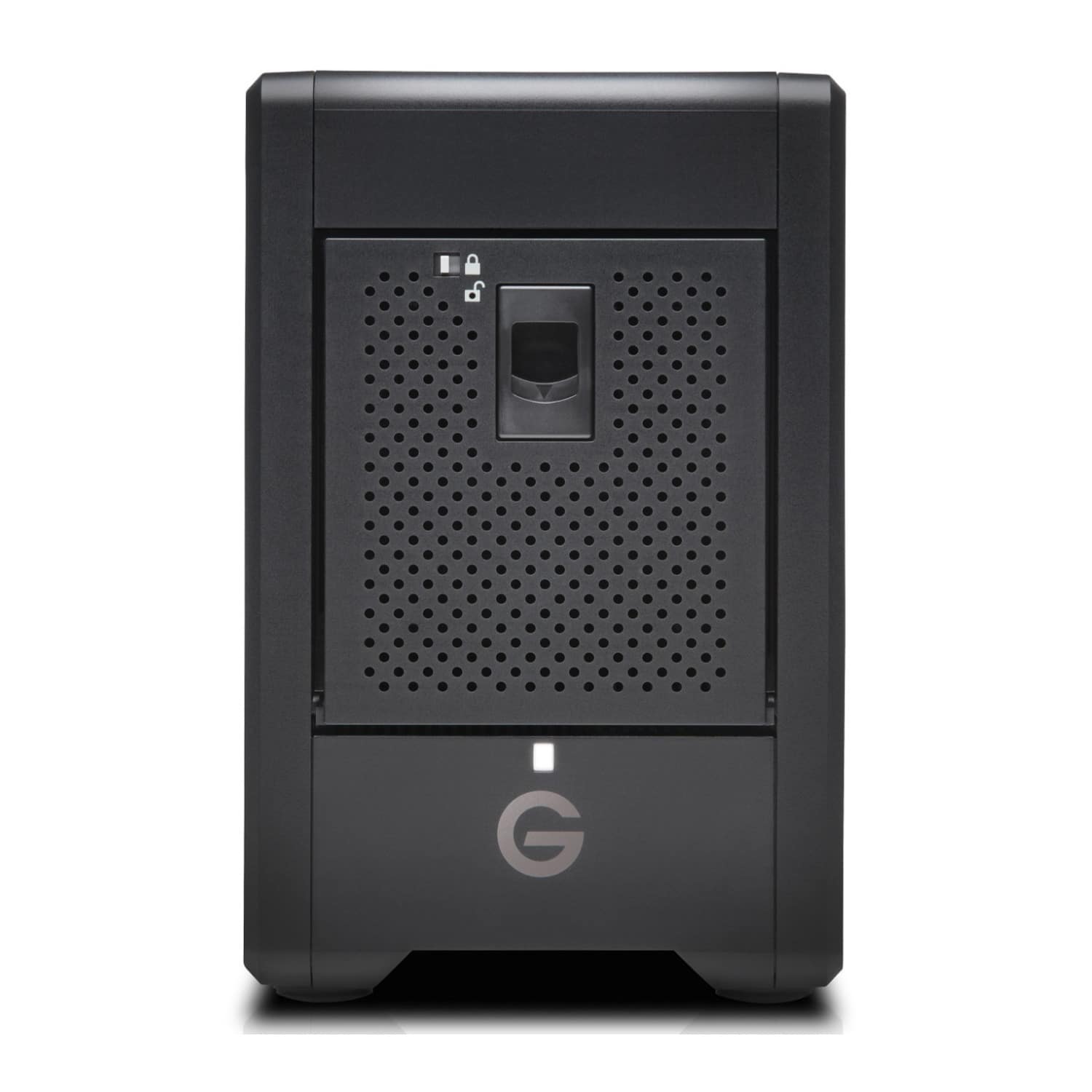
SanDisk Professional - GRaid Shuttle 4 72TB Desktop Hard Drive - Black
SKU: JXTHCJVKX2Great Choice...Great Choice....Great upgrade from Drobo with a few caveats...
See all External Hard DrivesProduct Description
A high-capacity 72TB black external RAID hard drive designed for fast, reliable media collaboration.Your price for this item is $4,884.99 -
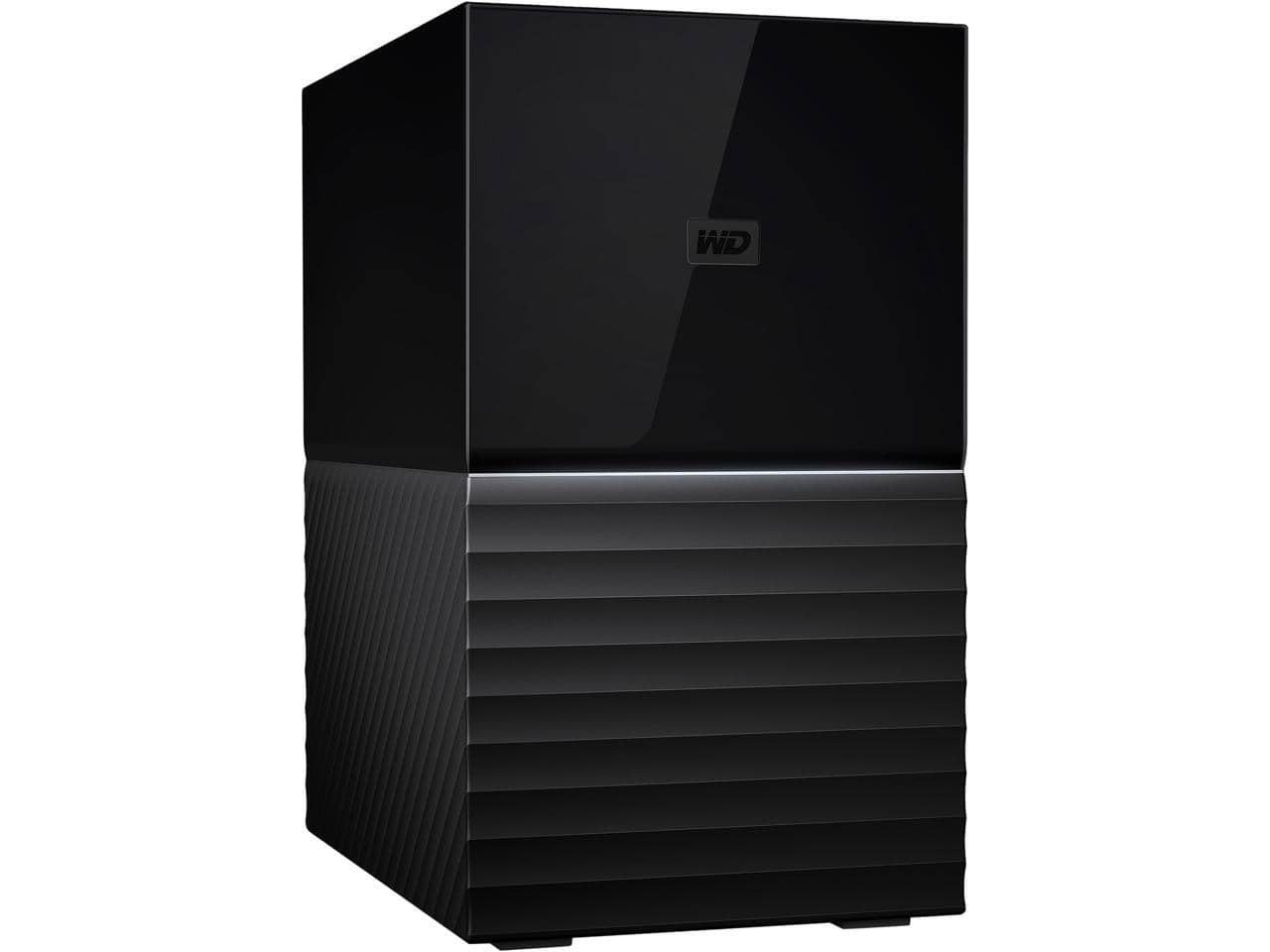
Western Digital - WD 20TB My Book Duo Desktop RAID External Hard Drive 256-Bit AES Encryption - USB 3.2 Gen1 (WDBFBE0200JBK-NESN) - Black
SKU: JXTHCJ54JKSee all External Hard DrivesProduct Description
A high-capacity black external hard drive with RAID support, USB 3.2 Gen1, and 256-bit AES encryption.Your price for this item is $1,240.58 -
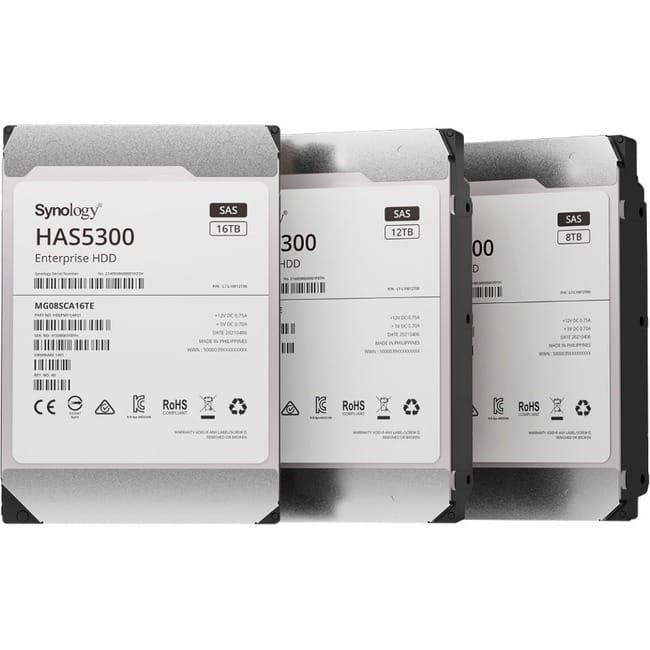
Synology - HAS5300 HAS5300-12T 12 TB Hard Drive - 3.5" Internal - SAS (12Gb/s SAS) - Storage System Device Supported
SKU: J36TG788H4See all Internal Hard DrivesProduct Description
A high-performance 12TB internal HDD with SAS 12Gb/s interface, 7200 RPM, and 256MB cache.Your price for this item is $778.95 -
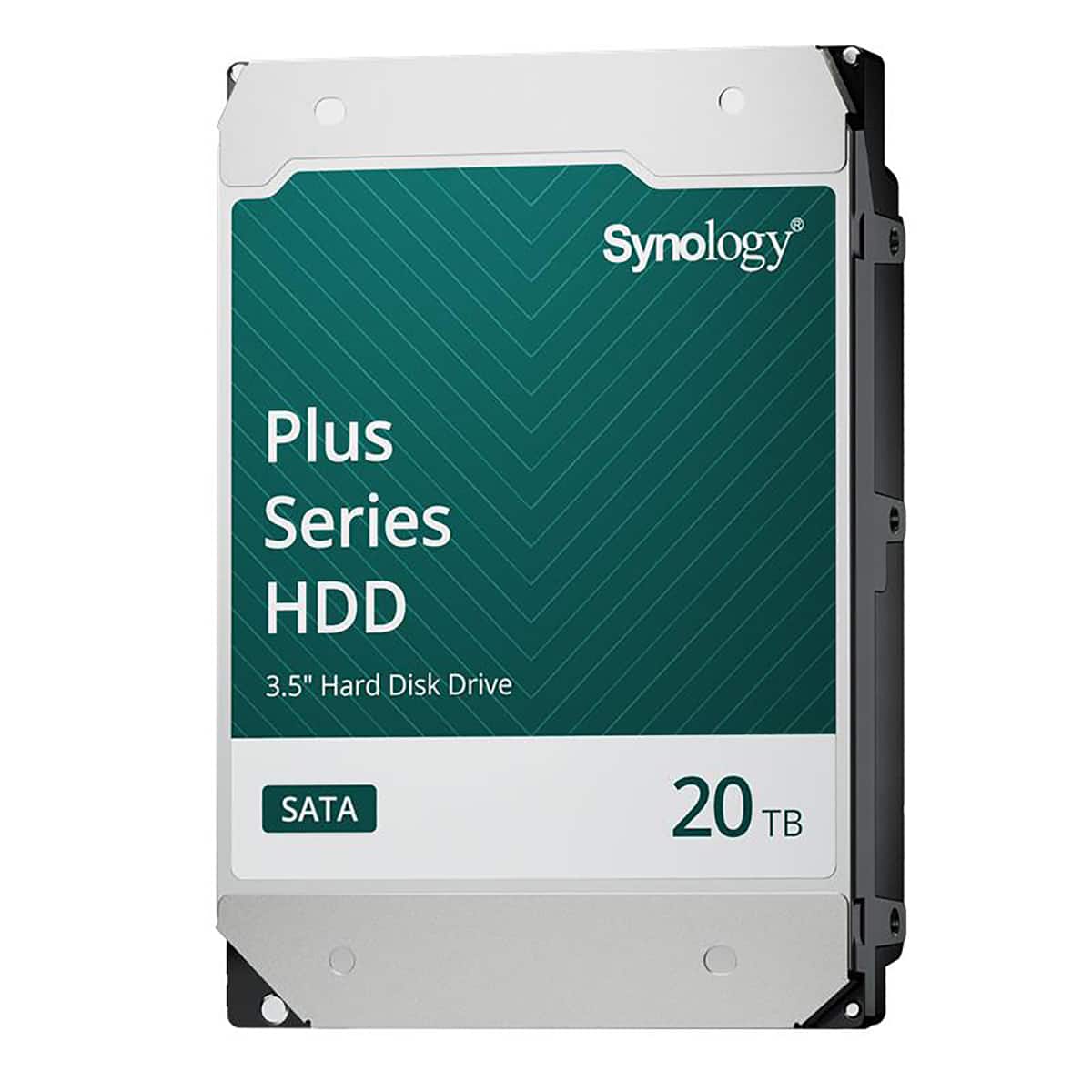
Synology - HAT3320 Plus Series 3.5" SATA III Internal Hard Drive - 20TB
SKU: J36TG78P9RSee all Internal Hard DrivesProduct Description
A high-capacity 20TB 3.5" internal SATA HDD with 7200 RPM speed and 1GB cache for reliable storage.Your price for this item is $819.99Save $49The previous price was $869.49
Best Sellers

Related Pages



FAQ
A RAID 5 hard drive setup uses three or more drives to store data with distributed parity. This configuration provides a balance between improved performance, efficient storage capacity, and data protection in case one drive fails.
Yes, you can use different brands of hard drives in a RAID 5 array, but it's recommended to use drives with similar specifications, such as capacity and speed, for optimal performance and reliability.
RAID 5 is suitable for both home and business environments that require a good balance between performance, storage efficiency, and data redundancy, making it popular for file servers, NAS devices, and workstations.
To rebuild a RAID 5 array after a drive failure, replace the failed drive with a new one of equal or greater capacity. The RAID controller or software will automatically begin the rebuild process, restoring data using the distributed parity information.
To set up RAID 5, you need either a dedicated RAID controller card or motherboard with built-in RAID support. Alternatively, you can use software-based RAID solutions available in some operating systems.