Raid Hard Drive
-
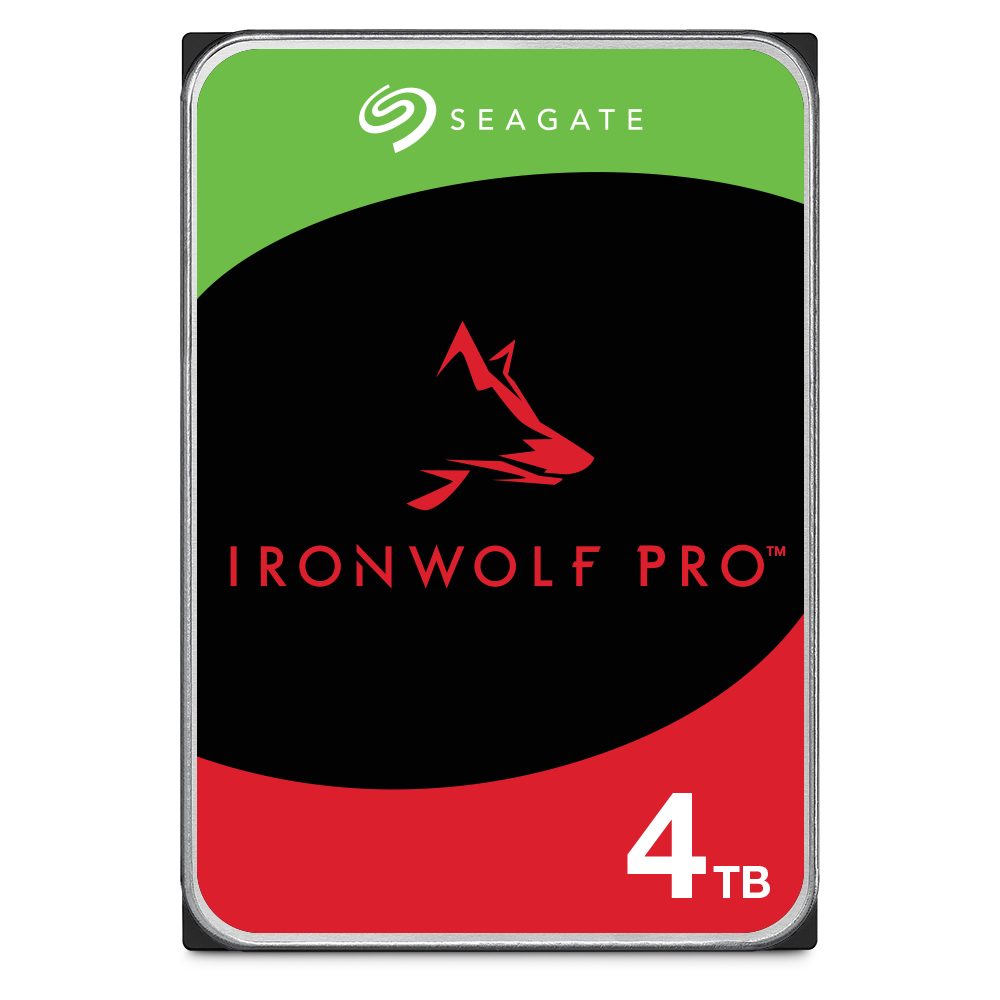
Seagate - IronWolf Pro 4TB Internal Hard Drive with Rescue Data Recovery Services
SKU: J37C5H5G29See all Internal Hard DrivesProduct Description
A reliable 4TB internal HDD offering 24/7 performance, RAID support, and three-year data recovery services.Your price for this item is $269.99Save $20The previous price was $289.99 -
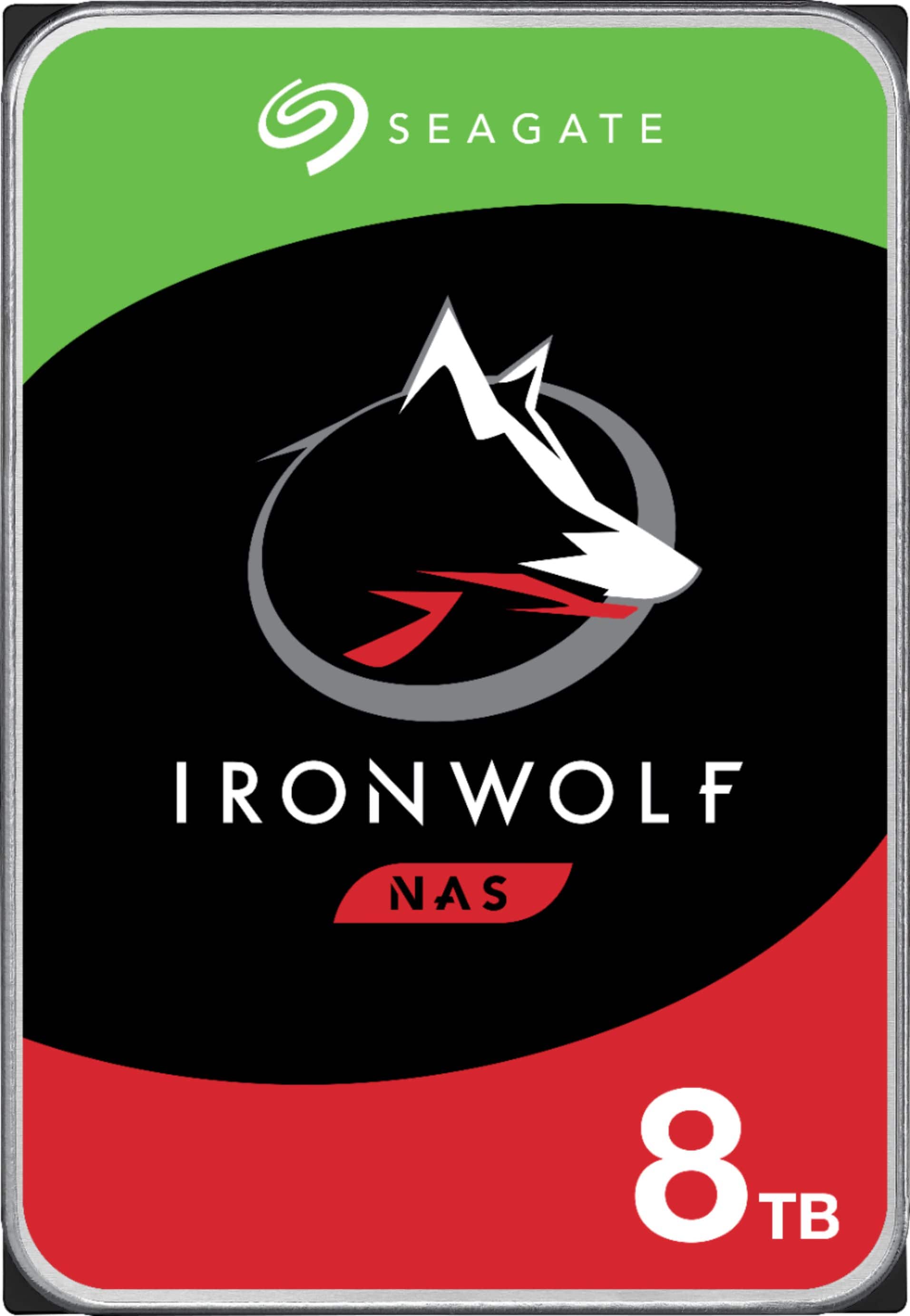
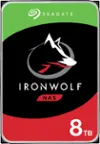
Seagate - IronWolf 8TB NAS Internal Hard Drive with Rescue Data Recovery Services
SKU: J37C5HK4YYSee all Internal Hard DrivesProduct Description
An internal 8TB hard drive with RAID optimization, 7200 RPM speed, and advanced data recovery features.Your price for this item is $349.99 -
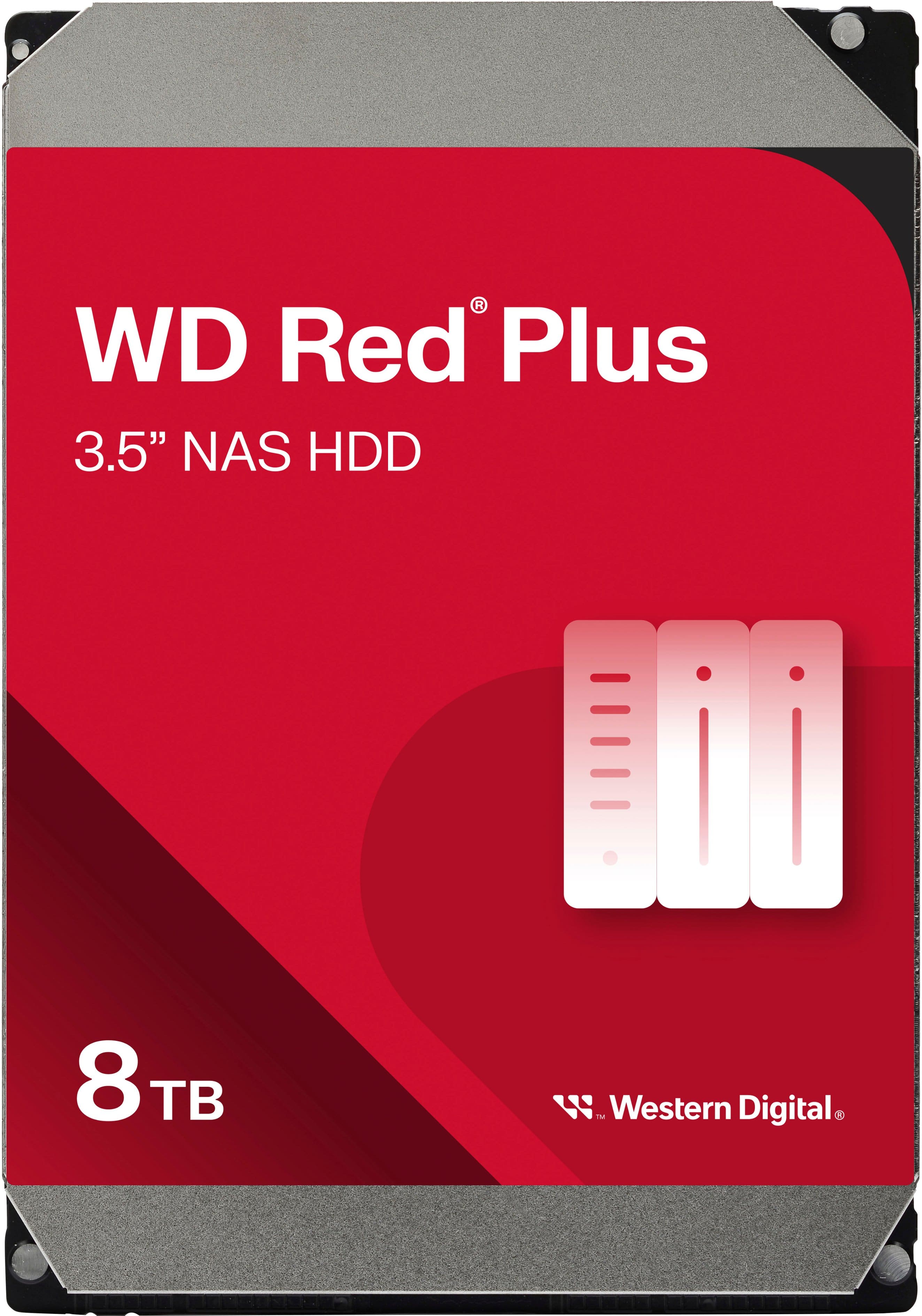
WD - Red Plus 8TB NAS Internal Hard Drive
SKU: JXTHCC7RTTGreat HDD for NAS. You could hear it ticking at night, but overall it's a solid HDF...Works great with my NAS! I love western digital drives!...Great HDD
See all Internal Hard DrivesProduct Description
A red internal NAS hard drive offering 8TB capacity, 5640 RPM speed, and RAID optimization for reliability.Your price for this item is $354.99 -
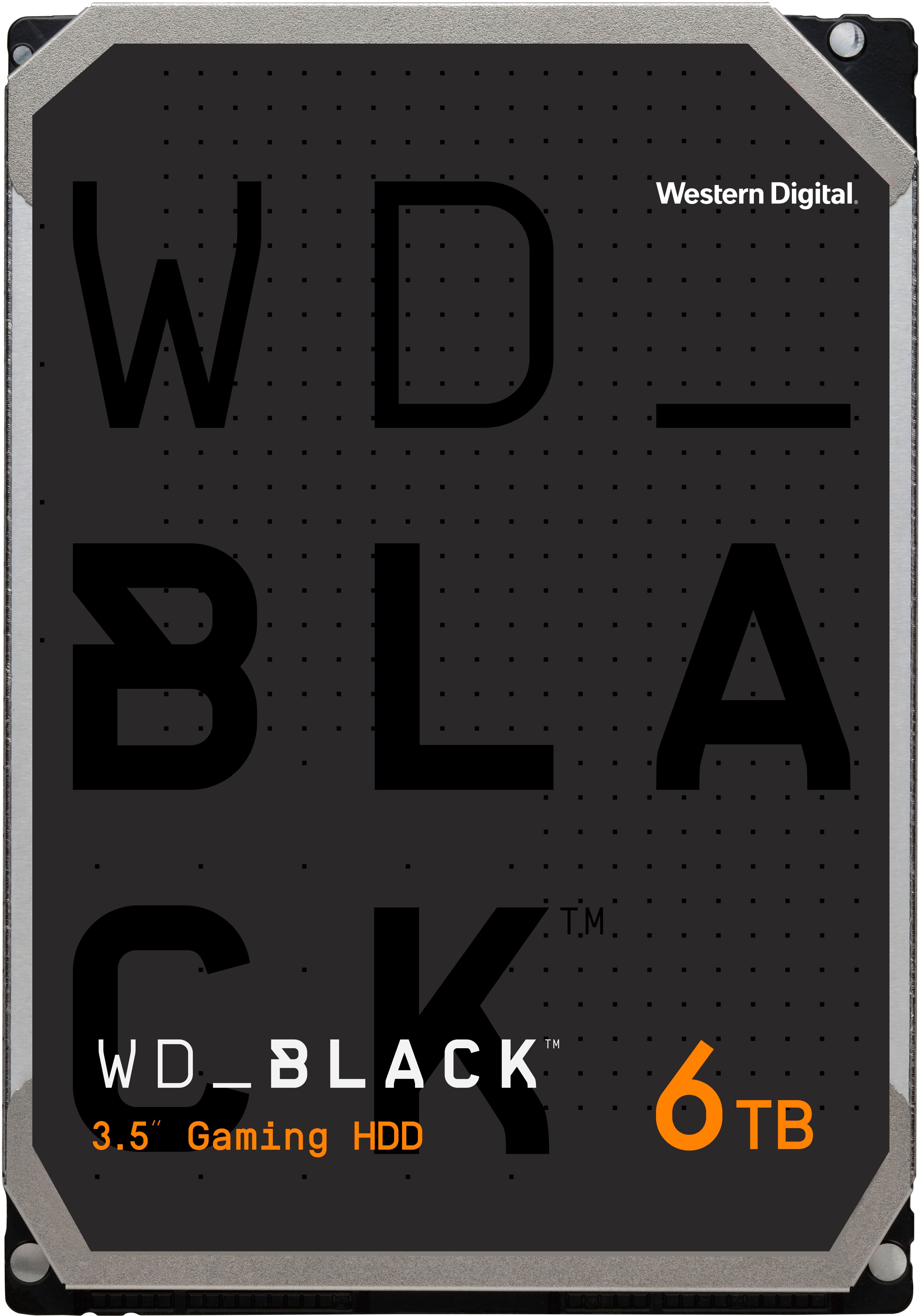
WD - BLACK 6TB Gaming Internal Hard Drive
SKU: JXTHCC7YK8Great Purchase...Honestly a great hard-drive for those of us that are gamers, runs smooth, quiet and has plenty of storage...for those larger than needed games we all love...Iem glad that I got it I love...
See all Internal Hard DrivesProduct Description
A high-performance black internal hard drive with 6TB capacity, 7200 RPM speed, and data encryption.Your price for this item is $251.99Save $63The previous price was $314.99 -
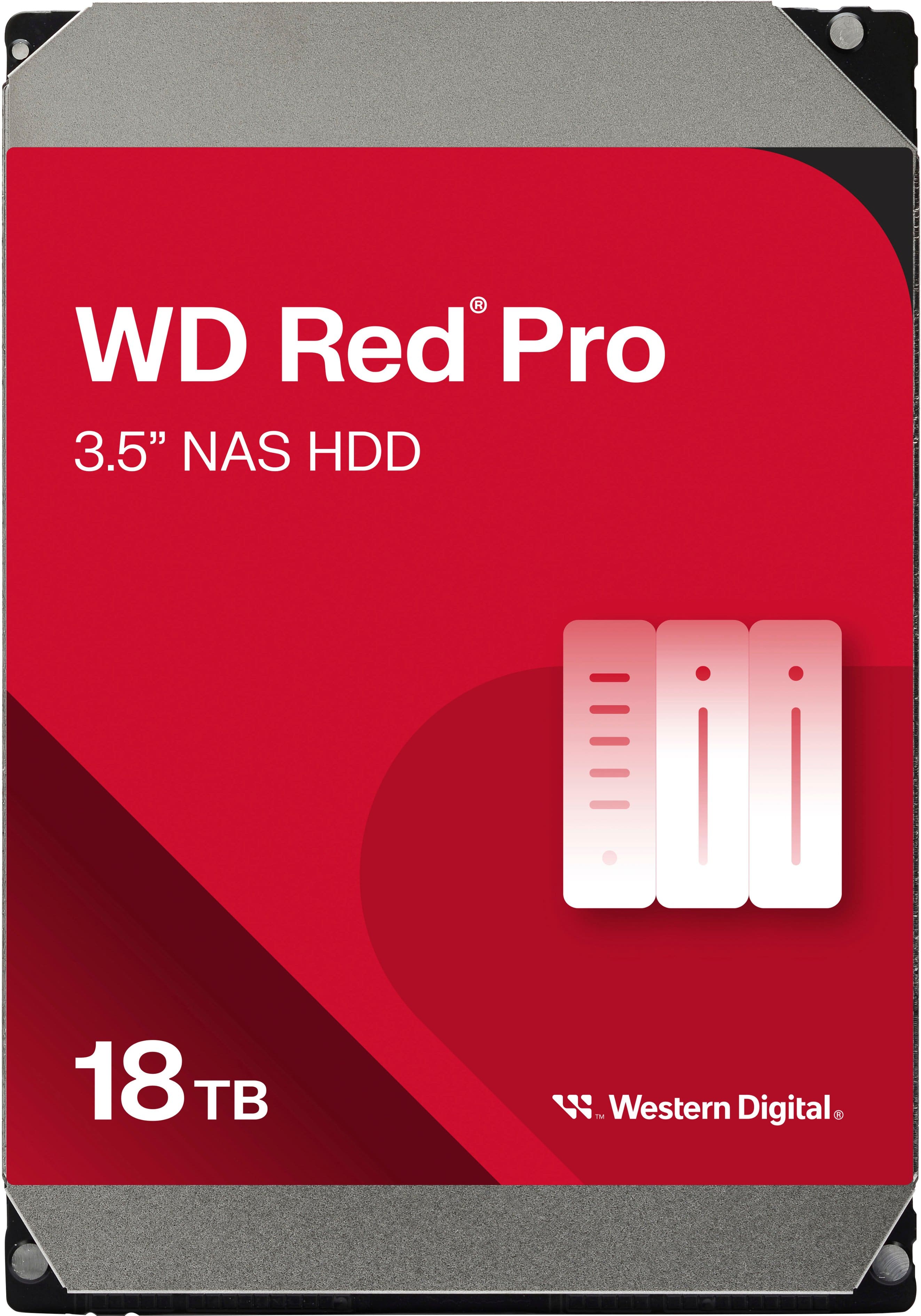
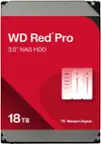
WD - Red Pro 18TB NAS Internal Hard Drive
SKU: JXTHCJVJXXGreat high capacity...High capacity and best price I could find...Best Drive out there
See all Internal Hard DrivesProduct Description
A high-capacity 18TB internal red HDD designed for reliable, RAID-optimized NAS data storage.Your price for this item is $794.99 -
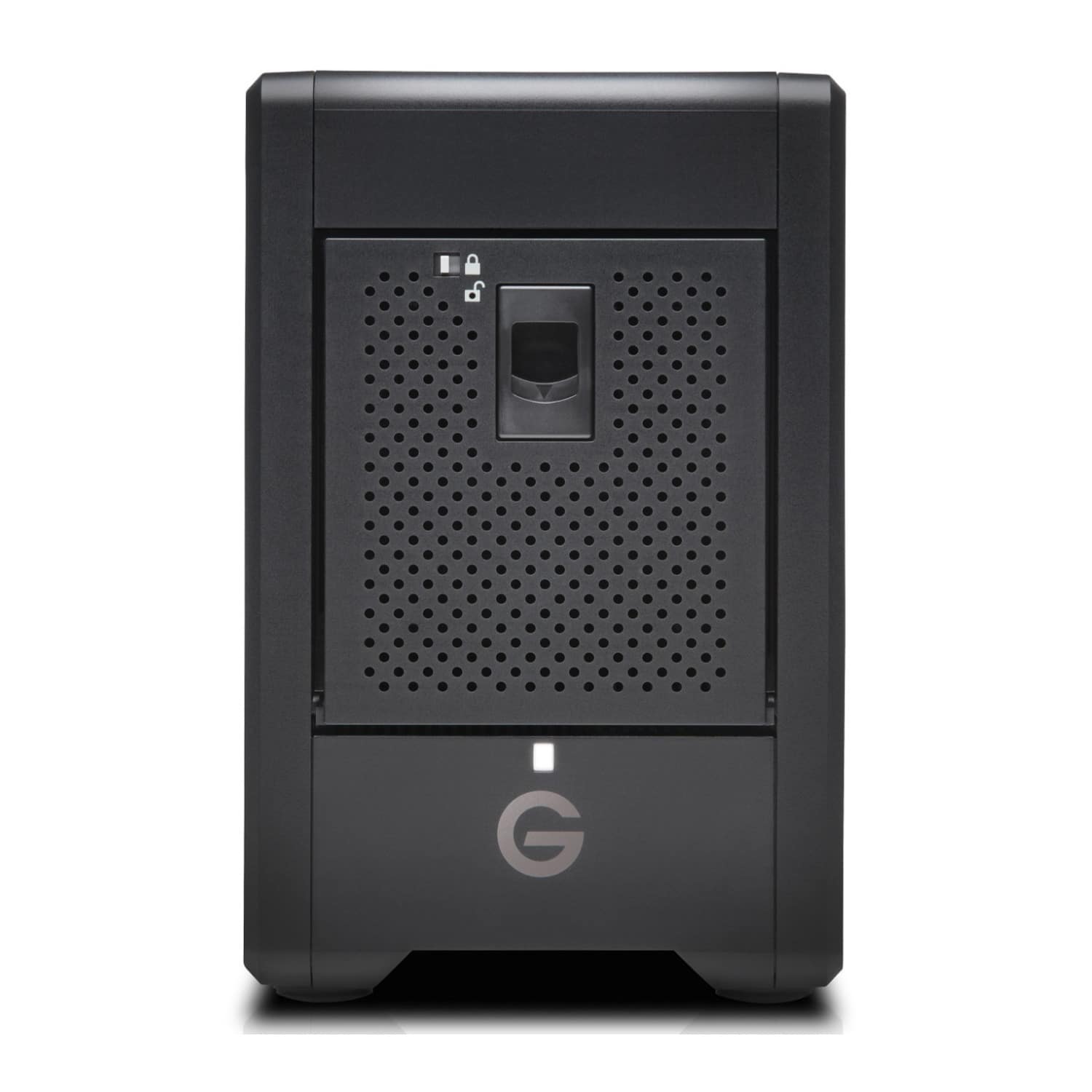
SanDisk Professional - GRaid Shuttle 4 72TB Desktop Hard Drive - Black
SKU: JXTHCJVKX2Great Choice...Great Choice....Great upgrade from Drobo with a few caveats...
See all External Hard DrivesProduct Description
A high-capacity 72TB black external RAID hard drive designed for fast, reliable media collaboration.Your price for this item is $4,884.99 -
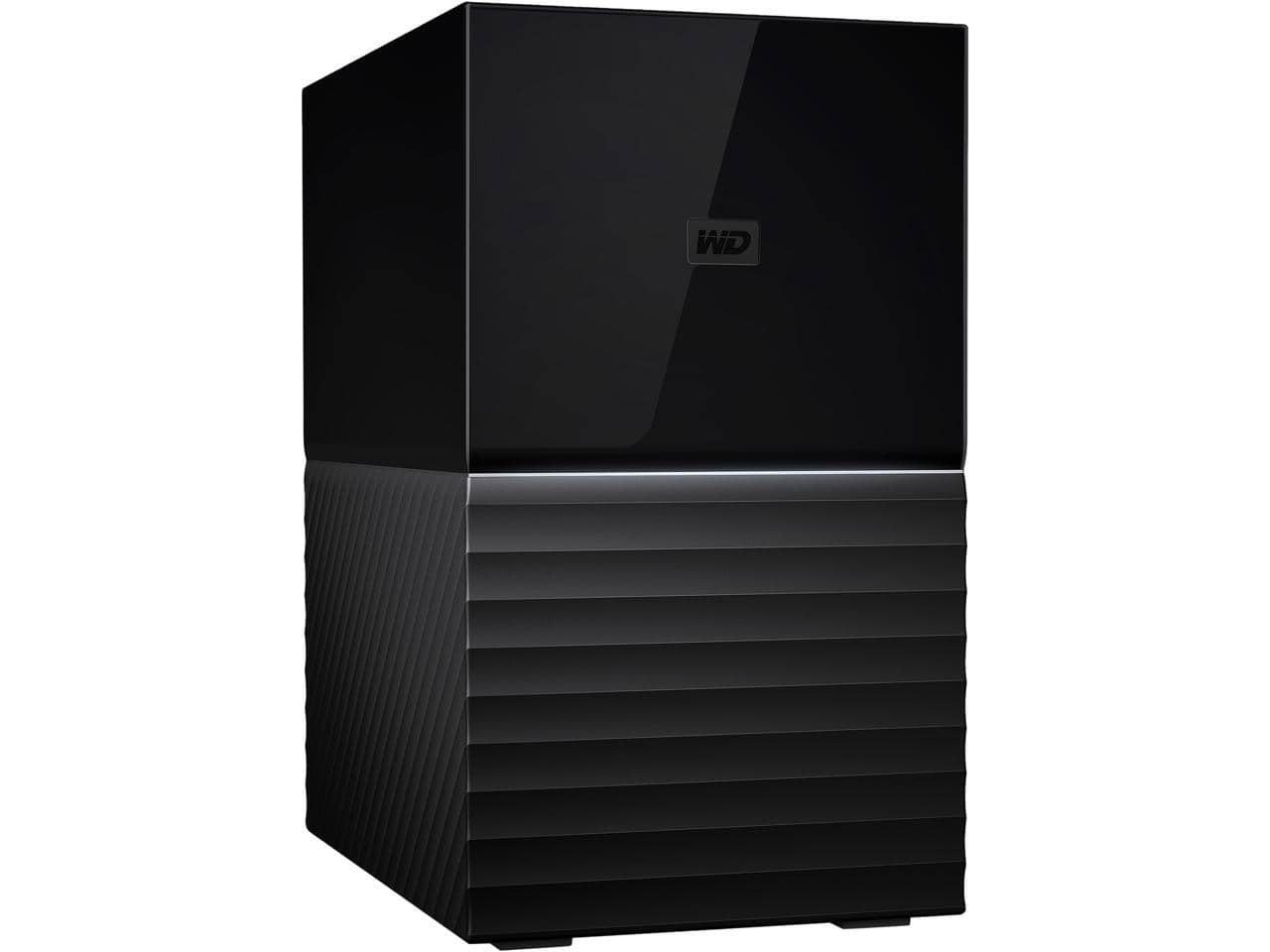
Western Digital - WD 20TB My Book Duo Desktop RAID External Hard Drive 256-Bit AES Encryption - USB 3.2 Gen1 (WDBFBE0200JBK-NESN) - Black
SKU: JXTHCJ54JKSee all External Hard DrivesProduct Description
A high-capacity black external hard drive with RAID support, USB 3.2 Gen1, and 256-bit AES encryption.Your price for this item is $1,240.58 -
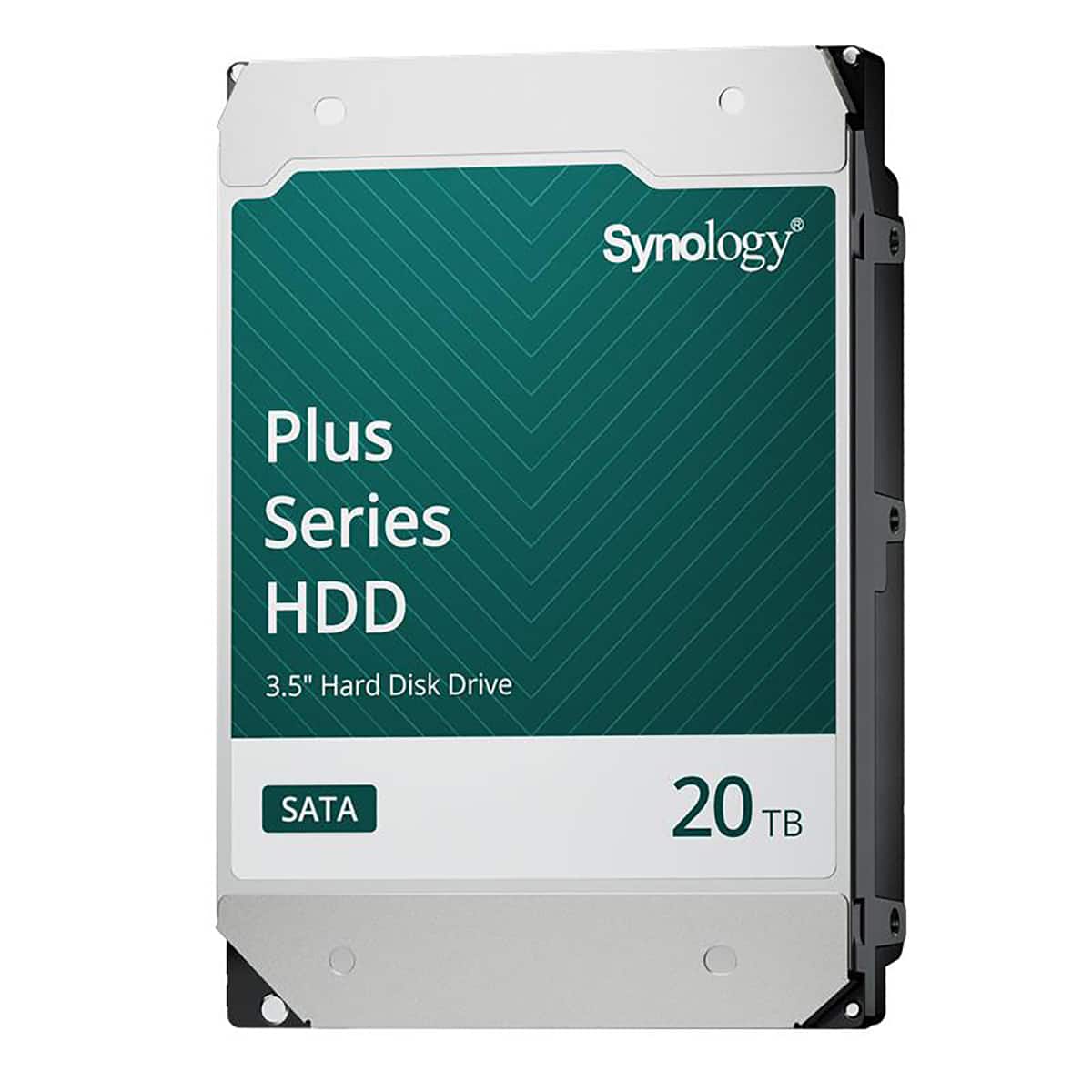
Synology - HAT3320 Plus Series 3.5" SATA III Internal Hard Drive - 20TB
SKU: J36TG78P9RSee all Internal Hard DrivesProduct Description
A high-capacity 20TB 3.5" internal SATA HDD with 7200 RPM speed and 1GB cache for reliable storage.Your price for this item is $819.99Save $49The previous price was $869.49 -
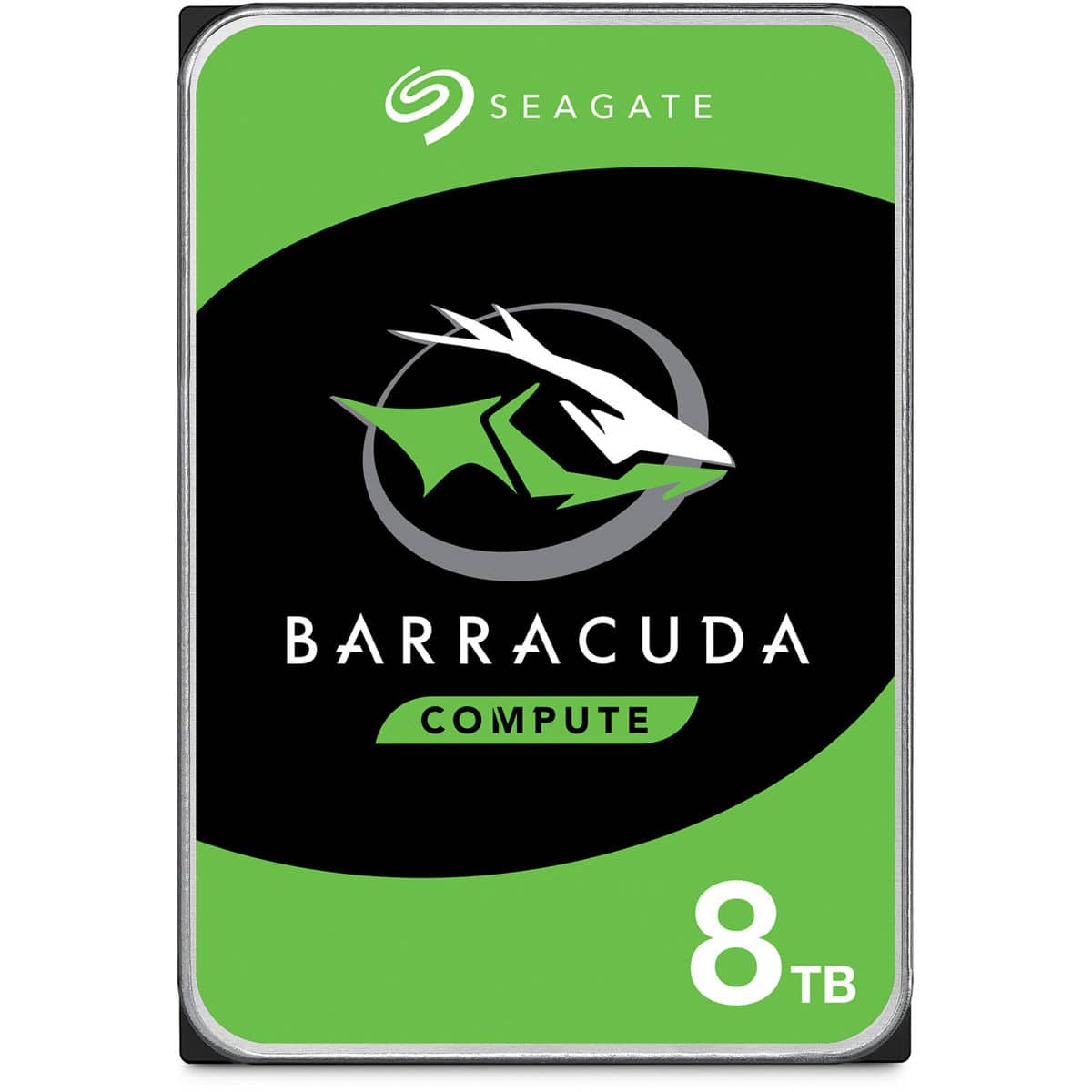
Seagate - BarraCuda 8TB SATA III 6 Gb/s 3.5" Internal HDD
SKU: J37C5HTJJKSee all Internal Hard DrivesProduct Description
A reliable 3.5-inch internal hard drive offering 8TB of storage for desktops, gaming, and creative workstations.Your price for this item is $249.99Save $47The previous price was $296.99 -
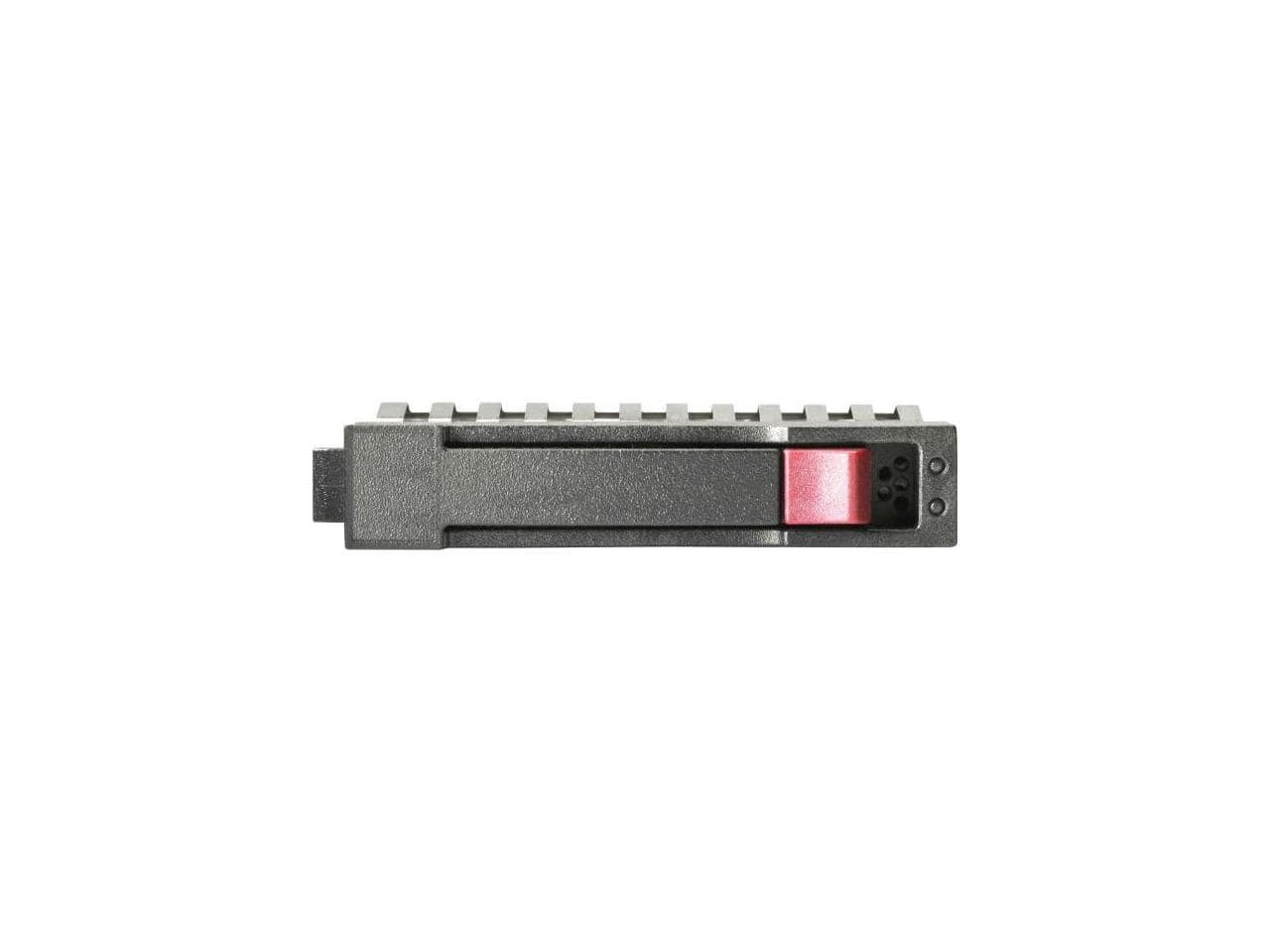
HPE Aruba - HPE 1.20 TB Hard Drive 2.5" SAS 10000rpm Internal Hard Disk Drive R0Q55A
SKU: JJ82GKP6T3See all Internal Hard DrivesProduct Description
A high-performance 1.20TB internal SAS hard drive with 10,000rpm speed for reliable data storage.Your price for this item is $483.55
Best Sellers

Related Pages



FAQ
A RAID hard drive refers to a storage system that uses multiple physical drives arranged in a Redundant Array of Independent Disks (RAID) configuration. This setup can improve performance, provide data redundancy, or both, depending on the RAID level selected. Data is distributed across the drives in various ways to achieve the desired balance of speed and reliability.
The most common RAID levels are RAID 0 (striping for speed), RAID 1 (mirroring for redundancy), RAID 5 (striped with parity for a balance of speed and data protection), and RAID 10 (a combination of RAID 1 and RAID 0 for enhanced performance and redundancy). Each level offers different benefits, so the best choice depends on your specific needs.
Yes, many RAID hard drives are compatible with both Windows and Mac operating systems. Some models may come pre-formatted for one OS, but most can be reformatted or set up to work with your preferred platform. Always check the product specifications for compatibility details.
RAID hard drives commonly connect via USB 3.0, USB-C, Thunderbolt, or eSATA interfaces. The connection type affects data transfer speeds and compatibility with your computer or device, so it's important to choose a RAID hard drive that matches your device's available ports.
Some RAID hard drives include built-in hardware controllers that make setup easy without additional software. Others may require installing manufacturer-provided software to configure and manage the RAID array. Always refer to the product manual for setup instructions specific to your model.