Interface Hard Drive
-
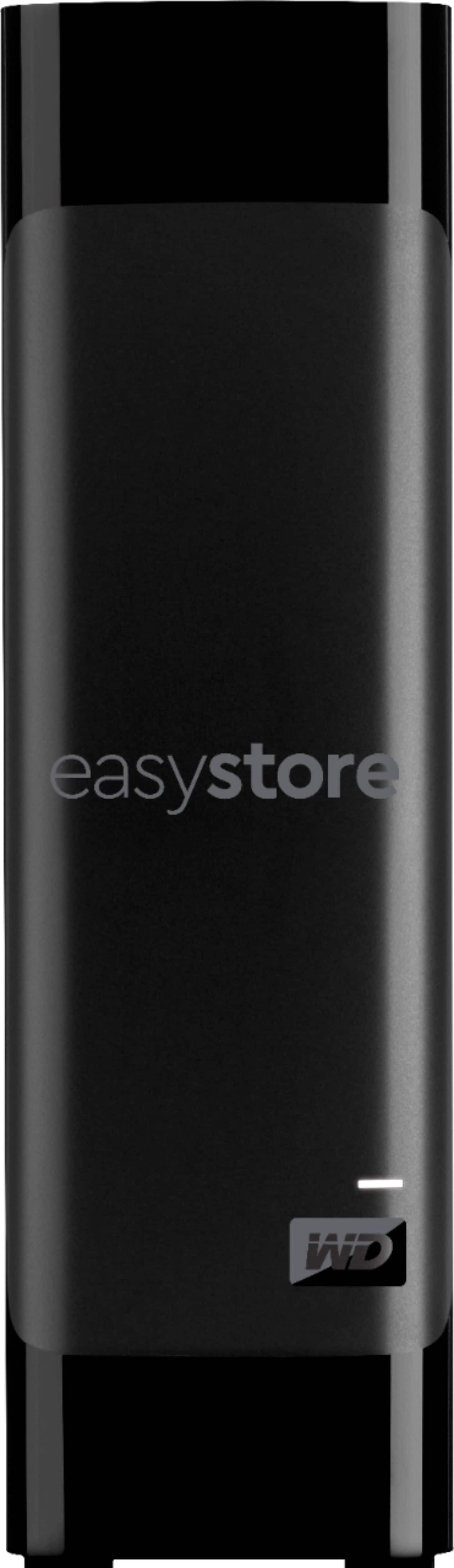
WD - easystore 8TB External USB 3.0 Hard Drive - Black
SKU: JXTHCJV95Ci format and go, trouble free external hard drives.has regular hard drive speeds....Fast shipping. Always trust WD hard drives. Great price....8TB external hard drive...good hard drive
See all External Hard DrivesProduct Description
A high-capacity black external hard drive with USB 3.0 connectivity and automatic backup for reliable storage.Your price for this item is $379.99 -
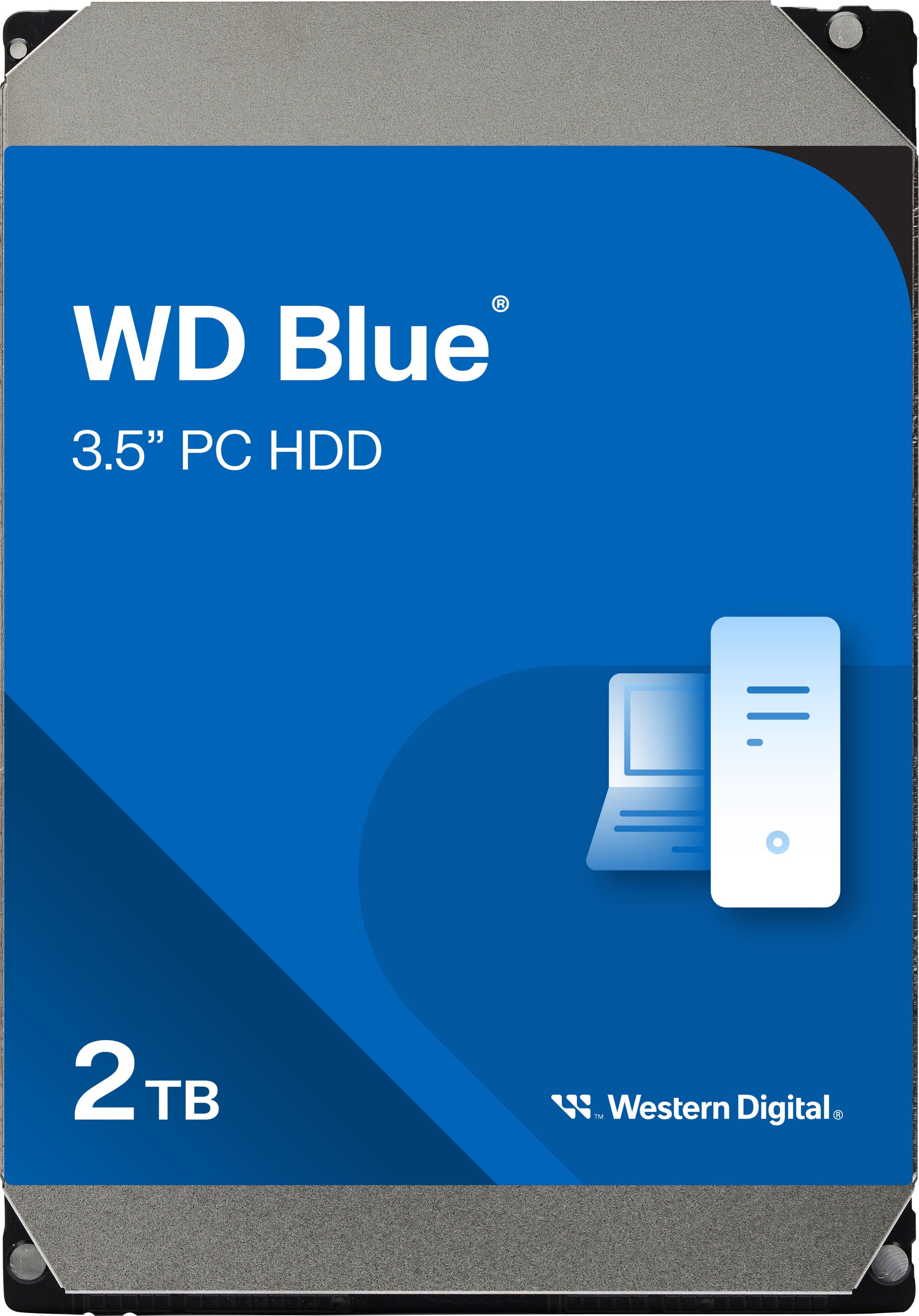
WD - Blue 2TB PC Internal Hard Drive for Desktops
SKU: JXTHCJVX7JSee all Internal Hard DrivesProduct Description
A reliable blue internal SATA hard drive with 2TB capacity and 64MB cache for fast desktop performance.Your price for this item is $248.58 -
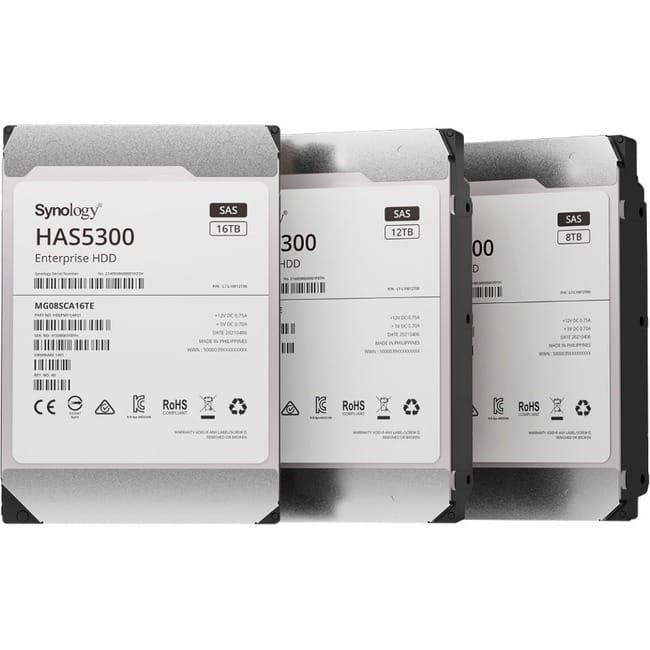
Synology - HAS5300 HAS5300-12T 12 TB Hard Drive - 3.5" Internal - SAS (12Gb/s SAS) - Storage System Device Supported
SKU: J36TG788H4See all Internal Hard DrivesProduct Description
A high-performance 12TB internal HDD with SAS 12Gb/s interface, 7200 RPM, and 256MB cache.Your price for this item is $746.74 -
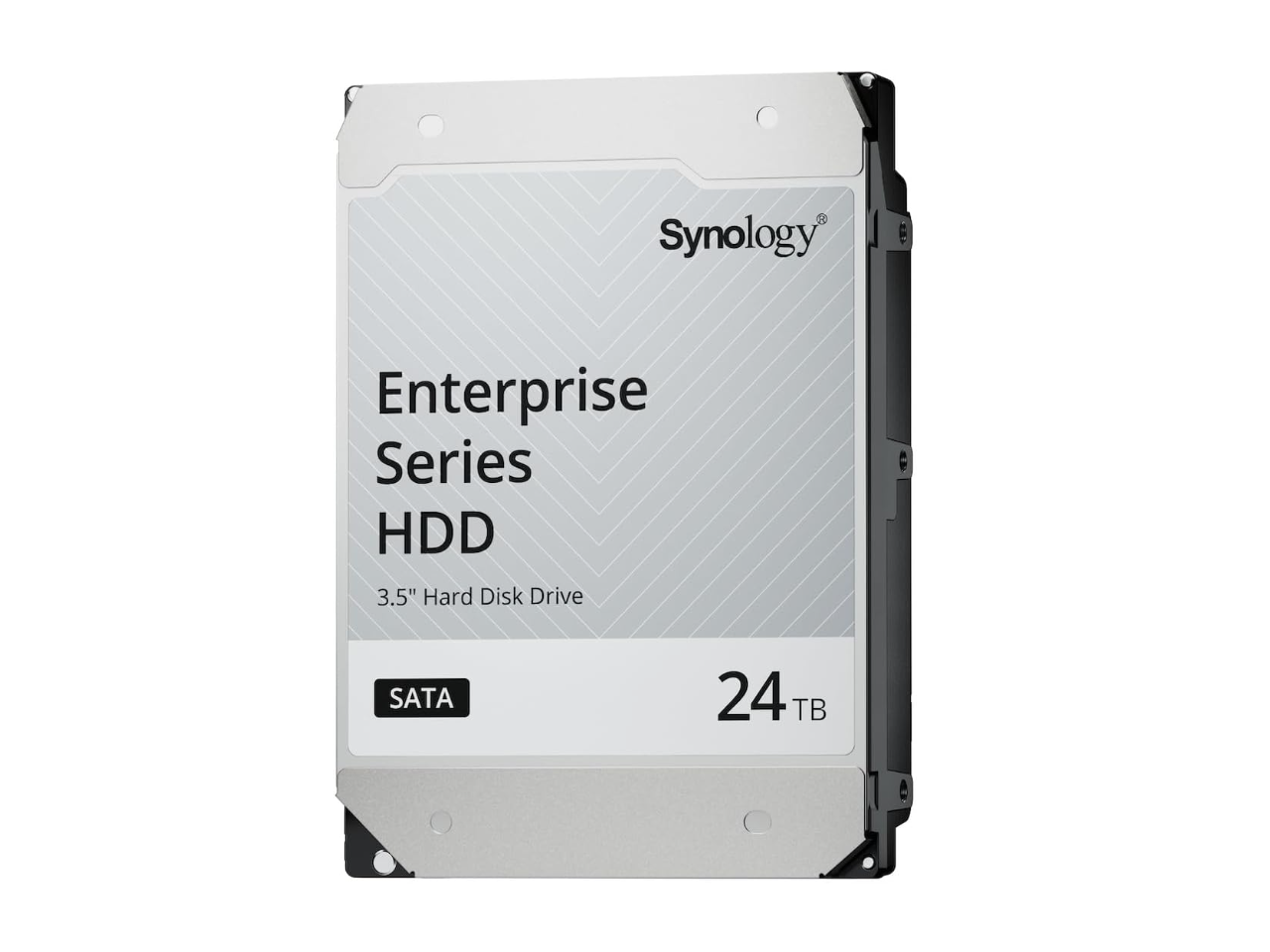
24TB 7200 RPM SAS 12Gb/s 3.5" Synology HAS5320 24TB Enterprise Series SAS HDD 3.5"
SKU: J36TG78PK8See all Internal Hard DrivesProduct Description
A high-performance 24TB internal SAS hard drive with 7200 RPM speed for enterprise data storage needs.Your price for this item is $1,137.49 -
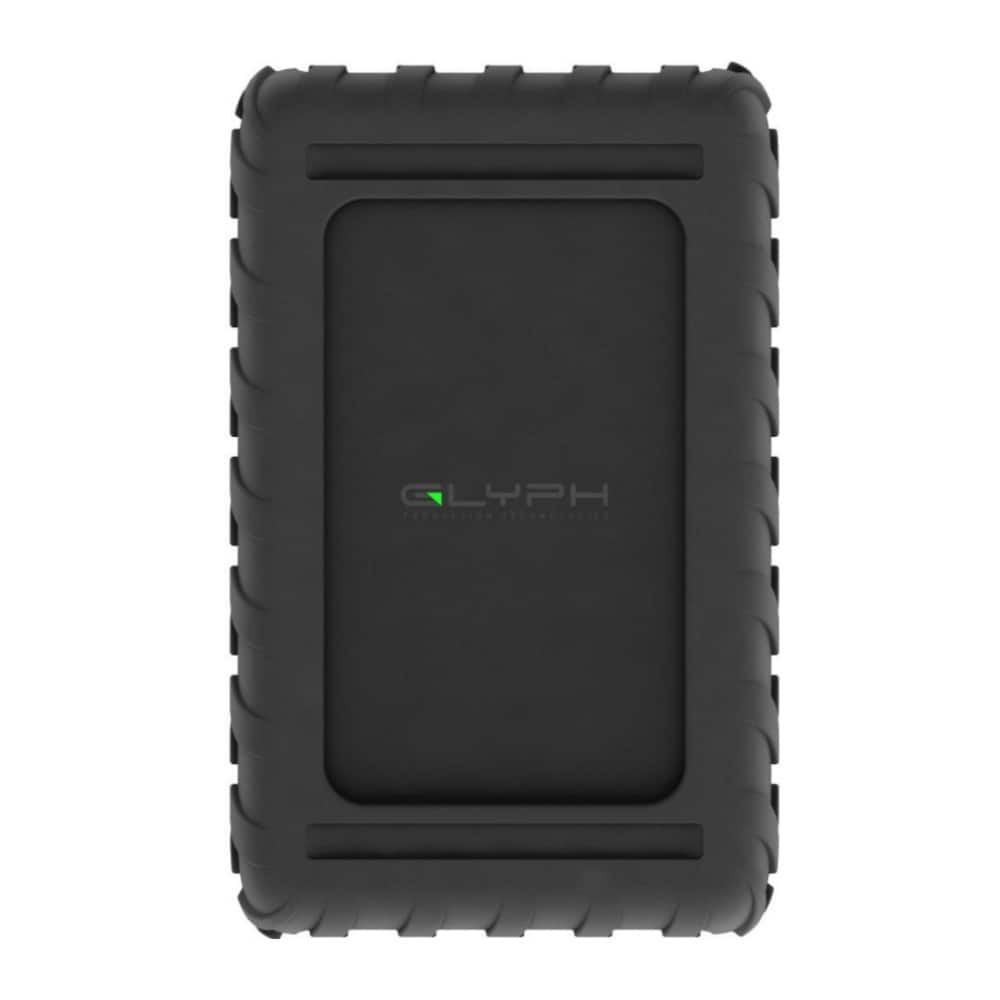
Glyph - Blackbox PRO 7200RPM Enterprise Class USB C 3.2 260 MBPS 24TB Hard Drive - Black
SKU: JX6GX97LG8See all External Hard DrivesProduct Description
A high-capacity black external hard drive offering 24TB storage and fast USB 3.2 Gen 2 connectivity.Your price for this item is $999.99 -
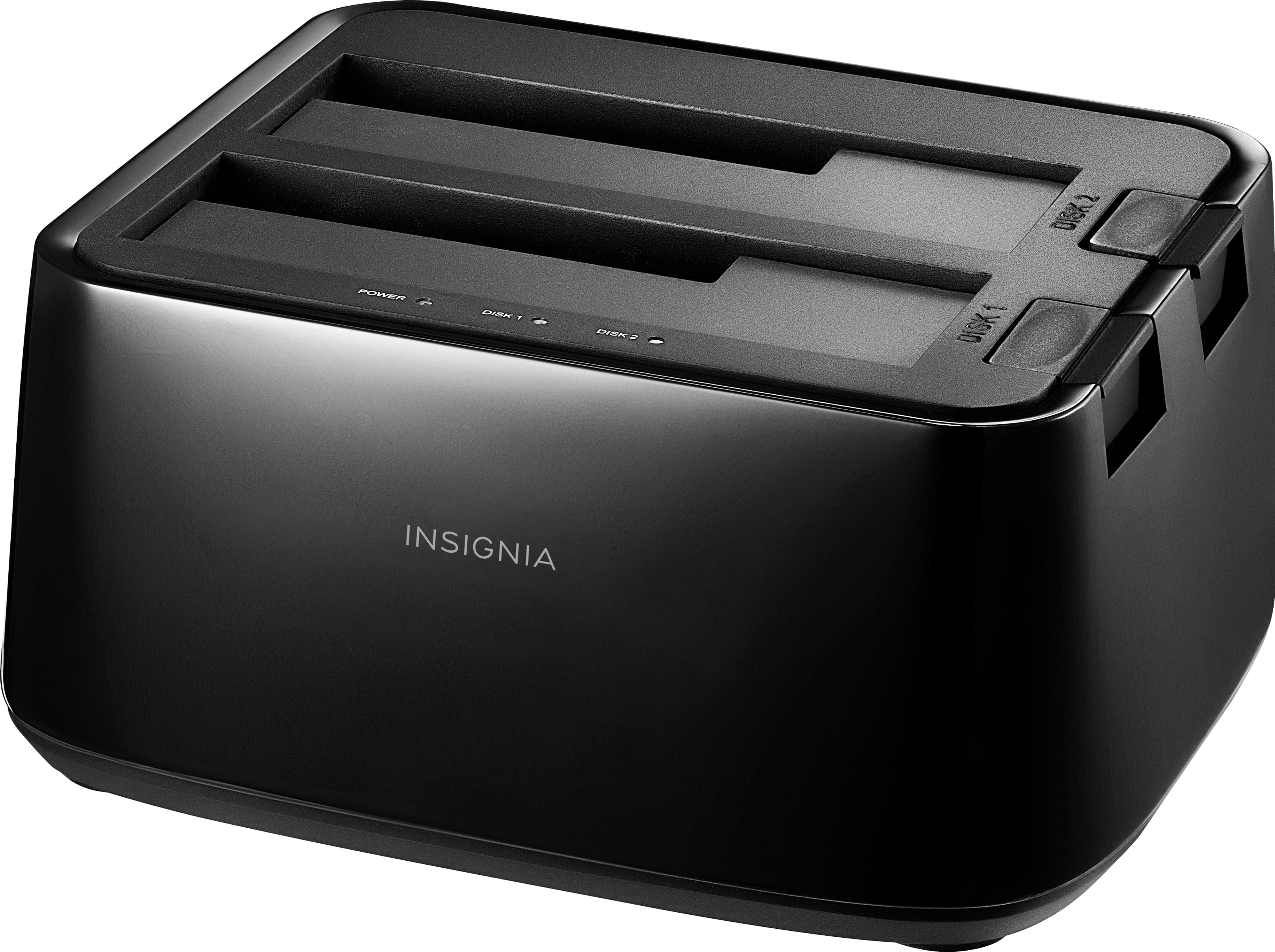
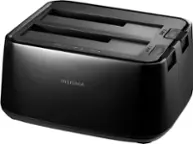
Insignia™ - 2-Bay HDD docking station
SKU: J2FPJKSY9THard Drive Docking...Need both styles of Hard Drive Docking so you can use older hard drives as well...Hard Drive Reader "Toaster"...Just what I needed to read my three old hard drives. Was able to transfer...
See all Hard Drive Cables & AccessoriesProduct Description
A plug-in docking station with two bays for simultaneous SSD/HDD use and fast USB 3.0 transfers.Your price for this item is $49.99 -
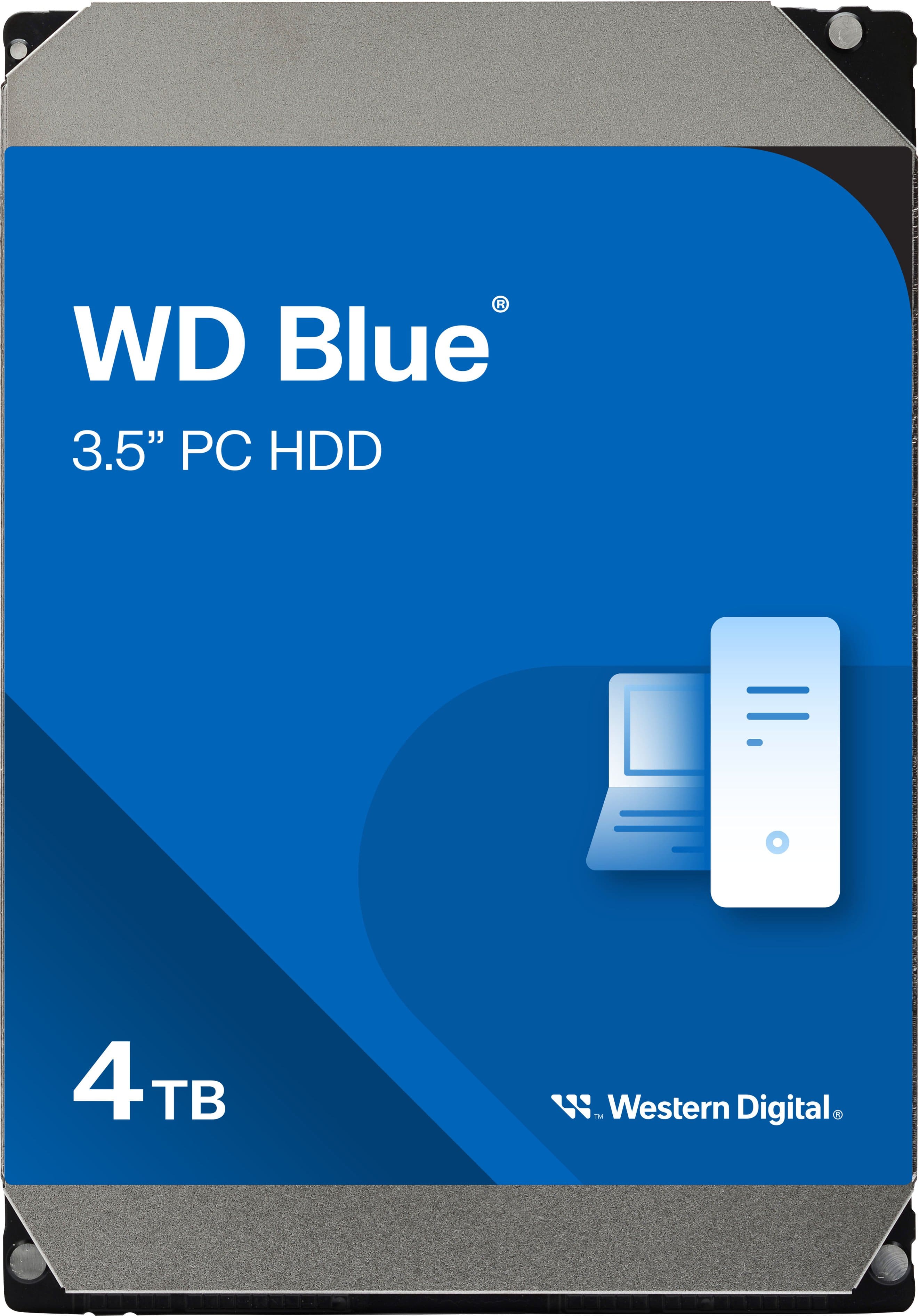
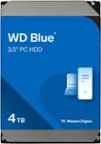
WD - Blue 4TB PC Internal Hard Drive for Desktops
SKU: JXTHCC79K3See all Internal Hard DrivesProduct Description
A blue 3.5-inch internal hard drive offering 4TB storage, 5400 RPM speed, and dynamic cache optimization.Your price for this item is $190.99 -
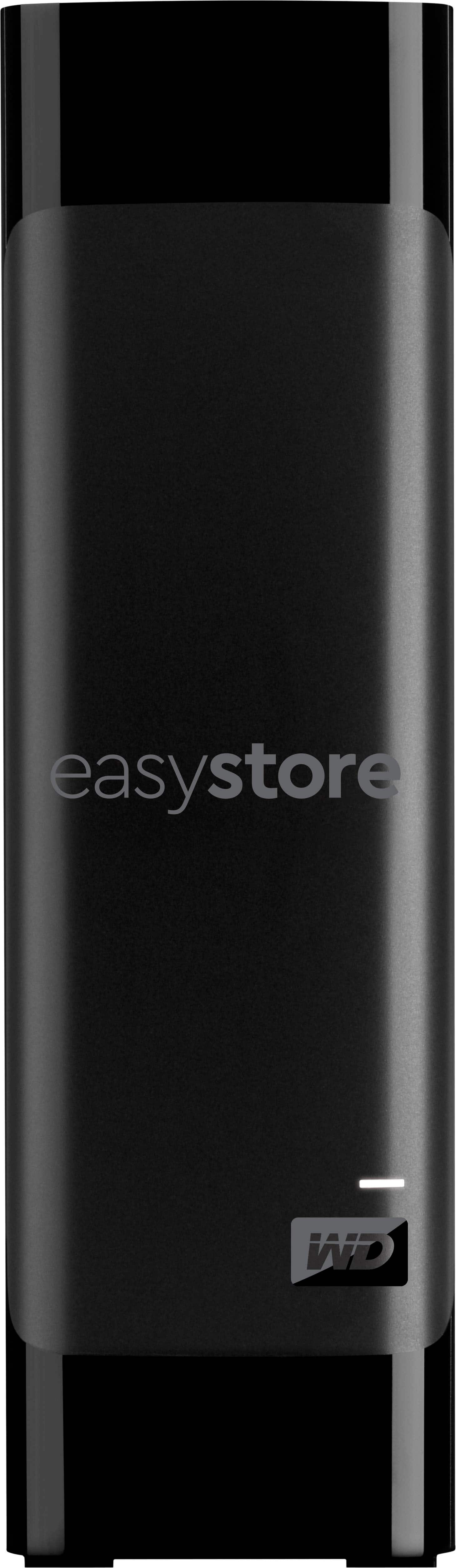
WD - easystore 18TB External USB 3.0 Hard Drive - Black
SKU: JXTHCJVQC8See all External Hard DrivesProduct Description
A high-capacity 18TB black external hard drive with USB 3.0 connectivity and built-in data encryption.Your price for this item is $509.99 -
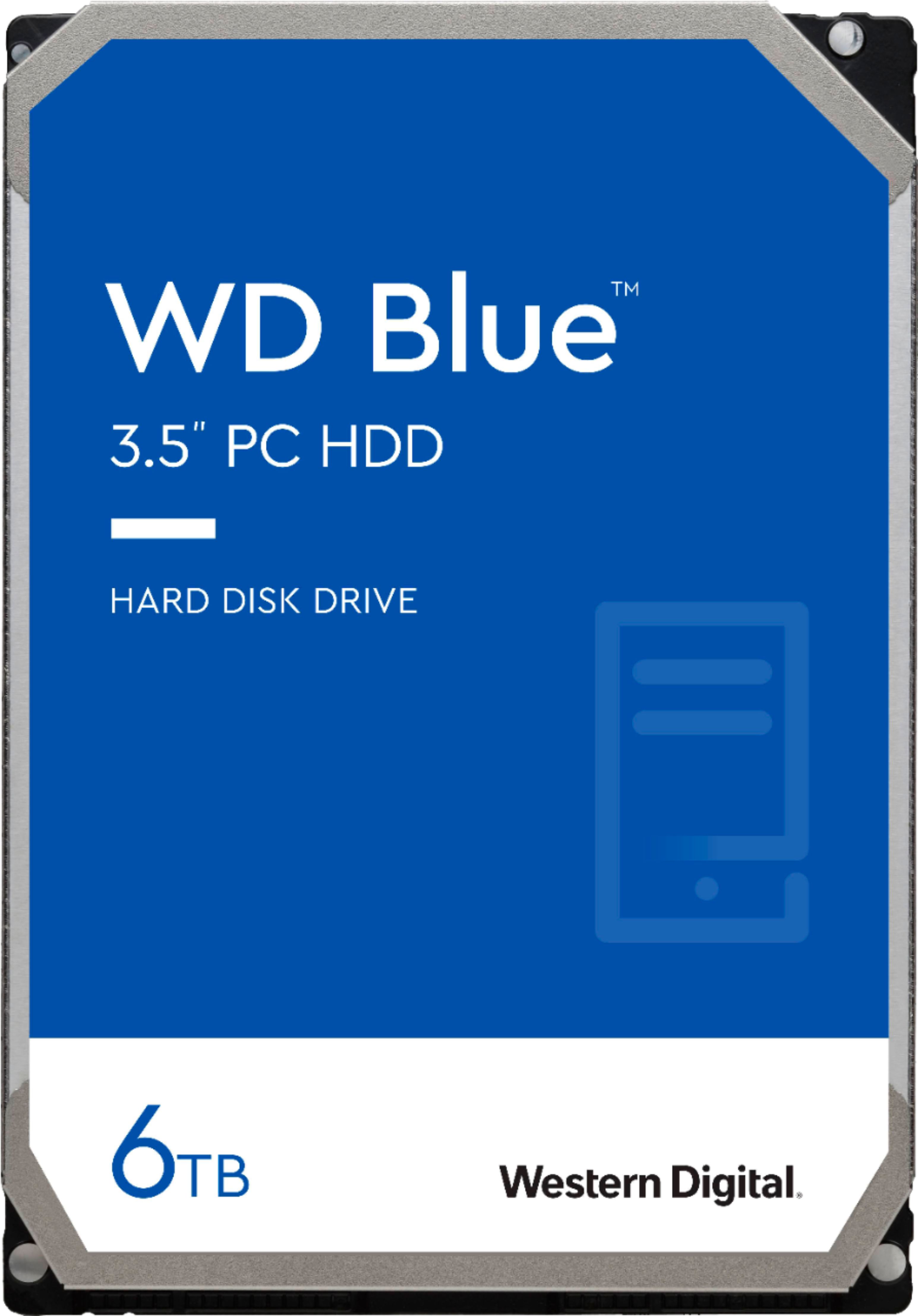
WD - Blue 6TB PC Internal Hard Drive for Desktops
SKU: JXTHCC79K9See all Internal Hard DrivesProduct Description
A reliable blue internal SATA hard drive offering 6TB storage and 6 Gbps data transfer speeds.Your price for this item is $216.49Save $28The previous price was $244.99 -
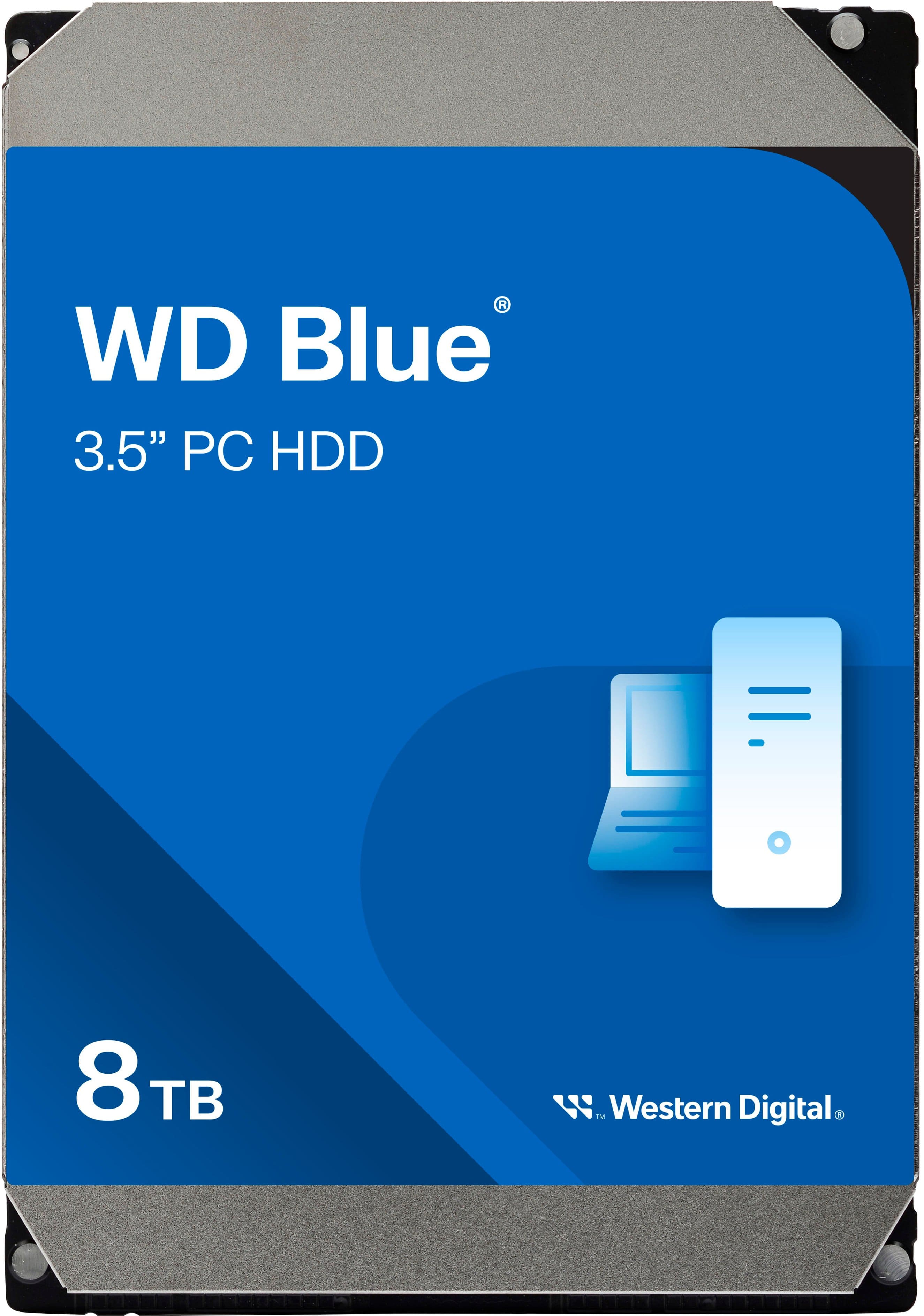
WD - Blue 8TB PC Internal Hard Drive for Desktops
SKU: JXTHCC79L4See all Internal Hard DrivesProduct Description
A reliable blue internal hard drive offering 8TB storage and 5640 RPM speed for desktop PCs.Your price for this item is $324.99
Best Sellers
Related Pages





FAQ
In hard drives, 'interface' refers to the method and connection standard used for data transfer between the hard drive and your computer or device. Common interfaces include SATA, NVMe, and USB.
To choose the appropriate hard drive interface, check your computer’s motherboard or user manual to see which interfaces are supported. For example, most modern desktops and laptops support SATA or NVMe, while external drives often use USB or Thunderbolt interfaces.
SATA (Serial ATA) is a widely used interface for traditional hard drives and SSDs, offering solid performance. NVMe (Non-Volatile Memory Express) is a newer, faster interface designed specifically for SSDs, providing significantly higher data transfer speeds compared to SATA.
Yes, external hard drives are available with various interfaces such as USB, Thunderbolt, and eSATA. As long as your computer has the corresponding port, you can use an external hard drive with that interface.
Yes, the choice of interface can affect performance. For tasks like gaming, video editing, or large file transfers, faster interfaces like NVMe or Thunderbolt are preferable. For general storage or backups, SATA or USB interfaces are typically sufficient.