Installing Hard Drives
-
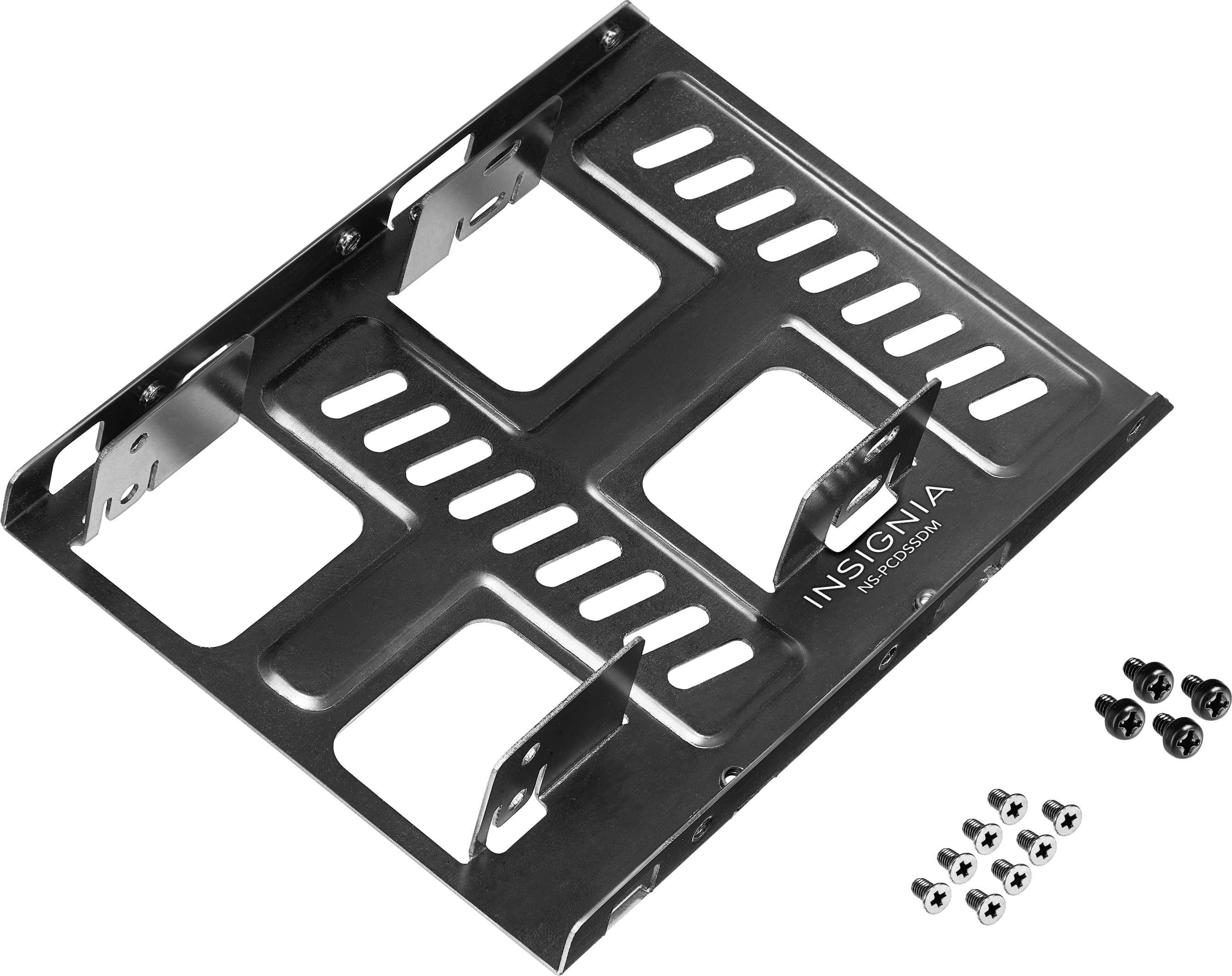
Insignia™ - Dual Drive Mount for 2.5” SATA, SSDs or Hard Drives - Black
SKU: J2FPJK92WCEverything work out for the best and the service was great....Great product. Just what I needed. Best Buy employee was of tremendous help.
See all Hard Drive Cables & AccessoriesProduct Description
A black anodized aluminum mount that securely fits two 2.5" SATA SSDs or hard drives in a 3.5" bay.Your price for this item is $6.49Save $0The previous price was $6.99 -
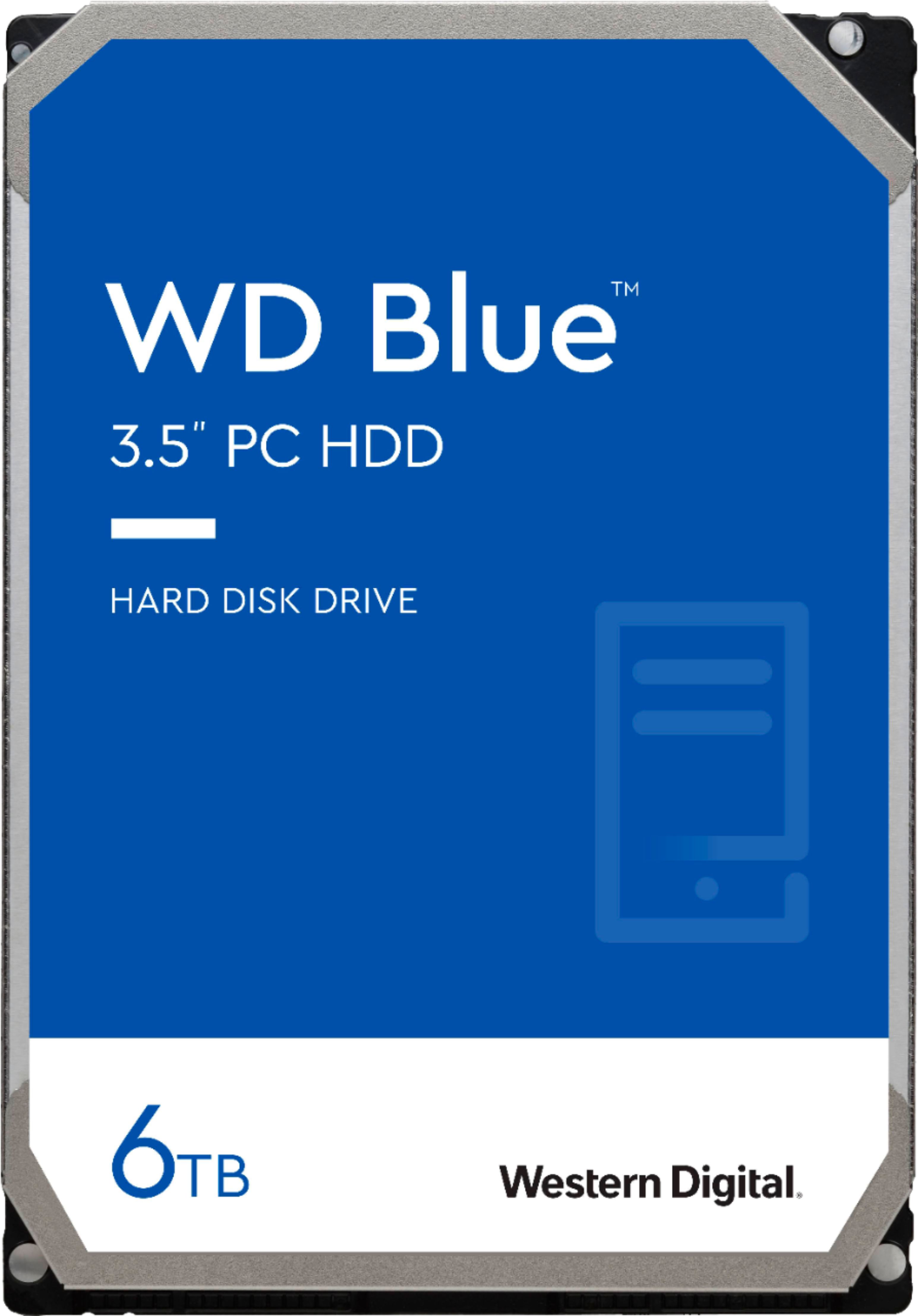
WD - Blue 6TB PC Internal Hard Drive for Desktops
SKU: JXTHCC79K9Great product...Great product and Great purchase just what I needed thanks Best Buy !!!!...Love these drives. Great price on 6 TB of backup storage.
See all Internal Hard DrivesProduct Description
A reliable blue internal SATA hard drive offering 6TB storage and 6 Gbps data transfer speeds.Your price for this item is $244.99 -
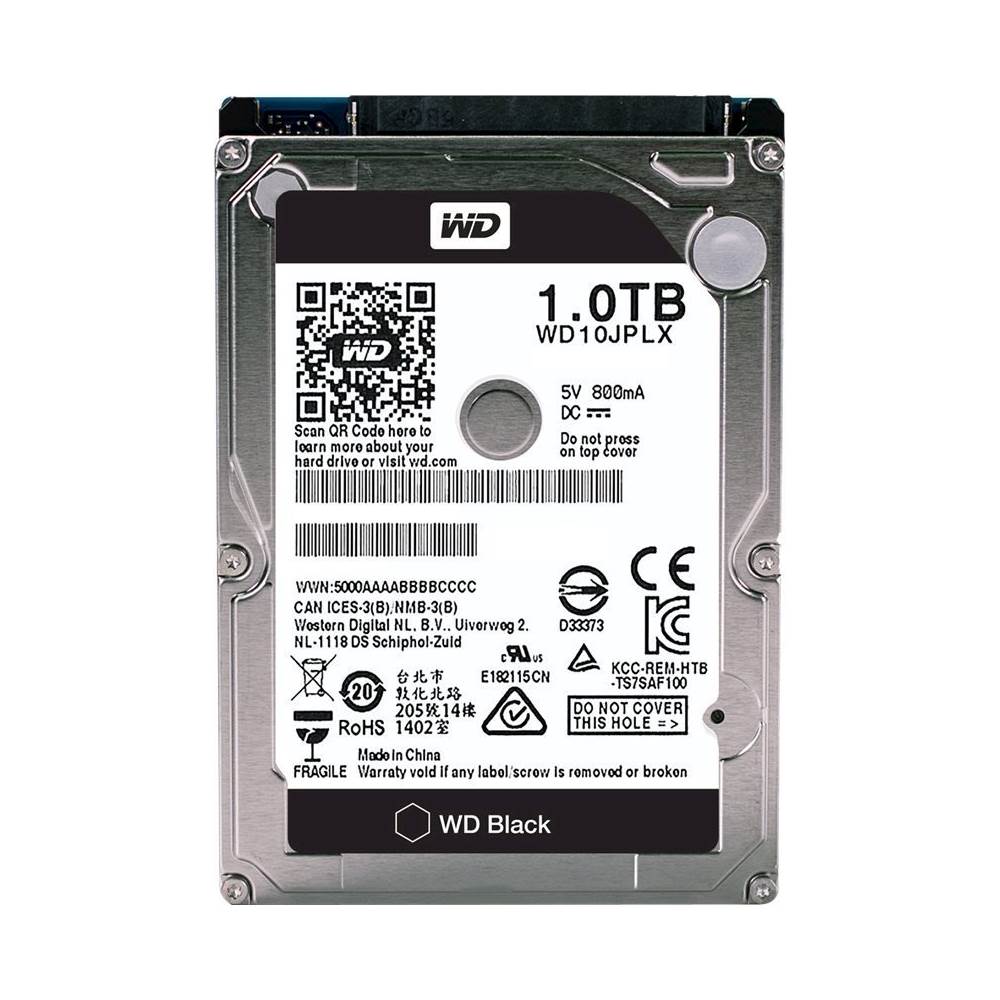
WD - Black 1TB Internal SATA Hard Drive for Laptops
SKU: JXTHCJ5XKXOnly the best
See all Internal Hard DrivesProduct Description
A high-performance black internal SATA hard drive with 1TB capacity and 7200 RPM for laptops.Your price for this item is $486.36 -
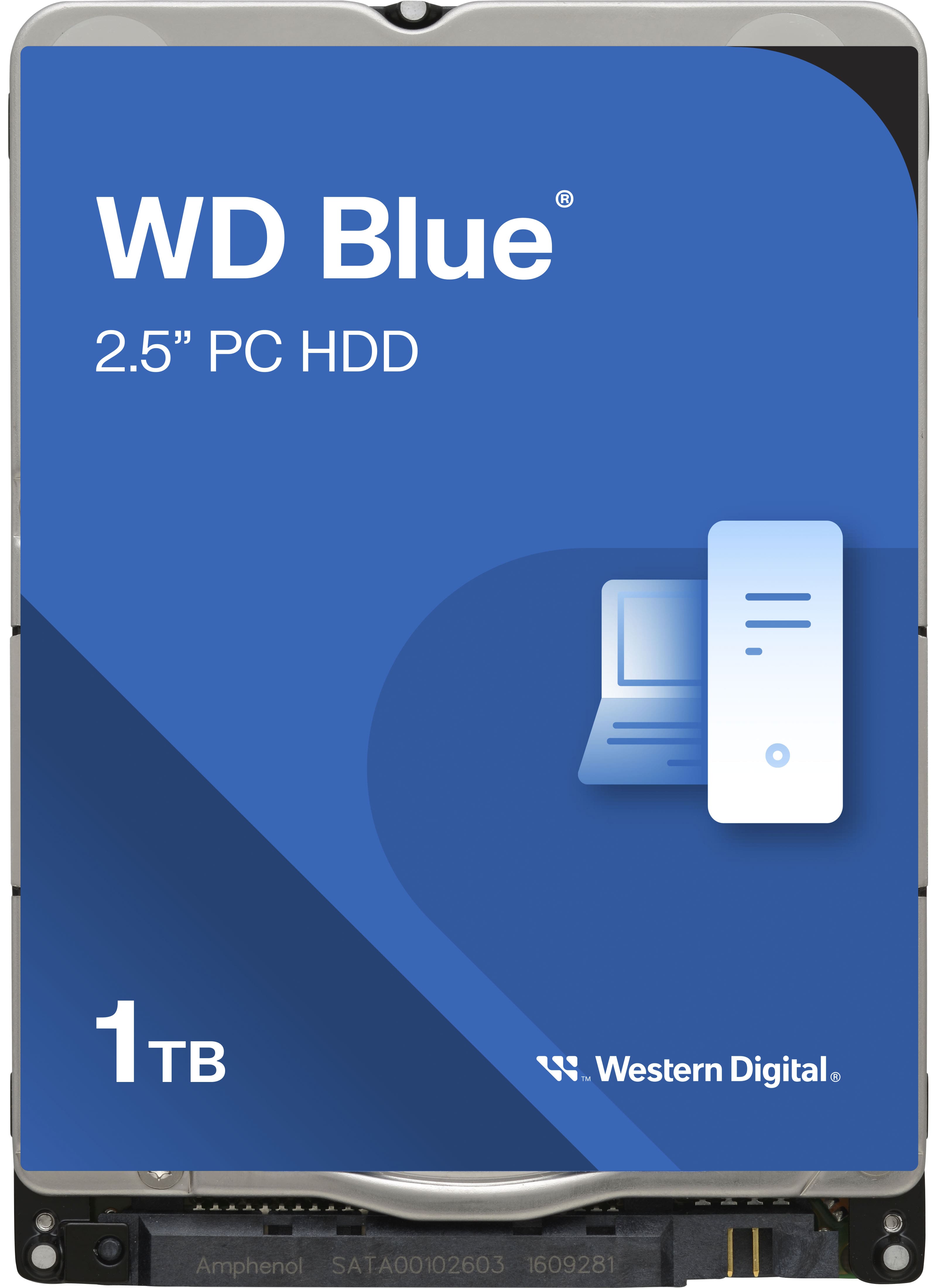
WD - Blue 1TB PC Internal Hard Drive for Laptops
SKU: JXTHCJ5C9KGreat replacement drive
See all Internal Hard DrivesProduct Description
A blue 1TB internal hard drive with 5400 rpm speed, ideal for laptops and efficient storage needs.Your price for this item is $107.04 -
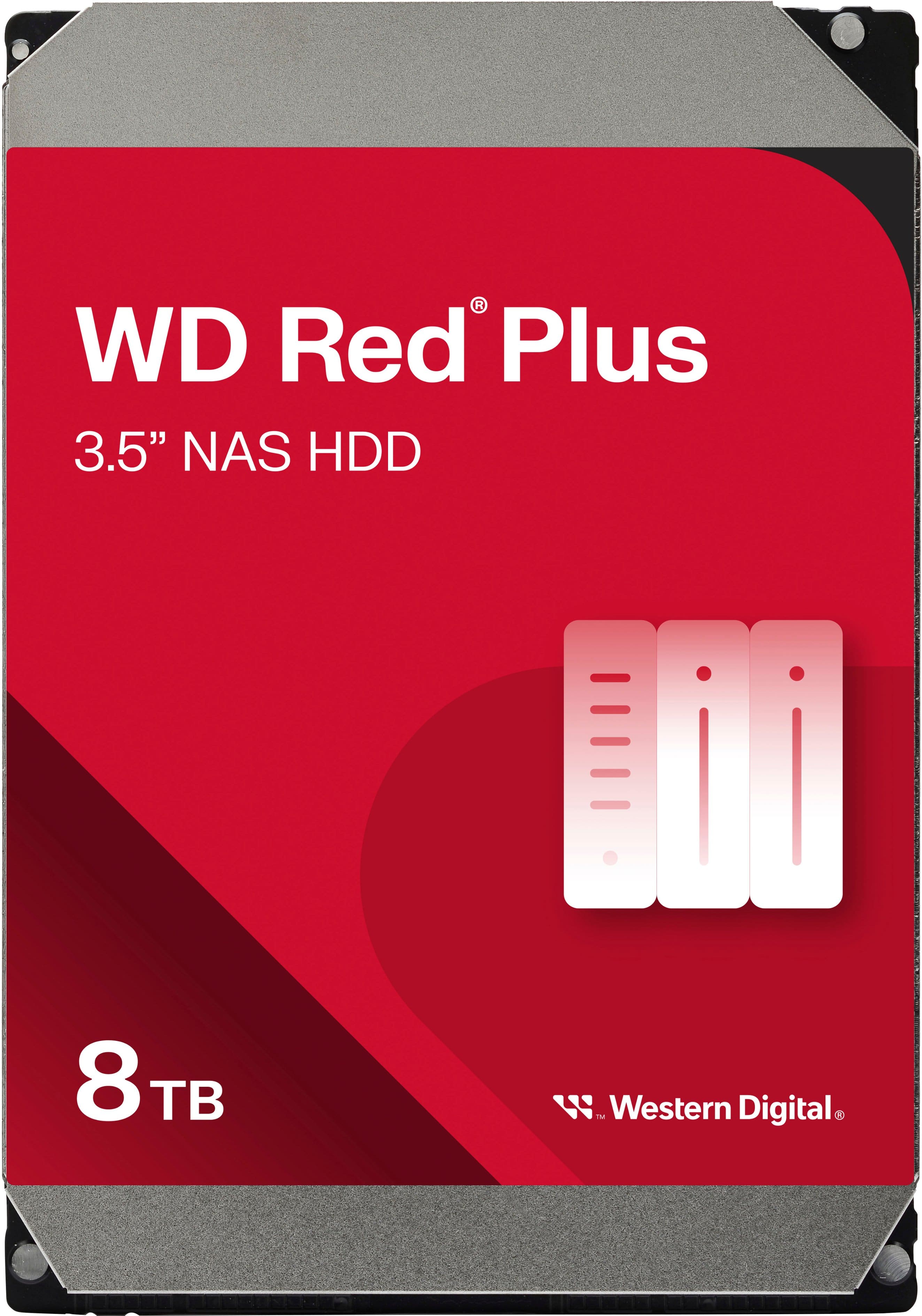
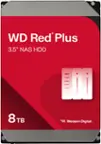
WD - Red Plus 8TB NAS Internal Hard Drive
SKU: JXTHCC7RTTWorks great with my NAS! I love western digital drives!...Great HDD...Great HDD for NAS. You could hear it ticking at night, but overall it's a solid HDF
See all Internal Hard DrivesProduct Description
A red internal NAS hard drive offering 8TB capacity, 5640 RPM speed, and RAID optimization for reliability.Your price for this item is $354.99 -
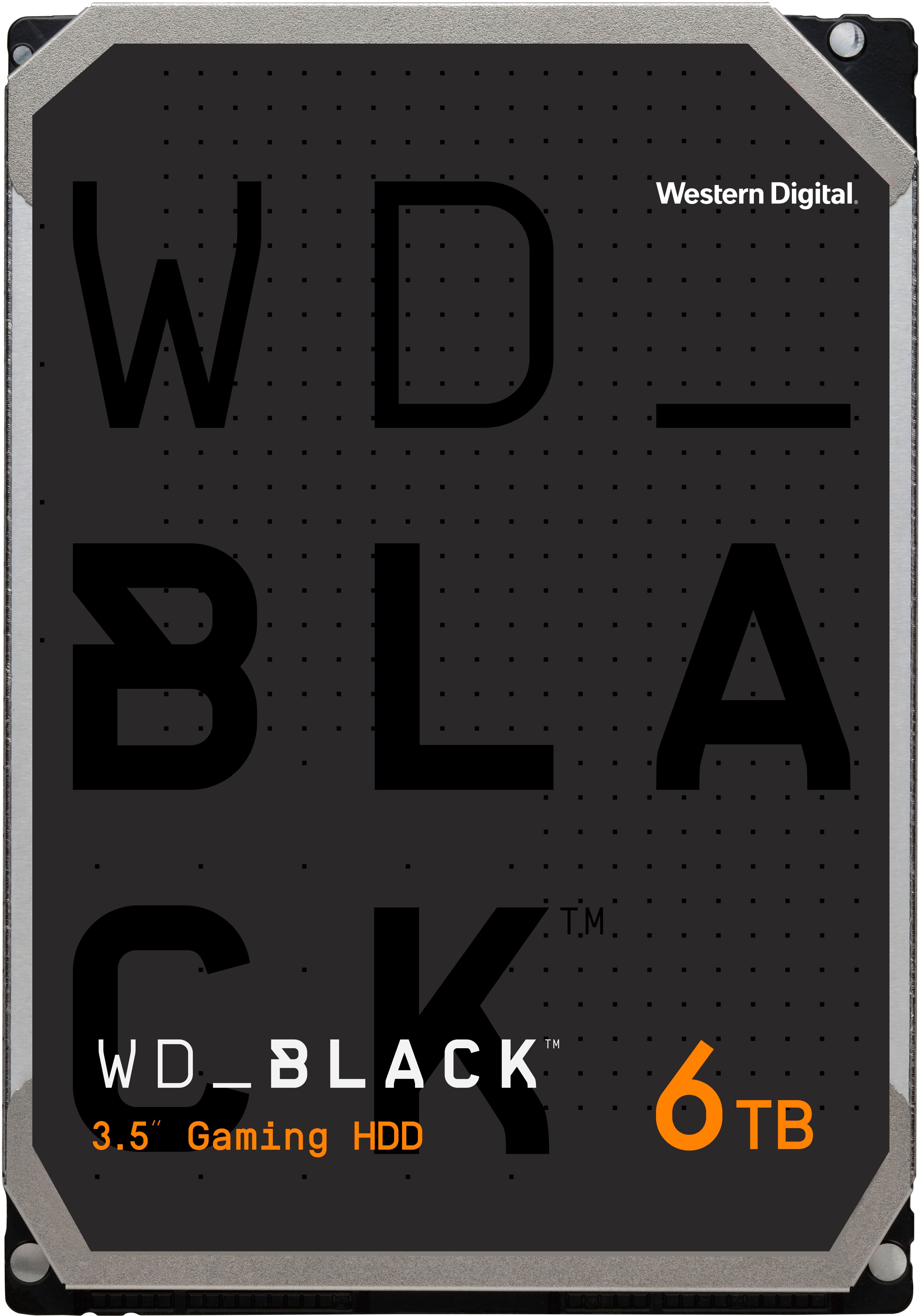
WD - BLACK 6TB Gaming Internal Hard Drive
SKU: JXTHCC7YK8Honestly a great hard-drive for those of us that are gamers, runs smooth, quiet and has plenty of storage...for those larger than needed games we all love...Iem glad that I got it I love it...Great Purchase...
See all Internal Hard DrivesProduct Description
A high-performance black internal hard drive with 6TB capacity, 7200 RPM speed, and data encryption.Your price for this item is $251.99Save $63The previous price was $314.99 -
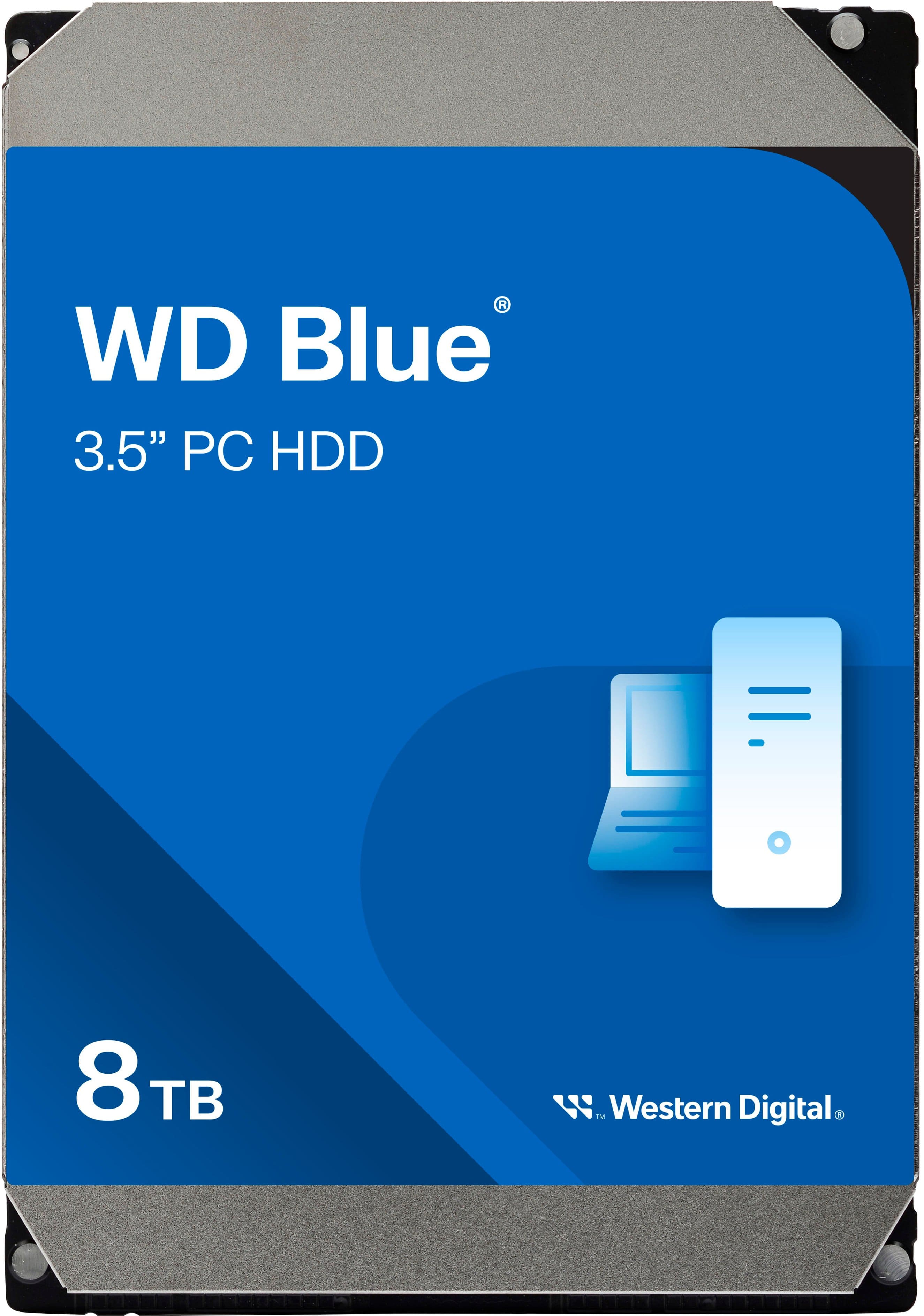
WD - Blue 8TB PC Internal Hard Drive for Desktops
SKU: JXTHCC79L4I love WD HDDs...Great backup drive
See all Internal Hard DrivesProduct Description
A reliable blue internal hard drive offering 8TB storage and 5640 RPM speed for desktop PCs.Your price for this item is $324.99 -
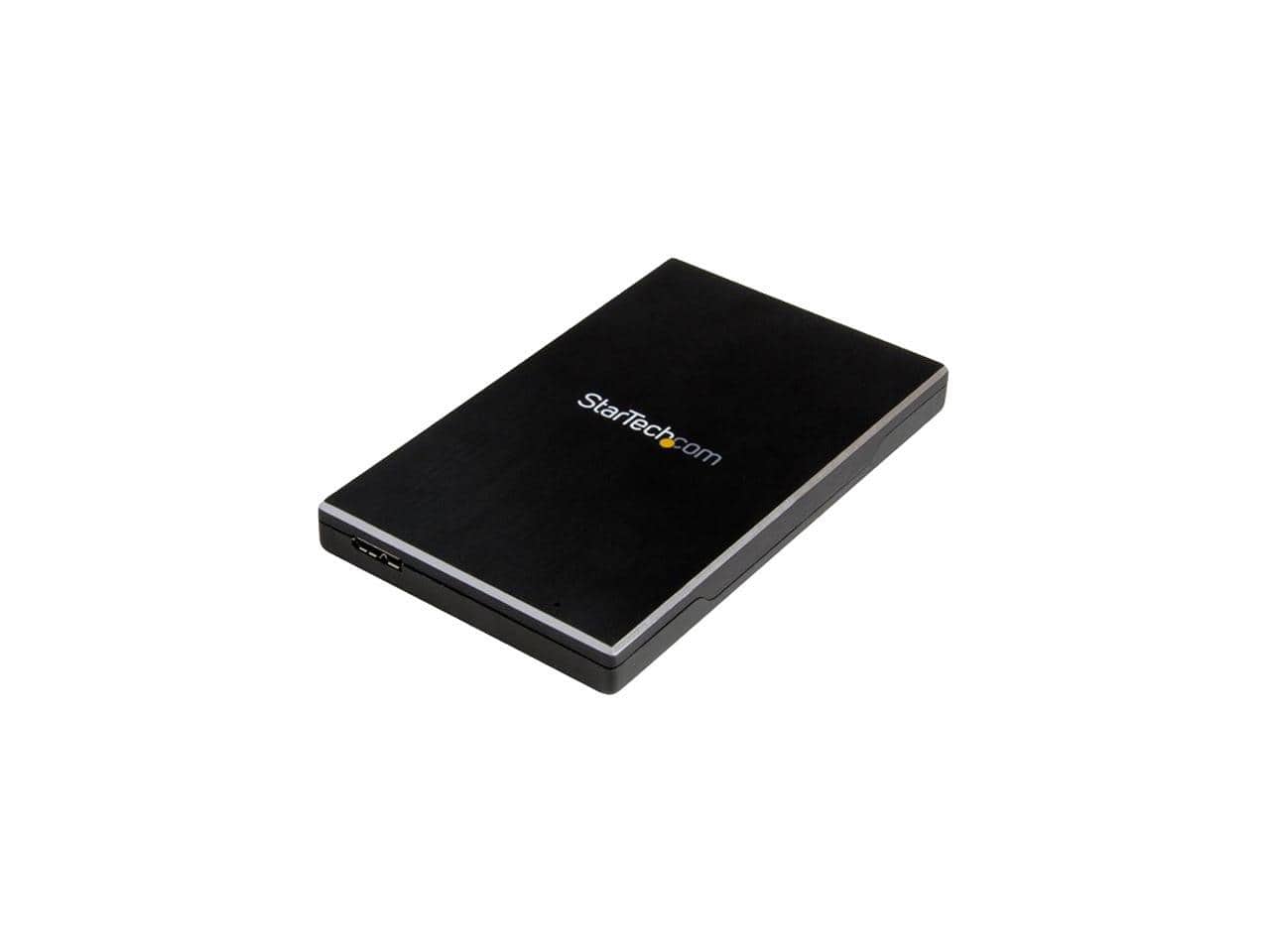
StarTech.com - StarTech S251BMU313 2.5" USB 3.1 External HDD Enclosure - UASP, Aluminum, SSD/HDD
SKU: J7PHYX72YRGreat for SSD....test it with a regular drive and it can vibrate a little which is not a good thing, so, for SSD it is great
See all Hard Drive Cables & AccessoriesProduct Description
An aluminum silver enclosure supporting USB 3.1 and UASP for 2.5" SSD or HDD drives.Your price for this item is $55.53 -
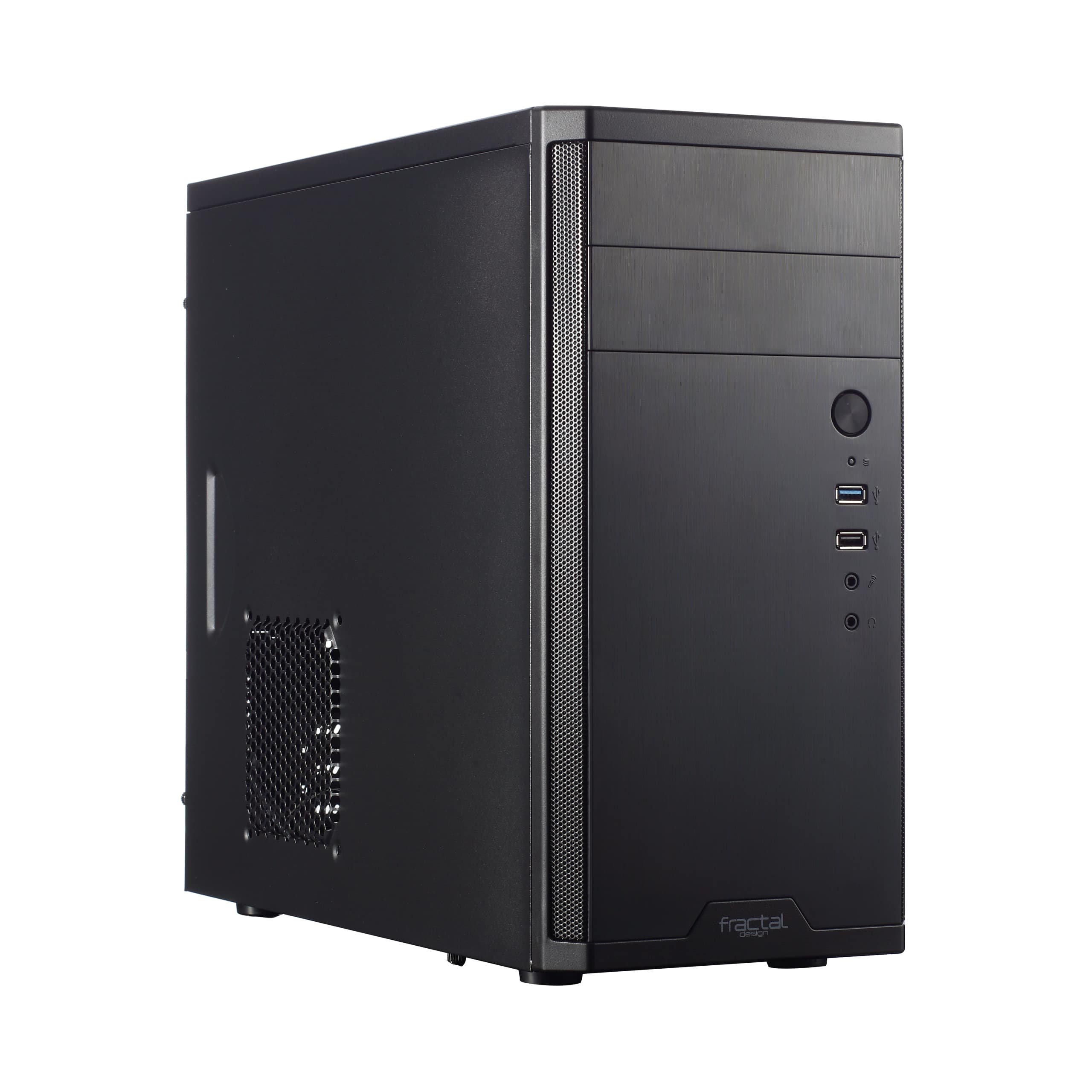
Fractal Design - Core 1100, Black, Micro ATX, Mini Tower PC Case - Black
SKU: J3L5HQRKJRSee all Computer CasesProduct Description
A black mesh and steel micro ATX mini tower case with optimized airflow, dust filters, and expansion slots.Your price for this item is $49.99 -
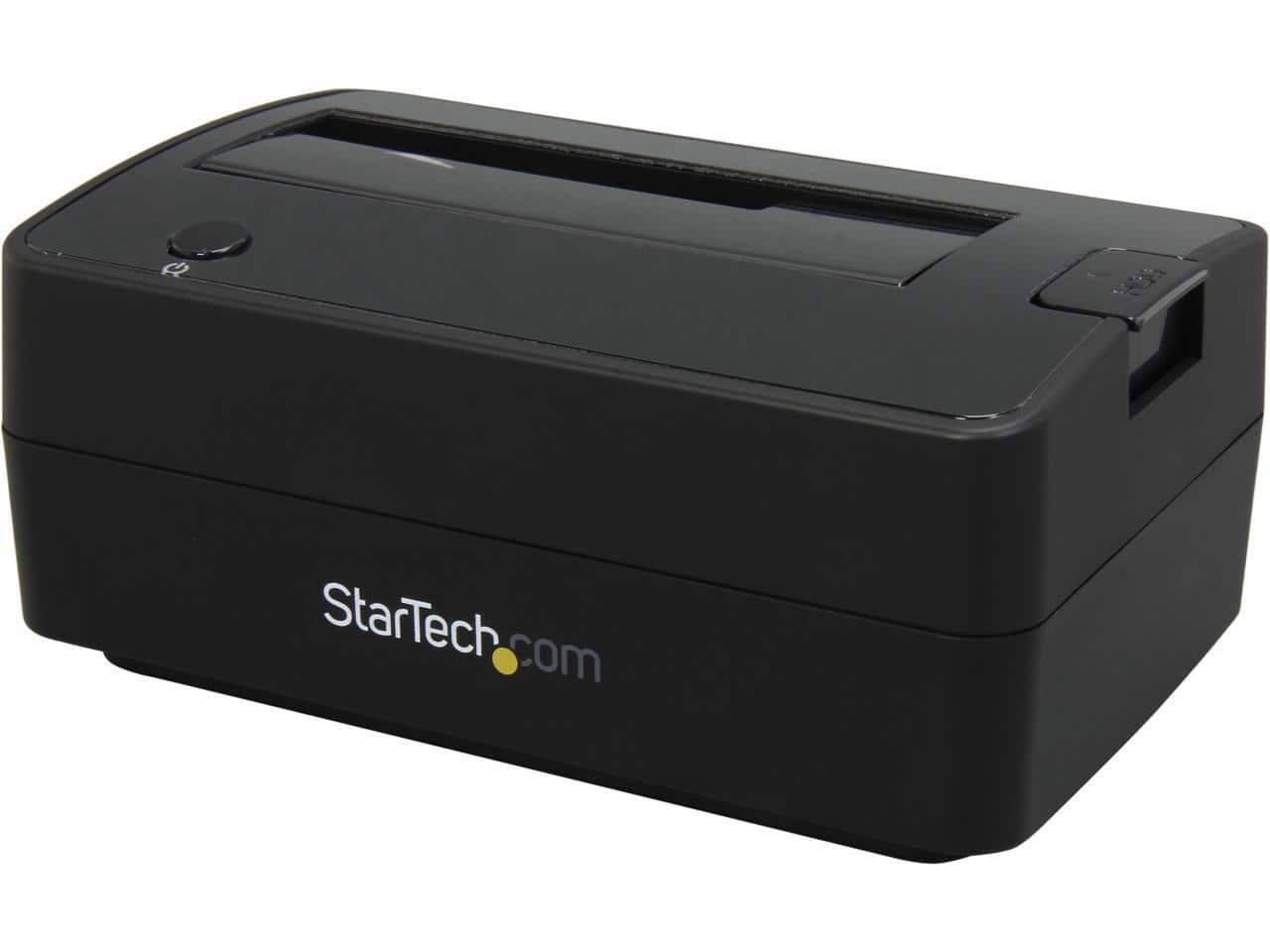
StarTech.com - SATDOCKU3S Plastic 2.5" & 3.5" Black SATA Hard Drive Docking Station for 2.5/3.5 HDD
SKU: J7PHY2FHJPSee all Hard Drive Cables & AccessoriesProduct Description
A black plastic docking station enabling quick access to 2.5" and 3.5" SATA hard drives.Your price for this item is $85.46Save $0The previous price was $86.23
Best Sellers
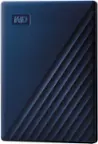
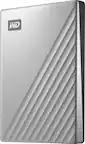

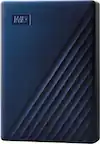
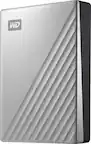
Related Pages
FAQ
Most hard drive installations require a Phillips-head screwdriver. Some cases may also need additional tools like anti-static wrist straps to prevent static damage, but many modern cases offer tool-less drive bays for easier installation.
Yes, you can add a new hard drive as a secondary storage device without reinstalling your operating system. Your computer will recognize the new drive once it’s connected and initialized.
The main difference is the physical size and connector type. SSDs are often smaller and may use SATA or NVMe connections, while HDDs typically use SATA. The installation process is similar, but NVMe SSDs plug directly into the motherboard’s M.2 slot.
Yes, new hard drives usually need to be initialized and formatted before use. This can be done through your computer’s Disk Management utility, allowing your system to recognize and use the new drive.
To make a new hard drive your primary storage device, you’ll need to install your operating system on it and set it as the first boot device in your computer’s BIOS or UEFI settings.