Formatting Drives
-
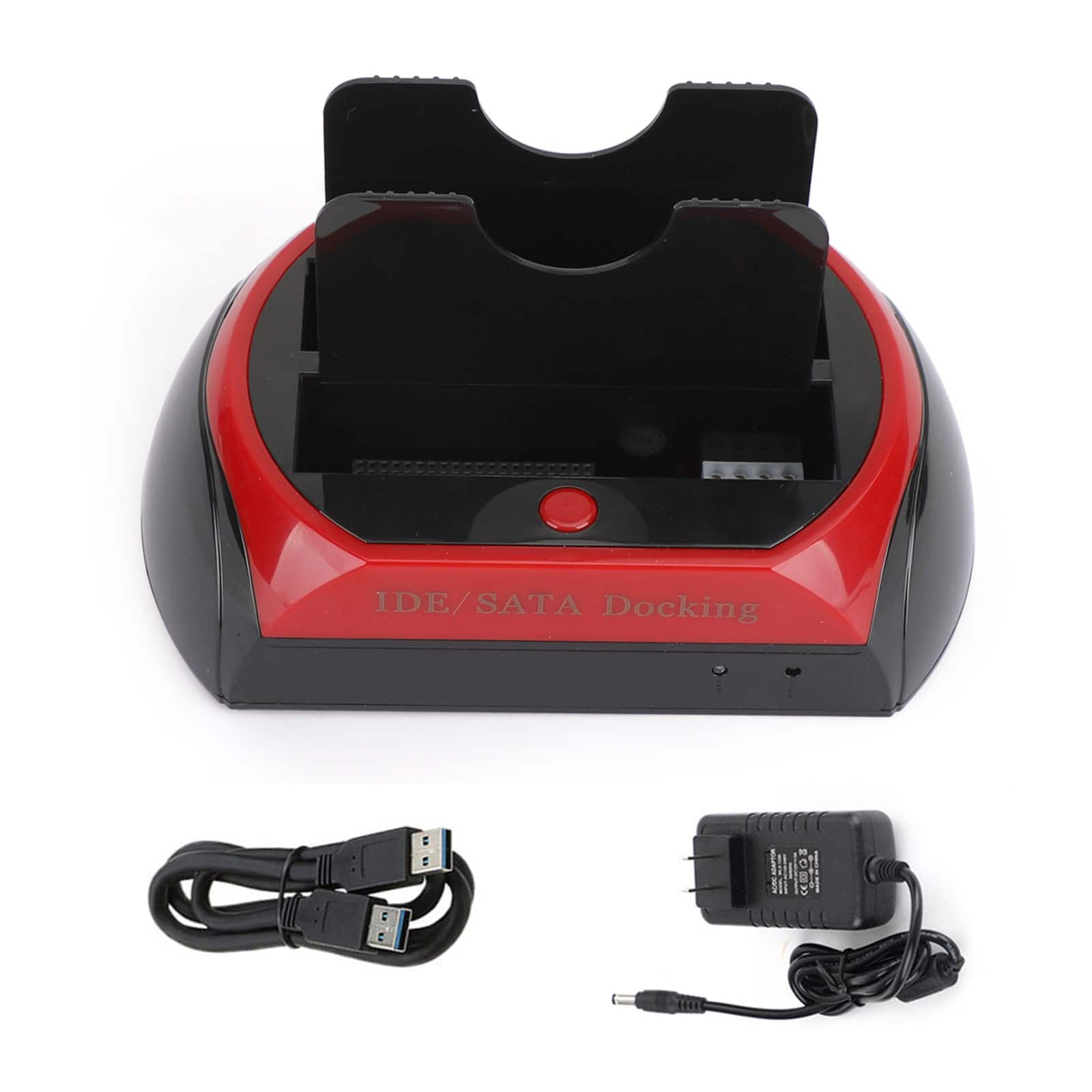
Topteng - Dual-Bay Hard Drive Dock for IDE & SATA - USB 2.0, Reads 2.5”/3.5” HDD/SSD, with One-Touch Backup
SKU: J3R9F7Y9Q6See all Hard Drive Cables & AccessoriesProduct Description
A versatile dual-bay dock enabling USB 2.0 access and one-touch backup for IDE and SATA drives.Your price for this item is $29.99 -
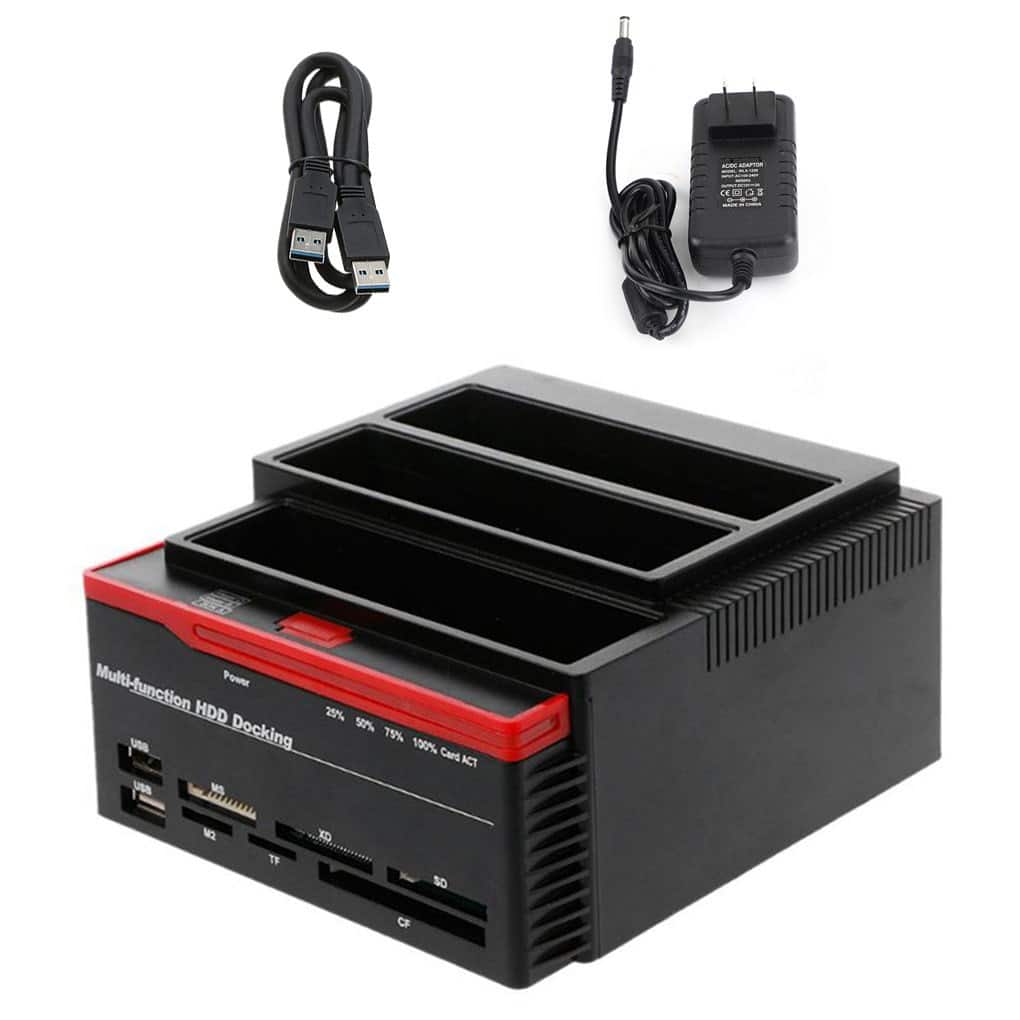
Topteng - 3-Bay Hard Drive Docking Station for IDE & SATA HDD - with Cloner, 7-in-1 Card Reader, 2xUSB Hub, 2.5”/3.5”
SKU: J3R9F7Y9Q8See all Hard Drive Cables & AccessoriesProduct Description
A versatile 3-bay docking station with IDE/SATA support, cloner, 7-in-1 card reader, and USB hub.Your price for this item is $48.99 -
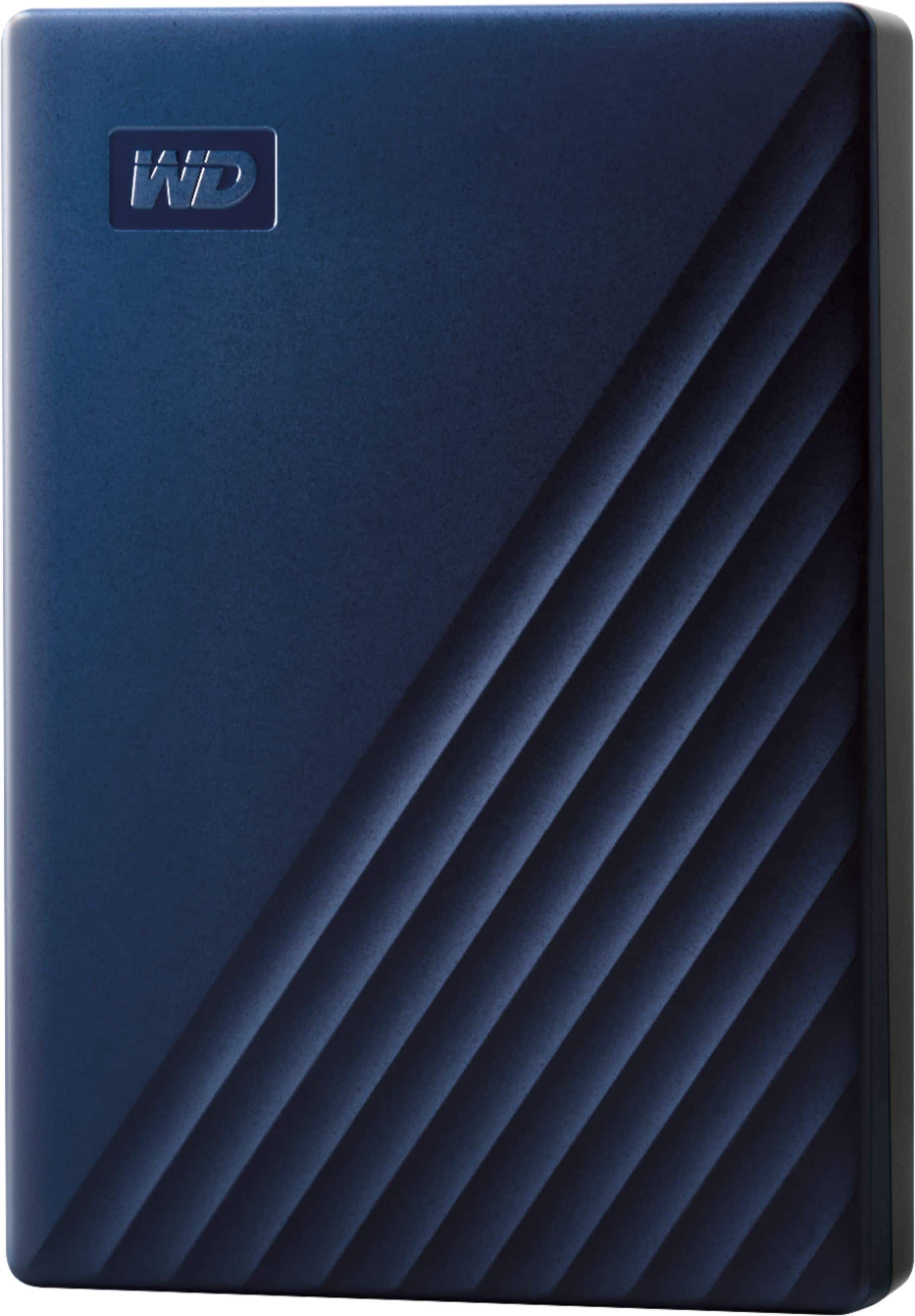
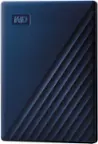
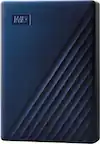
WD - My Passport for Mac 4TB External USB 3.0 Portable Hard Drive - Blue
SKU: JXTHCJFHK5My original external hard drive was failing and my best friend recommended this one to replace it....I LOVE IT! It's super easy to use and the price is great!...Best Buy always gives you great customer...
See all Internal Hard DrivesProduct Description
A blue portable external hard drive offering 4TB storage, USB 3.0 connectivity, and password protection.Your price for this item is $254.99 -
Seagate - Barracuda 4TB Internal Hard Drive for Desktops
SKU: J37C5HK32ZIt was also out of stock so I got a refund and went searching Best Buy was the only place that had one...Great value for the money....Great storage solution
See all Internal Hard DrivesProduct Description
A high-capacity 4TB internal HDD with 190MB/sec transfer speed, 256MB cache, and secure erase features.Your price for this item is $159.99Save $30The previous price was $189.99 -
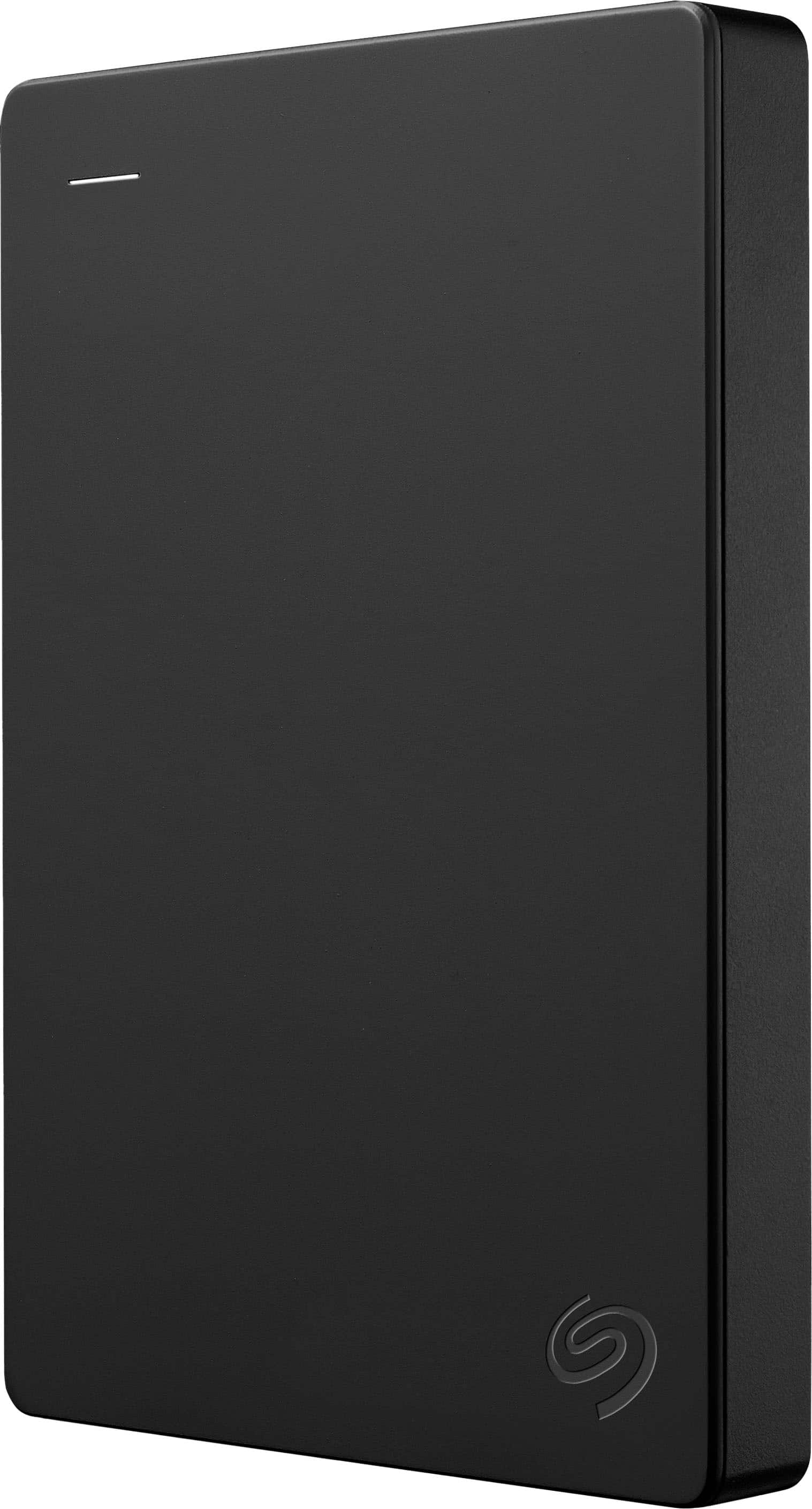
Seagate - 1TB External USB 3.0 Portable Hard Drive with Rescue Data Recovery Services - Black
SKU: J37C5HK2HTGreat Item...Great external drive. It's my first Seagate Drive. Normally I get Western Digital....Great hard drive
See all External Hard DrivesProduct Description
A portable black external hard drive offering 1TB storage, fast USB 3.0 transfers, and data recovery services.Your price for this item is $142.81 -
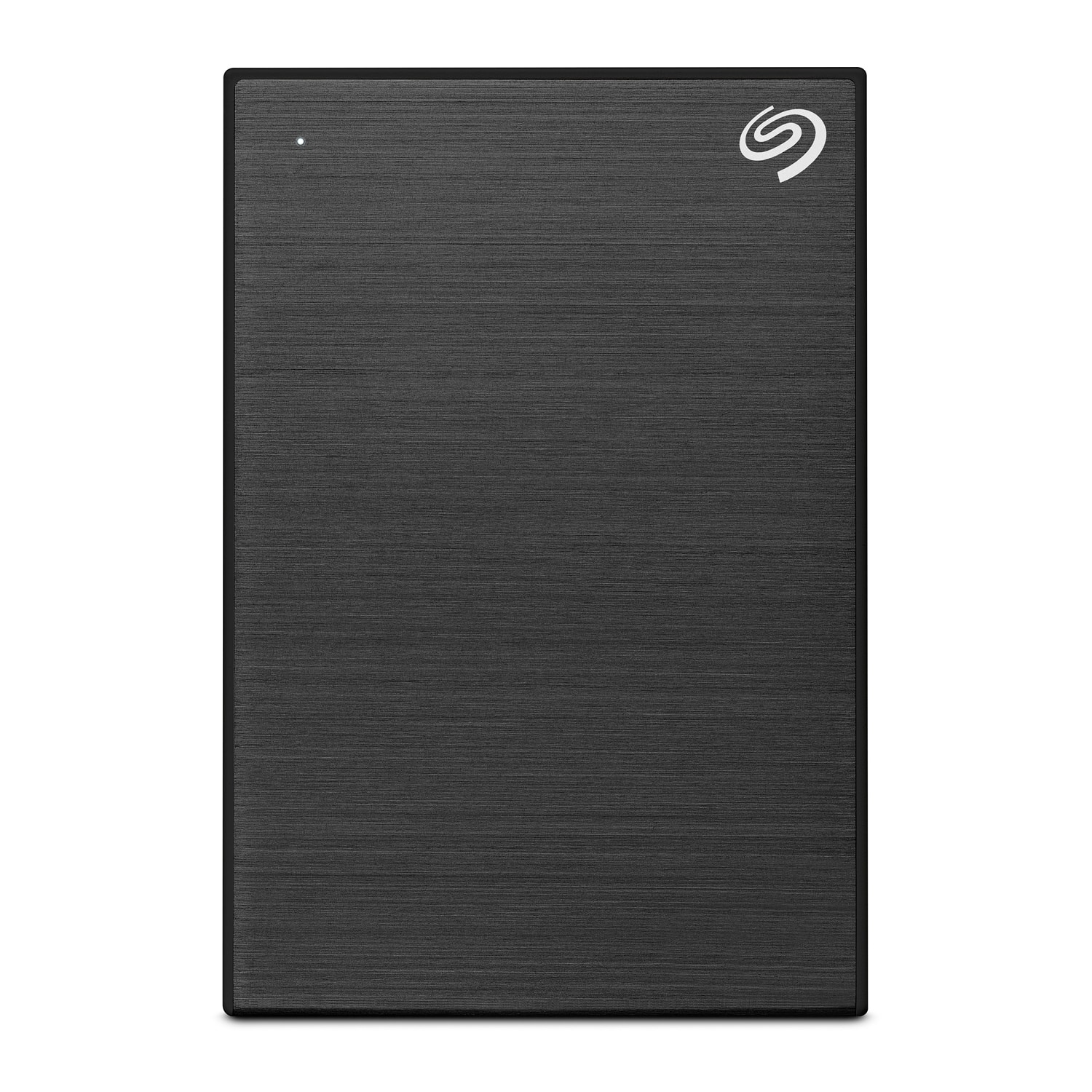
Seagate - One Touch with Password 4TB External USB 3.0 Portable Hard Drive with Rescue Data Recovery Services - Black
SKU: J37C5H4WRSSee all External Hard DrivesProduct Description
A portable black hard drive offering 4TB storage, USB 3.0 connectivity, password protection, and data recovery.Your price for this item is $191.49 -
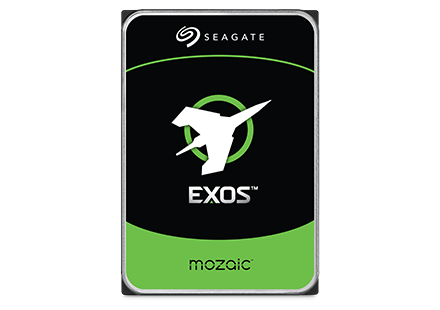
Seagate - Exos M 30TB Internal Hard Drive
SKU: J37C5H5T8FSee all Internal Hard DrivesProduct Description
An enterprise-grade 30TB internal hard drive offering advanced 3TB-per-platter density and exceptional power efficiency.Your price for this item is $1,199.99 -
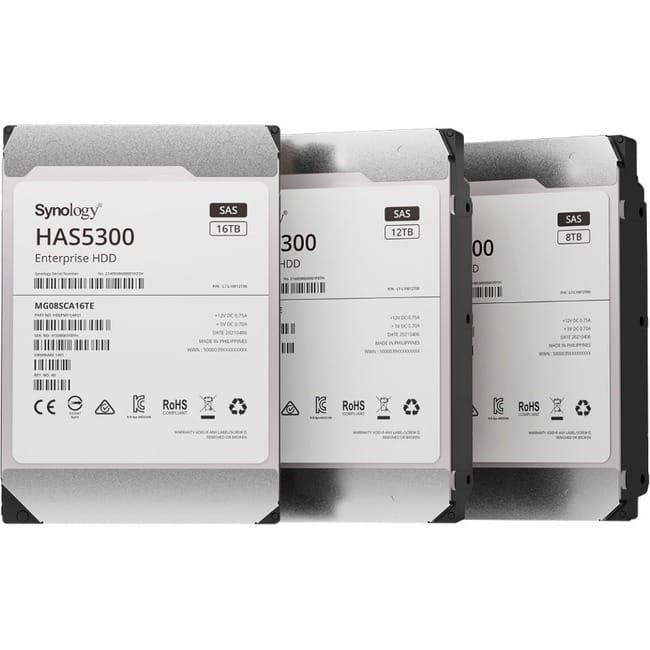
Synology - HAS5300 HAS5300-12T 12 TB Hard Drive - 3.5" Internal - SAS (12Gb/s SAS) - Storage System Device Supported
SKU: J36TG788H4See all Internal Hard DrivesProduct Description
A high-performance 12TB internal HDD with SAS 12Gb/s interface, 7200 RPM, and 256MB cache.Your price for this item is $778.95 -
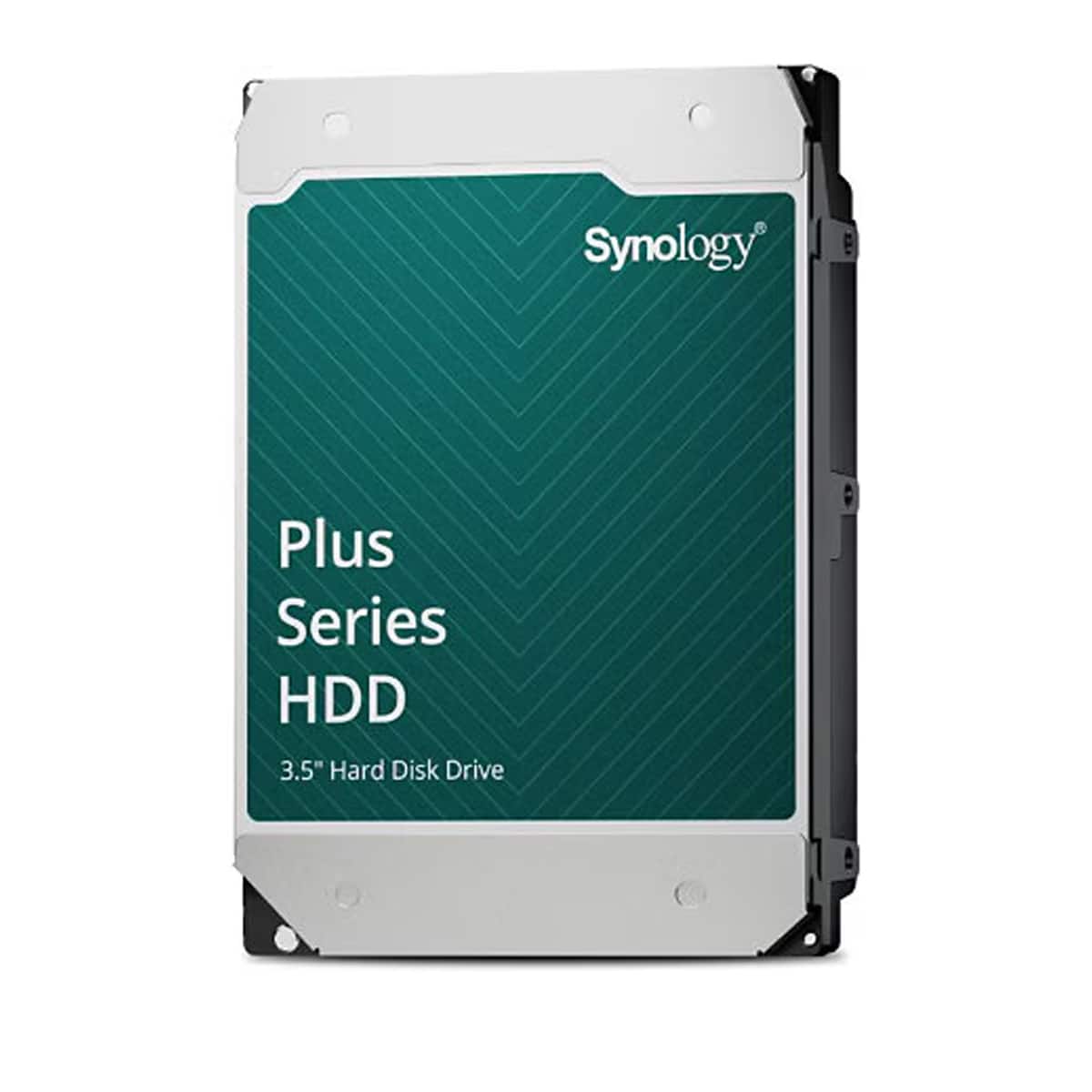
Synology - HAT3320 Plus Series 3.5" SATA III Internal Hard Drive - 8TB - Black
SKU: J36TG78P2TSee all Open-Ear HeadphonesProduct Description
A high-capacity 8TB black SATA HDD designed for reliable storage and performance in desktop systems.Your price for this item is $516.07 -
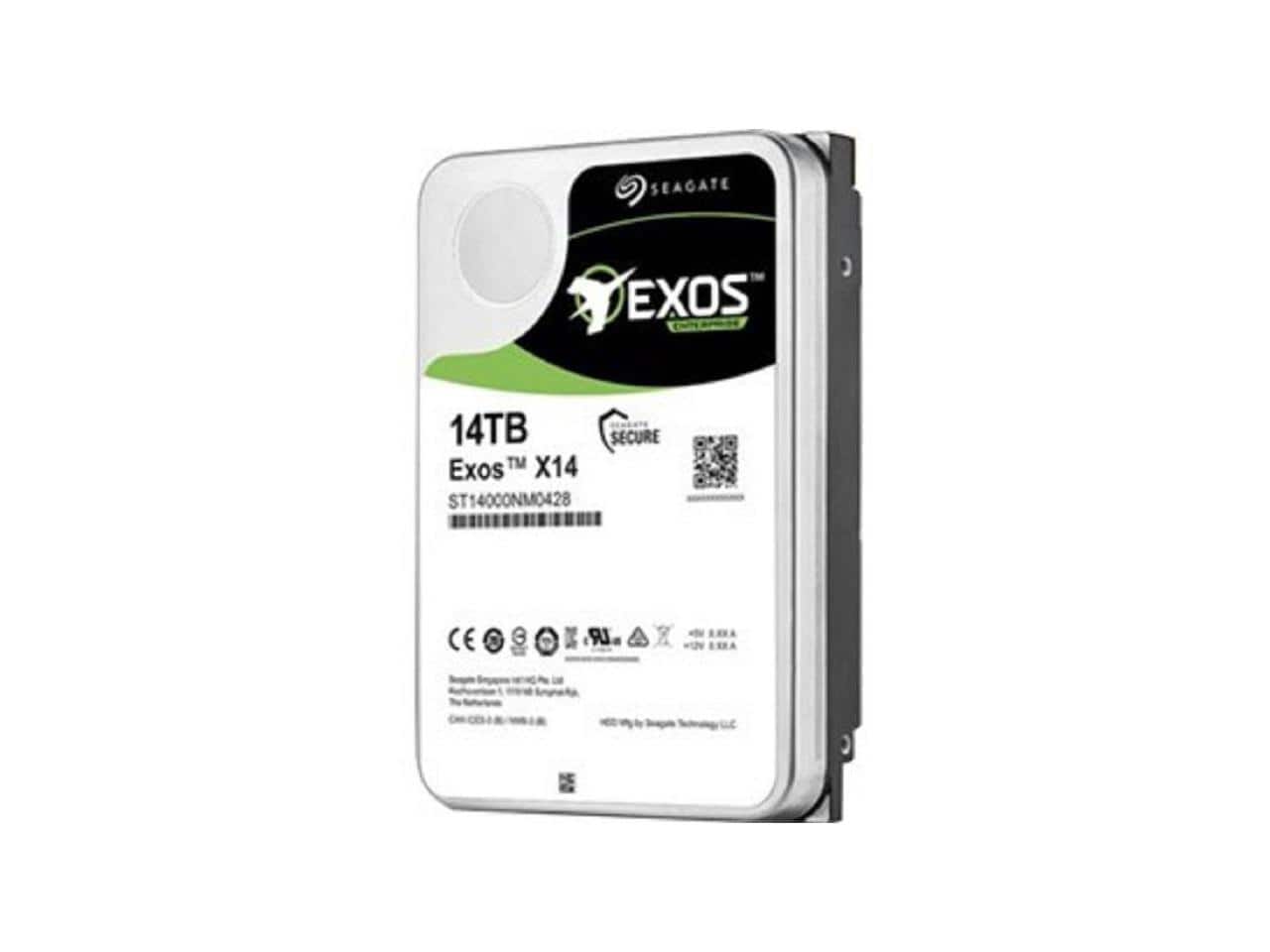
Seagate - Exos X14 ST14000NM0048 14 TB Hard Drive - 3.5"" Internal - SAS (12Gb/s SAS) - 7200rpm - 512e/4Kn Format
SKU: J37C5HWRCCSee all Internal Hard DrivesProduct Description
A high-capacity 14TB internal hard drive with 7200rpm speed and 12Gb/s SAS interface for enterprise storage.Your price for this item is $549.14Save $4The previous price was $553.36

Best Sellers

Related Pages






FAQ
Formatting a drive is the process of preparing a storage device, such as an external hard drive or USB flash drive, for use by erasing all existing data and setting up a file system so your computer can read and write data to it.
The ideal file system depends on your needs. For example, NTFS is commonly used for Windows computers, while exFAT works well for both Windows and Mac. If you plan to use the drive with multiple operating systems, exFAT is usually a good choice.
Formatting a drive will erase all data, including most viruses or malware present on the drive. However, it's important to ensure that the drive is not re-infected after formatting by scanning your system with updated antivirus software.
Yes, most computers come with built-in utilities for formatting drives. On Windows, you can use File Explorer or Disk Management, and on Mac, you can use Disk Utility to format your drives.
Formatting a drive will erase all data stored on it. If you want to keep your files, make sure to back them up to another location before starting the formatting process.