Ntfs External Drives
-
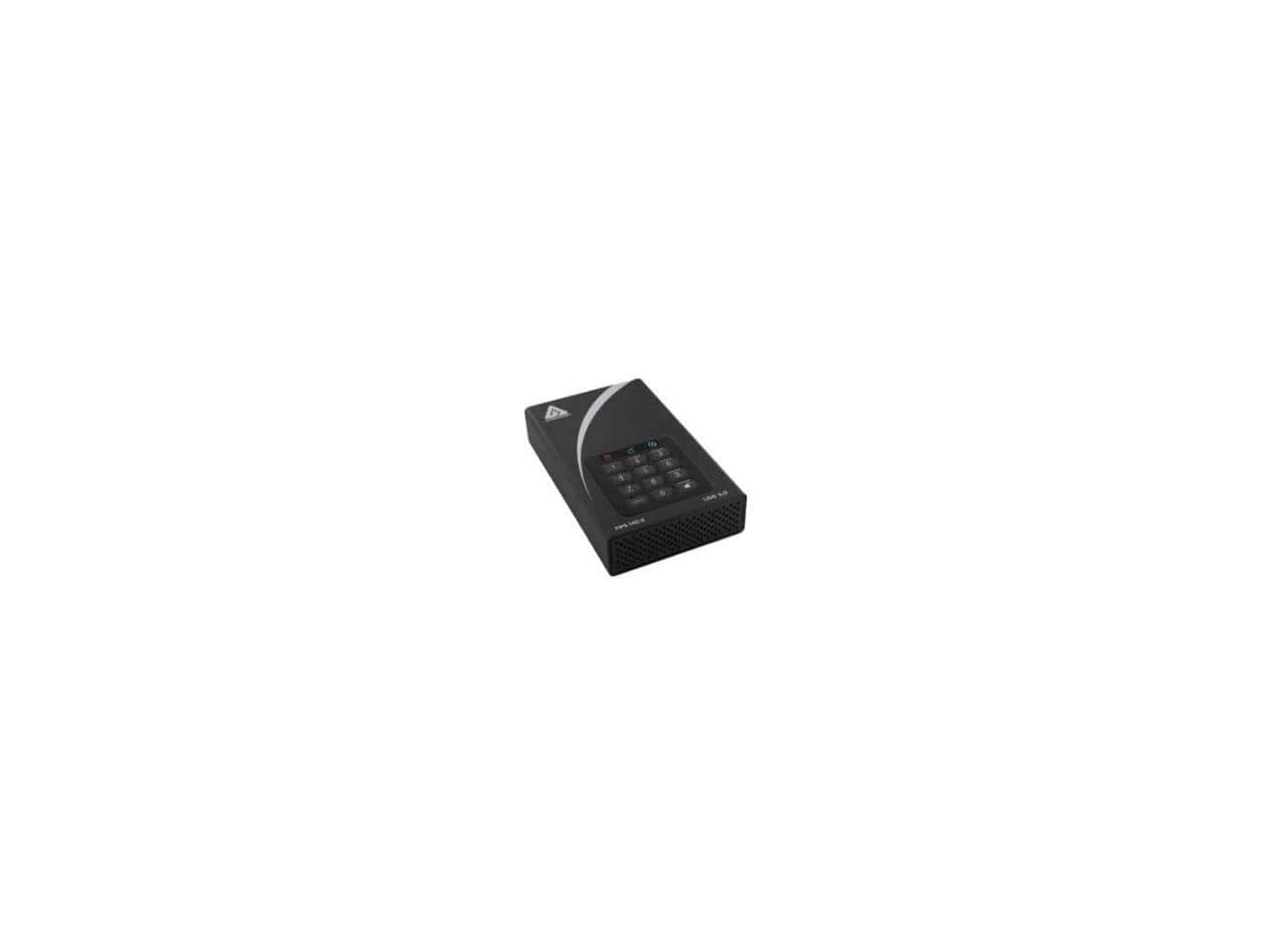
Apricorn - Aegis Padlock Dt Fips Adt-3Pl256f-4000 4 Tb Desktop Hard Drive - 3.5" External - Black
SKU: JXHJGH59P7See all Internal Hard DrivesProduct Description
A secure black 4TB external desktop hard drive with FIPS encryption, ideal for data protection needs.Your price for this item is $657.28 -
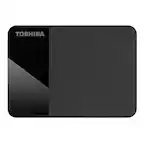
Toshiba - Canvio Ready 2TB External USB 3.0 Portable Hard Drive - Black
SKU: JXWR4QHJYWSee all Internal Hard DrivesProduct Description
A sleek black portable hard drive with 2TB storage and fast USB 3.0 plug-and-play connectivity.Your price for this item is $158.40Save $44The previous price was $203.26 -
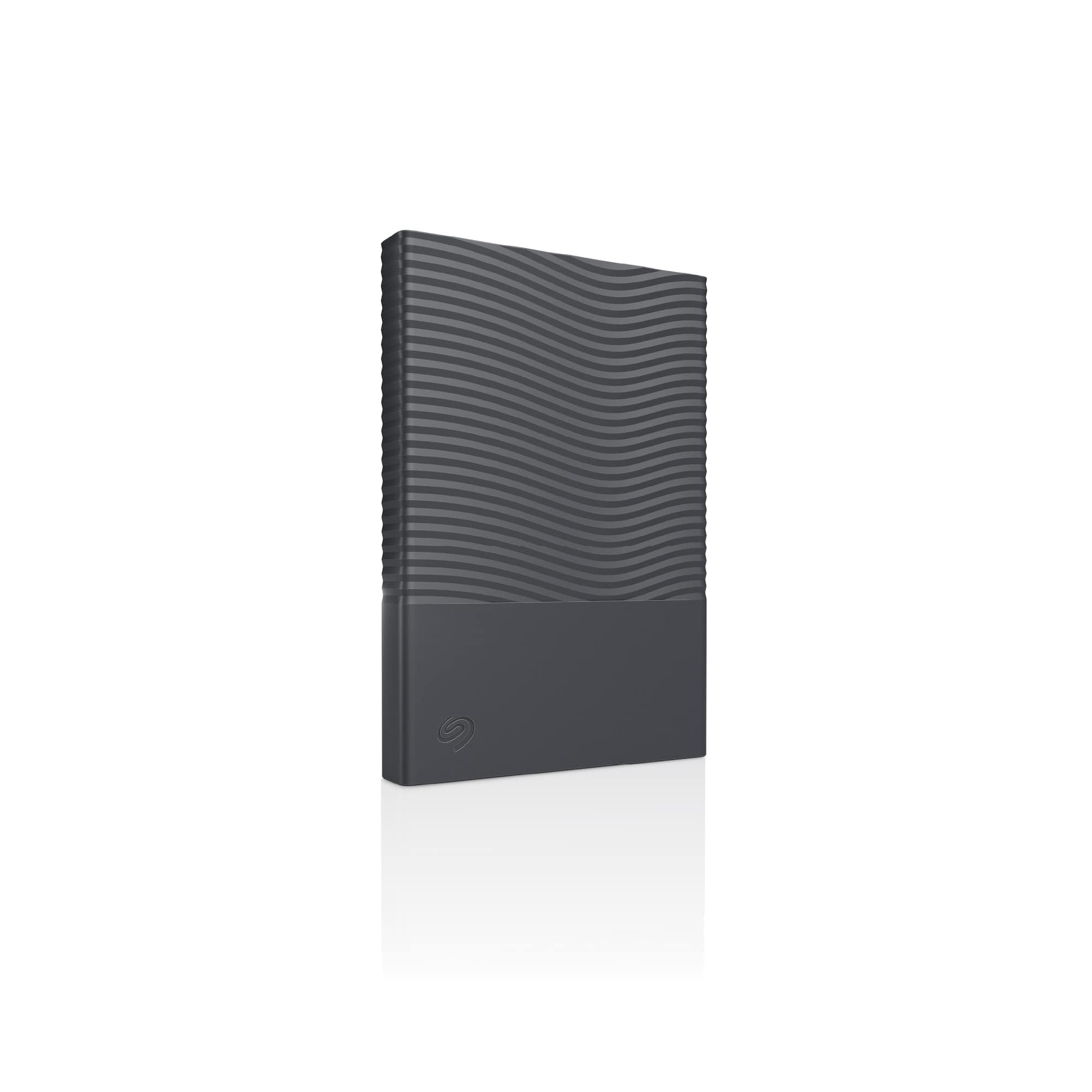
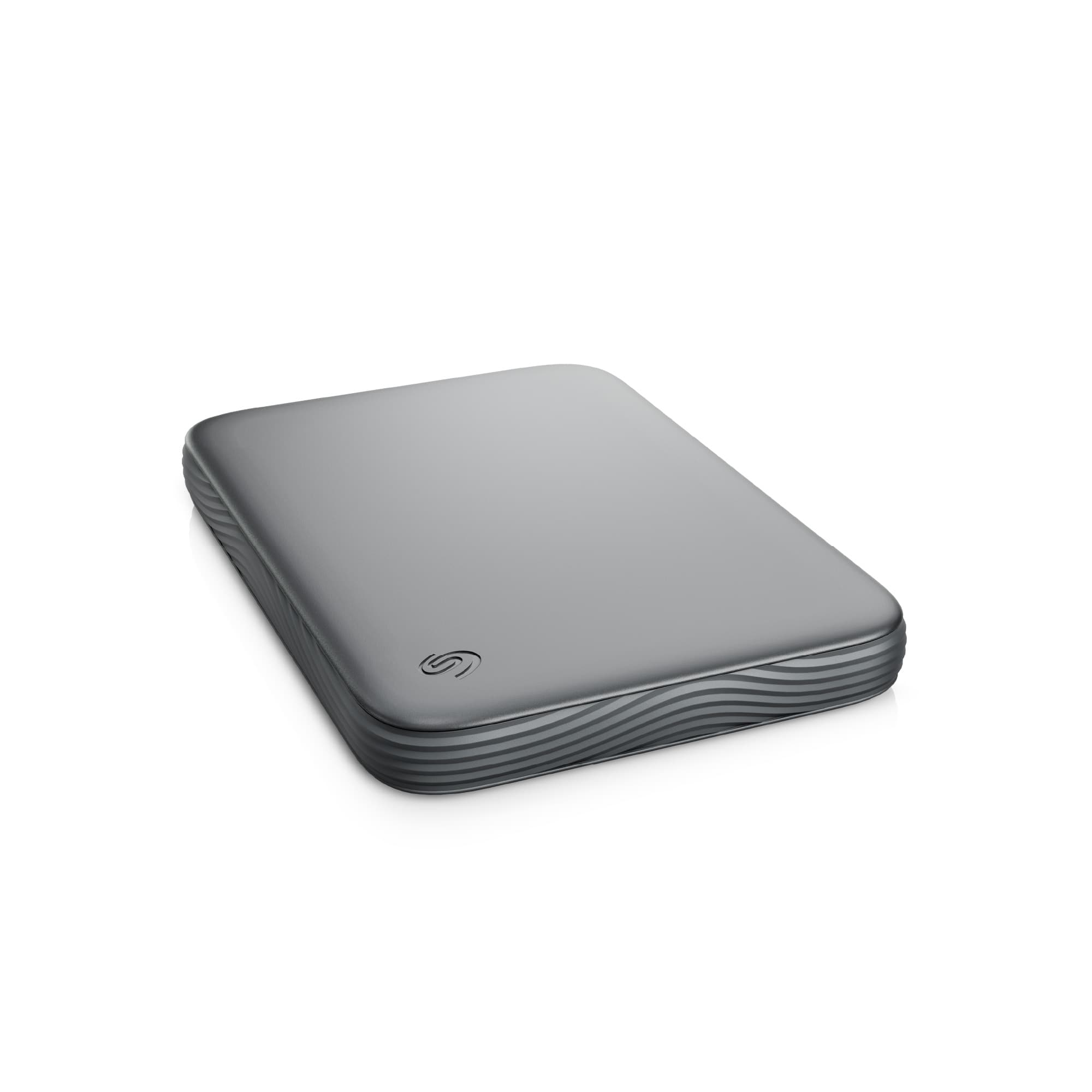
Seagate - Seagate One Touch Portable HDD 2TB - Space Gray
SKU: J37C5HFCPHSee all Internal Hard DrivesProduct Description
A space-gray external HDD with 2TB storage, USB-C connectivity, hardware encryption, and intuitive backup tools.Your price for this item is $159.99 -
Toshiba - Canvio Advance 2TB External USB 3.0 Portable Hard Drive - White
SKU: JXWR4QHJ8JSee all External Hard DrivesProduct Description
A sleek white portable hard drive offering 2TB storage and fast USB 3.0 connectivity for reliable backups.Your price for this item is $152.86Save $47The previous price was $200.59 -
Apricorn - Aegis Fortress 2 TB Hard Drive - External - USB 3.0 - Black
SKU: JXHJGH56RYSee all External Hard DrivesProduct Description
A secure external hard drive with 2TB storage, USB 3.0 connectivity, and a sleek black finish.Your price for this item is $377.92 -
Apricorn - Aegis Fortress 4 TB Hard Drive - External - USB 3.0 - Black
SKU: JXHJGH56RHSee all External Hard DrivesProduct Description
A high-capacity 4TB external hard drive with USB 3.0 connectivity in a sleek black design.Your price for this item is $461.52 -
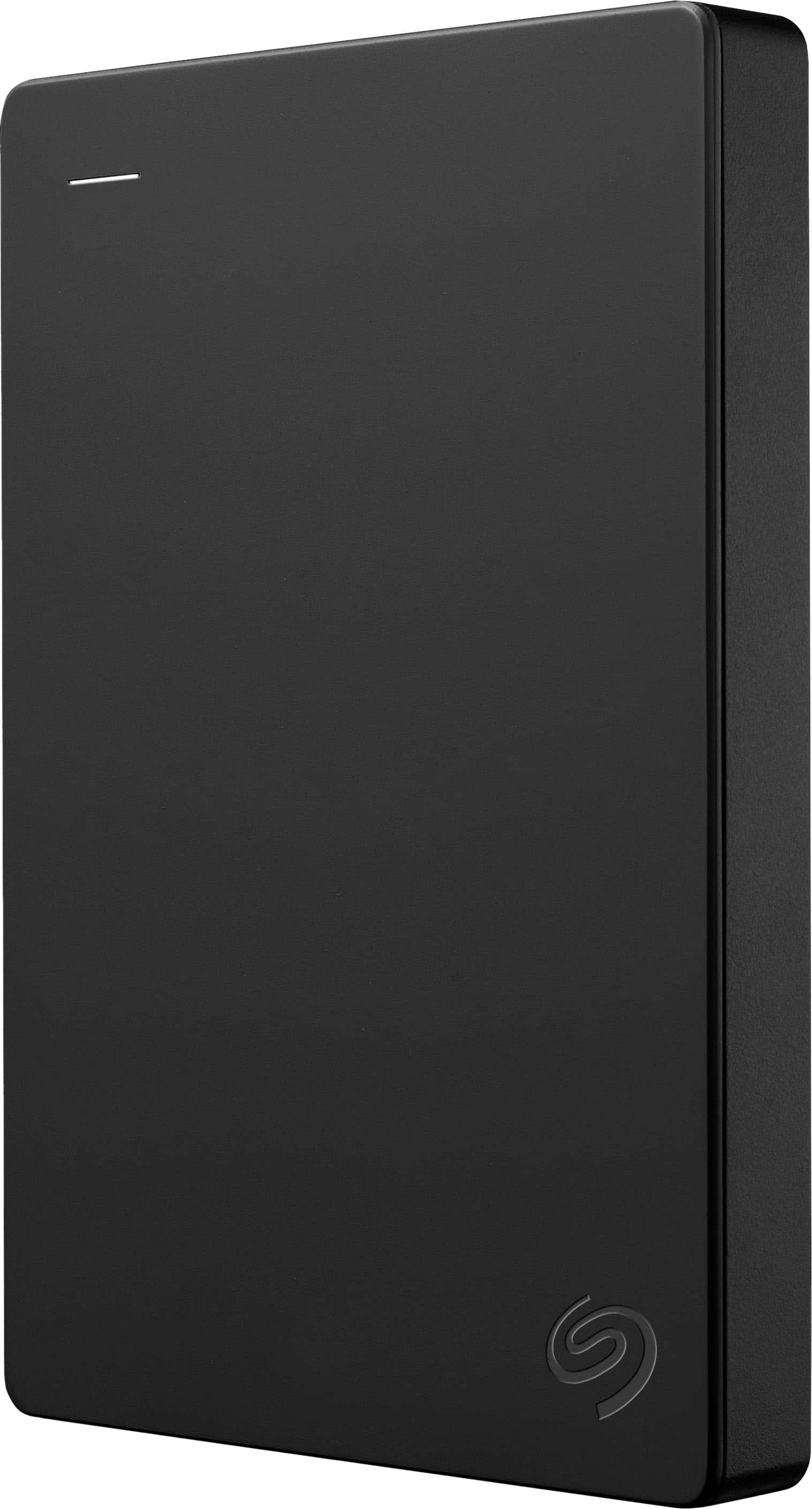
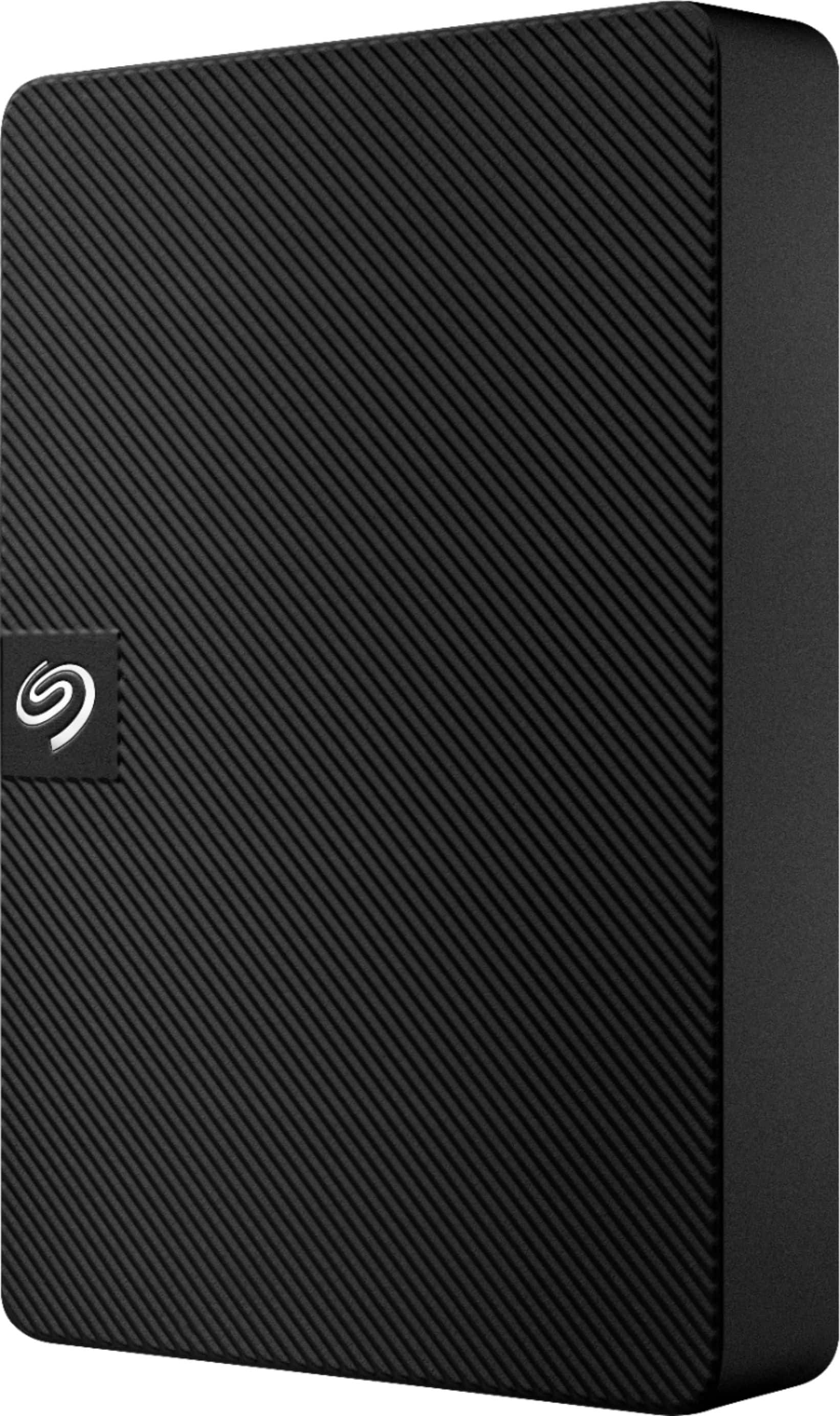
Seagate - Expansion Portable HDD 2TB - Black
SKU: J37C5HFJWLworks great Have not had any issues, unit is sleek and doesn't make loud noises...works great Have not had any issues,
See all Internal Hard DrivesProduct Description
A portable black external HDD with plug-and-play USB connectivity, secure storage, and Rescue Data Recovery Services.Your price for this item is $149.99 -
Seagate - 1TB External USB 3.0 Portable Hard Drive with Rescue Data Recovery Services - Black
SKU: J37C5HK2HTSee all External Hard DrivesProduct Description
A portable black external hard drive offering 1TB storage, fast USB 3.0 transfers, and data recovery services.Your price for this item is $150.33 -
Seagate - Expansion 5TB External USB 3.0 Portable Hard Drive with Rescue Data Recovery Services - Black
SKU: J37C5H48K5Best External HD...Just love it!...Seagate is the best. I love their drives. They are the only ones I use to store my files.
See all External Hard DrivesProduct Description
A portable black external hard drive offering 5TB storage, fast USB 3.0 transfers, and data recovery services.Your price for this item is $219.99



Best Sellers
Related Pages



FAQ
An NTFS external drive is a portable storage device that uses the NTFS (New Technology File System) format, which is commonly used by Windows operating systems for efficient file management and support for large files.
NTFS external drives are natively supported by Windows computers. While Macs can read NTFS drives, they cannot write to them without additional software. To enable full compatibility, third-party NTFS drivers or reformatting may be required.
NTFS offers several advantages, including support for large file sizes (over 4GB), improved security features, file compression, encryption, and better reliability compared to older file systems like FAT32.
Some gaming consoles, such as certain Xbox models, support NTFS external drives for storing games and media. However, compatibility varies by console, so it's important to check your device’s specifications.
To reformat an external drive to NTFS, connect it to your Windows computer, open 'This PC', right-click the drive, select 'Format', choose 'NTFS' under File System, and follow the prompts. Be sure to back up any important data before formatting, as this process will erase all existing files on the drive.