Boot Drives
-
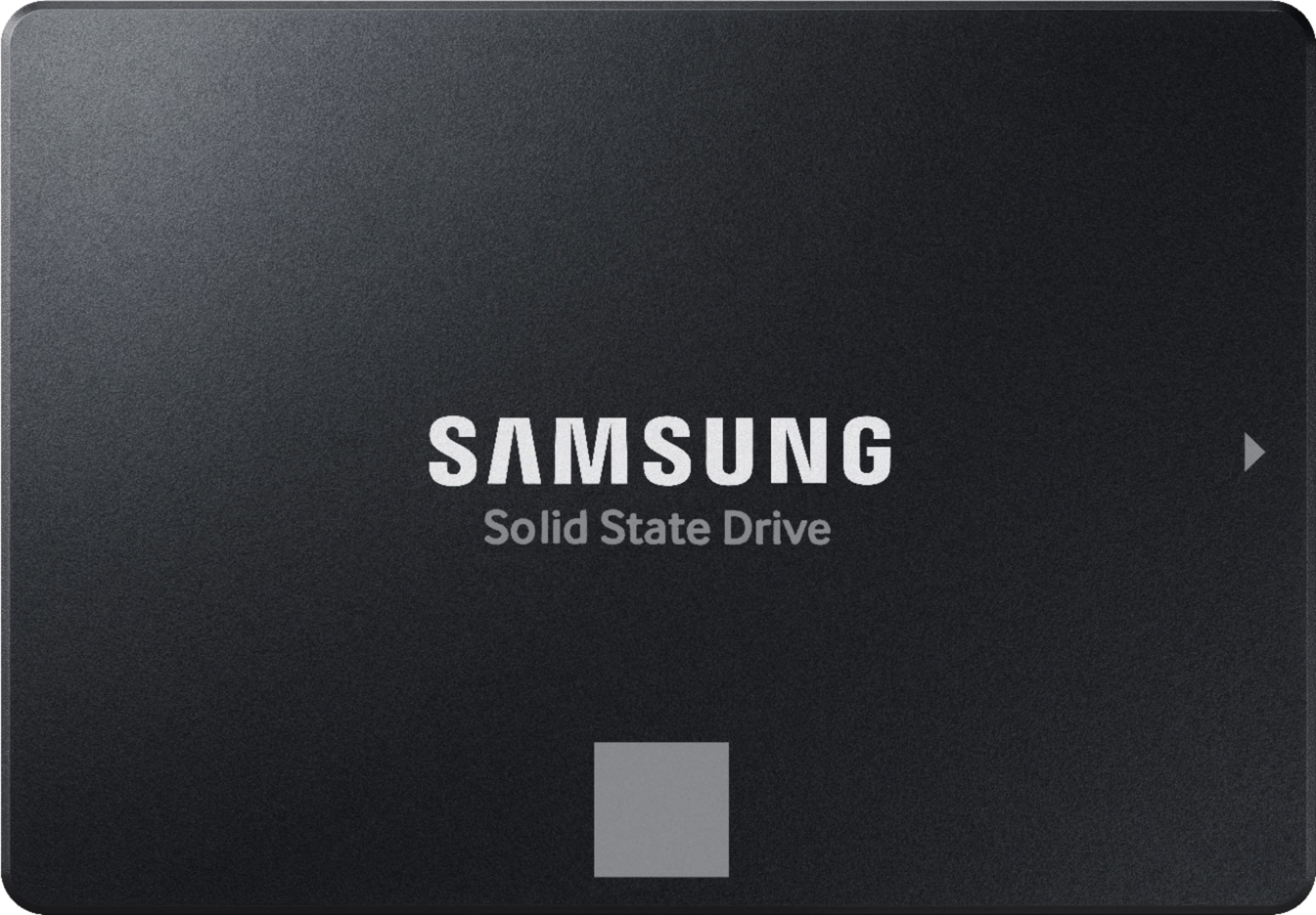
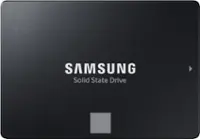
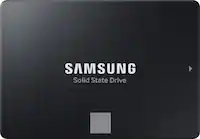
Samsung - 870 EVO 500GB Internal SSD SATA
SKU: J3ZYGCHHX9Great SSD...Simply the best in Solid State Drives. Love the price too...Best SSD...Gotta love Samsung....They always build the best and this SSD runs slightly faster than is advertised.
See all Internal SSDsProduct Description
A reliable black internal SSD offering fast boot times, data encryption, and high performance for everyday use.Your price for this item is $224.99Save $75The previous price was $299.99 -
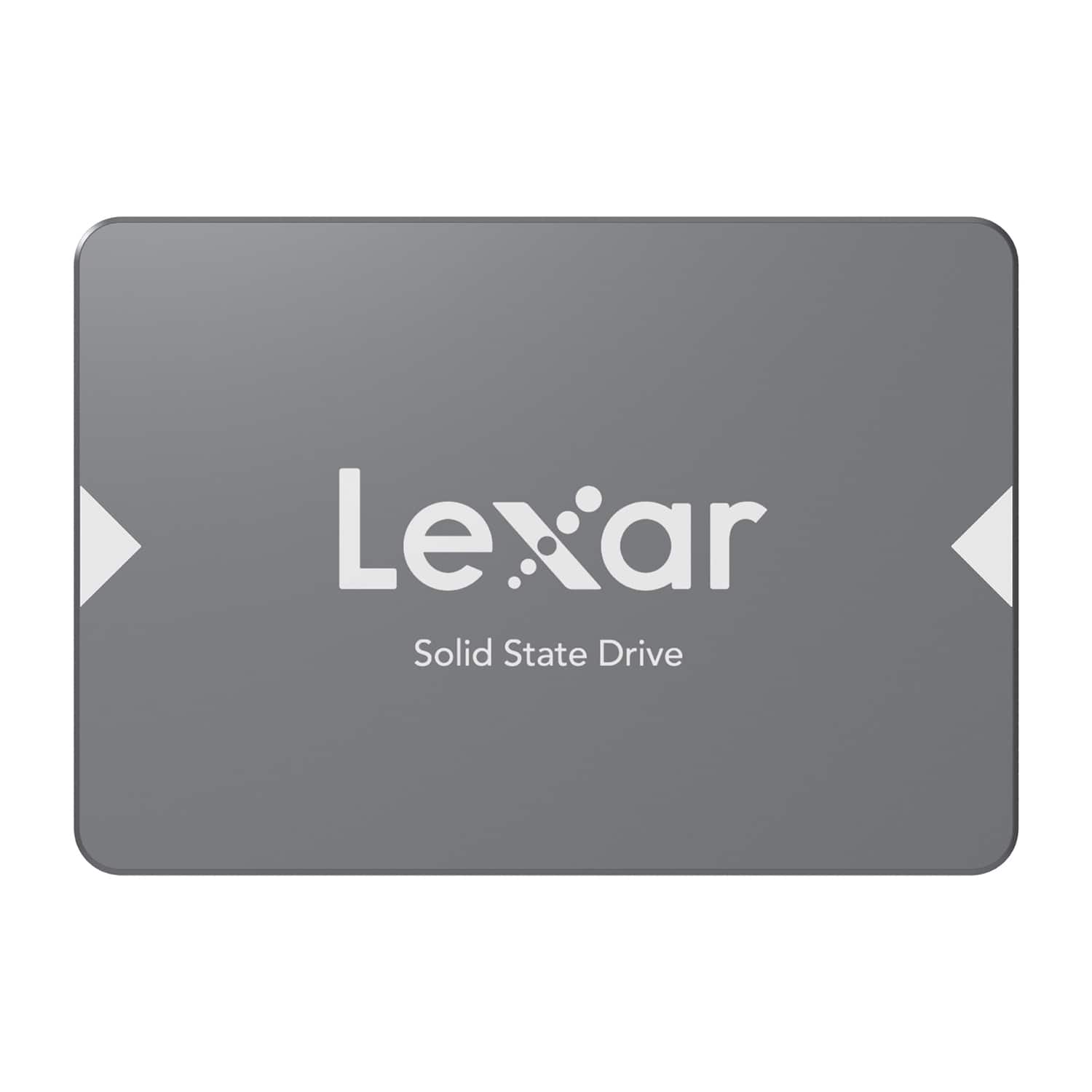
Lexar - NS100 2.5" SATA III 6 GB/s Solid-State Drive 128 GB - Black
SKU: J36XPKZPFWSee all External SSDsProduct Description
A reliable black SSD offering 128 GB storage, fast 550 MBps read speeds, and shock resistance.Your price for this item is $52.68Save $15The previous price was $68.18 -
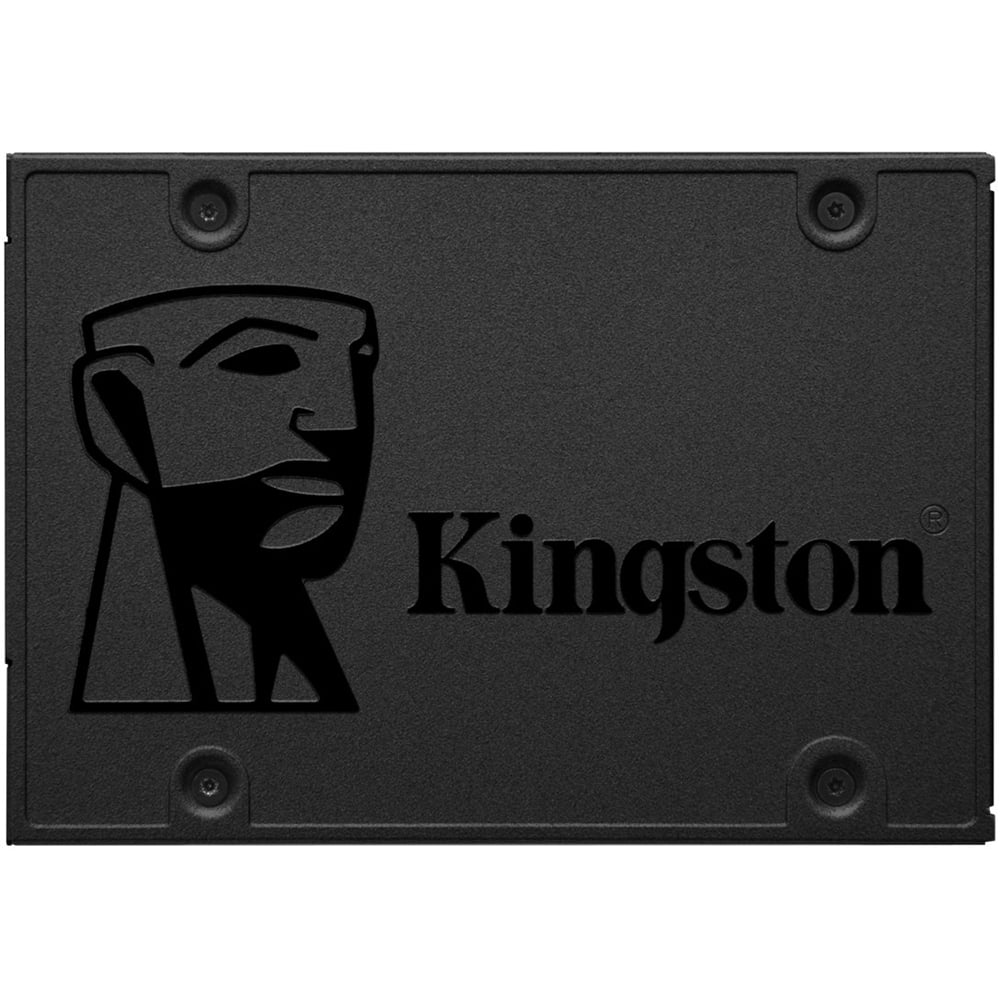
Kingston - A400 480GB Internal SSD SATA
SKU: JX4LR3X49Tall the space you need for applications, videos, photos and other important documents. it is really great...This is a great hard-drive. It's small, but it holds the memory of bigger sized hard drives....Very...
See all Internal SSDsProduct Description
A fast black internal SSD offering 480GB storage with read speeds up to 500MB/sec and reliable endurance.Your price for this item is $123.92 -
Lexar - NS100 2.5" SATA III 6 GB/s Solid-State Drive 256 GB - Black
SKU: J36XPKZPV7See all Internal SSDsProduct Description
A reliable black SSD offering fast boot-ups, quiet operation, and 256GB storage for enhanced system performance.Your price for this item is $66.51Save $4The previous price was $71.24 -
Kingston - A400 240GB Internal SSD SATA
SKU: JX4LR3XTFKcloned old HDD onto this Kingston SSD and installed in my Asus laptop-works great-much faster boot to
See all Internal SSDsProduct Description
A durable black internal SSD offering fast boot times, quiet operation, and 240GB of reliable storage.Your price for this item is $74.74Save $15The previous price was $89.99 -
Lexar - NS100 2.5" SATA III 6 GB/s Solid-State Drive 512 GB - Black
SKU: J36XPKZPVGSee all Internal SSDsProduct Description
A black SATA III SSD offering 512GB storage, up to 550MBps read speeds, and shock resistance.Your price for this item is $84.99Save $7The previous price was $92.45



Best Sellers


Related Pages



FAQ
A boot drive is the primary storage device in a computer that contains the operating system and essential system files. When you turn on your computer, the boot drive is the first device accessed to load your operating system, making it crucial for your computer's startup and overall performance.
Yes, using a solid-state drive (SSD) as a boot drive is highly recommended. SSDs offer faster read and write speeds compared to traditional hard drives, resulting in quicker system boot times and improved overall responsiveness.
To set up a new boot drive, install the drive into your computer, then use your system’s BIOS or UEFI settings to set it as the primary boot device. Afterwards, install your operating system onto the new drive by following the installation prompts.
Most boot drives, such as SATA and NVMe SSDs, are compatible with both Windows and Mac computers, but you may need to format the drive and install the appropriate operating system based on your device.
NVMe boot drives use the PCIe interface, offering significantly faster data transfer speeds compared to SATA boot drives, which use the older SATA interface. NVMe drives are ideal for users seeking top performance, especially for tasks like gaming or video editing.