Thanksgiving 24-Hour Flash SaleOne day. Online only. Ends today.Shop now

Main Content
Skip to contentGo to Product Search

Thanksgiving 24-Hour Flash SaleOne day. Online only. Ends today.Shop now

Main Content

Top Rated Drives

Find the best drive for your storage needs by comparing capacity, transfer speeds, and device compatibility. Whether you’re expanding your computer’s storage or keeping a separate backup, consider how much space your files need, how the drive connects, and whether portability matters for everyday use.

What to look for in storage drives

The best storage drive for your needs depends on what you want to save, how you plan to use it and which devices you connect it to.

1. Drive Type

Choose an internal drive to add or replace storage inside a compatible computer, or an external drive for convenient file transfers and backups. Solid-state drives (SSDs) generally offer faster performance, while hard disk drives (HDDs) typically provide more storage for the price.

2. Storage Capacity

Consider how much space you need for apps, games, photos, videos and backups. Leave room for future files, especially if you work with large media libraries or install storage-intensive games.

3. Transfer Speed

Compare read and write speeds based on your priorities, such as loading games, editing video or backing up files. Actual performance also depends on your device, connection and the size and number of files you transfer.

4. Device Compatibility

For internal drives, check your computer’s supported drive dimensions and interface, such as SATA or PCIe NVMe. For external drives, confirm port, operating system and formatting requirements, and check console-specific requirements if you plan to store or play games.

  1. 1

    About this product

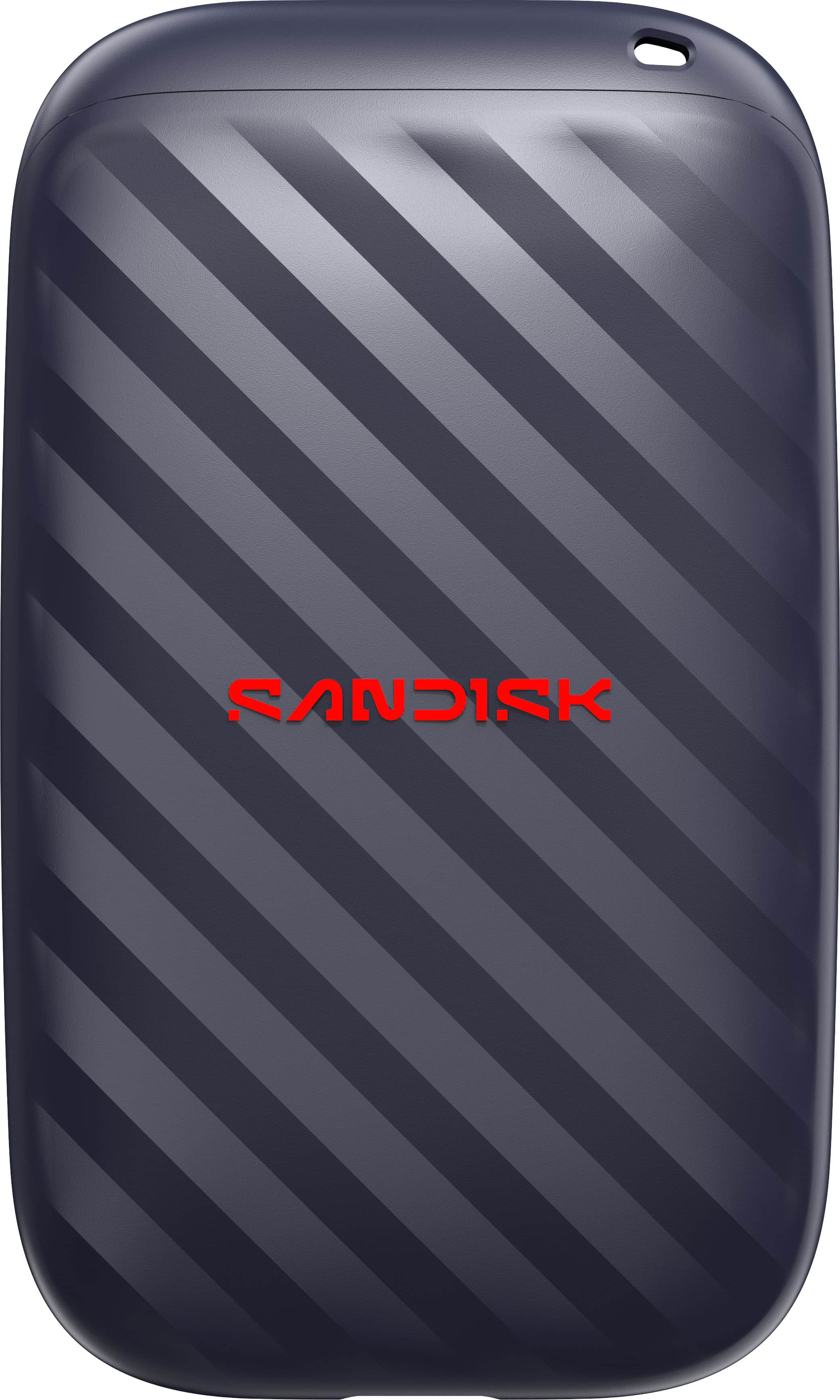
    A black internal SSD delivering fast read/write speeds, shock resistance, and reliable multitasking performance for computers.

    A black internal SSD delivering fast read/write speeds, shock resistance, and reliable multitasking performance for computers.

    (7)
    $190.58 Your price for this item is $190.58
  2. 2

    About this product

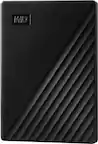
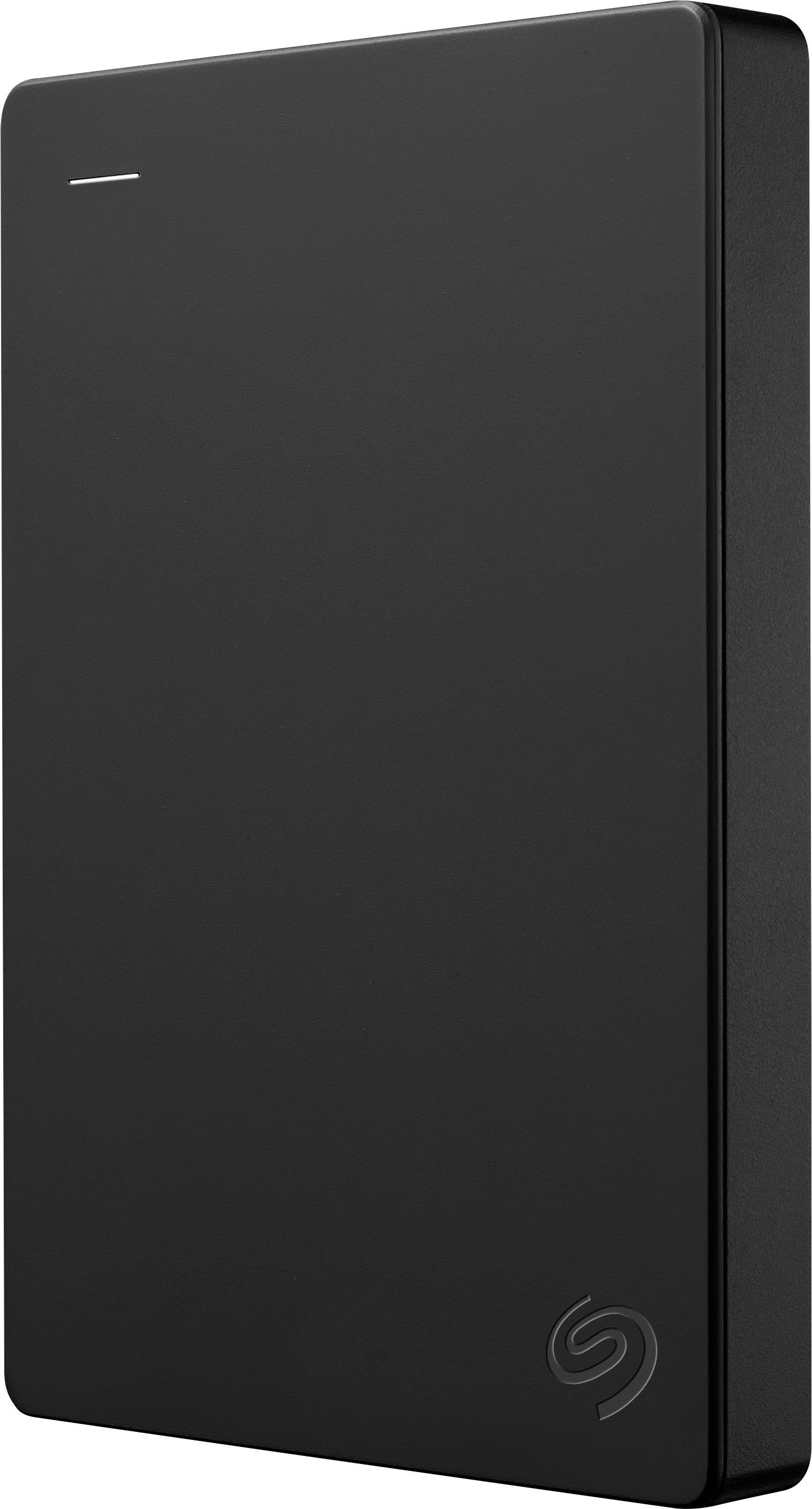
    A durable black external SSD with USB Type-C, 600MB/s read speeds, and 2-meter drop protection.

    A durable black external SSD with USB Type-C, 600MB/s read speeds, and 2-meter drop protection.

    What customers like

    • Durable, rugged construction with drop protection
    • Compact, lightweight, and highly portable design
    • Simple plug-and-play setup with broad device compatibility
    • Good value with generous 1TB storage
    • Fast transfer and read/write speeds
    (53)
    $128.99
    SAVE $31.00
    Your price for this item is $128.99
  3. 3

    About this product

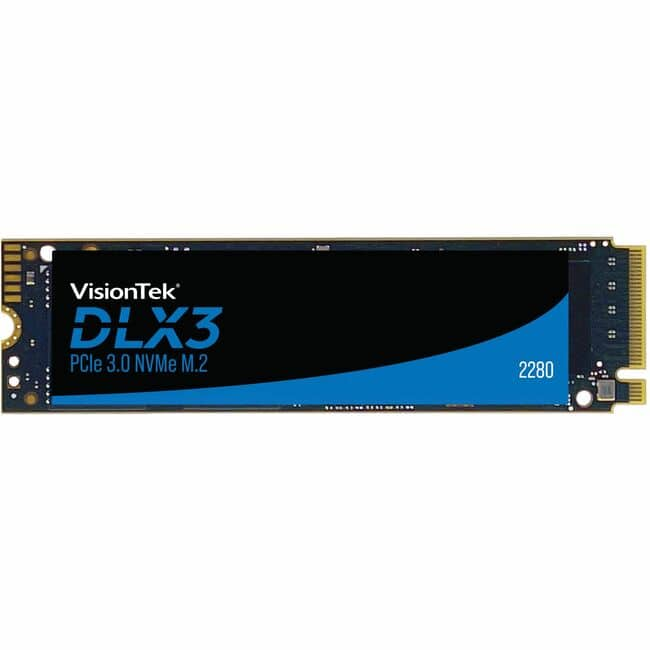
    An ultra-fast M.2 NVMe SSD offering 512GB storage, superior reliability, and efficient power performance.

    An ultra-fast M.2 NVMe SSD offering 512GB storage, superior reliability, and efficient power performance.

    (0)
    $264.33
    SAVE $13.22
    Your price for this item is $264.33
  4. 4

    About this product

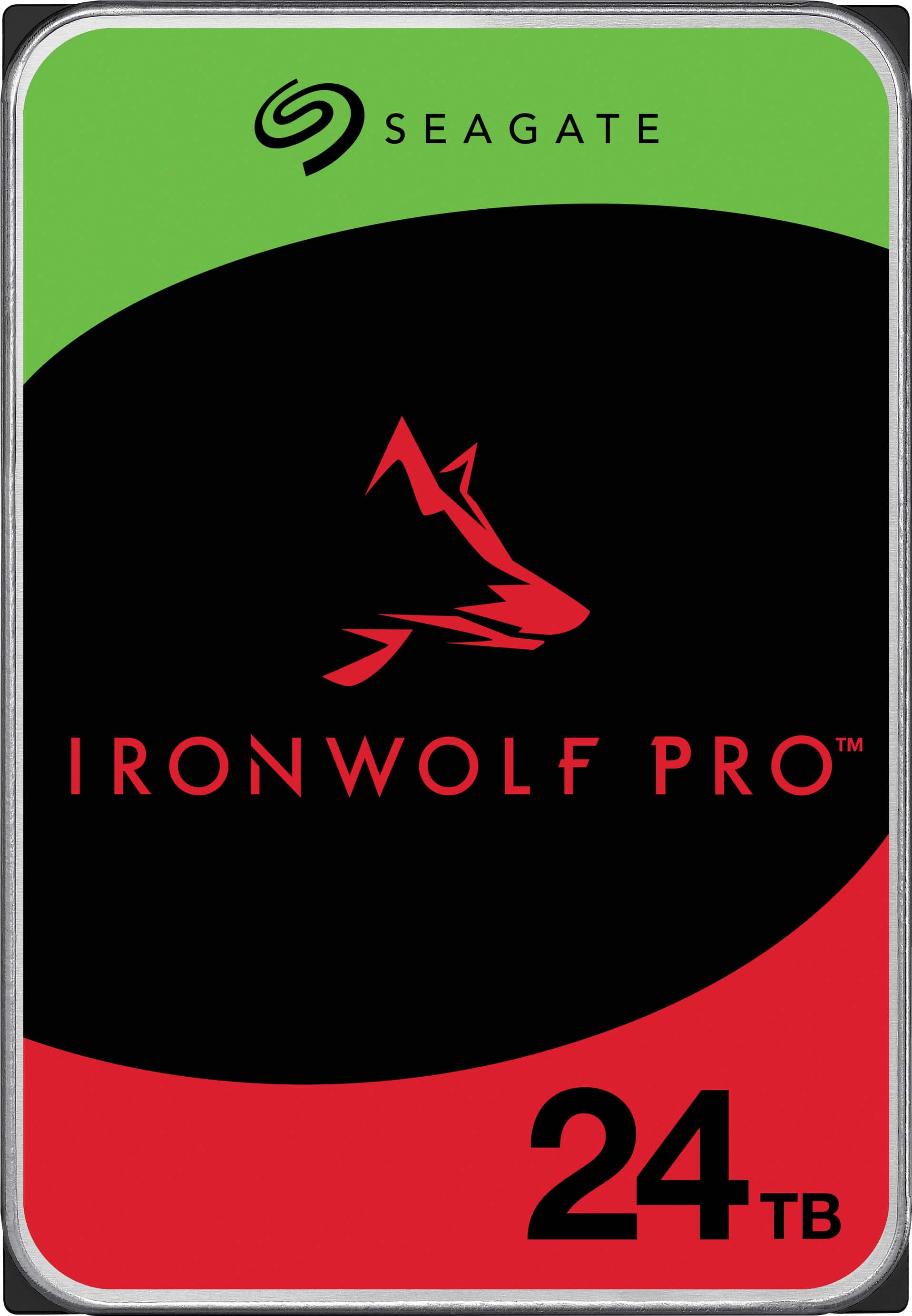
    A high-performance red internal NAS hard drive with 24TB capacity, 7200 RPM, and data recovery services.

    A high-performance red internal NAS hard drive with 24TB capacity, 7200 RPM, and data recovery services.

    (11)
    $1,059.99 Your price for this item is $1,059.99
  5. 5

    About this product

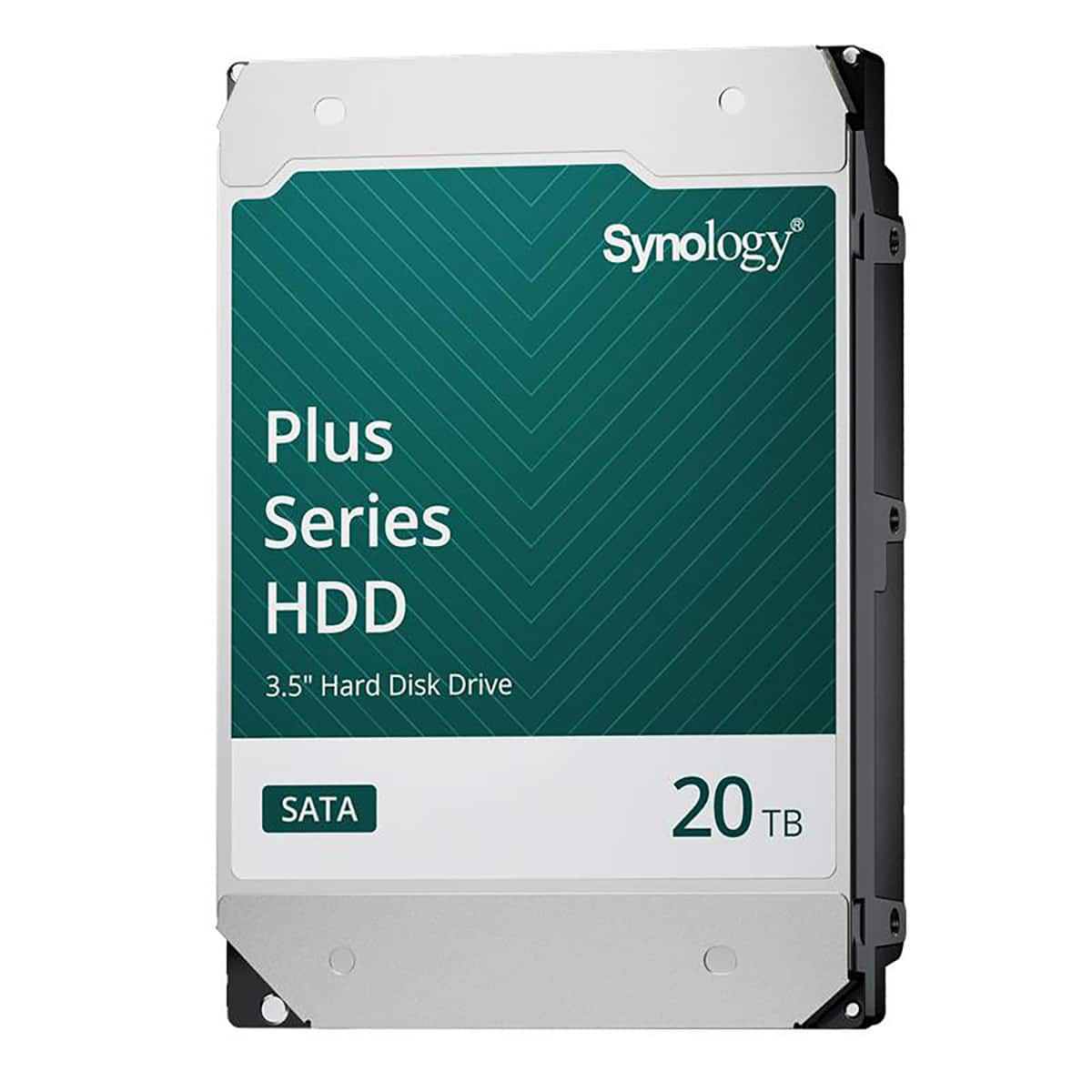
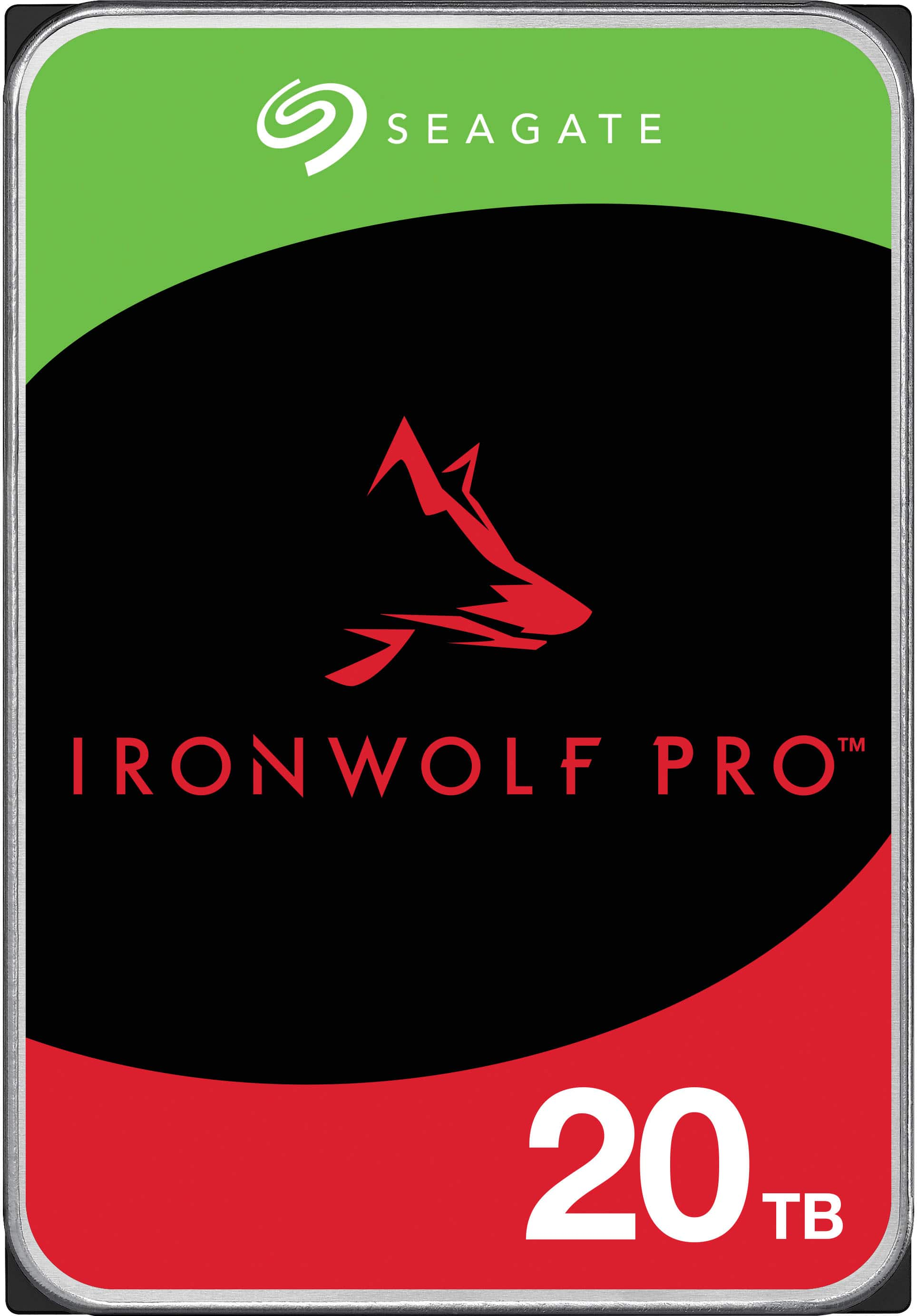
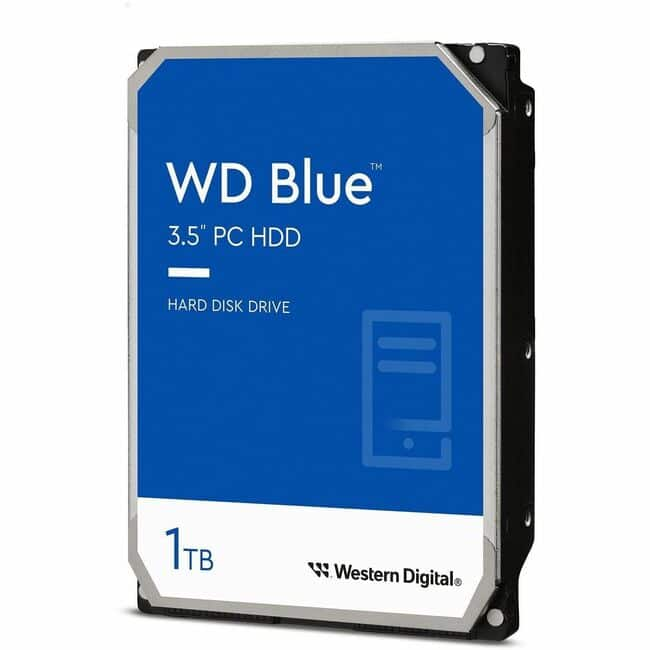
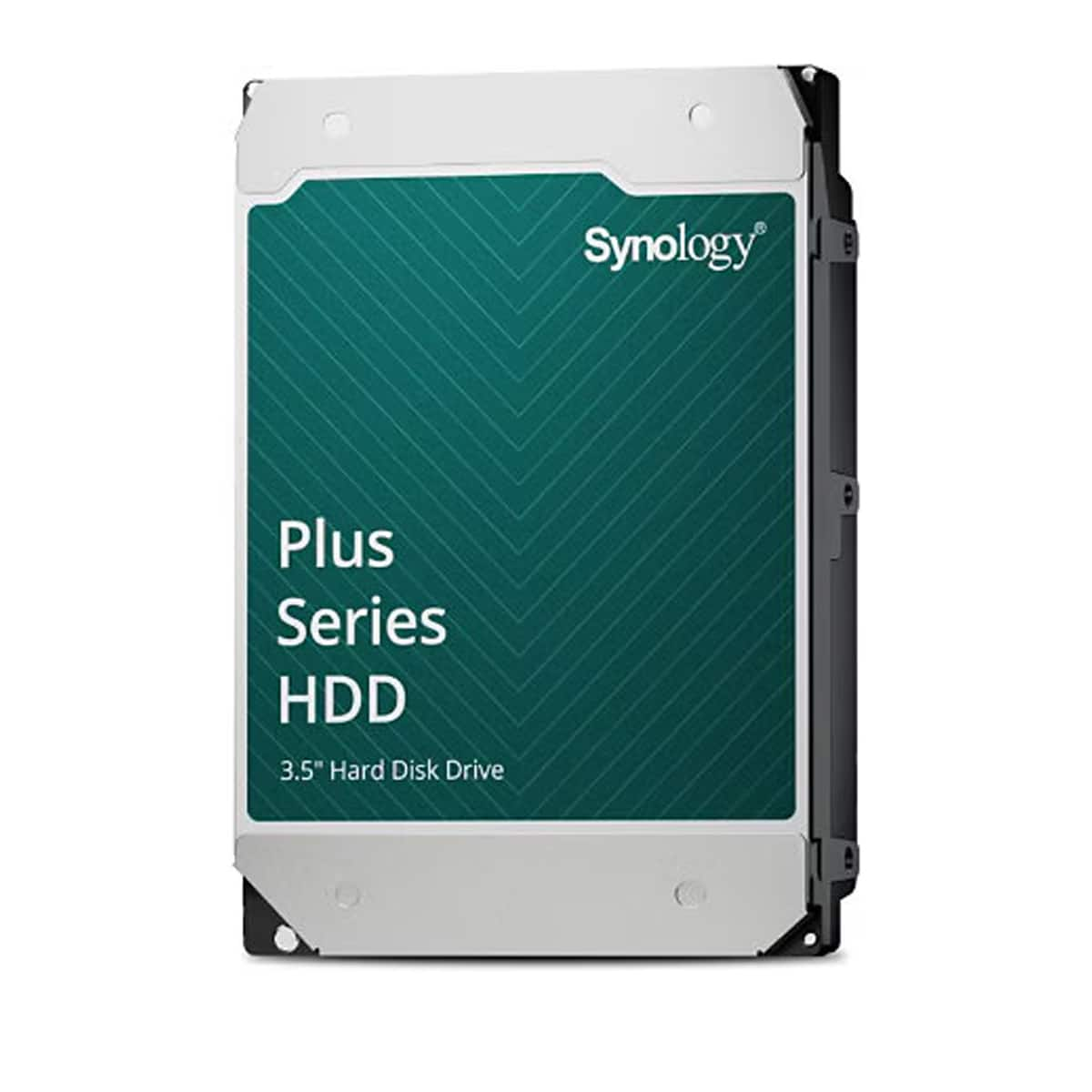
    An internal 20TB SATA III hard drive with CMR recording, 24/7 reliability, and DSM firmware updates.

    An internal 20TB SATA III hard drive with CMR recording, 24/7 reliability, and DSM firmware updates.

    (1)
    $919.71 Your price for this item is $919.71
  6. 6

    About this product

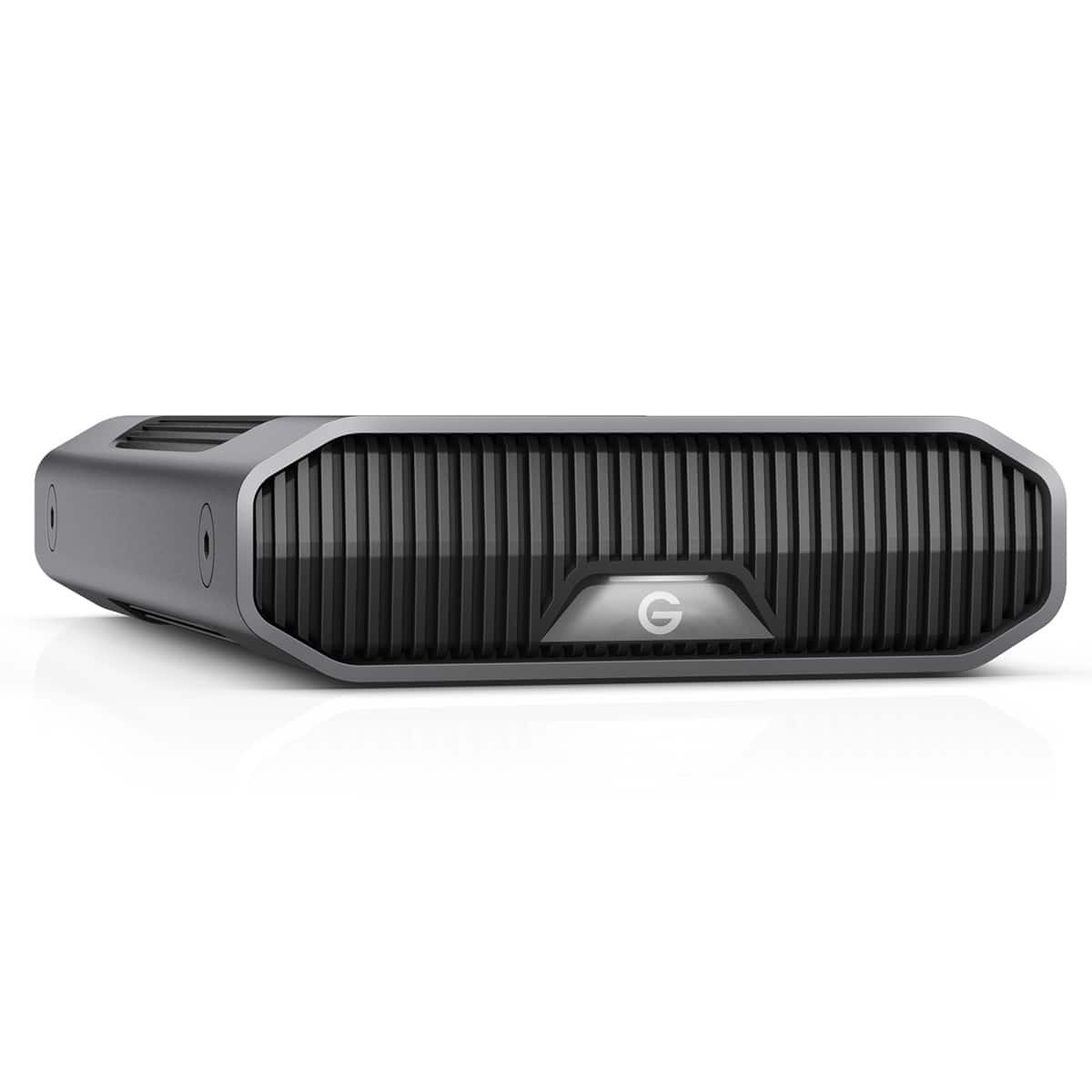
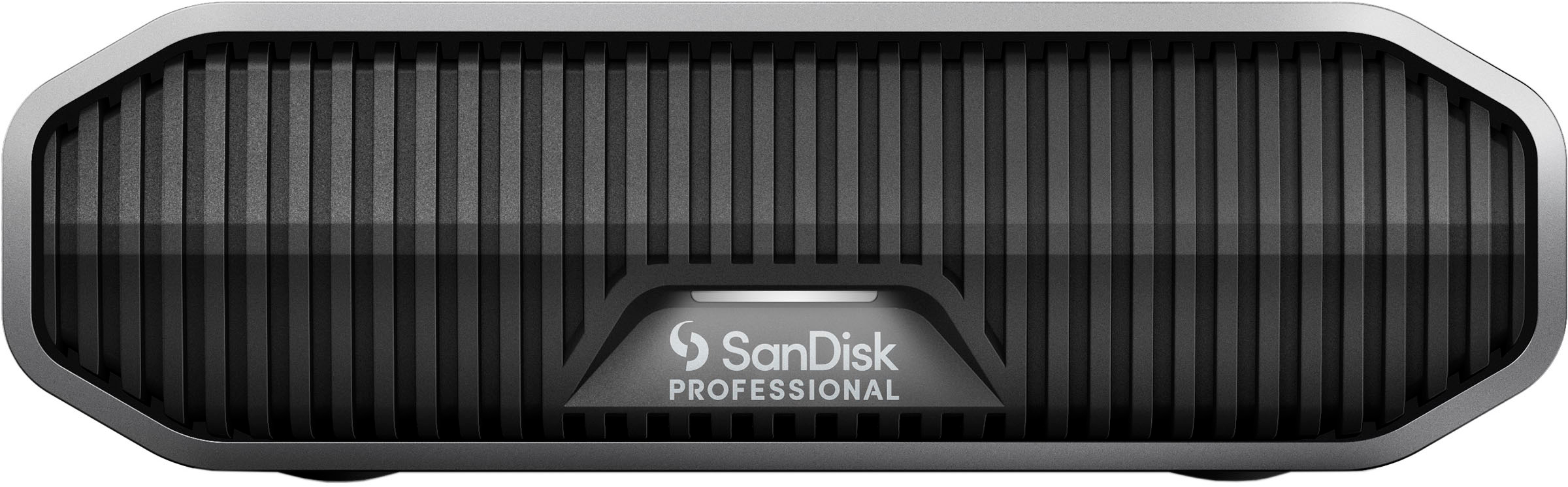
    An enterprise-class external hard drive with USB-C 10Gbps, 7200RPM performance, aluminum enclosure, and Space Gray finish.

    An enterprise-class external hard drive with USB-C 10Gbps, 7200RPM performance, aluminum enclosure, and Space Gray finish.

    (1)
    $1,499.99 Your price for this item is $1,499.99
  7. 7

    About this product

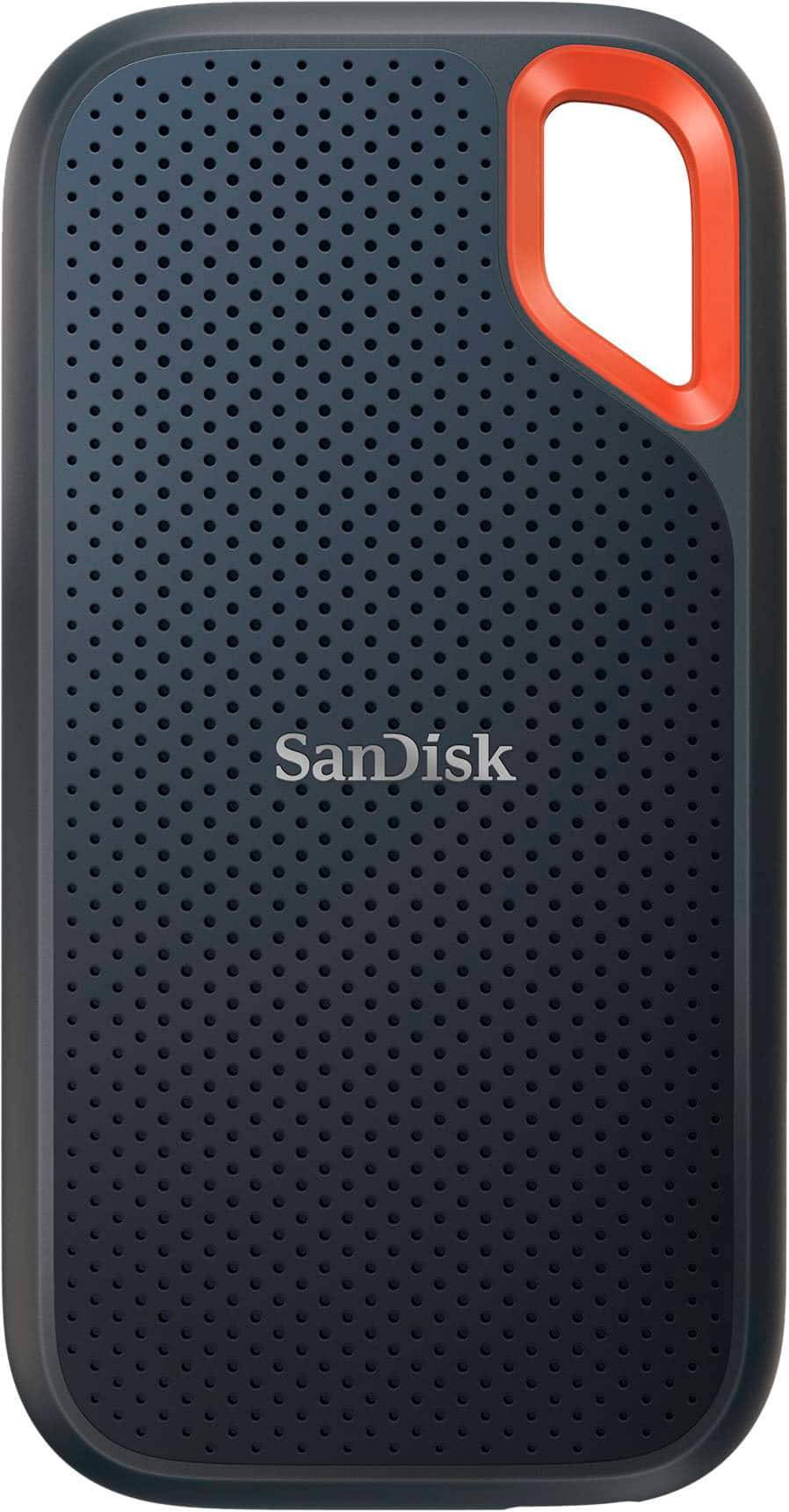
    A rugged black portable SSD offering fast USB-C NVMe performance with water, dust, and drop protection.

    A rugged black portable SSD offering fast USB-C NVMe performance with water, dust, and drop protection.

    What customers like

    • Rugged, durable, and water/dust resistant design
    • Versatile compatibility with multiple devices and platforms
    • Compact, lightweight, and highly portable
    • Reliable performance and trusted brand
    • Fast transfer and read/write speeds
    (2,136)
    $237.99 Your price for this item is $237.99
  8. 8

    About this product

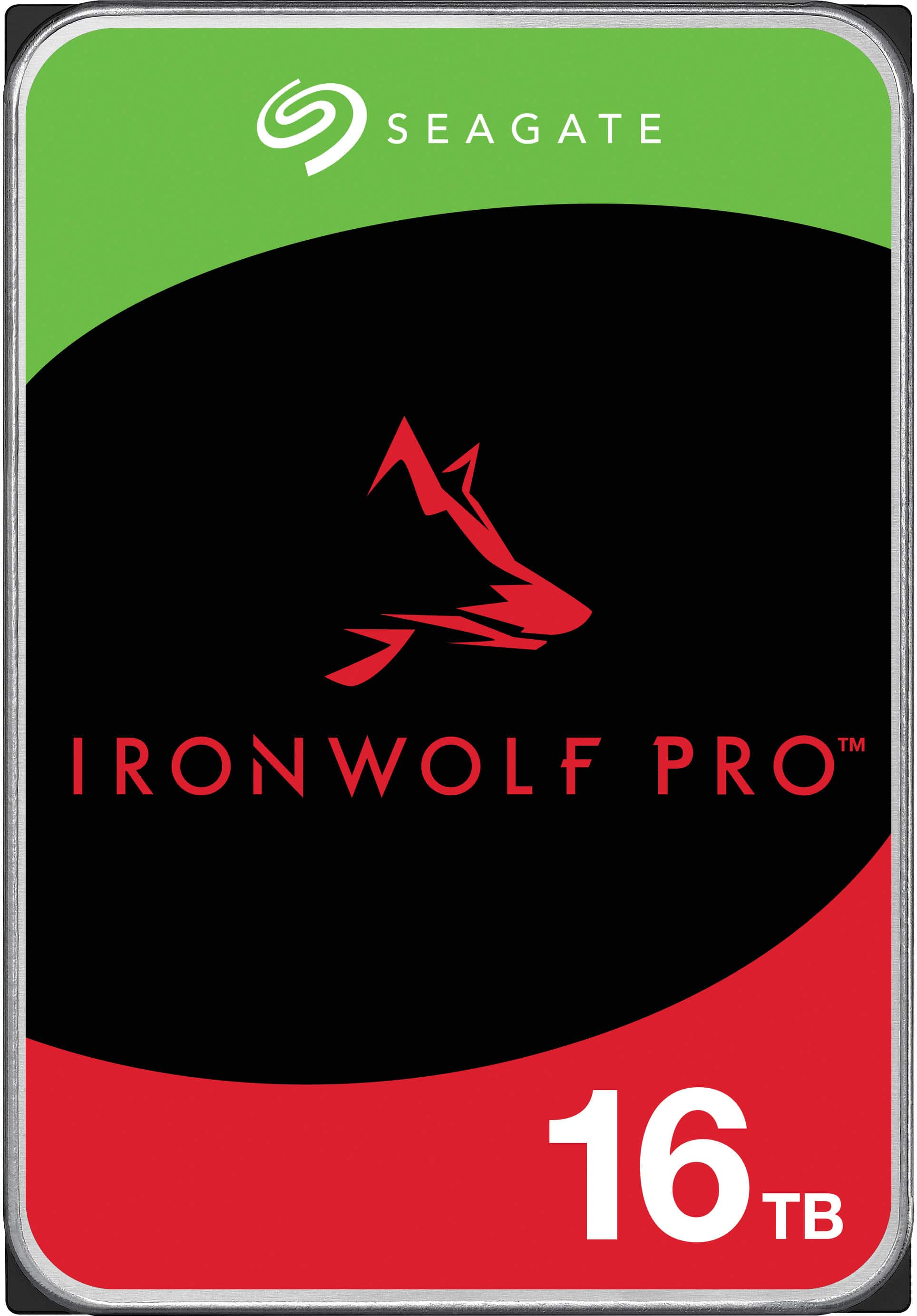
    A high-performance red internal NAS hard drive with 16TB capacity, 7200 RPM, and data recovery services.

    A high-performance red internal NAS hard drive with 16TB capacity, 7200 RPM, and data recovery services.

    What customers like

    • High reliability
    • Excellent performance
    • Great compatibility
    (19)
    $589.99
    SAVE $139.01
    Your price for this item is $589.99
  9. 9

    About this product

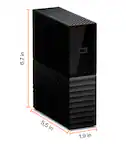
    A high-performance black external hard drive with 6TB capacity, USB-C 3.2 Gen2, and durable aluminum enclosure.

    A high-performance black external hard drive with 6TB capacity, USB-C 3.2 Gen2, and durable aluminum enclosure.

    (34)
    $529.99 Your price for this item is $529.99
  10. 10

    About this product

    A high-capacity 18TB external hard drive with USB-C 3.2 Gen2, 7200RPM, and durable black aluminum enclosure.

    A high-capacity 18TB external hard drive with USB-C 3.2 Gen2, 7200RPM, and durable black aluminum enclosure.

    (10)
    $909.99 Your price for this item is $909.99

Top Rated Drives

Top-rated drives are computer storage devices that earn strong customer feedback for uses such as saving documents, expanding game libraries, transferring files, and backing up photos and videos. The category includes solid-state drives, hard disk drives, and USB flash drives, with internal and external designs serving different needs. Solid-state drives, often called SSDs, use flash memory rather than spinning disks and generally offer faster access to files than mechanical hard drives. That responsiveness can make a difference when starting a computer, opening large creative projects, or loading compatible games. Hard disk drives, or HDDs, use rotating magnetic platters and remain useful for spacious document archives, media collections, and scheduled backups. USB flash drives offer a compact way to carry presentations, share files, or keep a small set of documents close at hand. Internal drives fit inside compatible computers, while external drives connect through an accessible port and keep storage separate from the computer itself. A student moving between a dorm room and a computer lab may value a pocket-size drive, while a photographer working with thousands of image files may need room for both original captures and edited copies. Capacity is only part of that picture. A library of text documents has very different storage demands from high-resolution video footage, and room for future projects helps prevent constant file shuffling. Advertised capacity may also differ from the usable space shown by an operating system because of measurement methods, formatting, and reserved storage. Performance depends on the task as well as the drive: opening many small files, copying a single large video, and running an application place different demands on storage. Peak transfer ratings do not necessarily describe sustained performance during a long transfer. The computer, connection, cable, and source drive can all limit the speed of a file copy, so the fastest specification on the package is not always the speed experienced in everyday use.

Compatibility gives a drive its practical value, particularly when the goal is an internal upgrade rather than an external place to save files. An internal drive must match the computer’s supported physical size, interface, and installation requirements. A 2.5-inch SATA drive, a 3.5-inch desktop hard drive, and an M.2 SSD are not interchangeable simply because they all store data. M.2 describes a physical form factor, while SATA and NVMe refer to different storage technologies; the slot, supported drive length, and computer specifications determine what fits and functions correctly. Available mounting space, screws, power connections, and clearance for a heatsink may also matter. External storage involves fewer installation steps, but the port still deserves attention. USB-C describes the connector shape, not a guaranteed transfer speed, and both the drive and the host device must support the relevant connection standard to reach its potential. A suitable cable matters, too. Some portable drives draw power through their data cable, while larger desktop designs may require a separate power adapter and a stable place near an outlet. Tablets, phones, and gaming systems can have additional requirements involving power, formatting, capacity, or supported uses. For example, a compatible external drive may hold certain game files without being able to run every game directly from that drive. File-system compatibility also affects whether different operating systems can read and write the same storage device. Reformatting may resolve some compatibility issues, but it erases existing contents, making a separate copy essential before proceeding. Password protection and hardware encryption can be useful for personal records or work files, provided recovery information is kept securely. Customer ratings add another layer of context when reviews describe the same device type and workload. Reports about straightforward setup, long file transfers, connection stability, or everyday portability are more informative when they resemble the intended use. A high average rating alone does not establish compatibility, guarantee data security, or predict how long an individual drive will last.

Construction and handling help determine how comfortably a drive fits into daily life. External enclosures commonly use plastic, metal, or a combination of materials. Metal can provide a sturdy feel and help dissipate heat, while a lightweight plastic housing may suit a drive that travels between home, school, and work. Neither material by itself proves that a drive is waterproof or protected against drops; those capabilities depend on the complete design and any stated testing or protection rating. SSDs have no moving mechanical parts, which can make them well suited to frequent travel, but their connectors and internal electronics still need protection. Mechanical hard drives deserve particular care during operation, when a bump or sudden movement can put their moving components at risk. A padded compartment, an unstressed cable connection, and a dry storage location are sensible habits for portable storage. Desktop drives benefit from a stable surface and unobstructed ventilation. Disconnecting a drive according to the device’s safe-removal procedure helps avoid interrupting a write operation, and checking backup settings periodically helps reveal whether important folders are actually being copied. A backup drive should hold an additional copy rather than become the only location for irreplaceable photos, finished projects, or financial records. Keeping another copy in a separate location adds protection against loss, theft, or damage that could affect a computer and its nearby storage together. For gifting, a drive can be a practical choice for a college student, a family photo keeper, a gamer, or someone learning video editing, but the recipient’s device connections and storage needs should shape the selection. Shoppers who prioritize straightforward setup and everyday file transfers can also explore Easy Drives for related storage options. Whether the priority is a tidy desktop archive, a responsive internal upgrade, or a portable project library, the most useful drive balances capacity, compatibility, durability, and performance with the way its owner actually saves and uses files.

FAQs