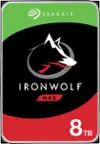
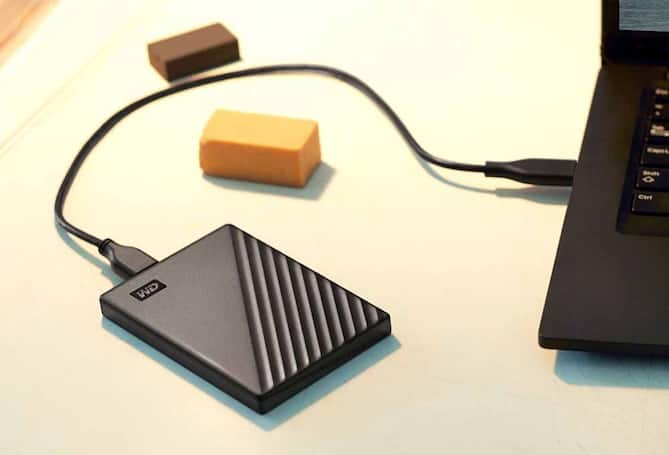
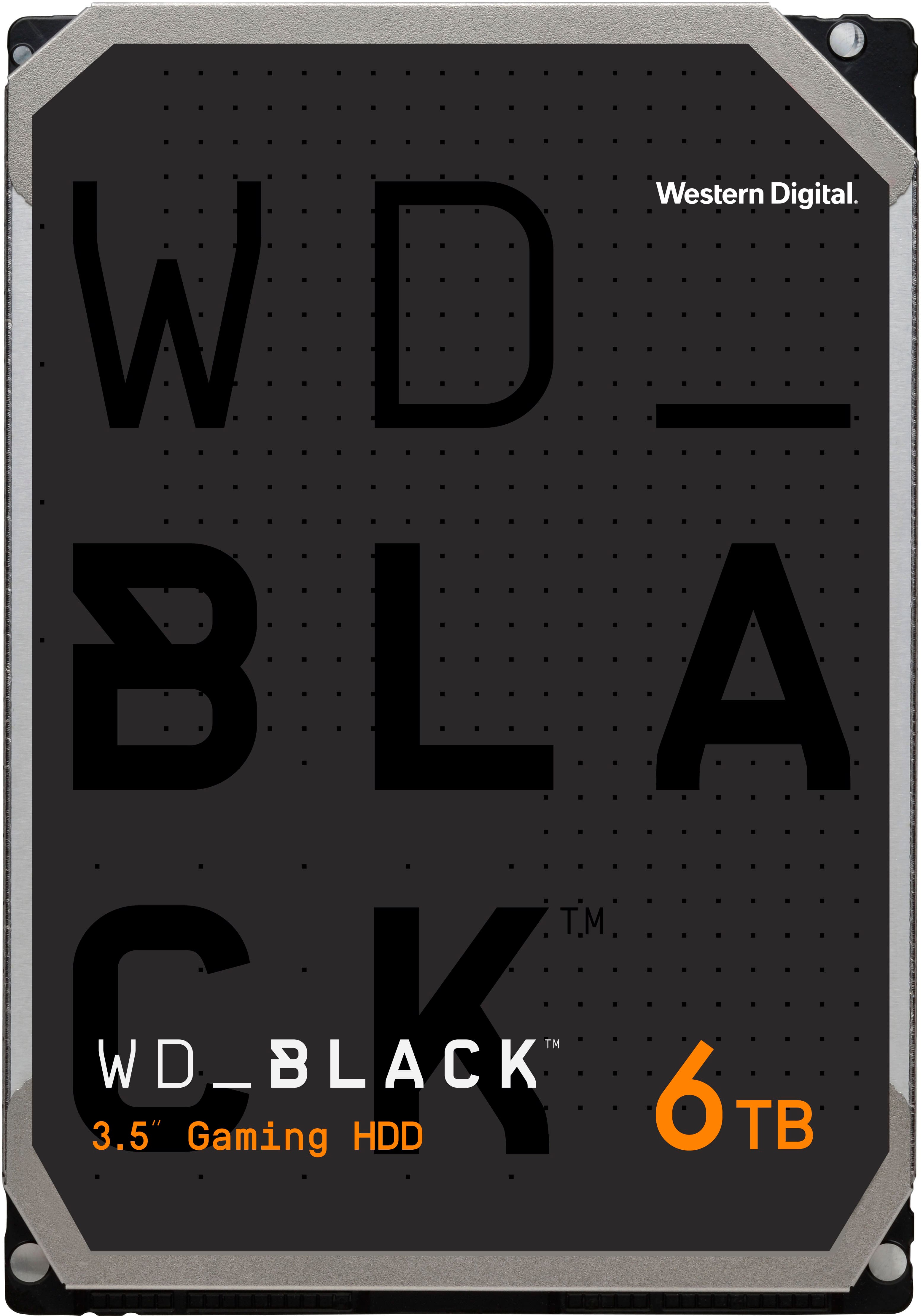
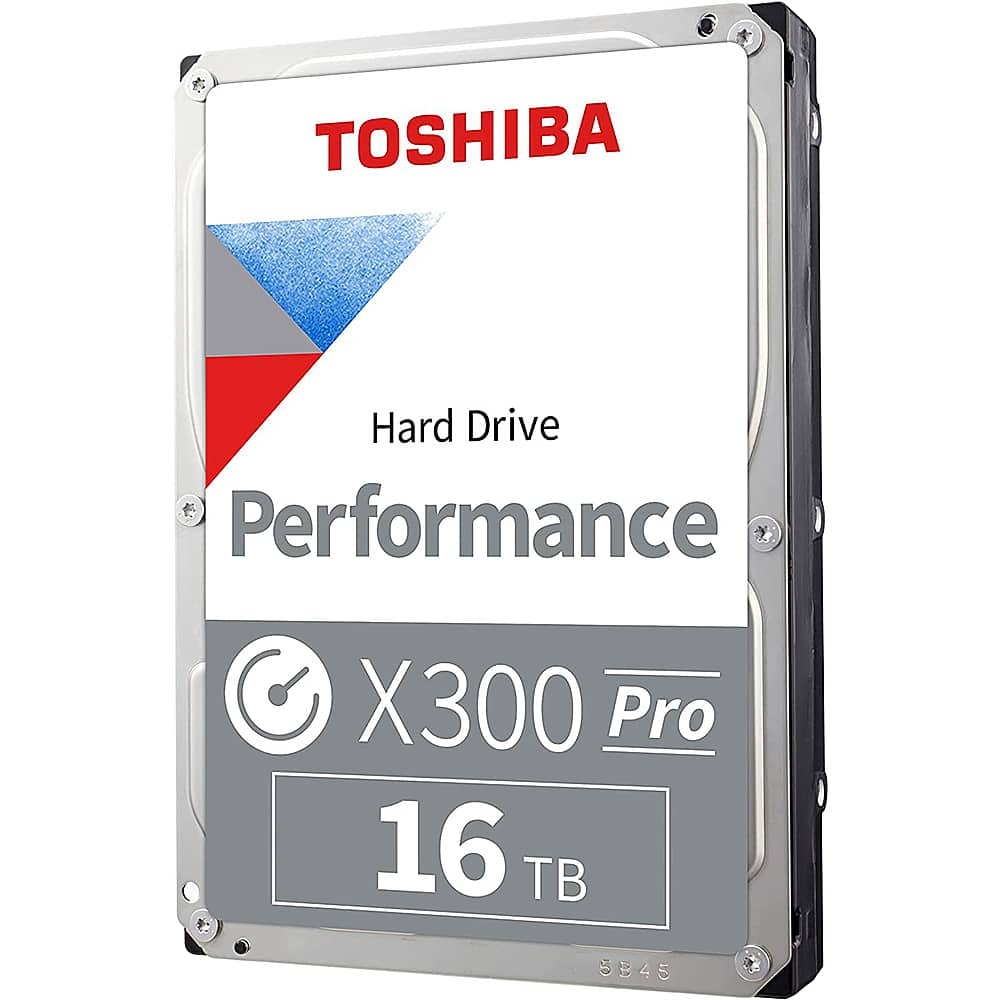
Top Rated Hard Drives
Browse top-rated hard drives for backing up important files, storing photos and videos, or expanding your computer’s storage. Compare storage capacity, device compatibility, and connection requirements to narrow your options, then read customer reviews for insight into everyday performance and ease of use.
What to look for in top-rated hard drives
Compare storage capacity, performance, compatibility, and reliability to find a hard drive that fits your storage and backup needs.
1. Storage Capacity
2. Drive Performance
3. Compatibility and Connection
4. Reliability and Reviews
-
1
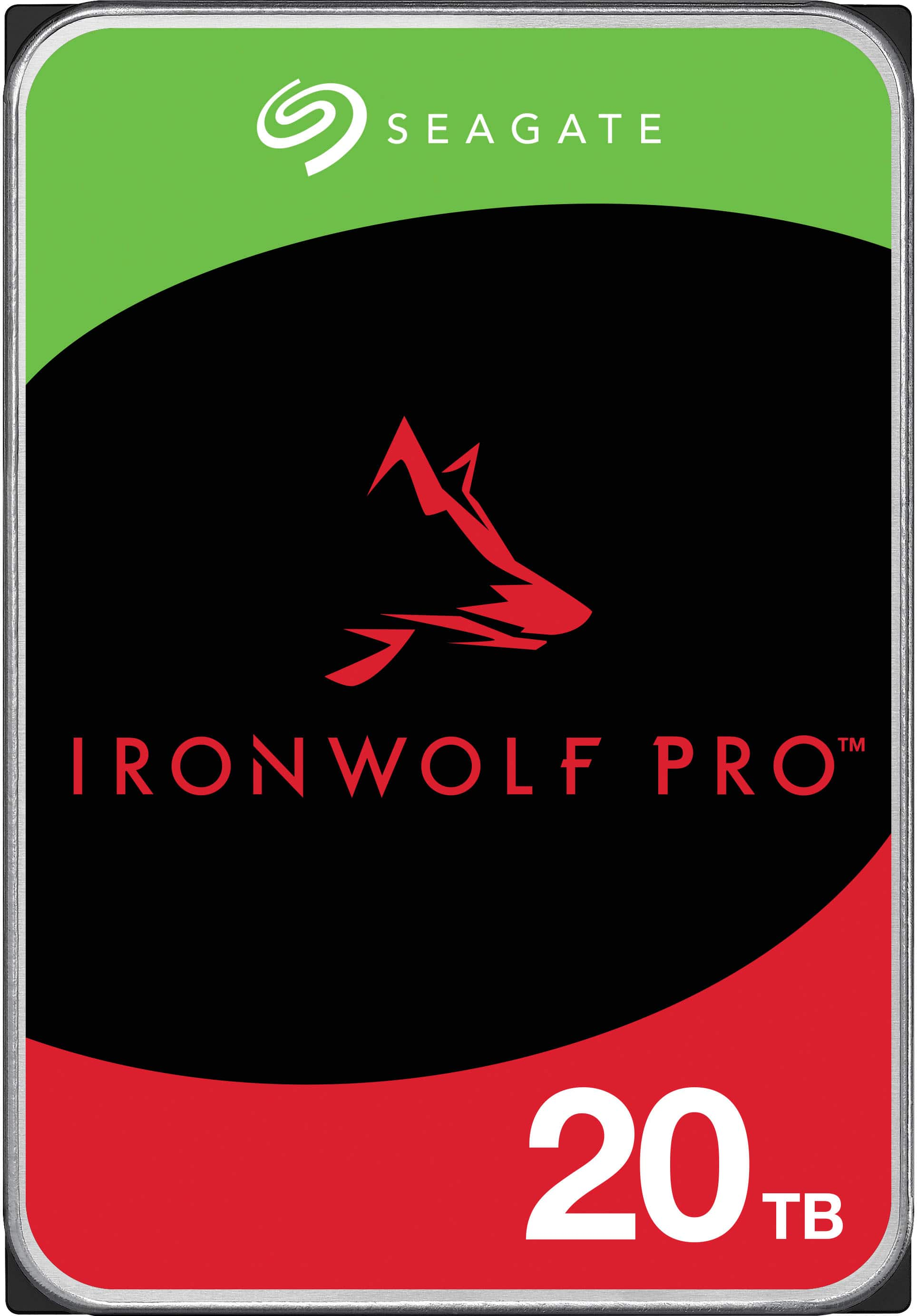
Seagate - IronWolf Pro 20TB NAS Internal Hard Drive with Rescue Data Recovery Services
About this product
An enterprise-grade red internal HDD with 20TB capacity, 7200 RPM, CMR technology, and data recovery services.
What customers like
(35)$879.99 Your price for this item is $879.99 -
2
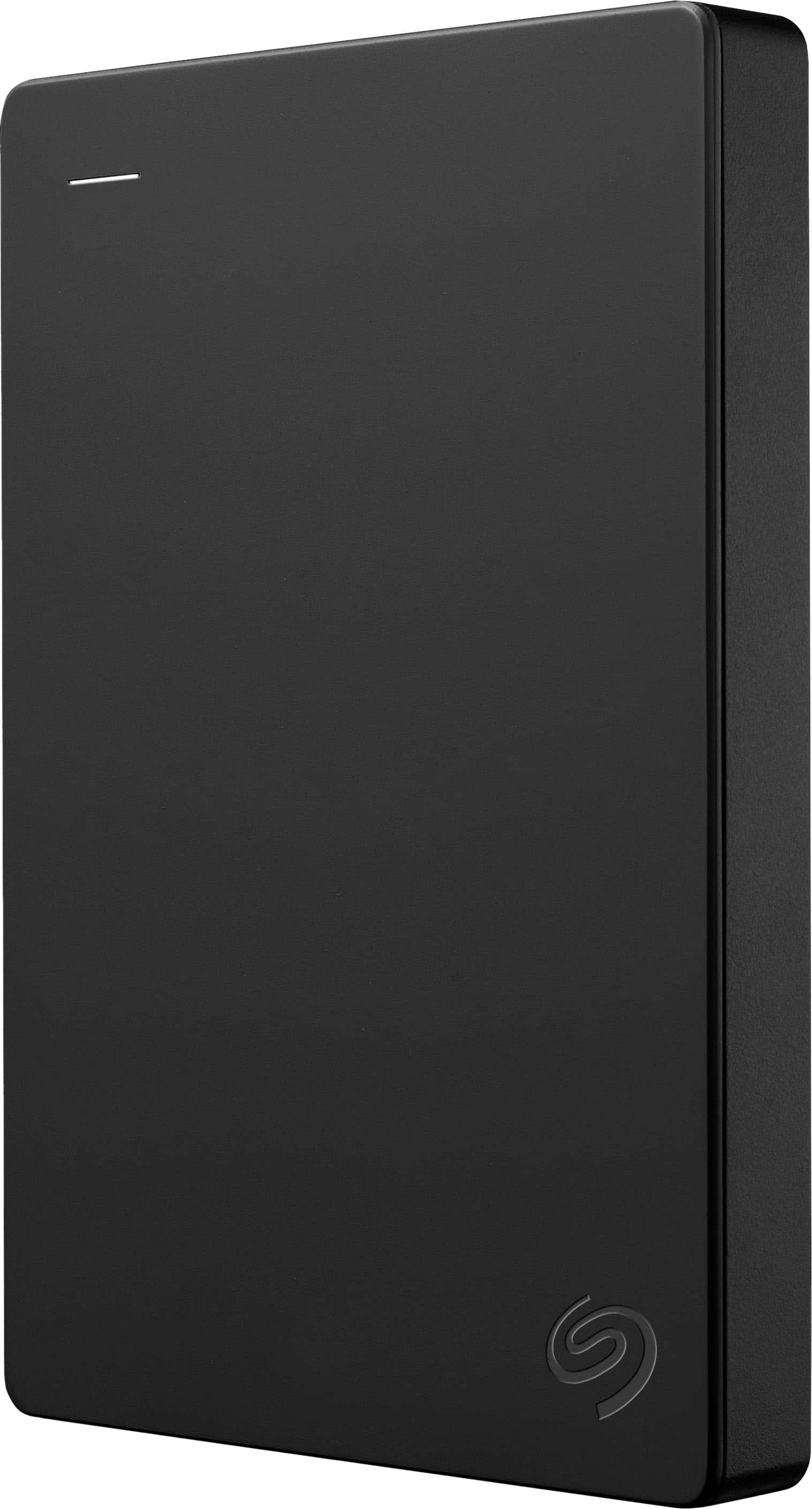
Seagate - 1TB External USB 3.0 Portable Hard Drive with Rescue Data Recovery Services - Black
About this product
A portable black external hard drive offering 1TB storage, fast USB 3.0 transfers, and data recovery services.
What customers like
(55)$119.99 Your price for this item is $119.99 -
3
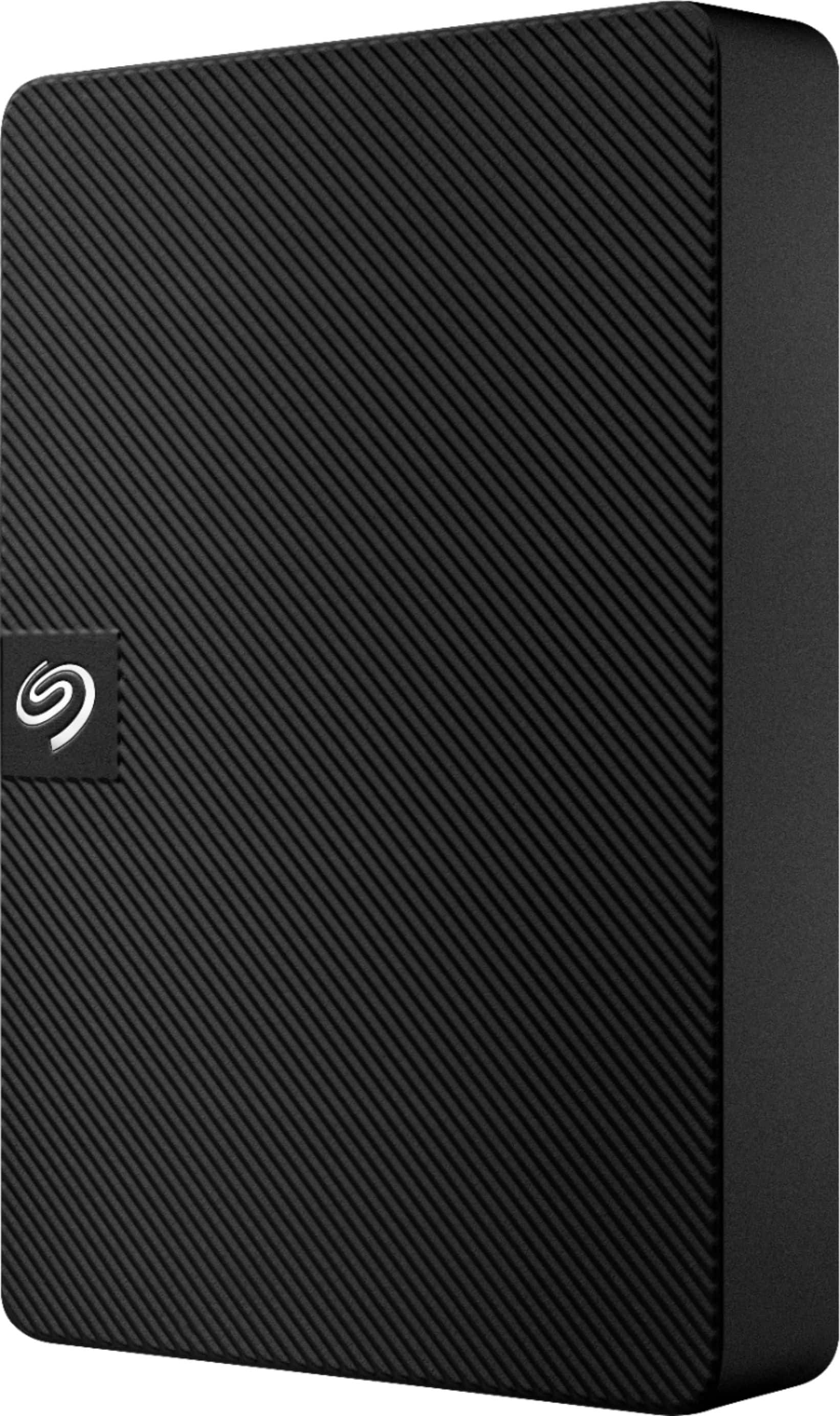
Seagate - Expansion 5TB External USB 3.0 Portable Hard Drive with Rescue Data Recovery Services - Black
About this product
A portable black external hard drive offering 5TB storage, fast USB 3.0 transfers, and data recovery services.
What customers like
(365)$219.99 Your price for this item is $219.99 -
4

Seagate - Barracuda 1TB Internal SATA Hard Drive for Desktops
About this product
A silver internal HDD with SATA 3 connectivity, 7200 RPM speed, and 210MB/sec. transfers.
(60)$263.89Your price for this item is $263.89SAVE $0.25 -
5
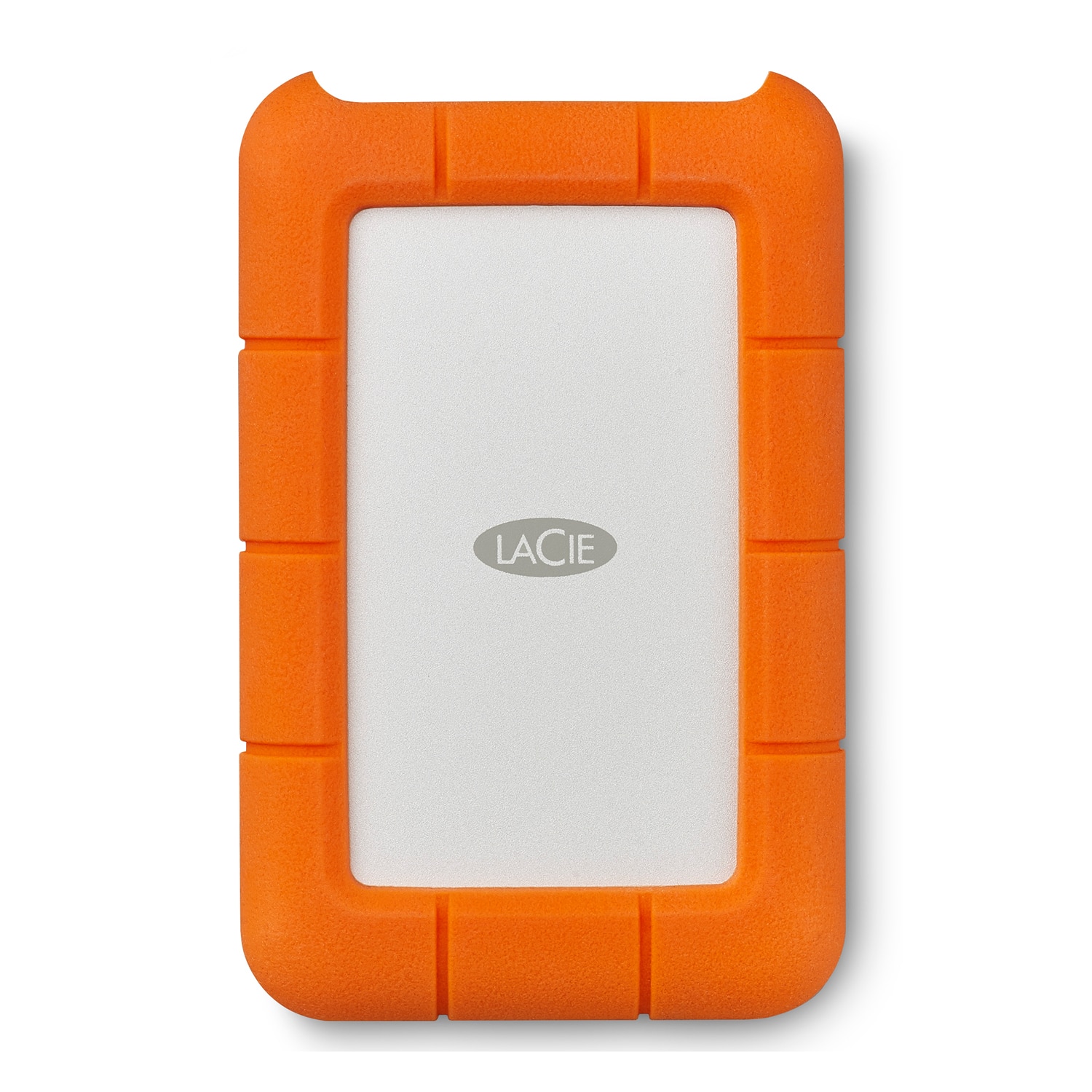
LaCie - Rugged USB-C 5TB HDD AES Encryption Drop Crush/Resistant STFR5000800 - Orange/Silver
About this product
A rugged 5TB external hard drive with USB-C, encryption, password protection, and drop/crush-resistant orange/silver styling.
What customers like
(923)$239.99 Your price for this item is $239.99 -
6
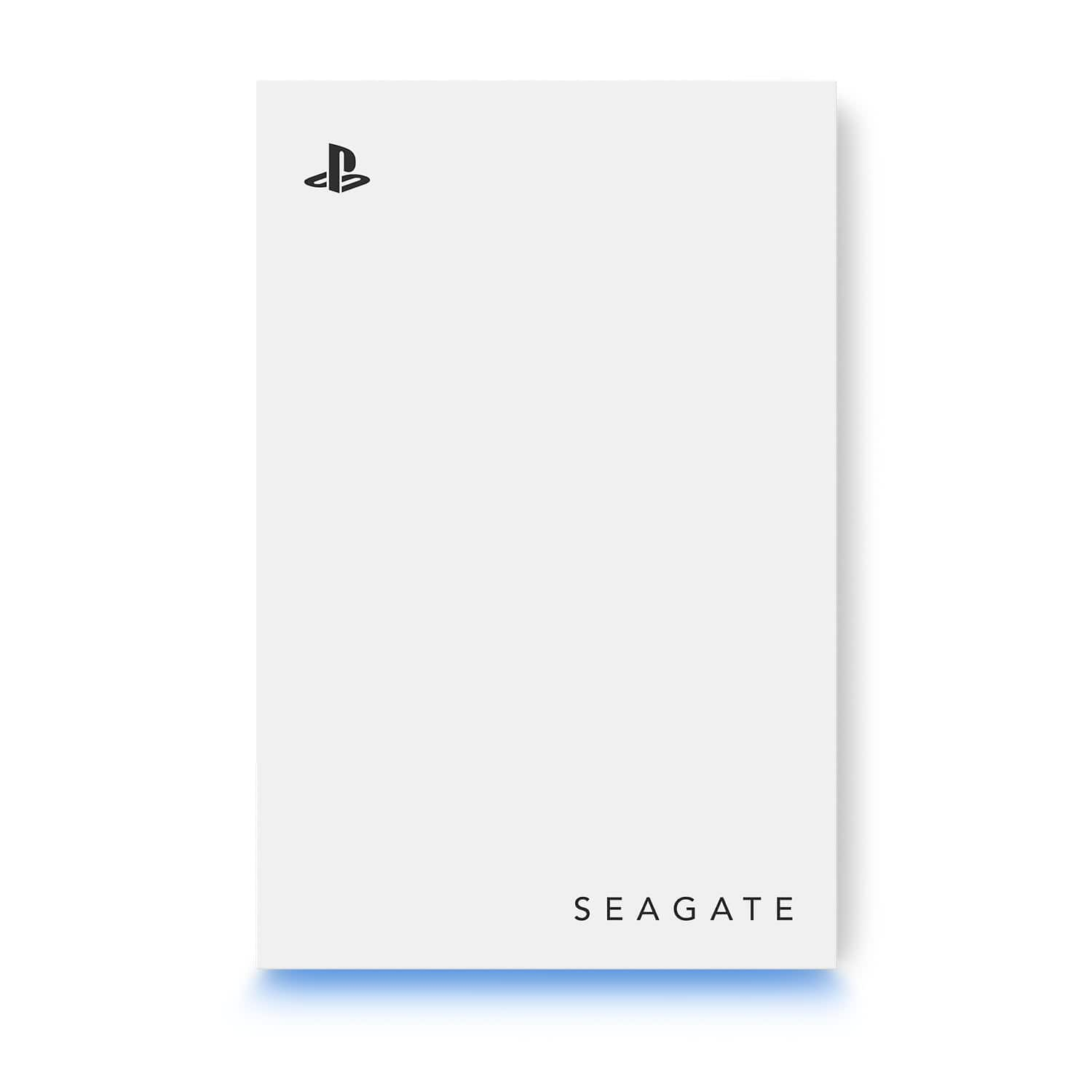
Seagate - Game Drive for PlayStation Consoles 5TB External USB 3.2 Gen 1 Portable Hard Drive with Blue LED Lighting - White
About this product
A white external hard drive with 5TB storage, USB 3.2 connectivity, and blue LED lighting for PlayStation.
What customers like
(567)$239.99 Your price for this item is $239.99 -
7
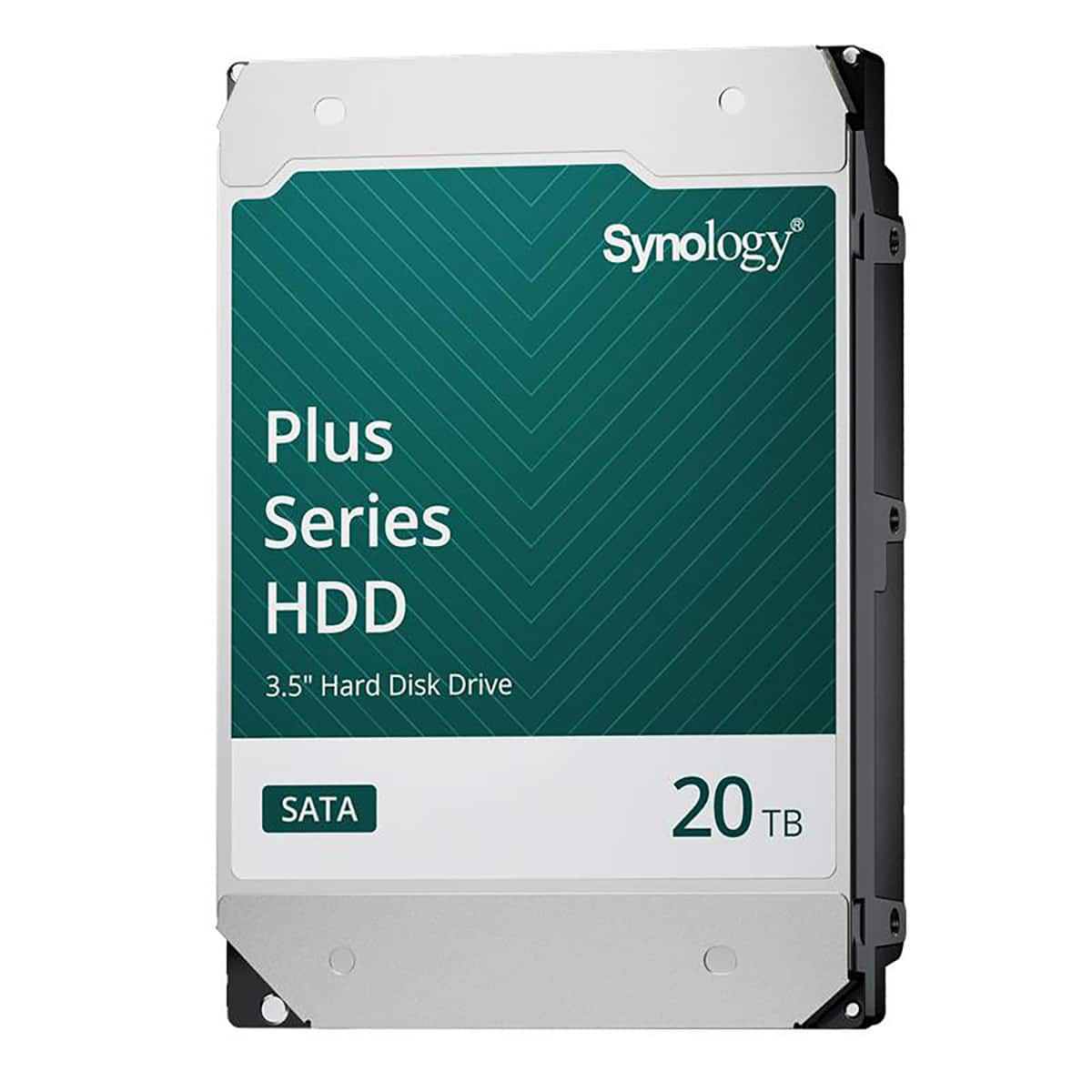
Synology - HAT3320 Plus Series 20TB SATA III 3.5" Internal Hard Drive
About this product
An internal 20TB SATA III hard drive with CMR recording, 24/7 reliability, and DSM firmware updates.
(1)$911.99 Your price for this item is $911.99 -
8
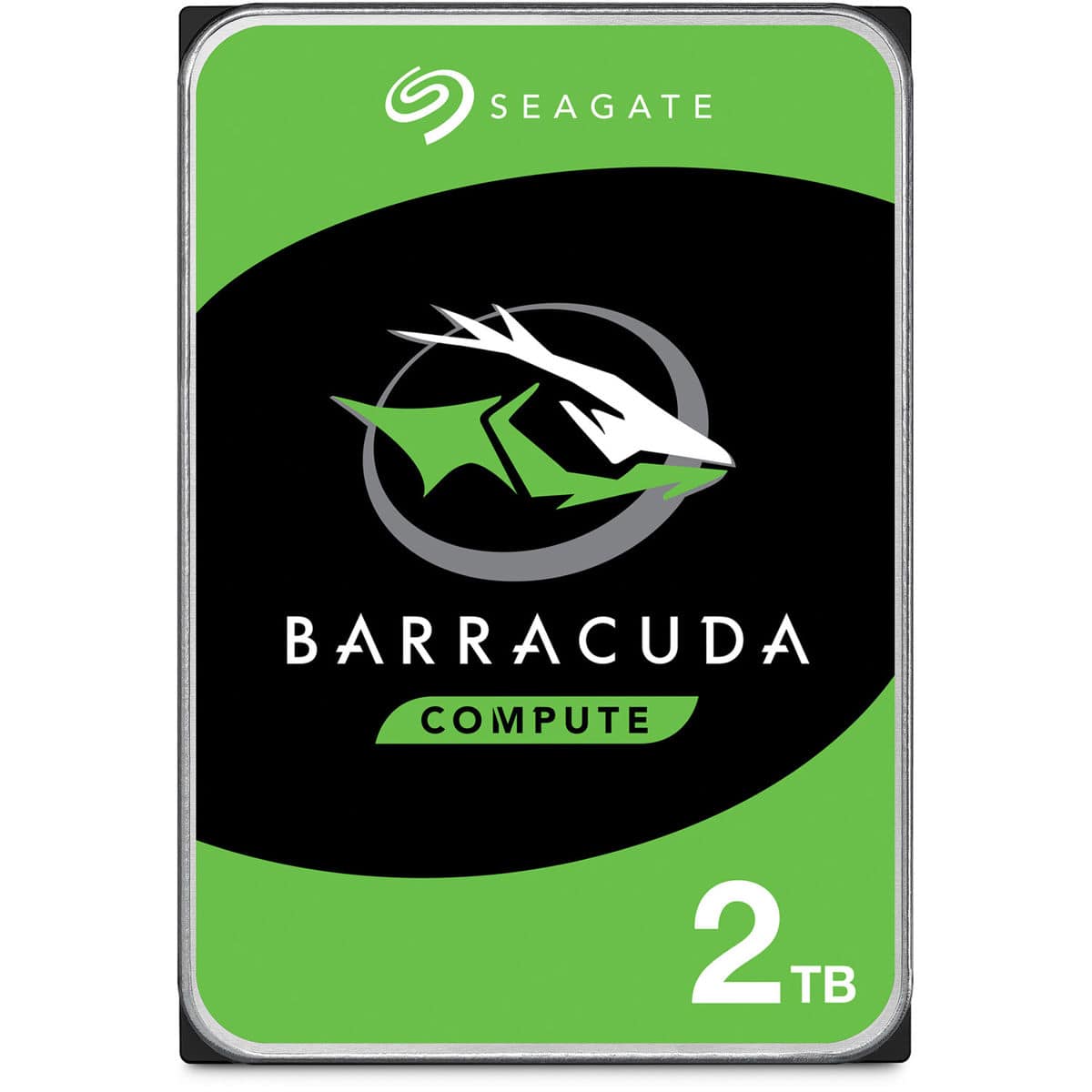
Seagate - BarraCuda 2TB 3.5" Hard Drive, SATA 6Gb/s, 7200 RPM
About this product
A 2TB internal hard disk drive with SATA 6Gb/s connectivity, 7200 RPM performance, and energy-saving modes.
(2)$159.76Your price for this item is $159.76SAVE $0.23 -
9
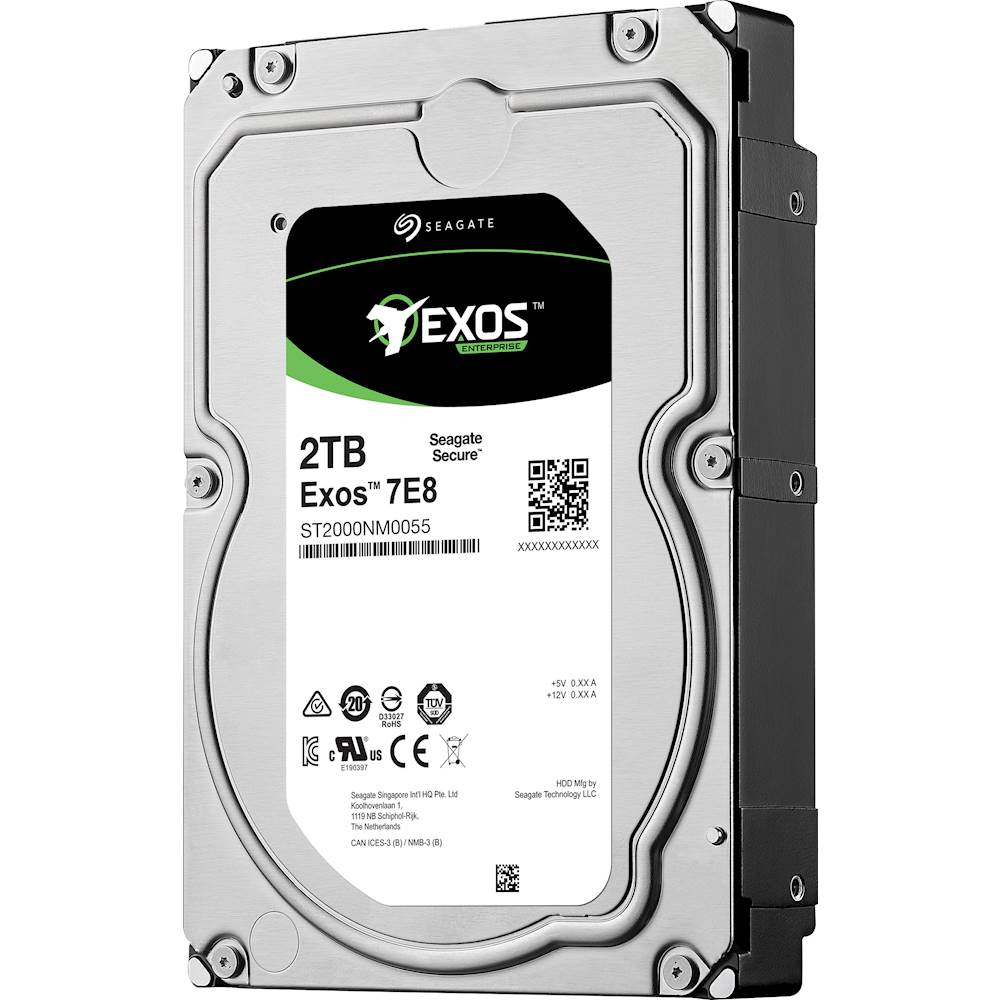
Seagate - Enterprise Capacity 3.5 HDD V.5 2TB Internal SATA Hard Drive for Desktops
About this product
A high-performance internal SATA hard drive in blue, multi, and silver with 2TB capacity and 7200 rpm speed.
(3)$187.02Your price for this item is $187.02SAVE $8.13 -
10
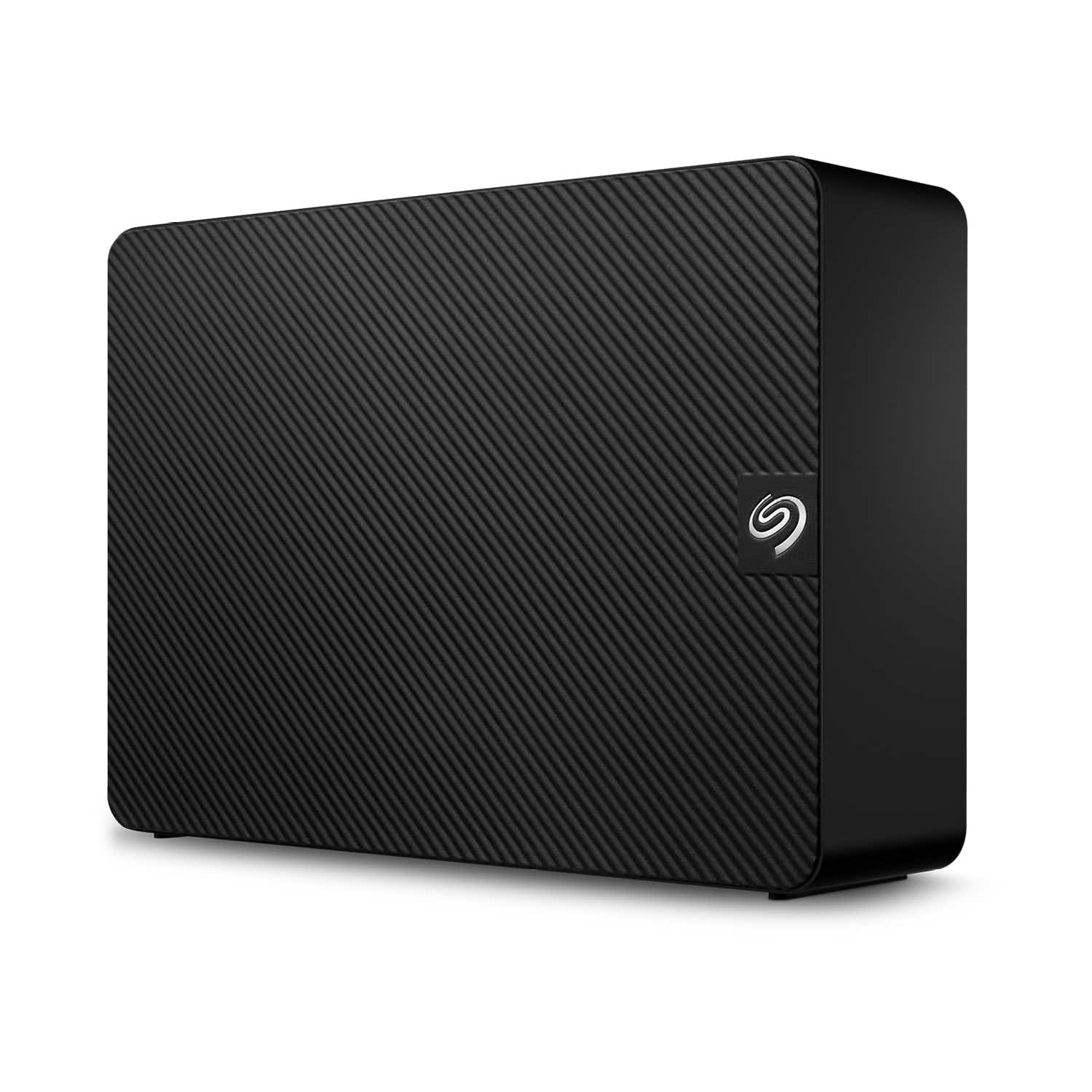
Seagate - Expansion 16TB External USB 3.0 Desktop Hard Drive with Rescue Data Recovery Services - Black
About this product
A high-capacity black external hard drive offering fast USB 3.0 transfers and Rescue Data Recovery Services.
What customers like
(126)$476.99Your price for this item is $476.99SAVE $73.00
Top Rated Hard Drives
FAQs
An internal hard drive is installed inside a computer and connects to its internal hardware. An external hard drive connects through an external port, such as USB, and has its own enclosure. The right type depends on whether you want storage installed in your computer or connected separately.
Hard disk drives, or HDDs, store data magnetically on spinning platters. Solid-state drives, or SSDs, store data on flash memory and have no moving mechanical parts. Both are used to store operating systems, applications and files.
Check both the drive connection and the connections supported by your computer. Internal hard disk drives commonly use SATA, while external drives commonly connect through USB. For external drives, confirm the connector type, such as USB-A or USB-C, as well as the supported connection standard.
An external hard drive can work with both Windows and macOS when its connection and file system are compatible with both. The exFAT file system supports reading and writing on both operating systems. Other file systems may require additional software or offer different access depending on the operating system.
A hard drive enclosure is a housing that lets a compatible internal drive connect externally to a computer. It provides the connection electronics and may use USB or another external interface. Check that the enclosure supports the drive’s interface and the connection you plan to use.