Windows 7 Drives
-
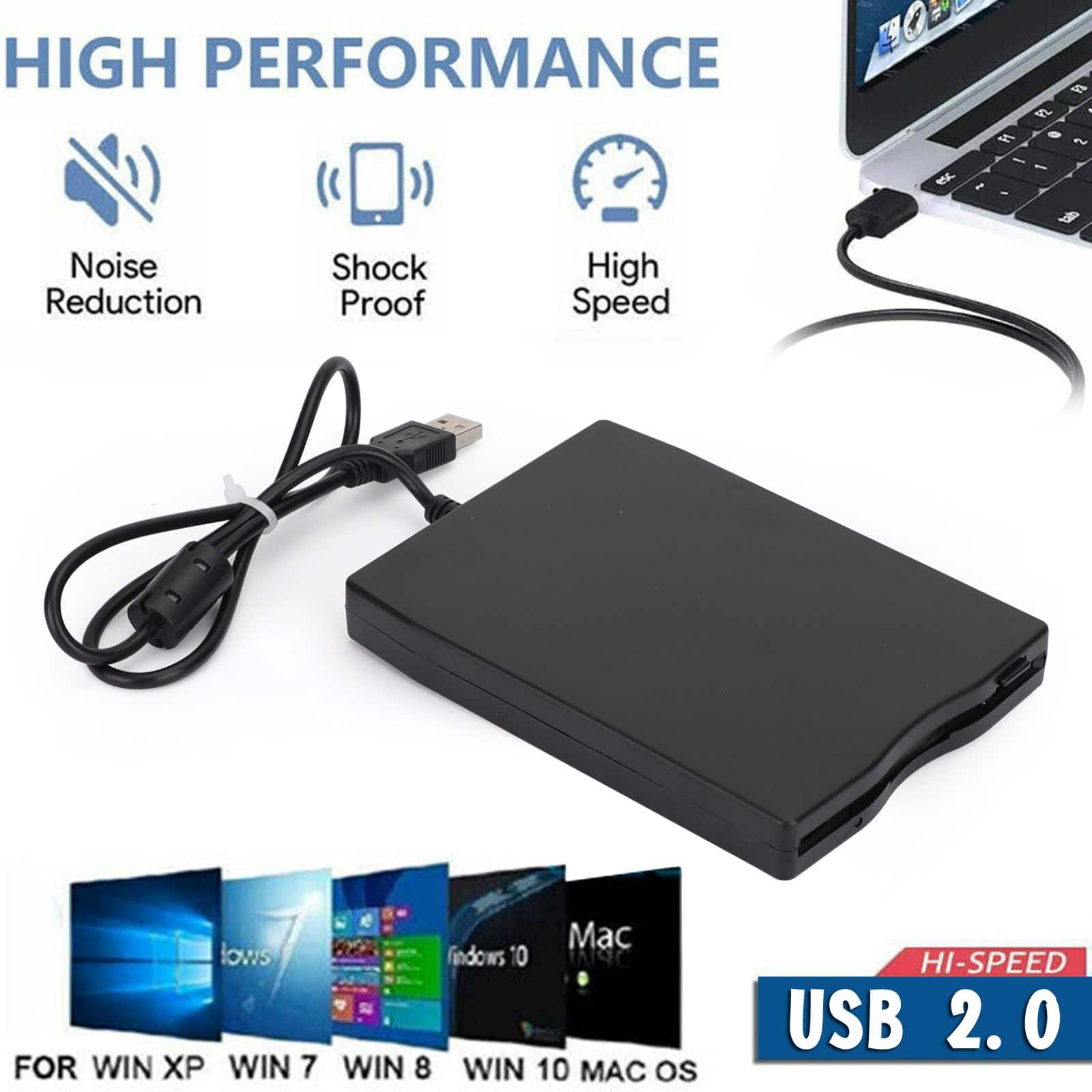
Topteng - USB External Floppy Disk Drive - 3.5" 1.44MB for Laptop/PC, Compatible with Windows 10/8/7 & Mac OS
SKU: J3R9F7Y66WIt works great.
See all External DVD DrivesProduct Description
A slim, plug-and-play USB floppy drive in durable plastic for accessing 3.5" disks on Windows or Mac.Your price for this item is $27.99 -
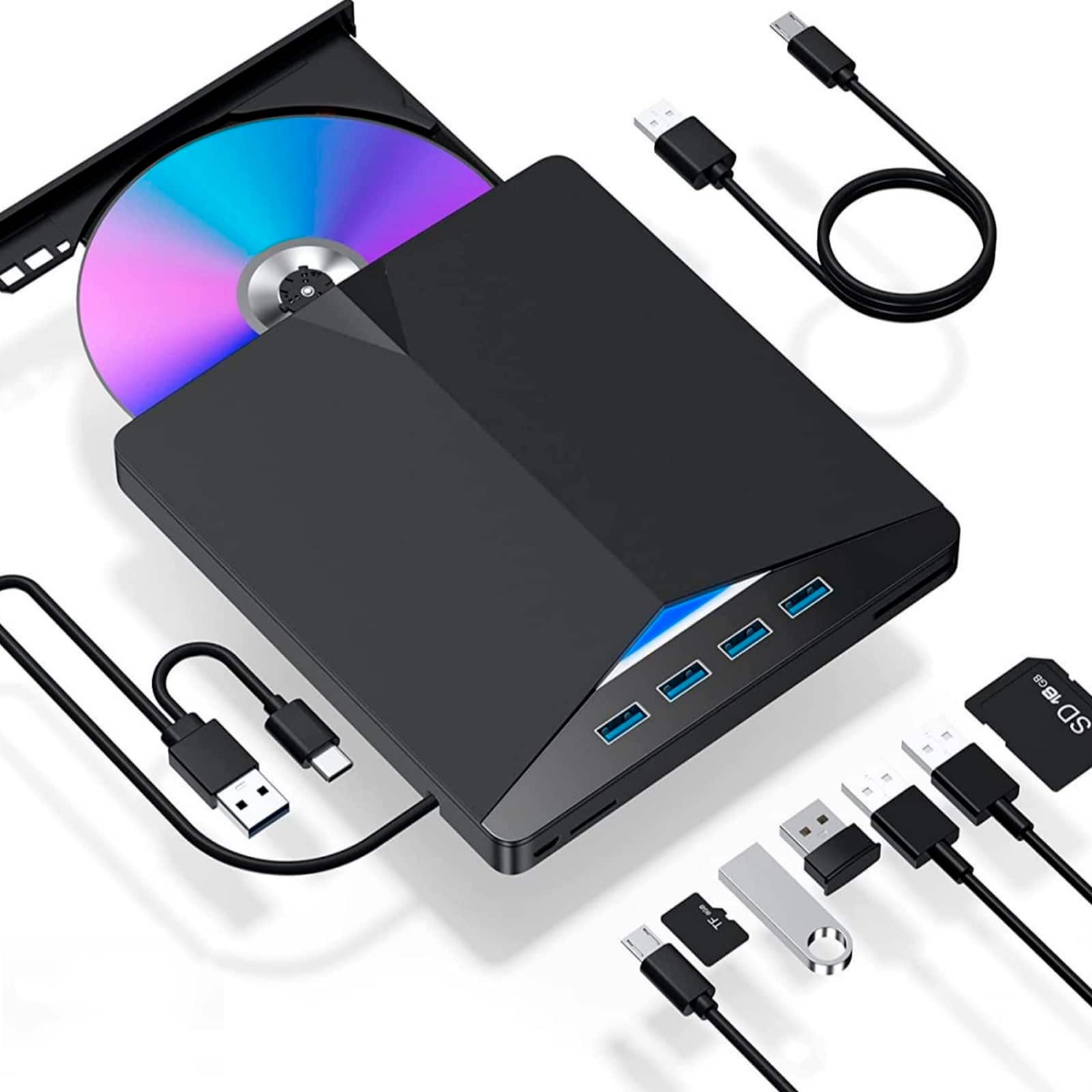
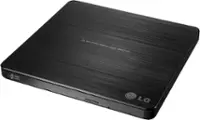
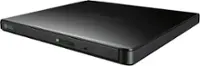
Topteng - 7-in-1 External BD Burner – USB 3.0 & Type-C, Read/Write Blu-ray, SD/TF Slots, 4 USB Ports, Fit for Laptop & Desktop - Black
SKU: J3R9F7Y66SSee all External DVD DrivesProduct Description
A versatile black 7-in-1 external drive featuring 4K Blu-ray burning, USB hub, and SD/TF card reader.Your price for this item is $83.99 -
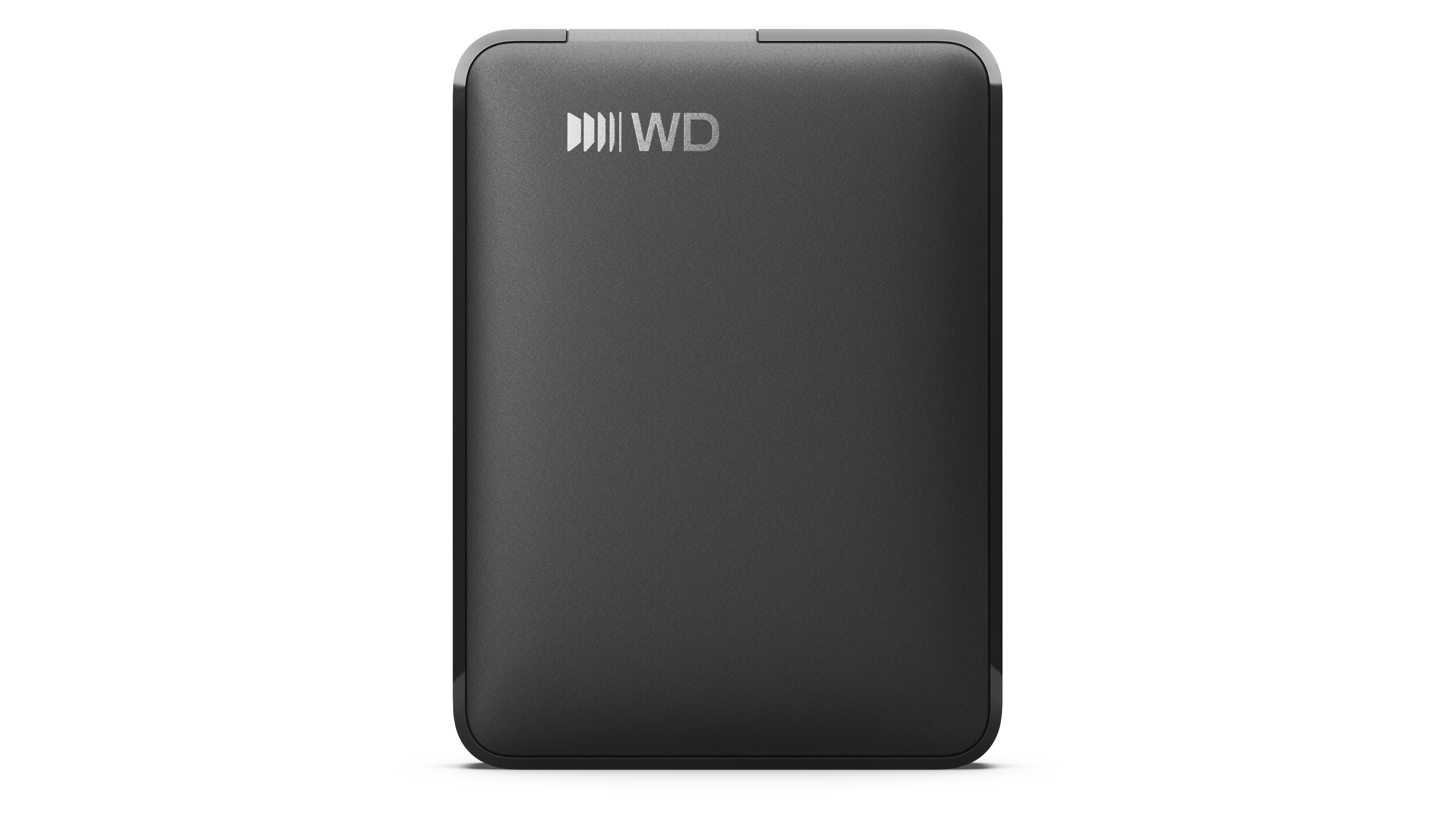
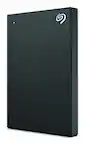
2TB WD Elements® Portable Hard Drive for Windows, Mac and compatible devices - Black
SKU: JXTHCCJPPKSee all Internal Hard DrivesProduct Description
A portable external hard drive offering 2TB storage with USB 3.2 Gen 1/3.0 compatibility in black.Your price for this item is $184.30 -
1TB WD Elements® Portable Hard Drive for Windows, Mac and compatible devices - Black
SKU: JXTHCCJPY6See all Internal Hard DrivesProduct Description
A portable black external hard drive offering 1TB storage with USB-C connectivity for multiple devices.Your price for this item is $158.99Save $20The previous price was $178.99
Best Sellers
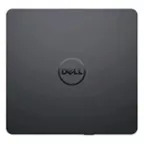
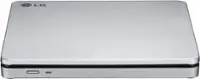
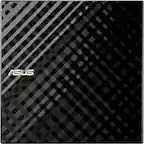
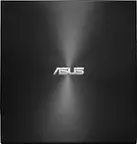
Related Pages





FAQ
Windows 7 is compatible with a wide range of drives, including internal and external hard disk drives (HDDs), solid state drives (SSDs), and optical drives such as DVD and Blu-ray drives. Most modern SATA and USB drives are supported without additional drivers.
Most common drives, such as SATA HDDs and SSDs, are automatically recognized by Windows 7. However, some advanced drives or RAID configurations may require you to install specific drivers provided by the manufacturer.
Yes, Windows 7 supports most external USB drives. Simply connect the drive to a USB port, and Windows 7 should automatically detect and install the necessary drivers for use.
To format a new drive in Windows 7, open 'Computer Management,' select 'Disk Management,' right-click on the new drive, and choose the 'Format' option. Follow the prompts to choose the file system and complete the process.
Yes, upgrading to an SSD can significantly improve the performance of a Windows 7 system, offering faster boot times and quicker file access compared to traditional HDDs. Make sure your hardware supports SSDs before upgrading.