Format USB Flash Drives
-
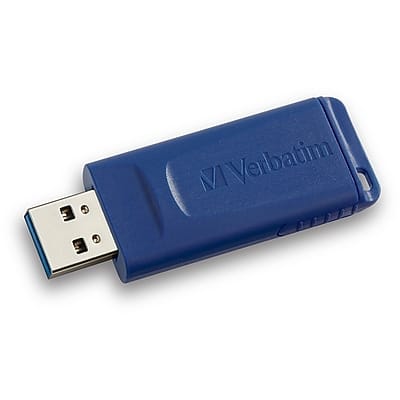
Verbatim - 32GB USB 2.0 Flash Drive - Blue
SKU: J72FJK7L6SSee all USB Flash DrivesProduct Description
A blue USB 2.0 flash drive with 32GB storage and a retractable connector for added durability.Your price for this item is $19.49Save $9The previous price was $28.49 -
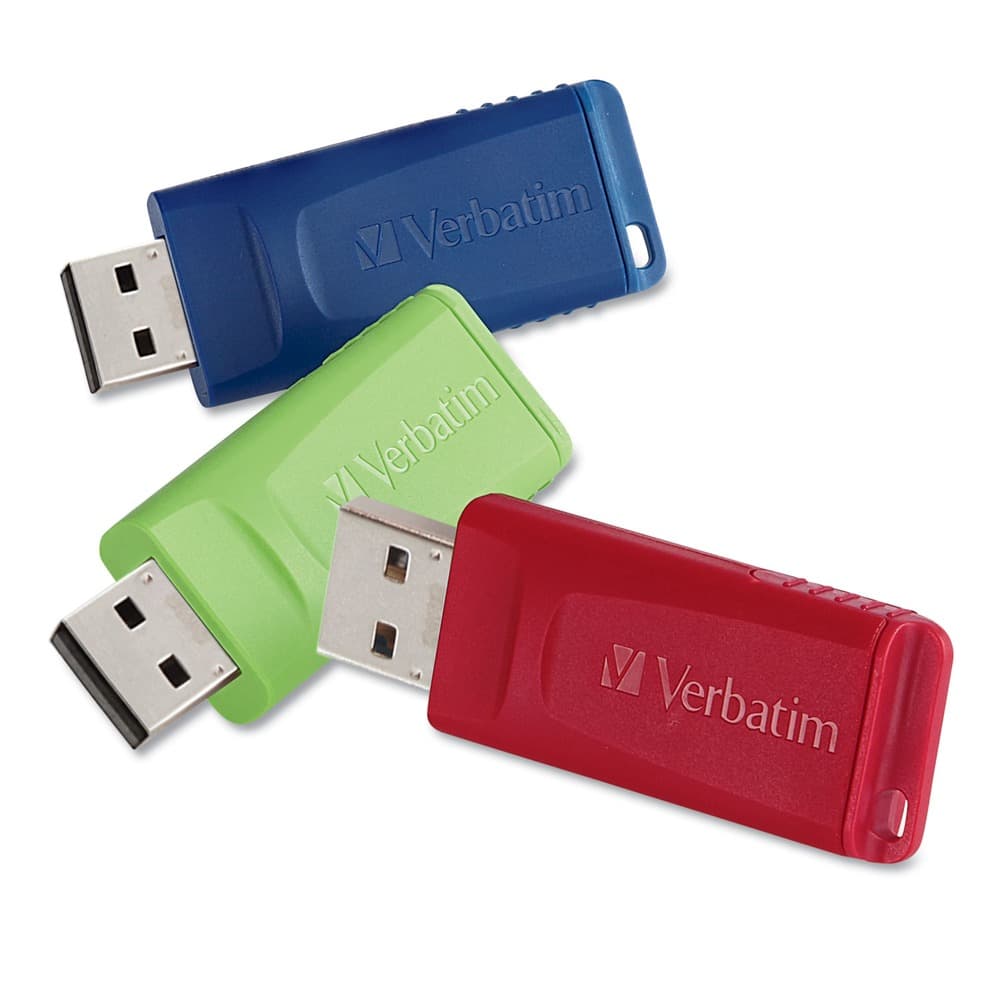
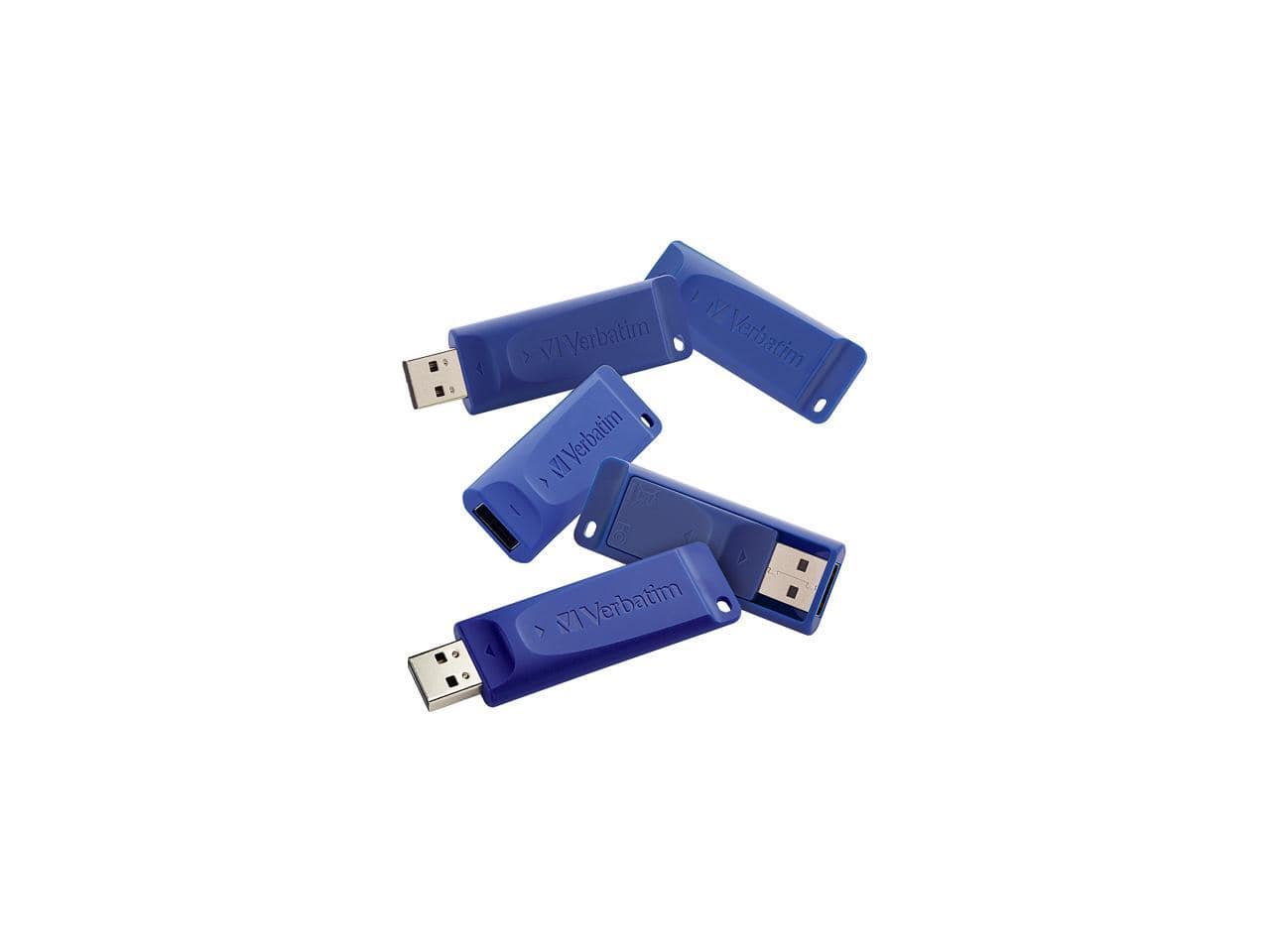
Verbatim - 99122 Store N' Go 16 GB USB Flash Drives - Assorted (3/Pack) - Blue; Green; Red
SKU: J72FJKJPVXSee all USB Flash DrivesProduct Description
A set of three 16GB USB 2.0 drives in red, green, and blue with retractable connectors.Your price for this item is $39.83 -
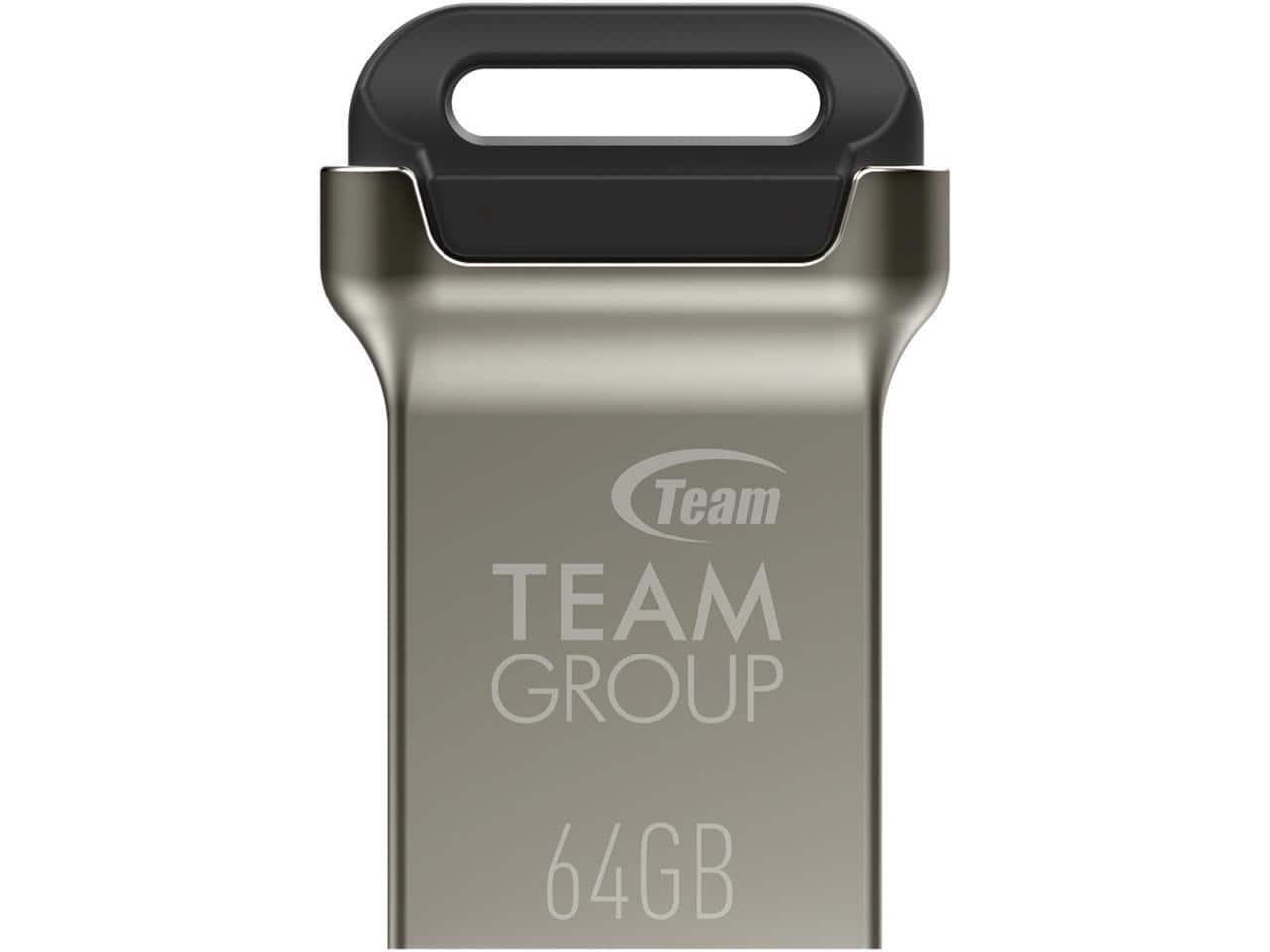
Team Group - Team 64GB C162 USB 3.2 Gen1 Flash Drive, Up to 100MB/s (TC162364GB01) - Black
SKU: J37P8XJ78JLove it. very small and easy to carry as keyring. great product,...love it.
See all USB Flash DrivesProduct Description
A black USB-A flash drive offering 64GB storage and up to 100MB/s transfer speeds with USB 3.2.Your price for this item is $13.99Save $1The previous price was $14.99 -
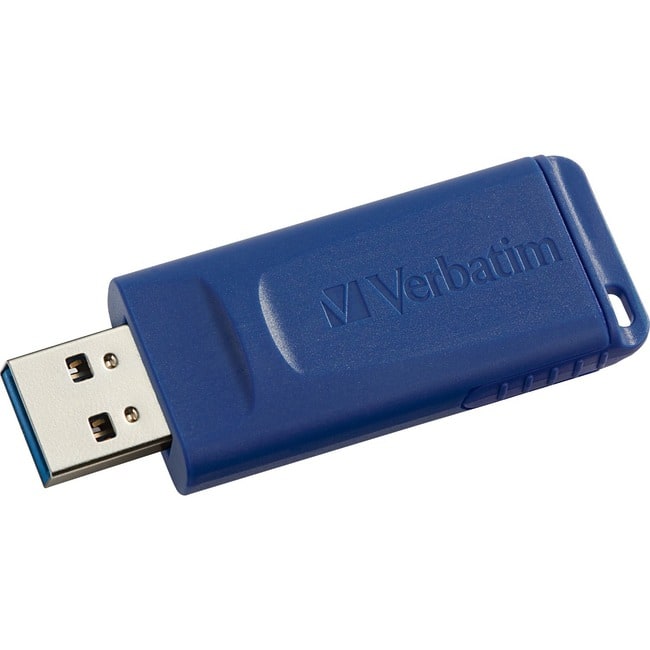
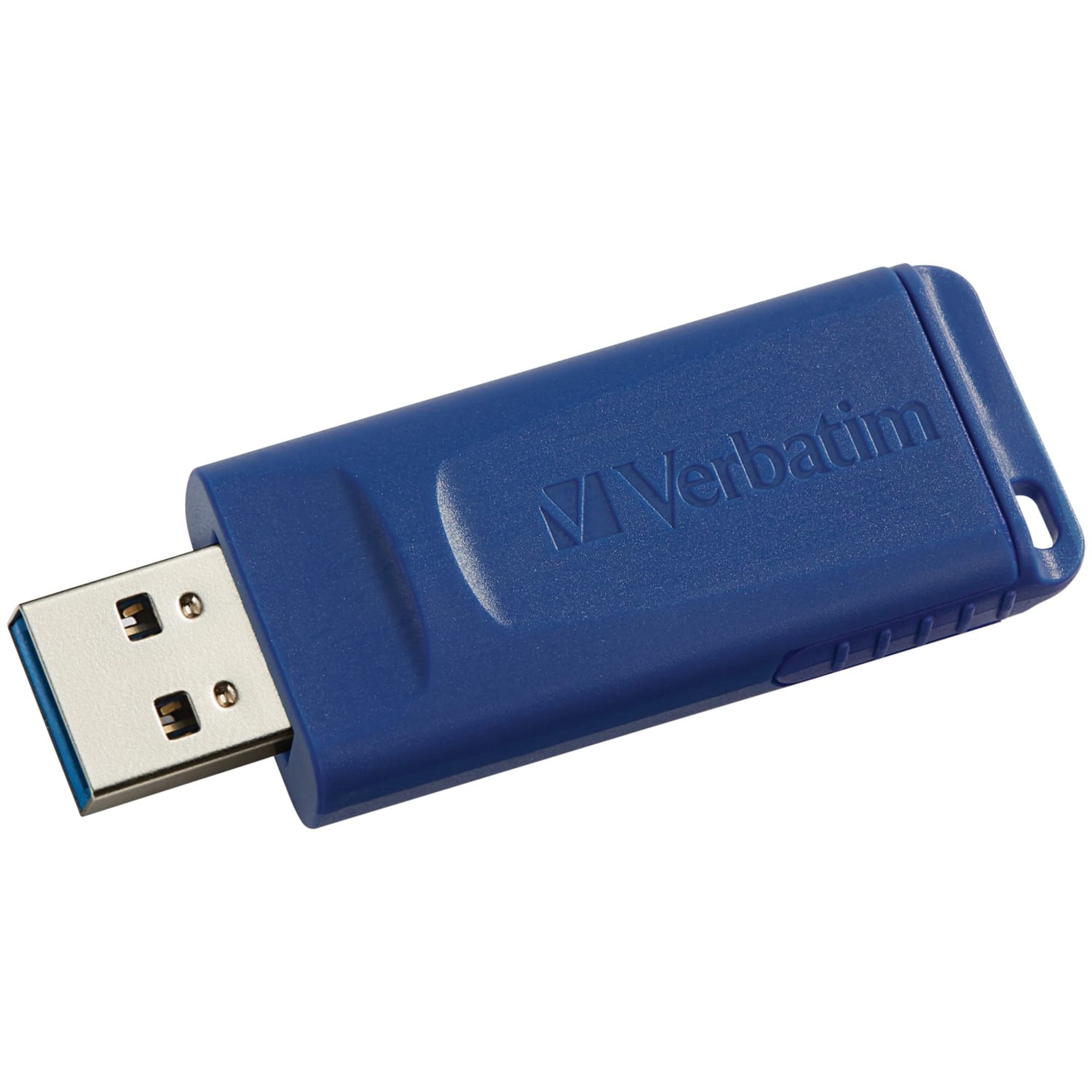
Verbatim - 64GB USB Flash Drive - 64GB - Blue
SKU: J72FJKJ26YSee all USB Flash DrivesProduct Description
A blue USB 2.0 flash drive with 64GB storage and a retractable, capless connector design.Your price for this item is $17.99Save $11The previous price was $28.99 -
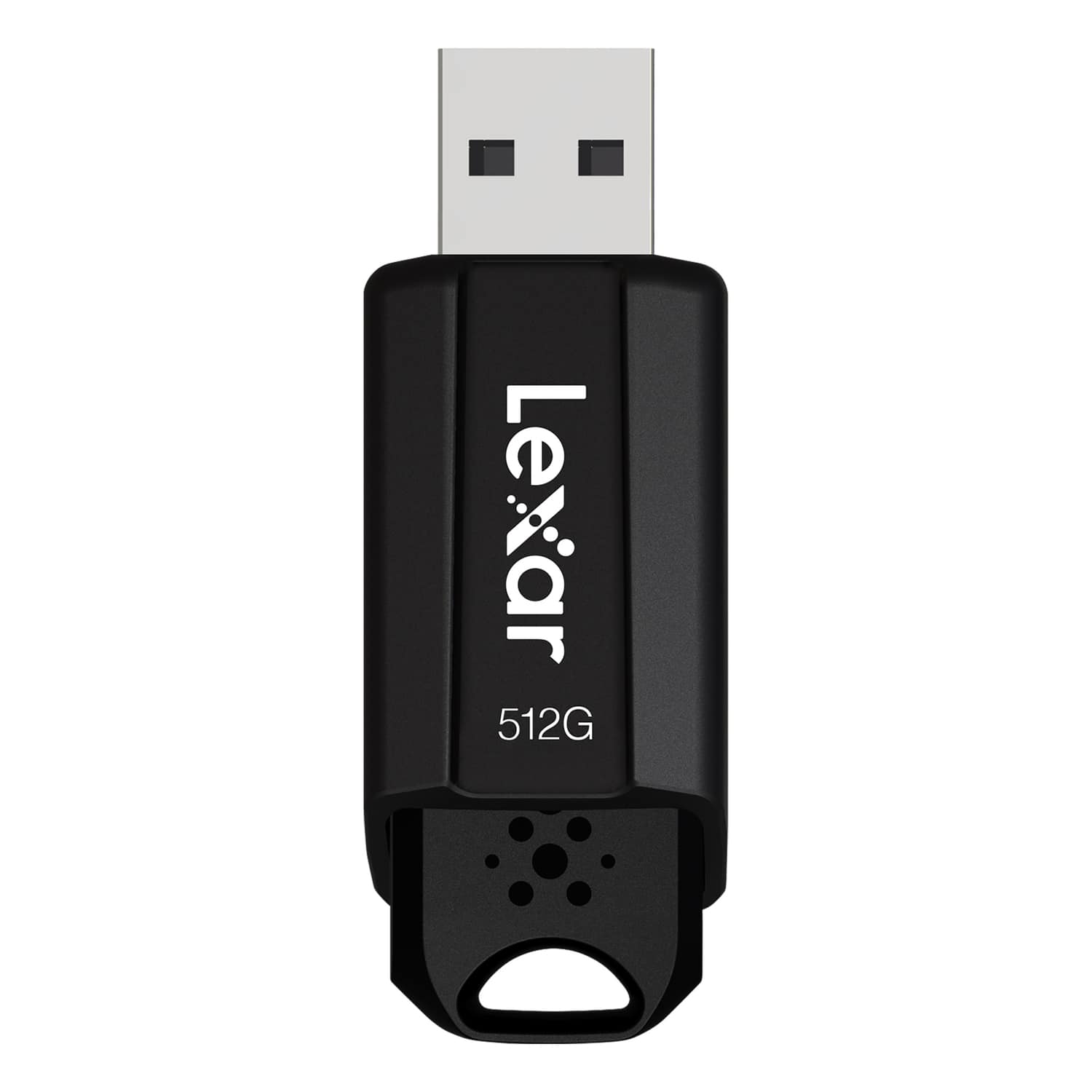
Lexar - JumpDrive S80 USB 3.2 Gen 1 Flash Drive 512 GB - Black
SKU: J36XPK4YYZSee all USB Flash DrivesProduct Description
A high-speed black USB 3.2 flash drive with 512GB storage, advanced security, and retractable connector.Your price for this item is $74.99 -
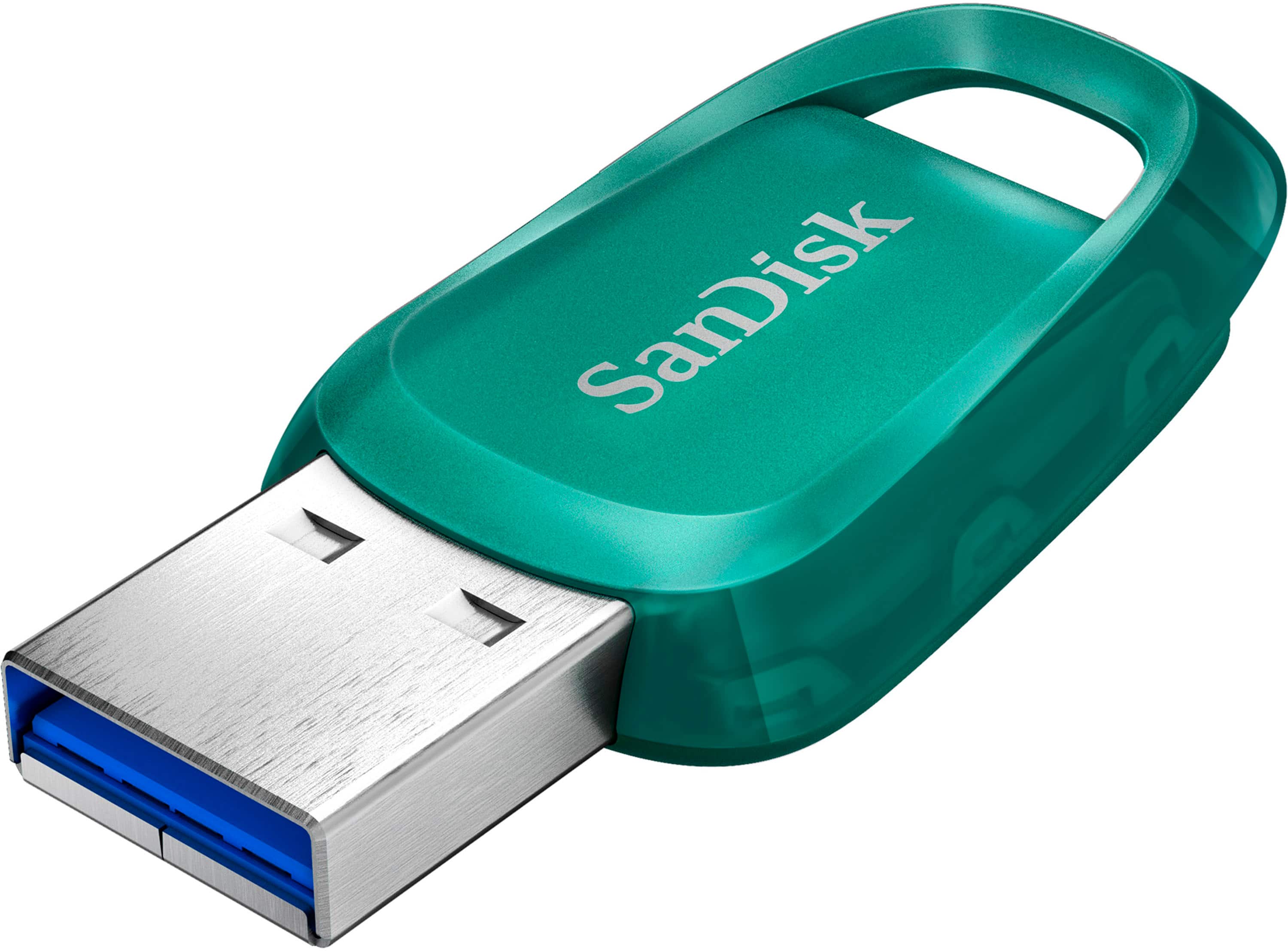
SANDISK - Ultra Eco 256GB USB 3.2 Gen 1 Type-A Flash Drive - Green
SKU: JXJ62C6RL9Great buy thanks...This is a great product and can’t recommend Best Buy enough they are awesome...Love it!
See all USB Flash DrivesProduct Description
A green USB 3.2 flash drive offering 256GB storage, fast transfers, and a built-in lanyard loop.Your price for this item is $42.99Save $8The previous price was $50.99 -
Verbatim - USB Flash Drive 128 GB - Blue
SKU: J72FJKJ26HSee all USB Flash DrivesProduct Description
A blue capless USB 2.0 flash drive offering 128GB storage and compatibility with all USB-A ports.Your price for this item is $37.95 -
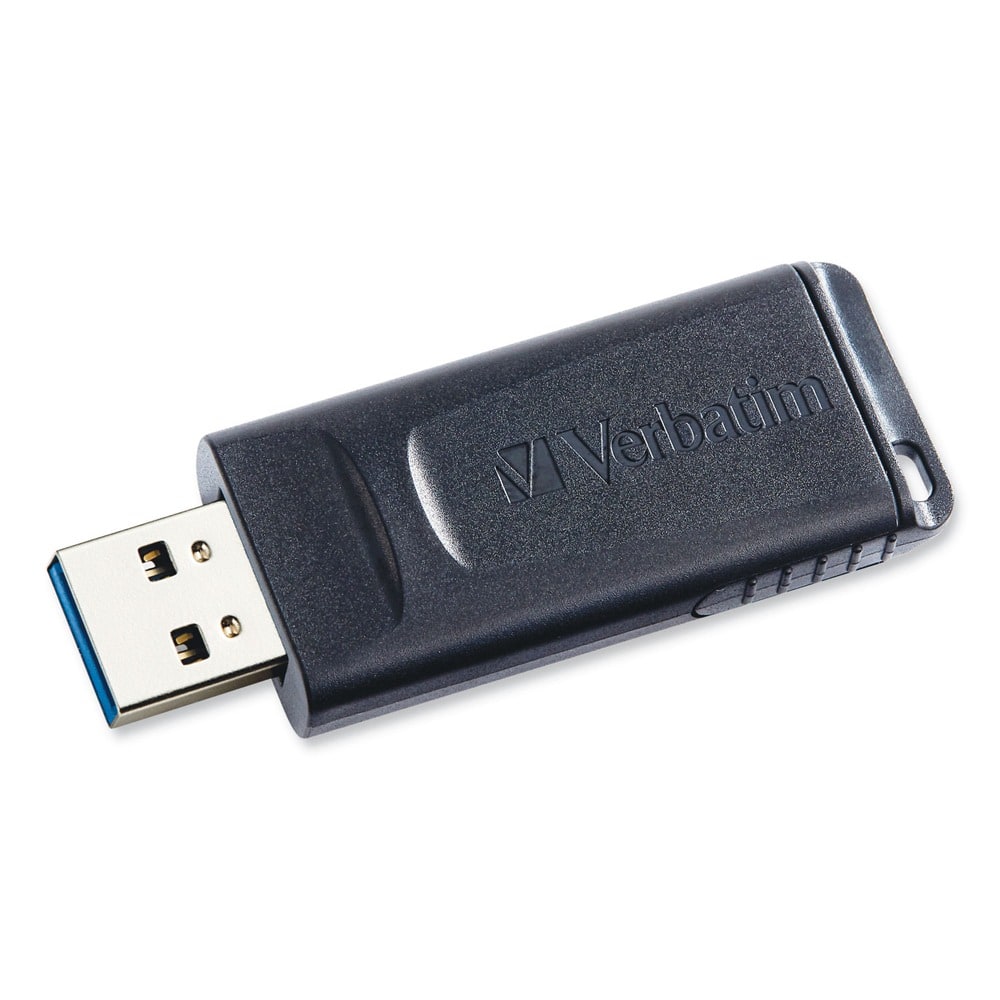
Verbatim - 70893 32 GB Store 'n' Go USB Flash Drive Business Bulk - (10/Pack) - Black
SKU: J72FJWLYGLSee all USB Flash DrivesProduct Description
A pack of ten black USB 2.0 drives with 32GB each, featuring retractable, antimicrobial design.Your price for this item is $112.42 -
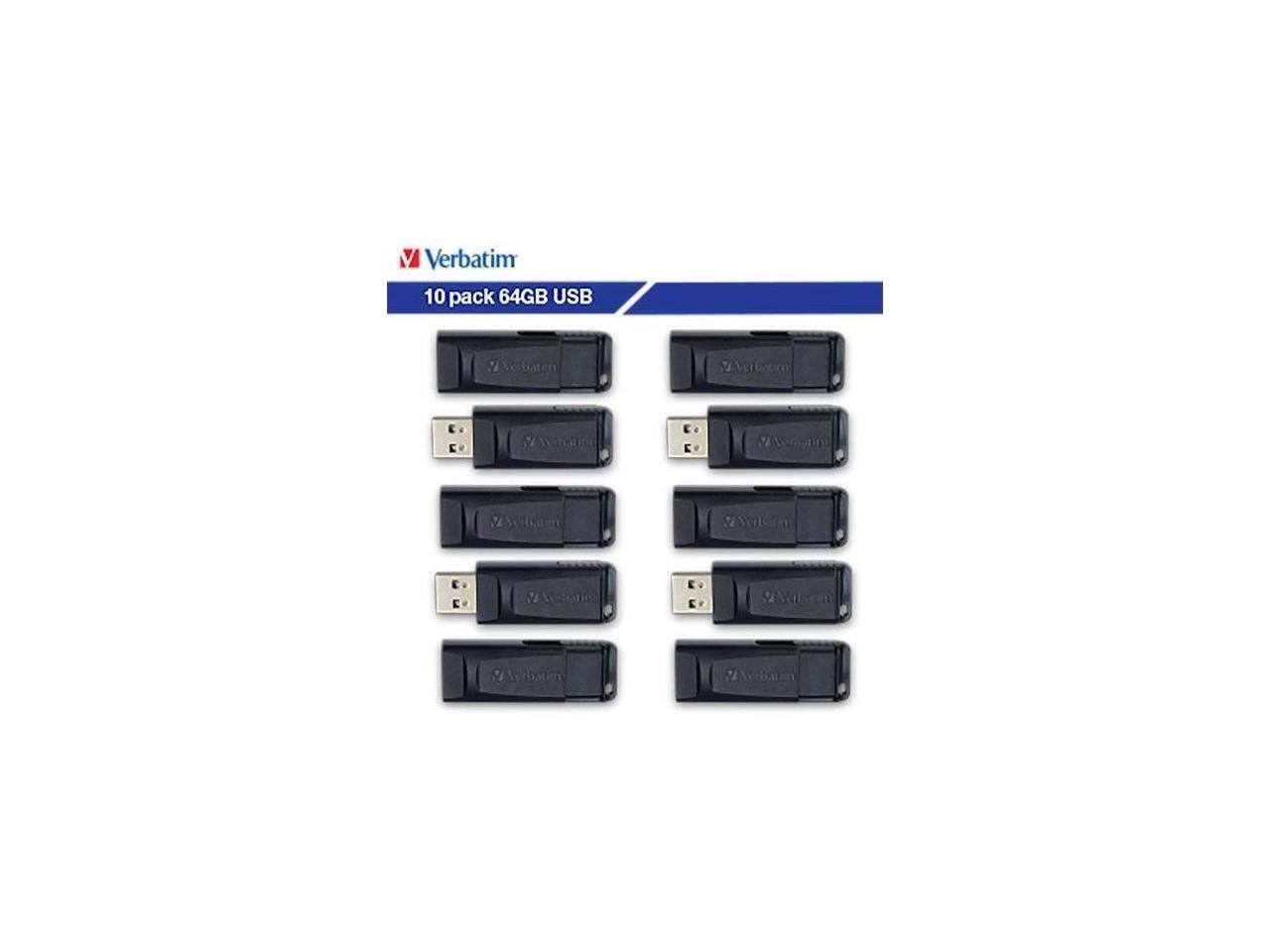
Verbatim - 64GB Store 'n' Go USB Flash Drive 10pk 70895 - Black
SKU: J72FJWLYLGSee all USB Flash DrivesProduct Description
A pack of ten black USB-A 64GB flash drives with retractable, antimicrobial, cap-less design for secure storage.Your price for this item is $129.99Save $6The previous price was $136.96 -
Verbatim - 8GB USB Flash Drive ( 5-Pack) 99121 - Blue
SKU: J72FJKJPF9See all USB Flash DrivesProduct Description
A pack of five blue USB 2.0 drives with 8GB storage and retractable connectors for data protection.Your price for this item is $42.81
Best Sellers



Related Pages




FAQ
A USB flash drive is a portable storage device commonly used for transferring files, backing up important documents, and carrying digital media such as photos, music, and videos between computers and other devices.
Yes, most USB flash drives are compatible with both Windows and Mac computers. However, you may need to format the drive to a file system that is supported by both operating systems, such as exFAT or FAT32.
To format a USB flash drive, connect it to your computer, open the file explorer, right-click on the drive, and select 'Format.' Choose the desired file system and follow the prompts. Be aware that formatting will erase all data on the drive.
Many smart TVs and gaming consoles support USB flash drives for media playback or game storage. It's important to check your device's specifications and format the drive in a compatible file system if needed.
Some software and portable applications can be installed and run directly from a USB flash drive, allowing you to use them on multiple computers without installation. Check the software requirements to ensure compatibility.