Backup Flash Drives
-
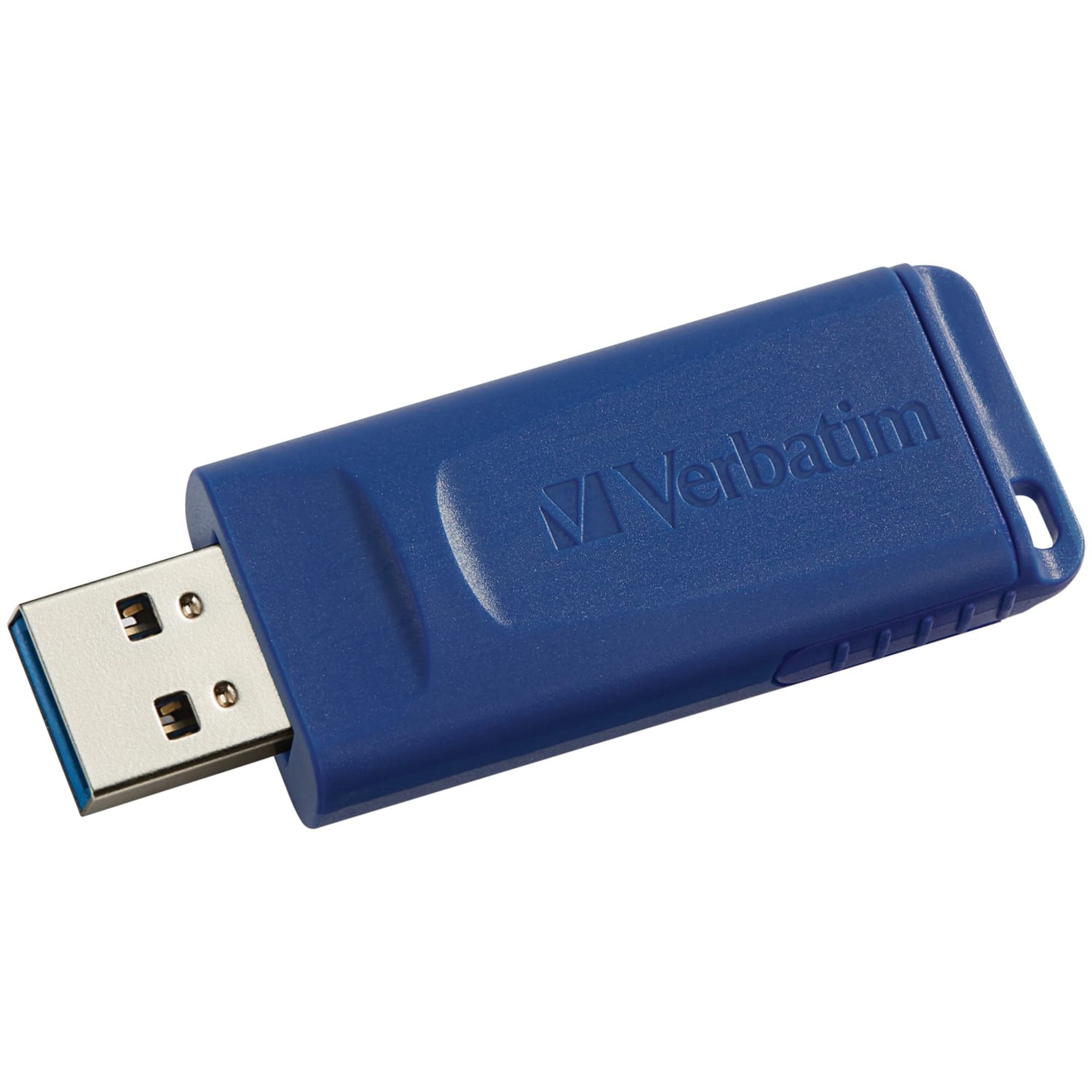
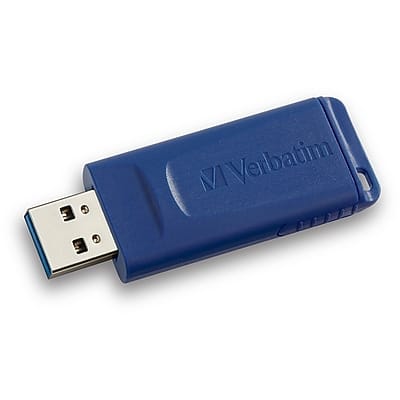
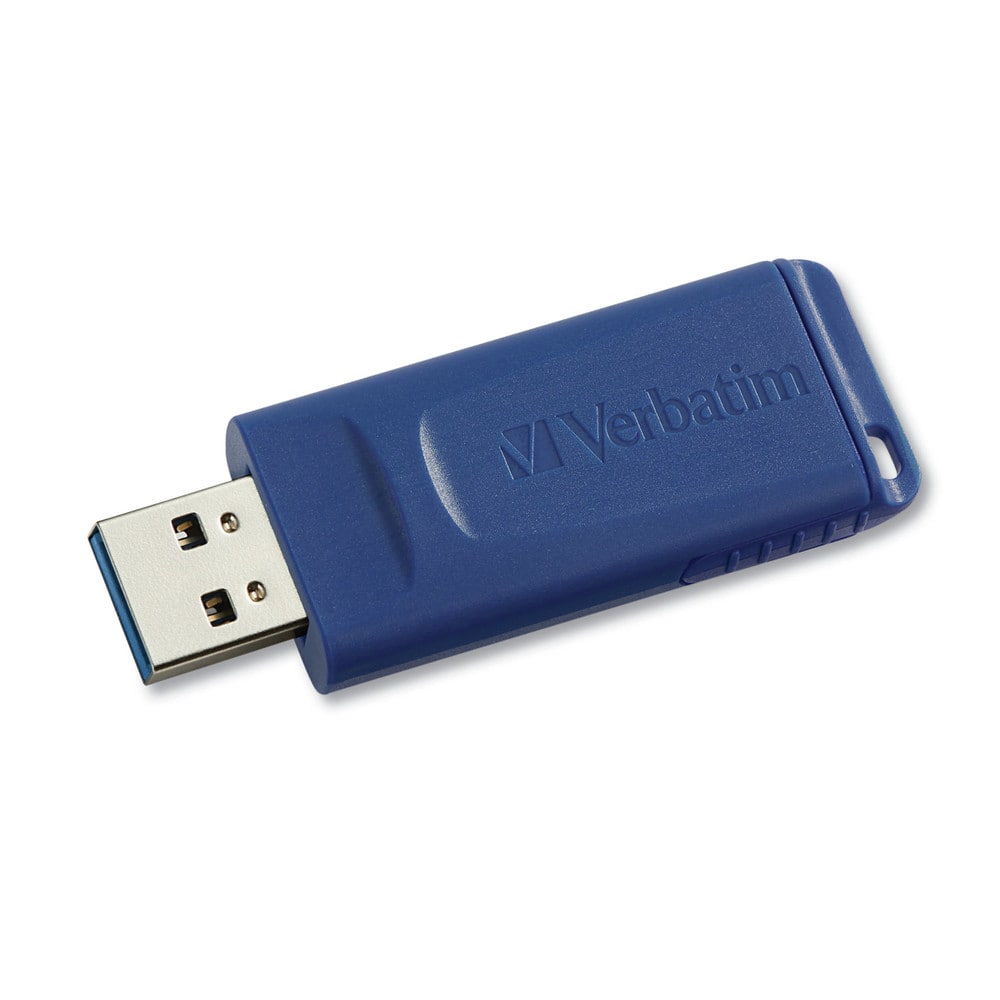
Verbatim - USB Flash Drive 128 GB - Blue
SKU: J72FJKJ26HSee all USB Flash DrivesProduct Description
A blue capless USB 2.0 flash drive offering 128GB storage and compatibility with all USB-A ports.Your price for this item is $37.95 -
Lexar - 64GB JumpDrive TwistTurn2 USB 2.0 Flash Drive, Swivel Design, backup, mobile storage for work & school - Black
SKU: J36XPKKKTFFast access and great storage for your files and sharing with friends....Fast access and great storage for your files
See all USB Flash DrivesProduct Description
A black USB 2.0 flash drive with 64GB storage, featuring a capless, rotating, durable hinged design.Your price for this item is $20.99 -
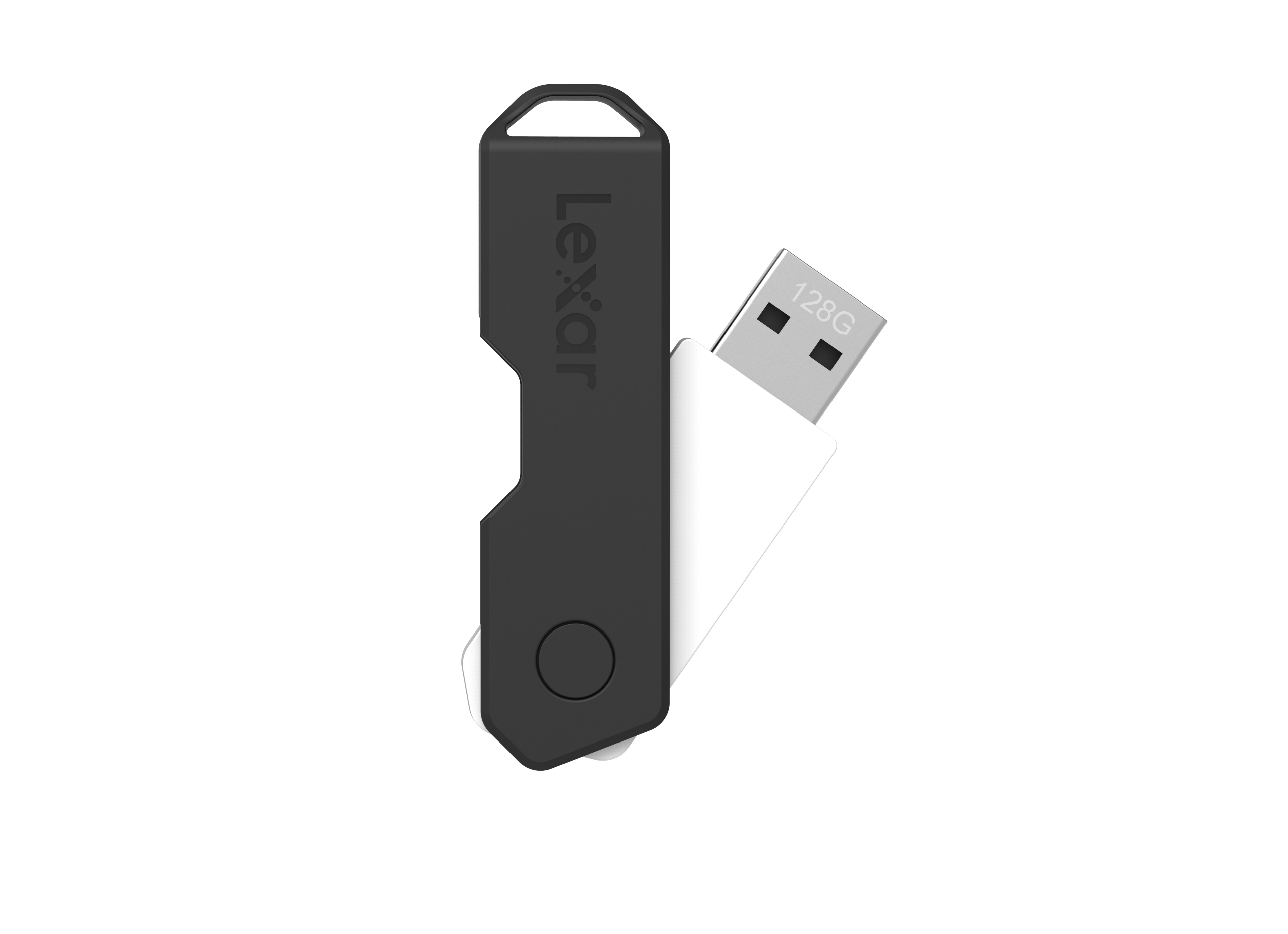
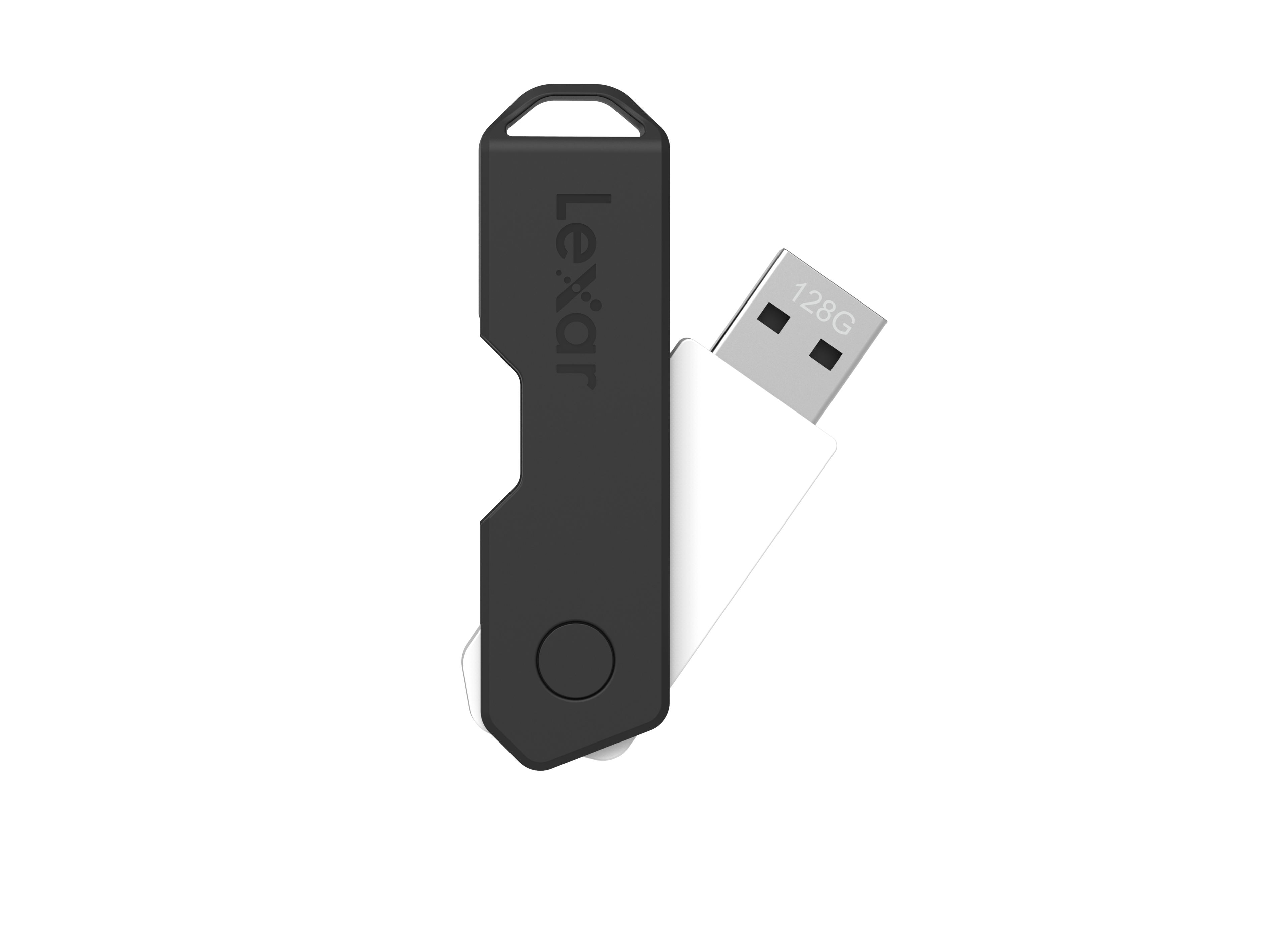
Lexar - 128GB JumpDrive TwistTurn2 USB 2.0 Flash Drive, Swivel Design, backup, mobile storage for work & school - Black
SKU: J36XPKKKW5Great value for the price...Great value for the price. Cool feature with the twist and turn.
See all USB Flash DrivesProduct Description
A black USB 2.0 flash drive with 128GB storage and a durable, rotating capless design.Your price for this item is $26.99 -
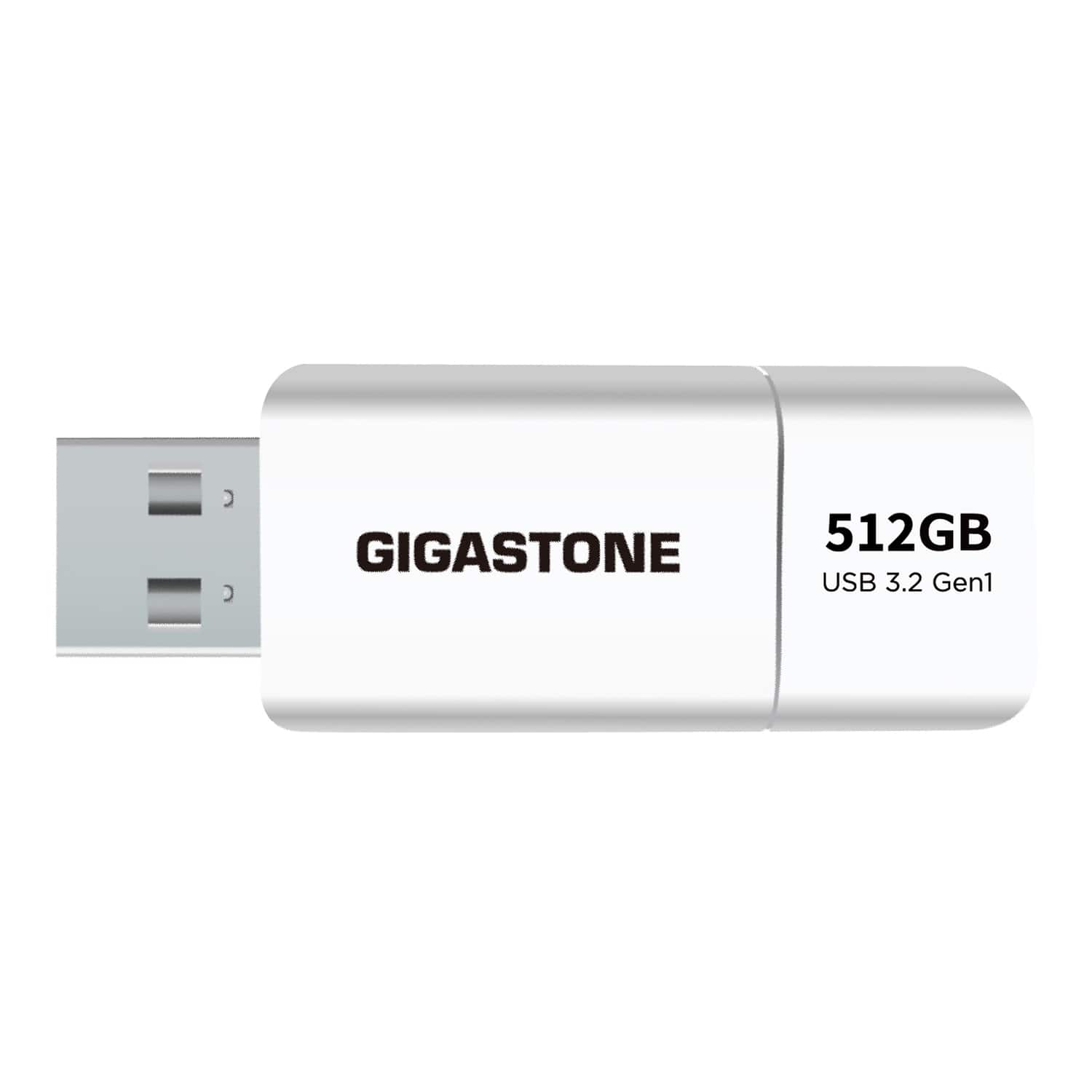
GIGASTONE - USB 3.2 Flash Drive 512 GB - White
SKU: J38KG6GX8GSee all USB Flash DrivesProduct Description
A white USB-A flash drive offering 512GB storage and fast USB 3.2 transfer speeds up to 120MB/s.Your price for this item is $89.99 -
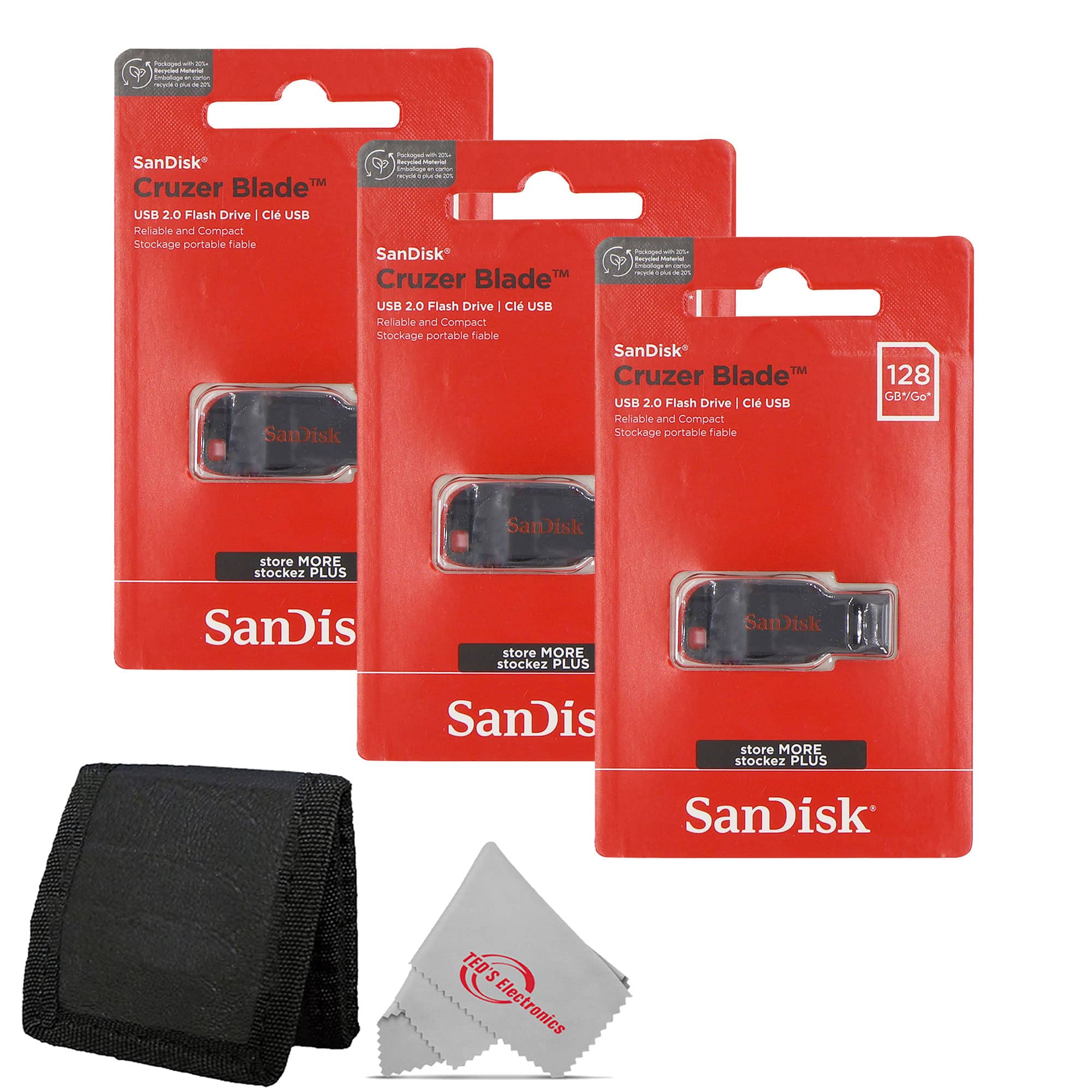
SanDisk Professional - 3x SanDisk Cruzer Blade USB Flash Drive - 128GB with Card Wallet - Red
SKU: JX7QWF725JSee all USB Flash DrivesProduct Description
A set of three red USB 2.0 flash drives with 128GB storage each and a convenient card wallet.Your price for this item is $70.98 -
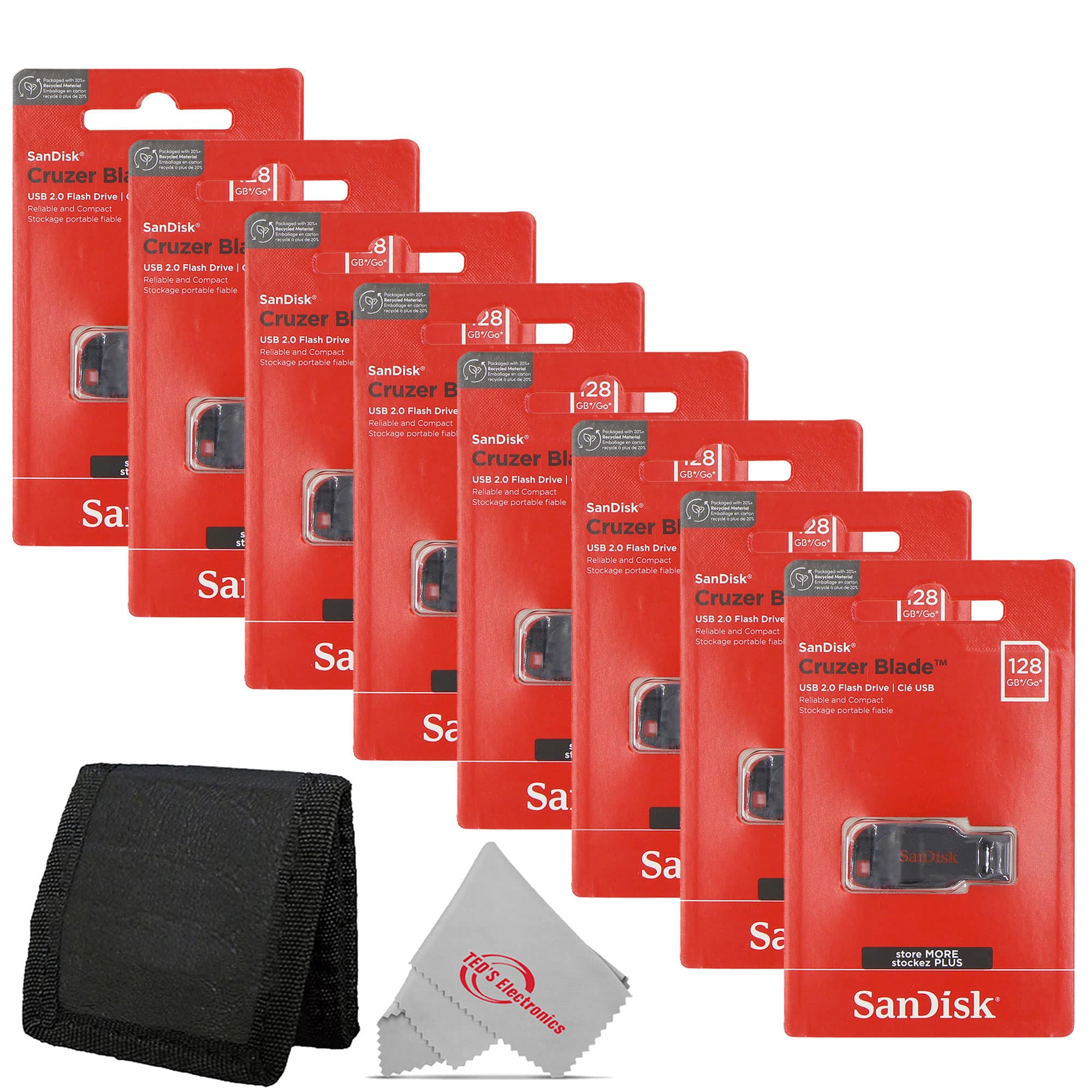
SanDisk Professional - 8x SanDisk Cruzer Blade USB Flash Drive - 128GB with Card Wallet - Red
SKU: JX7QWF725QSee all USB Flash DrivesProduct Description
A set of eight red USB 2.0 flash drives with 128GB capacity each and a card wallet.Your price for this item is $182.98 -
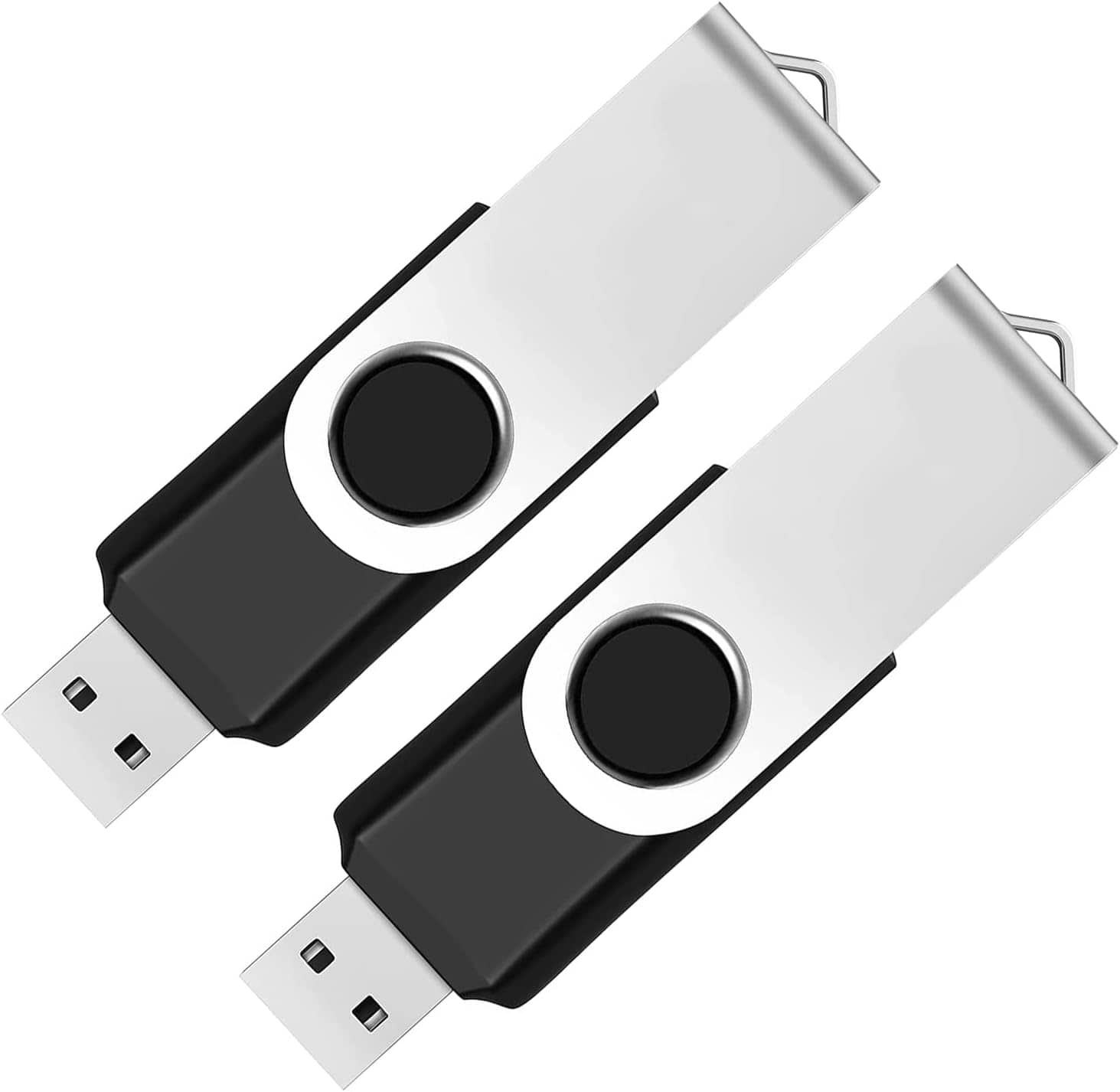
Core Tech - 2-Pack 64GB USB 2.0 Flash Drives – Swivel Design Thumb Drives for Storage & File Transfer – - Black
SKU: JXYZGGY2G3See all USB Flash DrivesProduct Description
A pair of black swivel USB 2.0 flash drives offering 64GB each for secure, portable file storage.Your price for this item is $32.99 -
Verbatim - 32GB USB 2.0 Flash Drive - Blue
SKU: J72FJK7L6SSee all USB Flash DrivesProduct Description
A blue USB 2.0 flash drive with 32GB storage and a retractable connector for added durability.Your price for this item is $19.49Save $9The previous price was $28.49 -
Verbatim - 97088 8 GB Classic USB 2.0 Flash Drive - Blue
SKU: J72FJK72P3See all USB Flash DrivesProduct Description
A blue USB 2.0 flash drive with 8GB storage and a retractable connector for easy portability.Your price for this item is $20.22 -
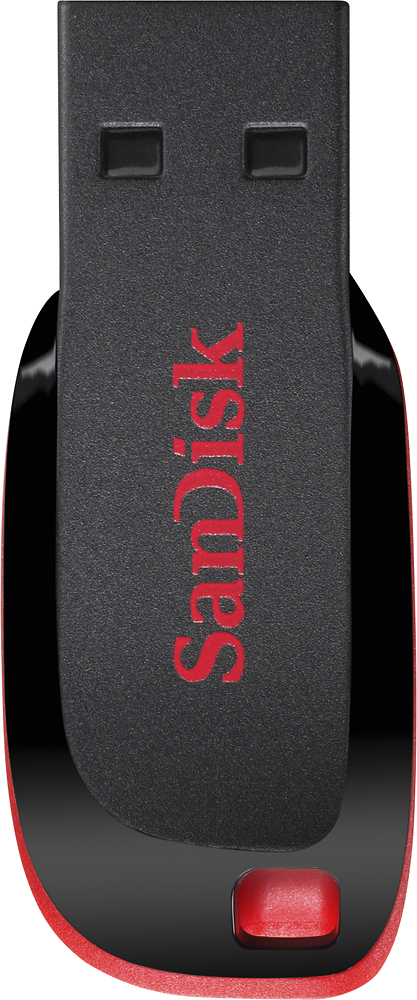
SANDISK - Cruzer Blade 32 GB USB 2.0 Flash Drive - Black
SKU: JXJ62C3PTWSee all USB Flash DrivesProduct Description
A compact black USB 2.0 flash drive offering 32GB storage and file protection with SecureAccess software.Your price for this item is $15.98
Best Sellers
Related Pages



FAQ
A backup flash drive is used to securely store copies of important files, such as documents, photos, videos, and other data, so you can recover them if your computer or device experiences data loss.
To back up your files, insert the flash drive into your computer's USB port, then drag and drop or copy and paste the files you want to save onto the flash drive. You can also use backup software for automated backups.
Most backup flash drives are compatible with both Windows and Mac computers. However, you may need to reformat the drive or use a compatible file system for seamless use across different operating systems.
Many gaming consoles and smart TVs support USB flash drives for media playback or storage expansion. Check your device’s user manual to ensure compatibility and supported file formats.
To prolong the life of your backup flash drive, avoid exposing it to extreme temperatures, moisture, and physical shocks. Always safely eject the drive from your device before removing it to prevent data corruption.