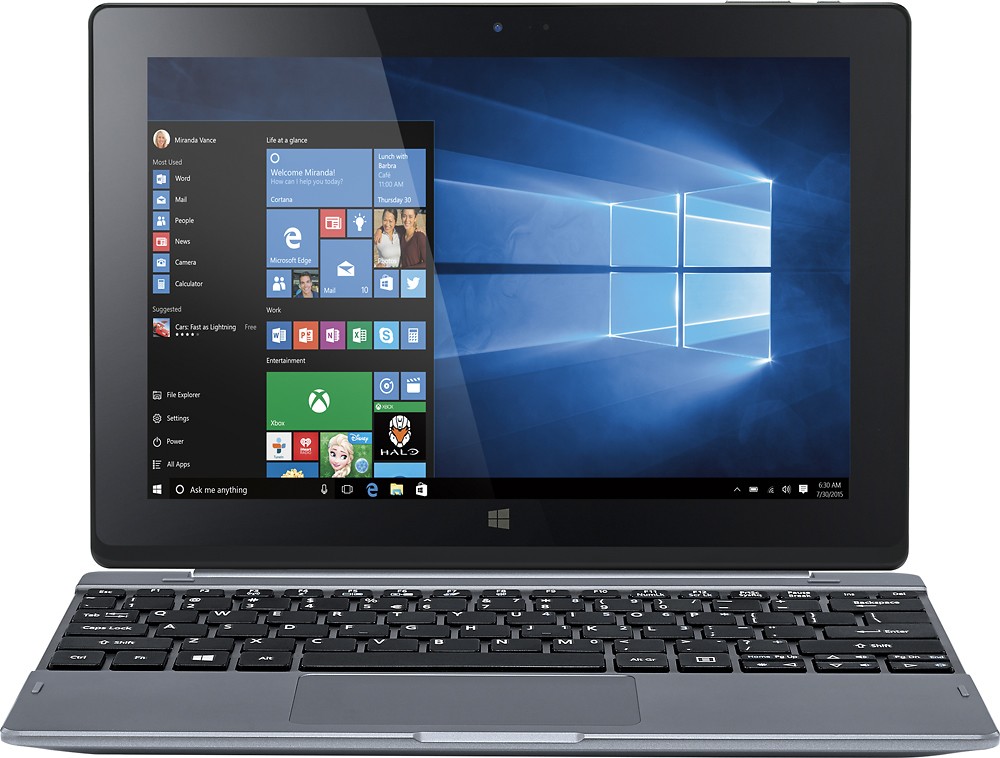
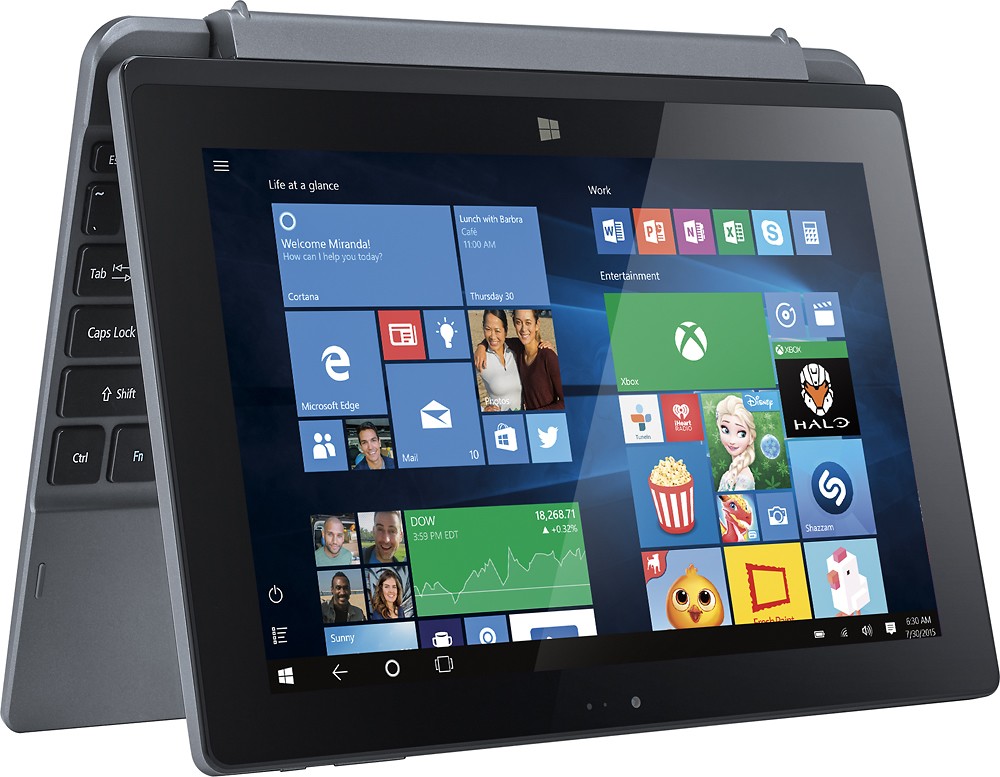
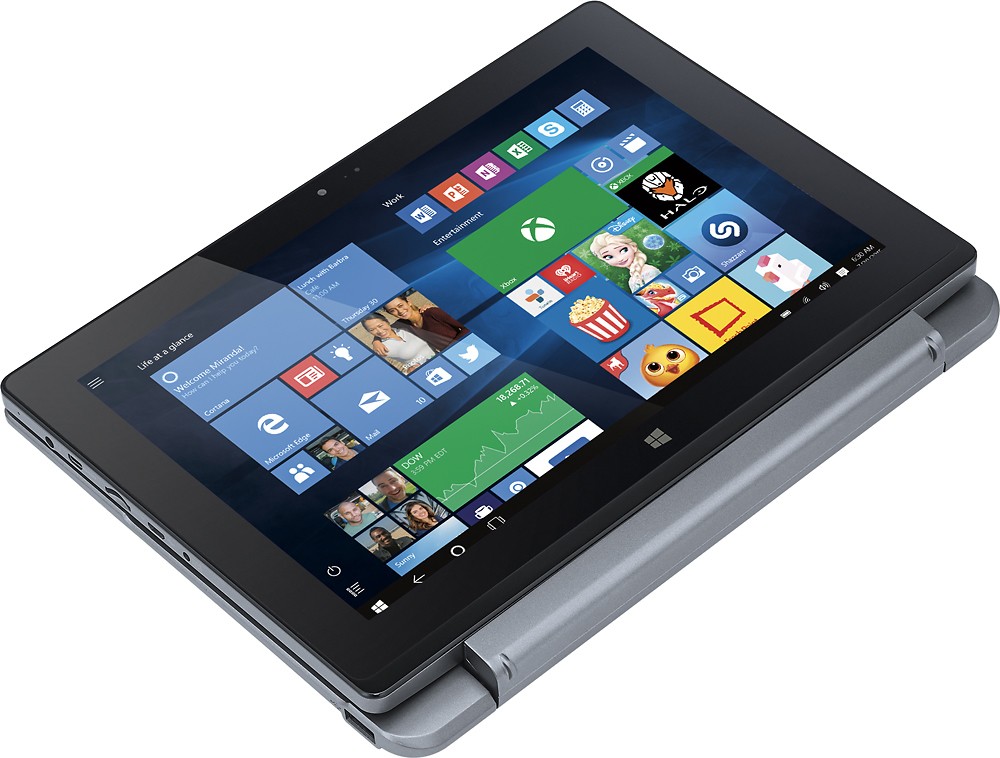
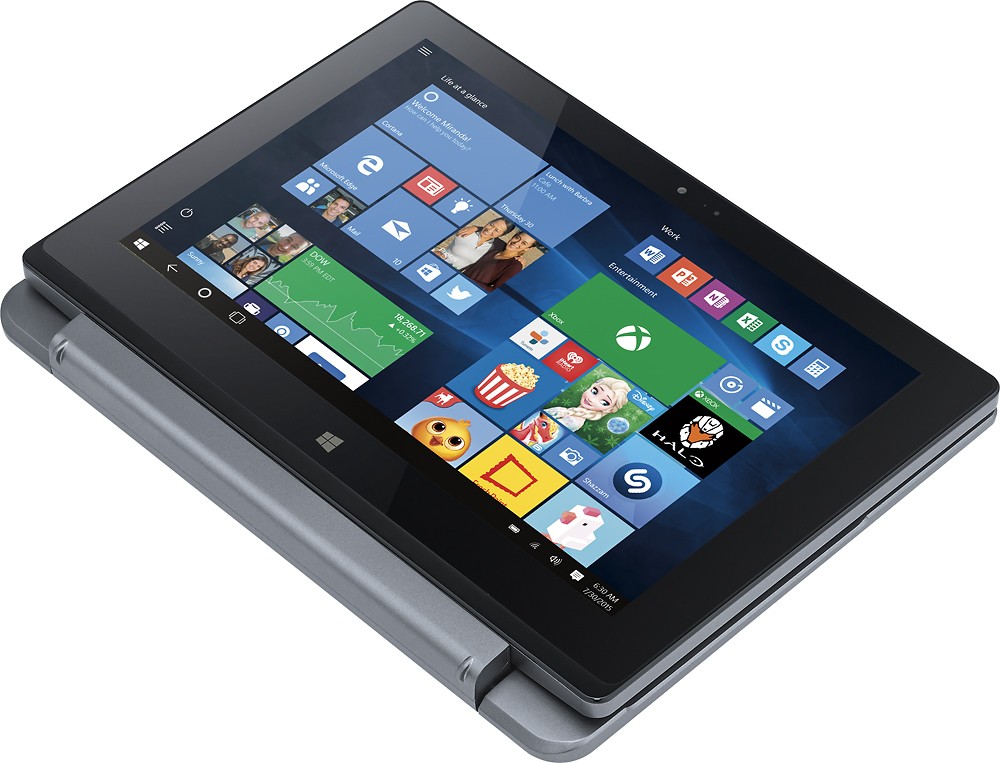
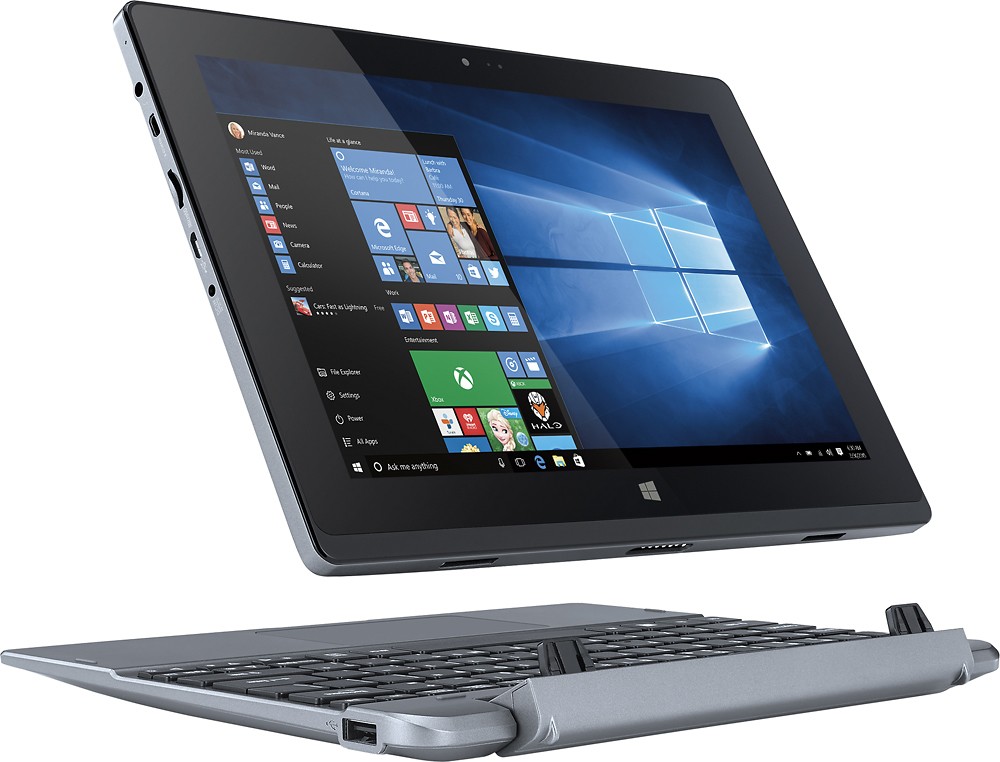
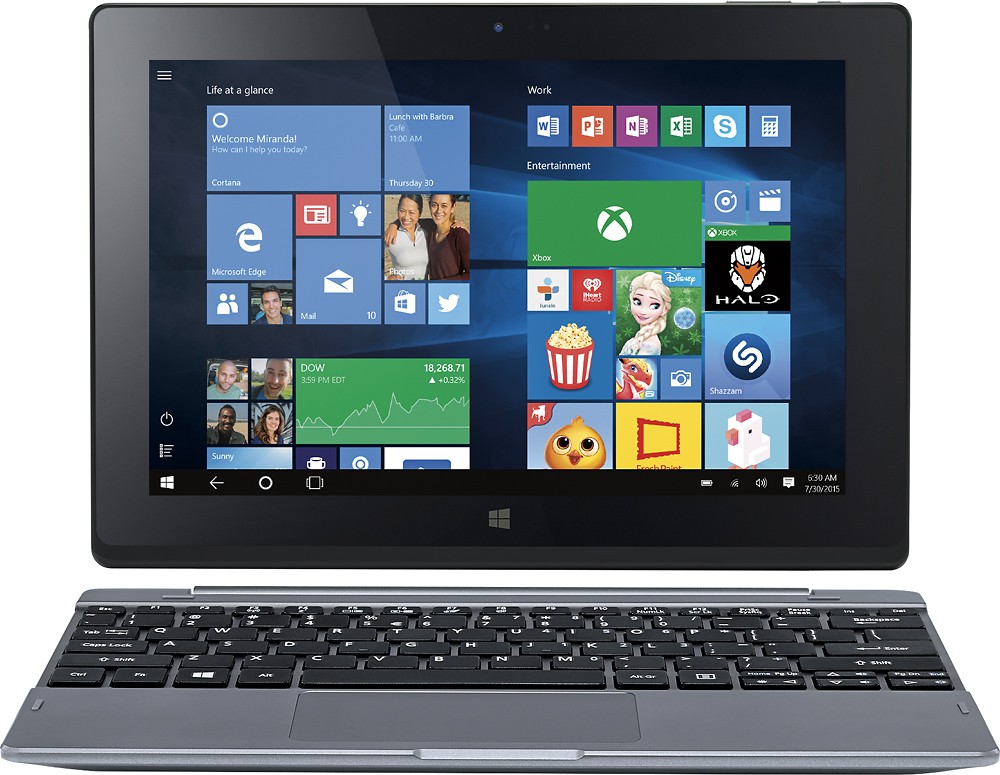
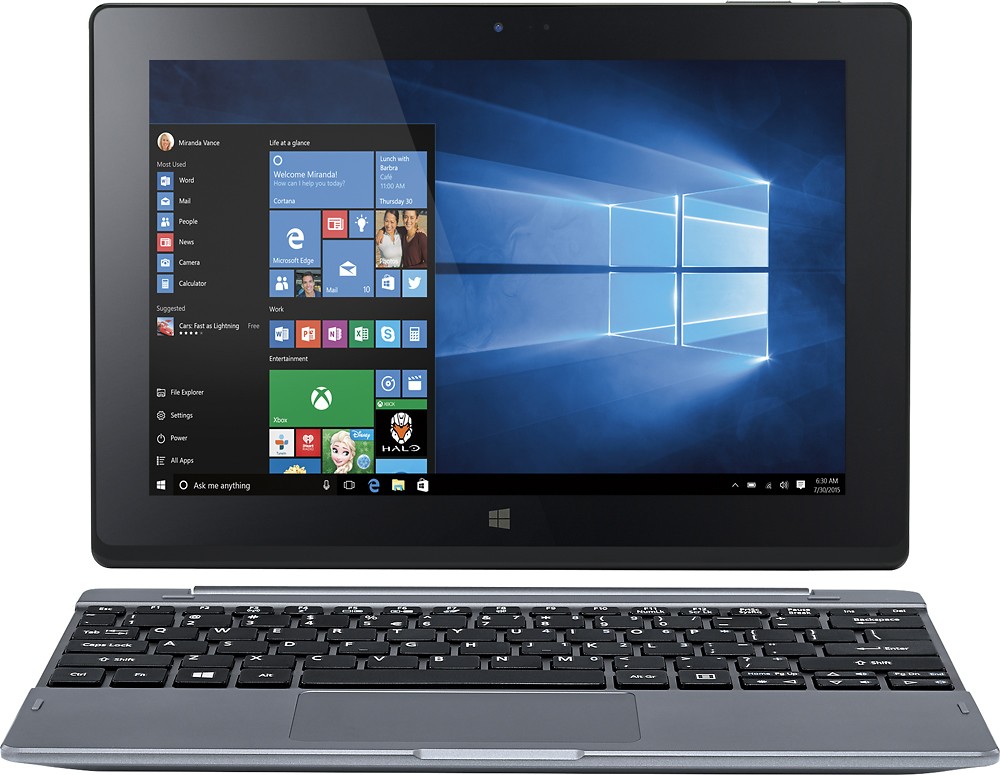
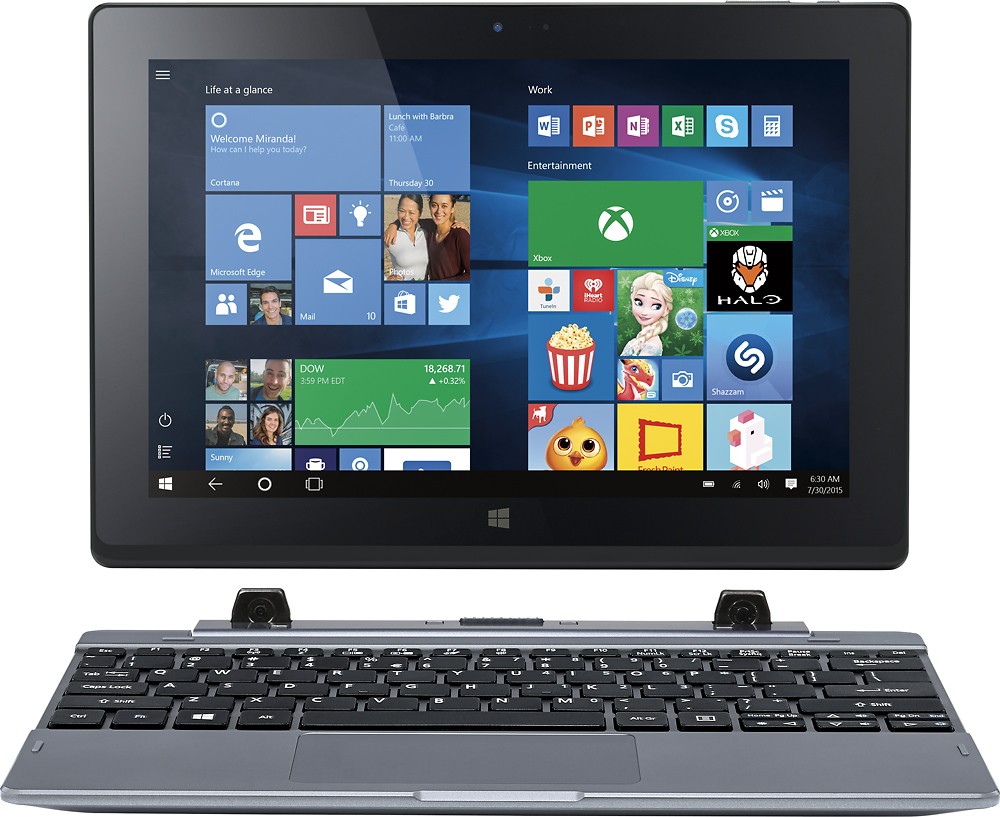
A:Answerif you mean, to have open multiple windows at the same time, yes. its OS is Windows 10. you swap between windows in the same way as you do on a PC.
A:AnswerBy default you can't, but you could use Remix OS on a USB 3.0 in order to boot Android on it, then install one apk from xda-developers forums that installs the playstore on the OS, after that just login with your account and start using the apps; Since it is still in alpha version don't expect too much of it.
A:AnswerNo, not easily without additional hardware, unless you simply wanted to project movies or music through your network by using a file serving applications like Kodi(XBMC) or Plex.
One easy way you could project your screen onto a TV would be to use the Chrome browser on the laptop and project that window to a Chromecast device attached to the TV.
Other small hardware devices attached to the laptop can broadcast to Miracast capable TVs.
Finally, you could project to your smart TV if the manufacturer of that TV makes a piece of software for Windows PCs that allows playing of files on your laptop on the TV
A:AnswerThis 2 in 1 comes stock with Office Mobile. As long as you have a microsoft subscription you can edit and type papers. You can also download the full version of Office or Office 365 and use it like a normal laptop (since it is a normal laptop with a full 64 bit windows 10 operating system). Best Buy claims that you get a year of 365 with this 2 in 1. They also claim to give you $20 off your Office subscription. I don't know which is the truth (because I already have a 365 subscription).
A:AnswerPlug it in, wait a few minutes, turn it on. The set up will commence and guide you. Once it's done, either play with it plugged in or let it charge first.
A:AnswerThat question is irrelevant of the device you use. That depends on the browser you use. And I'm pretty sure every browser I've ever used bookmarks pages and saves as favorites.
A:AnswerNo to Ubuntu. The machine requires a 32-bit EFI boot, and Ubuntu does not support this option.
Yes to the latest Debian -- I think. At least I can get a boot from a USB flash drive running Debian because they do support the 32-bit EFI. I haven't yet installed it because there is no reliable way to get an image backup of the disk. (Tried Windows 10, Acronis, AEOMI) and I'd like be be able to restore to factory settings.
Steps:
1) Disable secure boot in BIOS
2) Use 32-bit version of Linux debian-8.2.0-i386-kde-CD-1.iso
3) Use Rufus to create your flash drive. Select GPT partition scheme.
If you are bold enough to destroy the Windows image, please reply to this so that I know.
Thanks, Tom
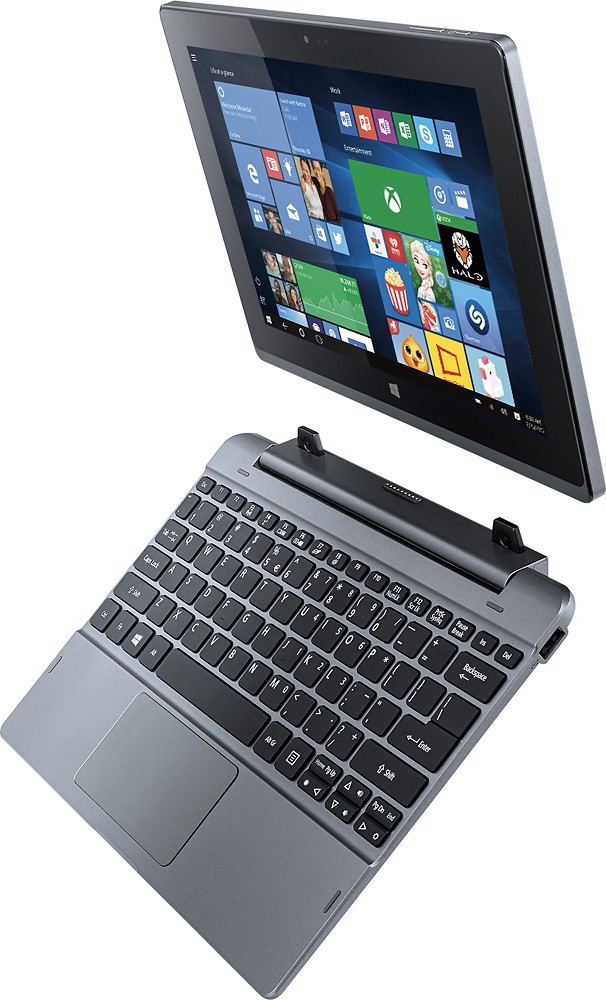
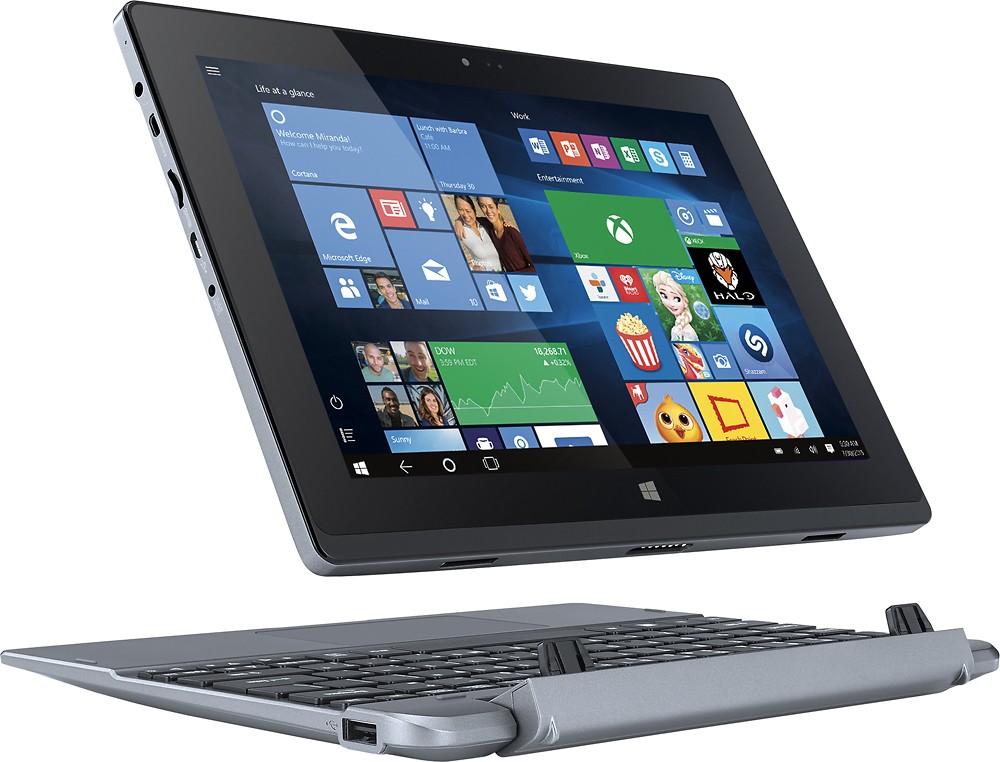
A:AnswerOnly if you buy a separate peripheral DVD player that would plug into the USB port. The unit doesn't have a self-contained internal DVD player.