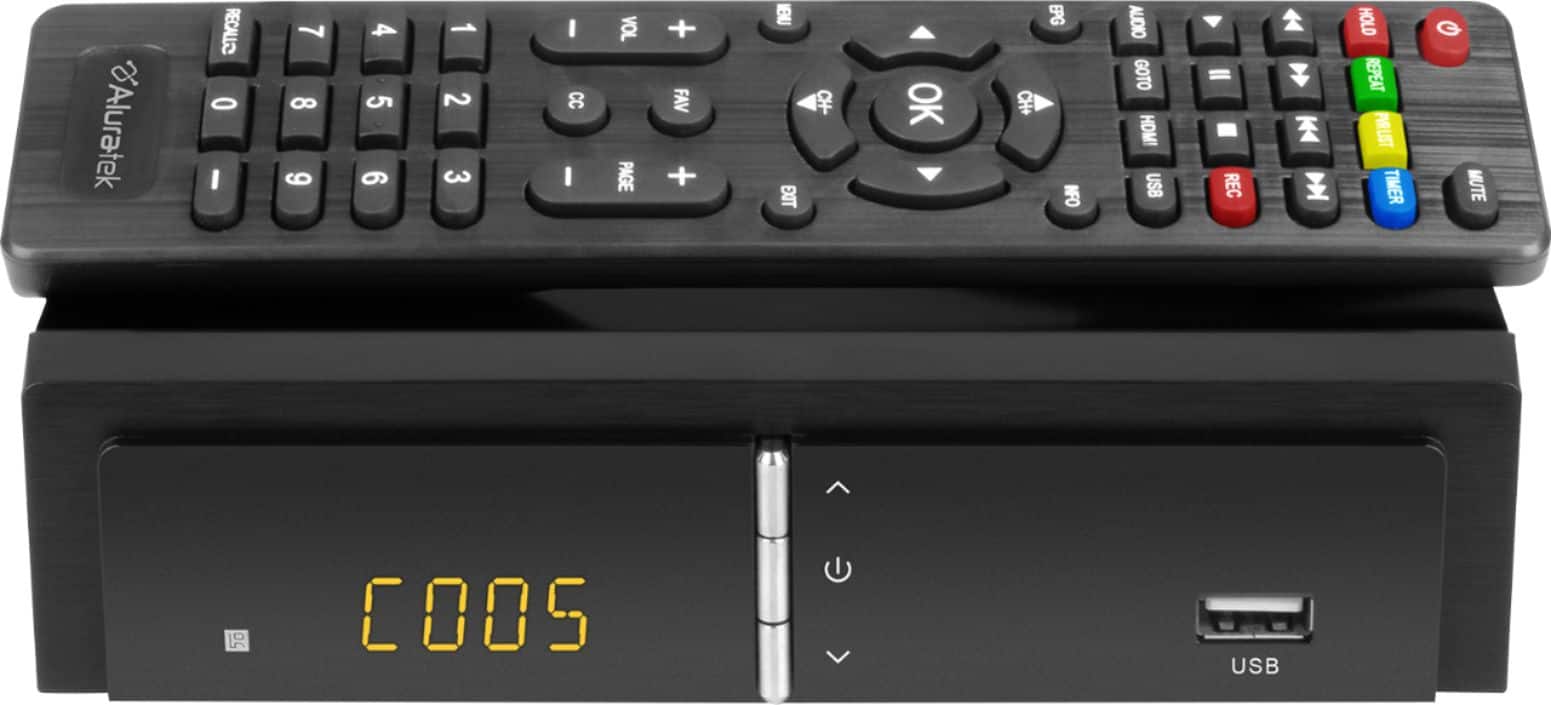
A:AnswerNope. You need an antenna and a thumb drive..
I used this one: (It was $9.99 on sale).
SanDisk - Ultra Fit™ 64GB USB 3.1 Flash Drive - Black
Model:SDCZ430-064G-A46SKU:6182923
A:AnswerIf "Connecting the antenna directly to the tv via coax doesn't work", that sounds like it could be one of three things.
1. Bad antenna.
2. Bad coax cable.
3. Bad RF input on the TV. (Sometimes lightning storms can burn up the RF input devices).
As to your question, the answer is Yes. You should made sure you have a good HDMI cable and your Sony HDMI port (on tv) is good.
A:Answer1. Antenna
2. HDMI cable
3. USB flash drive.
I got the flash drive on sale for 9.99 and it seems to work okay..
SanDisk - Ultra Fitâ„¢ 64GB USB 3.1 Flash Drive - Black
Model: SDCZ430-064G-A46
SKU: 6182923
A:AnswerIf your HDTV has an HDMI input port, you will just need a HDMI cable, an Antenna and some memory storage.
I got this thumb drive, on sale for 9.99
SanDisk - Ultra Fitâ„¢ 64GB USB 3.1 Flash Drive - Black
Model: SDCZ430-064G-A46
SKU: 6182923
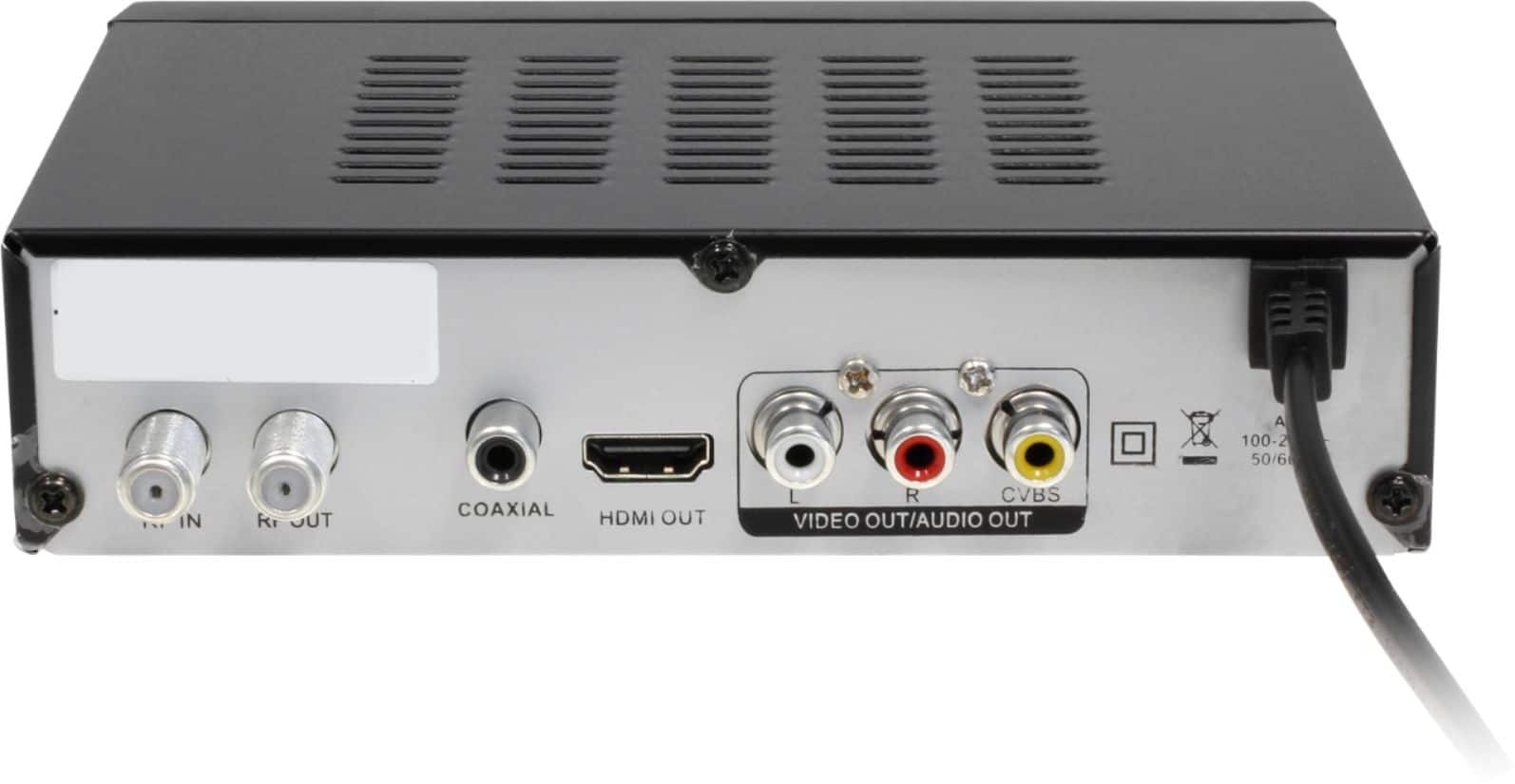
A:AnswerYes it can. The user manual is not very friendly, but I found if you plug your TV antenna cable into the device RF In and use a HDMI cable plugged into the device and TV, you can then run a piece of coax from the device RF Out to the TV antenna in. You also need to change a setting in the device where you setup the channels. The setting option is called Modulation. Change this to LOOP THROUGH. (Page 11 in user manual) After you do that change the TV's input to the TV antenna option so you can flip through the TV antenna channels.
This gives you the ability to select the device from your TV HDMI input and use the device/record a show. If you are recording a show and want to watch another channel you then need to change the TV input to the antenna option. You can then watch any of the channels your antenna is picking up.
User manual -> https://files.bbystatic.com/6CH%2B4%2Fq0wiiZHX3UGy1XHw%3D%3D/3a48f92c-a3bd-481c-adb2-1044d8a59da1.pdf