A:AnswerHello! To set up your new Echo device, follow these steps:
1. Before setup, download or update the Alexa app in your mobile device app store.
2. Plug in your device.
3. Open the Alexa app .
4. Open More and select Add Device.
5. Select Amazon Echo, Echo Dot, Echo Plus and more.
6. Follow the on screen instructions to set up you device.
Have a great day!
A:Answer"Hello, EchoDot5thgen2022!
You're able to set up your HomePod, Homepod mini, Apple TV or Ipad as a HomeKit Hub with
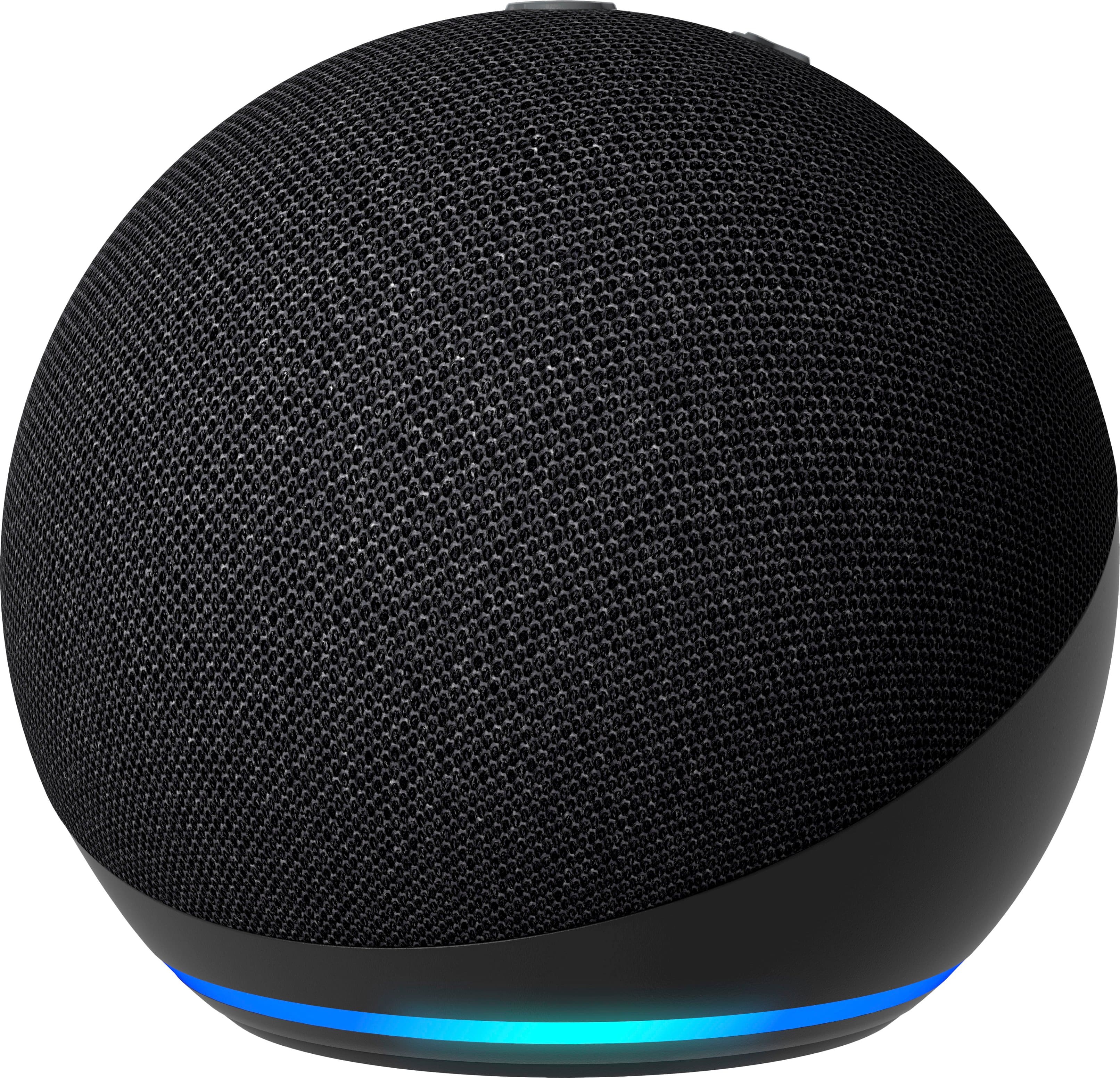
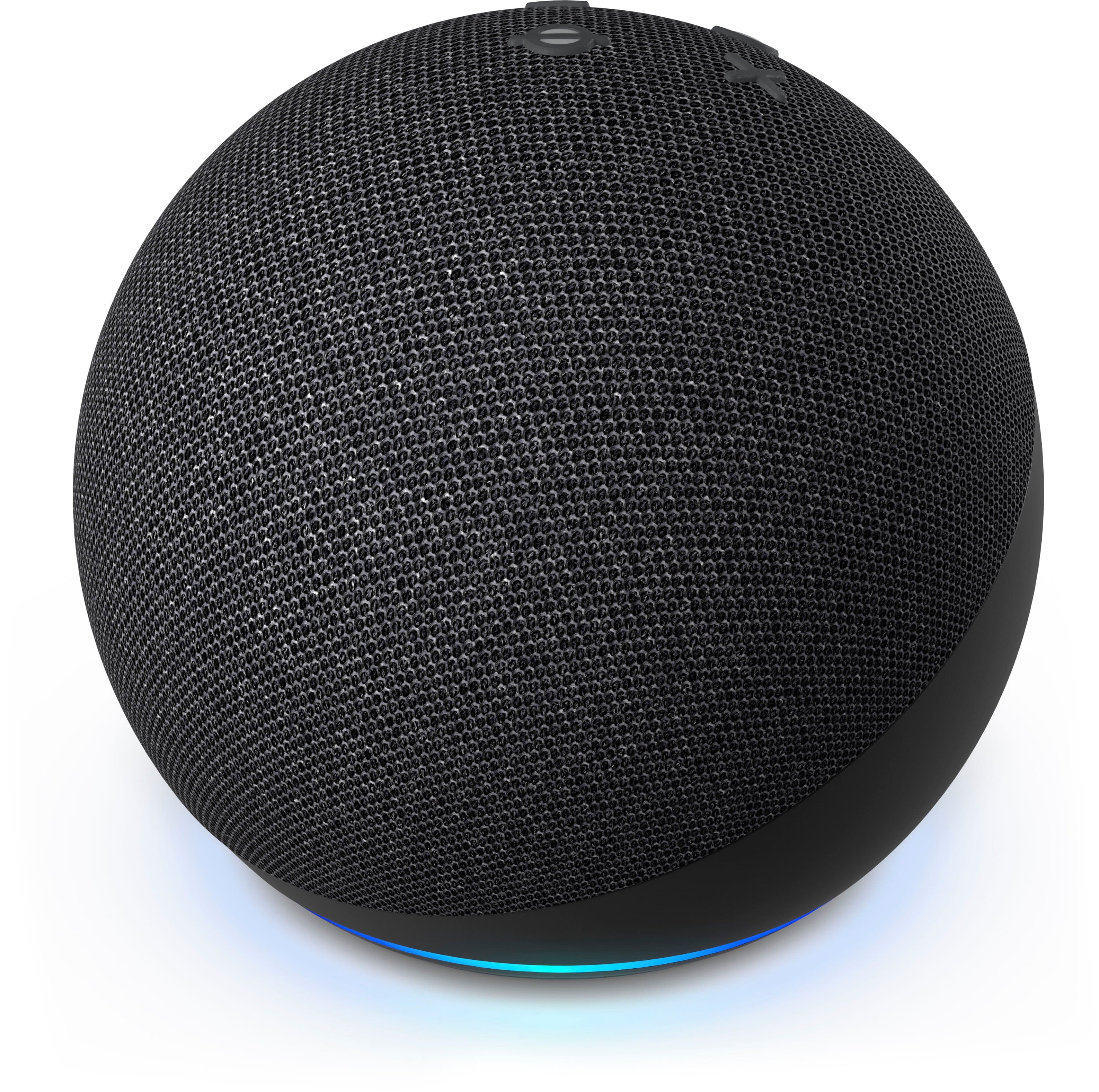
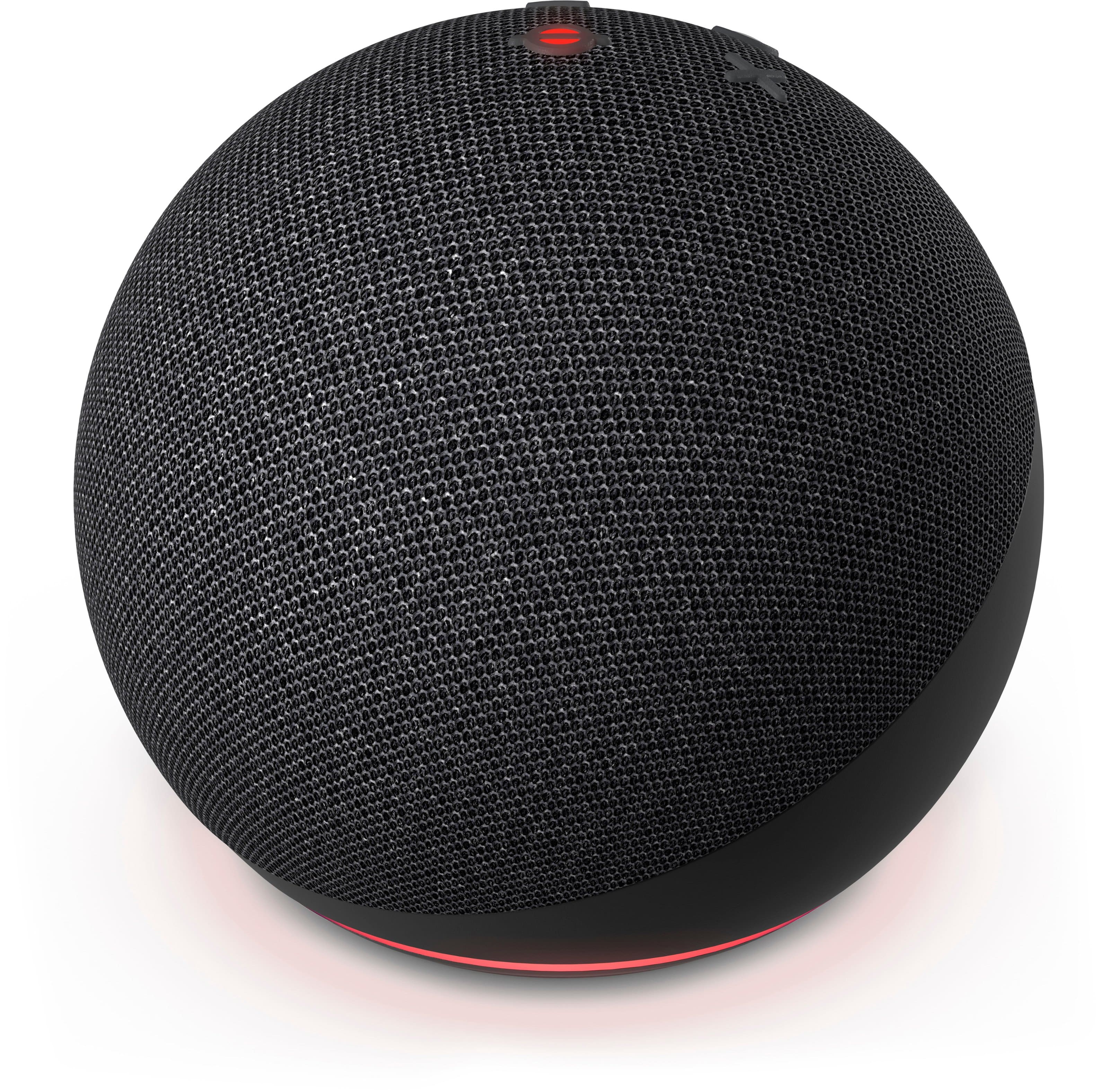
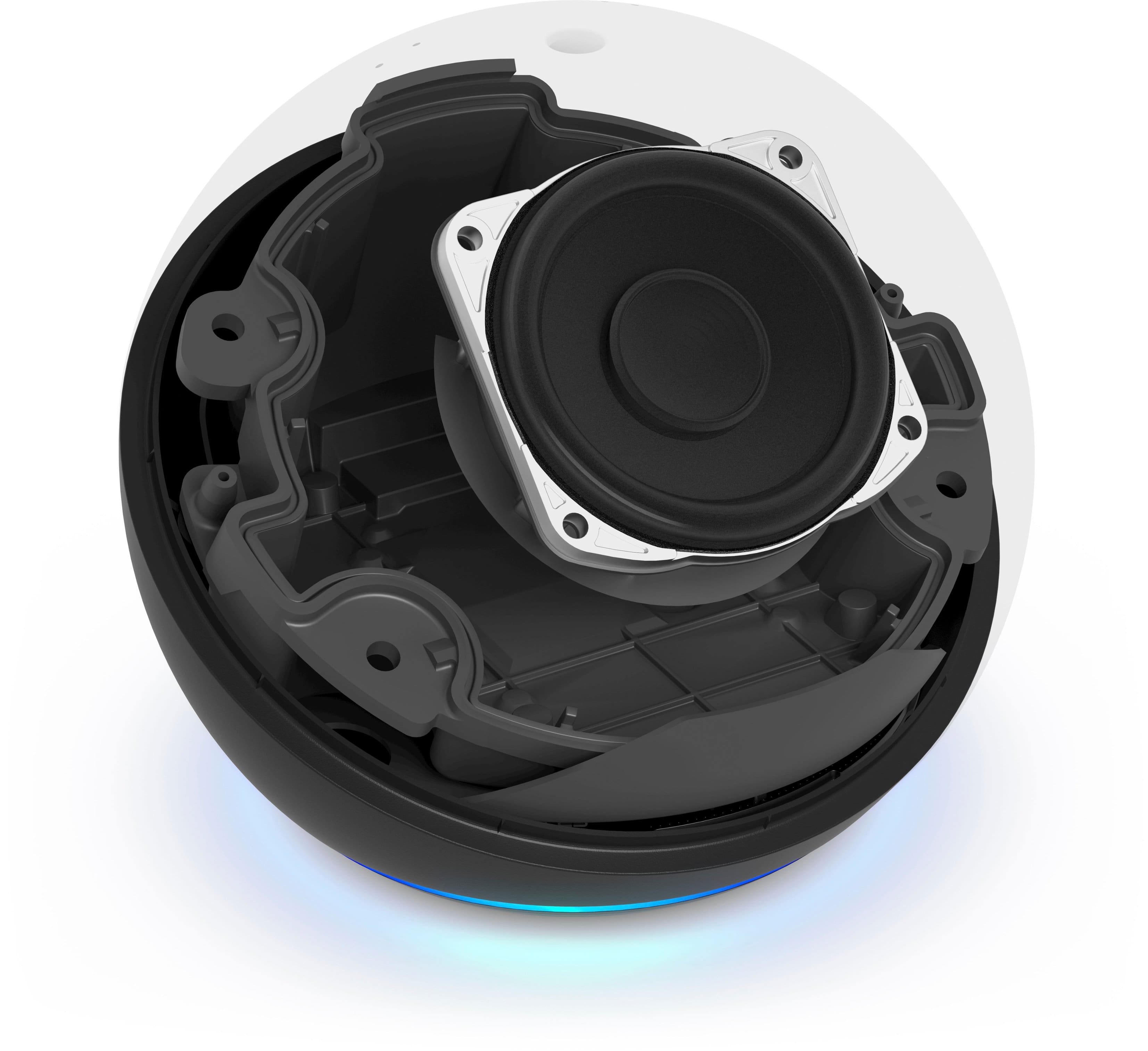
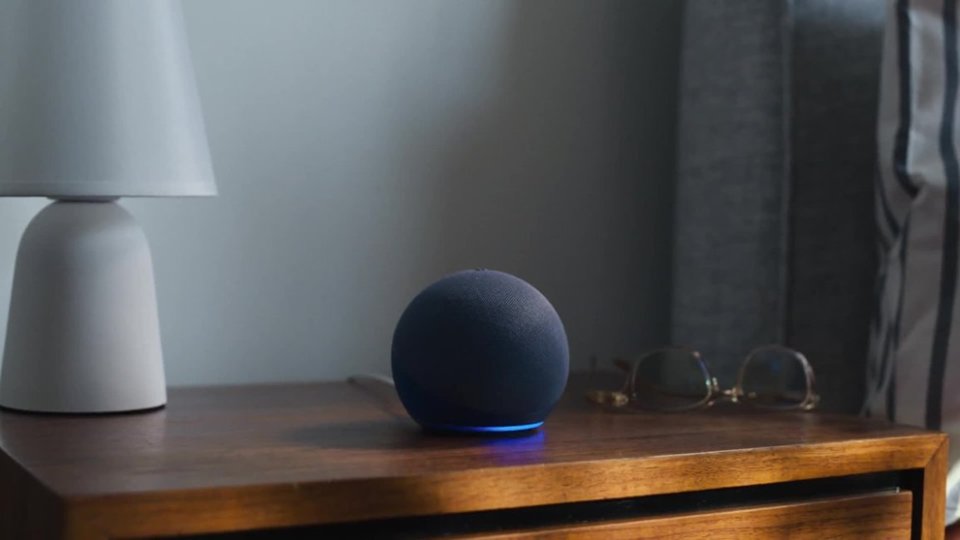
The 4th Generation Echo Do as long as you are an Iphone User. It is now a round shape, with buttons at the top, the light ring now on the bottom, and power and line in on the back of the device. It fits perfectly into small spaces and delivers crisp vocals and balanced base for full sound you can enjoy anywhere in your home! It has a 1.6"" front-firing speaker to fill entire rooms with music, podcasts, etc. and the relocated light ring keeps notifications dim if your echo is on a bedside table. Also, 98% of this device’s packaging is made of wood fiber-based materials from responsibly managed forests or recycled sources. I hope that helps explain the differences between the 3rd and 4th gen Echo Dots. Have a great day!"
A:AnswerIt won’t affect it. You using it in two different units. So you will set it up for the living room and connect them both. Tell Alexa which room to play music in and it will.
A:AnswerNo you can’t make or receive calls. There is a “voice message “ feature where yr an record a voice message and send it to and receive from anyone who has a device also and is in your contacts list but it’s quick but far from instant live talking.