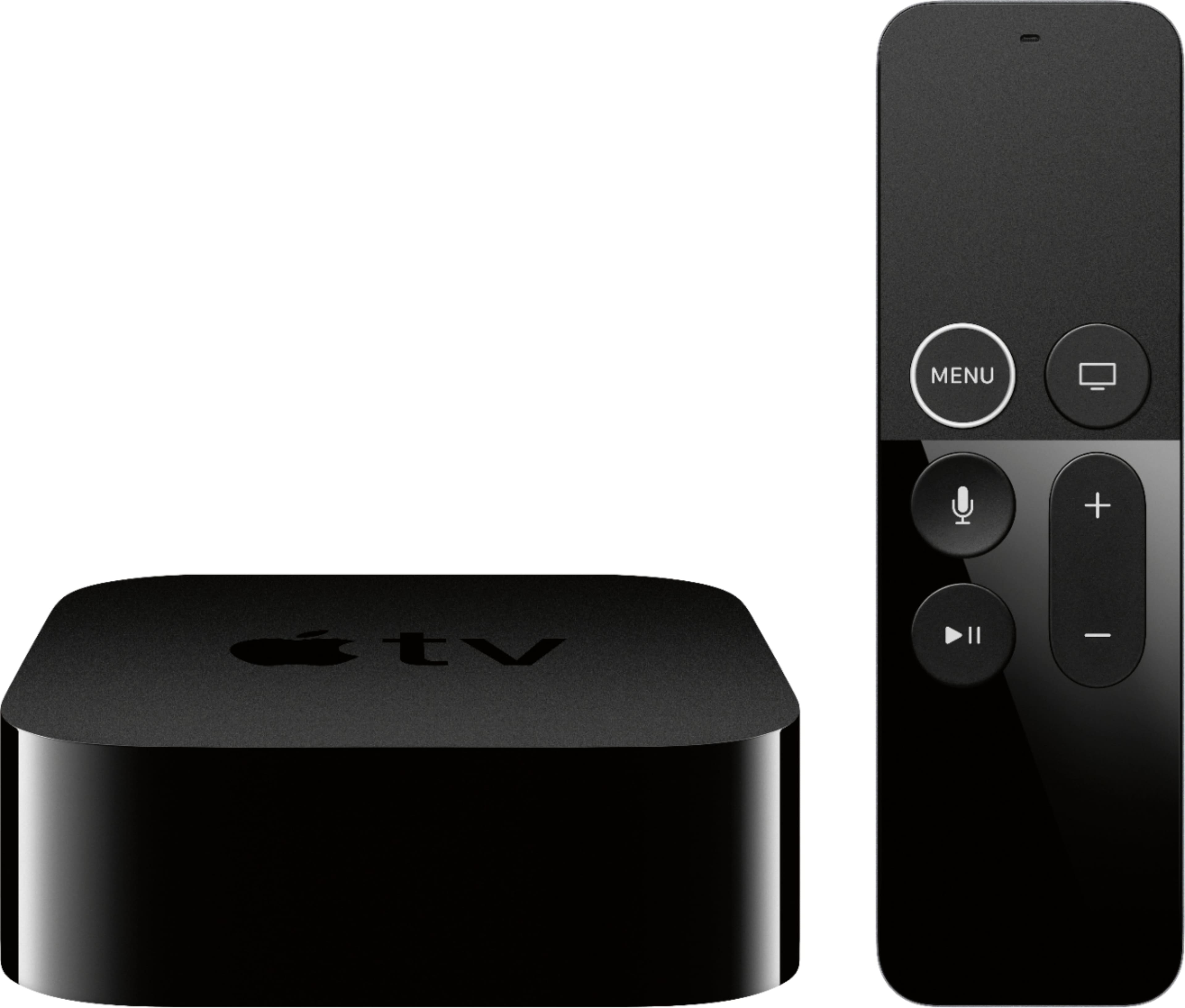
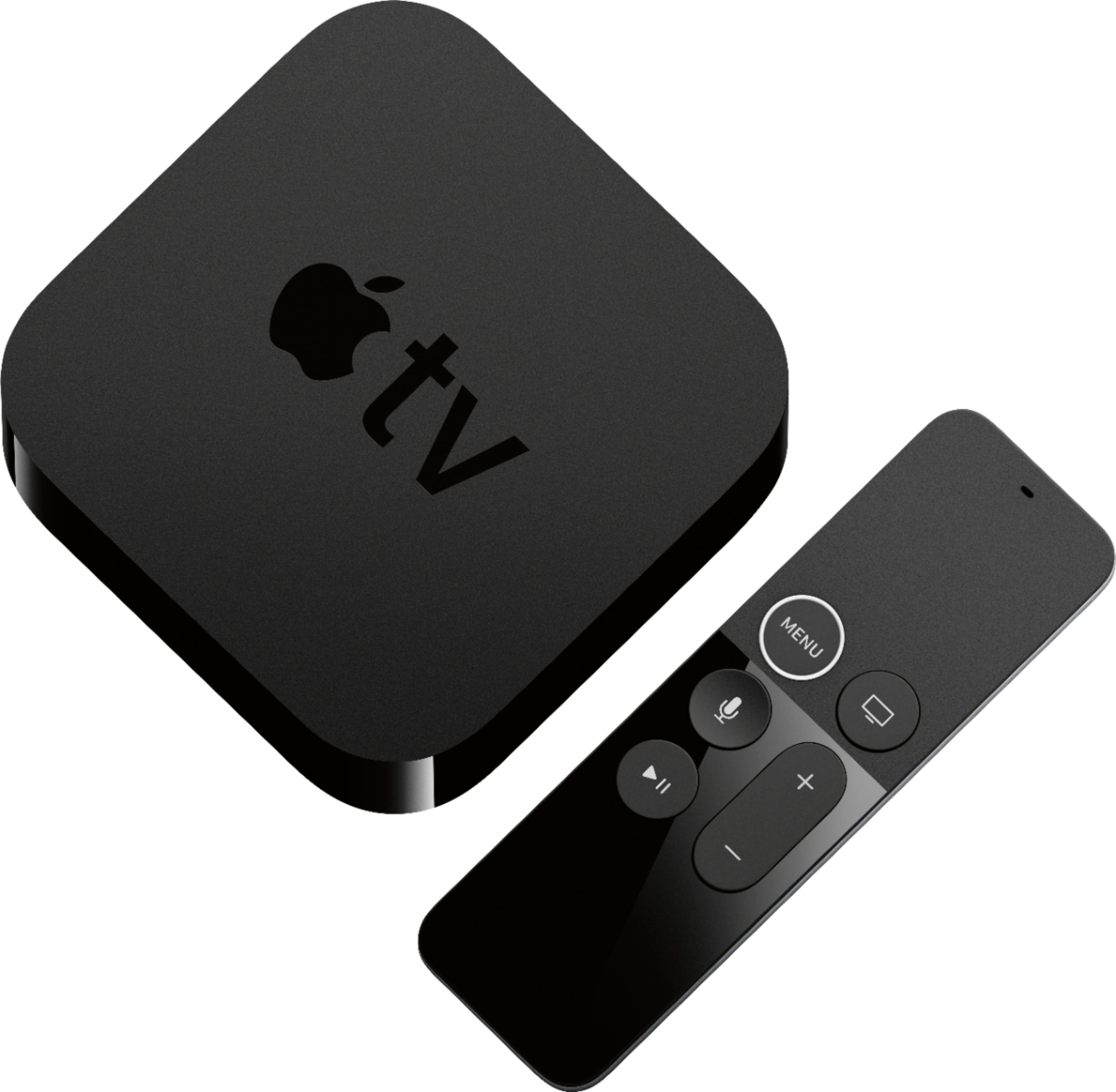
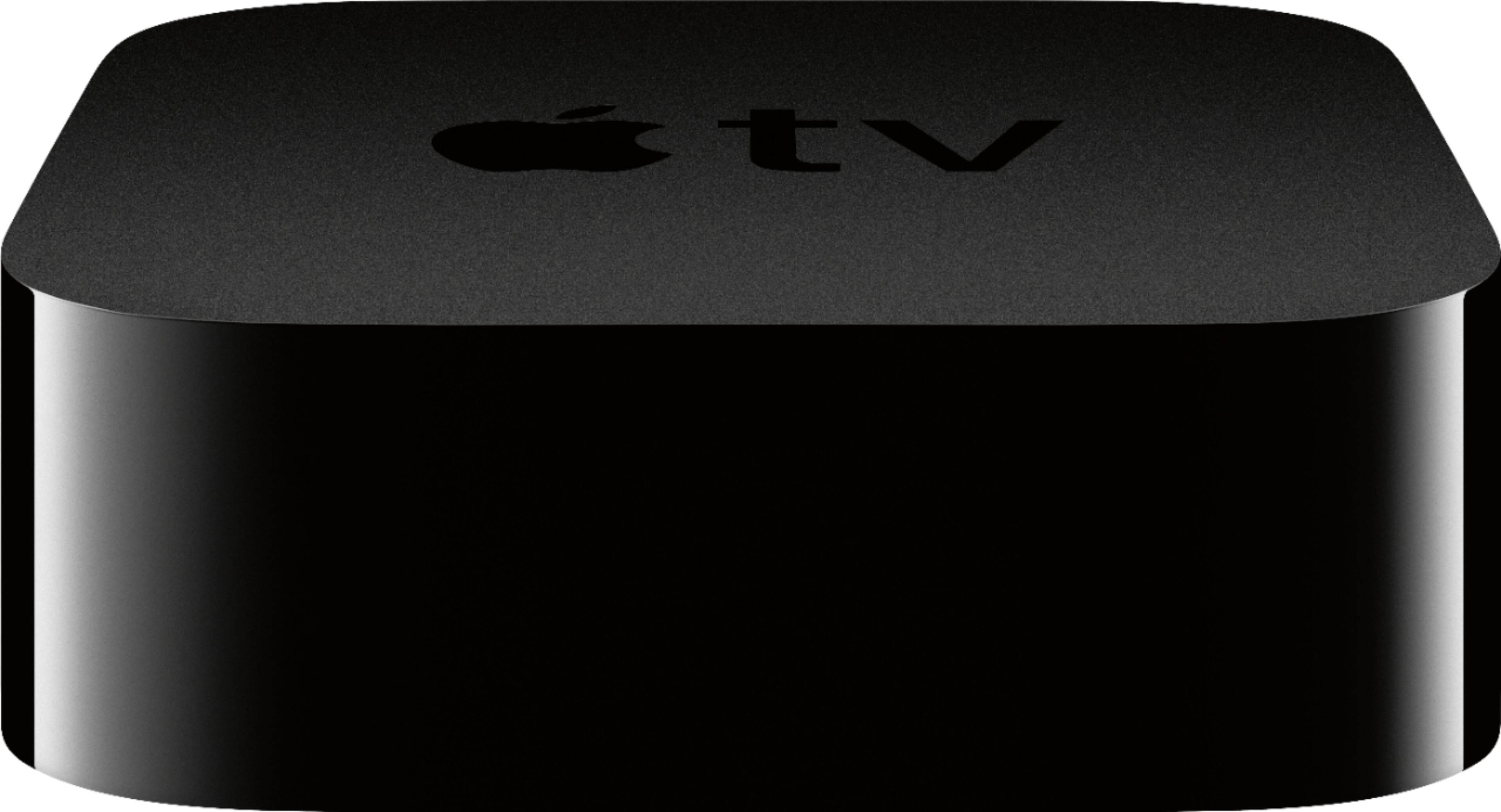
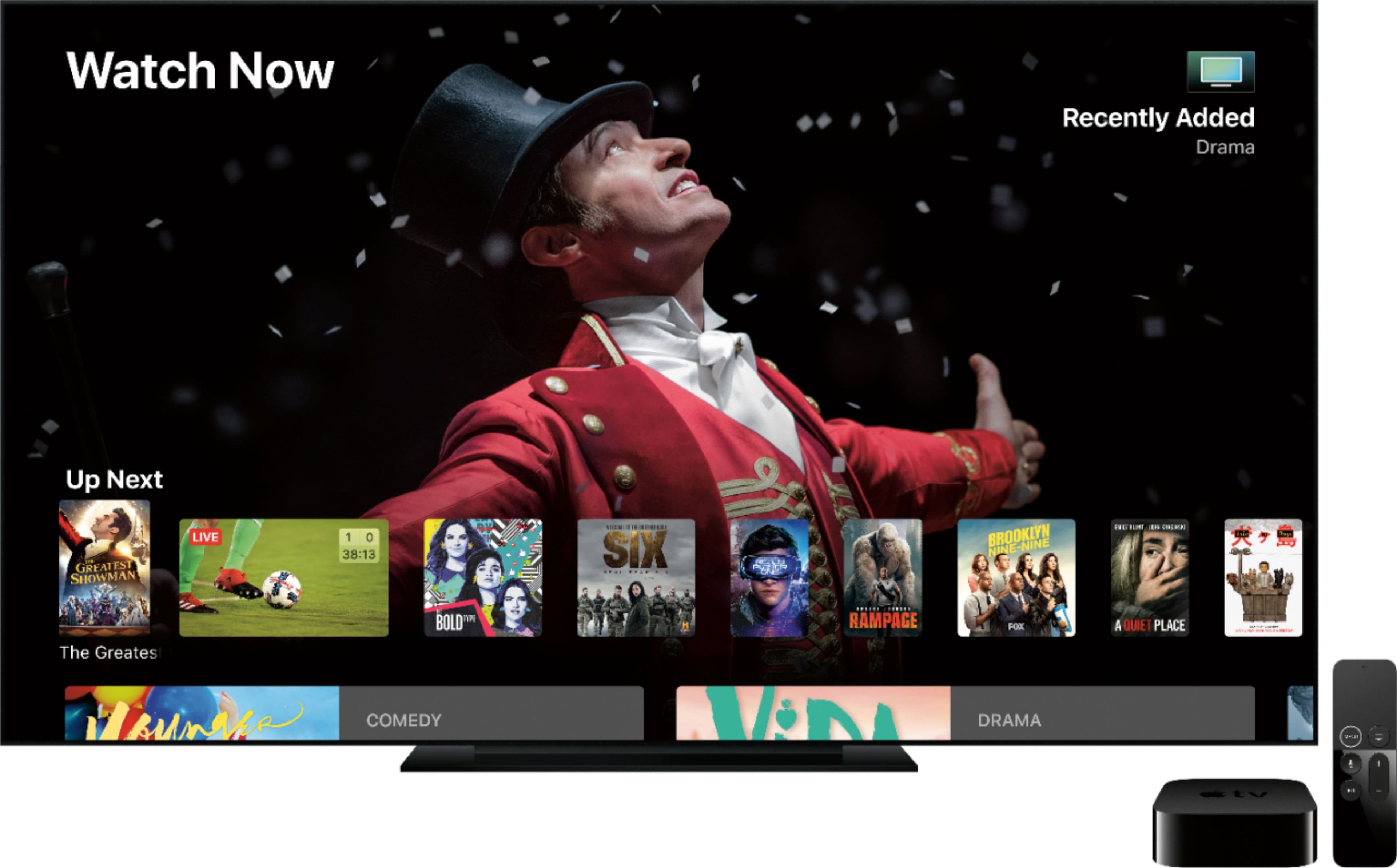
A:AnswerApple tv would provide a smart platform to plug in hdmi to your projector. If you have spectrum cable or streaming package you can watch your local channels in hd along with virtually any other streaming service you pay for with the apple tv. If your projector is 4k capable thats even better. Hdmi is only audio/video input/output so you will need to take that into consideration if you have a surround sound audio system your wanting to incorporate.
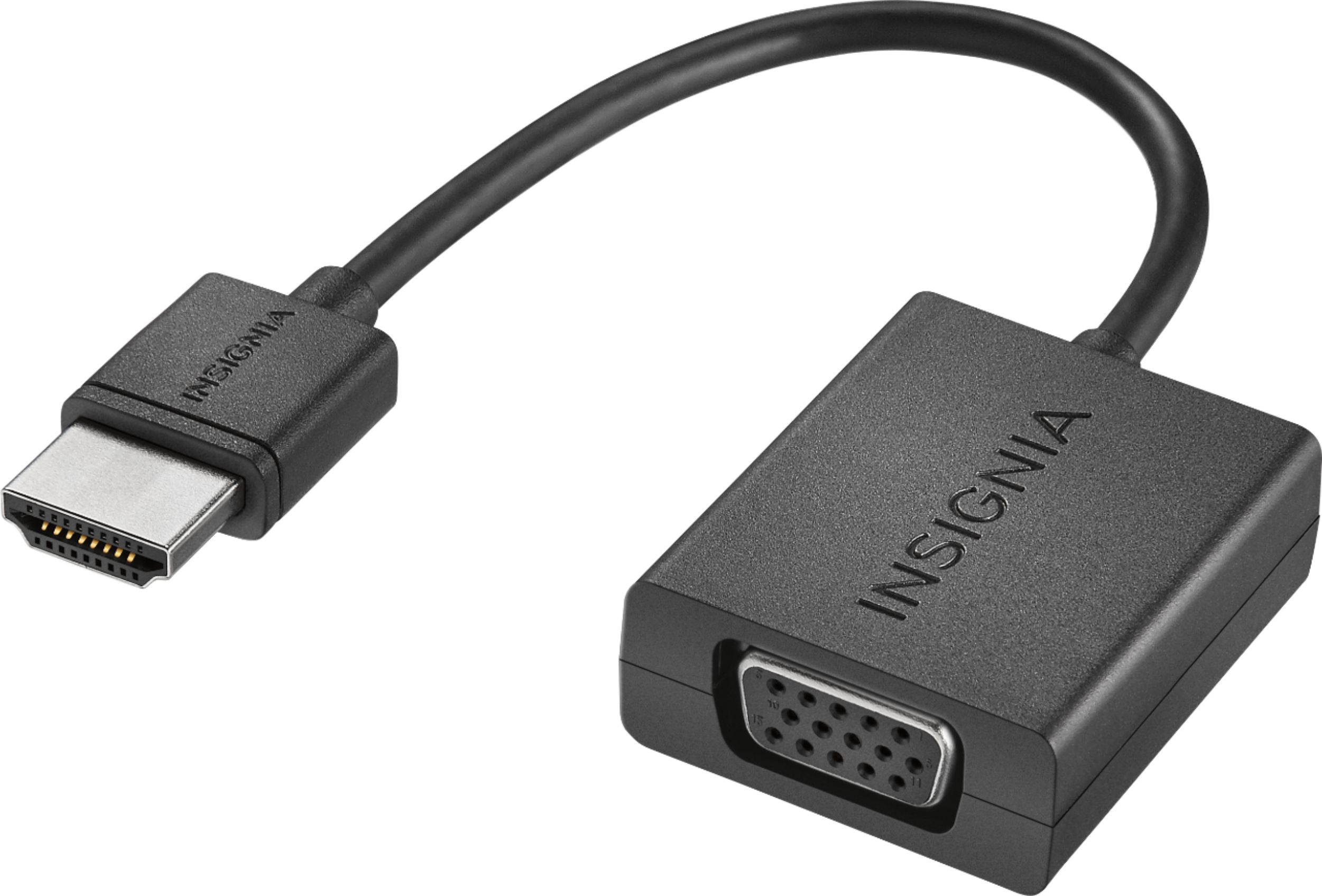
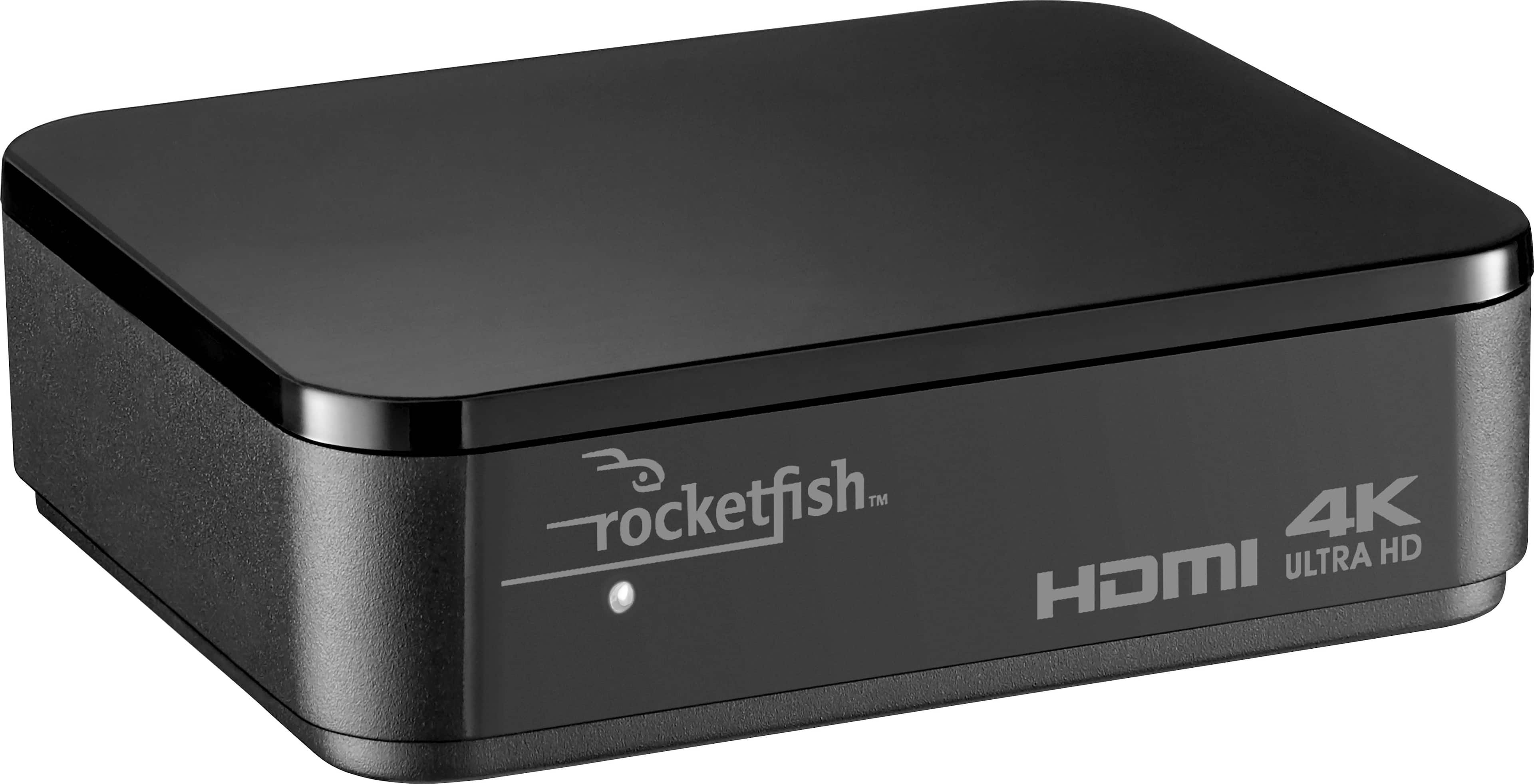
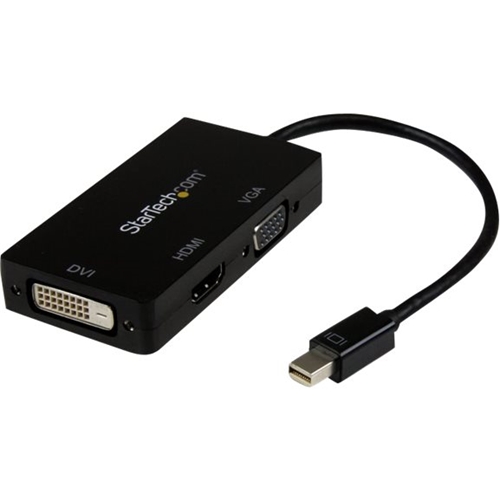
A:AnswerDepending on the computer monitor, yes. I have my Apple TV connected to a 1920x1080 Dell computer monitor in my bedroom, and my Samsung TV in the Den. To connect this to a computer monitor, check what input the monitor has, if it has HDMI then you're good to go. If it uses DVI or VGA, just purchase a connector/converter (BestBuy should have them). If you want to display it to 2 monitors, just buy an HDMI switch or HDMI splitter, but remember, the signal will be the same, so it will display in the lower resolution (My TV is 4K, but I have to display it at 1080p so I can also get the signal on the Dell monitor in my bedroom). One more note, you may also need another source for audio if you're using a computer monitor.
A:AnswerIf it’s supported on the 64GB model I have no idea why it wouldn’t work on the 32GB model. The largest programs I’ve ever seen on AppleTV are some higher end games that are like 4GB, and most streaming programs are under 100MB or under 200MB max.
A:AnswerIf by projector you mean a screen that projects an imputed image then yes as long as it has a HDMI input, as the Apple TV, which would be the source input, uses HDMI.
A:AnswerYes. I dropped Dish and use Apple TV to stream Hulu Live for less than half the cost! I also added a few other apps for additional content I’m interested in watching.
A:AnswerDepending on what you’re referring to by “channel” you can go back a screen or action within an app with the white circumscribed menu button until there are no more menus to back out of, then it will take you to the home screen, which you could get to in one step by pressing the TV icon button.